2003 BMW 540I SEDAN lock
[x] Cancel search: lockPage 91 of 187
91n
OverviewControlsMaintenanceRepairsDataIndex
Digital clock in the MID
*
Reminder signalYou can program a reminder signal
(Memo) to be heard every hour, so that
you are sure not to miss a news broad-
cast, for example.
Press the left side of the button.
Press:
MEMO OFF appears in the display for
entry and query buttons, and the tone
symbol will appear in the upper right of
the display.
A signal is then heard 15 seconds
before each hour.
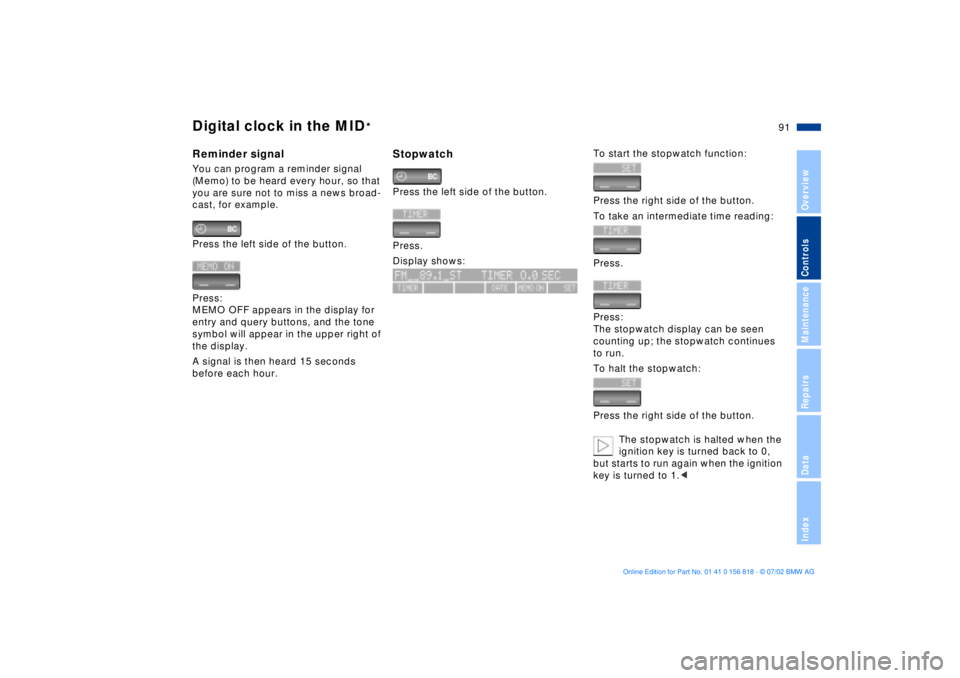
StopwatchPress the left side of the button.
Press.
Display shows:
To start the stopwatch function:
Press the right side of the button.
To take an intermediate time reading:
Press.
Press:
The stopwatch display can be seen
counting up; the stopwatch continues
to run.
To halt the stopwatch:
Press the right side of the button.
The stopwatch is halted when the
ignition key is turned back to 0,
but starts to run again when the ignition
key is turned to 1.<
Page 92 of 187
92n
Digital clock in the MID
*
Enter the switch-on times for the
parked-car ventilation
*
You can enter two different activation
times.
The ventilation will shut off automati-
cally after 30 minutes.
To use the parked-car ventilation
system, please refer to the infor-
mation provided starting on page 114.<
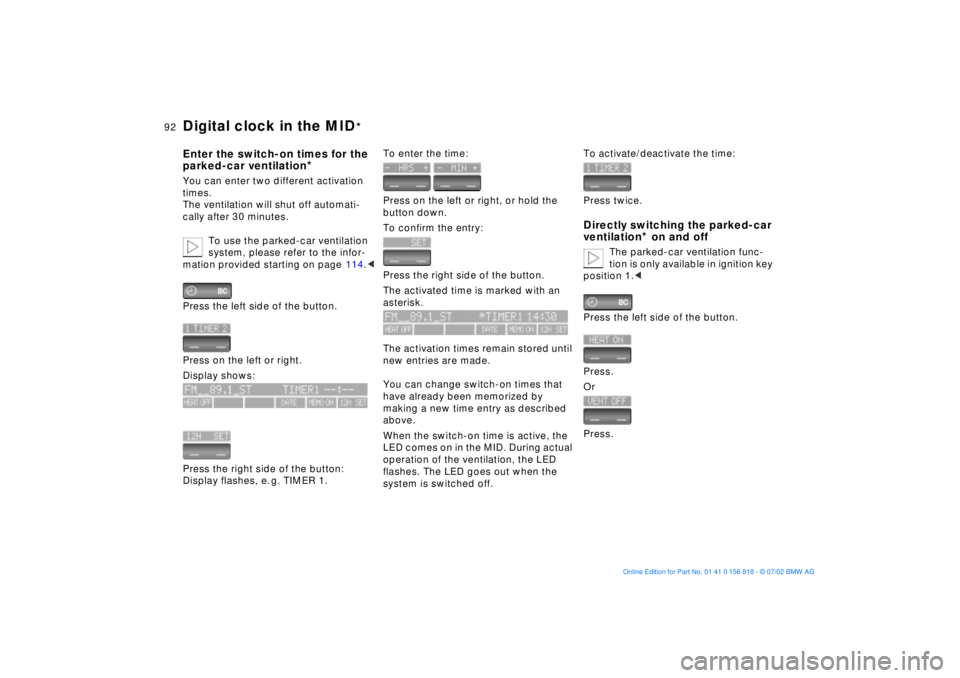
Press the left side of the button.
Press on the left or right.
Display shows:
Press the right side of the button:
Display flashes, e. g. TIMER 1.
To enter the time:
Press on the left or right, or hold the
button down.
To confirm the entry:
Press the right side of the button.
The activated time is marked with an
asterisk.
The activation times remain stored until
new entries are made.
You can change switch-on times that
have already been memorized by
making a new time entry as described
above.
When the switch-on time is active, the
LED comes on in the MID. During actual
operation of the ventilation, the LED
flashes. The LED goes out when the
system is switched off.
To activate/deactivate the time:
Press twice.Directly switching the parked-car
ventilation
* on and off
The parked-car ventilation func-
tion is only available in ignition key
position 1.<
Press the left side of the button.
Press.
Or
Press.
Page 107 of 187
107n
OverviewControlsMaintenanceRepairsDataIndex
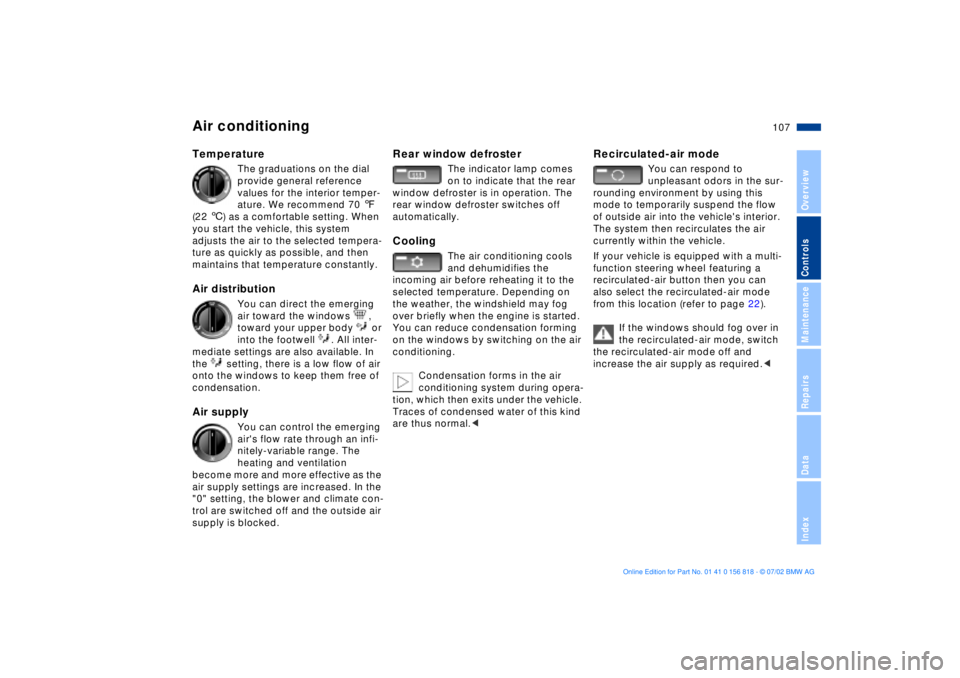
Air conditioningTemperature
The graduations on the dial
provide general reference
values for the interior temper-
ature. We recommend 70 7
(22 6) as a comfortable setting. When
you start the vehicle, this system
adjusts the air to the selected tempera-
ture as quickly as possible, and then
maintains that temperature constantly.
Air distribution
You can direct the emerging
air toward the windows ,
toward your upper body or
into the footwell . All inter-
mediate settings are also available. In
the setting, there is a low flow of air
onto the windows to keep them free of
condensation.
Air supply
You can control the emerging
air's flow rate through an infi-
nitely-variable range. The
heating and ventilation
become more and more effective as the
air supply settings are increased. In the
"0" setting, the blower and climate con-
trol are switched off and the outside air
supply is blocked.
Rear window defroster
The indicator lamp comes
on to indicate that the rear
window defroster is in operation. The
rear window defroster switches off
automatically.
Cooling
The air conditioning cools
and dehumidifies the
incoming air before reheating it to the
selected temperature. Depending on
the weather, the windshield may fog
over briefly when the engine is started.
You can reduce condensation forming
on the windows by switching on the air
conditioning.
Condensation forms in the air
conditioning system during opera-
tion, which then exits under the vehicle.
Traces of condensed water of this kind
are thus normal.<
Recirculated-air mode
You can respond to
unpleasant odors in the sur-
rounding environment by using this
mode to temporarily suspend the flow
of outside air into the vehicle's interior.
The system then recirculates the air
currently within the vehicle.
If your vehicle is equipped with a multi-
function steering wheel
featuring a
recirculated-air button then you can
also select the recirculated-air mode
from this location (refer to page 22).
If the windows should fog over in
the recirculated-air mode, switch
the recirculated-air mode off and
increase the air supply as required.<
Page 111 of 187
111n
OverviewControlsMaintenanceRepairsDataIndex
Automatic climate control
*
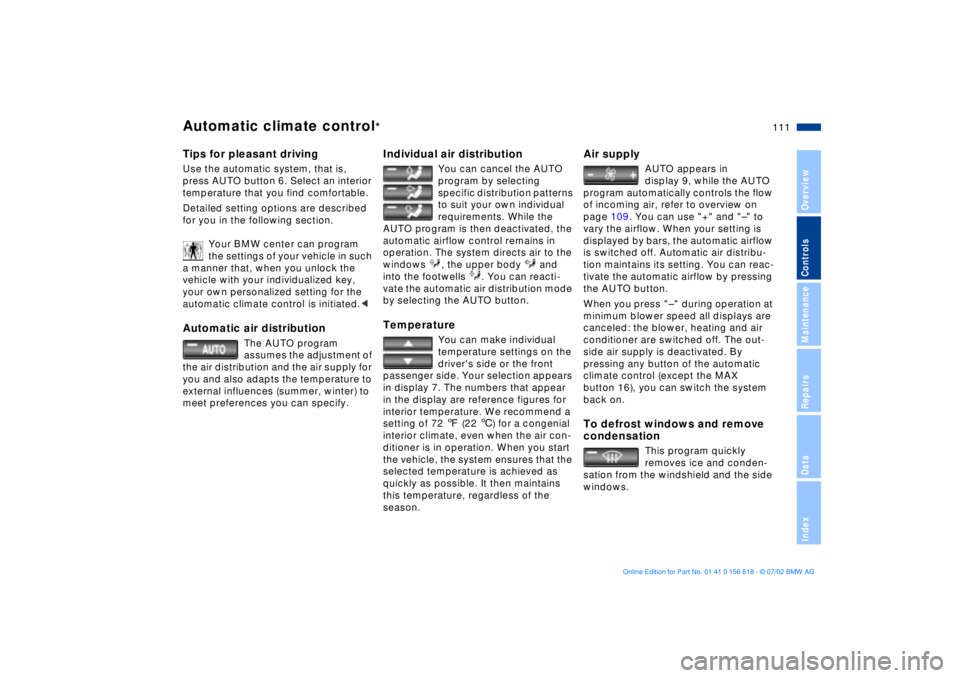
Tips for pleasant drivingUse the automatic system, that is,
press AUTO button 6. Select an interior
temperature that you find comfortable.
Detailed setting options are described
for you in the following section.
Your BMW center can program
the settings of your vehicle in such
a manner that, when you unlock the
vehicle with your individualized key,
your own personalized setting for the
automatic climate control is initiated.< Automatic air distribution
The AUTO program
assumes the adjustment of
the air distribution and the air supply for
you and also adapts the temperature to
external influences (summer, winter) to
meet preferences you can specify.
Individual air distribution
You can cancel the AUTO
program by selecting
specific distribution patterns
to suit your own individual
requirements. While the
AUTO program is then deactivated, the
automatic airflow control remains in
operation. The system directs air to the
windows , the upper body and
into the footwells . You can reacti-
vate the automatic air distribution mode
by selecting the AUTO button.
Temperature
You can make individual
temperature settings on the
driver's side or the front
passenger side. Your selection appears
in display 7. The numbers that appear
in the display are reference figures for
interior temperature. We recommend a
setting of 72 7 (22 6) for a congenial
interior climate, even when the air con-
ditioner is in operation. When you start
the vehicle, the system ensures that the
selected temperature is achieved as
quickly as possible. It then maintains
this temperature, regardless of the
season.
Air supply
AUTO appears in
display 9, while the AUTO
program automatically controls the flow
of incoming air, refer to overview on
page 109. You can use "+" and "Ð" to
vary the airflow. When your setting is
displayed by bars, the automatic airflow
is switched off. Automatic air distribu-
tion maintains its setting. You can reac-
tivate the automatic airflow by pressing
the AUTO button.
When you press "Ð " during operation at
minimum blower speed all displays are
canceled: the blower, heating and air
conditioner are switched off. The out-
side air supply is deactivated. By
pressing any button of the automatic
climate control (except the MAX
button 16), you can switch the system
back on.
To defrost windows and remove
condensation
This program quickly
removes ice and conden-
sation from the windshield and the side
windows.
Page 112 of 187
112n
Automatic climate control
*
Air conditioning
The air is cooled and
dehumidified and Ð
depending on the temperature setting Ð
warmed again when the air conditioning
is switched on. Depending on the
weather, the windshield may fog over
briefly when the engine is started. You
can reduce condensation forming on
the windows by switching on the air
conditioning.
Condensation forms in the air
conditioning system during opera-
tion, which then exits under the vehicle.
Traces of condensed water of this kind
are thus normal.<
Maximum cooling
With the engine running
this program provides
maximum cooling at outside tempera-
tures above approx. 41 7 (5 6).
60 7 (16 6) appears in the tempera-
ture display 9, and the system reverts to
the recirculated-air mode while simulta-
neously providing maximum airflow
through the vent outlets only. That is
why you need to keep these open if you
select this program.
Automatic recirculated-air
control (AUC)
You can respond to
unpleasant external odors
by temporarily stopping the flow of out-
side air. The system then recirculates
the air currently within the vehicle.
Press the button repeatedly to run
through the following control sequence:
>Indicator lamps off: outside airflow
operational
>Left-hand indicator lamp on Ð AUC
mode: the system recognizes pollut-
ants in the outside air and blocks the
flow of air when necessary. The
system then recirculates the air cur-
rently within the vehicle.
Depending on the air quality, the
automatic system then switches back
and forth between outside air supply
and recirculation of the air within the
vehicle
>Right-hand indicator lamp on: the
flow of external air into the vehicle is
permanently blocked. The system
then recirculates the air currently
within the vehicle.
If you have a multifunction steering
wheel with the recirculated-air button
(refer to page 22), you can also use it to
switch between "Off" and the recircu-
lated-air mode or AUC and the recircu-
lated-air mode.
If the windows should fog over in
the recirculated-air mode, switch
the recirculated-air mode off and
increase the air supply as required.< Rear window defroster
When the rear window
defroster is activated, the
indicator lamp comes on. The rear
window defroster switches off automat-
ically.
Page 115 of 187
115n
OverviewControlsMaintenanceRepairsDataIndex
The conceptThe BMW Universal Transmitter
replaces up to three hand-held transmit-
ters to control different devices such as
a garage door opener, alarm systems or
a door locking system. The BMW Uni-
versal Transmitter recognizes and
"learns" the transmitted signal from each
of the original hand-held transmitters.
The signal of an original hand-held
transmitter can be programmed on one
of the three channel keys. Following
that, each of the devices can be actu-ated with the appropriately-programmed
channel key. The indicator lamp flashes
to confirm transmission of the signal.
Before you sell your vehicle, the pro-
grammed channel keys should be
cleared. Refer to page 117 for the
description of this process.
To prevent potential injuries or
damage during the programming
operation and before every remote trig-
gering of a programmed device using
the BMW Universal Transmitter, be sure
that there are no persons, animals or
objects within the range of movement
of the respective device. Also, comply
with the safety precautions of the orig-
inal hand-held transmitter.<
To Canadian residents:
During programming, your hand-
held transmitter may automatically stop
transmitting after two seconds. This
may not be long enough to program the
BMW Universal Transmitter. If you are
programming from one of these hand-
held transmitters, the Universal Trans-
mitter's lamp may begin to flash in a
series of double flashes. If this occurs,
continue to hold the key on the Uni-
versal Transmitter while you reactivate
your hand-held transmitter. You may
have to repeat this function several
times while programming.<
Before programming, read the
"User's information" section on
page 117.<
The original hand-held transmitter
If this symbol is depicted on the
packaging or in the user's
instructions for the original
hand-held transmitter, it may be
assumed that this original hand-held
transmitter is compatible with the BMW
Universal Transmitter.
Checking for the conversion codeIn order to determine whether the orig-
inal hand-held transmitter is equipped
with a conversion-code system, you
may either refer to the instructions for
the original hand-held transmitter or
program a channel key as described in
the left column on page 116 under
"Programming."
Following that, press and hold the pro-
grammed channel key of the BMW Uni-
versal Transmitter. If the indicator lamp
of the BMW Universal Transmitter
flashes rapidly for two seconds and
then stays on continuously, the original
hand-held transmitter is equipped with
a conversion-code system. If the con-
version-code system is available, pro-
gram the channel keys as described in
the right-hand column on page 116
under "Programming a hand-held trans-
mitter with change code."
If you have additional questions,
please consult your BMW center
or call 1-800-355-3515.<
BMW Universal Transmitter
*
Page 118 of 187
118n
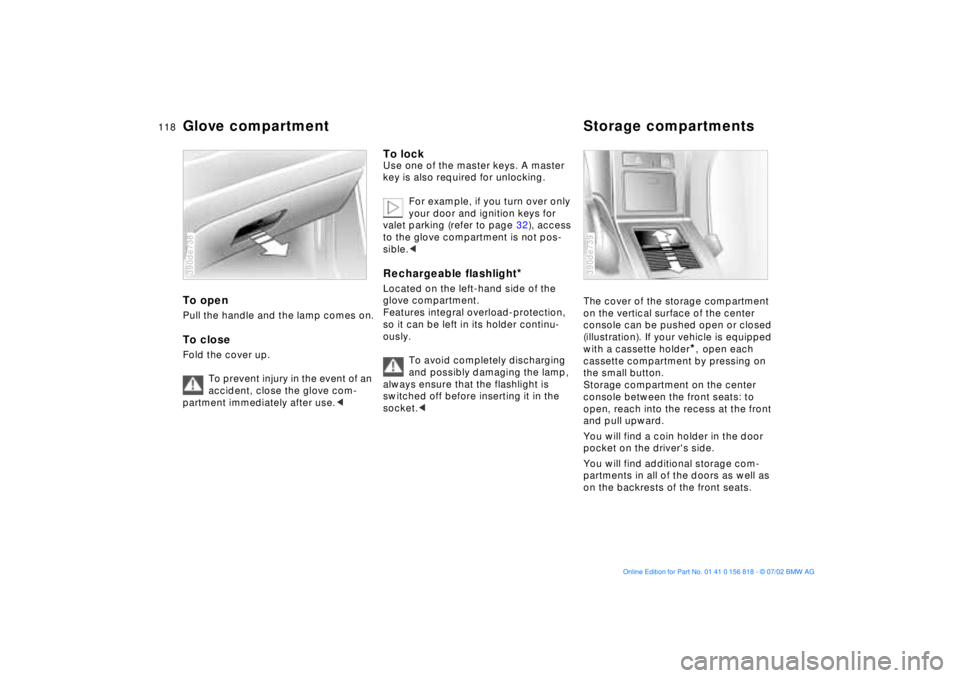
Glove compartment Storage compartmentsTo openPull the handle and the lamp comes on.To closeFold the cover up.
To prevent injury in the event of an
accident, close the glove com-
partment immediately after use.< 390de738
To lockUse one of the master keys. A master
key is also required for unlocking.
For example, if you turn over only
your door and ignition keys for
valet parking (refer to page 32), access
to the glove compartment is not pos-
sible.< Rechargeable flashlight
*
Located on the left-hand side of the
glove compartment.
Features integral overload-protection,
so it can be left in its holder continu-
ously.
To avoid completely discharging
and possibly damaging the lamp,
always ensure that the flashlight is
switched off before inserting it in the
socket.<
The cover of the storage compartment
on the vertical surface of the center
console can be pushed open or closed
(illustration). If your vehicle is equipped
with a cassette holder
*, open each
cassette compartment by pressing on
the small button.
Storage compartment on the center
console between the front seats: to
open, reach into the recess at the front
and pull upward.
You will find a coin holder in the door
pocket on the driver's side.
You will find additional storage com-
partments in all of the doors as well as
on the backrests of the front seats.
390de739
Page 121 of 187
121n
OverviewControlsMaintenanceRepairsDataIndex
Through-loading system
*
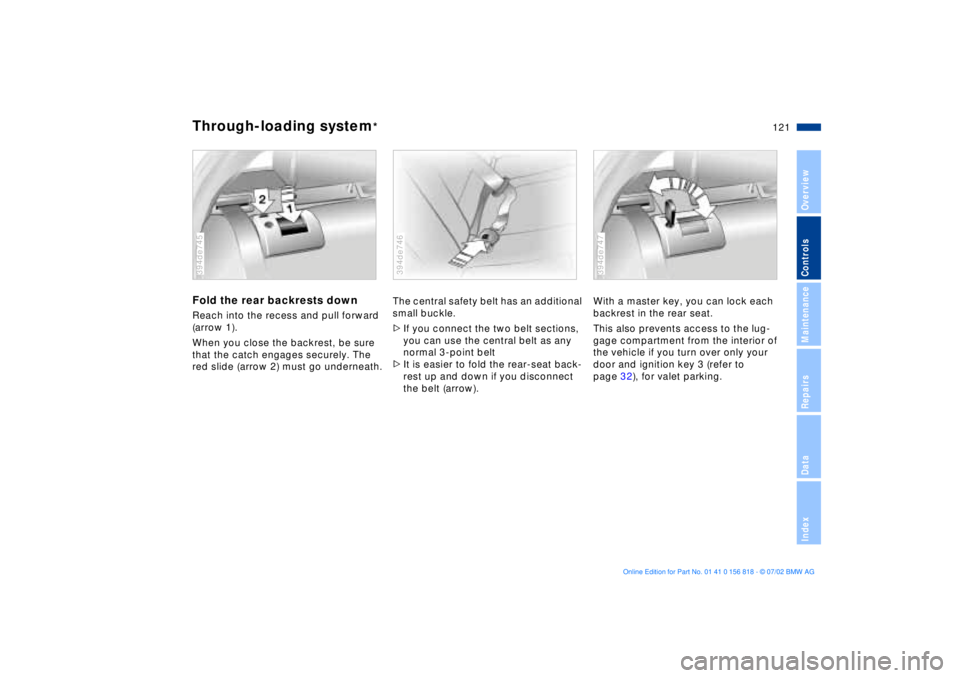
Fold the rear backrests downReach into the recess and pull forward
(arrow 1).
When you close the backrest, be sure
that the catch engages securely. The
red slide (arrow 2) must go underneath.394de745
The central safety belt has an additional
small buckle.
>If you connect the two belt sections,
you can use the central belt as any
normal 3-point belt
>It is easier to fold the rear-seat back-
rest up and down if you disconnect
the belt (arrow).394de746
With a master key, you can lock each
backrest in the rear seat.
This also prevents access to the lug-
gage compartment from the interior of
the vehicle if you turn over only your
door and ignition key 3 (refer to
page 32), for valet parking.394de747