2003 BMW 540I SEDAN lock
[x] Cancel search: lockPage 54 of 187
54n
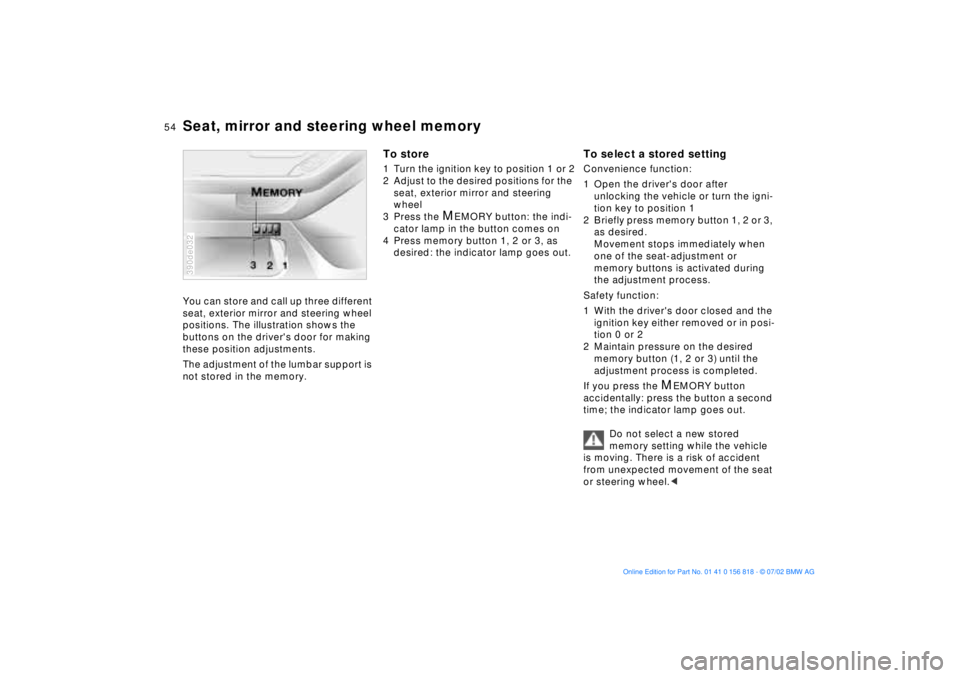
Seat, mirror and steering wheel memoryYou can store and call up three different
seat, exterior mirror and steering wheel
positions. The illustration shows the
buttons on the driver's door for making
these position adjustments.
The adjustment of the lumbar support is
not stored in the memory.390de032
To store1 Turn the ignition key to position 1 or 2
2 Adjust to the desired positions for the
seat, exterior mirror and steering
wheel
3 Press the
M
EMORY button: the indi-
cator lamp in the button comes on
4 Press memory button 1, 2 or 3, as
desired: the indicator lamp goes out.
To select a stored settingConvenience function:
1 Open the driver's door after
unlocking the vehicle or turn the igni-
tion key to position 1
2 Briefly press memory button 1, 2 or 3,
as desired.
Movement stops immediately when
one of the seat-adjustment or
memory buttons is activated during
the adjustment process.
Safety function:
1 With the driver's door closed and the
ignition key either removed or in posi-
tion 0 or 2
2 Maintain pressure on the desired
memory button (1, 2 or 3) until the
adjustment process is completed.
If you press the
M
EMORY button
accidentally: press the button a second
time; the indicator lamp goes out.
Do not select a new stored
memory setting while the vehicle
is moving. There is a risk of accident
from unexpected movement of the seat
or steering wheel.<
Page 55 of 187
55n
OverviewControlsMaintenanceRepairsDataIndex
Seat, mirror and steering wheel memory Seat heating
*
Your BMW center can adjust your
vehicle's systems in such a
manner that your personalized settings
are automatically called up for the seat,
mirror and steering wheel positions
when you unlock the vehicle with your
personal remote control key.<
Before using the key memory fea-
ture to unlock the vehicle always
ensure that no objects are stored in the
footwell behind the driver's seat. If you
fail to do so, persons or objects could
be injured or damaged if the seat
should move backward.<
Passenger-side exterior mirror tilt
function(automatic curb monitor)
1 Move the mirror selector switch
(arrow) to the "driver's mirror" posi-
tion
2 When the gearshift lever or the
selector lever is placed in "Reverse,"
the passenger-side mirror tilts down-
ward to help the driver monitor the
area directly adjacent to the vehicle
during parking (curbs, etc.).
You can deactivate this automatic fea-
ture by setting the mirror selector
switch to the "passenger-side" posi-
tion.390de720
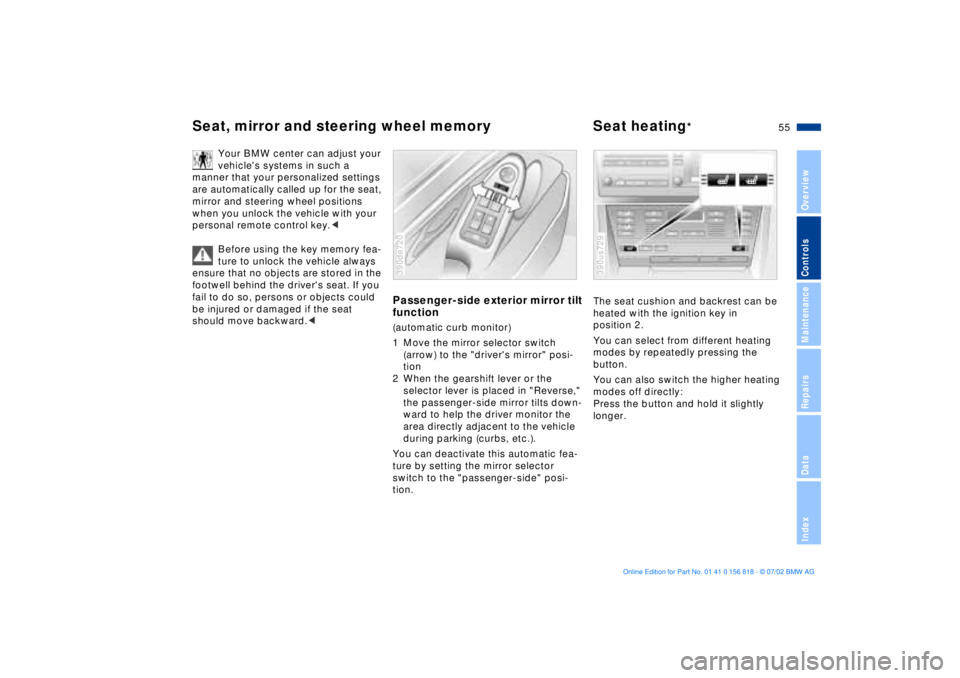
The seat cushion and backrest can be
heated with the ignition key in
position 2.
You can select from different heating
modes by repeatedly pressing the
button.
You can also switch the higher heating
modes off directly:
Press the button and hold it slightly
longer.390us729
Page 64 of 187
64n
Transporting children safelyOlder children should be tightly secured
with a safety belt, after they have out-
grown a booster seat that is appro-
priate for their age, height and weight.
Younger children should be secured in
an appropriate forward-facing child-
restraint system that has first been
properly secured with a safety belt.
Never install a rearward-facing child-
restraint system in the front passenger
seat.
We strongly urge you to carefully read
and comply with the instructions for
installation and use provided by the
child-restraint's manufacturer whenever
you use such a system.
Be sure that all occupants (of all ages)
remain properly and securely restrained
at all times.<
All rear seating positions in your
vehicle meet the recommendations
of SAE J1819, an industry-recom-
mended practice for securing child-
restraint systems in motor vehicles.
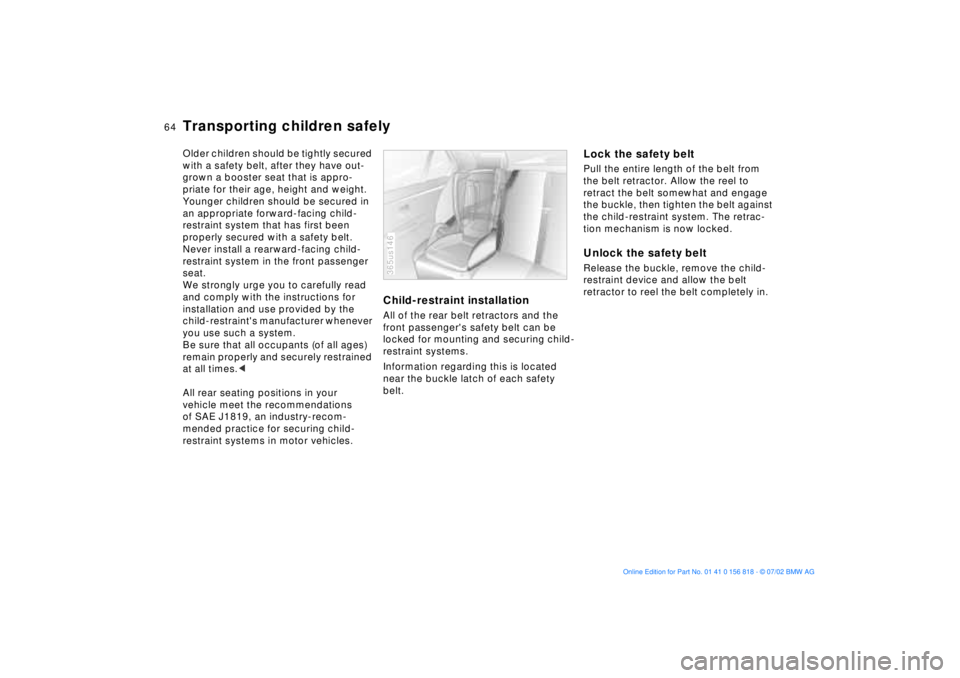
Child-restraint installationAll of the rear belt retractors and the
front passenger's safety belt can be
locked for mounting and securing child-
restraint systems.
Information regarding this is located
near the buckle latch of each safety
belt.365us146
Lock the safety beltPull the entire length of the belt from
the belt retractor. Allow the reel to
retract the belt somewhat and engage
the buckle, then tighten the belt against
the child-restraint system. The retrac-
tion mechanism is now locked.Unlock the safety beltRelease the buckle, remove the child-
restraint device and allow the belt
retractor to reel the belt completely in.
Page 66 of 187
66n
Transporting children safelyLATCH child-restraint anchorage
points
* Ð sport wagon
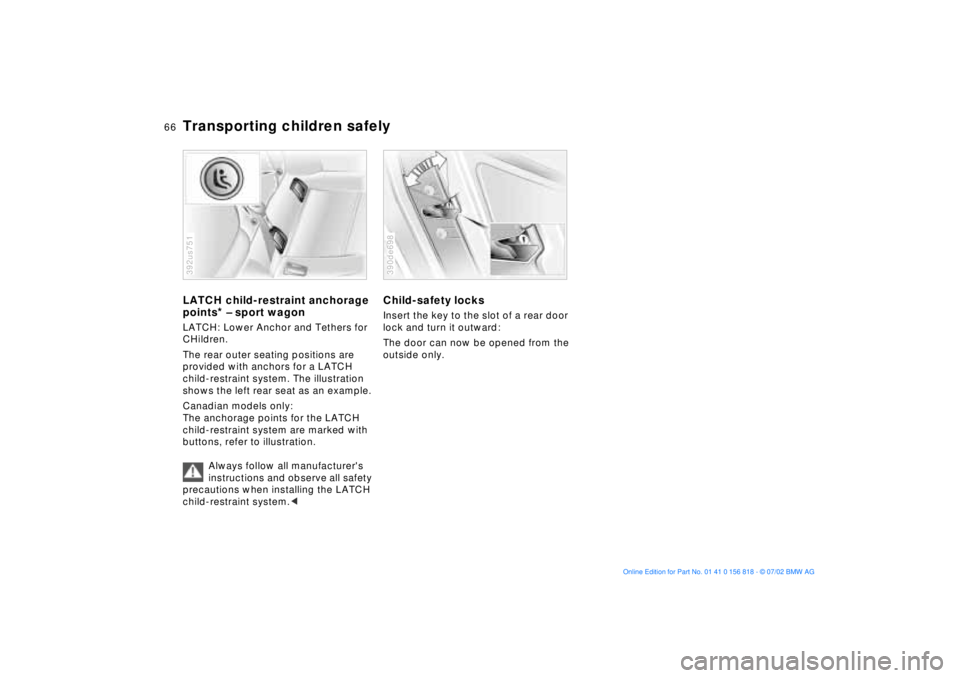
LATCH: Lower Anchor and Tethers for
CHildren.
The rear outer seating positions are
provided with anchors for a LATCH
child-restraint system. The illustration
shows the left rear seat as an example.
Canadian models only:
The anchorage points for the LATCH
child-restraint system are marked with
buttons, refer to illustration.
Always follow all manufacturer's
instructions and observe all safety
precautions when installing the LATCH
child-restraint system.<392us751
Child-safety locksInsert the key to the slot of a rear door
lock and turn it outward:
The door can now be opened from the
outside only.390de698
Page 67 of 187
67n
OverviewControlsMaintenanceRepairsDataIndex
Vehicle Memory, Key MemoryHow the system functionsNo doubt you have reflected at one
time or another on how great it would
be if you could permanently configure
your vehicle's various features and
adjustments to mirror your own indi-
vidual preferences. In engineering your
vehicle, BMW has incorporated a
number of options for personal adjust-
ment that can be programmed into your
vehicle at your BMW center.
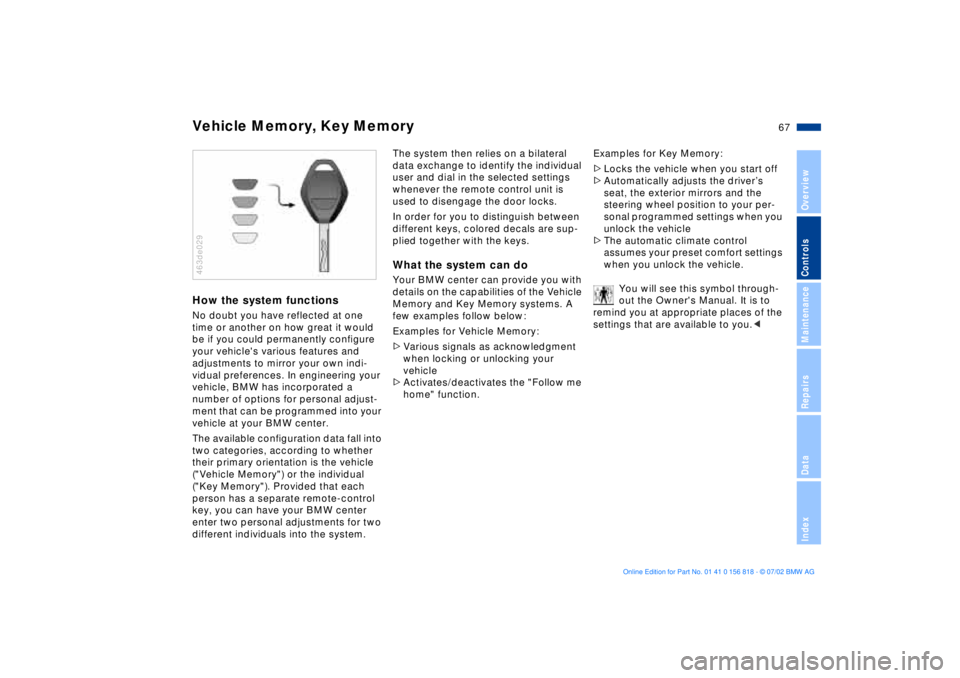
The available configuration data fall into
two categories, according to whether
their primary orientation is the vehicle
("Vehicle Memory") or the individual
("Key Memory"). Provided that each
person has a separate remote-control
key, you can have your BMW center
enter two personal adjustments for two
different individuals into the system.463de029
The system then relies on a bilateral
data exchange to identify the individual
user and dial in the selected settings
whenever the remote control unit is
used to disengage the door locks.
In order for you to distinguish between
different keys, colored decals are sup-
plied together with the keys.What the system can doYour BMW center can provide you with
details on the capabilities of the Vehicle
Memory and Key Memory systems. A
few examples follow below:
Examples for Vehicle Memory:
>Various signals as acknowledgment
when locking or unlocking your
vehicle
>Activates/deactivates the "Follow me
home" function.Examples for Key Memory:
>Locks the vehicle when you start off
>Automatically adjusts the driverÕs
seat, the exterior mirrors and the
steering wheel position to your per-
sonal programmed settings when you
unlock the vehicle
>The automatic climate control
assumes your preset comfort settings
when you unlock the vehicle.
You will see this symbol through-
out the Owner's Manual. It is to
remind you at appropriate places of the
settings that are available to you.<
Page 68 of 187
68n
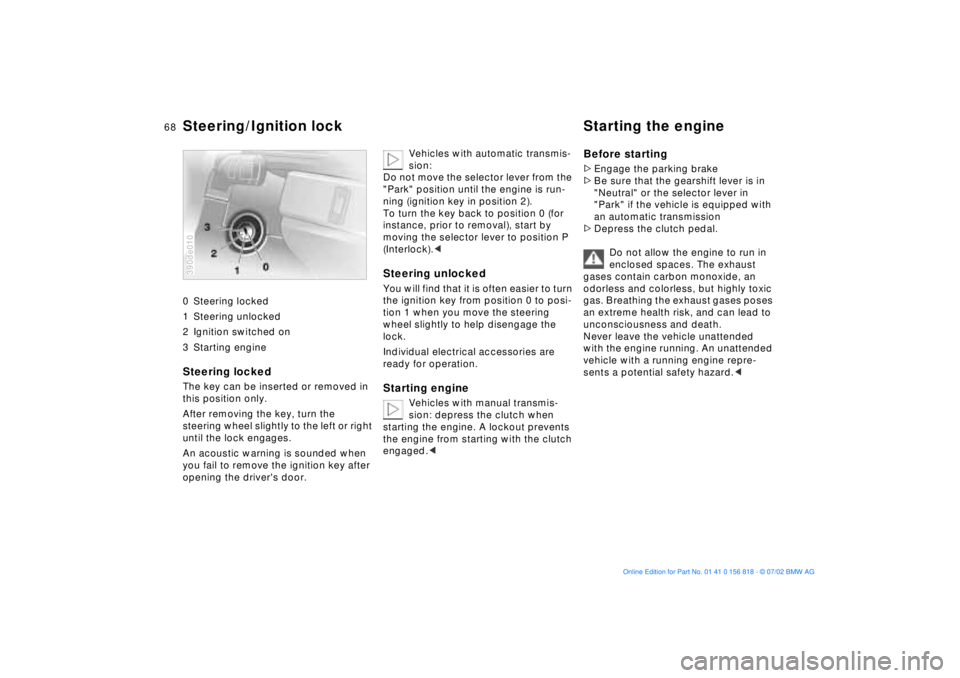
0 Steering locked
1 Steering unlocked
2 Ignition switched on
3 Starting engine
Steering locked The key can be inserted or removed in
this position only.
After removing the key, turn the
steering wheel slightly to the left or right
until the lock engages.
An acoustic warning is sounded when
you fail to remove the ignition key after
opening the driver's door. 390de010
Vehicles with automatic transmis-
sion:
Do not move the selector lever from the
"Park" position until the engine is run-
ning (ignition key in position 2).
To turn the key back to position 0 (for
instance, prior to removal), start by
moving the selector lever to position P
(Interlock).<
Steering unlocked You will find that it is often easier to turn
the ignition key from position 0 to posi-
tion 1 when you move the steering
wheel slightly to help disengage the
lock.
Individual electrical accessories are
ready for operation.Starting engine
Vehicles with manual transmis-
sion: depress the clutch when
starting the engine. A lockout prevents
the engine from starting with the clutch
engaged.<
Before starting>Engage the parking brake
>Be sure that the gearshift lever is in
"Neutral" or the selector lever in
"Park" if the vehicle is equipped with
an automatic transmission
>Depress the clutch pedal.
Do not allow the engine to run in
enclosed spaces. The exhaust
gases contain carbon monoxide, an
odorless and colorless, but highly toxic
gas. Breathing the exhaust gases poses
an extreme health risk, and can lead to
unconsciousness and death.
Never leave the vehicle unattended
with the engine running. An unattended
vehicle with a running engine repre-
sents a potential safety hazard.<
Steering/Ignition lock Starting the engine
Page 70 of 187
70n
Switching off the engine Parking brakeTurn the ignition key to position 1 or 0.
Do not remove the ignition key
while the vehicle is rolling. The
steering locks, making it impossible to
steer the vehicle.
Always remove the ignition key and
engage the steering lock before leaving
the vehicle.
Vehicles with manual transmission:
Always engage the parking brake
when parking on hills and inclined sur-
faces, as first gear or reverse may not
provide adequate resistance to rolling.
Vehicles with automatic transmission:
Place the selector lever in "Park."<
Vehicles with automatic transmission:
The vehicle must be stationary and the
selector lever in "Park" before you can
remove the ignition key.
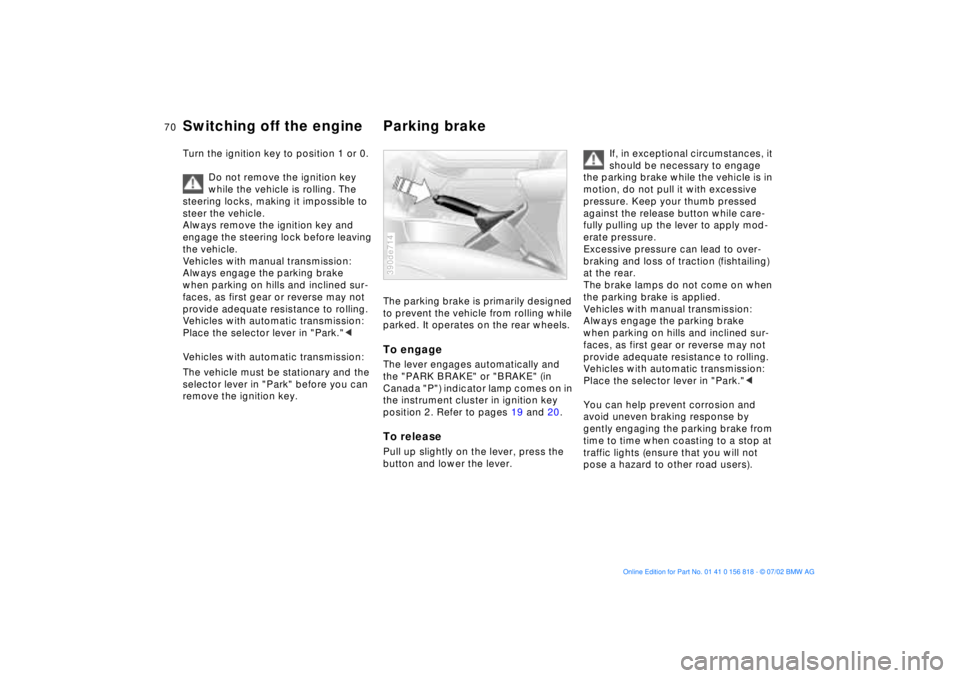
The parking brake is primarily designed
to prevent the vehicle from rolling while
parked. It operates on the rear wheels.To engageThe lever engages automatically and
the "PARK BRAKE" or "BRAKE" (in
Canada "P") indicator lamp comes on in
the instrument cluster in ignition key
position 2. Refer to pages 19 and 20.To releasePull up slightly on the lever, press the
button and lower the lever.390de714
If, in exceptional circumstances, it
should be necessary to engage
the parking brake while the vehicle is in
motion, do not pull it with excessive
pressure. Keep your thumb pressed
against the release button while care-
fully pulling up the lever to apply mod-
erate pressure.
Excessive pressure can lead to over-
braking and loss of traction (fishtailing)
at the rear.
The brake lamps do not come on when
the parking brake is applied.
Vehicles with manual transmission:
Always engage the parking brake
when parking on hills and inclined sur-
faces, as first gear or reverse may not
provide adequate resistance to rolling.
Vehicles with automatic transmission:
Place the selector lever in "Park."<
You can help prevent corrosion and
avoid uneven braking response by
gently engaging the parking brake from
time to time when coasting to a stop at
traffic lights (ensure that you will not
pose a hazard to other road users).
Page 71 of 187
71n
OverviewControlsMaintenanceRepairsDataIndex
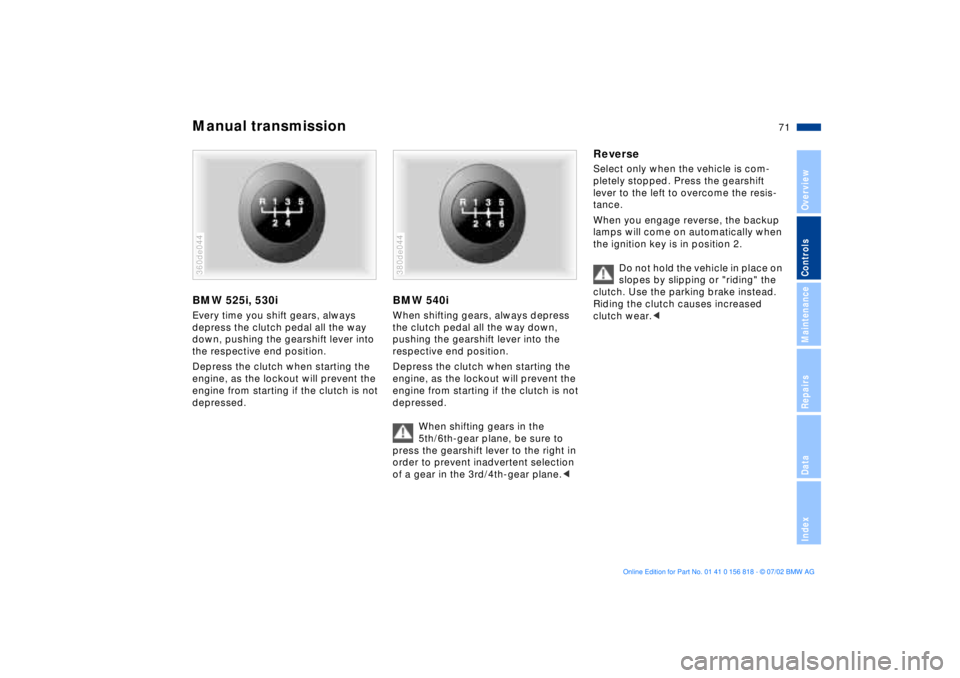
Manual transmissionBMW 525i, 530iEvery time you shift gears, always
depress the clutch pedal all the way
down, pushing the gearshift lever into
the respective end position.
Depress the clutch when starting the
engine, as the lockout will prevent the
engine from starting if the clutch is not
depressed.360de044
BMW 540iWhen shifting gears, always depress
the clutch pedal all the way down,
pushing the gearshift lever into the
respective end position.
Depress the clutch when starting the
engine, as the lockout will prevent the
engine from starting if the clutch is not
depressed.
When shifting gears in the
5th/6th-gear plane, be sure to
press the gearshift lever to the right in
order to prevent inadvertent selection
of a gear in the 3rd/4th-gear plane.< 380de044
ReverseSelect only when the vehicle is com-
pletely stopped. Press the gearshift
lever to the left to overcome the resis-
tance.
When you engage reverse, the backup
lamps will come on automatically when
the ignition key is in position 2.
Do not hold the vehicle in place on
slopes by slipping or "riding" the
clutch. Use the parking brake instead.
Riding the clutch causes increased
clutch wear.<