NAVIGATION SYSTEM
87-6 DESCRIPTION AND OPERATION
Service Menu
The service menu provides access to details of the navigation computer hardware and software, and can be accessed
when the navigation computer is in radio mode, by simultaneously pressing the NAV button and the 10 multifunction
buttons. The following items can then be scrolled through by pressing the Nxt (next) and Prv (previous) multifunction
buttons, or turning the RH rotary control:
lModel No.
lSerial No.
lChanger Reset
lGAL
lRadio Software
lRadio Bolo
lNavi Rom
lNavi Flash
lRTC Value
When Changer Reset is displayed, the CD autochanger (where fitted) can be reset by pressing the appropriate
multifunction button.
When the End multifunction button is pressed, the navigation computer quits the service menu and returns to radio
mode.
Garage Menu
Garage menu enables the navigation system to be tested and calibrated, and also contains a route navigation
demonstration. The garage menu is entered from the main navigation menu, as follows:
1Press the Nav button to access the system settings.
2Press and hold multifunction button 3, then press multifunction button 5 to display the garage menu.
The garage menu contains the following, which can be accessed using the RH rotary control:
lCALIBRATION RIDE – Used to calibrate the navigation computer, to enable route navigation.
lGPS INFO– Provides functional test of antenna by checking GPS reception. If functioning correctly, displays the
number of satellites being received, the date, time (Greenwich Mean Time) and the type of positional fix currently
possible.
lCALIBRATION– Allows vehicle specific calibration data to be entered, e.g. tyre size. Also allows current
calibration to be deleted prior to re-calibrating.
NOTE: Only known calibration data should be entered. The navigation computer cannot make route
calculations if incorrect data is entered.
lSENSORS– Allows wheel speed, reverse gear and gyro sensor inputs to be checked.
lVERSION– Displays navigation computer hardware and software details.
lSPEECH TEST– Performs a test of the navigation computer audio output.
lMODULE TEST– Performs a test routine on the internal components of the navigation computer.
lDEMO – Allows a route navigation demonstration to be run.
To quit the garage menu, press the Nav button.
Calibration
Calibration is required after initial installation or replacement of the navigation computer. It may also be necessary
after repairs to system wiring and if route navigation becomes inaccurate or fails to operate. If the navigation computer
contains an existing calibration, this must be deleted, using the garage menu, prior to running the new calibration
routine. The sensor inputs should also be checked before running the calibration routine.
NAVIGATION SYSTEM
DESCRIPTION AND OPERATION 87-9
Steering Wheel Switches
The steering wheel switches provide remote control operation for some of the navigation computer functions. The
switches can be used to select between the radio/CD/navigation modes, to adjust the volume (in all modes) and to
select search/preset up/down for radio and CD operation.
Remote Control Interface Unit
The remote control interface unit converts the analogue signals from the steering wheel switches into digital signals
for use by the navigation computer. The remote control interface unit is installed in a bracket immediately below the
navigation computer.
The radio remote switches form a resistance ladder between two wires with the resistance across wires dependent
on which switch is pressed. The remote control interface unit monitors the two wires and converts their input into
Instrument (I) bus protocol messages, which it outputs on a dedicated serial link to the navigation computer.
INSTRUMENTS
DESCRIPTION AND OPERATION 88-23
Differential lock warning lamp (If fitted)
The differential lock is a device used for rolling road testing only on vehicles up to 03 model year. On vehicles from
03 model year, the differential is a driver selectable option which can also be used for off road driving. Refer to the
service procedures for details of rolling road testing on vehicles up to and from 03 model year.
CAUTION: Engage the differential lock when testing the vehicle on a two wheel rolling road. The propeller
shaft connecting the axle not on the rolling road must also be removed.
Differential lock warning lamp – vehicles up to 03 model year
The differential lock warning lamp within the instrument pack utilises a red LED and a clear legend. When the
differential lock is engaged, using the lever on the side of the transfer box, the differential lock switch is operated and
the warning lamp is switched on providing the driver with a visible warning.
When the differential lock is engaged, the warning lamp will be illuminated continuously when the ignition switch is in
position II.
Differential lock warning lamp – vehicles from 03 model year
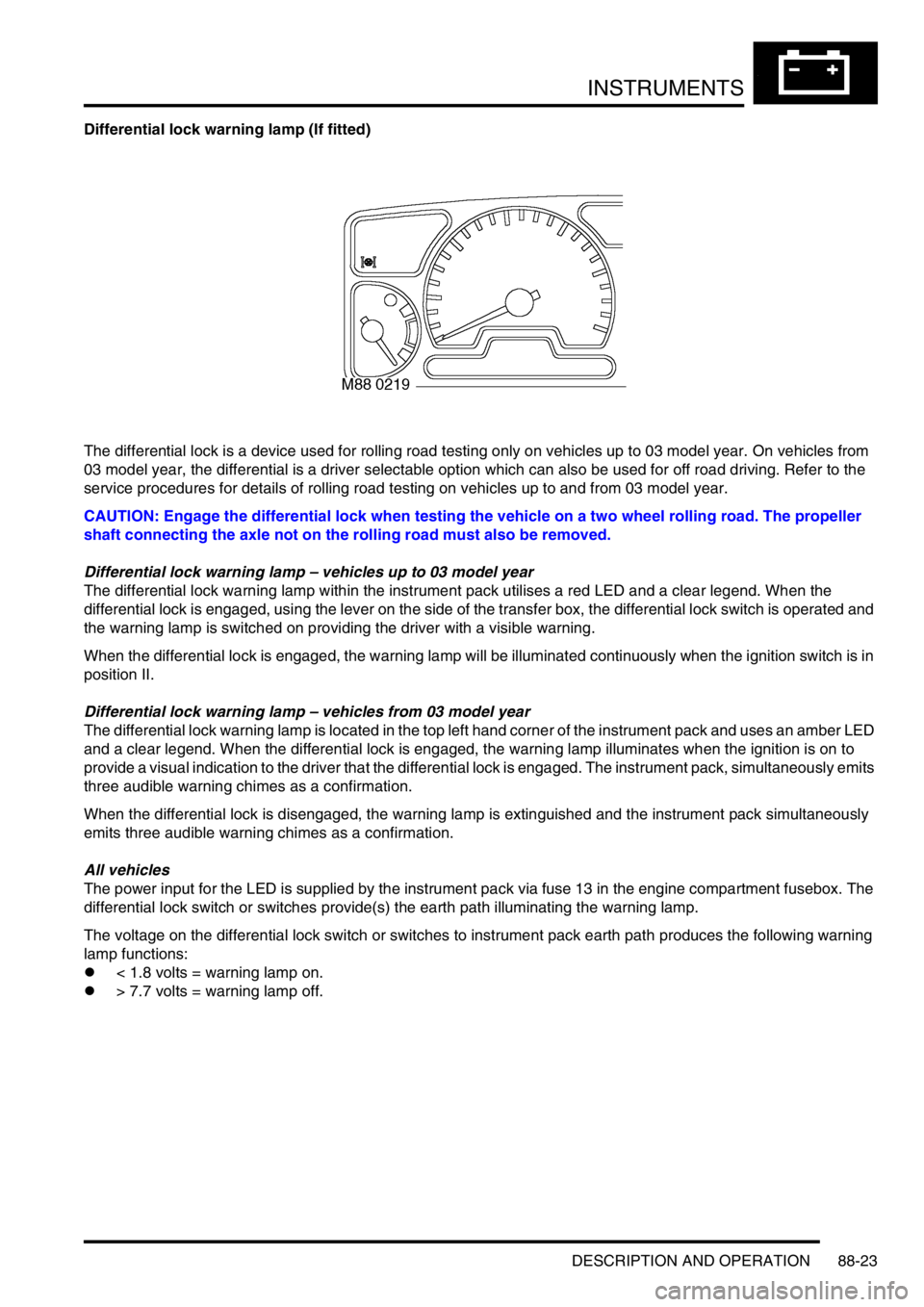
The differential lock warning lamp is located in the top left hand corner of the instrument pack and uses an amber LED
and a clear legend. When the differential lock is engaged, the warning lamp illuminates when the ignition is on to
provide a visual indication to the driver that the differential lock is engaged. The instrument pack, simultaneously emits
three audible warning chimes as a confirmation.
When the differential lock is disengaged, the warning lamp is extinguished and the instrument pack simultaneously
emits three audible warning chimes as a confirmation.
All vehicles
The power input for the LED is supplied by the instrument pack via fuse 13 in the engine compartment fusebox. The
differential lock switch or switches provide(s) the earth path illuminating the warning lamp.
The voltage on the differential lock switch or switches to instrument pack earth path produces the following warning
lamp functions:
l< 1.8 volts = warning lamp on.
l> 7.7 volts = warning lamp off.