1- 110 FEATURES OF YOUR HYUNDAI
2. FF/REW While the disc is playing, if you hold down the FF button continuously, thetrack number is increased and viceversa.
3. TRACK UP/DOWN
o The desired track on the disc cur-
rently being played can be selected using the track number.
o Press once to skip forward to the beginning of the next track.
o Press once to skip back to the
beginning of the track.
4. DISC Select Button To select the CD you want, push "DISC +" or "DISC -" to change the discnumber
5. SCAN (If installed)
o Press the SCAN button to playback the first 10 seconds of each track.
o Press the SCAN button again within 10 sec. for the desired track. CLASSIC
JAZZ ROCK DEFEAT
B940N01L-GAT CD auto changer connected with au- dio system is located in the left side oftrunk.
o To use the CD auto changer
1. Open the sliding lid of the CD auto
changer.
2. To eject the compact disc maga- zine, press the EJECT button lo- cated inside the CD auto changer.
3. Insert the discs into the magazine.
4. Push the megazine into the CD auto
changer and close the sliding lid.
o The CD auto changer can be used when the ignition switch is in either "ON" or "ACC" position.
1. CDCHG Button When the CD changer have discs in- serted in the magazine, if you pressthe CDCHG button, the CD changercan be used even if the radio or cas- sette player is being used. The Hyundai CD changer can hold up to eight discs.The disc number will be lit, and thetrack number, and elapsed time will bedisplayed. 6. REPEAT
o To repeat the music you are listen-
ing to, press the RPT button. To cancel , press again.
o If you do not release RPT operation
after all the tracks are played back, the unit will play back again from the first track.
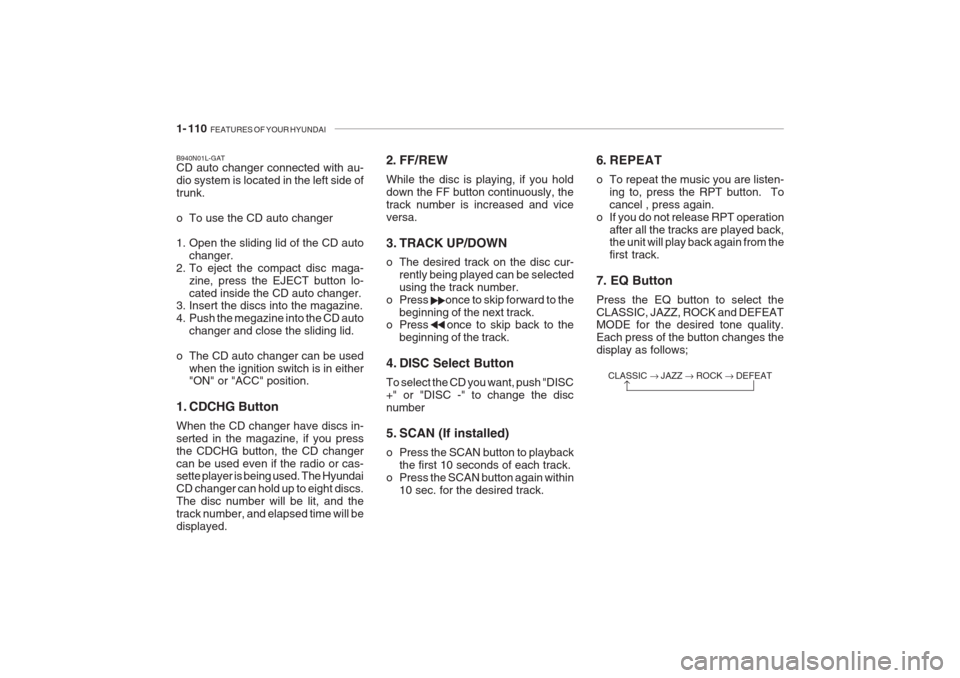
7. EQ Button Press the EQ button to select the CLASSIC, JAZZ, ROCK and DEFEAT MODE for the desired tone quality. Each press of the button changes thedisplay as follows;