2002 FIAT DUCATO 244 phone
[x] Cancel search: phonePage 138 of 246
CONNECT Nav
137
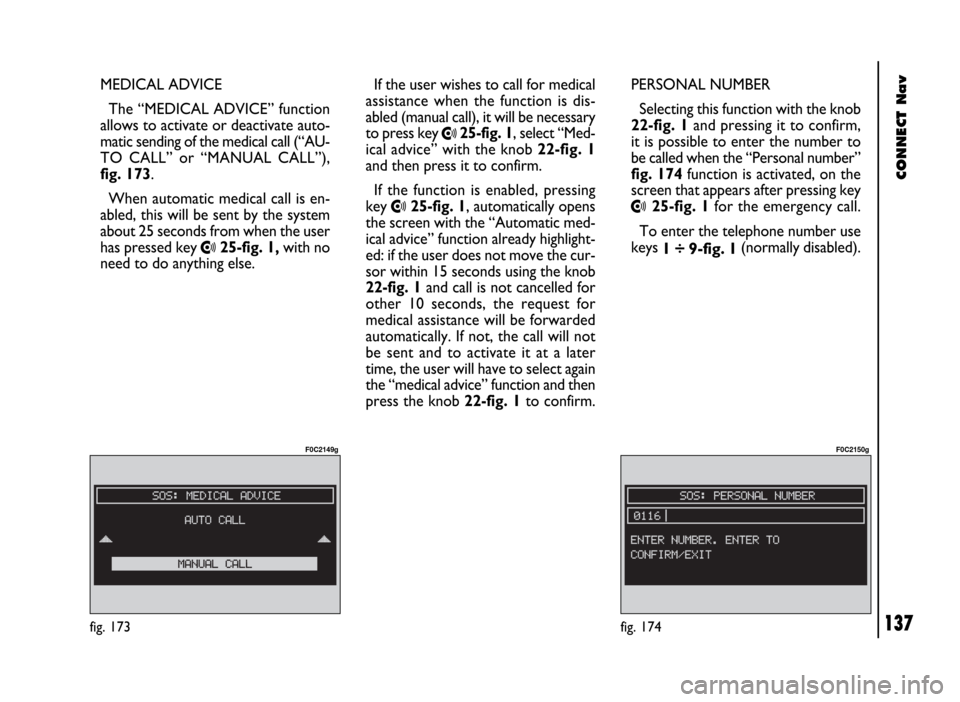
MEDICAL ADVICE
The “MEDICAL ADVICE” function
allows to activate or deactivate auto-
matic sending of the medical call (“AU-
TO CALL” or “MANUAL CALL”),
fig. 173.
When automatic medical call is en-
abled, this will be sent by the system
about 25 seconds from when the user
has pressed key
•25-fig. 1,with no
need to do anything else.If the user wishes to call for medical
assistance when the function is dis-
abled (manual call), it will be necessary
to press key
•25-fig. 1, select “Med-
ical advice” with the knob 22-fig. 1
and then press it to confirm.
If the function is enabled, pressing
key
•25-fig. 1, automatically opens
the screen with the “Automatic med-
ical advice” function already highlight-
ed: if the user does not move the cur-
sor within 15 seconds using the knob
22-fig. 1and call is not cancelled for
other 10 seconds, the request for
medical assistance will be forwarded
automatically. If not, the call will not
be sent and to activate it at a later
time, the user will have to select again
the “medical advice” function and then
press the knob 22-fig. 1to confirm.PERSONAL NUMBER
Selecting this function with the knob
22-fig. 1and pressing it to confirm,
it is possible to enter the number to
be called when the “Personal number”
fig. 174function is activated, on the
screen that appears after pressing key•25-fig. 1for the emergency call.
To enter the telephone number use
keys
1 ÷ 9-fig. 1(normally disabled).
fig. 173
F0C2149g
fig. 174
F0C2150g
Page 139 of 246
CONNECT Nav
138
When entering the phone number,
briefly press “ESC” 23-fig. 1to
delete the last entered digit and
press it longer to delete the entire
string.
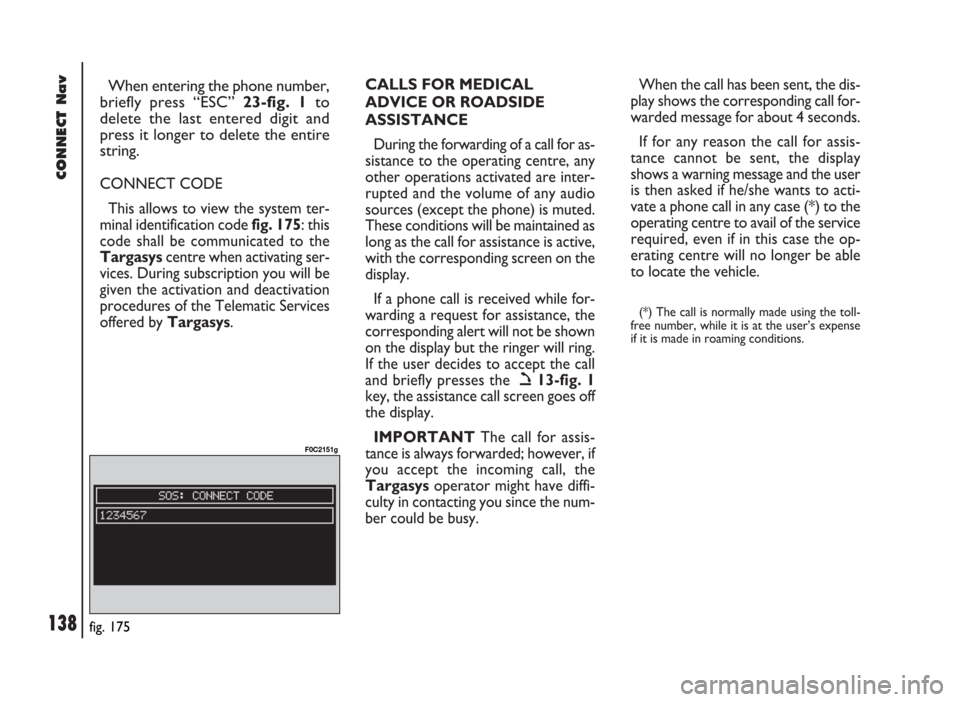
CONNECT CODE
This allows to view the system ter-
minal identification code fig. 175: this
code shall be communicated to the
Targasyscentre when activating ser-
vices. During subscription you will be
given the activation and deactivation
procedures of the Telematic Services
offered by Targasys.CALLS FOR MEDICAL
ADVICE OR ROADSIDE
ASSISTANCE
During the forwarding of a call for as-
sistance to the operating centre, any
other operations activated are inter-
rupted and the volume of any audio
sources (except the phone) is muted.
These conditions will be maintained as
long as the call for assistance is active,
with the corresponding screen on the
display.
If a phone call is received while for-
warding a request for assistance, the
corresponding alert will not be shown
on the display but the ringer will ring.
If the user decides to accept the call
and briefly presses the ò13-fig. 1
key, the assistance call screen goes off
the display.
IMPORTANTThe call for assis-
tance is always forwarded; however, if
you accept the incoming call, the
Targasysoperator might have diffi-
culty in contacting you since the num-
ber could be busy. When the call has been sent, the dis-
play shows the corresponding call for-
warded message for about 4 seconds.
If for any reason the call for assis-
tance cannot be sent, the display
shows a warning message and the user
is then asked if he/she wants to acti-
vate a phone call in any case (*) to the
operating centre to avail of the service
required, even if in this case the op-
erating centre will no longer be able
to locate the vehicle.
(*) The call is normally made using the toll-
free number, while it is at the user’s expense
if it is made in roaming conditions.
fig. 175
F0C2151g
Page 140 of 246

CONNECT Nav
139
The CONNECT system is able to de-
tect both internal faults and faults due
to overheating.INTERNAL FAULTS
If the system detects an internal fault
on a certain module (audio, telephone,
etc…), the system will “freeze” the
last available screen and it will start di-
agnostics.
For a set period of time the system
monitors the involved module for
troubleshooting. If time-out expires
with no result, the system will adopt
the best repair action (e.g.: resetting
involved module hardware).OVERTEMPERATURE
FAULTS
If the temperature of a CONNECT
system hardware module (audio, tele-
phone, CD player, etc..) exceeds the
max. limit, the involved module will
detect overtemperature and the dis-
play will show a dedicated warning
message.
The involved module will automati-
cally be limited or disabled. In extreme
cases the system is turned off auto-
matically until regular operating tem-
perature is restored. The display will
show the screen in fig. 176.
fig. 176
F0D2129g
F F
A A
U U
L L
T T
S S
Page 141 of 246

CONNECT Nav
140
“Audio” module
overheating
In case of “Audio” module over-
heating, current audio volume is au-
tomatically limited regardless of the
current audio source (radio, CD).
The display will show a proper warn-
ing message.“CD player” module
overheating
In case of “CD player” module over-
heating, no CD will be played: no au-
dio CD or MP3 CD will be played and
the navigation functions will not be
guaranteed (unless navigation without
CD has been previously activated).
The display will show a proper warn-
ing message. Press “ESC” 23-fig. 1to quit; the involved module will feature limited func-
tions as described in the following table:
Hardware module
Audio
CD player
Telephone
CONNECTApplication
Audio (Radio, CD)
Telephone (voice)
Navigator (voice)
Voice recognition (voice)
Audio (CD only)
Navigation
Cell phone, SOS
AllDisplayed message
Limited audio volume
CD player OFF
Telephone OFF (TEL OFF)
Whole system OFF
“Telephone” module
overheating
In case of “Telephone” module over-
heating, the module is deactivated
(TEL OFF), thus inhibiting information
and assistance functions (SOS).
The display will show a proper warn-
ing message.
CONNECT system auto-off
In case of excessive overtempera-
ture, a warning message will inform
the user that the auto-off procedure
has been activated. The system can be
switched on normally when regular
operating temperature values are re-
stored.
Page 142 of 246

CONNECT Nav+
141
Volume adjustment ........................................................... 156
Protection against overheating ....................................... 157
MAIN SCREEN (MAIN)............................................ 158
RADIO ................................................................................. 158
COMPACT DISC PLAYER (CD) .................................. 159
TELEPHONE ....................................................................... 159
DROP-DOWN MENU .................................................... 160
MEMORIZE function ......................................................... 160
SETUP function .................................................................. 160
Fleet management .............................................................. 161
Speed limit alarm ................................................................ 164
Modem (data interface) .................................................... 167
Setup-connect ..................................................................... 170
AUDIO............................................................................... 172 ADVICE, CONTROLS AND
GENERAL INFORMATION................................... 145
ADVICE ................................................................................ 145
Road safety .......................................................................... 145
Reception conditions ........................................................ 145
Care and maintenance ...................................................... 145
System software updating ................................................ 146
BUTTONS AND SELECTORS ...................................... 148
Front panel controls ......................................................... 149
Controls on steering wheel ............................................ 151
GENERAL INFORMATION ........................................... 152
Important notes for use
and road safety ................................................................... 152
Multifunction information display .................................. 153
System switching on / off and stand-by ........................ 154
Choosing the operating mode ........................................ 155
Choosing the menu functions ......................................... 155
CONNECT Nav+
Page 143 of 246

CONNECT Nav+
142
EON function (enhanced other network) ................... 181
AUTOSTORE function
(automatic station storage) ............................................. 182
ST/MONO function .......................................................... 183
CD MODE .......................................................................... 183
TA function (traffic information) ................................... 184
SCAN function (brief playback) ..................................... 184
SHUFFLE function (random playback) .......................... 184
CD SETUP menu ............................................................... 184
AUDIO SETUP menu (audio adjustments) ................. 185
CELLULAR TELEPHONE (TEL)......................... 186
GENERAL INFORMATION ........................................... 186
Preliminary operations ..................................................... 187
– telephone card insertion .............................................. 187
– PIN code entry ............................................................... 188
Screen options .................................................................... 188
Accepting calls .................................................................... 189
Telephone call ..................................................................... 189
– manual dialling ................................................................. 190 SCREEN OPTIONS AND FUNCTIONS .................... 172
AUDIO SETUP FUNCTION (audio adjustments) .... 173
Treble adjustment (treble) .............................................. 173
Bass adjustment (bass) .................................................... 173
Loudness function .............................................................. 173
Equalizer function .............................................................. 174
Equal. man. function .......................................................... 174
SDV function
(volume changing with speed) ........................................ 175
BAL/FADER function (sound distribution) .................. 175
RADIO MODE ................................................................... 176
Frequency function
(tuning stations) .................................................................. 176
AUDIO SETUP function (audio adjustments) ............ 177
TA function (traffic information) ................................... 177
AF function (seeking alternative frequencies) ............. 179
LOC-DX function (tuner sensitivity
adjustment) .......................................................................... 180
PTY function
(choosing a type of programme) .................................... 180
Page 150 of 246

CONNECT Nav+
149
FRONT PANEL CONTROLS fig. 1
Certain controls have multiple functions which depend on the system operating conditions active. Turning on the function
chosen is in some cases controlled by the push duration (short or long), as shown in the following table.
Legend Short push function Long push function (less than 1 second) (more than 1 second)
1 - 2 - 3 Numbers “1”, “2”, “3”, “4”, “5”, “6” of phone keypad Storing stations no.1-2-3-4-5-6
4 - 5 - 6Calling stored stations
7Number “7” of telephone keypad –
8Number “8” of telephone keypad –
9Number “9” of telephone keypad –
10Number “0” of telephone keypad Pause in playing an audio CD
Play/Stop audio CD
11 - *Symbol (*) of telephone keypad –
Radio mode: seeking first station
that can be tuned with lower frequency
CD mode: select previous track
12 - #Symbol (#) of telephone keypad –
Radio mode: seeking first station
that can be tuned with higher frequency
CD mode: select next track
13 -
òForwarding the phone call set Refusing the incoming call
Accepting the incoming call
Ending the call in progress
14 -ôVoice recognition function on/off Voice command memo
Page 151 of 246

CONNECT Nav+
150
Legend Short push function Long push function (less than 1 second) (more than 1 second)
15 - SRCOperating mode choice: –
FM1-FM2-FM3-LW-MW-CD
16System on/off (pressing the knob) –
Volume control (turning the knob)
17 - MAIN/DARKSelecting main screen Darkening monitor (stand-by)
18 - AUDIO/OFFSelecting radio screen. Turning radio on Turning radio off
19 - TEL/OFFSelecting phone screen. Turning telephone on Turning telephone off
20 - NAV/MUTESelecting navigation function Excluding navigator voice messages
(NAV/MUTE function)
Reset voice messages
21 - TRIPSelecting computer screen –
22Selecting functions (turning the knob). Confirming selected –
function (pressing the knob). Drop-down menu
on (pressing the knob with MAIN or navigation screen)
23 - ESCExit screen selected. Return to higher level –
of menu, deleting functions that have not been confirmed
24 - RPTRepetition of last navigator voice instruction –
25 -•Display of Information and Assistance Services menu –
26 -˚Eject navigator CD-ROM or Audio CD –
27Slot for SIM telephone card –
28Slot for navigator CD-ROM and Audio CD –