Page 138 of 371
2-71
The main components of the instrument panel are:
A. Air Outlets
B. Driver Information Center Buttons
C. Turn Signal/Multifunction Lever
D. HVAC Steering Wheel Controls (or Cellular
Telephone Controls, If Equipped)
E. Instrument Panel Cluster
F. Windshield Wiper/Washer Lever
G. Audio Steering Wheel Controls
H. Ignition Switch
I. Air Vent Control Thumbwheel
J. Hazard Warning Button
K. Audio SystemL. Lamp Controls
M. Hood Release
N. Fuel Door Release
O. Trunk Release
P. Cruise Control
Q. Horn
R. Heated Seat Controls
S. Traction Control Switch
T. Console Shift Lever
U. Convenience Storage/Optional Ashtray
V. Electronic Climate Controls
W. Glove Box
Page 142 of 371

2-75
Engine Speed Limiter
This feature prevents the engine from operating at too
many revolutions per minute (rpm). When the engine's
rpm are critically high, the fuel supply to the engine is
shut off. When the engine speed slows, the fuel supply
will come on again. This helps prevent damage to
the engine.
Warning Lights, Gages
and Indicators
This part describes the warning lights and gages that
may be on your vehicle. The pictures will help you
locate them.
Warning lights and gages can signal that something is
wrong before it becomes serious enough to cause an
expensive repair or replacement. Paying attention to
your warning lights and gages could also save you or
others from injury.
Warning lights come on when there may be or is a
problem with one of your vehicle's functions. As you
will see in the details on the next few pages, some
warning lights come on briefly when you start the
engine just to let you know they're working. If you are
familiar with this section, you should not be alarmed
when this happens.Gages can indicate when there may be or is a problem
with one of your vehicle's functions. Often gages and
warning lights work together to let you know when
there's a problem with your vehicle.
When one of the warning lights comes on and stays on
when you are driving, or when one of the gages shows
there may be a problem, check the section that tells you
what to do about it. Please follow this manual's advice.
Waiting to do repairs can be costly
-- and even
dangerous. So please get to know your warning lights
and gages. They're a big help.
Safety Belt Reminder Light
When the key is turned to ON or START, a chime will
come on for about eight seconds to remind people to
fasten their safety belts.
The safety belt light will
also come on and stay on
for about 70 seconds. If the
driver's belt is already
buckled, the light will come
on briefly, but the chime
will not sound.
Page 146 of 371
2-79
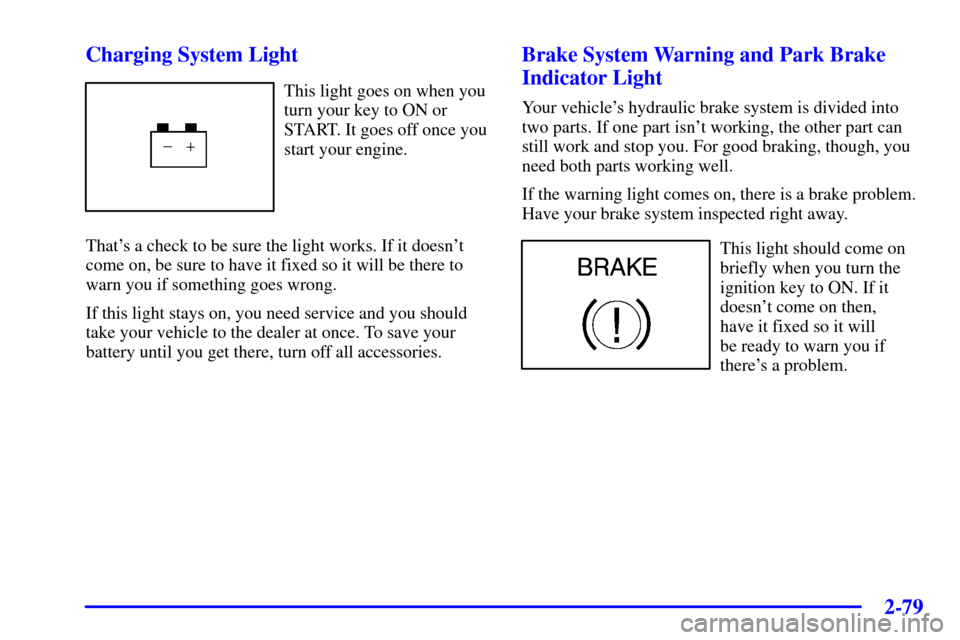
Charging System Light
This light goes on when you
turn your key to ON or
START. It goes off once you
start your engine.
That's a check to be sure the light works. If it doesn't
come on, be sure to have it fixed so it will be there to
warn you if something goes wrong.
If this light stays on, you need service and you should
take your vehicle to the dealer at once. To save your
battery until you get there, turn off all accessories.
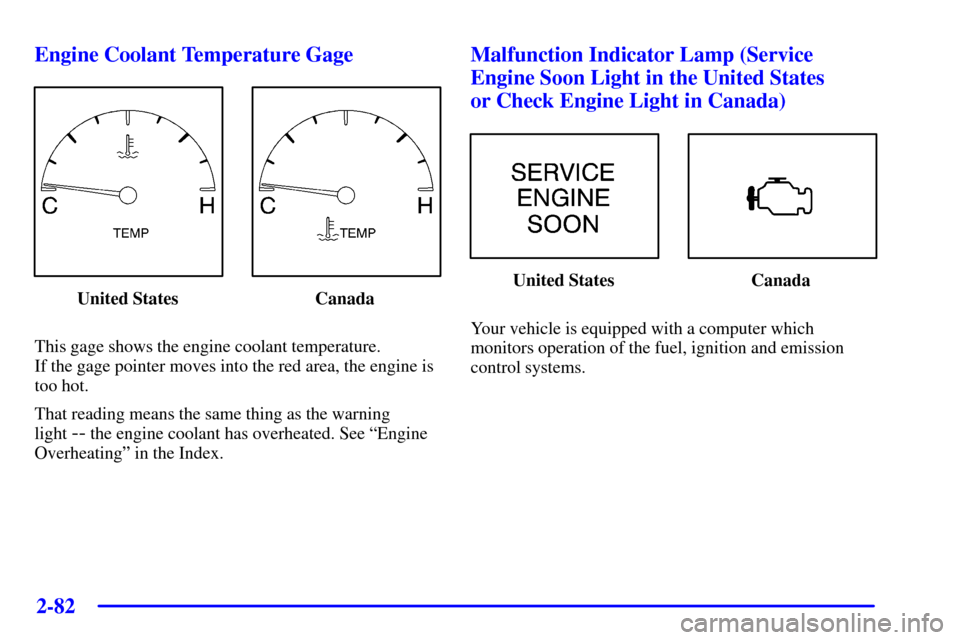
Brake System Warning and Park Brake
Indicator Light
Your vehicle's hydraulic brake system is divided into
two parts. If one part isn't working, the other part can
still work and stop you. For good braking, though, you
need both parts working well.
If the warning light comes on, there is a brake problem.
Have your brake system inspected right away.
This light should come on
briefly when you turn the
ignition key to ON. If it
doesn't come on then,
have it fixed so it will
be ready to warn you if
there's a problem.
Page 147 of 371
2-80
If the light comes on while you are driving, pull off the
road and stop carefully. You may notice that the pedal is
harder to push. Or, the pedal may go closer to the floor.
It may take longer to stop. If the light is still on, have the
vehicle towed for service. See ªTowing Your Vehicleº in
the Index.
CAUTION:
Your brake system may not be working properly
if the brake system warning light is on. Driving
with the brake system warning light on can lead
to an accident. If the light is still on after you've
pulled off the road and stopped carefully, have
the vehicle towed for service.
When the ignition is on, the brake system warning light
will also come on when you set your parking brake. The
light will stay on if your parking brake doesn't release
fully. If it stays on after your parking brake is fully
released, it means you have a brake problem.
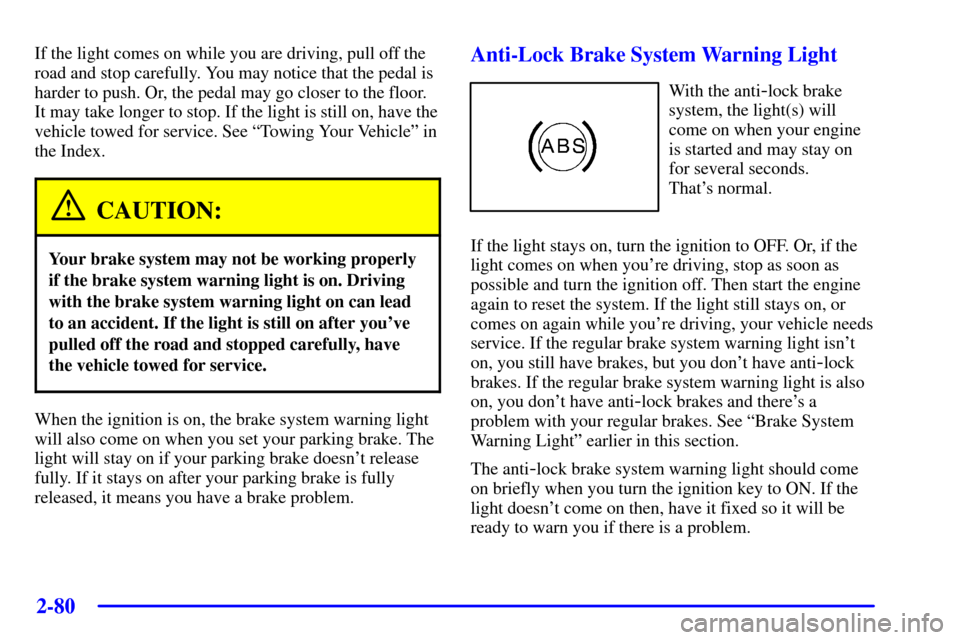
Anti-Lock Brake System Warning Light
With the anti-lock brake
system, the light(s) will
come on when your engine
is started and may stay on
for several seconds.
That's normal.
If the light stays on, turn the ignition to OFF. Or, if the
light comes on when you're driving, stop as soon as
possible and turn the ignition off. Then start the engine
again to reset the system. If the light still stays on, or
comes on again while you're driving, your vehicle needs
service. If the regular brake system warning light isn't
on, you still have brakes, but you don't have anti
-lock
brakes. If the regular brake system warning light is also
on, you don't have anti
-lock brakes and there's a
problem with your regular brakes. See ªBrake System
Warning Lightº earlier in this section.
The anti
-lock brake system warning light should come
on briefly when you turn the ignition key to ON. If the
light doesn't come on then, have it fixed so it will be
ready to warn you if there is a problem.
Page 148 of 371
2-81
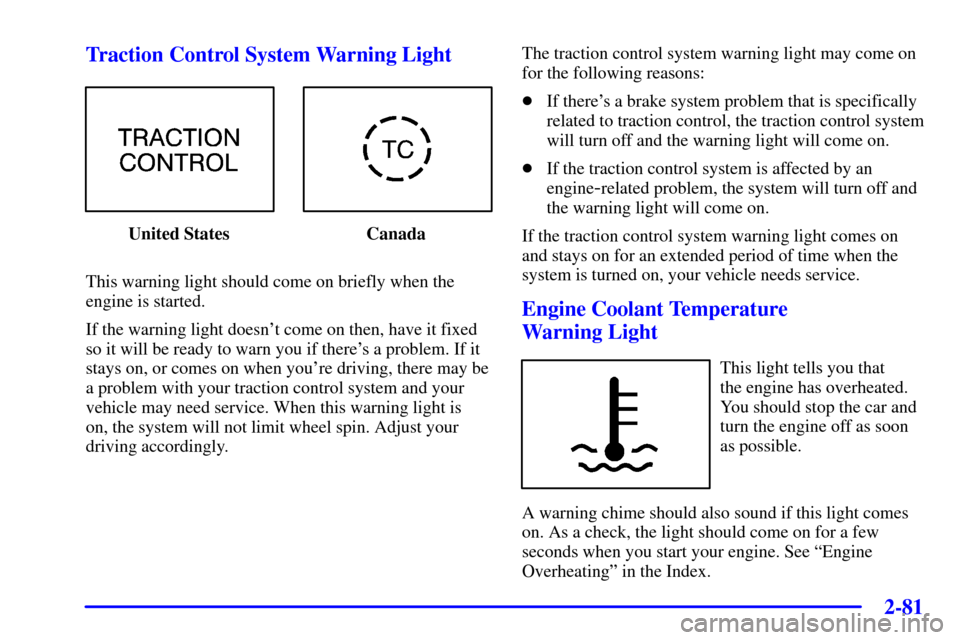
Traction Control System Warning Light
United States Canada
This warning light should come on briefly when the
engine is started.
If the warning light doesn't come on then, have it fixed
so it will be ready to warn you if there's a problem. If it
stays on, or comes on when you're driving, there may be
a problem with your traction control system and your
vehicle may need service. When this warning light is
on, the system will not limit wheel spin. Adjust your
driving accordingly.The traction control system warning light may come on
for the following reasons:
�If there's a brake system problem that is specifically
related to traction control, the traction control system
will turn off and the warning light will come on.
�If the traction control system is affected by an
engine
-related problem, the system will turn off and
the warning light will come on.
If the traction control system warning light comes on
and stays on for an extended period of time when the
system is turned on, your vehicle needs service.
Engine Coolant Temperature
Warning Light
This light tells you that
the engine has overheated.
You should stop the car and
turn the engine off as soon
as possible.
A warning chime should also sound if this light comes
on. As a check, the light should come on for a few
seconds when you start your engine. See ªEngine
Overheatingº in the Index.
Page 149 of 371
2-82
Engine Coolant Temperature Gage
United States Canada
This gage shows the engine coolant temperature.
If the gage pointer moves into the red area, the engine is
too hot.
That reading means the same thing as the warning
light
-- the engine coolant has overheated. See ªEngine
Overheatingº in the Index.
Malfunction Indicator Lamp (Service
Engine Soon Light in the United States
or Check Engine Light in Canada)
United States Canada
Your vehicle is equipped with a computer which
monitors operation of the fuel, ignition and emission
control systems.
Page 156 of 371
2-89
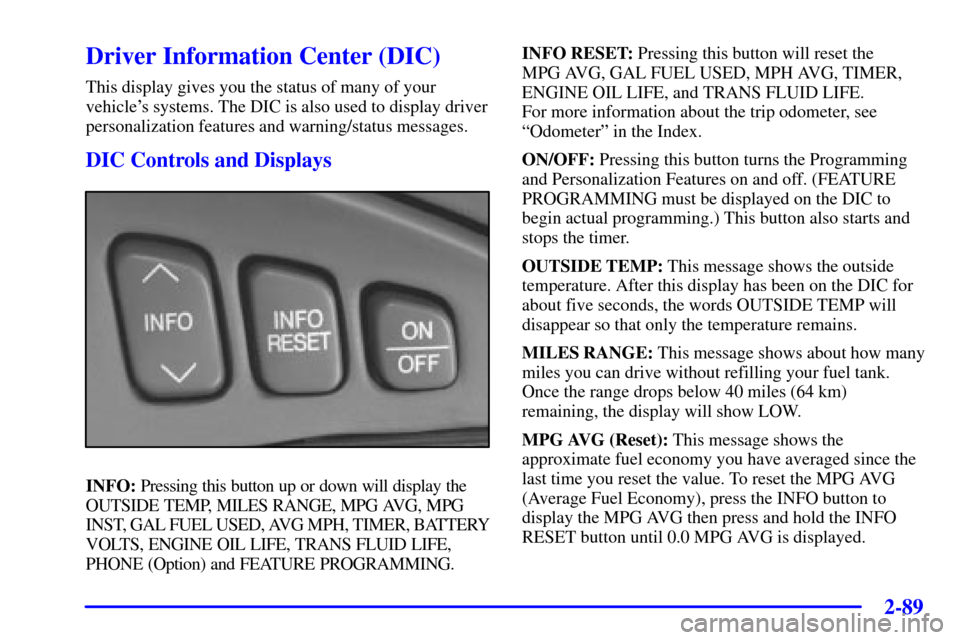
Driver Information Center (DIC)
This display gives you the status of many of your
vehicle's systems. The DIC is also used to display driver
personalization features and warning/status messages.
DIC Controls and Displays
INFO: Pressing this button up or down will display the
OUTSIDE TEMP, MILES RANGE, MPG AVG, MPG
INST, GAL FUEL USED, AVG MPH, TIMER, BATTERY
VOLTS, ENGINE OIL LIFE, TRANS FLUID LIFE,
PHONE (Option) and FEATURE PROGRAMMING.INFO RESET: Pressing this button will reset the
MPG AVG, GAL FUEL USED, MPH AVG, TIMER,
ENGINE OIL LIFE, and TRANS FLUID LIFE.
For more information about the trip odometer, see
ªOdometerº in the Index.
ON/OFF: Pressing this button turns the Programming
and Personalization Features on and off. (FEATURE
PROGRAMMING must be displayed on the DIC to
begin actual programming.) This button also starts and
stops the timer.
OUTSIDE TEMP: This message shows the outside
temperature. After this display has been on the DIC for
about five seconds, the words OUTSIDE TEMP will
disappear so that only the temperature remains.
MILES RANGE: This message shows about how many
miles you can drive without refilling your fuel tank.
Once the range drops below 40 miles (64 km)
remaining, the display will show LOW.
MPG AVG (Reset): This message shows the
approximate fuel economy you have averaged since the
last time you reset the value. To reset the MPG AVG
(Average Fuel Economy), press the INFO button to
display the MPG AVG then press and hold the INFO
RESET button until 0.0 MPG AVG is displayed.
Page 160 of 371

2-93
BATTERY VOLTAGE LOW - 6: This message will
appear when the electrical system is charging less than
10.5 volts or if the battery has been drained. If this
message appears immediately after starting, it is possible
that the generator can still recharge the battery. The
battery should recharge while driving but may take a
few hours to do so. Consider using an auxiliary charger
(be sure to follow the manufacturer's instructions) to
boost the battery after returning home or to a final
destination. If this message appears while driving or
after starting your vehicle and stays on, have it checked
immediately to determine the cause of this problem.
To help the generator recharge the battery quickly, you
can reduce the load on the electrical system by turning
off the accessories. You can monitor battery voltage on
the DIC by pressing the INFO button. The normal
range is 11.5 to 15.5 volts.
CHANGE BRAKE PADS
- 125: This message is used
to notify you that the brake pads may have worn down.
A sensor is connected to the brake pads and is triggered
when they wear to a certain point. Have the front and
rear brakes serviced by your dealer as soon as possible.CHANGE ENGINE OIL
- 82: This means that the
life of the engine oil has expired and it should be
changed within 200 miles. See ªEngine Oilº and ªFilter
Recommendationsº in the Maintenance Schedule
booklet. After an oil change, the Oil Life Indicator must
be reset. See ªOil Life Indicator, How to Resetº in
the Index.
CHANGE TRANS FLUID
- 47: This message will
appear when it is time to replace the transaxle fluid.
See the Maintenance Schedule booklet for the proper
fluid and change intervals.
CHECK BRAKE FLUID
- 37: This message will
display if the ignition is in ON to inform the driver that
the brake fluid level is low. Have the brake system
serviced by a technician as soon as possible. See ªBrake
System Warning Lightº in the Index.
CHECK COOLANT LEVEL
- 2: This message
will appear when there is a low level of engine coolant.
Have the cooling system serviced by a technician as
soon as possible.