1998 CHEVROLET CORVETTE brake light
[x] Cancel search: brake lightPage 151 of 378
Downloaded from www.Manualslib.com manuals search engine ABS ACTIVE (Anti-Lock Brake System Active) - :
When your anti-lock system is adjusting brake pressure
to help avoid a braking skid, the ABS ACTIVE message
will be displayed.
Slippery road conditions may exist if this message is
displayed,
so adjust your driving accordingly. The
message will stay on for a few seconds after the system
stops adjusting brake pressure.
SERVICE ABS (Anti-Lock Brake System) - : If the
SERVICE ABS message is displayed when you
are
driving, stop as soon as possible and turn the ignition
off. Then start the engine again to reset the system. If
the message stays on, or comes back on again while you
are driving, your vehicle is in need of service. If the
regular brake system warning light isn’t on, you still
have brakes, but don’t have anti-lock brakes. If the
regular brake system light is also on, you don’t have
anti-lock brakes and there is a problem with your
brakes.
See “Brake System Warning Light” earlier in
this section.
If the SERVICE ABS message is being displayed, your
traction control system and the optional active handling system will also be disabled. The driver information
center will scroll three messages SERVICE ABS,
SERVICE TRACTION SYS. and SERVICE ACTIVE
HNDLG and the instrument cluster car icon will be illuminated.
The driver can acknowledge these messages
by pressing the reset button three times. When the
service message is displayed the computer controlled
systems will not assist the driver and you should have
the system repaired as soon as possible. Adjust your
driving accordingly.
SERVICE COLUMN LOCK: The system that
controls the locking and unlocking of the steering
column may not work properly. Have the vehicle towed
to a dealer for service.
LOW OIL PRESSURE: You will hear four chimes and
the CHECK GAGES telltale will come on when this
message is displayed.
To acknowledge the warning,
press the RESET button. After you press the
RESET
button, a message will be displayed and you will hear a
chime every minute until the vehicle is serviced.
If you
do not press RESET, the message will remain on the
digital display until the vehicle is serviced.
Low oil pressure may be the result of a combination of
low oil level and abrupt changes in the vehicle’s
direction. When this warning
is displayed, you should
not operate the engine at high
RPM or make fast abrupt
moves. When convenient, you should check the oil
level. See “Engine Oil” in the Index.
Page 198 of 378
Downloaded from www.Manualslib.com manuals search engine Anti-Lock Brakes (ABS)
Your vehicle has anti-lock brakes (ABS). ABS is an
advanced electronic braking system that will help
prevent a braking slud.
When you start your engine and begin to drive away,
your anti-lock brake system will check itself. You may
hear a momentary motor or clicking noise while this test
is going on, and you may even notice that your brake
pedal moves a little.
This is normal.
If there’s a problem with the
anti-lock brake system, this
warning light will stay on.
See “Anti-Lock Brake
System Warning Light” in
the Index.
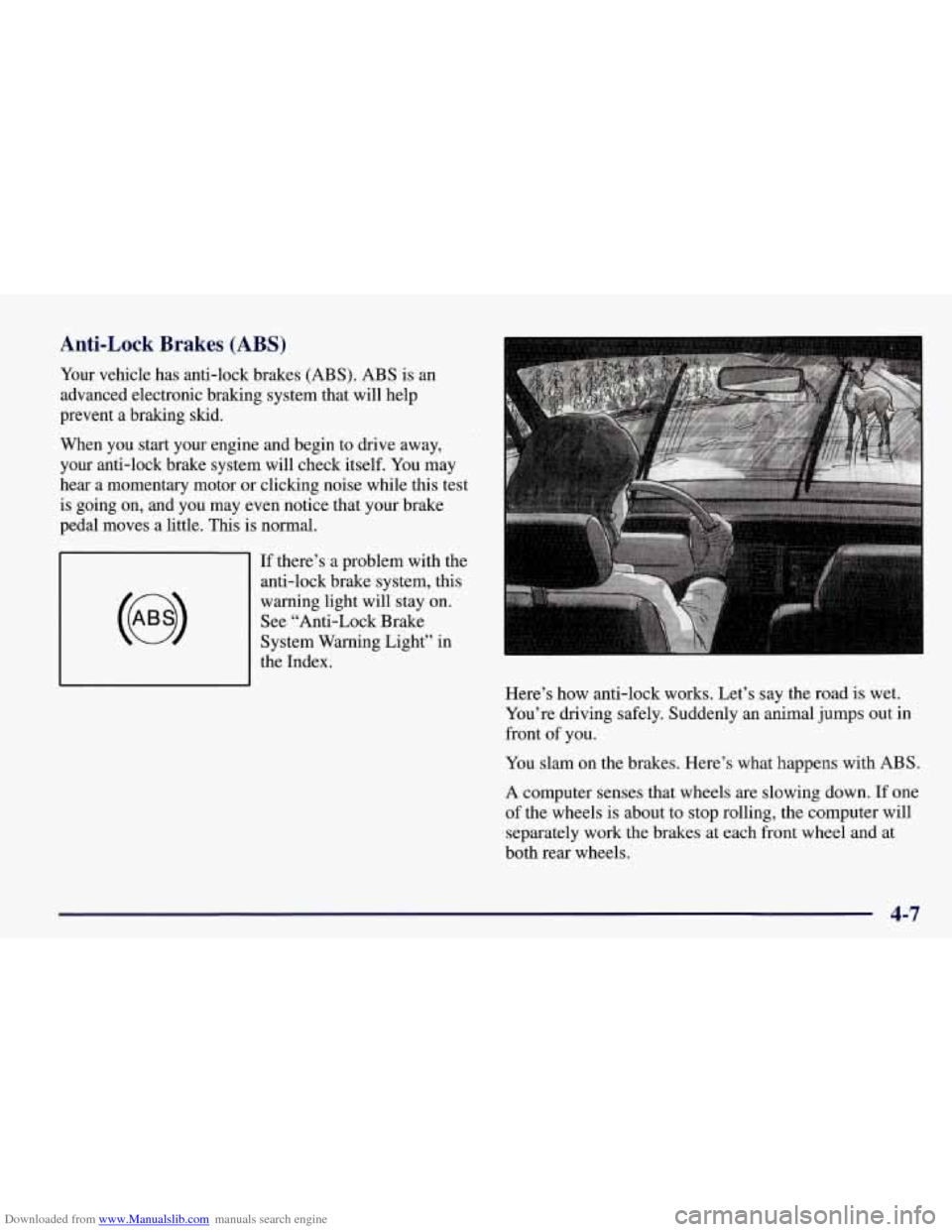
Here’s how anti-lock works. Let’s say the road
is wet.
You’re driving safely. Suddenly an animal jumps out in
front
of you.
You slam on the brakes. Here’s what happens with ABS.
A computer senses that wheels are slowing down. If one
of the wheels is about to stop rolling, the computer will
separately work the brakes at each front wheel and at
both rear wheels.
4-7
Page 200 of 378
Downloaded from www.Manualslib.com manuals search engine If your vehicle is in cruise control when the TCS system
begins to limit wheel spin, the cruise control will
automatically disengage. When road conditions allow
you to safely use it again, you may re-engage the cruise
control. (See “Cruise Control” in the Index.)
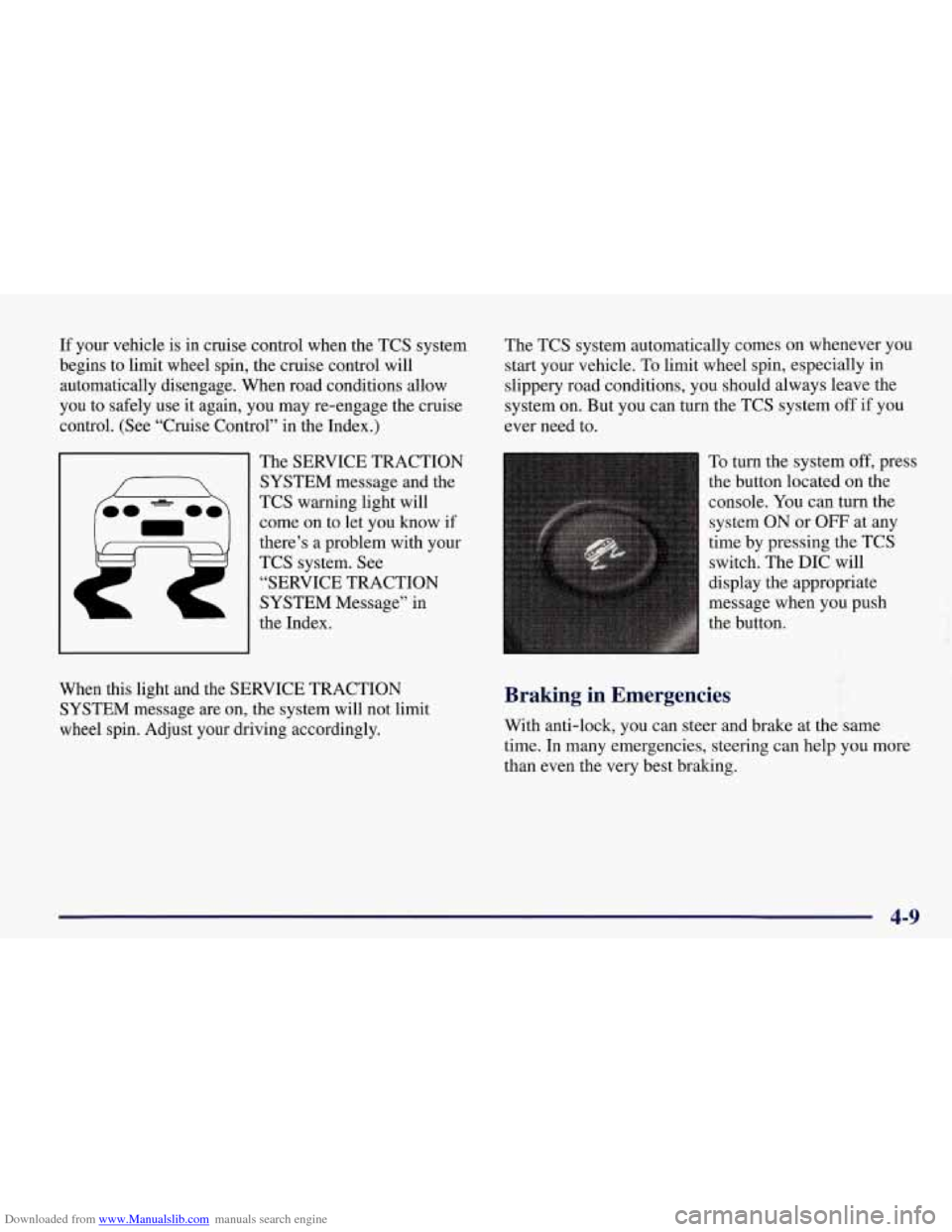
The SERVICE TRACTION
SYSTEM message and the
TCS warning light will
come on to let you know if
there’s
a problem with your
TCS system.
See
“SERVICE TRACTION
SYSTEM Message” in
the Index. The
TCS system automatically comes on whenever you
start your vehicle. To limit wheel spin, especially in
slippery road conditions, you should always leave the
system
on. But you can turn the TCS system off if you
ever need to.
To turn the system
off, press
the button located on the
console.
You can turn the
system ON
or OFF at any
time by pressing the TCS
switch. The DIC will
display the appropriate
message when you push
the button.
f
When this light and the SERVICE TRACTION
SYSTEM message are on, the system will not limit
wheel spin. Adjust your driving accordingly. Braking in Emergencies
With anti-lock, you can steer and brake at the same
time.
In many emergencies, steering can help you more
than even the very best braking.
4-9
Page 209 of 378
Downloaded from www.Manualslib.com manuals search engine Wet brakes can cause accidents. They won’t work
as well in a quick stop and may cause pulling to
one side. You could lose control
of the vehicle.
After driving through a large puddle of water or
a car wash, apply your brake pedal lightly until
your brakes work normally.
Hydroplaning
Hydroplaning is dangerous. So much water can build up
under your tires that they can actually ride on the water.
This can happen
if the road is wet enough and you’re
going fast enough. When your vehicle is hydroplaning,
it has little or no contact with the road.
Hydroplaning doesn’t happen often. But it can if your
tires do not have much tread or if the pressure in one or
more is low. It can happen if a lot of water is standing on
the road. If you can see reflections from trees, telephone
poles or other vehicles, and raindrops “dimple” the
water’s surface, there could be hydroplaning. Hydroplaning usually
happens at higher speeds. There
just isn’t a hard and fast rule about hydroplaning. The
best advice is to slow down when it is raining.
Driving Through Deep Standing Water
NOTICE:
If you drive too quickly through deep puddles or
standing water, water can come in through your
engine’s
air intake and badly damage your
engine. Never drive through water that
is slightly
lower than the underbody
of your vehicle. If you
can’t avoid deep puddles or standing water, drive
through them very slowly.
Some Other Rainy Weather Tips
0 Besides slowing down, allow some extra following
distance. And be especially careful when you pass
another vehicle. Allow yourself more clear room
ahead, and be prepared to have your view restricted
by road spray.
“Tires” in the Index.)
0 Have good tires with proper tread depth. (See
Page 276 of 378
Downloaded from www.Manualslib.com manuals search engine Brake Wear
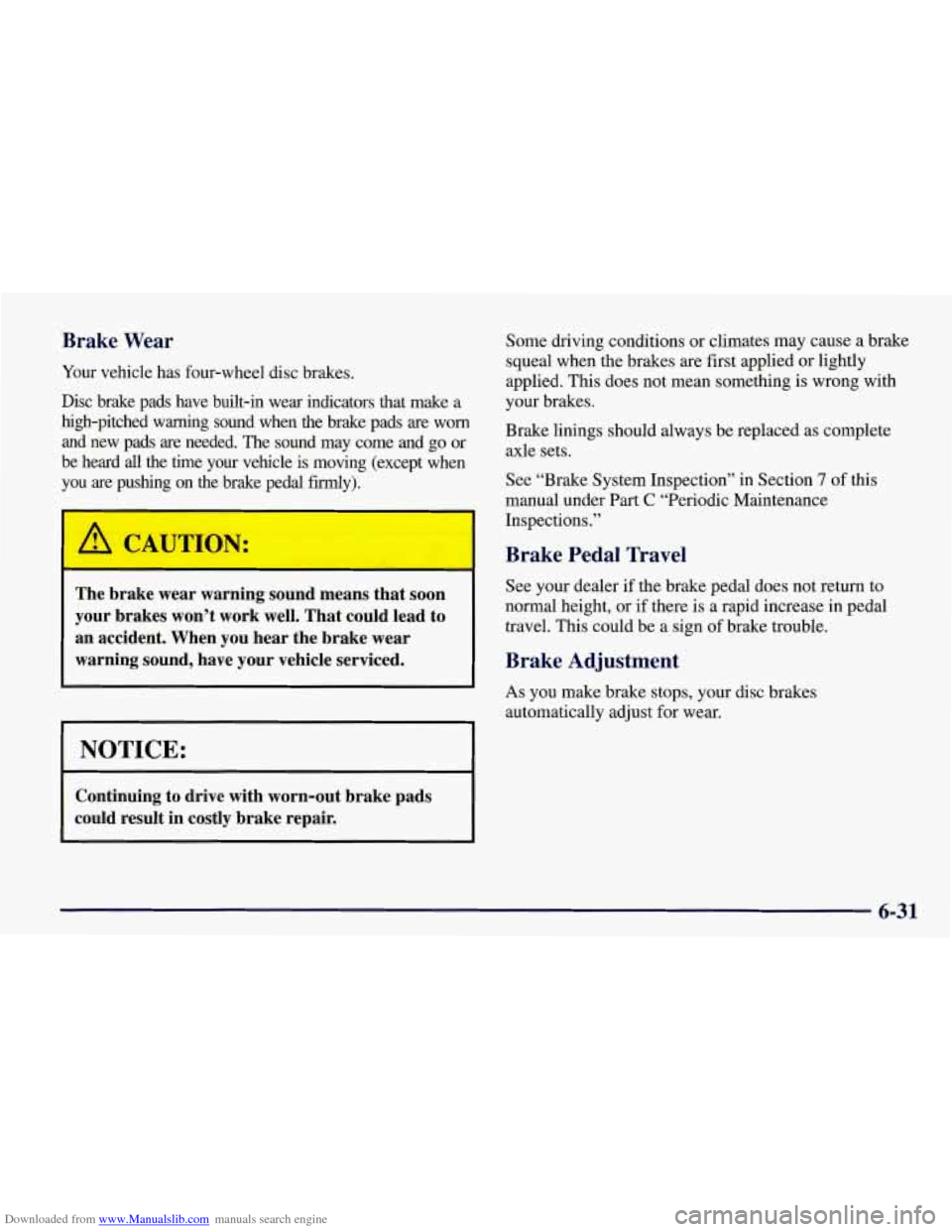
Your vehicle has four-wheel disc brakes.
Disc brake pads have built-in wear indicators that make a
high-pitched warning sound when the brake pads
are worn
and new pads are needed. The sound may come and
go or
be heard
all the time your vehicle is moving (except when
you are pushing on the brake pedal firmly).
The brake wear warning sound means that soon
your brakes won’t work well. That could lead to
an accident. When you hear the brake wear warning sound, have your vehicle serviced.
I NOTICE:
Continuing to drive with worn-out brake pads
could result
in costly brake repair.
Some driving conditions or climates may cause a brake
squeal when the brakes are first applied or lightly
applied. This does not mean something
is wrong with
your brakes.
Brake linings should always be replaced as complete
axle sets.
See “Brake System Inspection” in Section
7 of this
manual under Part
C “Periodic Maintenance
Inspections.”
Brake Pedal Travel
See your dealer if the brake pedal does not return to
normal height, or if there is a rapid increase in pedal
travel.
This could be a sign of brake trouble.
Brake Adjustment
As you make brake stops, your disc brakes
automatically adjust for wear.
6-31
Page 310 of 378
Downloaded from www.Manualslib.com manuals search engine Fuse
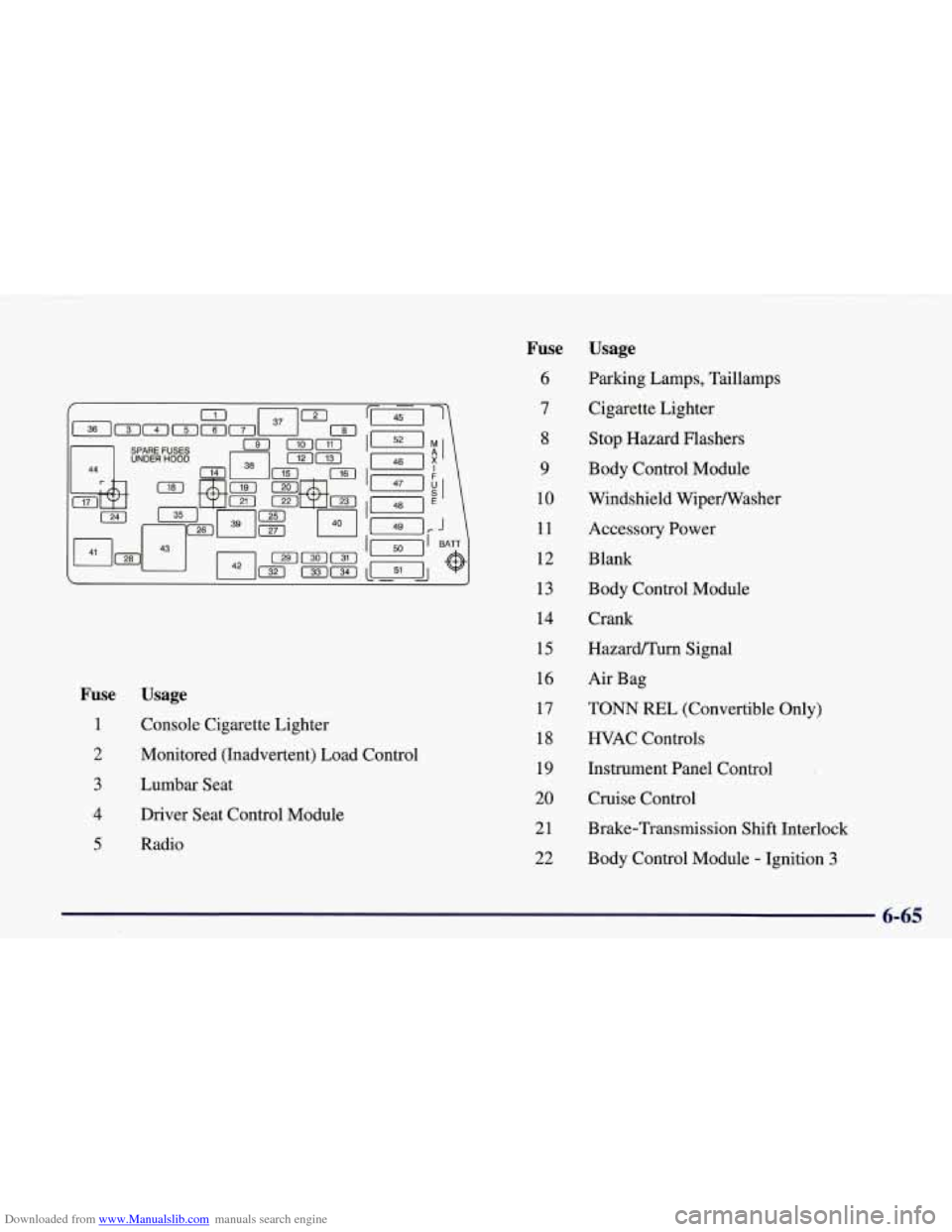
1
2
3
4
5
Usage
Console Cigarette Lighter
Monitored (Inadvertent) Load Control
Lumbar Seat
Driver Seat Control Module
Radio
Fuse
6
7
8
9
10
11
12
13
14
15
16
17
18
19
20
21
22 Usage
Parking Lamps,
Taillamps
Cigarette Lighter
Stop Hazard Flashers
Body Control Module
Windshield Wipermasher
Accessory Power
Blank
Body Control Module
Crank
HazardPTurn Signal
Air Bag
TONN REL (Convertible Only)
HVAC Controls
Instrument Panel Control
Cruise Control
Brake-Transmission Shift Interlock
Body Control Module
- Ignition 3
6-65
Page 356 of 378
Downloaded from www.Manualslib.com manuals search engine Section 9 Index
Accessory Outlet .............................. 2-59
Accessory Power Plug
........................... 6-63
Adding Equipment to the Outside of Your Vehicle
...... 6-3
AirBag
....................................... 1-18
How Does it Restrain
.......................... 1-23
How it Works ................................ 1-20
Location
............................... 1.20. 1-21
Servicing
................................... 1-24
What Makes it Inflate
.......................... 1-22
What Will
You See After it Inflates ............... 1-23
When Should it Inflate
......................... 1-22
Air Bag Readiness Light
.................... 1.20. 2.78
AirBagSystem
................................ 1-18
Aircleaner
.................................... 6-16
Air Conditioning
....................... 3.3. 3.7. 3.10
Alignment and Balance. Tire
...................... 6-48
Aluminum Wheels. Cleaning
...................... 6-58
Antenna Integrated
................................... 3-30
PowerMast ................................. 3-29
Antifreeze
..................................... 6-22
Anti-Lock Brakes
...................................... 4-7
Brake System Warning Light
................ 2.78. 4.7
Anti-Lock Brake System Warning Light
............. 2-80
Anti-Theft Radio
............................... 3-25
Appearance Care
............................... 6-52
Appearance Care Materials
....................... 6-6 1
Arbitration Program
.............................. 8-9 Ashtray
....................................... 2-58
Audio Equipment. Adding ........................ 3-27
Automatic
Audio Systems
................................. 3-12
Electronic Dual Climate Control System
............ 3-4
Overdrive
................................... 2-28
Transmission Check
........................... 7-12
Transmission Fluid ............................ 6-18
Transmission. Operation
....................... 2-26
Transmission. Park Mechanism Check
............ 7-14
Transmission. Shifting
......................... 2-26
Transmission. Starting Your Engine
.............. 2-22
Axle. Limited-Slip Rear
......................... 2-39
Axle. Rear
.................................... 6-21
Back-up Lamp Bulb Replacement
................. 6-37
Battery
....................................... 6-32
Jump Starting
................................. 5-3
Replacement. Remote Function Actuation (RFA) System
...................... 2-12
Warnings
................................ 5-3. 5-5
BBB Auto Line ................................. 8-9
Belt. Engine Accessory
.......................... 6-72
Better Business Bureau Mediation
................... 8-9
Blizzard
...................................... 4-26
Brake
Adjustment
.................................. 6-31
Fluid
....................................... 6-29
9-1
Page 357 of 378
Downloaded from www.Manualslib.com manuals search engine Brake (Continued) Master Cylinder
.............................. 6-29
Parking
..................................... 2-32
PedalTravel
................................. 6-31
Replacing System Parts
........................ 6-32
System Warning Light
......................... 2-79
Transmission Shift Interlock
.................... 2-36
Wear
....................................... 6-31
Brakes. Anti-Lock
............................... 4-7
Brake-Transmission Shift Interlock Check
........... 7- 13
Braking
........................................ 4-6
Braking in Emergencies
........................... 4-9
Break.In. New Vehicle
.......................... 2-20
BTSI
......................................... 2-36
BTSICheck
................................... 7-13
Bulb Replacement
......................... 6.33. 6.69
Canadian Roadside Assistance
.................... 8-7
Capacities and Specifications
...................... 6-70
Carbon Monoxide
.................... 2.15.2.37. 4.28
Cassette Deck Service
........................... 7- 11
Cassette Tape Player ............................ 3-12
CareofYour
................................. 3-28
Center Console
................................. 2-55
Certification Label
.............................. 4-29
Chains. Tire
................................... 6-51
Check Gages Light
.............................. 2-85
Checking Your Restraint Systems
.................. 1-37
Chemical Paint Spotting
.......................... 6-60
Child Restraints
................................ 1-27
Add-on
..................................... 1-27
Securing in the Passenger Seat Position
........... 1-28
Top Strap
.................................... 1-3 1
Types ...................................... 1-27
WheretoPut
................................ 1-27
Cigarette Lighter
............................... 2-58
Circuit Breakers and Fuses
....................... 6-64
Cleaner. Air
................................... 6-16
Cleaning Aluminum Wheels
............................ 6-58
Coated Moldings
............................. 6-53
ConvenienceNet
............................. 6-54
Exterior LampsLenses
........................ 6-56
Fabric
...................................... 6-53
Glass
....................................... 6-54
Inside of Your Vehicle
......................... 6-52
Instrument Panel
............................. 6-54
Leather
..................................... 6-53
Outside of Your Vehicle
........................ 6-56
Removable Roof Panel
......................... 6-55
Security Shade
............................... 6-54
Soft-Touch Paint Surfaces
...................... 6-54
Stains
...................................... 6-53
Tires
....................................... 6-58
Vinyl
....................................... 6-53
Weatherstrips
................................ 6-55
Wheels
..................................... 6-58
Windshield and Wiper Blades
................... 6-55
Climate Control. Automatic Electronic Dual
........... 3-4
Clock. Setting the
............................... 3-12
Clutch. Hydraulic
............................... 6-20
Comfort Controls
................................ 3-1
Comfort Controls. Manual
......................... 3-2
Compact Disc
AdapterKit
.................................. 3-17
Care
....................................... 3-29 .
Changer. TmnkMounted ....................... 3-21
9-2