1998 CADILLAC SEVILLE change time
[x] Cancel search: change timePage 144 of 378
Downloaded from www.Manualslib.com manuals search engine BATTERY VOLTAGE HIGH - 8: This message shows
that the electrical charging system is overcharging (more
than 16 volts). To avoid being stranded, have the electrical
system checked by your dealership.
You can reduce the
charging overload by using the accessories.
Turn on the
lamps and radio, set the climate control on
AUTO and the
fan speed on
HI, and turn the rear window defogger on.
You can monitor battery voltage on the DIC by pressing
the
INFiO button. The normal range is 11.5 to 15.5 volts
when the engine is running.
BATTERY VOLTAGE LOW - 6: This message will
appear when the electrical system is charging less than
9 volts or if the battery has been drained. If this message
appears immediately after starting, it
is possible that the
generator can still recharge the battery. The battery should recharge while driving but may take a few hours
to do
so. Consider using an auxiliary charger (be sure to
follow the manufacturer’s instructions) to boost the
battery after returning home or to a final destination. If
this message appears while driving or after starting your
vehicle and stays on, have
it checked immediately to
determine the cause of this problem.
To help the
generator recharge the battery quickly, you can reduce
the load on the electrical system by turning
off the
accessories.
You can monitor battery voltage on the DIC
by pressing the INFO button. The normal range is 11.5
to 15.5 volts.
CHANGE BRAKE PADS - 125: This message is used
to notify you that the brake pads may have worn down.
A sensor is connected to the brake pads and is triggered
when they wear to a certain point. Have the front and
rear brakes serviced by your dealer as soon as possible.
CHANGE TRANS FLUID - 47: This message will
appear when
it is time to replace the transaxle fluid. See
the Maintenance Schedule booklet for the proper fluid and change intervals.
CHECK BRAKE FLUID - 37: This message will
display if the ignition is in
ON to inform the driver that
the brake fluid level is low. Have the brake system
serviced by a technician as soon as possible. See “Brake
System Warning Light” in the Index.
CHECK COOLANT LEVEL - 2: This message will
appear when there is a low level of engine coolant. Have
the cooling system serviced by a technician as soon
as possible.
CHANGE ENGINE OIL - 82: This means that the life
of the engine oil has expired and it should be changed
within
200 miles. See “Engine Oil” and “Filter
Recommendations” in the Maintenance Schedule
booklet. After
an oil change, the Oil Life Indicator must
be reset. See “Oil Life Indicator” in the Index
on how to
reset
it.
2-83
Page 150 of 378
Downloaded from www.Manualslib.com manuals search engine Oil Life Indicator
This feature lets you know when to change the engine
oil. It's based on the engine oil temperatures and your
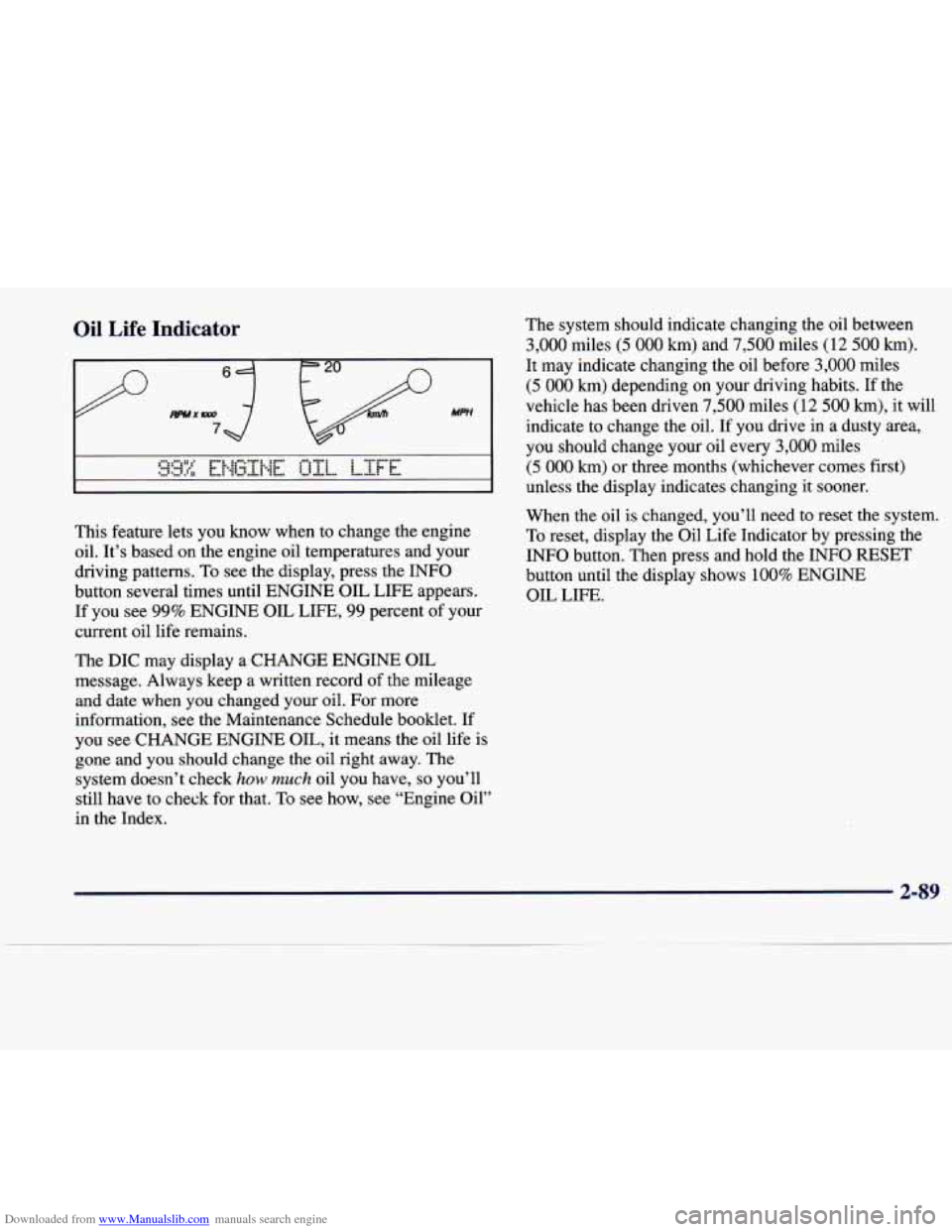
driving patterns. To see the display, press the INFO
button several times until ENGINE OIL LIFE appears.
If you see 99% ENGINE OIL LIFE, 99 percent of your
current oil life remains.
The DIC may display a CHANGE ENGINE OIL
message. Always keep a written record of the mileage
and date when
you changed your oil. For more
information, see the Maintenance Schedule booklet. If
you see CHANGE ENGINE OIL, it means the oil life
is
gone and you should change the oil right away. The
system doesn't check
how much oil you have, so you'll
still have to check for that.
To see how, see "Engine Oil"
in the Index. The
system should indicate changing the oil between
3,000 miles (5 000 km) and 7,500 miles (12 500 km).
It may indicate changing the oil before 3,000 miles
(5 000 km) depending on your driving habits. If the
vehicle has been driven
7,500 miles (12 500 km), it will
indicate to change the oil. If you drive
in a dusty area,
you should change your oil every
3,000 miles
(5 000 km) or three months (whichever comes first)
unless the display indicates changing it sooner.
When the oil is changed, you'll need to reset the system.
To reset, display the Oil Life Indicator by pressing the
INFO button. Then press and hold the INFO RESET
button until the display shows
100% ENGINE
OIL LIFE.
2-89
Page 155 of 378
Downloaded from www.Manualslib.com manuals search engine If your vehicle is sitting out on a hot day and you have it
set on
AUTO, the air will first flow out the floor outlets
for a few seconds. This is normal. This is to remove hot
air from the air outlets.
As the air is cooled, the airflow
will move through the air conditioning outlets.
To avoid blowing cold air in cold weather, the system
will start at reduced fan speeds until warm air is
available. The length of reduction depends on the
outside air temperature, engine coolant temperature
or the time since the engine was last started.
As the
coolant warms up, the blower fan speed will gradually
increase and air will flow from the heater outlets, with
some airflow to the windshield to prevent fogging under
most normal conditions. If you select defrost mode or a
manual fan speed, this function will be skipped.
If you leave your vehicle, the system will remember
the control setting the next time you start your engine,
except for recirculation and defrost. Each ignition
cycle cancels recirculation. Defrost will change to
automatic operation when the ignition is shut
off and
then turned back on.
Electronic Solar Sensor Electronic Solar Sensor
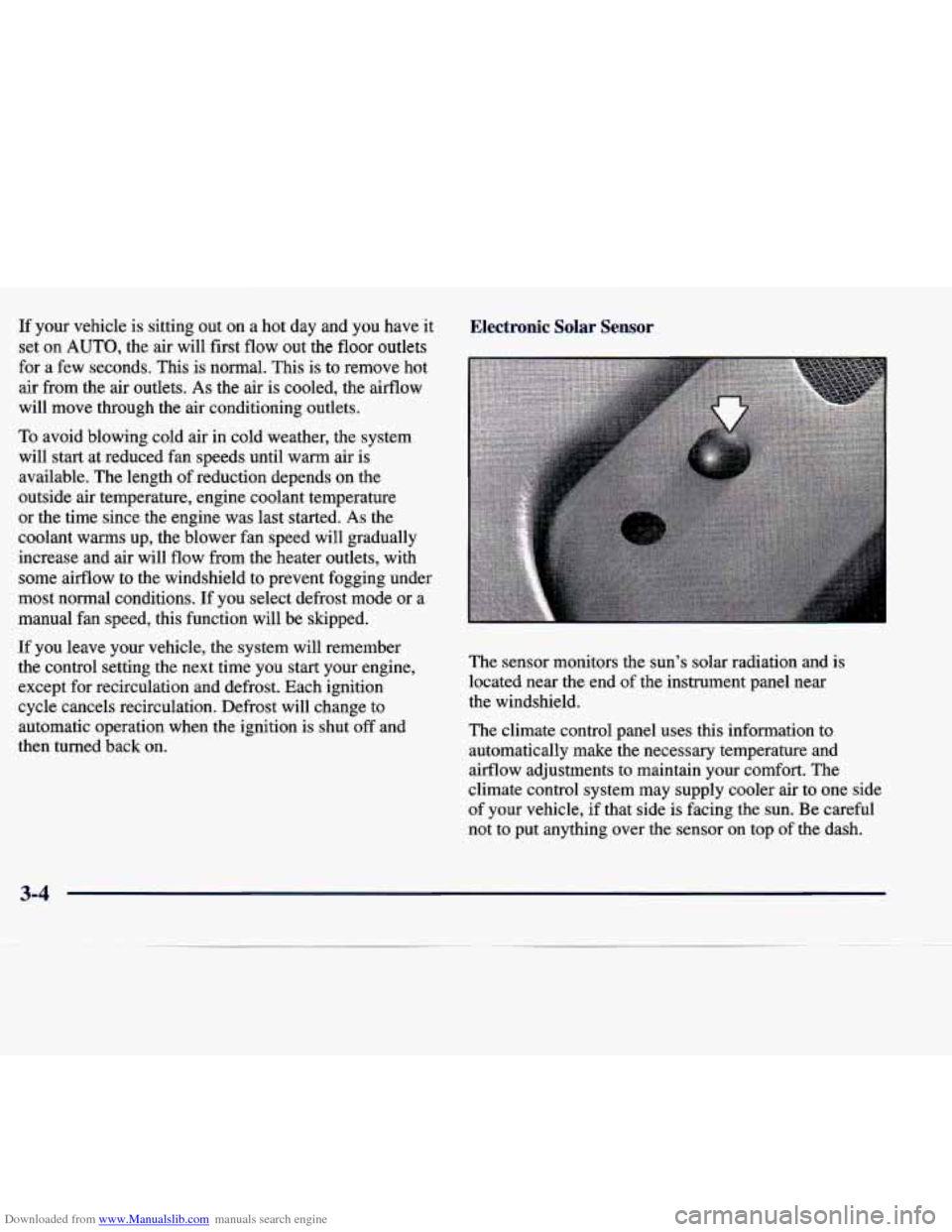
The sensor monitors the sun’s solar radiation and is
located near the end of the instrument panel near
the windshield.
The climate control panel uses this information to
automatically make
the necessary temperature and
airflow adjustments to maintain your comfort. The
climate control system may supply cooler air to one side
of your vehicle, if that side is facing the sun. Be careful
not to put anything over the sensor on top
of the dash.
3-4
Page 161 of 378
Downloaded from www.Manualslib.com manuals search engine HVAC Steering Wheel Controls
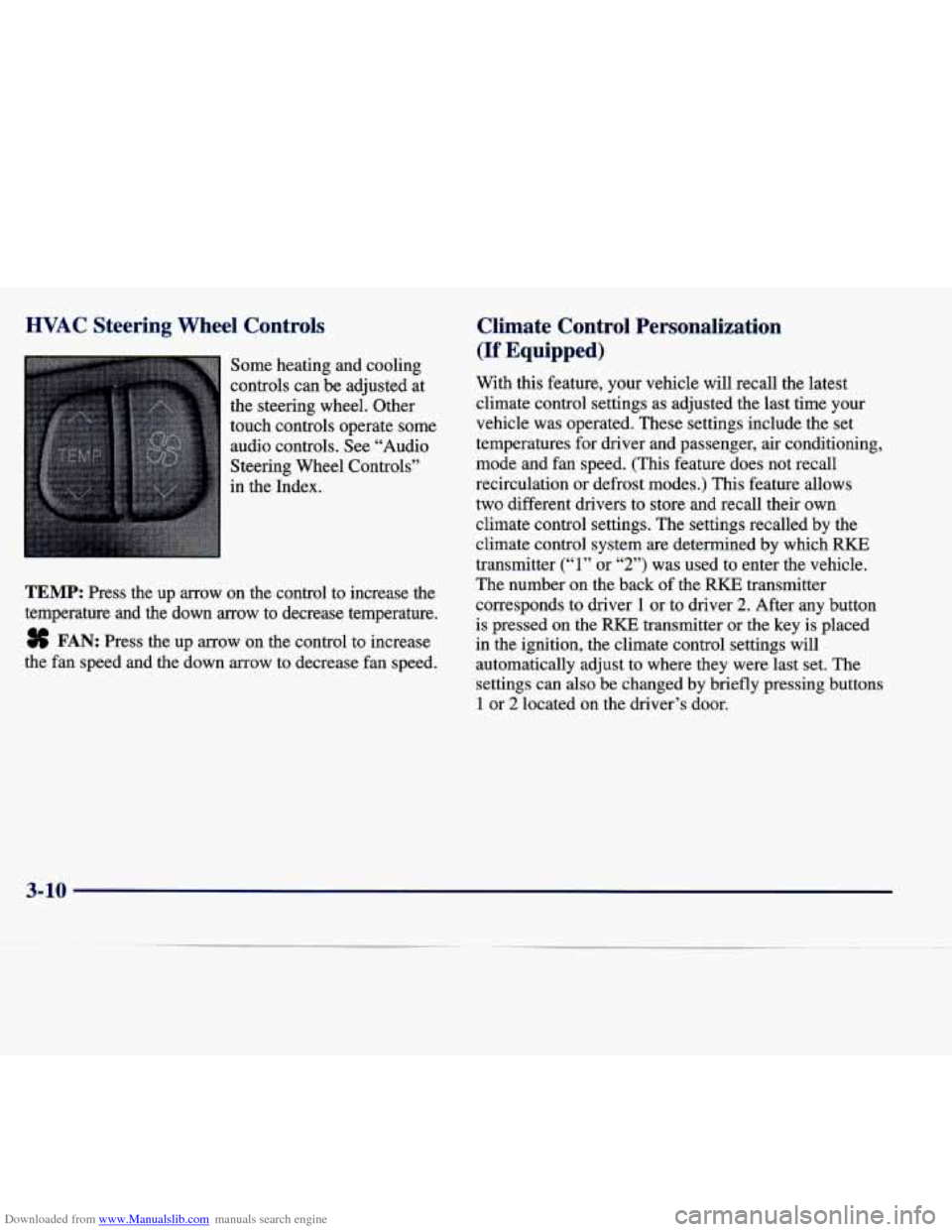
Some heating and cooling
controls can be adjusted at
the steering wheel. Other
touch controls operate some
audio controls. See “Audio
Steering Wheel Controls”
in the Index.
TEMP: Press the up arrow on the control to increase the
temperature and the down
arrow to decrease temperature.
8 FAN: Press the up arrow on the control to increase
the fan speed and the down arrow to decrease fan speed.
Climate Control Personalization
(If Equipped)
With this feature, your vehicle will recall the latest
climate control settings as adjusted the last time your
vehicle was operated. These settings include the set
temperatures for driver and passenger, air conditioning,
mode and fan speed. (This feature does not recall
recirculation
or defrost modes.) This feature allows
two different drivers to store and recall their own
climate control settings. The settings recalled by the
climate control system
are determined by which RKE
transmitter
(“1” or “2”) was used to enter the vehicle.
The number on the back
of the RKE transmitter
corresponds to driver
1 or to driver 2. After any button
is pressed on the
RKE transmitter or the key is placed
in the ignition, the climate control settings will
automatically adjust to where they were last set. The
settings can also be changed by briefly pressing buttons
1 or 2 located on the driver’s door.
3-10
Page 162 of 378
Downloaded from www.Manualslib.com manuals search engine Audio Systems
Your Cadillac audio system has been designed to
operate easily and give years of listening pleasure.
You will get the most enjoyment out of it if you acquaint
yourself with it first. Find out what your audio system
can do and
how to operate all its controls, to be sure
you’re getting the most out of the advanced engineering
that went into it.
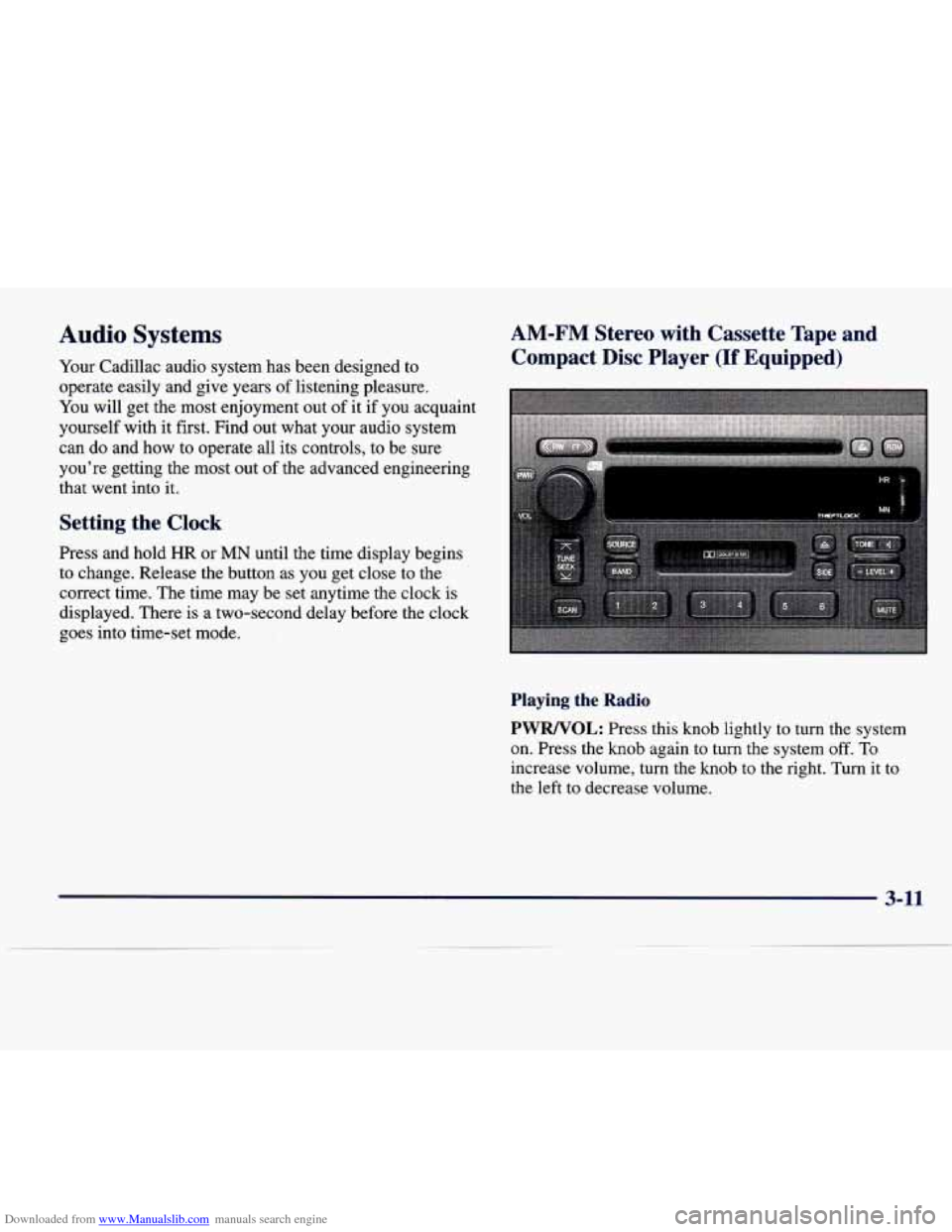
Setting the Clock
Press and hold HR or MN until the time display begins
to change. Release the button as
you get close to the
correct time. The time may be set anytime the clock is
displayed. There is a two-second delay before the clock
goes into time-set mode.
AM-FM Stereo with Cassette Tape and
Compact Disc Player
(If Equipped)
Playing the Radio
PWRNOL: Press this knob lightly to turn the system
on. Press the
knob again to turn the system off. To
increase volume, turn the knob to the right. Turn it to
the left to decrease volume.
3-11
Page 191 of 378
Downloaded from www.Manualslib.com manuals search engine PUSHBUTTONS: Press buttons one through six to
select compact discs one through six. These pushbuttons
represent the order
of the discs loaded in the changer.
REV: Press and hold this button to reverse quickly
through a track selection.
FF: Press and hold this button to advance quickly
through a track selection.
TUNE-SEEK: When this button is pressed, it has two
positions. This button works the same, whether it is
pressed to
the first or second position. Press this button to
seek to
the next or previous selection on the compact disc.
TRACK SCAN: When you press SCAN for less than
two seconds, you will hear the first few seconds
of each
track on a disc. Press SCAN again to stop TRACK
SCAN. The CD will mute while scanning and SCAN
will appear on the display.
DISC SCAN: When you press SCAN for more than two
seconds, you will hear the first few seconds
of the first
track
on each disc. Press SCAN again to stop DISC
SCAN. The CD will mute while scanning and SCAN
will appear
on the display.
RDM: Press this button to hear the tracks in random,
rather than sequential, order. RANDOM will appear on
the display. Press TUNE-SEEK while
RDM is on the
display to randomly seek through discs. Press
RDM
again to turn off random play.
SIDE: Press this button to select the next disc in the
changer. Each time you press this button, DISC
LOADING will appear on the display and the disc
number on the radio display will go to that
of the
next available CD.
SOURCE: Press this button to select a source. The
audio source must be loaded to play. If none of the
audio sources are loaded, NO
SOURCE LOADED will
appear on the display. Press this button again or BAND
to switch back to the radio.
A EJECT: Slide the CD changer door all the way
open. Press the upward triangle button. The CD
magazine will eject.
3-40
Page 192 of 378
Downloaded from www.Manualslib.com manuals search engine Compact Disc Changer Errors
CD CHANGER ERROR could be displayed for
the following:
The road is too rough. The disc should play when
the road is smoother.
The disc is dirty, scratched, wet or loaded label
side down.
The air is very humid. If so, wait about an hour
and try again.
If any error occurs repeatedly or
if an error cannot be
corrected, please contact your dealer.
CD Adapter Kits
It is possible to use a CD adapter kit with your cassette
tape player after activating the bypass feature on your
tape player.
To activate
the bypass feature, use the following steps:
1. Turn the ignition to RUN or ACCESSORY.
2. Turn the radio off.
3. Press and hold the SOURCE button for two seconds.
The tape symbol on the display will flash three
times, indicating the feature is active.
4. Insert the adapter.
This override routine will remain active until the eject
button is pressed.
Radio Personalization (If Equipped)
If DRIVER 1 (HOME or AWAY) PRESETS or
DRIVER
2 (HOME or AWAY) PRESETS appears in the
display when the radio is first turned on, your vehicle is
equipped with this feature.
With this feature, your vehicle will recall the latest radio
settings as adjusted the last time your vehicle was
operated. This feature allows two different drivers to
store and recall their own radio settings. The settings
recalled by the radio are determined by which RKE
transmitter
(“1” or “2”) was used to enter the vehicle.
The number on the back of the RKE transmitter
corresponds to driver
1 or to driver 2. The radio settings
will automatically adjust to where they were last set
by
the identified driver. The settings can also be recalled by
briefly pressing the MEMORY seat buttons
1 or 2
located on the driver’s door.
Your radio can store home and away presets. Home and away presets allow you to use one set of preset
radio settings in the area where you live, and another set when you go
out of town. That way, you will not
need to reprogram your presets every time you travel.
3-41
Page 205 of 378
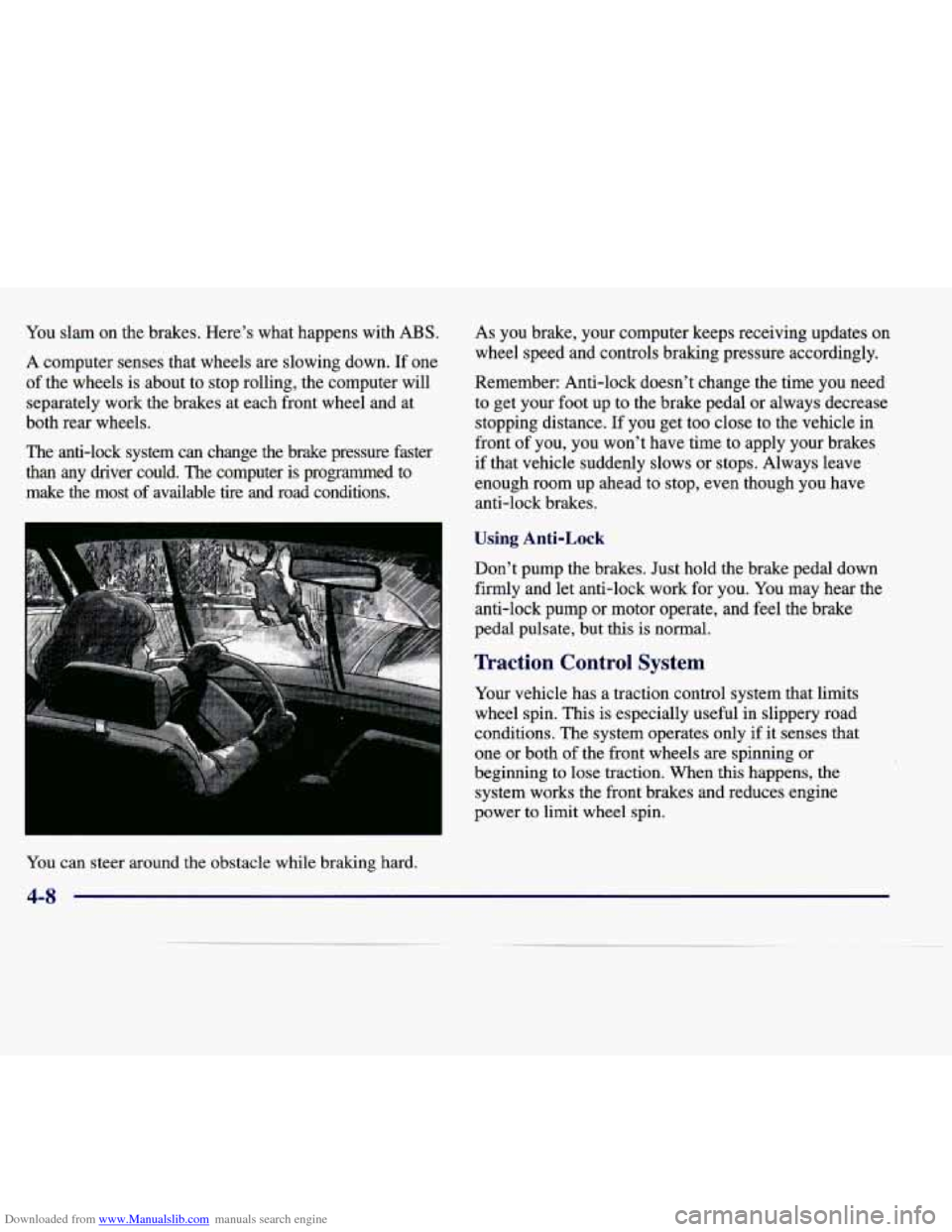
Downloaded from www.Manualslib.com manuals search engine You slam on the brakes. Here's what happens with ABS.
A computer senses that wheels are slowing down. If one
of the wheels is about to stop rolling, the computer will
separately work
the brakes at each front wheel and at
both rear wheels.
The anti-lock system can change the brake pressure faster
than any driver could. The computer is programmed to
make the most of available tire and road conditions. As you
brake, your computer keeps receiving updates on
wheel speed and controls braking pressure accordingly.
Remember: Anti-lock doesn't change the time
you need
to get your foot up to the brake pedal or always decrease
stopping distance. If you get too close to the vehicle in
front of you, you won't have time to apply your brakes
if that vehicle suddenly slows or stops. Always leave
enough room up ahead to stor>, even though you have
anti-lock brakes.
Using Anti-Lock
Don't pump the brakes. Just hold the brake pedal down
firmly and let anti-lock work for you.
You may hear the
anti-lock pump or motor operate, and feel the brake
pedal pulsate, but this is normal.
Traction Control System
Your vehicle has a traction control system that limits
wheel spin. This is especially useful in slippery road
conditions. The system operates only if it senses that
one or both
of the front wheels are spinning or
beginning to lose traction. When
this happens, the
system works the front brakes and reduces engine
power
to limit wheel spin.
You can steer around the obstacle while braking hard.
4-8