1998 CADILLAC ELDORADO phone
[x] Cancel search: phonePage 71 of 380

Downloaded from www.Manualslib.com manuals search engine Section 2 Features and Controls
Here you can learn about the many standard and optional features on your vehicle, and information on starting,
shifting and braking. Also explained are the instrument panel and the warning systems that tell you
if everything is
working properly
-- and what to do if you have a problem.
2-2
2-4
2-6
2-9
2- 13
2- 14
2-16
2- 17
2- 17
2-19
2-20
2-2
1
2-25
2-26
2-28
2-29 Keys
Door Locks
Remote Keyless Entry
(RKEj System
Trunk
Theft
Theft-Deterrent System (If Equipped)
PASS-Key(%
New Vehicle “Break-In”
Ignition Positions
Starting Your Engine
Engine Coolant Heater (If Equipped)
Automatic Transaxle Operation
Parking Brake
Shifting Into PARK (P)
Shifting Out of PARK (P)
Parking Over Things That
Burn
2-29
2-30
2-3 1
2-32
2-32
2-39
2-42
2-44
2-49
2-5
1
2-5 1
2-52
2-52
2-56
2-6
1
2-70
Engine Exhaust
Running
Your Engine While You‘re Parked
Windows
Tilt Wheel
Turn SignalMultifunction Lever
Exterior Lamps
Interior Lamps
Mirrors
Storage Compartments
Sun Visors
Cellular Telephone (Option)
Astroroof (Option)
Universal Transmitter (Option
j
Instrument Panel
Warning Lights, Gages and Indicators
Driver Information Center (DIC)
2-1
Page 119 of 380
Downloaded from www.Manualslib.com manuals search engine Storage Compartments
Glove Box
The glove box is located in front of the passenger’s seat.
To lock the glove box door, insert the oval key into the
lock cylinder and
turn it to the right. Turn the key to the
left to unlock the door.
Overhead Console
Sunglasses Storage Compartment
This feature is on vehicles without the optional
astroroof.
To gain access to this compartment, which
is located directly above the inside rearview mirror in
the headliner, push
up and the storage area will open.
Map Pocket
The map/storage pockets are located on each front
door
as well as on the passenger’s and driver’s
front seatbacks.
Center Console Storage Area
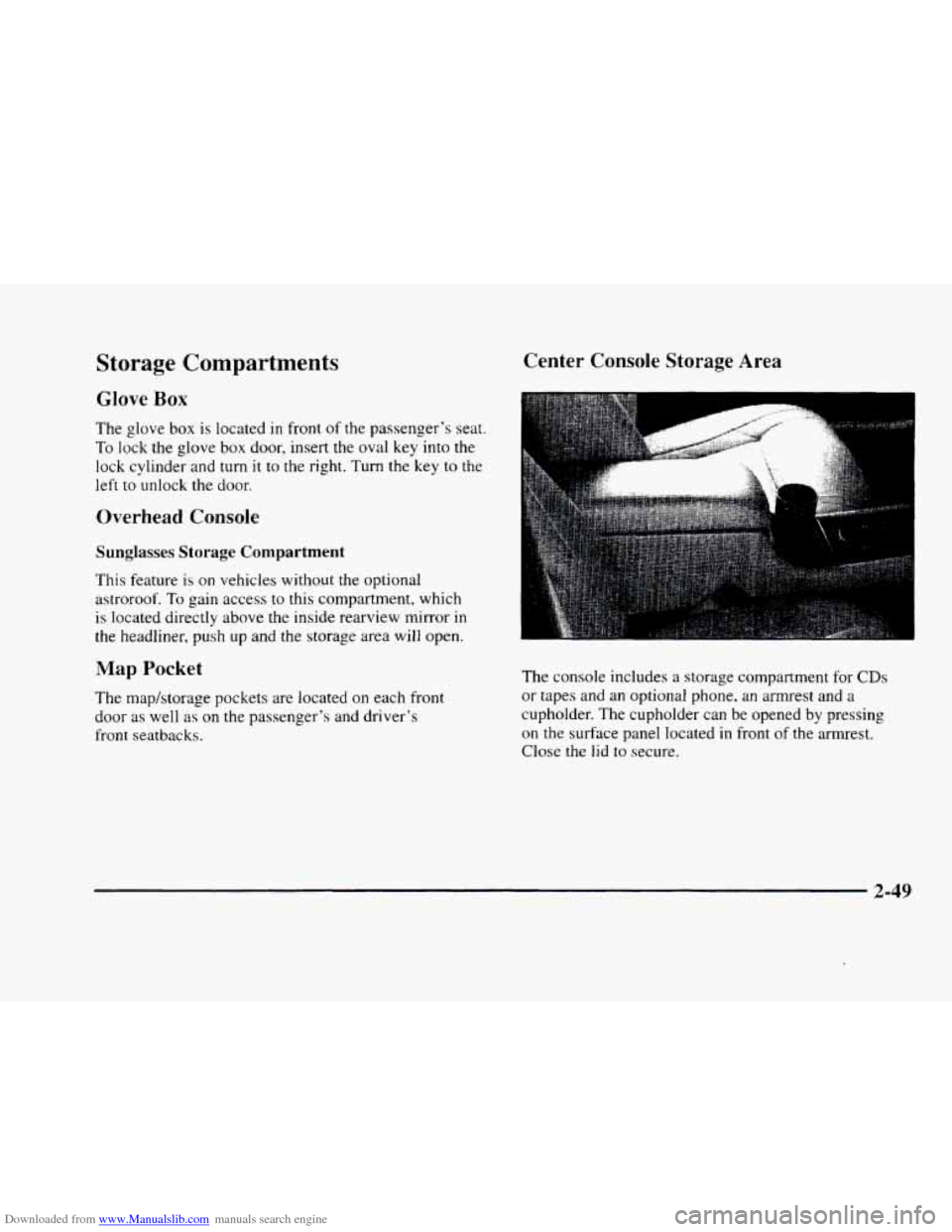
The console includes a storage compartment for CDs
or tapes and an optional phone, an armrest and a
cupholder. The cupholder can be opened by pressing
on the surface panel located in front of the armrest.
Close
the lid to secure.
2-49
Page 121 of 380
Downloaded from www.Manualslib.com manuals search engine Sun Visors OnStar System (Option)
Swing down the visor to block out glare. It can also be
detached from the center mount and moved to the side.
The driver’s sunshade is also equipped with a storage
flap that can be used for maps
or toll tickets.
Illuminated Visor Vanity Mirror
Turn the sunshade down and lift the cover to see the
mirror. Move the slide switch up
or down to brighten
or dim the lamp.
Cellular Telephone (Option)
Your vehicle has been prewired for dealer installation of
a Cadillac dual-mode (analog/digital) cellular telephone.
A fixed mobile or a portable hand-held system are
available. Either system has steering wheel telephone
controls and information output through the Driver
Information Center (DIC). Voice activation and
hands-free operation are standard features. For more
information, contact your dealer.
A user’s guide is
provided with the telephone. This
system may be ordered through your dealer and
will include
the optional fixed cellular telephone. The
following services are available
24 hours a day:
0 Roadside Service with Location
Emergency Services Button
0 Remote Door Unlock
Theft Detectioflotification and
Stolen-Vehicle Tracking
0 Automatic Notification of Front Air
Bag Deployment
0 Concierge/Customer Convenience Services
For more information, contact your dealer.
Assist Handles
A handle, located on each side pillar, can be used when
getting out
of your vehicle.
Garment Hooks
For your convenience, a garment hook is attached to
the assist handle.
2-51
Page 127 of 380
Downloaded from www.Manualslib.com manuals search engine The instrument panel IS designed to let you know at a glance how your vehicle is running. You’ll know how fast
you’re going, how much fuel you’re using
and many of the other things you’ll need to know to drive safely and
economically. The main components
of the instrument panel are:
A. Air Outlets H. Hood Release
B. Turn SignaVMultifunction Lever
C. Cluster
D. Radio (Audio System)
E. Driver Information Center Control Buttons
F. Lamp Controls
G. HVAC Steering Wheel Controls (or Cellular
Telephone Controls,
If Equipped)
I. Horn
J. Audio Steering Wheel Controls
K. Shift Lever
L. Climate Control Panel
M. Glove Box
2-57
Page 145 of 380
Downloaded from www.Manualslib.com manuals search engine ICE POSSIBLE - 13: This message appears when
the outside air temperature is cold enough
to create icy
road conditions.
LOW REFRIG A/C OFF - 12: This message means
that the air conditioning system detects a refrigerant
level that is low enough
to cause damage to the air
conditioning compressor.
To avoid damage, the air
conditioning compressor automatically turns
off and the
electronic climate control system will automatically
switch from AUTO to
ECON and remain there.
Have the air conditioning system serviced if this
message appears.
MONITORED SYSTEMS OK - 1: This message only
appears in the “recall” mode by pressing the RESET
button. It lets you know that no other messages are
stored or currently active.
OIL PRESSURE LOW STOP ENGINE - 35: If this
message appears while the engine is running, stop the
engine and do not operate it until the cause of low oil
pressure
is corrected. Severe damage to the engine can
result.
A multiple chime will also sound when this
message is displayed.
OPTIONS NOT SET - 99: This message will display
if a fault has occurred in your vehicle’s memory. Have
your vehicle serviced
by your dealership.
PROGRAM PASS KEY - 31: This warning message
displays when the PASS-Key I1 pellet information has
not been programmed into your vehicle. See your
dealership for service.
PHONE NOT PRESENT - 126: This message will
appear when the steering wheel controls for the optional
phone system are activated but the phone is not plugged
into
the vehicle. Make sure your phone is plugged in. If
your phone appears
to be connected, see your dealership
for service.
REMOVE KEY - 70: This message will appear
when the Personalized Automotive Security System
(PASS-Key
11) is unable to read the pellet on the
ignition key
or an improper key pellet has been
inserted. This message usually appears following the
display of STARTING DISABLED
REMOVE KEY.
The instrument panel cluster will then run a timer and
change the messages
to WAIT 3 MINUTES, WAIT 2
MINUTES, WAIT 1 MINUTE and then START CAR.
When the REMOVE
KEY message is displayed, remove
the ignition key. Check the ignition key for damage. If it
is damaged, it may need to be replaced. If
you see no
damage, clean the pellet contacts with a soft cloth or
napkin before inserting the key back into the ignition.
Have your vehicle serviced
if the message still appears.
2-75
Page 191 of 380
Downloaded from www.Manualslib.com manuals search engine r
r
I
r
r L
r
f
To help avoid hearing loss or damage:
0 Adjust the volume control to the lowest setting.
0 Increase volume slowly until you hear comfortably
and clearly.
NOTICE:
Before you add any sound equipment to your
vehicle
-- like a tape player, CB radio, mobile
telephone or two-way radio
-- be sure you can
add what you want.
If you can, it’s very
important to do it properly. Added sound
equipment may interfere with the operation of
your vehicle’s engine, radio or other systems, and
even damage them. Your vehicle’s systems may
interfere with the operation of sound equipment
that has been added improperly.
So, before adding sound equipment, check with
your dealer and be sure to check Federal rules
covering mobile radio and telephone units.
Care of Your Cassette Tape Player
A tape player that is not cleaned regularly can cause
reduced sound quality, ruined cassettes or a damaged
mechanism. Cassette tapes should be stored in their
cases away from contaminants, direct sunlight and
extreme heat. If they aren’t, they may not operate
properly or may cause failure of the tape player.
Your tape player should be cleaned regularly after
every
50 hours of use. Your radio may display CLN or
CLEAN
TAPE to indicate that you have used your tape
player for
50 hours without resetting the tape clean
timer.
If this message appears on the display, your
cassette tape player needs to be cleaned.
It will still play
tapes, but you should clean it as soon as possible to
prevent damage to your tapes and player.
If you notice a
reduction in sound quality,
try a known good cassette to
see
if it is the tape or the tape player at fault. If this other
cassette has no improvement in sound quality, clean the
tape player.
The recommended cleaning method for your cassette
tape player is the use of a scrubbing action,
non-abrasive cleaning cassette with pads which scrub
the tape head as the hubs of the cleaner cassette turn.
The recommended cleaning cassette is available through
your dealership
(GM Part No. 12344789).
3-35
Page 217 of 380
Downloaded from www.Manualslib.com manuals search engine I
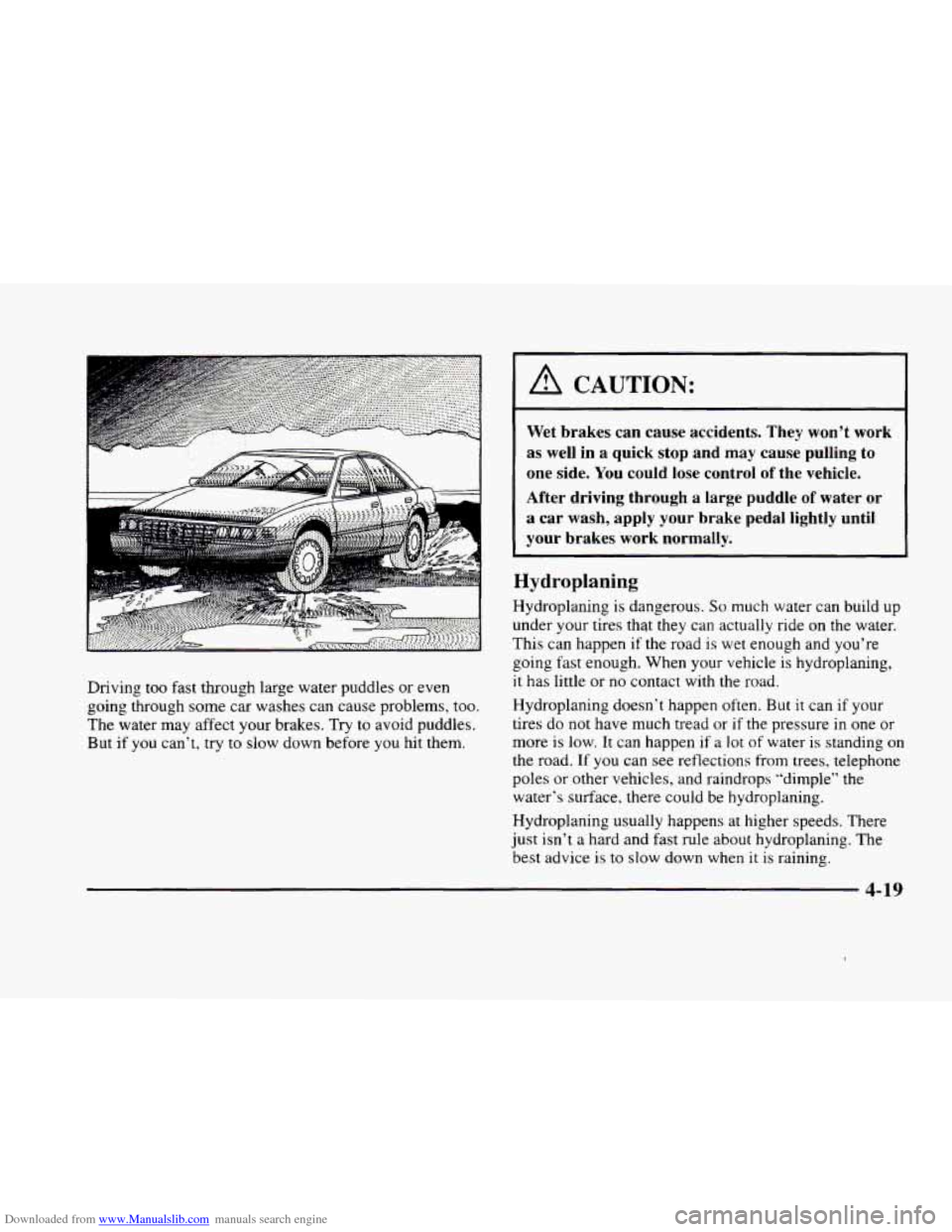
Driving too fast through large water puddles or even
going through some car washes can cause problems, too.
The water may affect your brakes.
Try to avoid puddles.
But if
you can’t, try to slow down before you hit them.
A CAUTION:
Wet brakes can cause accidents. They won’t work
as well in a quick stop and may cause pulling to
one side.
You could lose control of the vehicle.
After driving through a large puddle of water or
a car wash, apply your brake pedal lightly until
your brakes work normally.
Hydroplaning
Hydroplaning is dangerous. So much water can build up
under your tires that they can actually ride on the water.
This can happen if the road is wet enough and you’re
going fast enough. When your vehicle
is hydroplaning,
it has little or no contact with the road.
Hydroplaning doesn’t happen often.
But it can if your
tires do not have much tread or
if the pressure in one or
more is low. It can happen if a lot of water is standing on
the road. If you can see reflections from trees, telephone
poles
or other vehicles, and raindrops “dimple” the
water’s surface. there could be hydroplaning.
Hydroplaning usually happens at higher speeds. There
just isn’t a hard and fast rule about hydroplaning. The
best advice is to slow down when it
is raining.
Page 342 of 380

Downloaded from www.Manualslib.com manuals search engine Rear Compartment Fuse Block
The fuse block is located on the front wall of the trunk
(behind the rear seat) on the driver’s side. Loosen the
four trunk trim fasteners and pull the trim away from the
fuse block
to gain access.
Fuse
RSS
IGN 0-BODY
1 RLY ~~~ IGN 1 SIR ELC TU:: CO:;: n~nn~n~
0~~0~0~
0~~~00~
IGN 0-BODY COMFORT
HTO BACKLT HTD MIR HTD SEAT R HTD SEAT L PULL DOWN
ANTENNA , , RSS , lCONVENCl , BAn I I RSS , , RT PARK I I LT PPRK ,
RADIO’PHONE CLJSTER
Fuse
RLY IGNl*
SIR
ELC
TURN
CONSOLE
Usage
Cluster, Cruise in Stalk, PZM
SDM
Electronic Level Control (ELC)
Relay, ELC (AC) Compressor
Electronic Flasher,
Turn/Hazard Switch
Rear Zone Blower, Right and Left
Heated Seat Switches (Optional)
Usage
Road Sensing Suspension (RSS)
(ETC Only)
PRNDL, PZM, Cluster, Air
Control Module (ACM), Upper
Zone Motor, Lower Zone Motor
(Optional),
HVAC Solenoids,
Climate Control Panel Analog
Cluster (Console Shift Only), Rear
Defog Relay, ELC Relay
COMFORT CD
Player, Remote Keyless Entry
(RE), Controlled Power Relay,
Air Control Module (ACM),
PZM
AMP (Bose Right and
Left Hand Bose Relay,
Only) (Optional) Right and
Left Front Speakers (On
Door), Right and
Left Rear
Speakers, Bose Amplifier
PZM PZM
RADIOmHONE Radio Receiver, Radio Interface
Module
(RIM) (Bose Only),
Phone.
DAB Relay, Trunk Release
Relay. Fuel Door Release Relay,
HighLow-Beam Relay
6-62