1998 CADILLAC ELDORADO keyless entry
[x] Cancel search: keyless entryPage 23 of 380
Downloaded from www.Manualslib.com manuals search engine Power Lumbar Control (If Equipped)
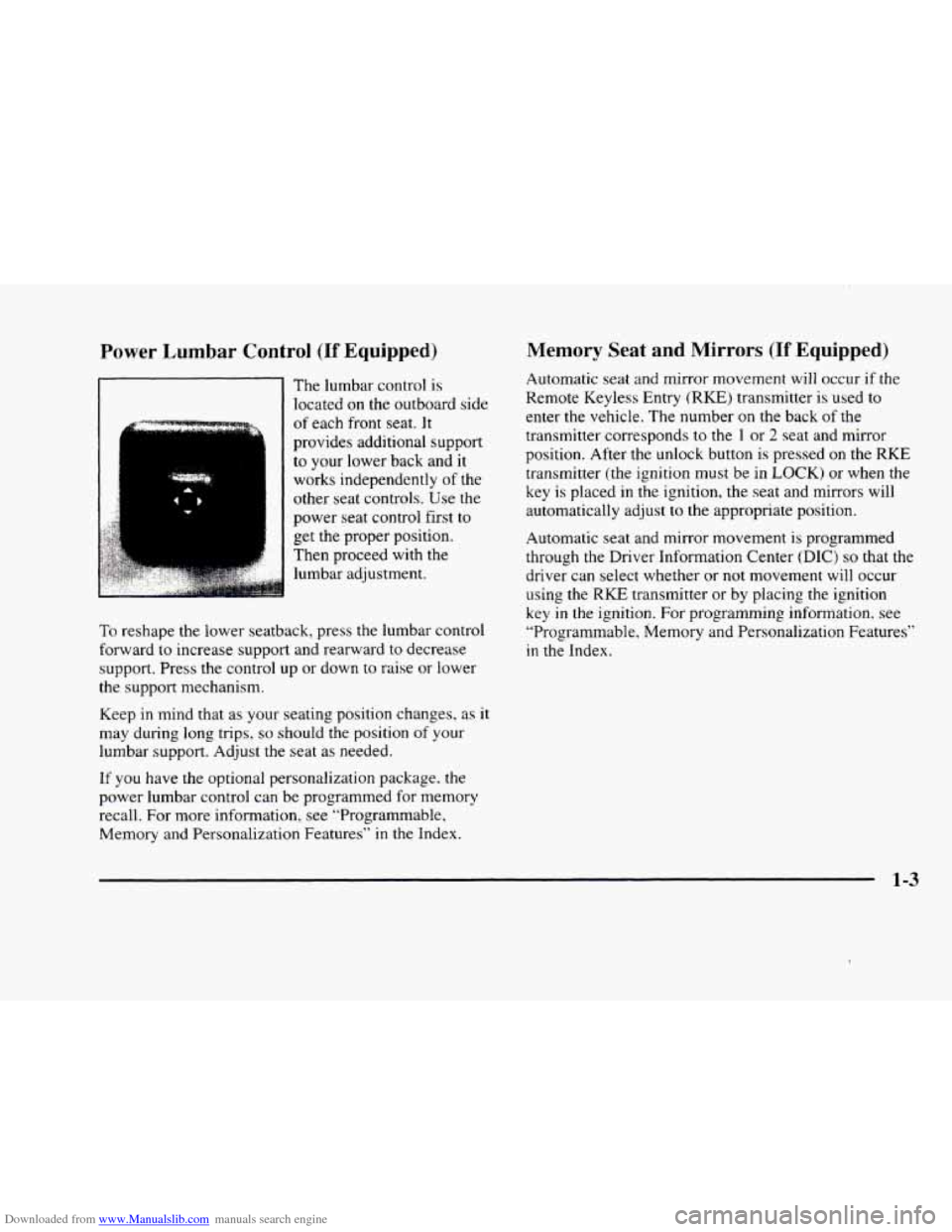
The lumbar control is
located
on the outboard side
I I
of each front seat. It
provides additional support
to your lower back and it
works independently
of the
other seat controls. Use the
power seat control first
to
get the proper position.
Then proceed with the
lumbar adjustment.
To reshape the lower seatback, press the lumbar control
forward to increase support and rearward to decrease
support. Press the control up or down
to raise or lower
the support mechanism.
Keep in mind that as your seating position changes,
as it
may during long trips,
so should the position of your
lumbar support. Adjust
the seat as needed.
If you have the optional personalization package, the
power lumbar control can be programmed for memory
recall. For more information. see “Programmable,
Memory and Personalization Features”
in the Index.
Memory Seat and Mirrors (If Equipped)
Automatic seat and mirror movement will occur if the
Remote Keyless Entry
(RKE) transmitter is used to
enter the vehicle. The number
on the back of the
transmitter corresponds to the
1 or 2 seat and mirror
position. After the unlock button is pressed on the
RKE
transmitter (the ignition must be in LOCK) or when the
key is placed in the ignition, the seat and mirrors will
automatically adjust
to the appropriate position.
Automatic seat and mirror movement
is programmed
through the Driver Information Center
(DIC) so that the
driver can select whether or not movement will occur
using the
RKE transmitter or by placing the ignition
key in the ignition. For programming information, see
“Pragrammable, Memory and Personalization Features”
in the Index.
1-3
Page 71 of 380

Downloaded from www.Manualslib.com manuals search engine Section 2 Features and Controls
Here you can learn about the many standard and optional features on your vehicle, and information on starting,
shifting and braking. Also explained are the instrument panel and the warning systems that tell you
if everything is
working properly
-- and what to do if you have a problem.
2-2
2-4
2-6
2-9
2- 13
2- 14
2-16
2- 17
2- 17
2-19
2-20
2-2
1
2-25
2-26
2-28
2-29 Keys
Door Locks
Remote Keyless Entry
(RKEj System
Trunk
Theft
Theft-Deterrent System (If Equipped)
PASS-Key(%
New Vehicle “Break-In”
Ignition Positions
Starting Your Engine
Engine Coolant Heater (If Equipped)
Automatic Transaxle Operation
Parking Brake
Shifting Into PARK (P)
Shifting Out of PARK (P)
Parking Over Things That
Burn
2-29
2-30
2-3 1
2-32
2-32
2-39
2-42
2-44
2-49
2-5
1
2-5 1
2-52
2-52
2-56
2-6
1
2-70
Engine Exhaust
Running
Your Engine While You‘re Parked
Windows
Tilt Wheel
Turn SignalMultifunction Lever
Exterior Lamps
Interior Lamps
Mirrors
Storage Compartments
Sun Visors
Cellular Telephone (Option)
Astroroof (Option)
Universal Transmitter (Option
j
Instrument Panel
Warning Lights, Gages and Indicators
Driver Information Center (DIC)
2-1
Page 74 of 380
Downloaded from www.Manualslib.com manuals search engine Door Locks
I A CAUTION:
Unlocked doors can be dangerous.
Passengers
-- especially children -- can easily
open the doors and fall out. When a door
is
locked, the inside handle won't open it.
Outsiders can easily enter through an unlocked
door when you slow down or stop your vehicle.
This may not be
so obvious: You increase the
chance of being thrown out
of the vehicle in a
crash if the doors aren't locked. Wear safety belts
properly, lock your doors, and you will be
far
better off whenever you drive your vehicle.
There are several ways to lock and unlock your vehicle.
From the outside,
use either the door key or the Remote
Keyless Entry
(RKE) transmitter.
If your vehicle has the optional theft-deterrent system,
you must unlock the doors with the key or remote
keyless entry transmitter to avoid setting
off the alarm. Slide
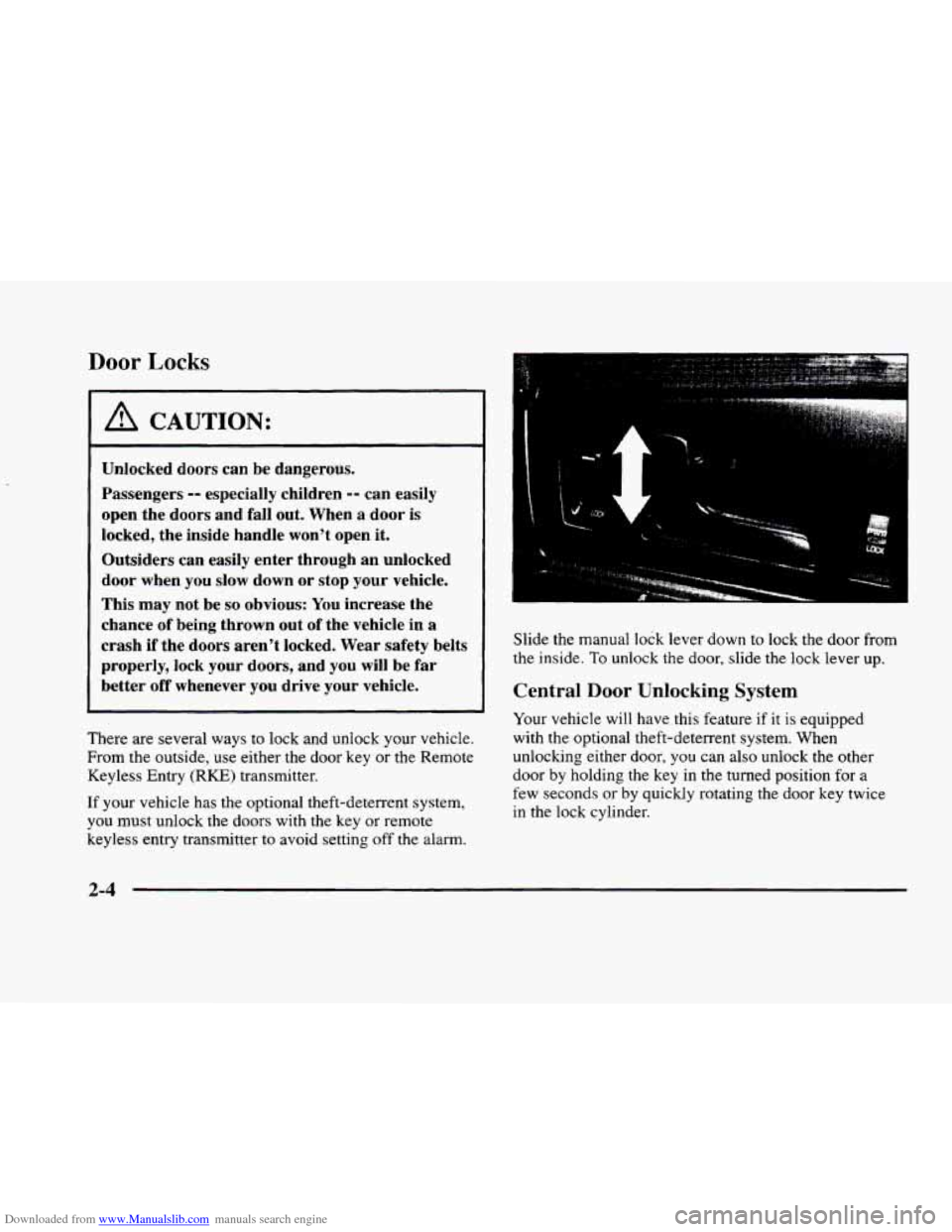
the manual
lock lever down to lock the door from
the inside.
To unlock the door, slide the lock lever up.
Central Door Unlocking System
Your vehicle will have this feature if it is equipped
with the optional theft-deterrent system. When
unlocking either door,
you can also unlock the other
door
by holding the key in the turned position for a
few seconds or by quickly rotating the door key twice
in the lock cylinder.
2-4
Page 75 of 380
Downloaded from www.Manualslib.com manuals search engine Power Door Locks
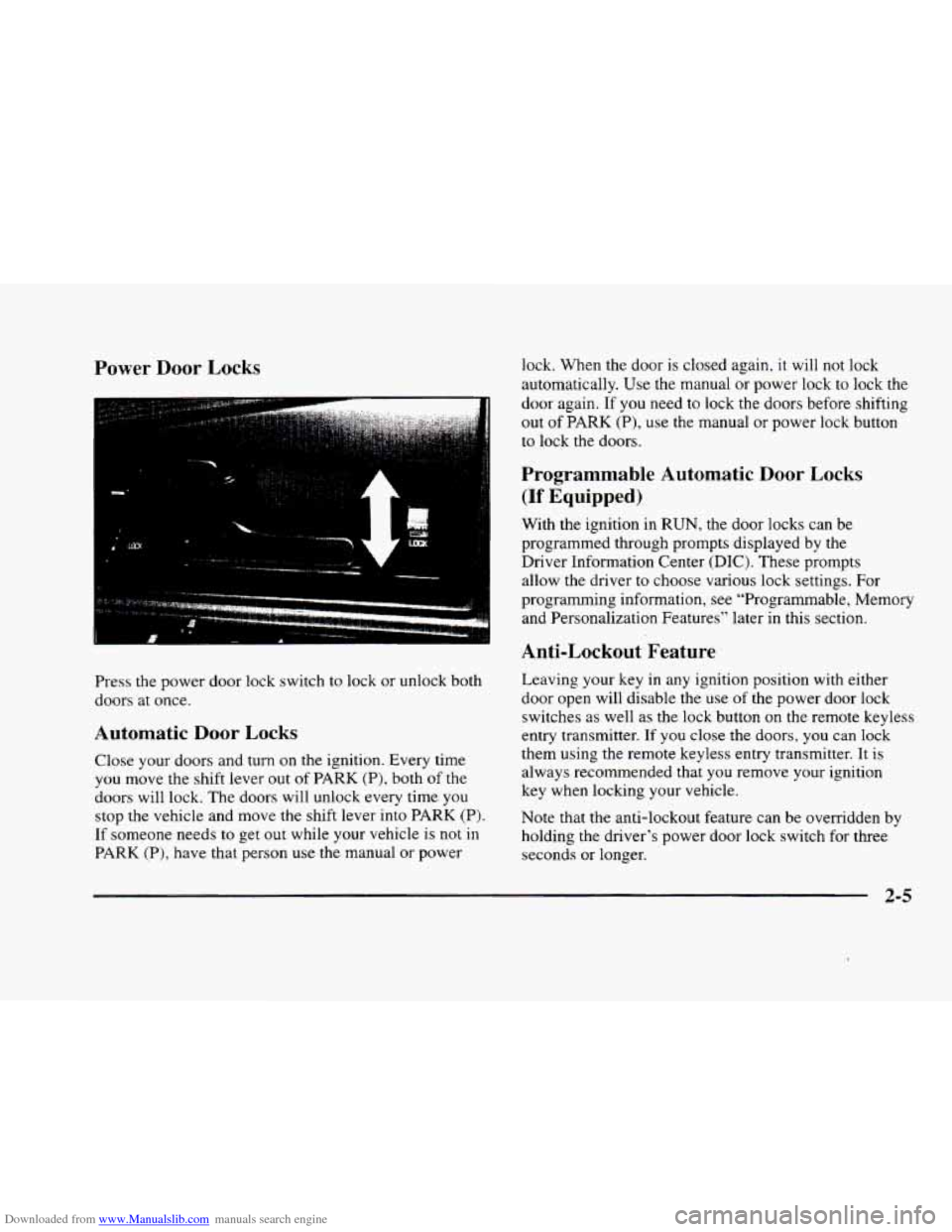
Press the power door lock switch to lock or unlock both
doors at once.
Automatic Door Locks
Close your doors and turn on the ignition. Every time
you move the shift lever out of PARK (P), both of the
doors will lock. The doors will unlock every time you
stop the vehicle and move the shift lever into PARK
(P).
If someone needs to get out while your vehicle is not in
PARK (P), have that person use the manual or power lock. When the
door
is closed again, it will not lock
automatically.
Use the manual or power lock to lock the
door again. If
you need to lock the doors before shifting
out
of PARK (P), use the manual or power lock button
to lock the doors.
Programmable Automatic Door Locks
(If Equipped)
With the ignition in RUN, the door locks can be
programmed through prompts displayed by the
Driver Information Center
(DIC). These prompts
allow the driver
to choose various lock settings. For
programming information, see “Programmable, Memory
and Personalization Features” later in this section.
Anti-Lockout Feature
Leaving your key in any ignition position with either
door open will disable the use
of the power door lock
switches as well as the lock button on the remote keyless
entry transmitter. If you close the doors, you can lock
them using the remote keyless entry transmitter. It is
always recommended that
you remove your ignition
key when locking your vehicle.
Note that the anti-lockout feature can be overridden
by
holding the driver’s power door lock switch for three
seconds or longer.
2-5
Page 76 of 380

Downloaded from www.Manualslib.com manuals search engine Leaving Your Vehicle
If you are leaving the vehicle, open the door, set the
locks from the inside, get out and close the door.
Remote Keyless Entry (RKE) System
With this feature, you can
lock and unlock the doors,
unlock the
trunk, open the
fuel door and turn on your
vehicle’s interior lamps
from about
10 feet (3 m)
away using the remote
keyless entry transmitter
supplied with your vehicle.
Your remote keyless entry system operates on
a radio
frequency subject to Federal Communications
Commission (FCC) Rules and with Industry Canada.
This device complies with Part 15 of the FCC Rules.
Operation is subject to the following
two conditions:
(1) this device may not cause harmful interference, and
(2) this device must accept any interference received,
including interference that may cause undesired operation. This
device complies with
RSS-210 of Industry Canada.
Operation is subject to the following two conditions:
(1) this device may not cause interference, and (2)
this device must accept any interference received,
including interference that may cause undesired
operation of the device.
Changes or modifications to
this system by other than
an authorized service facility could void authorization
to use this equipment.
The range of this system is about
10 feet (3 m). At times
you may notice a decrease in range.
This is normal for
any remote keyless entry transmitter.
If the transmitter
does not work or if you have to stand closer to your
vehicle for the transmitter
to work, try this:
0
0
0
0
Check to determine if battery replacement is
necessary. See the instructions that follow.
Check the distance. You may be too far from your
vehicle.
You may need to stand closer during rainy
or snowy weather.
Check the location. Other vehicles
or objects may be
blocking the signal. Take a few steps to the left or
right, hold the transmitter higher, and
try again.
If you’re still having trouble, see your dealer or a
qualified technician for service.
2-6
Page 77 of 380
Downloaded from www.Manualslib.com manuals search engine Operation
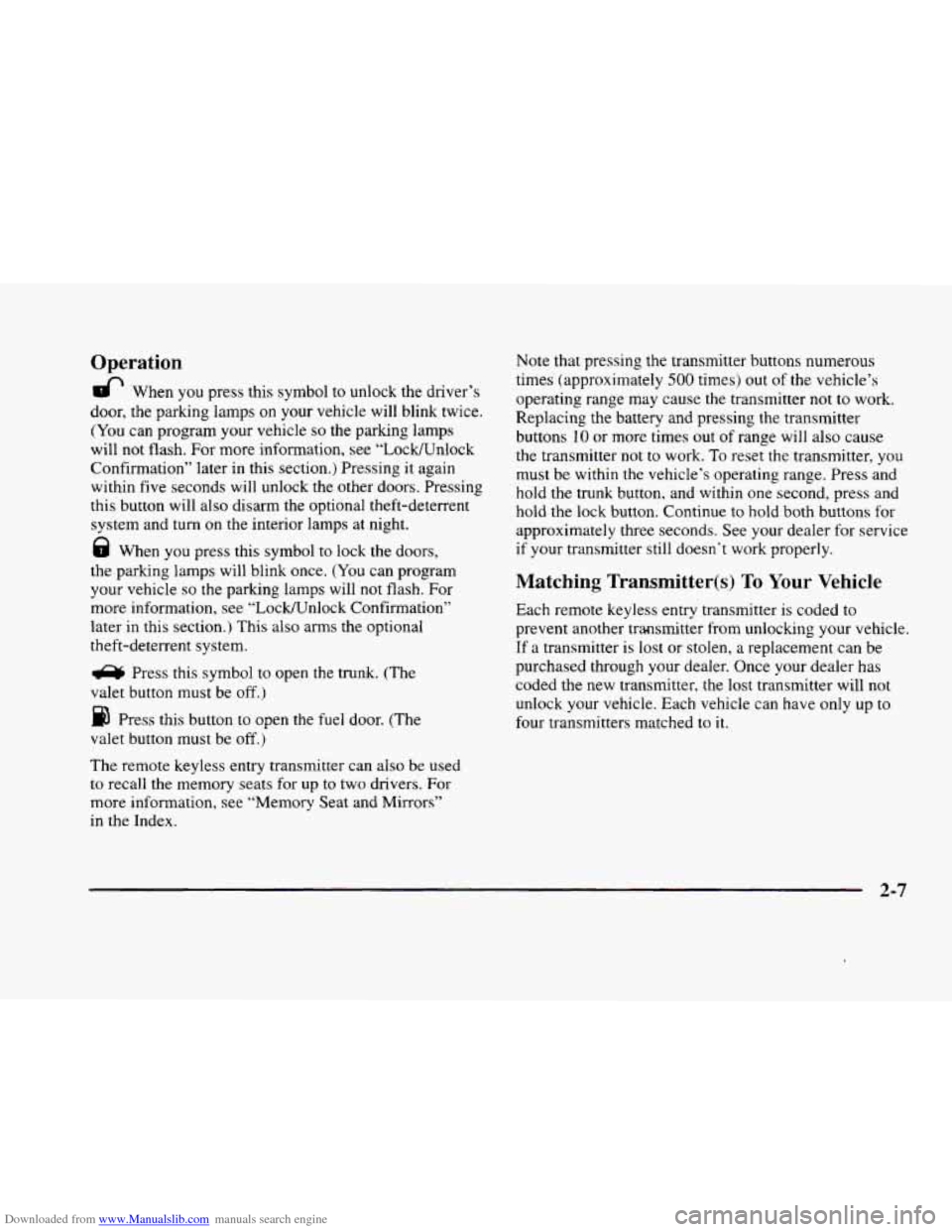
& When you press this symbol to unlock the driver’s
door, the parking lamps
on your vehicle will blink twice.
(You can program your vehicle so the parking lamps
will not flash. For more information, see “LocWnlock
Confirmation” later in this section.) Pressing it again
within five seconds will unlock the other doors. Pressing
this button will also disarm the optional theft-deterrent
system and turn
on the interior lamps at night.
8 When you press this symbol to lock the doors,
the parking lamps will blink once. (You can program
your vehicle
so the parking lamps will not flash. For
more information, see “LockKJnlock Confirmation”
later in this section.) This also arms the optional
theft-deterrent system.
a Press this symbol to open the trunk. (The
valet button must be off.)
Press this button to open the fuel door. (The
valet button must be
off.)
The remote keyless entry transmitter can also be used
to recall the memory seats for up to two drivers. For
more information, see “Memory Seat and Mirrors”
in the Index. Note
that pressing the transmitter buttons numerous
times (approximately
500 times) out of the vehicle’s
operating range may cause the transmitter
not to work.
Replacing the battery and pressing the transmitter
buttons
10 or more times out of range will also cause
the transmitter not to work. To reset the transmitter, you
must be within
the vehicle’s operating range. Press and
hold the trunk button, and within
one second, press and
hold the lock button. Continue to hold both buttons for
approximately
three seconds. See your dealer for service
if your transmitter still doesn’t work properly.
Matching Transmitter@) To Your Vehicle
Each remote keyless entry transmitter is coded to
prevent another transmitter from unlockmg your vehicle.
If a transmitter is lost or stolen,
a replacement can be
purchased through your dealer. Once your dealer has
coded the new transmitter, the lost transmitter will not
unlock your vehicle. Each vehicle can have
only up to
four transmitters matched to
it.
2-7
Page 78 of 380
Downloaded from www.Manualslib.com manuals search engine Battery Replacement
Under normal use, the battery in your remote keyless
entry transmitter should last about four years.
You
can tell the battery is weak if the transmitter won’t
work
at the normal range in any location. If you have to
get close
to your vehicle before the transmitter works,
it‘s probably time
to change the battery.
NOTICE:
When replacing the battery, use care not to
touch any of the circuitry. Static from your
i
body transferred to these surfaces may damage
the transmitter.
I
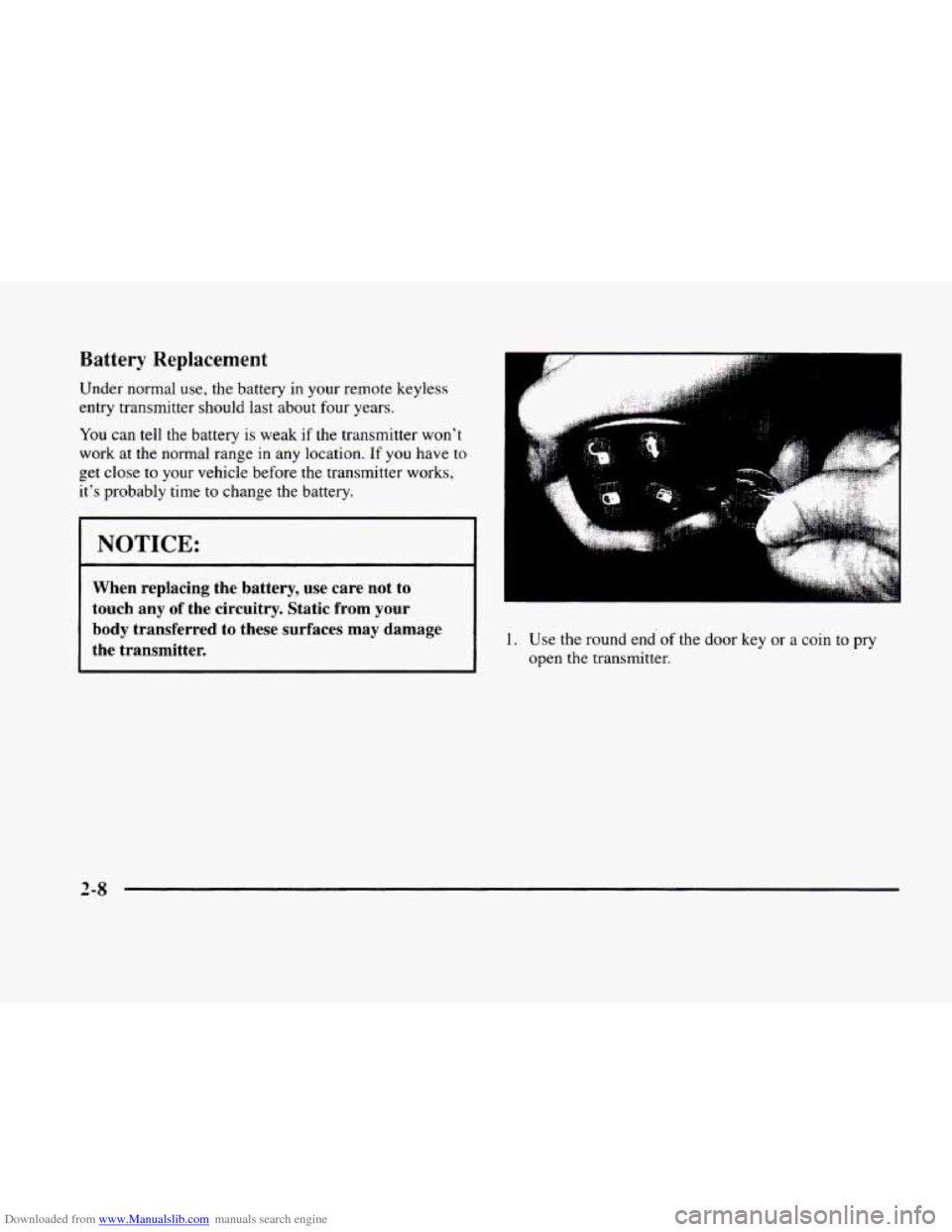
1. Use the round end of the door key or a coin to pry
open the transmitter.
2-8
Page 80 of 380
Downloaded from www.Manualslib.com manuals search engine Trunk Lock Release
R TRUNK I
To use this feature,
your vehicle must be in
PARK (P) and the valet
button must be on. Press
the TRUNK release button,
located above the radio
on the Driver Information
Center (DIC), to open
the trunk.
You can also press the trunk button on the
remote keyless entry transmitter to access the
trunk compartment.
Trunk Storage System (Option)
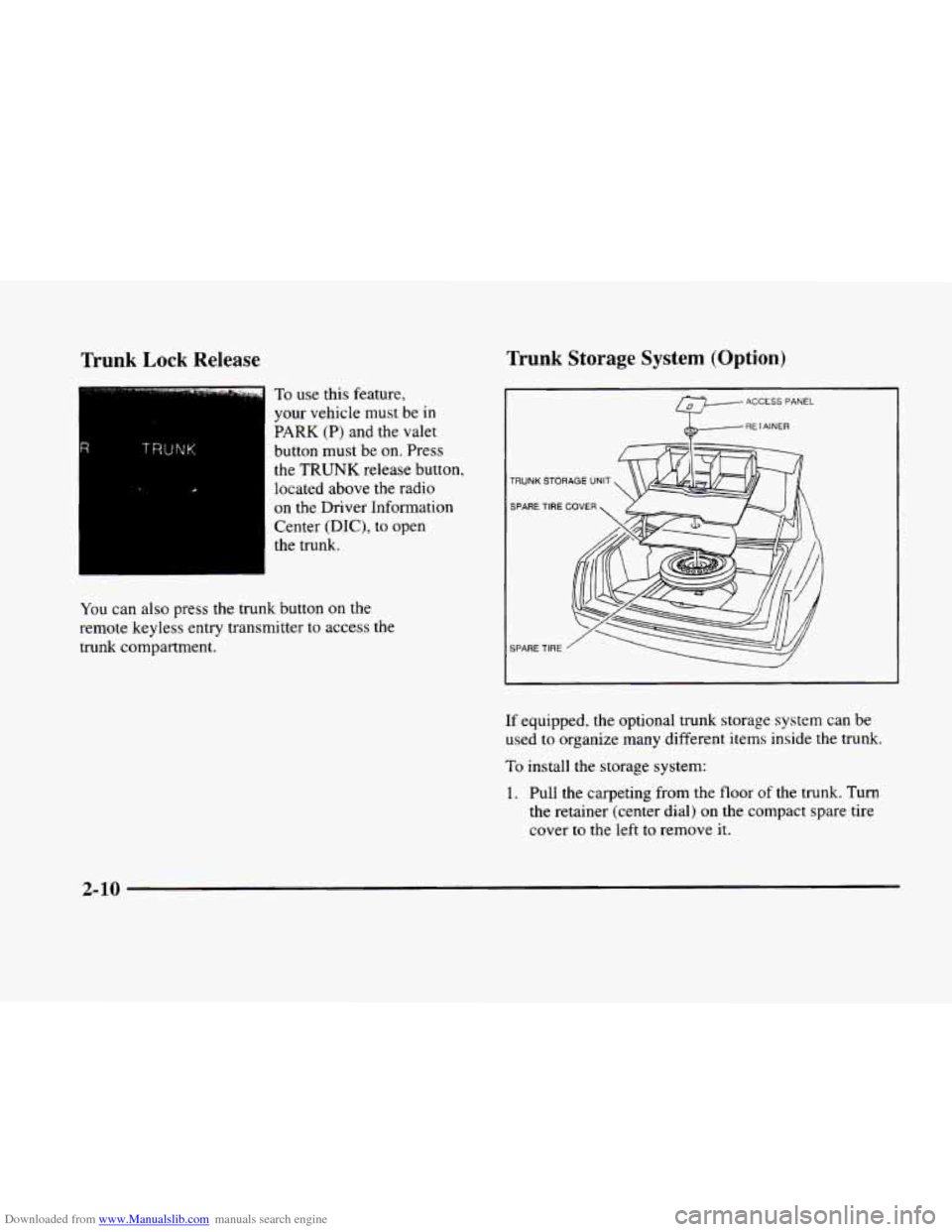
ACCESS PANEL
RETAINER
TRUNK STORAGE UNIT
SPARE TIRE
COVER
SPARE TIRE
I
If equipped, the optional trunk storage system can be
used to organize many different items inside the trunk.
To install the storage system:
1. Pull the carpeting from the floor of the trunk. Turn
the retainer (center dial) on the compact spare tire
cover
to the left to remove it.
2-10