1998 CADILLAC ELDORADO glove box
[x] Cancel search: glove boxPage 83 of 380
Downloaded from www.Manualslib.com manuals search engine Theft Parking Lots
Vehicle theft is big business, especially in some cities.
Although your vehicle has a number of theft-deterrent
features, we know that nothing we put on it can make
it impossible to steal. However, there are ways
you
can help.
Key in the Ignition
If you leave your vehicle with the keys inside, it’s an
easy target for joy riders or professional thieves
-- so
don’t do it.
When
you park your vehicle and open the driver’s door,
you’ll hear a chime reminding
you to remove your key
from the ignition and take it with
you. Always do this.
Your steering wheel will be locked, and
so will your
ignition and transaxle. And remember
to lock the doors.
Parking at Night
Park in a lighted spot, close all windows and lock your
vehicle. Remember to keep your valuables out of sight.
Put them in a storage area, or take them with you. If
you park in a lot where someone will be watching
your vehicle, it’s best to lock it up and take
your keys.
But what if you have to leave your ignition key?
e
e
If possible, park in a busy, well lit area.
Put your valuables in a storage area, like your
trunk
or glove box. Be sure to close and lock the
storage area.
Close all windows.
Lock the glove box.
Lock all the doors except the driver’s.
Then take the door key and remote keyless entry
transmitter with you.
2-13
Page 85 of 380
Downloaded from www.Manualslib.com manuals search engine Testing the Alarm
1. From inside the vehicle. roll down the window, then
get
out of the vehicle, keeping the door open.
2. From outside of the vehicle, with the door open, lock
the vehicle using the power door lock
or the remote
keyless entry transmitter and close the door. Wait
30 seconds until the SECURITY light goes off.
3. Reach in and unlock the door using the manual lock
and open the door. The
horn will sound and the
headlamps will flash.
If the alarm does not sound when it should, check to
see if the horn works. The horn fuse may be blown. To
replace the fuse, see "Fuses and Circuit Breakers" in the
Index.
If the fuse does not need to be replaced, you may
need to have
your vehicle serviced.
To reduce the possibility of theft, always activate the
theft-deterrent system when leaving your vehicle.
Valet Lockout Button
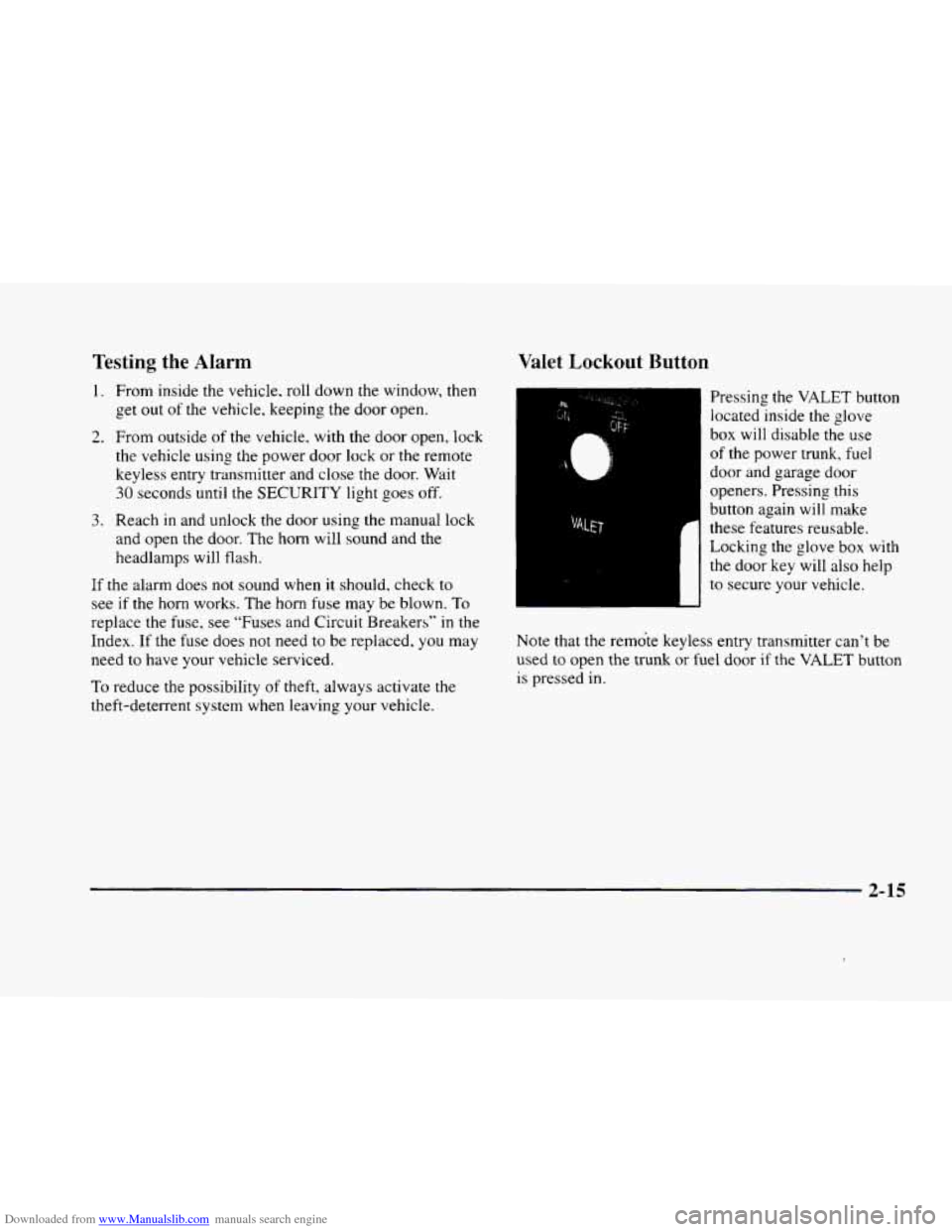
Pressing the VALET button
located inside the glove
box will disable the use
of the power trunk, fuel
door and garage door
openers. Pressing this
button again will make
these features reusable.
Locking the glove box with
the door key will also help
to secure your vehicle.
Note that the remote keyless entry transmitter can't be
used
to open the trunk or fuel door if the VALET button
is pressed in.
2-15
Page 113 of 380
Downloaded from www.Manualslib.com manuals search engine Illuminated Entry
The illuminated entry system turns on the courtesy
lamps and the backlighting to the door switches and to
the lamp control knob when a door is opened or
if you
press a remote keyless entry transmitter button. Since
the illuminated
entry system has a photocell, this means
that it must be dark outside in order for the courtesy
lamps or backlighting
to turn on. The courtesy lamps
turn off approximately
20 seconds after the last door is
closed
or after the ignition key is placed in the ignition.
Parade Dimming
This feature prohibits backlighting and the dimming
of the instrument panel lights during daylight while the
headlamps are
on. This feature operates with the light
sensor for the twilight sentinel and is fully automatic.
When
the light sensor reads darkness outside, the
instrument panel lights can be adjusted. Backlighting
to the instrument panel will also turn on.
Reading Lamps
The reading lamps are located in the roof. These lamps
and the interior courtesy lamps automatically come on
when either door
is opened and it is dark outside. For
manual operation, press the button
to turn them on.
Press it again to turn them off. If
the reading lamps are left
on. rney automatically shut
off IO minutes after the ignition has been turned off.
Inadvertent Power Battery Saver
This feature is designed to protect your vehicle’s battery
against drainage from the interior lamps, trunk lamp,
glove box lamp, cigarette lighters or the garage door
opener. When
the ignition is turned off, the power
to these features will automatically turn off after
10 minutes (three minutes
if a new car has I5 miles
(24 km) or less). Power will be restored for an additional
10 minutes if either door is opened, the trunk is opened
or the courtesy lamp switch is turned on.
Storage Mode Personalization
This feature is for long term use and must be
programmed through the Driver Information Center
(DIC) while the ignition is in RUN. Storage mode
personalization protects the battery by placing your
vehicle in a storage mode
so that the radio, amplifiers,
instrument cluster and remote keyless entry will
not drain the battery over a long period of time.
For programming information, see “Programmable,
Memory and Personalization Features” later
in
this section.
2-43
Page 119 of 380
Downloaded from www.Manualslib.com manuals search engine Storage Compartments
Glove Box
The glove box is located in front of the passenger’s seat.
To lock the glove box door, insert the oval key into the
lock cylinder and
turn it to the right. Turn the key to the
left to unlock the door.
Overhead Console
Sunglasses Storage Compartment
This feature is on vehicles without the optional
astroroof.
To gain access to this compartment, which
is located directly above the inside rearview mirror in
the headliner, push
up and the storage area will open.
Map Pocket
The map/storage pockets are located on each front
door
as well as on the passenger’s and driver’s
front seatbacks.
Center Console Storage Area
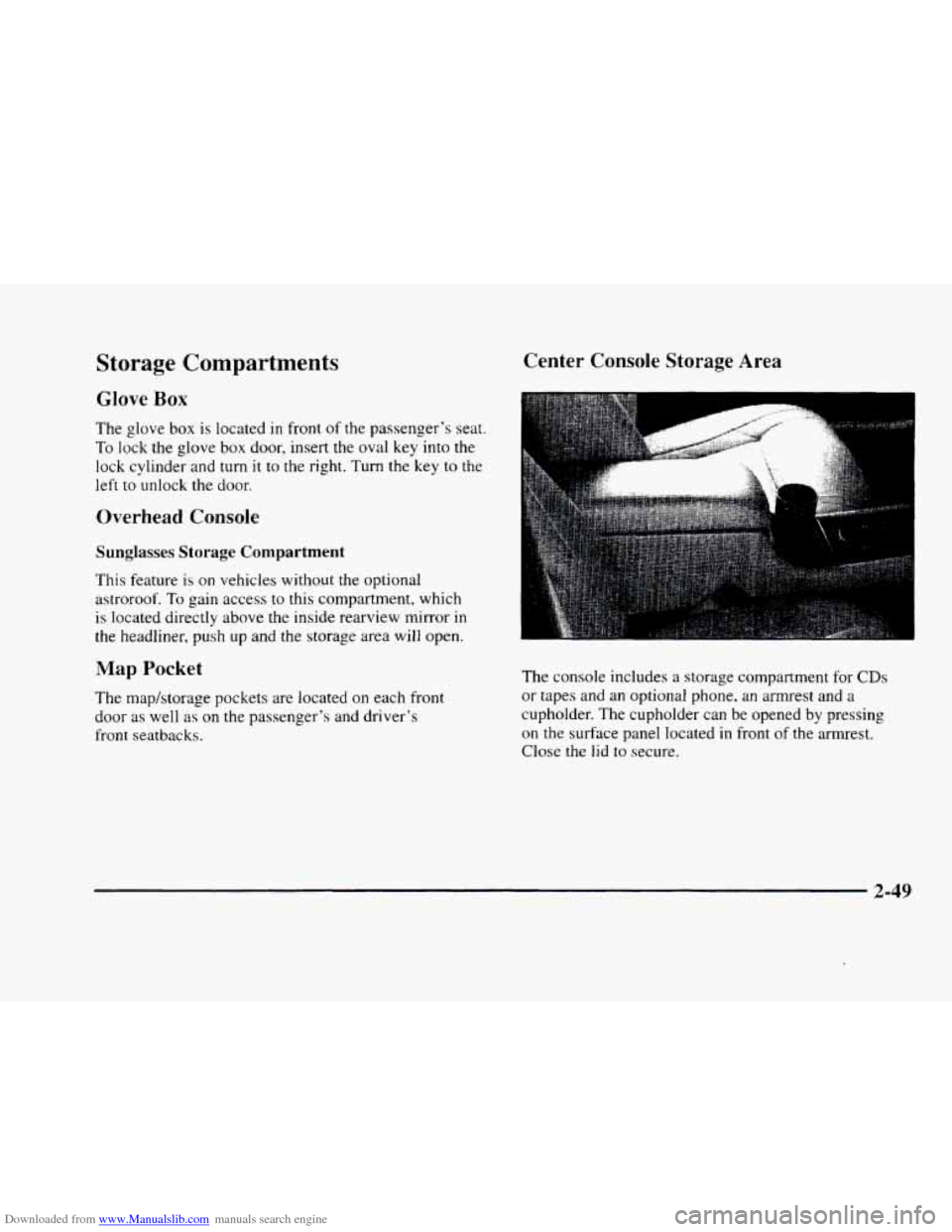
The console includes a storage compartment for CDs
or tapes and an optional phone, an armrest and a
cupholder. The cupholder can be opened by pressing
on the surface panel located in front of the armrest.
Close
the lid to secure.
2-49
Page 124 of 380
Downloaded from www.Manualslib.com manuals search engine If you have trouble programming the universal
transmitter, make sure that you have followed the
directions exactly as described and that the battery
in
the hand-held transmitter is not dead. If you still
cannot program it, rotate the hand-held transmitter
end over end and try again. The universal transmitter
may not work with older garage door openers that
do
not meet current Federal Consumer Safety Standards.
If you cannot program the transmitter after repeated
attempts, consult your dealer.
Be sure to keep the original hand-held transmitter
in case you need to erase and reprogram the
universal transmitter.
Note to Canadian Owners: During programming, the
hand-held transmitter may stop transmitting after one or
two seconds. If you are programming from one of these
transmitters, you should press and re-press the button
on
the hand-held transmitter every two seconds without
ever releasing the button
on the universal transmitter.
Release both buttons when the amber light on the
universal transmitter begins to flash rapidly.
Operating the Transmitter
Press and hold the appropriate button on the universal
transmitter. The amber light comes on while the signal
is being transmitted.
Note that the universal transmitter is disabled when
the valet button inside the glove box is activated. For
more information, see “Valet Lockout Button” earlier
in this section.
Also note that
if the hand-held transmitter appears to
program the universal transmitter but does not open
your garage door, and
if the garage door opener was
manufactured after
1995, the garage door opener may
have a “rolling code” system.
A rolling code system
changes the code of the garage door opener every time
you open or close the garage door.
To determine if you have this system, press the button
on the universal transmitter that you have programmed
already.
If the amber light on the universal transmitter
flashes rapidly for one or two seconds and then stops
flashing, the garage door opener has
a rolling code
system. In a rolling code system, the garage door
receiver must
be trained to the universal transmitter.
Page 127 of 380
Downloaded from www.Manualslib.com manuals search engine The instrument panel IS designed to let you know at a glance how your vehicle is running. You’ll know how fast
you’re going, how much fuel you’re using
and many of the other things you’ll need to know to drive safely and
economically. The main components
of the instrument panel are:
A. Air Outlets H. Hood Release
B. Turn SignaVMultifunction Lever
C. Cluster
D. Radio (Audio System)
E. Driver Information Center Control Buttons
F. Lamp Controls
G. HVAC Steering Wheel Controls (or Cellular
Telephone Controls,
If Equipped)
I. Horn
J. Audio Steering Wheel Controls
K. Shift Lever
L. Climate Control Panel
M. Glove Box
2-57
Page 148 of 380
Downloaded from www.Manualslib.com manuals search engine TOP SPEED - FUEL OFF - 111: This message will
appear when the
PCM senses that the maximum speed
for your vehicle has been reached. The speed
of your
vehicle will decrease several mph as the fuel supply is
cut off. This allows your vehicle
to stay in a stable
operating range.
TRACTION ENGAGED - 91: When your traction
control system is limiting wheel spin, the TRACTION
ENGAGED message will be displayed. Slippery road
conditions may exist if this message is displayed,
so
adjust your driving accordingly. This message will stay
on for a few seconds after the traction control system
stops limiting wheel spin.
TRACTION OFF - 89: This message will be displayed
after the traction control has been turned
off.
TRACTION READY - 90: This message informs the
driver that the traction control system
is available. This
occurs when the traction odoff button in the glove box
has been returned to an on position (pressing the button
once turns the traction control system off pressing the
button again turns the system back on). This message
also self cancels after five seconds.
TRACTION SUSPENDED - 56: This message
displays when the traction control system has been
temporarily shut off because your vehicle’s brakes
have overheated. This message does not indicate
a
problem with your vehicle’s traction control system.
After a few minutes,
the traction control system will
be available again and the TRACTION READY
message will appear.
TRANS FLUID RESET - 48: With the engine not
running and the ignition on, press and hold the OFF
and rear defog buttons until the TRANS FLUID
RESET message appears on the Driver Information
Center
(DIC) (between five and 20 seconds).
TRANS HOT IDLE ENG - 112: This message
indicates that the trans’axle fluid in your vehicle is too
hot. Stop and allow your vehicle
to idle until it cools
down or until this message is removed.
TRUNK OPEN - 24: This message indicates that the
trunk
is open when your vehicle’s ignition is in RUN.
TURN SIGNAL ON - 20: This message is a reminder,
after driving about
1 mile (1.6 km/h), that you have the
turn signal
on. A multiple chime will also sound when
this message is displayed.
Page 208 of 380
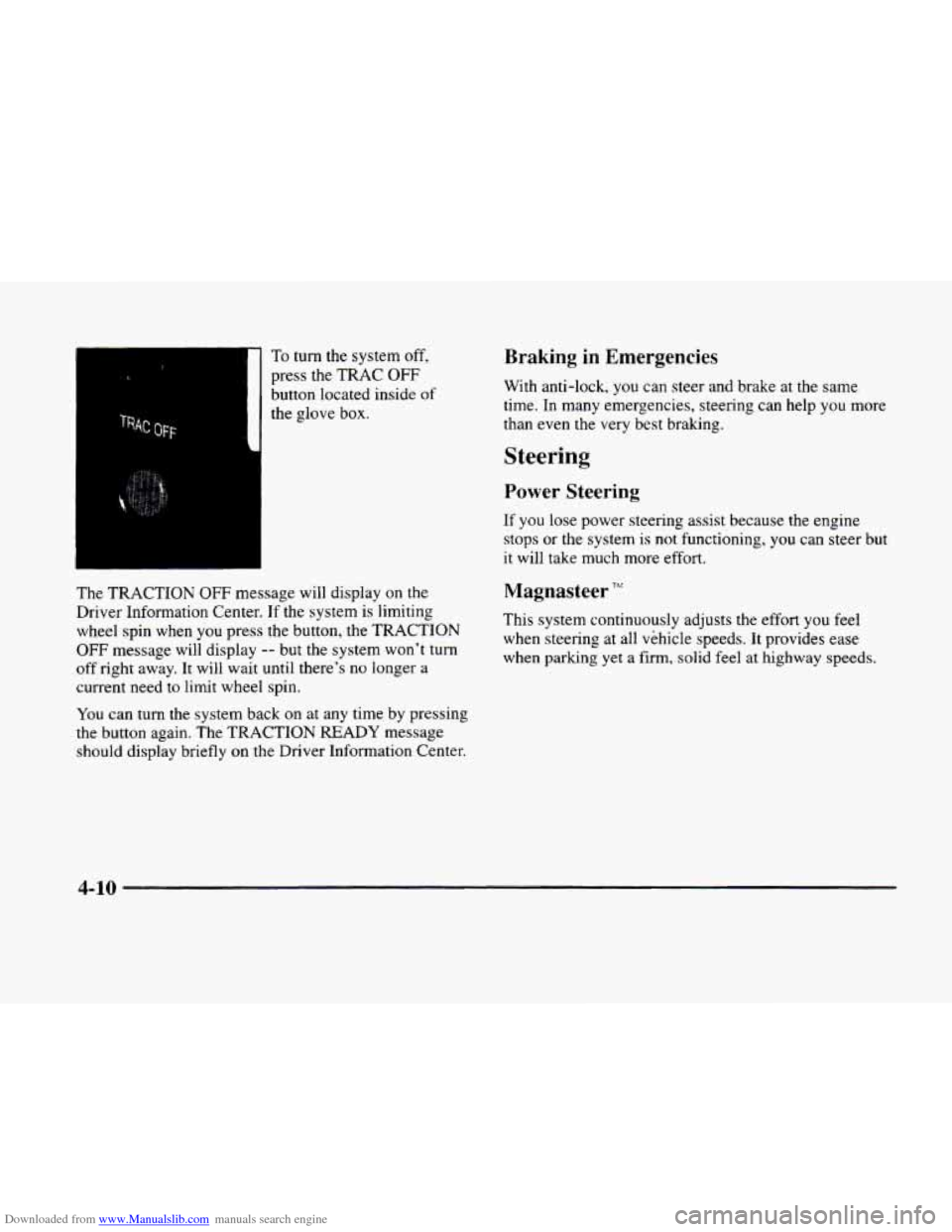
Downloaded from www.Manualslib.com manuals search engine To turn the system off,
press the TRAC OFF
button located inside of
the glove box.
The TRACTION OFF message will display on the
Driver Information Center.
If the system is limiting
wheel spin when you press the button, the TRACTION
OFF message will display -- but the system won’t turn
off right away. It will wait until there’s no longer a
current need
to limit wheel spin.
You can turn the system back on at any time by pressing
the button again.
The TRACTION READY message
should display briefly
on the Driver Information Center.
Braking in Emergencies
With anti-lock, you can steer and brake at the same
time. In many emergencies, steering can help you more
than even
the very best braking.
Steering
Power Steenng
If you lose power steering assist because the engine
stops
or the system is not functioning, you can steer but
it will take much more effort.
Magnasteer TFr‘
This system continuously adjusts the effort you feel
when steering
at all vehicle speeds. It provides ease
when parking yet a firm,
solid feel at highway speeds.
4-10