1998 CADILLAC ELDORADO check engine light
[x] Cancel search: check engine lightPage 41 of 380
Downloaded from www.Manualslib.com manuals search engine r
r !
r
r
r
r
f- t
i
A CAUTION:
Air bags inflate with great force, faster than the
blink
of an eye. If you’re too close to an inflating
air bag, it could seriously injure you. Safety belts
help keep you in position before and during a
crash. Always wear your safety belt, even with
air
bags. The driver should sit as far back as possible
while
still maintaining control of the vehicle.
A CAUTION:
Children who are up against, or very close to, an
air bag when it inflates can be seriously injured
or killed. Air bags plus lap-shoulder belts offer
the best protection for adults and older children,
but not for young children and infants. Neither
CAUTION: (Continued) CAUTION: (Continued)
the vehicle’s safety belt system
nor its air bag
system
is designed for them. Young children and
infants need the protection that
a child restraint
system can provide. Always secure children
properly in your vehicle. To read how, see the
part of this manual called “Children” and see the
caution labels
on the sunvisors and the right front
passenger’s safety belt.
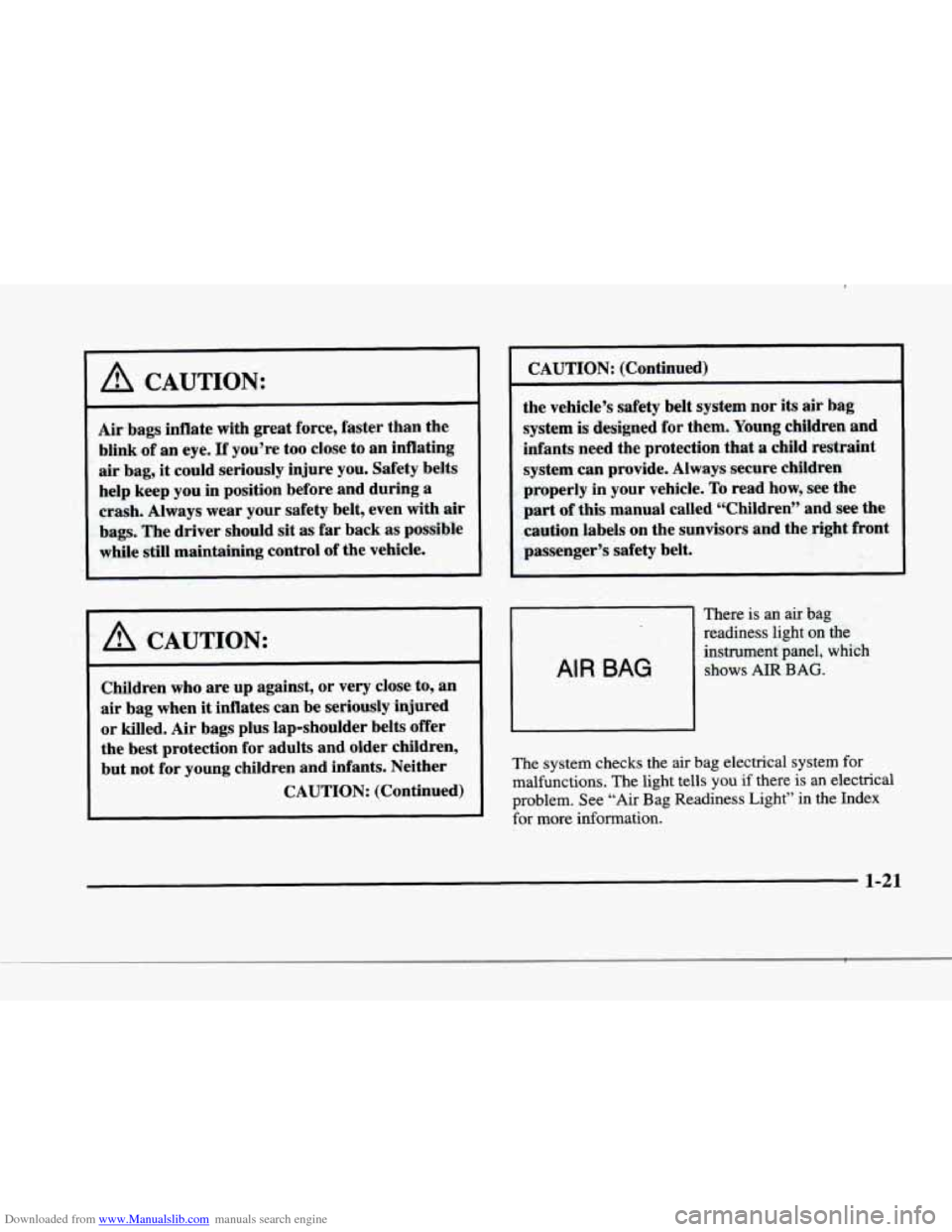
There is an air bag
readiness light on the
instrument panel, which
shows AlR BAG.
The system checks the air bag electrical system for
malfunctions. The light tells you if there is an electrical
problem. See “Air Bag Readiness Light” in
the Index
for more information.
1-21
Page 68 of 380
Downloaded from www.Manualslib.com manuals search engine Safety Belt Extender
If the vehicle’s safety belt will fasten around you, you
should use it.
But if
a safety belt isn’t long enough to fasten, your
dealer will order you an extender.
It’s free. When you go
in to order it, take the heaviest coat you will wear,
so the
extender will be long enough for you. The extender will
be just for you, and just for the seat
in your vehicle that
you choose. Don’t let someone else use it, and use it
only for the seat it is made to fit. To wear it, just attach it
to the regular safety belt.
Checking Your Restraint Systems
Now and then. make sure the safety belt reminder light
and all
your belts, buckles, latch plates, retractors and
anchorages are working properly. Look for any other
loose or damaged safety belt system parts.
If you see
anything that might keep a safety belt system from
doing its job, have
it repaired.
Torn or frayed safety belts may
not protect you in a
crash. They can rip apart under impact forces. If a belt is
torn or frayed, get
a new one right away.
Also look for any opened or broken air bag covers, and
have them repaired or replaced. (The air bag system
does not need regular maintenance.)
Replacing Restraint System Parts
After a
Crash
If you’ve had a crash, do you need new belts?
After
a very minor collision, nothing may be necessary.
But if the belts were stretched, as they would be if worn
during a more severe crash, then you need new belts.
If belts are cut or damaged, replace them. Collision
damage also may mean
you will need to have safety belt
or seat parts repaired or replaced. New parts and repairs
may be necessary even if the belt wasn’t being used at
the time of the collision.
If an air bag inflates, you’ll need to replace air bag
system parts. See the part on the air bag system earlier
in this section.
1-48
Page 85 of 380
Downloaded from www.Manualslib.com manuals search engine Testing the Alarm
1. From inside the vehicle. roll down the window, then
get
out of the vehicle, keeping the door open.
2. From outside of the vehicle, with the door open, lock
the vehicle using the power door lock
or the remote
keyless entry transmitter and close the door. Wait
30 seconds until the SECURITY light goes off.
3. Reach in and unlock the door using the manual lock
and open the door. The
horn will sound and the
headlamps will flash.
If the alarm does not sound when it should, check to
see if the horn works. The horn fuse may be blown. To
replace the fuse, see "Fuses and Circuit Breakers" in the
Index.
If the fuse does not need to be replaced, you may
need to have
your vehicle serviced.
To reduce the possibility of theft, always activate the
theft-deterrent system when leaving your vehicle.
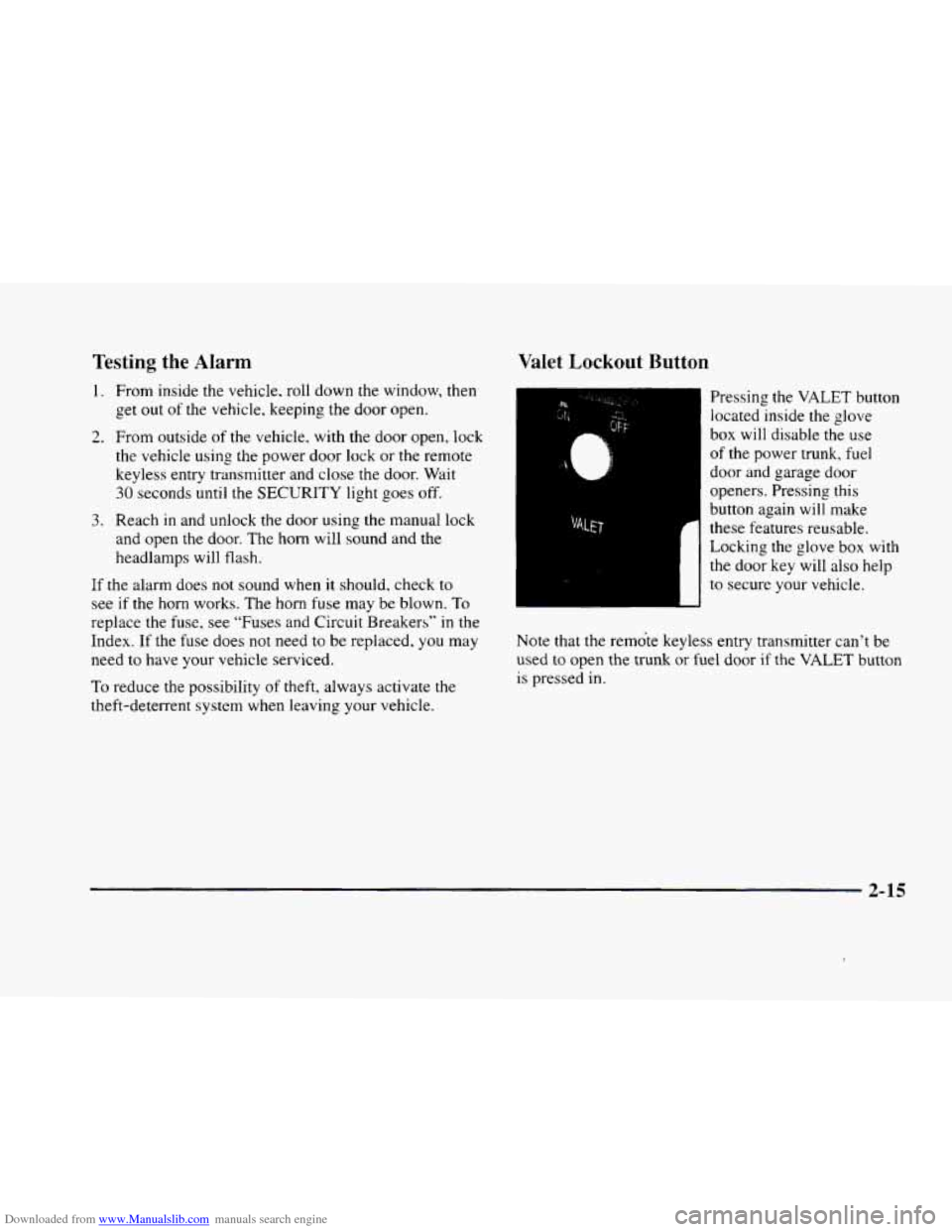
Valet Lockout Button
Pressing the VALET button
located inside the glove
box will disable the use
of the power trunk, fuel
door and garage door
openers. Pressing this
button again will make
these features reusable.
Locking the glove box with
the door key will also help
to secure your vehicle.
Note that the remote keyless entry transmitter can't be
used
to open the trunk or fuel door if the VALET button
is pressed in.
2-15
Page 103 of 380

Downloaded from www.Manualslib.com manuals search engine Arrows that flash rapidly when signaling for a turn or
lane change may be caused by a burned-out signal bulb.
Other drivers won’t see
the turn signal.
Replace burned-out bulbs
to help avoid possible
accidents. Check the fuse
(see “Fuses and Circuit
Breakers”
in the Index) and for burned-out bulbs if
the arrow fails to work when signaling a turn.
Headlamp High/Low Beam Changer
Pull the turn signal lever
all the way toward
you and
then release it
to change the
headlamps from low beam
to high or from high beam
to low.
This light
on the instrument panel will be on, indicating
high beam usage.
Flash-To-Pass
This lets you use the high-beam headlamps to signal
the driver in front
of you that you want to pass.
Pull the
turn signal lever toward you to use. When
you do:
0
0
0
If the headlamps are either off or in the Daytime
Running Lamps
(DRL) mode, the high-beam
headlamps will turn
on. They’ll stay on as long
as you hold the lever there. Release the lever to
turn them off.
If the headlamps are
on low beam, they will shift to
high beam and stay there. Pull the lever toward you
to return to low beam.
If the headlamps are
on high beam, they will switch
to low beam.
To return to high beam. pull the lever
toward you.
2-33
Page 125 of 380
Downloaded from www.Manualslib.com manuals search engine Training a Garage Door Opener with
“Rolling Codes”
(If Equipped)
If you have not previously programmed the hand-held
transmitter to
the universal transmitter. see
“Programming the Transmitter” earlier in this section. If
you have completed this programming already. you now
need to train the garage door opener receiver
to
recognize the universal transmitter. Refer to your garage
door opener owner’s manual
for the proper transmitter
training procedure for your garage door opener brand.
1.
2.
3.
Locate the training button on the garage door opener
receiver. The exact location and color
of the button
may vary by garage door opener brand.
If you have
difficulty locating the training button. refer to your
garage door opener manual.
Press the training button on the garage door opener
receiver for one or two seconds.
A light indicator
will begin
to flash when the receiver enters the
train mode.
Return to
the universal transmitter in your vehicle
and press the universal transmitter button
you have
already programmed for two to three seconds. Press
the button again to make sure that the universal transmitter
has been trained to the garage door
opener receiver. Check that the training was
successful. The receiver light should
no longer
be flashing.
The garage door opener should now recognize the
universal transmitter. You may either use
the universal
transmitter or the hand-held transmitter to open the
garage door.
If after following these instructions you still have
problems training the garage door opener, consult
your dealer.
Erasing Channels
To erase all three-programmed channels, hold down
the two outside buttons until the red light begins to
flash. Individual channels cannot be erased, but can be
reprogrammed using the procedure for Programming
the transmitter explained earlier.
Accessories
Accessories for the universal transmitter are available
from
the manufacturer of the unit. If you would like
additional information, please call
1-800-355-35 15.
2-55
Page 131 of 380
Downloaded from www.Manualslib.com manuals search engine Warning Lights, Gages and
Indicators
This part describes the warning lights and gages that
may be
on your vehicle. The pictures will help you
locate them.
Warning lights and gages can signal that something is
wrong before it becomes serious enough to cause an
expensive repair or replacement. Paying attention to
your warning lights and gages could also save you or
others
from injury.
Warning lights come
on when there may be or is a
problem with one of
your vehicle’s functions. As you
will see in the details on the next few pages,
some
warning lights come on briefly when you start the
engine
just to let you know they’re working. If you are
familiar with this section,
you should not be alarmed
when this happens.
Gages can indicate when there may be or is a problem
with one
of your vehicle’s functions. Often gages and
warning lights work together to let
you know when
there‘s
a problem with your vehicle.
When one
of the warning lights comes on and stays on
when you are driving, or when one of the gages shows there
may be a problem, check the section that tells
you what to do about it. Please follow this manual’s
advice. Waiting to do repairs can be costly
-- and even
dangerous.
So please get to know your warning lights
and gages. They’re a big help.
Your vehicle also
has a Driver Information Center that
works along with
the warning lights and gages. See
“Driver Information Center” later
in this section.
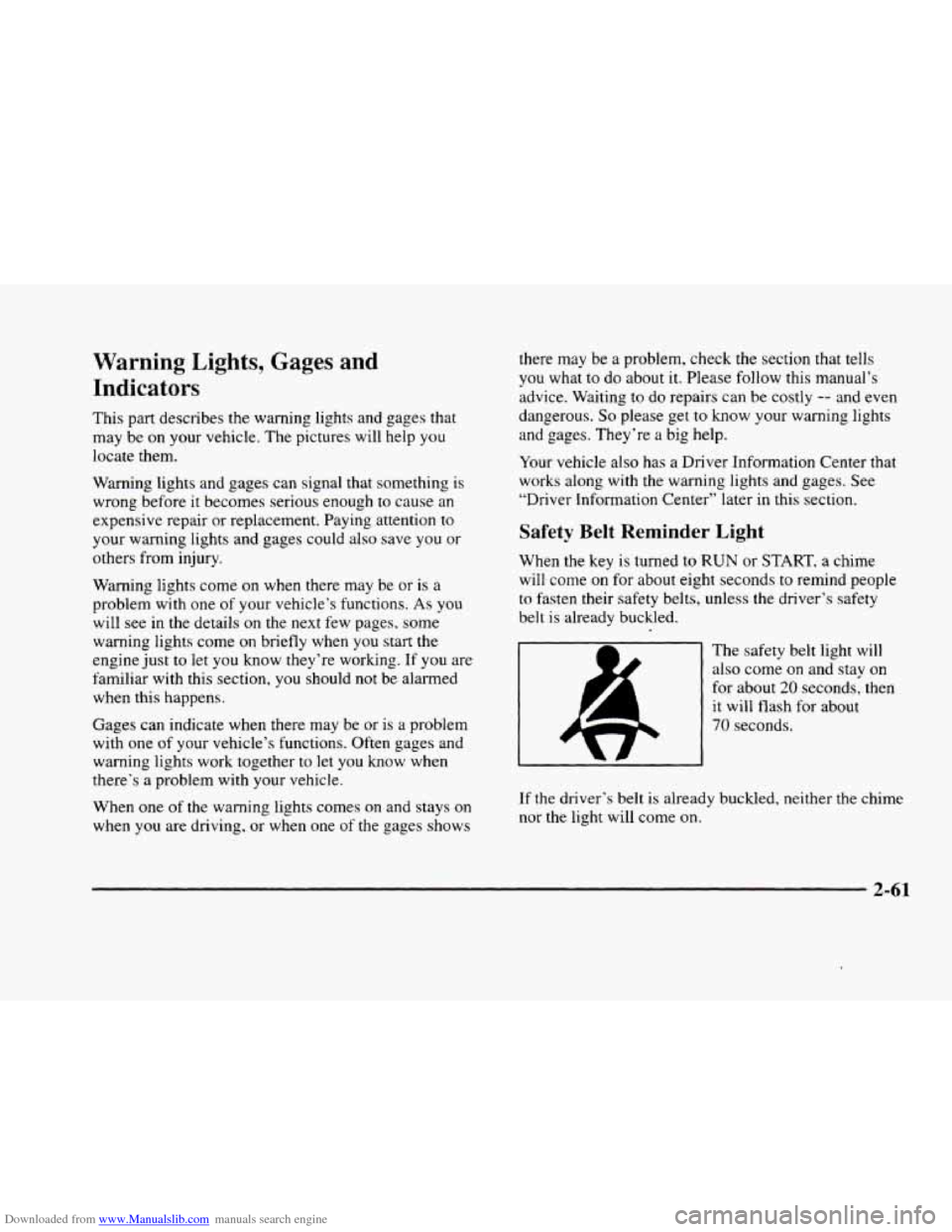
Safety Belt Reminder Light
When the key is turned to RUN or START, a chime
will come on for about eight seconds
to remind people
to fasten their safety belts, unless the driver’s safety
belt is already buckled.
The safety belt light will
also come
on and stay on
for about 20 seconds, then
it will flash for about
70 seconds.
If the driver’s belt is already buckled, neither the chime
nor the light will come
on.
2-61
Page 132 of 380
Downloaded from www.Manualslib.com manuals search engine Air Bag Readiness Light
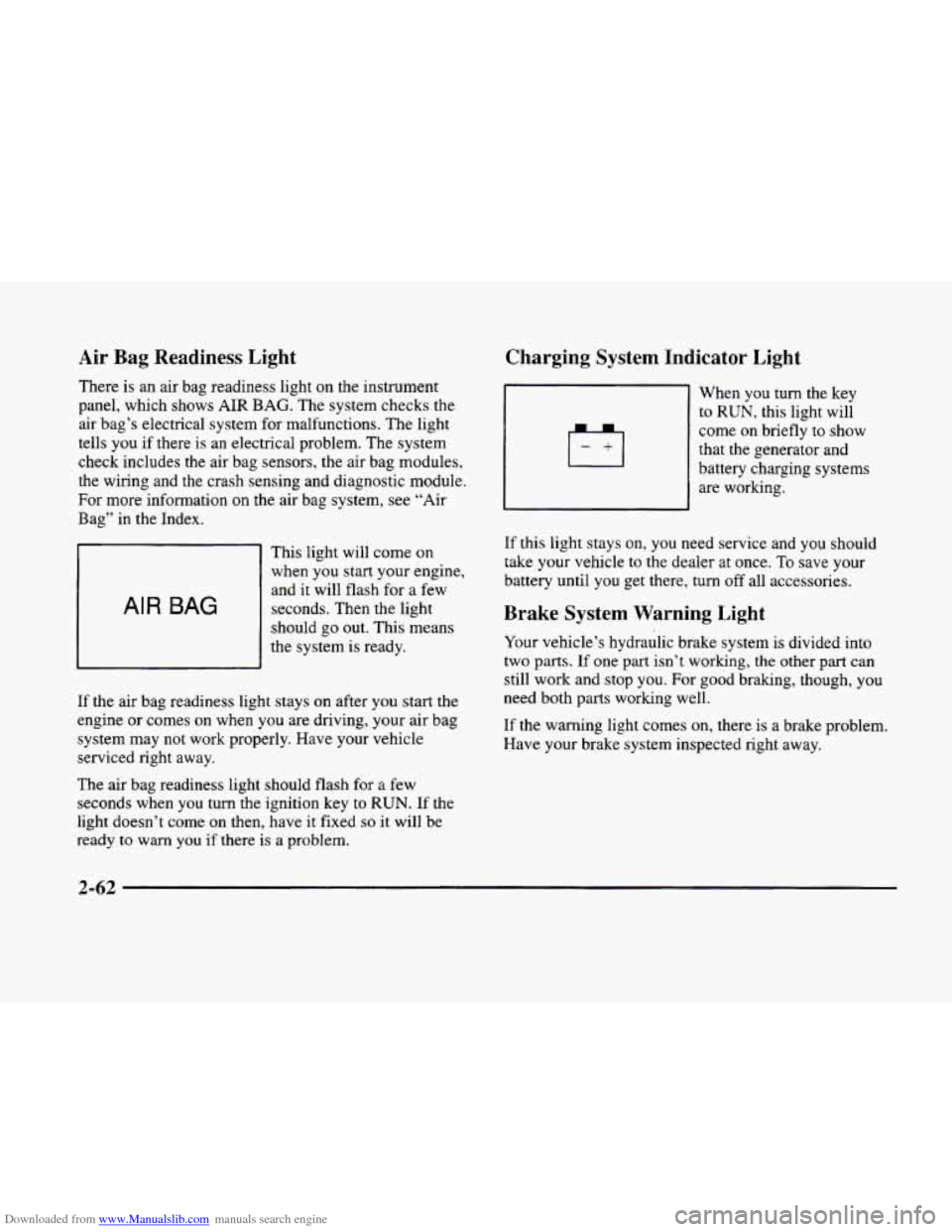
There is an air bag readiness light on the instrument
panel, which shows
AIR BAG. The system checks the
air bag’s electrical system for malfunctions. The light
tells you if there is an electrical problem. The system
check includes the air bag sensors, the air bag modules,
the wiring and the crash sensing and diagnostic module,
For more information
on the air bag system, see “Air
Bag” in the Index.
AIR BAG
This light will come on
when you start your engine,
and it will flash for
a few
seconds. Then the light
should go out. This means
the system
is ready.
If the air bag readiness light stays on after you start the
engine or comes
on when you are driving, your air bag
system may not work properly. Have your vehicle
serviced right away.
The air bag readiness light should flash for
a few
seconds when
you turn the ignition key to RUN. If the
light doesn’t come
on then, have it fixed so it will be
ready to warn you if there is a problem.
Charging System Indicator Light
When you turn the key
to RUN, this light will
come on briefly
to show
that the generator and
battery charging systems
are working.
If this light stays on, you need service and you should
take your vehicle to the dealer at once.
To save your
battery until
you get there, turn off all accessories.
Brake System Warning Light
Your vehicle’s hydraulic brake system is divided into
two
parts. If one part isn’t working, the other part can
still work and stop
you. For good braking, though, you
need both parts working well.
If the warning light comes on, there is a brake problem.
Have your brake system inspected right away.
Page 135 of 380
Downloaded from www.Manualslib.com manuals search engine Engine Coolant Temperature
Warning Light
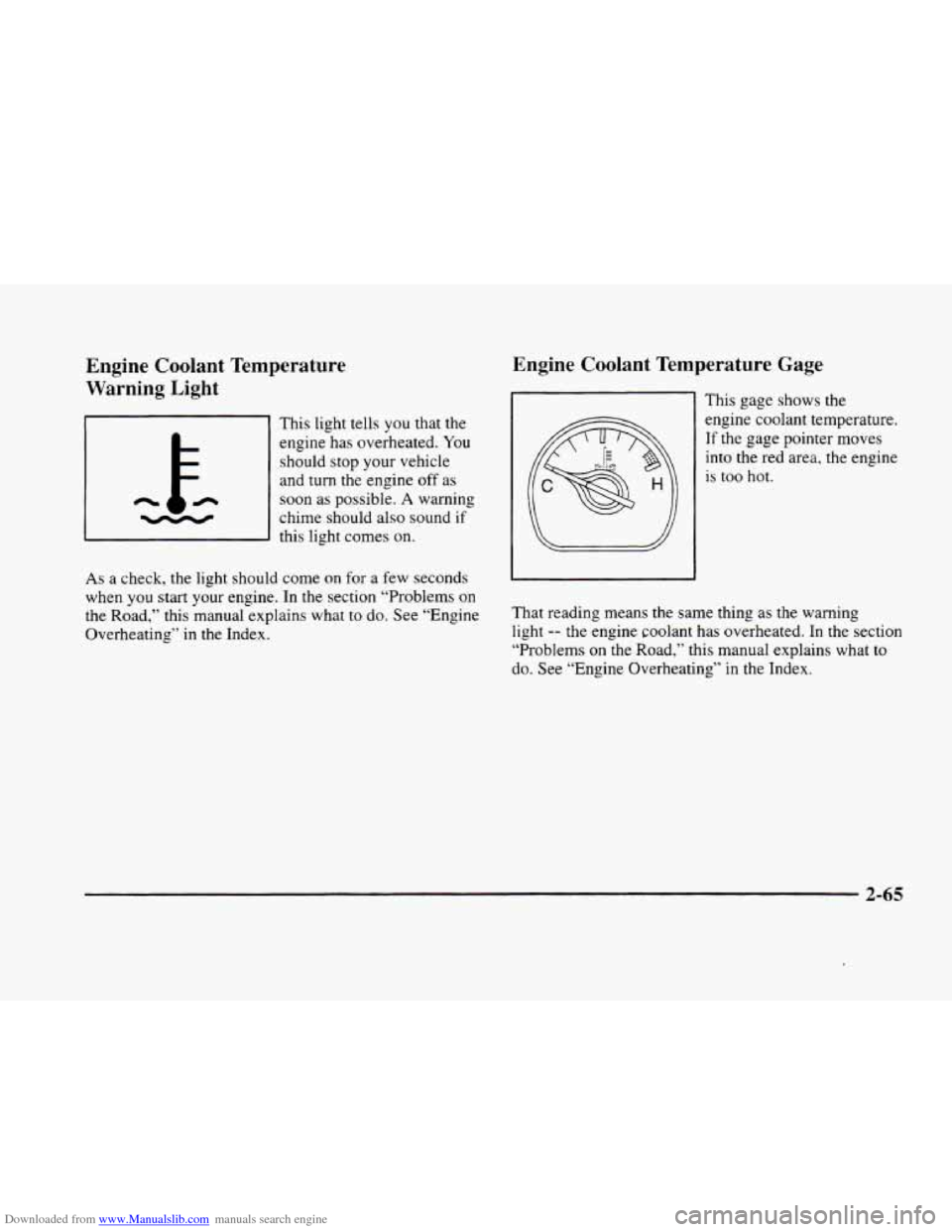
This light tells you that the
engine has overheated. You
should stop your vehicle
and
turn the engine off as
n
chime should also sound if -
soon as possible. A warning
this light comes on.
As
a check, the light should come on for a few seconds
when
you start your engine. In the section “Problems on
the Road,” this manual explains what
to do. See “Engine
Overheating’‘ in the Index.
Engine Coolant Temperature Gage
This gage shows the
engine coolant temperature. If the gage pointer moves
into the
red area, the engine
is
too hot.
That reading means the same thing as the warning
light -- the engine coolant has overheated. In the section
“Problems on the Road,” this manual explains what
to
do. See “Engine Overheating” in the Index.
2-65