1997 CADILLAC ELDORADO engine oil
[x] Cancel search: engine oilPage 153 of 361
Downloaded from www.Manualslib.com manuals search engine 1 MINUTE and then START CAR. When the START
CAR message is displayed, try again to start the engine.
message will appear when the engine
has overheated. Stop
and
turn the engine off immediately to avoid severe engine
damage. See “Engine Overheating”
in the Index. A multiple
chime
will also sound when this message is displayed.
STOP ENGINE LOW OIL PRESSURE - 35: If this
message appears while
the engine is running, stop the
engine and do not operate it until the cause
of low oil
pressure is corrected. Severe damage to the engine can
result. A multiple chime will also sound when this
message is displayed.
THEFT SYSTEM PROBLEWCAR MAY NOT
RESTART - 34: Tbs message means there is a problem
in the Personalized Automotive Security System
(PASS-Key
11). A fault has been detected in the system
which means that
the PASS-Key I1 system is disabled
and is not protecting the vehicle. The vehicle usually
restarts, however, you may want to take your vehicle to
a proper service center before turning off the engine.
TOP SPEED FUEL CUT-OFF - Ill: This message
will appear when the PCM senses that
the maximum speed
for your Cadillac has been reached. The speed
of your
vehicle will decrease several mph as
the fuel supply is
STOP ENGINE ENGINE OVERHEATED - 42: This
cutoff. This allows your vehicle to stay in a stable
operating range.
TRACTION ENGAGED - 91: When your traction
control system
is limiting wheel spin, the TRACTION
ENGAGED message will be displayed. Slippery road
conditions may exist if
this message is displayed, so
adjust your dnving accordingly. This message will stay
on for a few seconds after the traction control system
stops limiting wheel spin.
TRACTHQN OFF - 89: Ths message wilI be displayed
after the traction control has
been turned off.
TRACTION READY - 91: This message informs the
driver that
the traction control system is available. This
occurs when the traction
ordoff button in the glove box
has been returned to an on position (pressing the button
once turns
the traction control system off pressing the
button again turns
the system back on). This message
also self cancels after five seconds.
TRACTION SUSPENDED - 56: This message
displays when
the traction control system has been
temporarily shut
off because your vehicle’s brakes have
overheated. This message
does not indicate a problem
with your vehicle’s traction control system. After a few
minutes, the traction control system
will be available
again and the
TRACTION READY message
will appear.
Page 155 of 361
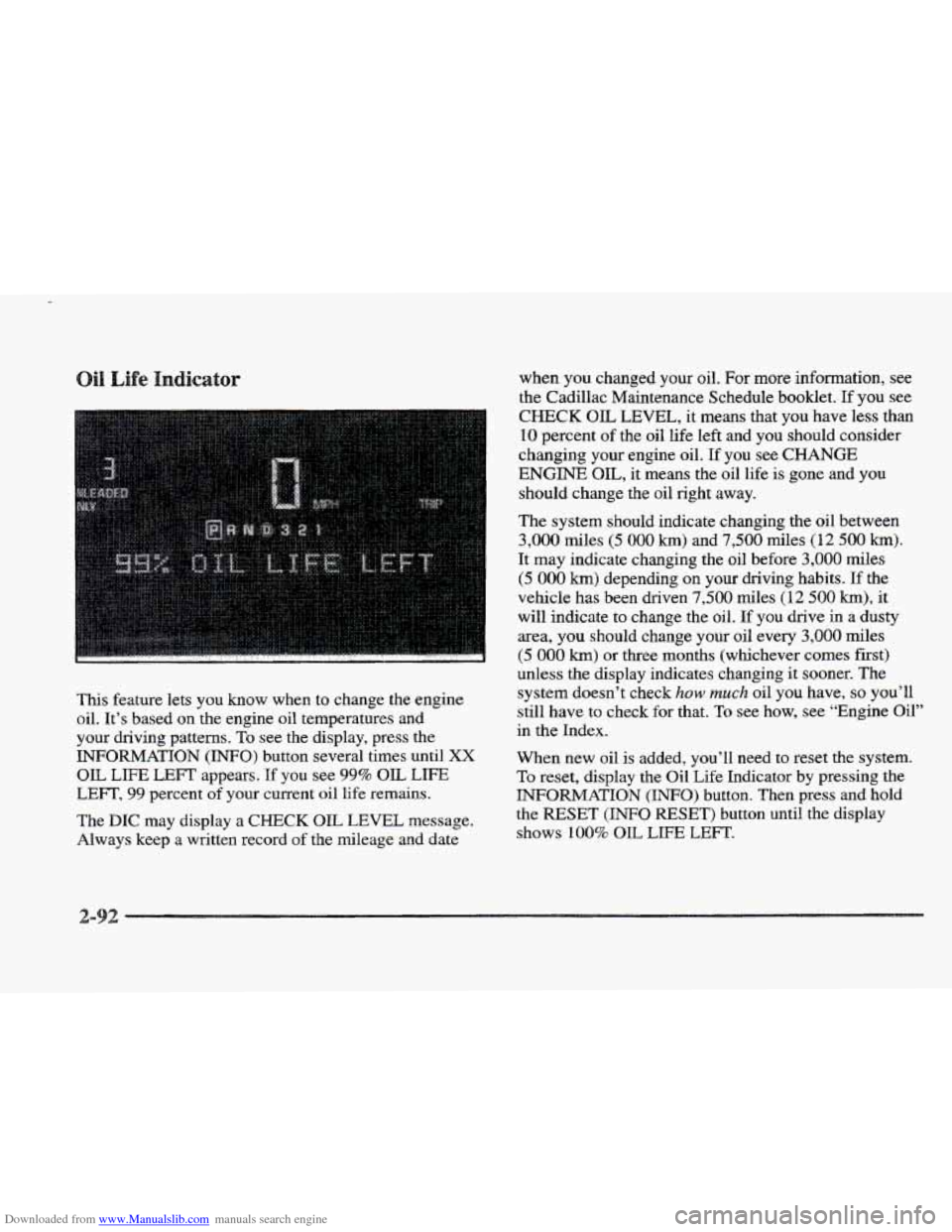
Downloaded from www.Manualslib.com manuals search engine This feature lets you know when to change the engine
oil. It’s based on the engine oil temperatures and
your driving patterns.
To see the display, press the
INFORMATION
(INFO) button several times until XX
OIL LIFE LEFT appears. If you see 99% OIL LIFE
LEFT, 99 percent of your current oil life remains.
The DIC may display a CHECK OK, LEVEL message.
Always keep
a written record of the mileage and date when you changed
your oil.
For more information, see
the Cadillac Maintenance Schedule booklet. If you see
CHECK OIL LEVEL, it means that you have less than
10 percent of the oil life left and you should consider
changing your engine oil.
If you see CHANGE
ENGINE OIL, it means the oil life is gone and you
should change the oil right away.
The system should indicate changing the oil between
3,000 miles (5 000 km) and 7,500 miles (12 500 km).
It may indicate changing the oil before 3,000 miles
(5 000 km) depending on your driving habits. If the
vehicle has been driven
7,500 miles (12 500 km), it
will indicate to change the oil. If you drive in a dusty
area, you should change your oil every
3,000 miles
(5 000 km) or three months (whichever comes first)
unless the display indicates changing
it sooner. The
system doesn’t check
how much oil you have, so you’ll
still have to check for that.
To see how, see “Engine Oil”
in the Index.
When new oil is added, you’ll need to reset
the system.
To reset, display the Oil Life Indicator by pressing the
INFORMATION (INFO) button. Then press and hold
the
RESET (INFO RESET) button until the display
shows
100% OIL LIE LEFT.
2-
Page 182 of 361
Downloaded from www.Manualslib.com manuals search engine Some cleaning cassettes or CD adapter kits may appear
as
a broken tape. If the cleaning cassette is ejected
immediately from the tape player, follow these steps
for
the TAPE CLEAN OVE
E. Turn the ignition to RUN or ACC.
2. Turn the radio off.
3. Press and hold the SOURCE button for three
seconds. After thee seconds, the tape icon will flash
indicating the cut tape feature
is now turned off.
4. Turn the radio on and insert the cleaning cassette (CX
the CD adapter kit).
5. Eject the tape after the tape player has been cleaned.
When
the cleaning cassette has been ejected, the broken
tape detection feature
is active again.
YOU may also choose a non-scrubbing action, wet-type
cleaner which uses a cassette with
a fabric belt to clean
the
tape head. This type of cleaning cassette will not
eject and, it may
not clean as thoroughly as the
scrubbing
type cleaner.
Cassettes are subject to
wear and the sound quality
may degrade over time. Always make sure the cassette
tape
is in good condition. before YOU have your tape
player serviced. Handle discs carefully. Store
them in their original case:
or other protective cases
and away from direct sunlight
and dust. If the surface
of a disc is soiled, dampen a
clean, soft cloth in a mild, neutral detergent solution anc
clean it, wiping from the center to the edge.
Be sure never to touch the signal surface when handling
discs. Pick up discs by grasping the outer edges or the
edge
of the hole and the outer edge.
Your power antenna will look its best and work
well if it’s cleaned
from time to time. To clean the
antenna mast:
1. Turn on the ignition and radio to raise the antenna.
2. Dampen a clean cloth with mineral spirits or
equivalent solvent.
3. Wipe the cloth over the mast sections, removing
any dirt.
3-27
Page 208 of 361
Downloaded from www.Manualslib.com manuals search engine The exit speed is usually posted.
Reduce your speed according to your speedometer, not
to your sense
of motion. After driving for any distance
at higher speeds, you may tend
to think you are going
slower than you actually are.
v
Make sure you’re ready. Try to be well rested. If you
must start when you’re not fresh
-- such as after a day’s
work
-- don’t plan to make too many miles that first part
of the journey. Wear comfortable clothing and shoes you
can easily drive in.
Is your vehicle ready for a long trip? If you keep
it
serviced and maintained, it’s ready to go. If it needs
service, have
it done before starting out. Of course,
you’ll find experienced and able service experts
in
Cadillac dealerships all across North America. They’ll
be ready and willing to help if you need it. Here
are some things you can check before
a trip:
e
e
QB
Q
Q
Windshield Washer Fluid: Is the reservoir full? Are
all windows clean inside and outside?
Wiper Blades: Are they in good shape?
Fuel, Engine Oil, Other Fluids: Have you checked
all levels?
Lamps: Are they all working? Are the lenses clean?
Tires: They are vitally important to a safe,
trouble-free trip. Is the tread good enough for
long-distance driving? Are the tires all inflated
to the
recommended pressure?
Weather Forecasts: What’s the weather outlook
along your route? Should you delay your trip a short
time to avoid
a major storm system?
Maps: Do you have up-to-date maps?
Page 223 of 361
Downloaded from www.Manualslib.com manuals search engine You really should not park your vehicle, with a trailer
attached,
on a hill. If something goes wrong, your rig
could start
to move. People can be injured, and both
your vehicle and the trailer can be damaged.
But if
you ever have to park your rig on a hill, here’s
how to do it:
1. Apply your regular brakes, but do not shift into
PARK (P).
2. Have someone place chocks under the trailer wheels.
3. When the wheel chocks are in place, release the
regular brakes until
the chocks absorb the load.
PARK (P) firmly and apply your parking brake.
4. Reapply the regular brakes. Then shift into
Release the regular brakes.
1. Apply your regular brakes and hold the pedal down
while you:
Start your engine;
e Shift into a gear; and
Be sure the parking brake has released.
2. Let up on the brake pedal.
3. Drive slowly until the trailer is clear of the chocks.
4. Stop and have someone pick up and store the chocks.
Your vehicle will need service
more often when you’re
pulling
a trailer. See the Maintenance Schedule for more
on this. Things that are especially important in trailer
operation are automatic transaxle fluid (don’t overfill),
engine oil, belt, cooling system and brake adjustment.
Each of these is covered in this manual, and
the Index
will help
you find them quickly. If you’re trailering, it’s
a good idea to review these sections before you start
your trip.
Check periodically to see that all hitch nuts
and bolts
are tight.
Page 241 of 361
Downloaded from www.Manualslib.com manuals search engine . -.-
You will find an ENGINE COOLANT HOT-IDLE
ENGINE message or a STOP ENGINE ENGINE
OVERHEATED message on the Driver Information
Center
(IDIC). There is also an engine temperature
warning light andor gage on
the instrument panel.
See “Engine Coolant Temperature
Warning Light” or
“Engine Coolant Temperature Gage” in the Index.
Overheated Engine Protection
Should a low coolant condition exist and the message
STOP ENGINE ENGINE OVERHEATED is displayed,
an overheat protection mode which alternates firing
groups
of four cylinders helps prevent engine damage.
In this mode, you will notice a loss in power and engine
performance.
This operating mode allows your vehicle
to be driven to
a safe place in an emergency; you may
drive up to
50 miles (80 km). Towing a trailer in the
overheat protection mode
should be avoided.
NOTICE:
After driving in the overheated engine protection
operating mode, to avoid engine damage, allow the engine to cool before attempting
any repair.
The engine
oil will be severely degraded. Repair
the cause of coolant loss, change the
oil and reset
the
oil life indicator. See “Engine Oil, When to
Change” in the Index.
Page 244 of 361
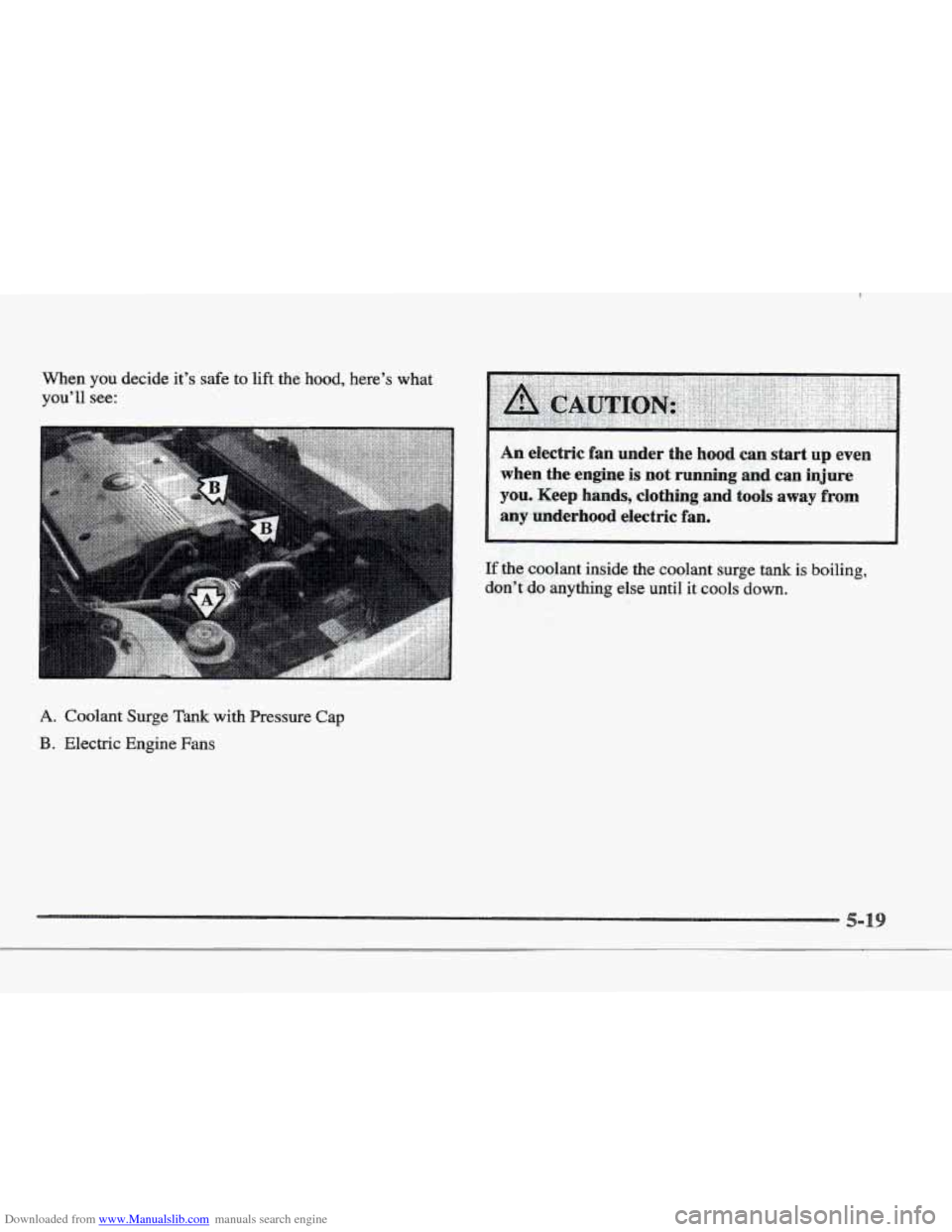
Downloaded from www.Manualslib.com manuals search engine When you decide it’s safe to lift the hood, here’s what
you’ll see:
A. Coolant Surge Tank with Pressire Cap
B. Electric Engine Fans
,, ..
If the coolant inside the coolant surge tank is boiling,
&on”ido anything else UntiI it cools down.
Page 247 of 361
Downloaded from www.Manualslib.com manuals search engine I
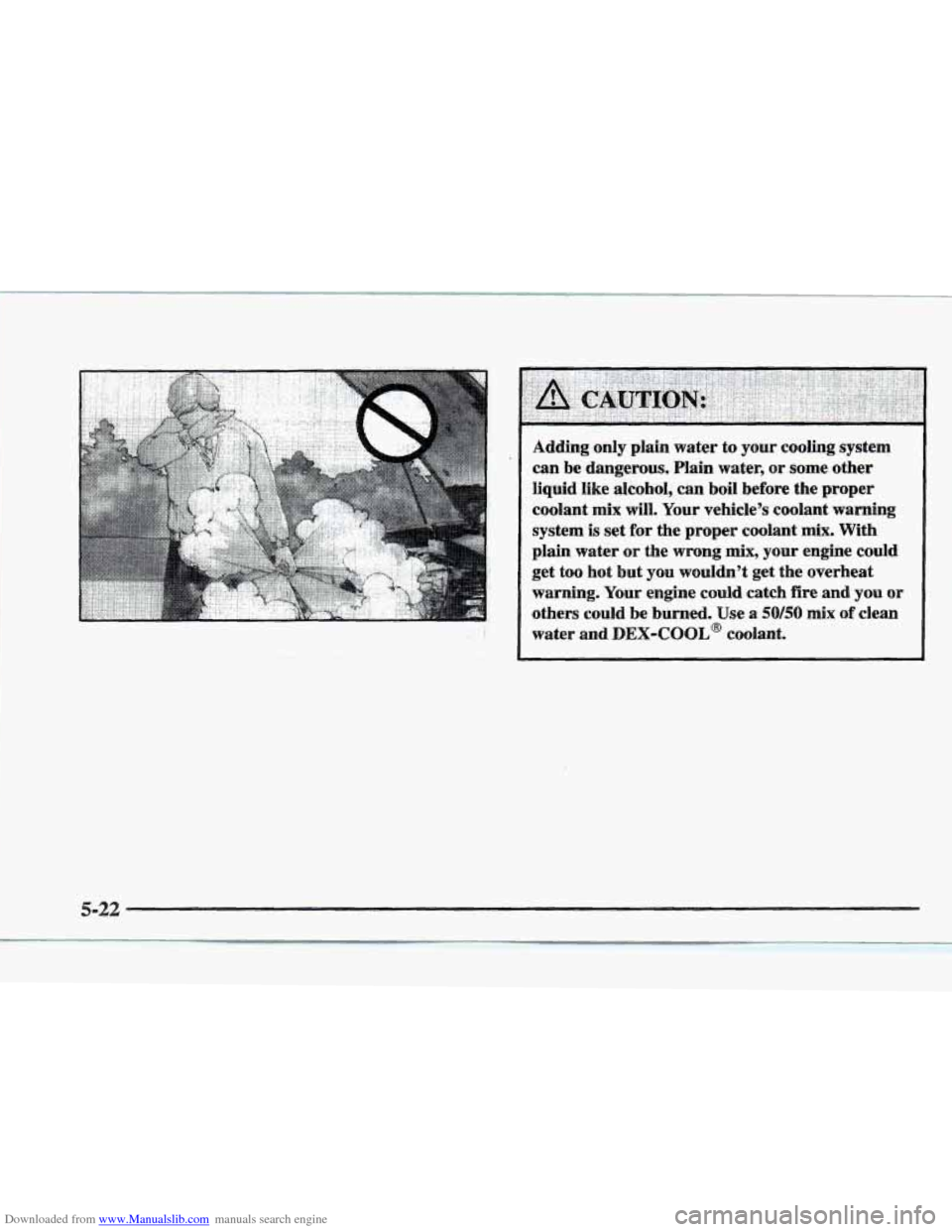
Adding only plain water to your cooling system
can be dangerous. Plain water,
or some other
liquid like alcohol, can boil before the proper
coolant
mix will. Your vehicle’s coolant warning
system
is set for the proper coolant mix. With
plain water
or the wrong mix, your engine could
get
too hot but you wouldn’t get the overheat
warning. Your engine could catch fire and you or
others could be burned. Use a 50/50 mix of clean
water and
DEX-COOL@ coolant.
5-22