1997 CADILLAC ELDORADO cruise control
[x] Cancel search: cruise controlPage 14 of 361
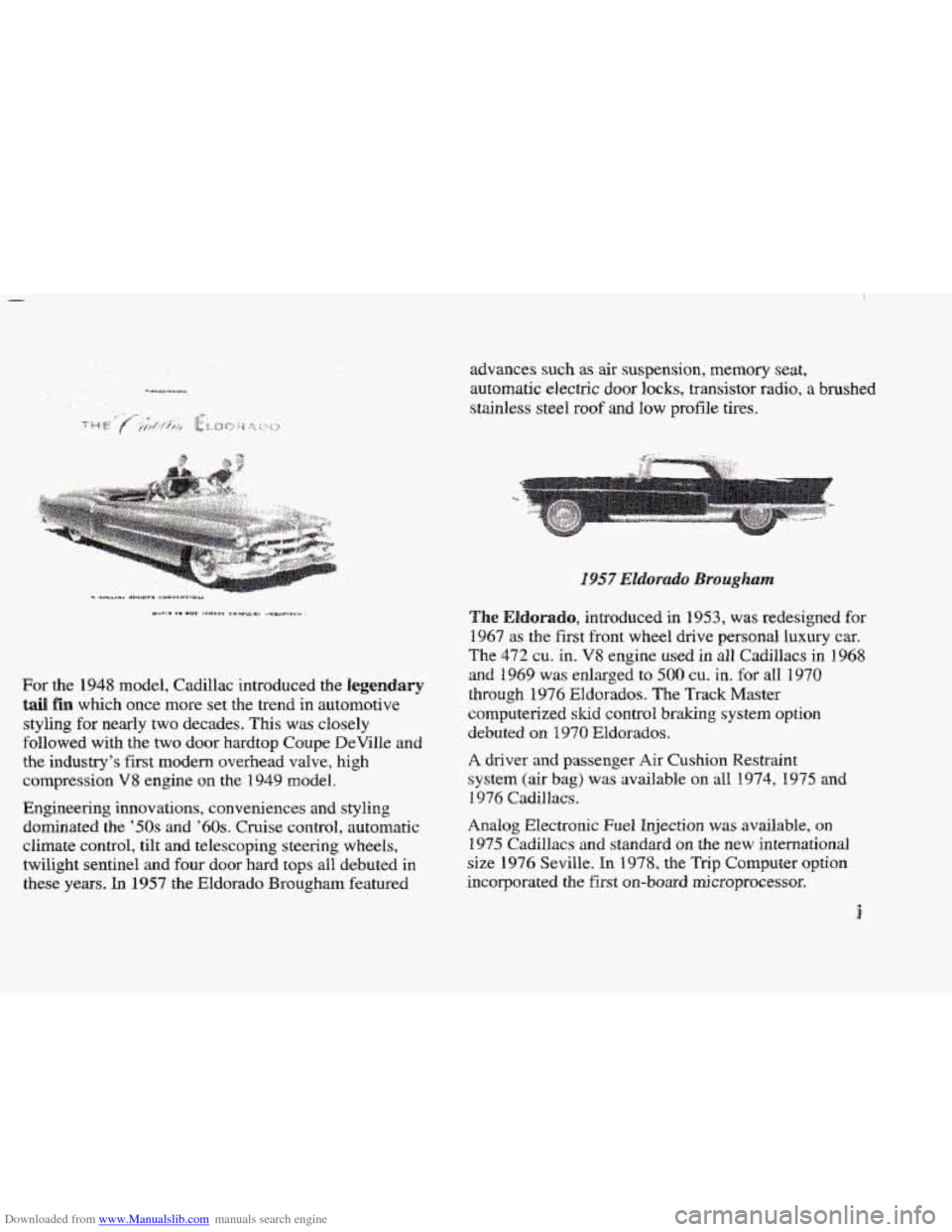
Downloaded from www.Manualslib.com manuals search engine For the 1948 model, Cadillac introduced the legendary
tail fin which once more set the trend in automotive
styling for nearly two decades.
This was closely
followed with the two door hardtop Coupe DeVille and
the industry’s first modern
overhead valve, high
compression
V8 engine on the I949 model.
Engineering innovations, conveniences
and styling
dominated
the ’50s and ’60s. Cruise control, automatic
climate control,
tilt and telescoping steering wheels,
twilight sentinel
and four door hard tops all debuted in
these years.
In 1957 the Eldorado Brougham featured advances
such as air
suspension, memory seat,
automatic electric
door locks, transistor radio, a brushed
stainless
steel roof and low profile tires.
The Eladlorado, introduced in 31953, was redesigned for
1967 as the first front wheel drive personal luxury car.
The 472 cu. in. V8 engine used in all1 Cadillacs in 1948
and
1969 was enlarged to 500 cu. in. for all 1970
through 1974 Eldorados. The Track Master
computerized
slud control braking system option
debuted on 1970 EBdorados.
A driver and passenger Air Cushion Restraint
system (air
bag) was available on all 1974, 1975 and
1.974 Cadillacs.
Analog Electronic Fuel Injection was available, on
1975 Cadillacs and standard on the new international
size 1976 Seville.
In 1978, the Trip Computer option
incorporated the first ~n-bo~d rni.croprocessor.
i
Page 102 of 361
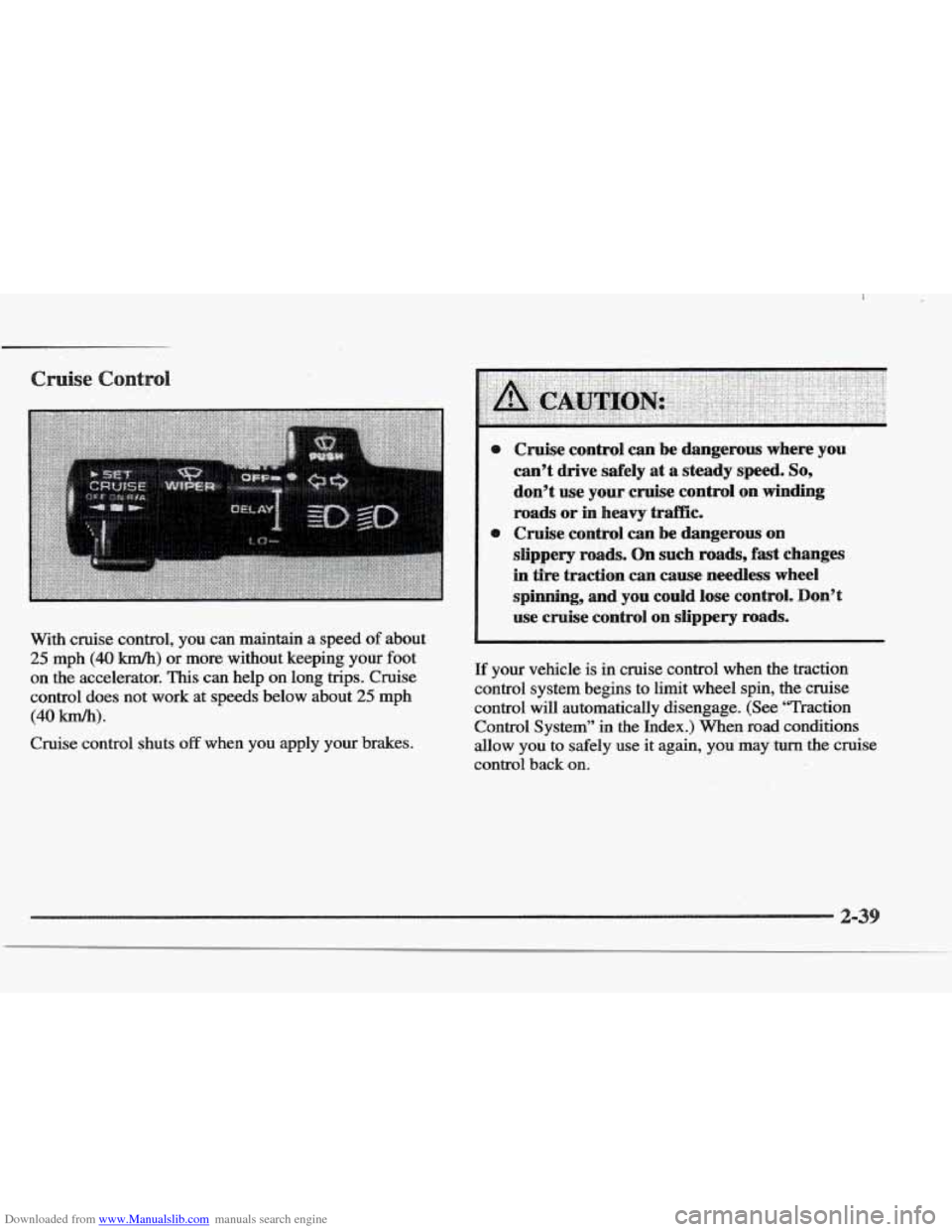
Downloaded from www.Manualslib.com manuals search engine With cruise control, you can maintain a speed of about
25 mph (40 km/h) or more, without keeping your foot
on the accelerator. This can help on long trips. Cruise
control does not
work at speeds below about 25 mph
(40 lun/h).
Cruise control shuts off when you apply your brakes.
I use cruise control on slippery roads.
If your vehicle is in cruise control when the traction
control system begins to limit wheel spin,
the cruise
control will automatically disengage.
(See ‘Traction
Control System” in the Index.)
When road conditions
allow you to safely use it again,
yoti may turn the cruise
control back on.
Page 103 of 361
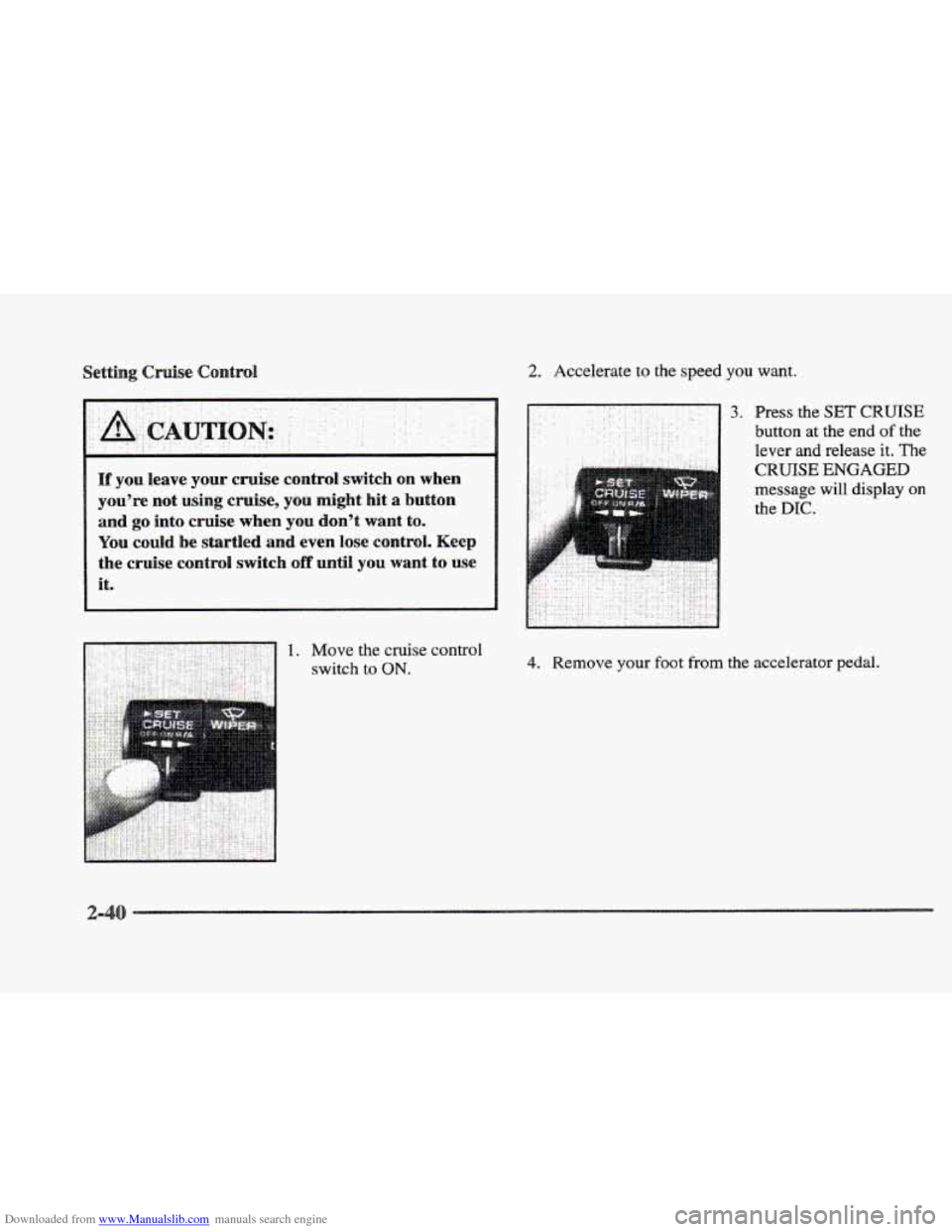
Downloaded from www.Manualslib.com manuals search engine 2. Accelerate to the speed you want.
l[f you leave your cruise contrd switch on when
you’re not using cruise, you might hit
a button
and go into cruise whew YOU don’t want to.
YQU cdd be startled and even lose control. Keep
the cruise
contrdi switch off until YOU want to use
it.
3. Fress the SET CRUISE
button at the end of the
lever and release it. The
CRUISE ENGAGED
message will display on
the DIC.
4. Remove your foot from the accelerator pedal.
Page 104 of 361
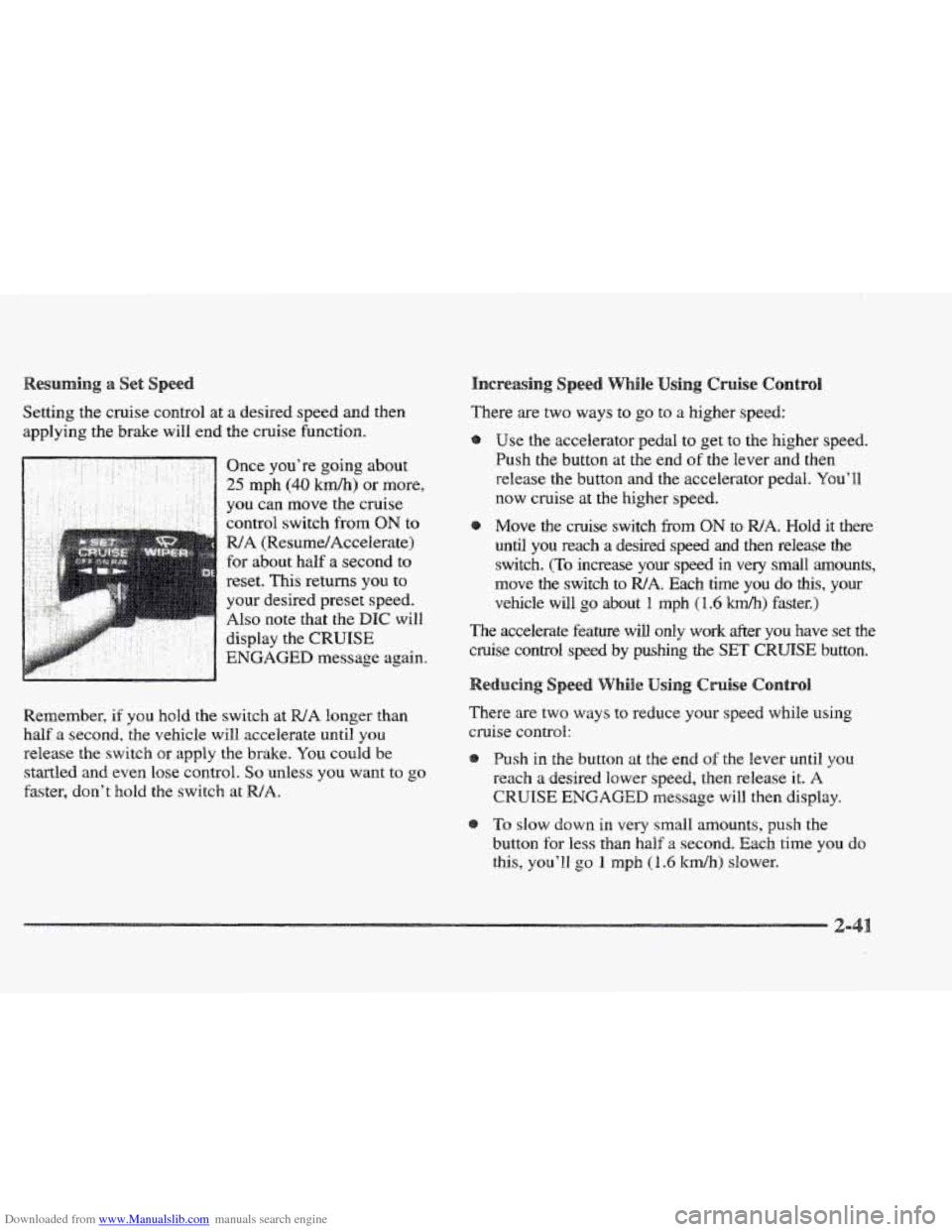
Downloaded from www.Manualslib.com manuals search engine Setting the cruise control at a desired speed and then
applying the brake will end the cruise function.
. .. .. .
. -. ..
.. .. .. : - .: -' Once you're going about .. .. ' ' ' 25 mph (40 krn/h) or more,
Remember,
if you hold the switch at WA longer than
half
a second, the vehicle will accelerate until you
release the switch or apply the brake. You could be
startled and even lose control.
So unless you want to go
faster, don't hold the switch at WA.
There are two ways to go to a higher speed:
Use
the accelerator pedal to get to the higher speed.
Push the button at the end of the lever and then
release
the button and the accelerator pedal. You'll
now cruise at the higher speed.
Move the cruise switch
from ON to WA. Hold it there
until
you reach a desired speed and then release the
switch. (To increase your speed in very small amounts,
move the switch to
WA. Each time you do this, your
vehicle will
go about 1 mph (1.6 'km/lr) faster.)
The accelerate feature will only work after you have set the
cruise control speed
by pushing the SET CRUISE button.
There are two ways to reduce your speed while using
cruise control:
Push in the button at
the end of the lever until you
reach
a desired lower speed, then release it. A
CRUISE ENGAGED message will then display.
To slow down in very small amounts, push the
button
for less than half a second. Each time you do
this, you'21 go 1 rnph (I .6 ltdh) slower.
2-
Page 105 of 361
Downloaded from www.Manualslib.com manuals search engine asshg Another Vehicle While Using Cruise Control
Use the accelerator pedal to increase your speed. When
you take your foot off the pedal, your vehicle will slow
down to the cruise control speed you set earlier.
Using Cruise Control on
How well your cruise control will work on hills depends
upon your speed, load and the steepness
of the hills.
When going up steep hills, you may have to step on the
accelerator pedal to maintain your speed. When going
downhill, you may have to brake or shift to
a lower gear
to keep your speed down.
Of course, applying the brakes
or downshifting into
FIRST (1) takes you out of cruise
control. Many drivers find this to be too much trouble
and don’t use
cruise control on steep hills.
Ending Cruise Conn&ro11
There are two ways to end cruise control:
Step lightly on the brake pedal.
Move
the CRUISE switch to OW.
Erasing Spee
The cruise control set speed memory is erased when you
turn off the cruise control or the ignition.
s
Headlamps
Taillamps
Parking Lamps
Sidemaker Lamps
License Plate
Lamp
Underhood Lamp
Fog Lamps (ETC Only)
Instrument Panel Lights
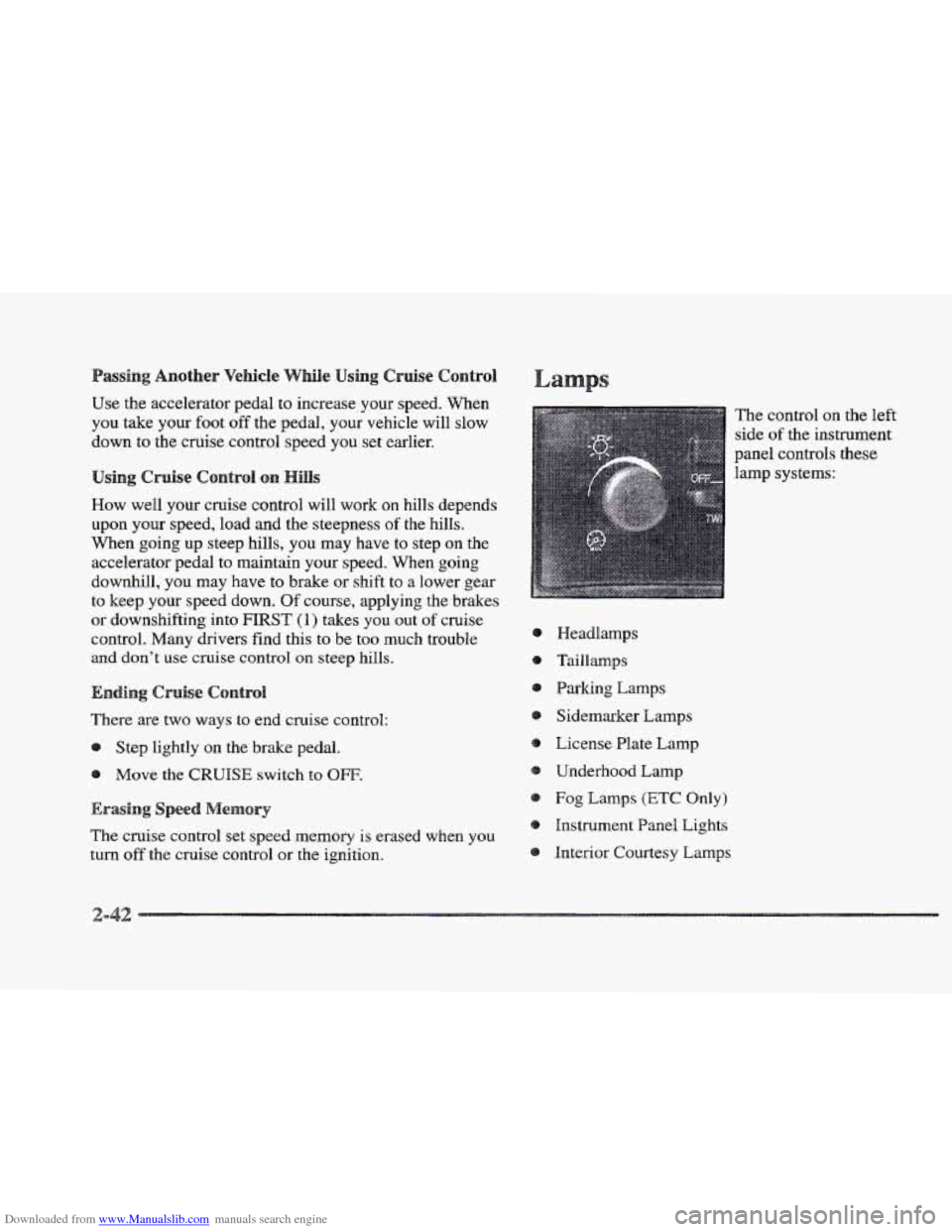
Interior Courtesy Lamps The control
on the left
side
of the instrument
panel controls
these
lamp systems:
Page 194 of 361
Downloaded from www.Manualslib.com manuals search engine Remember: Anti-lock doesn’t change the time you need
to get your foot up to the brake pedal
or always decrease
stopping distance. If you get too close to the vehicle
in
front of you, you won’t have time to apply your brakes
if that vehicle suddenly slows or stops. Always leave
enough room up ahead
to stop, even though YOU have
anti-lock brakes.
using Anti-Lock
Don’t pump the brakes. Just hold the brake pedal down
and
let anti-lock work for YOU. You may hear the
anti-lock pump or motor operate, and feel
the brake
pedal pulsate, but this is normal.
Your vehicle has a traction control system that limits wheel
spin.
This is especially useful in slippery road conditions.
The system operates only
if it senses that one or both of
the front wheels are spinning or beginning to lose traction.
When
this happens, the system works the front brakes and
reduces engine power to limit wheel spin.
The TRACTION
ENGAGED message will display on
the Driver Information Center when the traction control
system is limiting wheel spin. See “Driver Information
Center Messages”
in the Index. You may feel or hear the
system working, but this is normal.
If your vehicle is in cruise control when the traction
control system begins to limit wheel spin, the cruise
control will automatically disengage. When road
Conditions allow you
to safely use it again, you may
re-engage the cruise control. (See “Cruise Control” in
the Index.)
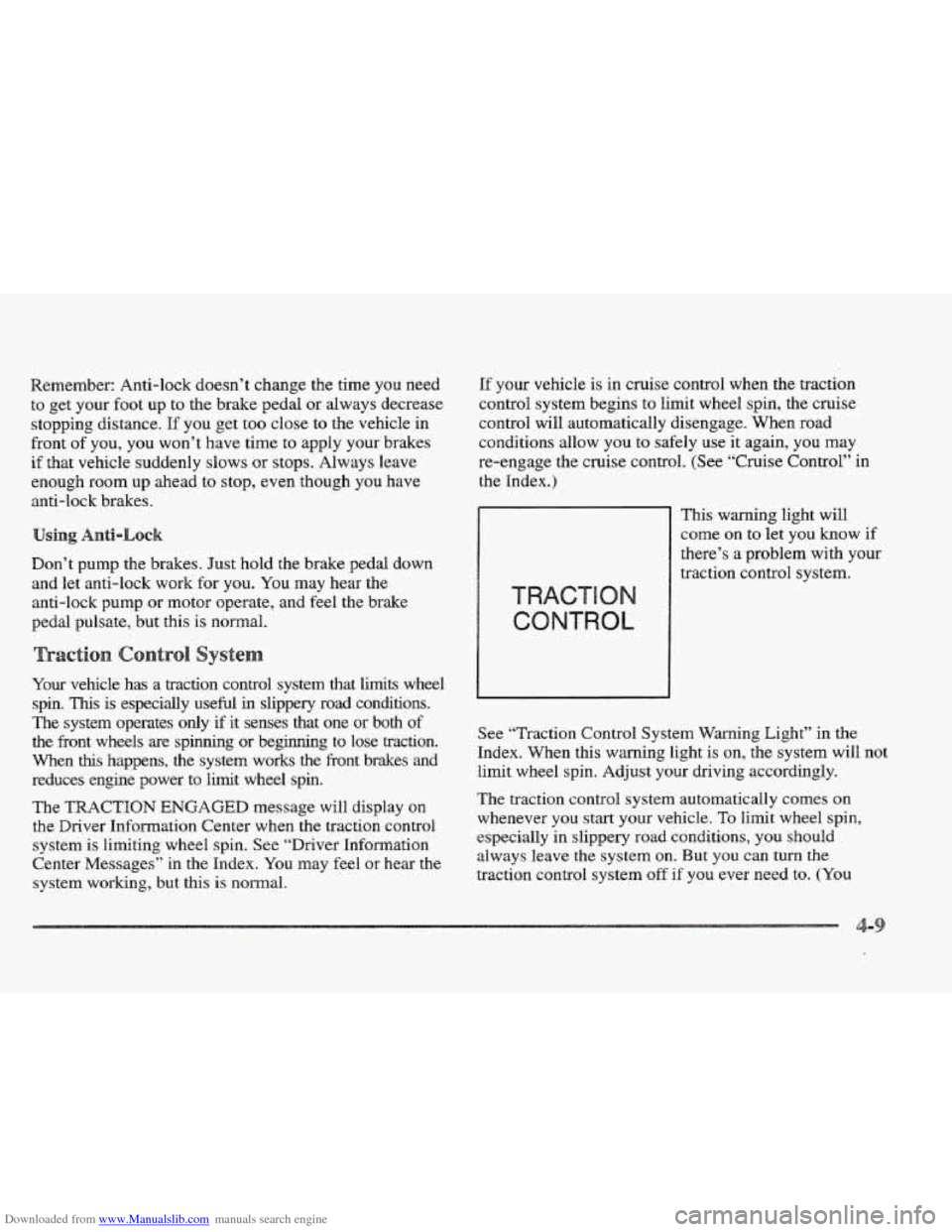
This warning light will
come
on to let you know if
there’s a problem with your
traction control system.
See “Traction Control System Warning Light” in the
Index. When this
warning light is on, the system will not
limit wheel
spin. Adjust your driving accordingly.
The traction control system automatically comes on
whenever you start your vehicle.
To liHnit wheel spin,
especially in slippery
road conditions, you should
always leave
the system on. But you can turn the
traction control system
off if you ever need to. (You
Page 320 of 361
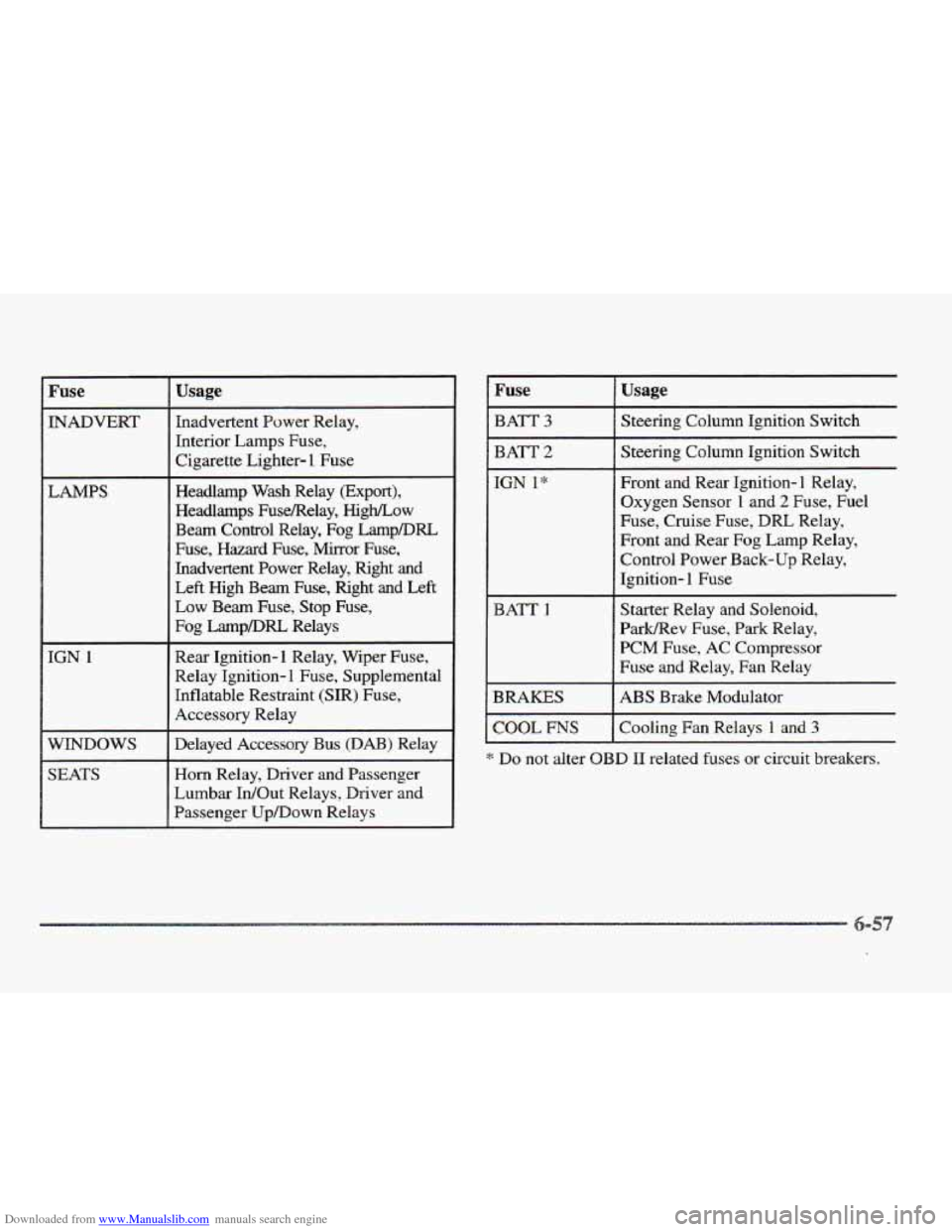
Downloaded from www.Manualslib.com manuals search engine Fuse
INADVERT
LAMPS
____~
IGN 1
WINDOWS
SEATS
Usage
Inadvertent Power Relay,
Interior Lamps
Fuse,
Cigarette Lighter- 1 Fuse
Headlamp Wash Relay (Export),
Headlamps FuseRelay,
High/Low
Beam Control Relay, Fog LampDRL
Fuse, Hazard Fuse, Mirror Fuse,
Inadvertent Power Relay, Right
and
Left High Beam Fuse, Right and Left
Low Beam Fuse, Stop Fuse,
Fog LampDRL Relays
Rear Ignition-1 Relay, Wiper Fuse,
Relay Ignition-
1 Fuse, Supplemental
Inflatable Restraint (SIR) Fuse,
Accessory Relay
Delayed Accessory Bus
(DAB) Relay
Horn Relay, Driver and Passenger
Lumbar IdOut Relays, Driver and
Passenger Up/Down Relays
I Fuse
I BATT 3
I BATT 2
I COOL ms
Usage
Steering Column Ignition Switch
Steering Column Ignition Switch
Front and Rear Ignition- 1 Relay,
Oxygen Sensor
1 and 2 Fuse, Fuel
Fuse, Cruise
Fuse, DRL Relay,
Front and
Rear Fog Lamp Relay,
Control Power Back-up Relay,
Ignition-
1 Fuse
Starter Relay and Solenoid,
Park/Rev Fuse,
Park Relay,
PCM Fuse,
AC Compressor
Fuse and Relay, Fan Relay
ABS Brake Modulator
Cooling Fan Relays
1 and 3
* Do not alter OBD I1 related fuses or circuit breakers.
Page 323 of 361
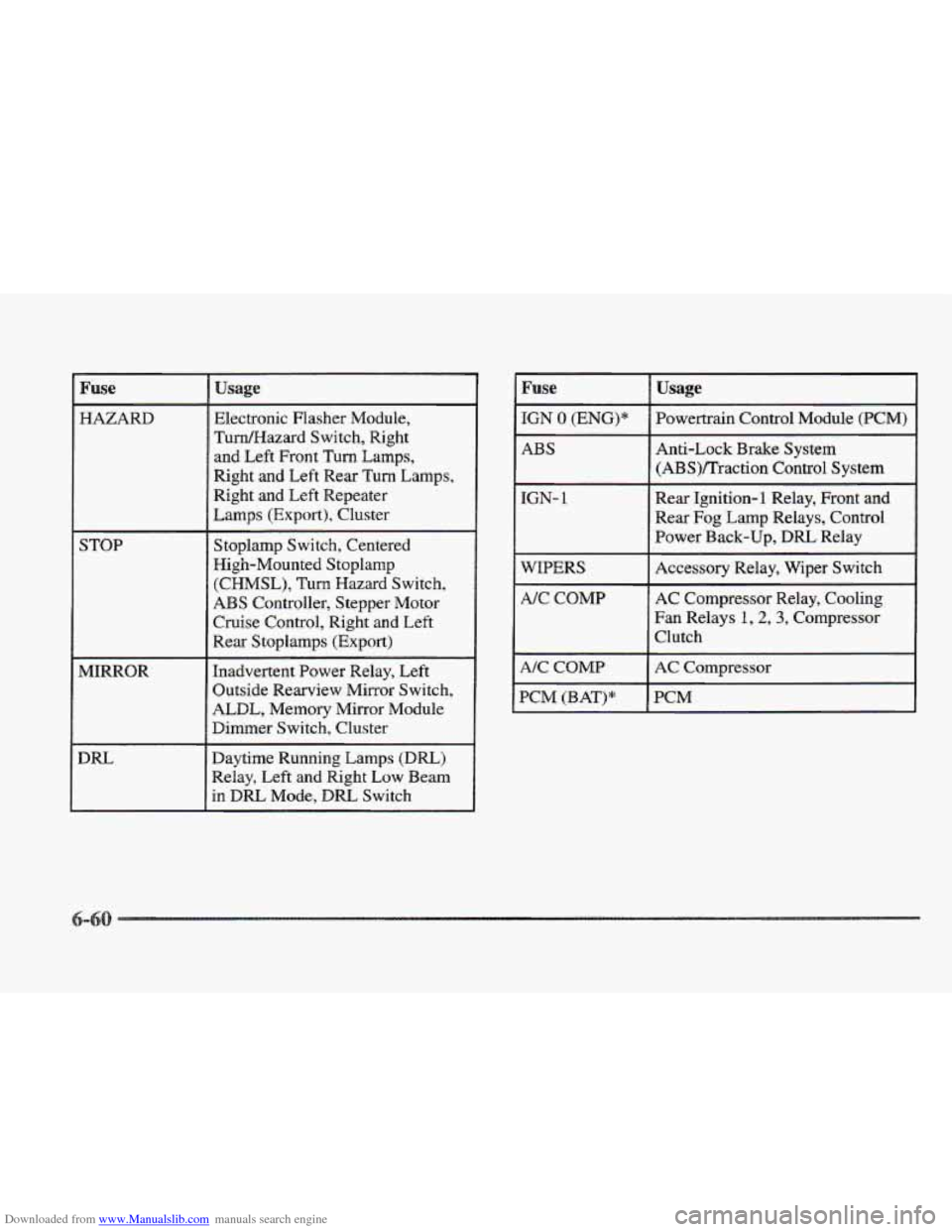
Downloaded from www.Manualslib.com manuals search engine Fuse
HAZARD
STOP
MIRROR
DIU
Usage
Electronic Flasher Module,
TumEIazard Switch, Right
and Left Front Turn Lamps,
Right
and Left Rear Turn Lamps,
Right and Left Repeater
Lamps
(Export), Cluster
Stoplarnp Switch, Centered
High-Mounted Stoplanlp
(CHMSL),
Turn Hazard Switch,
ABS Controller, Stepper Motor
Cruise Control, Right and Left
Rear Stoplamps (Export)
Inadvertent Power Relay, Left
Outside Rearview Mirror Switch,
ALDL, Memory Mirror Module
Dimmer Switch, Cluster
Daytime Running Lamps
(Dm)
Relay, Left and Right Low Beam
in
DRL Mode, DIU Switch
IGN 0 (ENG)*
ABS
IGN- 1
WIPERS
A/C COMP
A/C COMP
PCM (BAT)*
Usage
Powertrain Control Module (PCM)
Anti-Lock
Brake System
(ABS)/Traction Control System
Rear Ignition-1 Relay, Front
and
Rear Fog Lamp Relays, Control
Power Back-up,
DRL Relay
Accessory Relay, Wiper Switch
AC Compressor Relay, Cooling
Fan Relays 1,2, 3, Compressor
Clutch
AC Compressor
BCM