Page 94 of 386
Downloaded from www.Manualslib.com manuals search engine Sun Visors Covered Visor Vanity Mirror
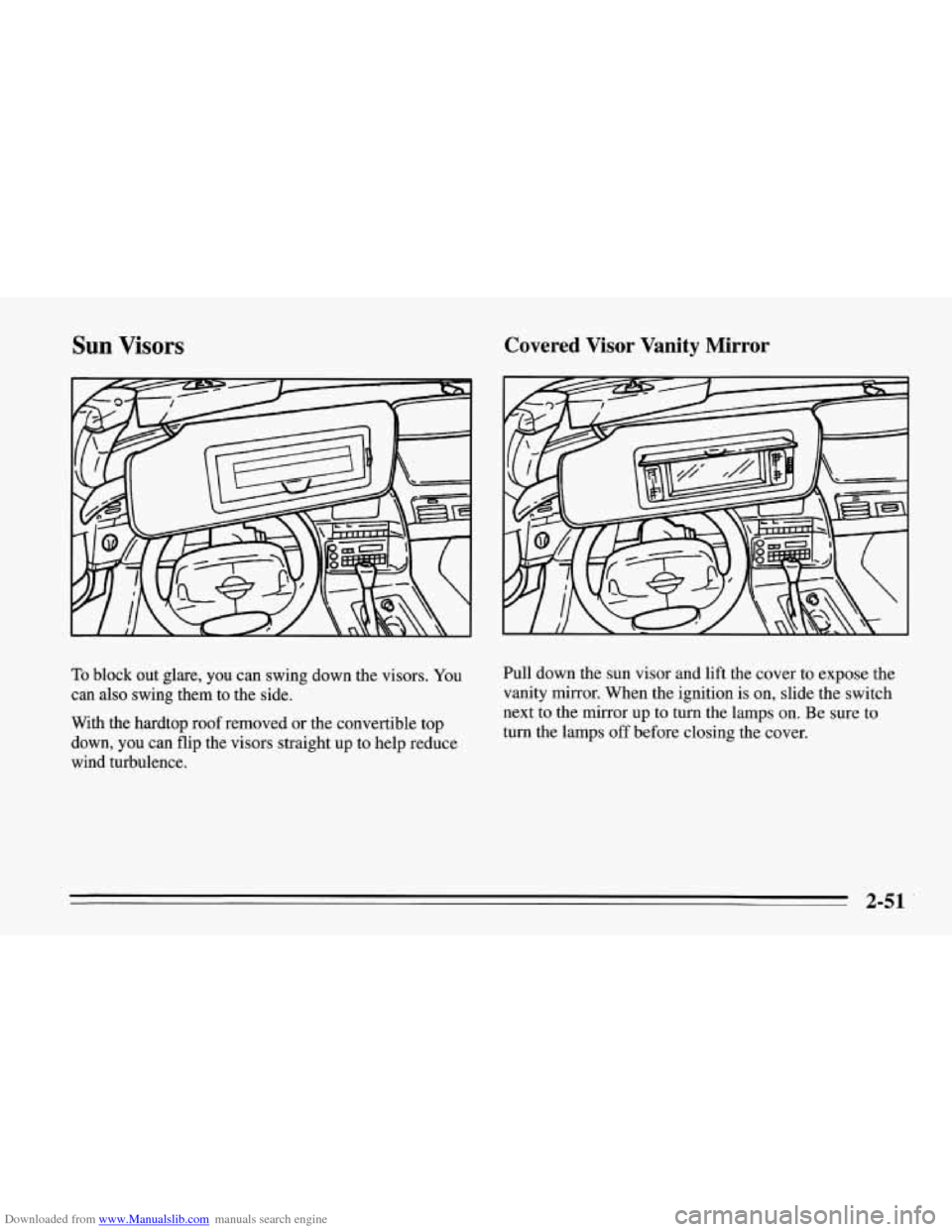
To block out glare, you can swing down the visors. You
can also swing them to the side.
With the hardtop roof removed
or the convertible top
down, you can flip the visors straight up to help reduce
wind turbulence. Pull down the sun visor and lift
the cover to expose the
vanity mirror. When the ignition is on, slide the switch
next to the mirror up to turn the lamps on. Be sure to
turn the lamps off before closing the cover.
2-51
Page 95 of 386
Downloaded from www.Manualslib.com manuals search engine Roof Panel (Coupe)
Until you are sure you can remove the panel alone, have
someone help you.
Removing the Roof Panel
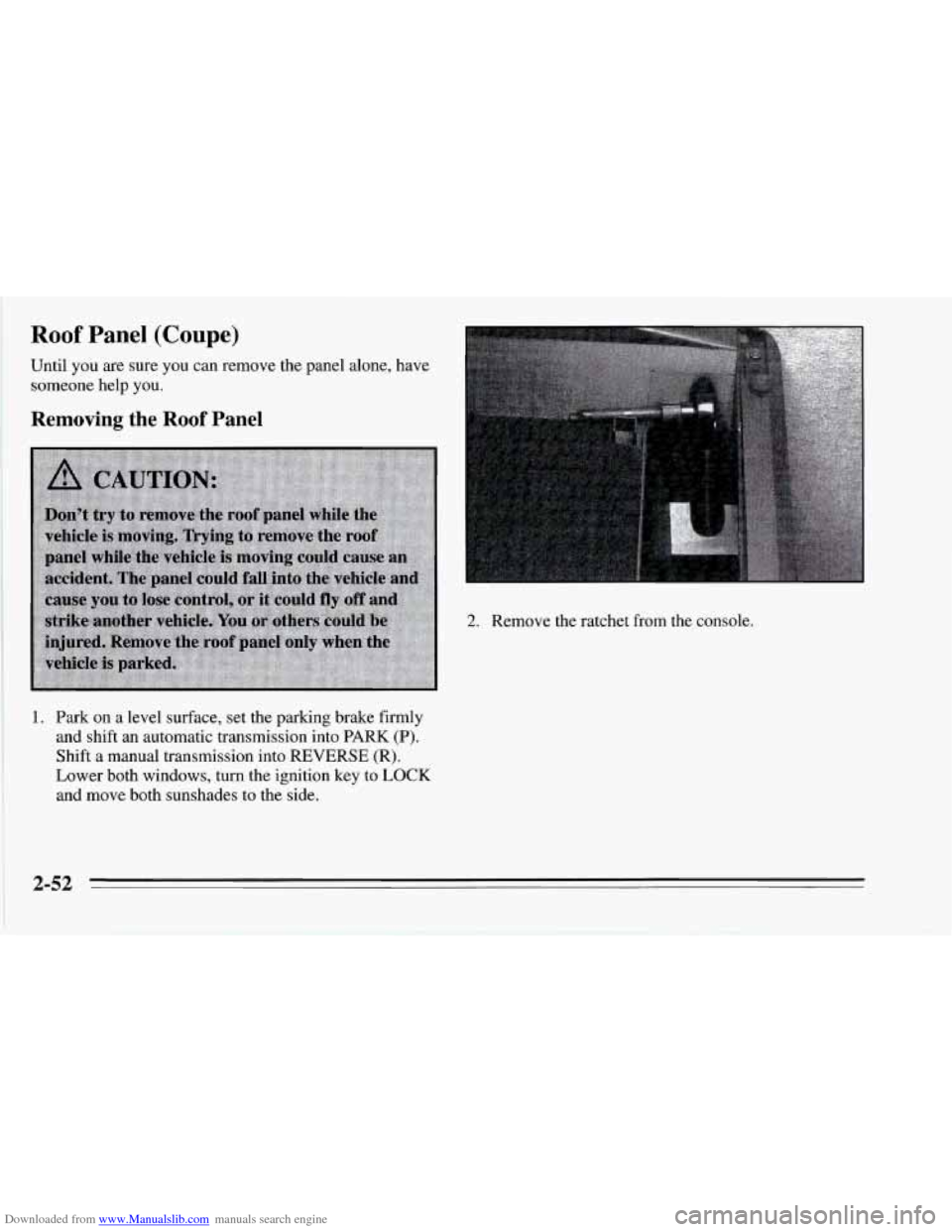
2. Remove the ratchet from the console.
1. Park on a level surface, set the parking brake firmly
and shift an automatic transmission into PARK
(P).
Shift a manual transmission into REVERSE (R).
Lower both windows, turn the ignition key to LOCK
and move both sunshades to the side.
2-52
Page 99 of 386
Downloaded from www.Manualslib.com manuals search engine Installing the Roof Panel 3. Lower the roof panel onto the vehicle, rear edge first,
and place the rear guide pins into the holes in the
roof opening.
4. Lower the front of the roof panel, and align the front
guide pins.
5. Tighten the rear bolts part way.
I
_____~~
NOTICE:
If you tighten bolts that are improperly started,
the threads can become stripped. Be sure all bolts are properly started before you tighten them.
1. Park on a level surface, set the parking brake firmly
and shift an automatic transmission into
PARK (P).
Shift a manual transmission into REVERSE (R).
Lower both windows, turn the ignition key to LOCK
and move both sunshades to the side.
2. If the roof panel is stored in the rear area, remove it
by reversing the steps under “Storing the Roof
Panel” above.
6. Use the ratchet to start the front bolts. If the bolts are
hard to start, tighten the rear bolts some more.
Holding down the panel on the outside will also
help.
7. Fully tighten the rear bolts, then the front bolts.
If you hear a popping noise when you drive, the bolts
may not be tight enough. Be sure to tighten them
securely.
Page 106 of 386
Downloaded from www.Manualslib.com manuals search engine 4. Remove the four screws that attach the console door.
5. Remove the console door.
6. Remove the trim plate by pulling up and back.
7. Disconnect the plug by pulling forward on the plastic
locking tab and pull the plug into the console.
The plug has three separate wires:
0 The orange wire connects to the battery.
The pink wire connects to the ignition. Power is only
0 The black wire connects to the ground.
available in
RUN.
NOTICE:
When using the accessory plug:
0
0
0
0
Don’t splice wires directly into the
accessory plug wire.
If done incorrectly,
splicing might cause damage to your
electrical system.
The maximum load
of any electrical
equipment should not exceed
10 amps.
Be sure to turn
off any electrical equipment
when not in use. Leaving electrical
equipment on for extended periods can
drain your battery.
Do not use this plug if the electrical
equipment requires frequent connecting
and disconnecting. This may cause
excessive wear on the accessory plug and
damage your electrical system.
After you’ve installed the electrical equipment, put the
trim panel and console lid back in place and install the
screws
.
2-63
Page 108 of 386
Downloaded from www.Manualslib.com manuals search engine 1. Acceleration Slip Regulation (ASR) Switch
2. Side Window Defogger Vent
3. Side Air Vent
4. Turn SignaVHeadlamp Beam Lever
5. Tilt Lever
6. Instrument Cluster
7. Ignition Switch
8. Trip Monitor Controls
9. Solar Sensor
10. Center Air Vent
11. Driver Information Center
12. Comfort Controls
13. Fuse Panel
14.. Audio System
15. AshtrayLighterKupholder
16. Selective Ride Control (if equipped)
17. Power Seat Control (if equipped)
18. Shift Lever (automatic shown)
19. Horn
20. Main Lamp Control
21. Fog Lamp Switch
2-65
Page 112 of 386

Downloaded from www.Manualslib.com manuals search engine Your vehicle also has a driver information center that
works along with the warning lights and gauges. See
“Driver Information Center” in the Index.
Safety Belt Reminder Light
When the key is turned to
RUN or START, a chime
will come on for about eight
seconds to remind people to
fasten their safety belts,
unless the driver’s safety
belt is already buckled. The
safety belt light will also
come on and stay on until
the driver’s belt is buckled.
Air Bag Readiness Light
There is an air bag readiness light on the instrument
panel, which shows AIR BAG. The system checks the
air bag’s electrical system for malfunctions. The light
tells you
if there is an electrical problem. The system
check includes the air bag sensors and the wiring and the
diagnostic module. For more information on the air bag
system, see “Air Bag” in the Index.
AIR
BAG
You will see this light flash
for a few seconds when you
turn your ignition to RUN
or START. Then the light
should go out. This means
the system is ready.
If the air bag readiness light doesn’t come on when
you
start your vehicle, or stays on, or comes on when you
are driving, your air bag system may not work properly.
Have your vehicle serviced right away.
2-69
Page 113 of 386
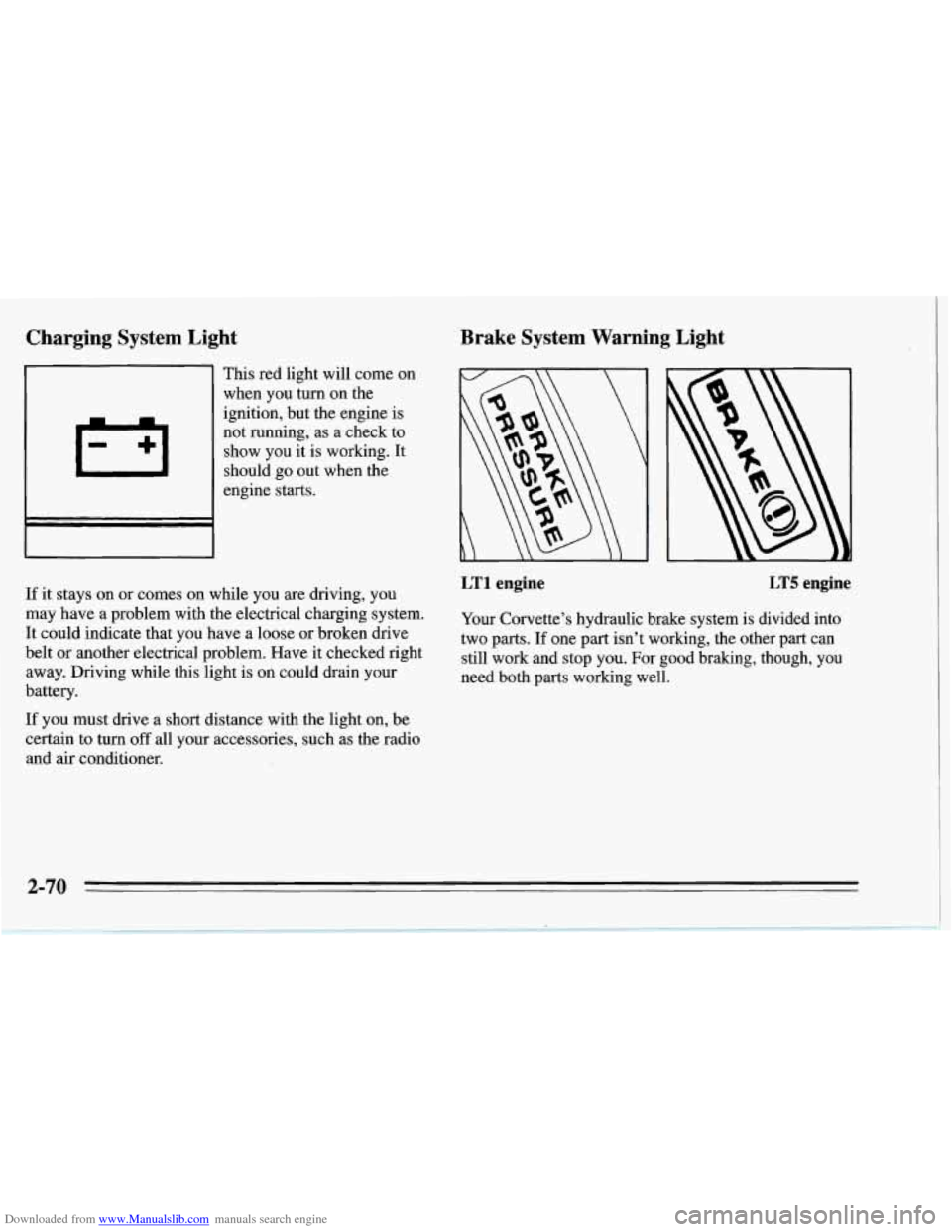
Downloaded from www.Manualslib.com manuals search engine Charging System Light
.
This red light will come on
when you turn on the
ignition, but the engine is
not running, as a check to
show you it is working. It
should go out when the
engine starts.
If it stays on or comes on while you
are driving, you
may have a problem with the electrical charging system.
It could indicate that you have a loose
or broken drive
belt
or another electrical problem. Have it checked right
away. Driving while this light is on could drain your
battery.
If you must drive a short distance with the light on, be
certain to turn
off all your accessories, such as the radio
and
air conditioner.
Brake System Warning Light
LT1 engine LT5 engine
Your Corvette’s hydraulic brake system is divided into
two parts. If one part isn’t working, the other part can
still work and stop you. For good braking, though, you
need both parts working well.
2-70
Page 115 of 386
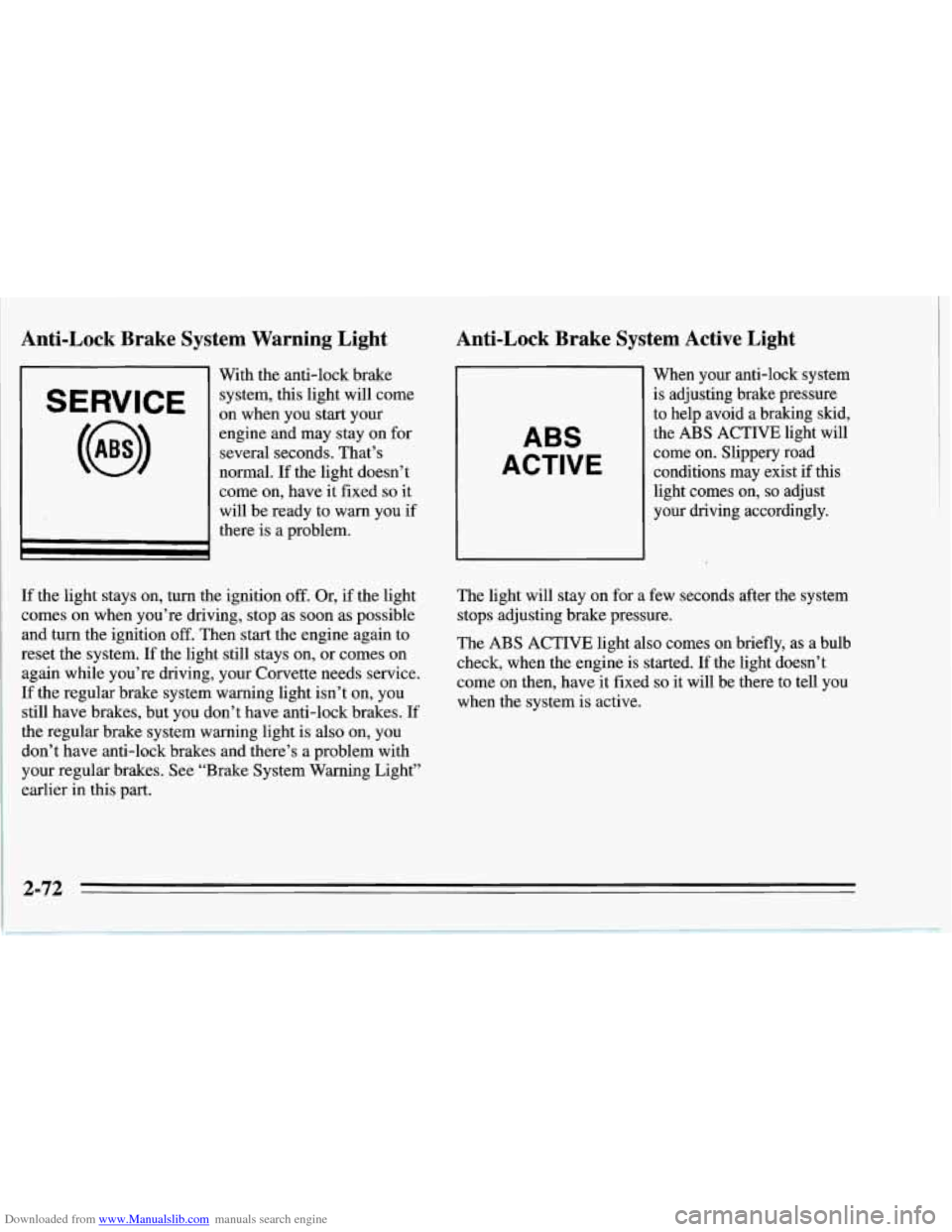
Downloaded from www.Manualslib.com manuals search engine Anti-Lock Brake System Warning Light
SERVICE
With the anti-lock brake
system, this light will come
on when you start your
engine and may stay on for
several seconds. That’s
normal. If the light doesn’t
come on, have it fixed
so it
will be ready to warn you if
there is a problem.
Anti-Lock Brake System Active Light
ABS
ACTIVE
When your anti-lock system
is adjusting brake pressure
to help avoid a braking skid,
the
ABS ACTIVE light will
come on. Slippery road
conditions may exist
if this
light comes on,
so adjust
your driving accordingly.
If the light stays on, turn the ignition
off. Or, if the light
comes on when you’re driving, stop
as soon as possible
and turn the ignition
off. Then start the engine again to
reset the system. If the light still stays on, or comes on
again while you’re driving, your Corvette needs service.
If the regular brake system warning light isn’t on, you
still have brakes, but you don’t have anti-lock brakes. If
the regular brake system warning light is also on, you
don’t have anti-lock brakes and there’s a problem with
your regular brakes. See “Brake System Warning Light”
earlier in this part. The
light will stay on for a few seconds after the system
stops adjusting brake pressure.
The ABS ACTIVE light also comes on briefly, as a bulb
check, when the engine is started. If the light doesn’t
come on then, have it fixed
so it will be there to tell you
when the system is active.
2-72