Page 11 of 342
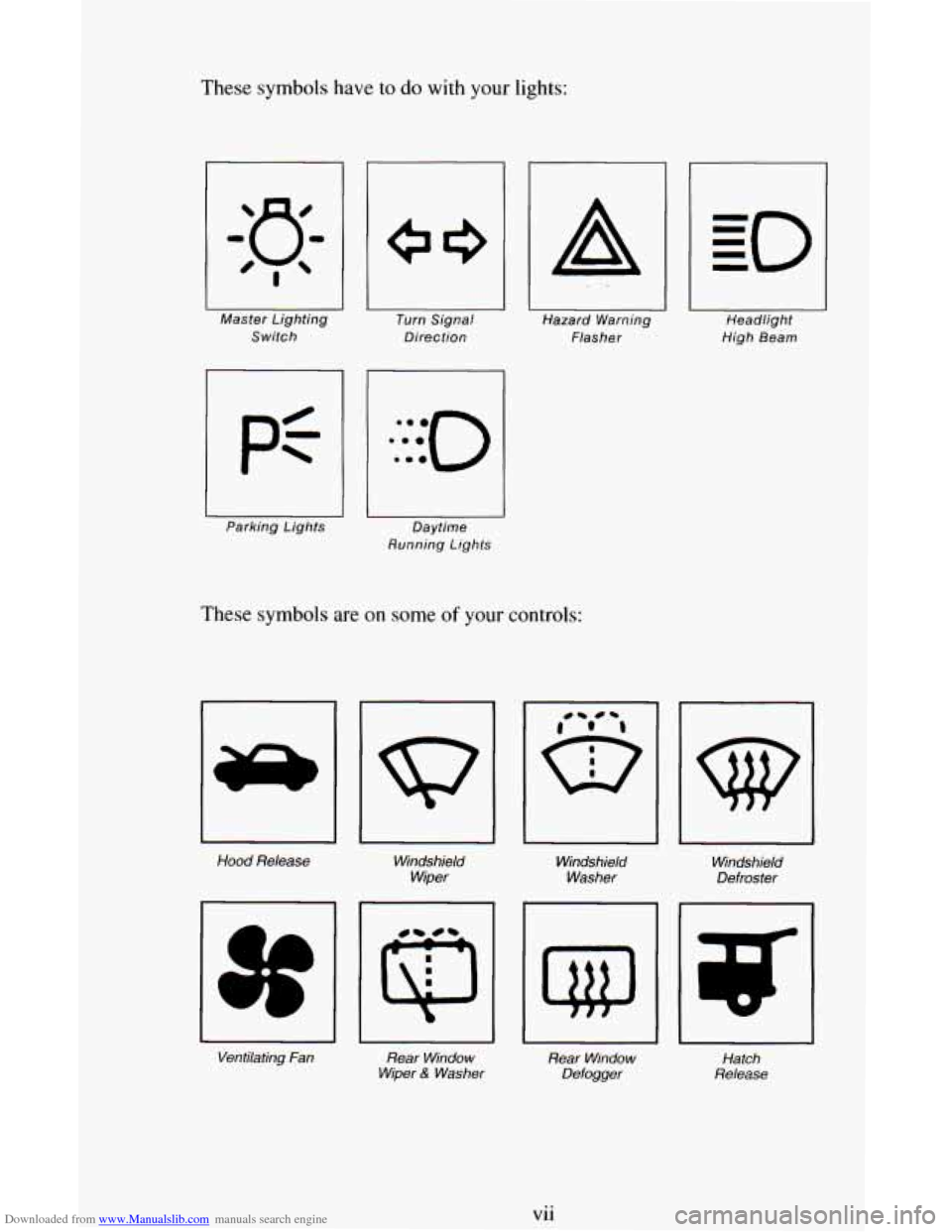
Downloaded from www.Manualslib.com manuals search engine These symbols have to do with your lights:
Master Lighting Switch
1 P=-
Parking Lights
I Turn Signal
Direction
I Daytime
Running Lights
I II I Hazard Warning
Headlight
Flasher High Beam
These symbols are on some of your controls:
Hood
Release
Windshield
Wiper Windshield
Washer
Ventilating
Fan Rear Window
Wiper
6: Washer
rl
Windshield
Defroster
Rear Window
Defogger Hatch
Release
vii
Page 12 of 342
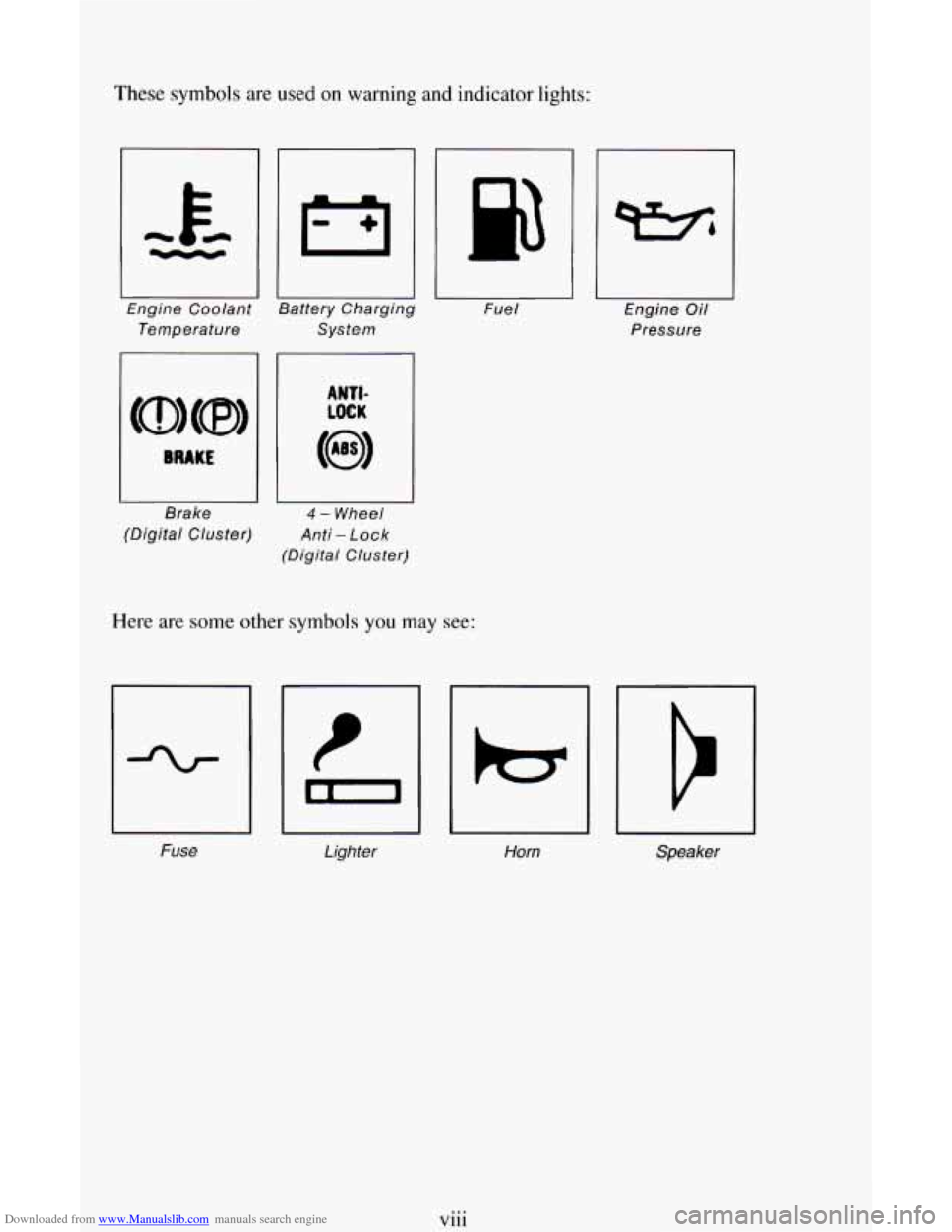
Downloaded from www.Manualslib.com manuals search engine These symbols are used on warning and indicator lights:
Engine Coolant
Temperature System
I I
Fue
I
I II
Brake 4 - Wheel
(Digital Cluster)
Anti - Lock
(Digital Cluster)
Here are some other symbols you may see:
Fuse Lighter
Horn Engine
Oil
Pressure
I
Speaker
viii
Page 75 of 342
Downloaded from www.Manualslib.com manuals search engine Parking Brake
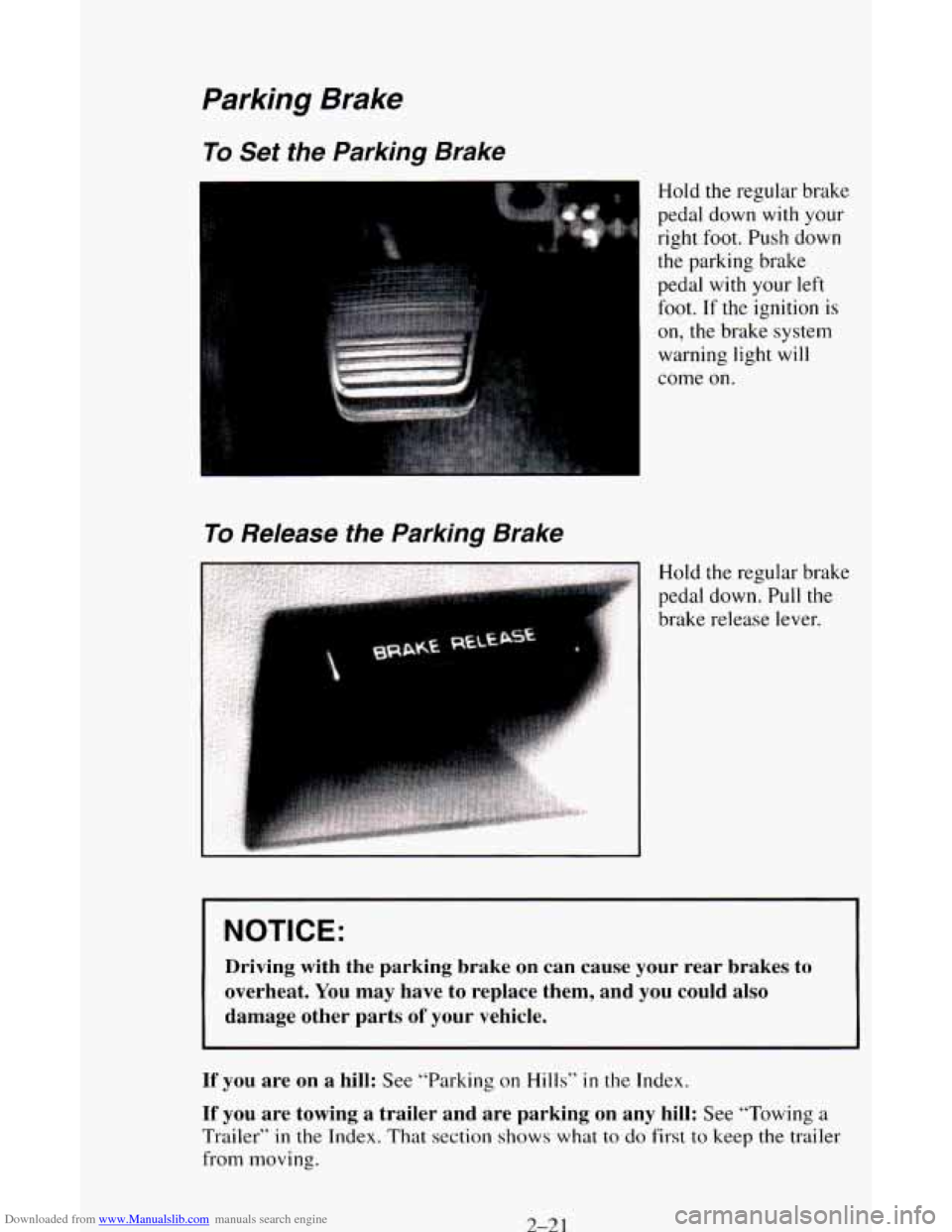
To Set the Parking Brake
Hold the regular brake
To Release the Parking Brake
pedal down with your
right foot. Push down
the parking brake
pedal with your left
foot.
If the ignition is
on, the brake system
warning light
will
come on.
Hold the regular brake
pedal down. Pull the
brake release lever.
NOTICE:
Driving with the parking brake on can cause your rear brakes to
overheat. You may have to replace them, and you could also
damage other parts
of your vehicle.
If you are on a hill: See “Parking on Hills” in the Index.
If you are towing a trailer and are parking on any hill: See “Towing a
Trailer” in the Index. That section shows what to do first to keep the trailer
from moving.
2-21
Page 103 of 342
Downloaded from www.Manualslib.com manuals search engine Instrument Cluster
Your instrument cluster is designed to let you know at a glance how your
vehicle is running. You’ll know how fast you’re going, about
how much
fuel remains, and many other things you’ll need to know to drive safely and
economically.
The optional digital cluster on your vehicle’s instrument panel
is displayed
electronically and will tell you everything the standard cluster does.
The digital cluster will give readings in either English or Metric. To switch
from English to Metric, just press the
EM button.
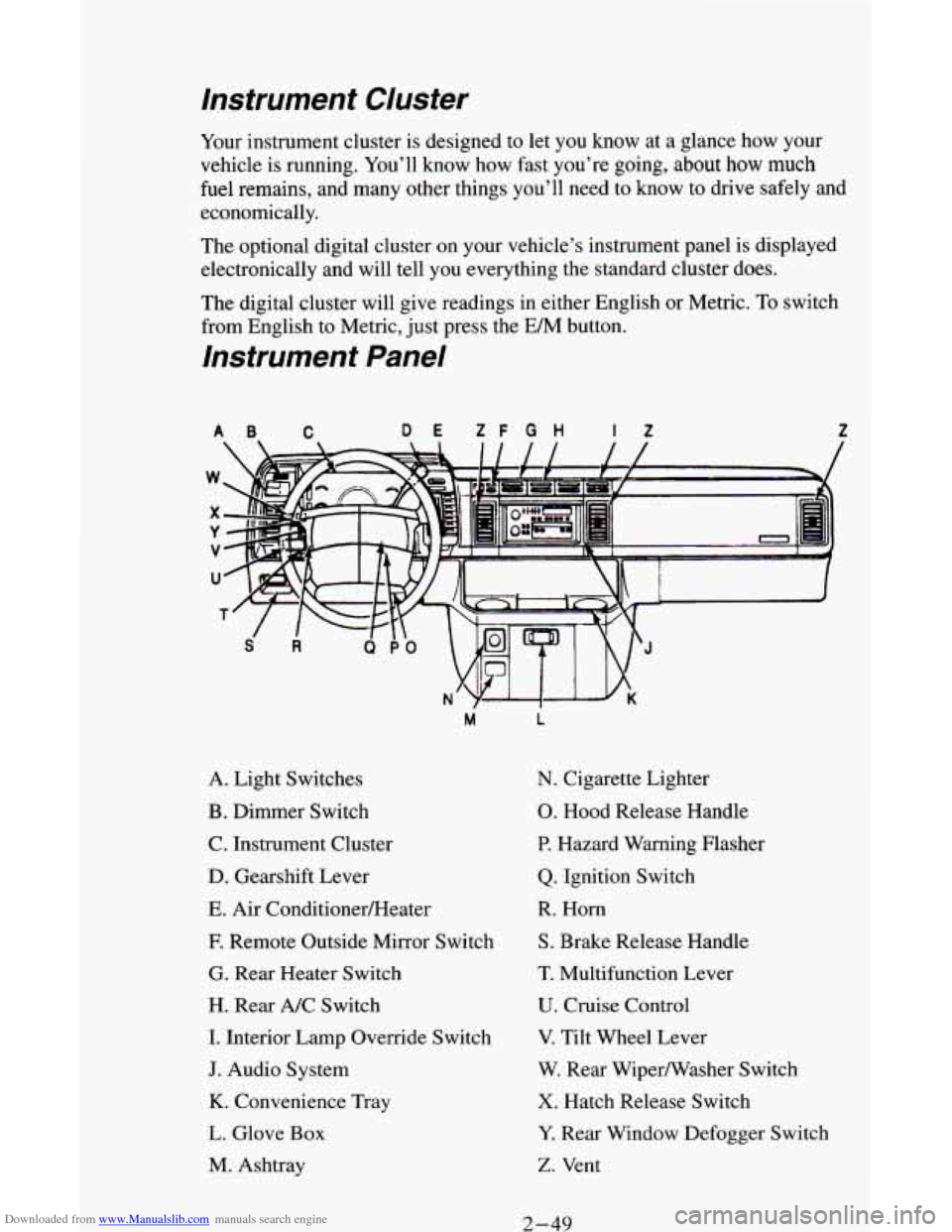
Instrument Panel
AB C DE ZF G H If Z
A. Light Switches
B. Dimmer Switch
C. Instrument Cluster
D. Gearshift Lever
E. Air ConditionerEIeater
E Remote Outside Mirror Switch
G. Rear Heater Switch
H. Rear A/C Switch
I. Interior Lamp Override Switch
J. Audio System
K. Convenience Tray
L. Glove Box
M. Ashtray
M L
N. Cigarette Lighter
0. Hood Release Handle
P. Hazard Warning Flasher
Q. Ignition Switch
R. Horn
S. Brake Release Handle
T. Multifunction Lever
U. Cruise Control
V. Tilt Wheel Lever
W. Rear Wipermasher Switch
X. Hatch Release Switch
Y. Rear Window Defogger Switch
Z. Vent
2-49
Page 105 of 342
Downloaded from www.Manualslib.com manuals search engine YOU may wonder what happens if your vehicle needs a new odometer
installed.
If the new one can be set to the mileage total of the old odometer,
then
it must be. But if it can't, then it's set at zero, and a label must be put
on the driver's door to show the old mileage reading when the new
odometer was installed.
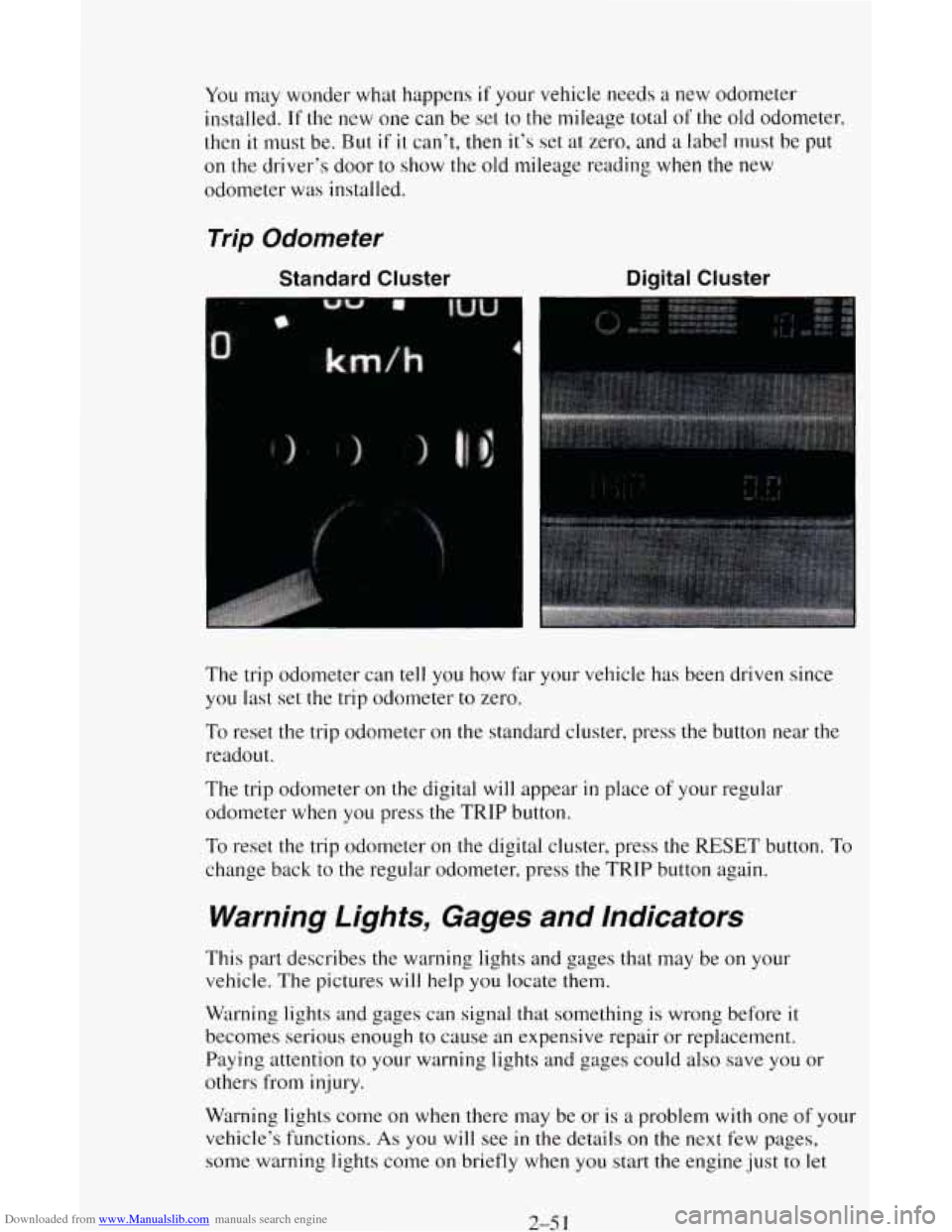
Trip Odometer
Standard Cluster
4
Digital Cluster
The trip odometer can tell you how far your vehicle has been driven since
you last set the trip odometer to zero.
To reset the trip odometer on the standard cluster, press the button near the
readout.
The trip odometer on the digital will appear
in place of your regular
odometer when you press the TRIP button.
To reset the trip odometer on the digital cluster, press the RESET button. To
change back to the regular odometer, press the TRIP button again.
Warning Lights, Gages and Indicators
This part describes the warning lights and gages that may be on your
vehicle. The pictures
will help you locate them.
Warning lights and gages can signal that something
is wrong before it
becomes serious enough to cause an expensive repair or replacement.
Paying attention to your warning lights and gages
could also save you or
others from injury.
Warning lights come on when there may be or
is a problem with one of your
vehicle's functions.
As you will see in the details on the next few pages,
some warning lights come on briefly when you start the engine just to let
2-5 3
Page 106 of 342
Downloaded from www.Manualslib.com manuals search engine you know they’re working. If you are familiar with this section, you should
not be alarmed when this happens.
Gages can indicate when there may be or
is a problem with one of your
vehicle’s functions. Often gages and warning lights work together
to let you
know when there’s a problem with your vehicle.
When one of the warning lights comes
on and stays on when you are
driving, or when
one of the gages shows there may be a problem, check the
section that tells you what to do about
it. Please follow this manual’s advice.
Waiting
to do repairs can be costly - and even dangerous. So please get to
know your warning lights and gages. They’re
a big help.
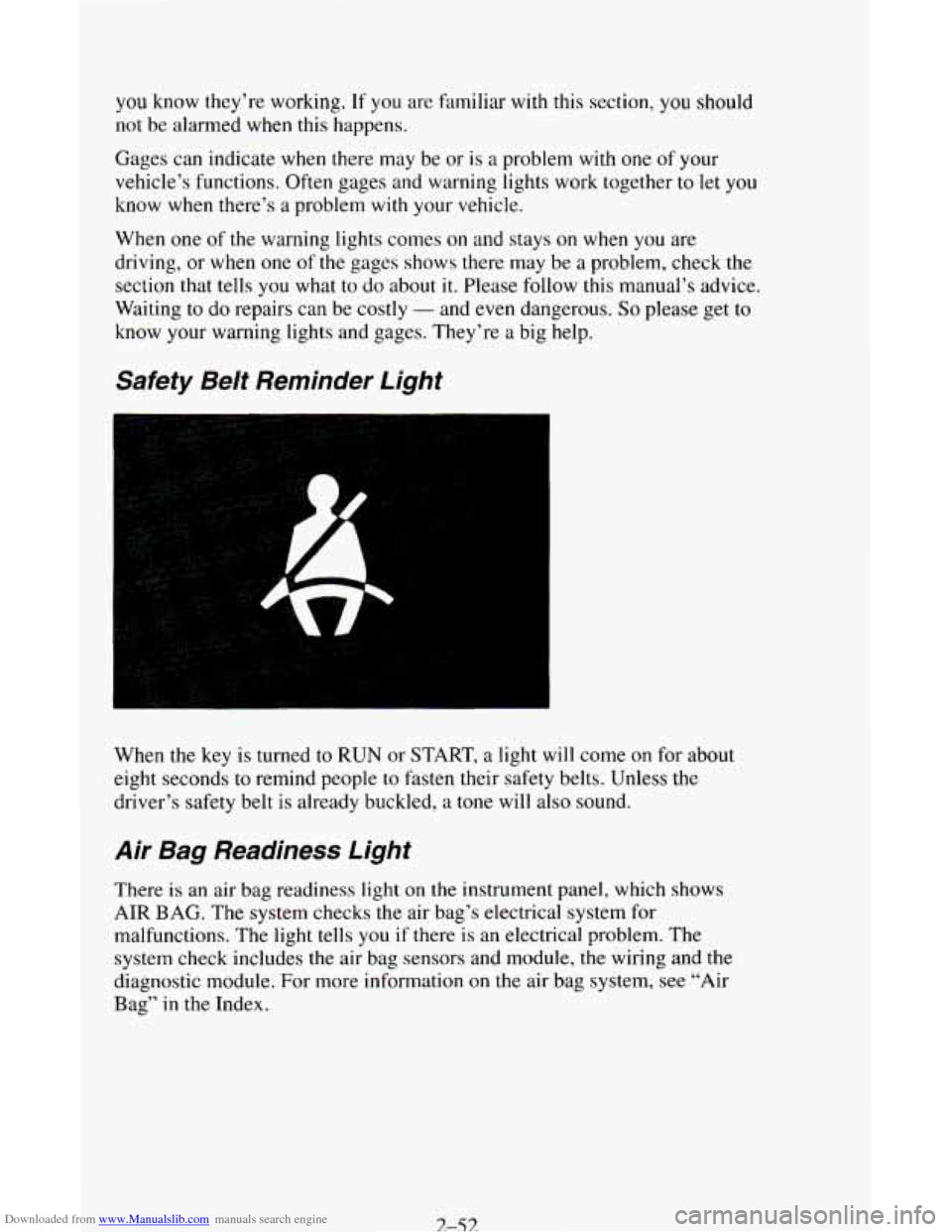
Safety Beit Reminder Light
When the key is turned to RUN or START, a light will come on for about
eight seconds to remind people
to fasten their safety belts. Unless the
driver’s safety belt is already buckled,
a tone will also sound.
Air Bag Readiness Light
There is an air bag readiness light on the instrument panel, which shows
AIR BAG. The system checks the air bag’s electrical system for
malfunctions. The light tells
you if there is an electrical problem. The
system check includes the air bag sensors and module, the wiring and the
diagnostic module. For more information on the air bag system,
see “Air
Bag”
in the Index.
3-53
Page 107 of 342
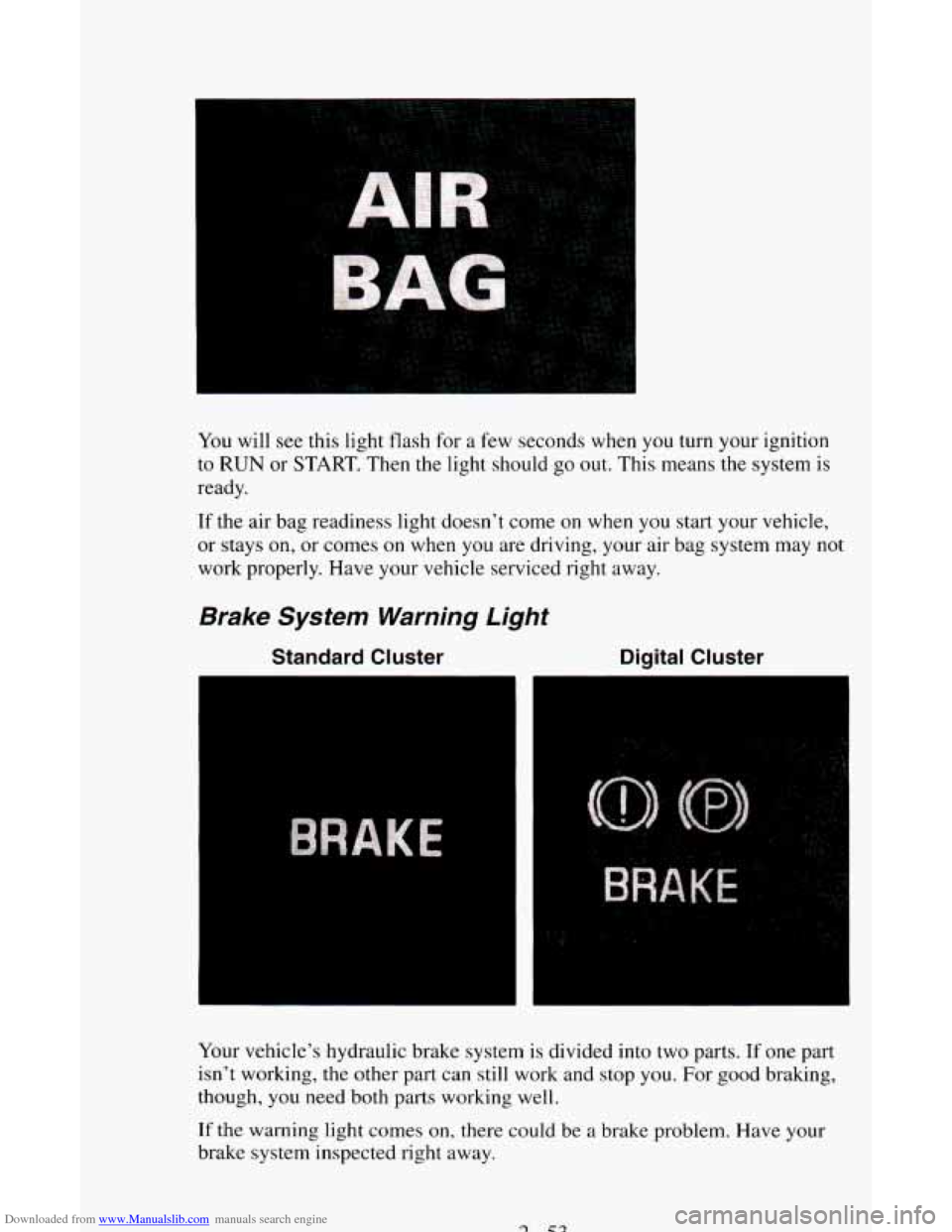
Downloaded from www.Manualslib.com manuals search engine You will see this light flash for a few seconds when you turn your ignition
to
RUN or START. Then the light should go out. This means the system is
ready.
If the air bag readiness light doesn’t come on when you start your vehicle,
or stays on, or comes
on when you are driving, your air bag system may not
work properly. Have your vehicle serviced right away.
Brake System Warning Light
Standard Cluster Digital Cluster
Your vehicle’s hydraulic brake system is divided into two parts. If one part
isn’t working, the other
part can still work and stop you. For good braking,
though, you need both
parts working well.
If the warning light comes on, there could be a brake problem. Have your
brake system inspected right away.
Page 108 of 342
Downloaded from www.Manualslib.com manuals search engine This light should come on briefly as you start the vehicle. If it doesn’t come
on then, have it fixed
so it will be ready to warn you if there’s a problem.
If the light comes on while you are driving, pull off the road and stop
carefully. You may notice that the pedal
is harder to push. Or, the pedal may
go closer
to the floor. It may take longer to stop. If the light is still on, have
the vehicle towed for service. (See “Towing Your Vehicle’’
in the Index.)
b
A CAUTION:
Your brake system may not be working properly if the brake
system warning light is on. Driving with the brake system warning light on can lead to an accident. If the light is st\
ill on
after you’ve pulled off the road and stopped carefully, have\
the
vehicle towed for service.
The brake system warning light will also come on when you set your
parking brake, and it will stay on if your parking brake doesn’t release fully.
If it stays on after your parking brake is fully released, it means you have a
brake problem.
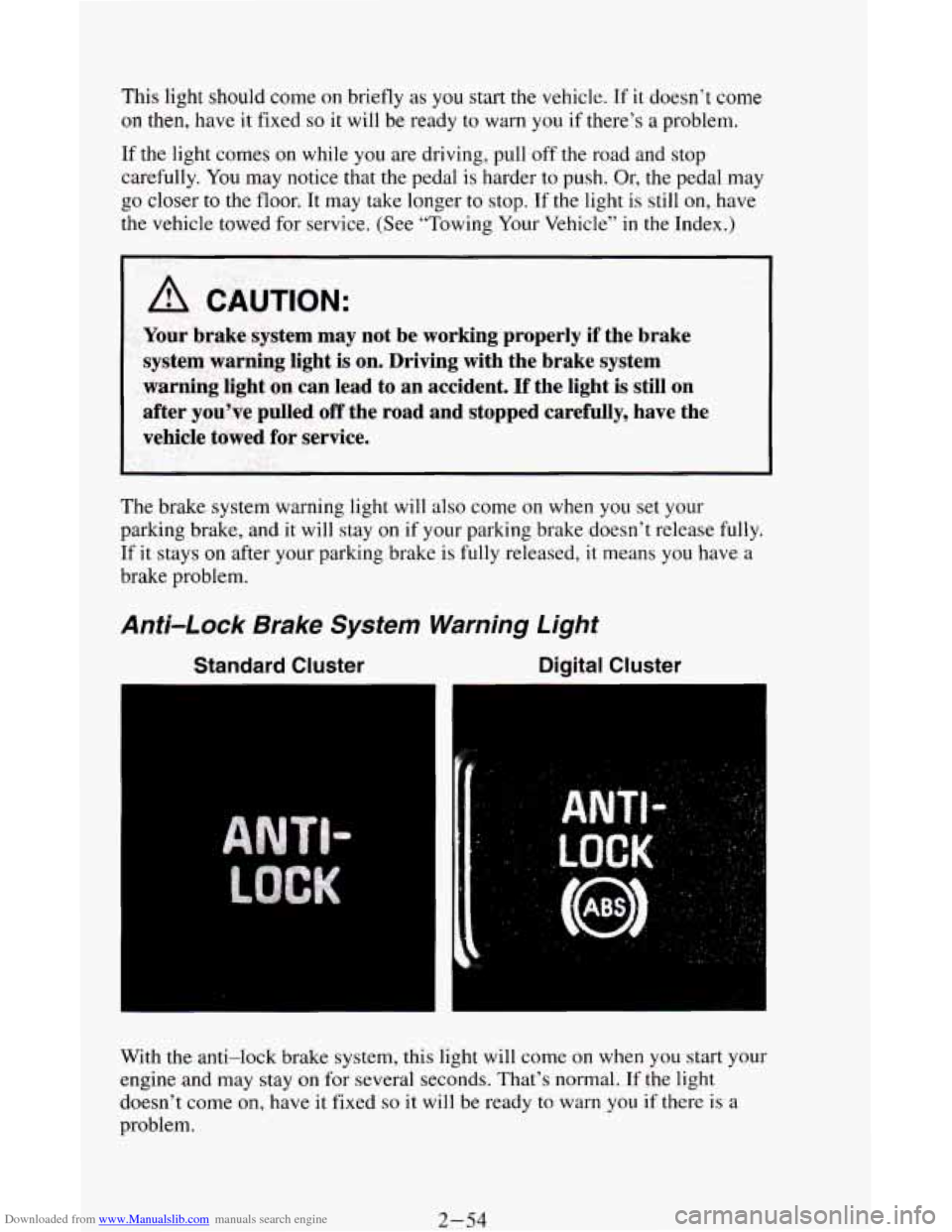
Anti-Lock Brake System Warning Light
Standard Cluster Digital Cluster
With the anti-lock brake system, this light will come on when you start your
engine and may stay on for several seconds. That’s normal. If the light
doesn’t come on, have it fixed
so it will be ready to warn you if there is a
problem.
2-54