1995 CHEVROLET ASTRO CARGO VAN tow
[x] Cancel search: towPage 120 of 342
Downloaded from www.Manualslib.com manuals search engine DEFROST-The setting with the defrost symbol operates the defroster. Most
of the air comes out near the windshield, with some going to the floor vents and
front side windows. Use
this when you get fog or ice on the windshield.
HTR (Heater) - Most of the air comes out near the floor. The rest comes
out from the defroster
vents under the windshield and at the front side
windows. This is best for cold weather.
VENT
- The air comes out at the vents on your instrument panel.
BLEND (Position
1) - With this setting, the heated outside air comes out
both
the heater vents and defroster vents. The lever can be positioned
anywhere between to adjust the proportion of air coming through each
vent.
Adjust the temperature lever for warmer or cooler air.
BLEND (Position
2) - With this setting, the heated outside air comes out
both the instrument panel vents and heater vents. The lever can be
positioned anywhere between
to adjust the proportion of air coming through
each
vent. Adjust the temperature lever for warmer or cooler air.
Heater/Air Conditioning Controls
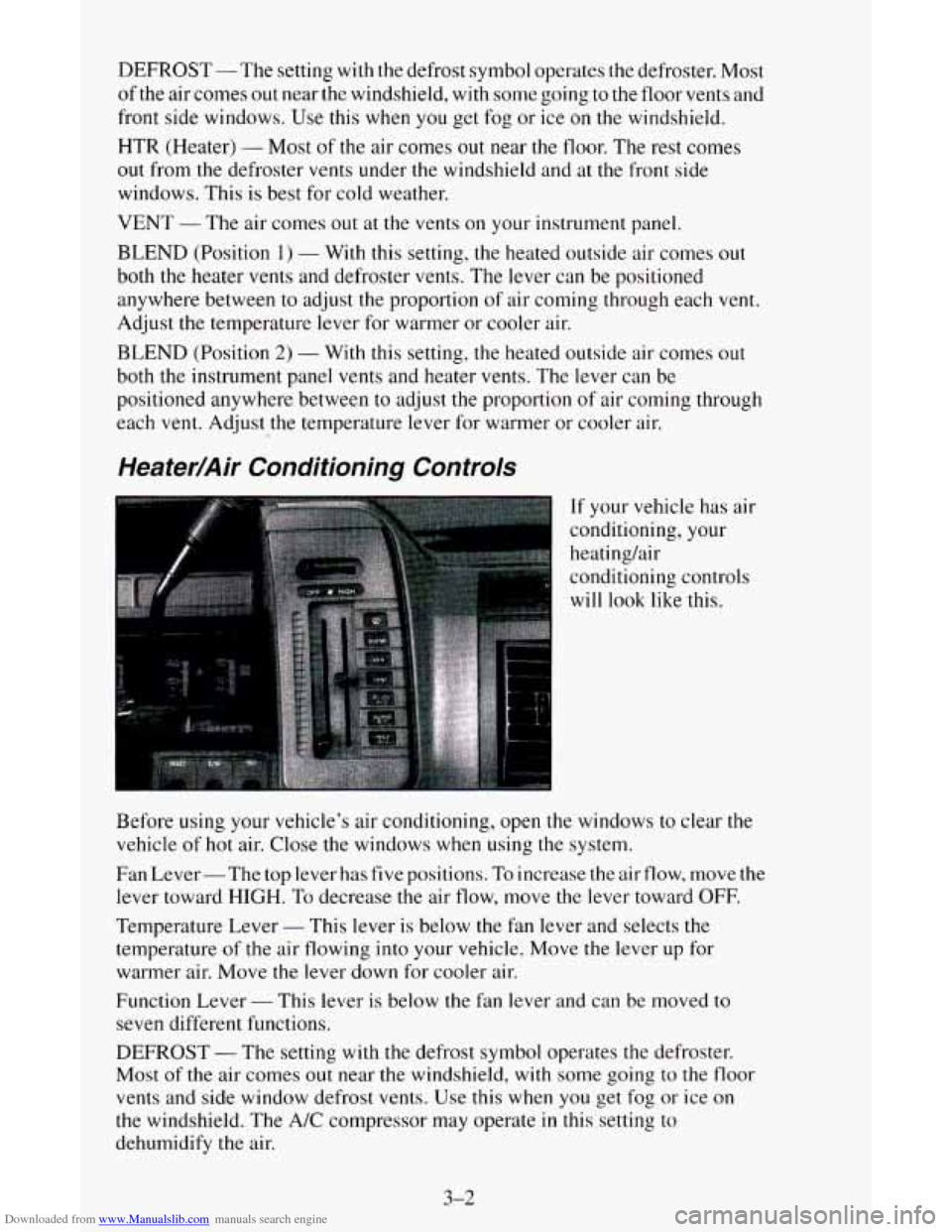
If your vehicle has air
conditioning, your
heatinghir
conditioning controls
will
look like this.
Before using your vehicle’s air conditioning, open the windows to clear the
vehicle
of hot air. Close the windows when using the system.
Fan Lever- The top lever has five positions.
To increase the air flow, move the
lever toward
HIGH. To decrease the air flow, move the lever toward OFF.
Temperature Lever
- This lever is below the fan lever and selects the
temperature of the air flowing into your vehicle. Move the lever up for
warmer air. Move the lever down for cooler air.
Function Lever
- This lever is below the fan lever and can be moved to
seven different functions.
DEFROST
- The setting with the defrost symbol operates the defroster.
Most of the air comes out near the windshield,
with some going to the floor
vents and side window defrost vents. Use this when you get fog or ice on
the windshield. The A/C compressor may operate in this setting to
dehumidify the air.
3-2
Page 121 of 342
Downloaded from www.Manualslib.com manuals search engine BLEND - With this setting, the heated outside air comes out both the
heater
vents and defroster vents, with some air coming through the side
window vents. Adjust the temperature lever
for warmer or cooler air. This
setting
is useful for cold weather with a large number of passengers or very
humid conditions
to help keep the windshield clear. The A/C compressor
may operate in this setting
to dehumidify the air.
HTR (Heater)
- Most of the air comes out near the floor. The rest comes
out from the defroster vents under the windshield and at the front side
windows. This
is best for cold weather.
VENT
- The air comes out at the vents on your instrument panel. The air
conditioner will not run. Adjust the temperature lever for warmer or cooler air.
BI-LEV A/C - With this, outside air comes out through the heater floor
vent and the instrument panel vents. If you move your temperature control
lever between cold and hot, cooler air
will come out of the upper vents
while warmer air comes
out of the floor vent. This setting is useful in cool
weather with bright sunlight.
NORM A/C - This setting cools the outside air. If you first used MAX
A/C, use NORM A/C
as soon as the vehicle has cooled down, so outside air
will be going through your vehicle.
MAX A/C -This cools the air the fastest. Move
the other lever all the way to
Cold. MAX A/C lets in only a little air from the outside. You can use MAX A/C
at first when
it's really hot outside and you need to cool off quickly.
When
the air conditioning, defrost or BLEND is on, you may notice a slight
increase or decrease in engine speed, due
to compressor operation.
Engine Coolant Heater (Option)
If you use the optional engine coolant heater before starting your engine,
your heating system will produce warmer air faster to heat the passenger
compartment
in cold weather. See "Engine Coolant Heater" in the Index.
Rear Heater (Option)
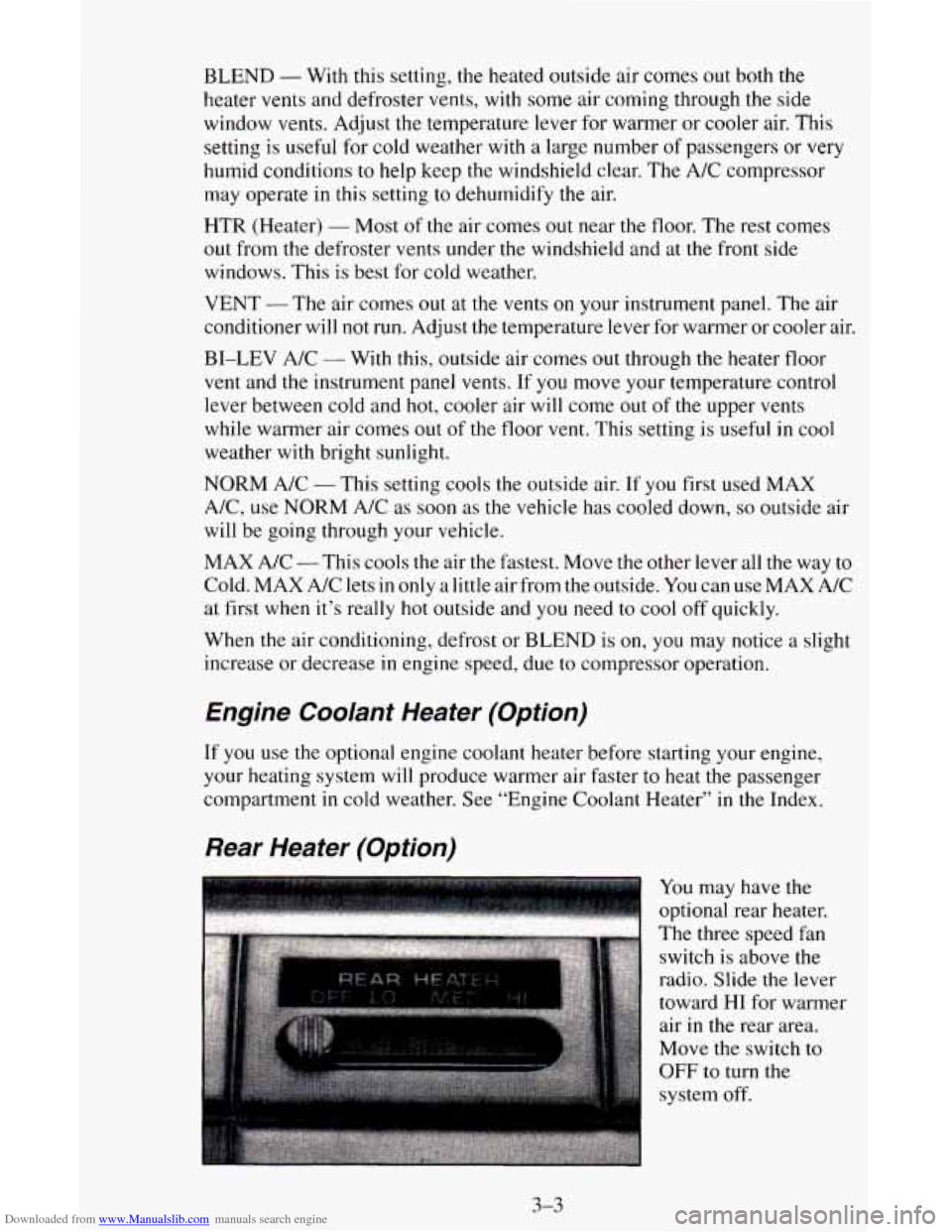
You may have the
optional rear heater.
The three speed fan
switch is above the
radio. Slide
the lever
toward
HI for warmer
air in the rear area.
Move the switch to
OFF to turn the
system off.
3-3
Page 122 of 342
Downloaded from www.Manualslib.com manuals search engine Rear Air Conditioning (Option)
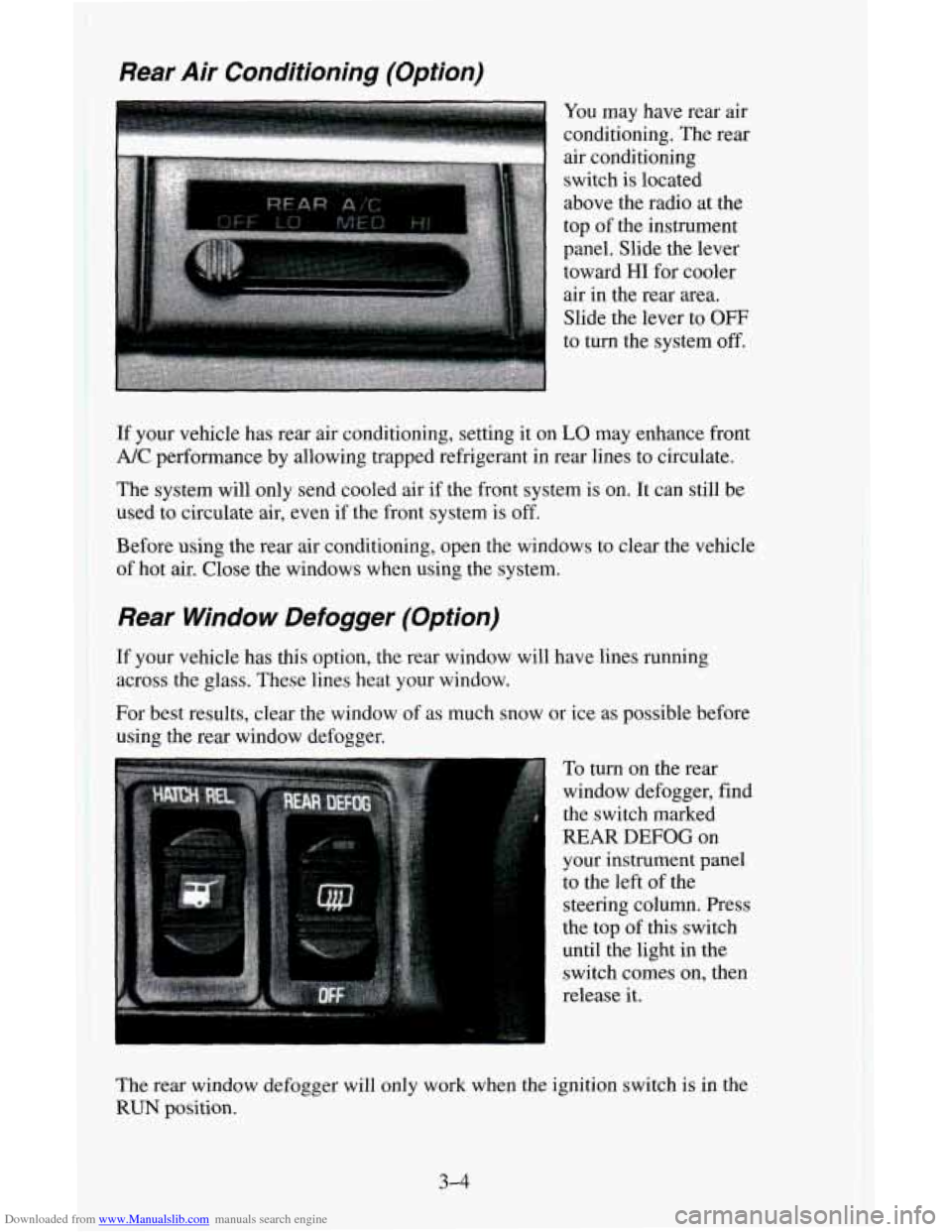
You may have rear air
conditioning. The rear
air conditioning
switch
is located
above the radio at the
top
of the instrument
panel. Slide the lever
toward
HI for cooler
air in the rear
area.
Slide the lever to OFF
to turn the system off.
If your vehicle has rear air conditioning, setting it on LO may enhance front
A/C performance by allowing trapped refrigerant in rear lines to circulate.
The system will only send cooled air if the front system is on. It can still
be
used to circulate air, even if the front system is off.
Before
using the rear air conditioning, open the windows to clear the vehicle
of hot air. Close the windows when using the system.
Rear Window Defogger (Option)
If your vehicle has this option, the rear window will have lines running
across the glass. These lines heat your window.
For best results, clear the window of as much snow or ice as possible before
using the
rear window defogger.
To
turn on the rear
window defogger, find
the switch marked
REAR DEFOG on
your instrument panel
to the left of the
steering column. Press
the top
of this switch
until the light in the
switch comes on, then
release it.
The rear window defogger will only work when the ignition switch
is in the
RUN position.
3-4
Page 163 of 342
Downloaded from www.Manualslib.com manuals search engine Trailering Package
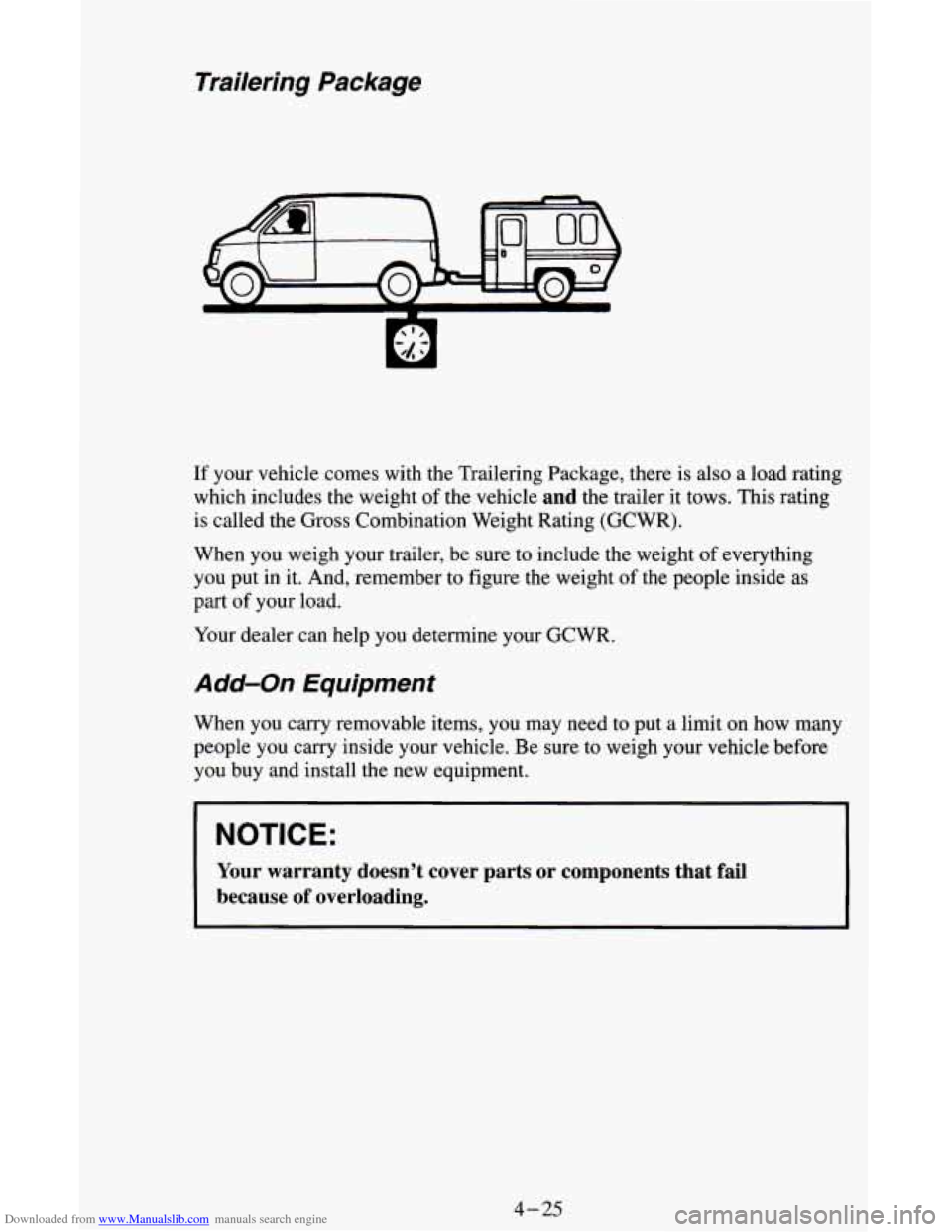
If your vehicle comes with the Trailering Package, there is also a load rating
which includes the weight
of the vehicle and the trailer it tows. This rating
is called the Gross Combination Weight Rating (GCWR).
When you weigh your trailer, be sure to include the weight of everything
you put in
it. And, remember to figure the weight of the people inside as
part of your load.
Your dealer can help you determine your GCWR.
Add-on Equipment
When you carry removable items, you may need to put a limit on how many
people you carry inside your vehicle. Be sure to weigh your vehicle before
you buy and install the new equipment.
NOTICE:
Your warranty doesn’t cover parts or components that fail
because of overloading.
4-25
Page 164 of 342

Downloaded from www.Manualslib.com manuals search engine Towing a Trailer
NOTICE:
Pulling a trailer improperly can damage your vehicle and result\
in costly repairs not covered
by your warranty. To pull a trailer
correctly, follow the advice in this part, and see your
GM dealer
for important information about towing a trailer with your
vehicle.
Most vehicles are ready for some trailer towing. If yours was built with
trailering options, as many are, it’s ready for heavier trailers. But trailering
is different than just driving your vehicle by itself. Trailering means changes
in handling, durability, and fuel economy. Successful, safe trailering takes
correct equipment, and it has to be used properly.
That’s the reason for this part. In it are many time-tested, important
trailering tips and safety rules. Many of these are important for your safety
and that
of your passengers. So please read this section carefully before you
pull a trailer.
&!You Do Decide To Pull A Trailer
If you do, here are some important points.
There are many different laws, including speed limit restrictions,
having to do with trailering. Make sure your rig will be legal, not only
where you live but also where you’ll be driving.
A good source for this
information can be state or provincial police.
Consider using a sway control if your trailer will weigh 2,000 pounds
(900 kg) or less. You should always use a sway control if your trailer
will weigh more than
2,000 pounds (900 kg). You can ask a hitch
dealer about sway controls.
4-26
Page 165 of 342
Downloaded from www.Manualslib.com manuals search engine 0
0
0
Don’t tow a trailer at all during the first 500 miles (800 km) your new
vehicle is driven. Your engine, axle or other parts could be damaged.
Then, during the first
500 miles (800 km) that you tow a trailer, don’t
drive over
50 mph (80 kdh) and don’t make starts at full throttle. This
helps your engine and other parts
of your vehicle wear in at the heavier
loads.
You should use DRIVE (D) (or, as you need to, a lower gear) when
towing a trailer. Operating your vehicle in
DRIVE (D) when towing a
trailer will minimize heat build-up and extend the
life of your
transmission.
Three important considerations have to do with weight:
Weight of the Trailer
How heavy can a trailer safely be?
It depends
on how you plan to use your rig. For example, speed, altitude,
road grades, outside temperature and how much your vehicle is used to pull
a trailer are
all important. And, it can also depend on any special equipment
that you have on your vehicle.
You can ask your dealer for our trailering information or advice, or you can
write us
at the address listed in your Warranty and Owner Assistance
Information Booklet.
In Canada, write to:
General Motors of Canada Limited
Customer Assistance Center
1908 Colonel Sam Drive
Oshawa, Ontario
LlH 8P7
Weight of the Trailer Tongue
The tongue load (A) of any trailer is an important weight to measure
because it affects the total or gross weight
of your vehicle. The gross vehicle
weight (GVW) includes the curb weight
of the vehicle, any cargo you may
carry in it, and the people who will be riding in the vehicle. And if you will
tow
a trailer, you must add the tongue load to the GVW because your
vehicle will be carrying that weight, too. See “Loading Your Vehicle” in the
Index for more information about your vehicle’s maximum load capacity.
4-27
Page 168 of 342
Downloaded from www.Manualslib.com manuals search engine Driving with a Trailer
Towing a trailer requires a certain amount of experience. Before setting out
for the open road, you’ll want
to get to know your rig. Acquaint yourself
with the feel
of handling and braking with the added weight of the trailer.
And always keep in mind that the vehicle you are driving is now a good
deal longer and not nearly as responsive as your vehicle is by itself.
Before you start, check the trailer hitch and platform (and attachments),
safety chains, electrical connector, lights, tires and mirror adjustment.
If the
trailer has electric brakes, start
your vehicle and trailer moving and then
apply the trailer brake controller by hand to be sure the brakes are working.
This lets
you check your electrical connection at the same time.
During your trip, check occasionally
to be sure that the load is secure, and
that the lights and any trailer brakes are still working.
Following Distance
Stay at least twice as far behind the vehicle ahead as you would when
driving your vehicle without a trailer. This can help you avoid situations that
require heavy braking and sudden turns.
4-30
Page 169 of 342
Downloaded from www.Manualslib.com manuals search engine Passing
You’ll need more passing distance up ahead when you’re towing a trailer.
And, because you’re a good deal longer, you’ll need to go much farther
beyond the passed vehicle before
you can return to your lane.
Backing Up
Hold the bottom of the steering wheel with one hand. Then, to move the
trailer to the left,
just move that hand to the left. To move the trailer to the
right, move your hand to the right. Always back up slowly and, if possible,
have someone guide you.
Making Turns
NOTICE:
Making very sharp turns while trailering could cause the traile\
r
to come in contact with the vehicle. Your vehicle could be
damaged. Avoid making very sharp turns while trailering.
When you’re turning with a trailer, make wider turns than normal. Do this
so your trailer won’t strike soft shoulders, curbs, road signs, trees, or other
objects. Avoid jerky or sudden maneuvers. Signal well in advance.
Turn Signals When Towing a Trailer
When you tow a trailer, your vehicle has to have extra wiring and a
heavy-duty turn signal flasher (included in the optional trailering package).
The green arrows
on your instrument panel will flash whenever you signal a
turn or lane change. Properly hooked up, the trailer lamps will also flash,
telling other drivers you’re about
to turn, change lanes or stop.
When towing a trailer, the green arrows
on your instrument panel will flash
for turns even if the bulbs
on the trailer are burned out. Thus, you may think
drivers behind you are seeing your signal when they are not. It’s important
to check occasionally to be sure the trailer bulbs are still working.
4-31