Page 110 of 342
Downloaded from www.Manualslib.com manuals search engine Charging System Light
Standard Cluster
m
Digital Cluster
1
I
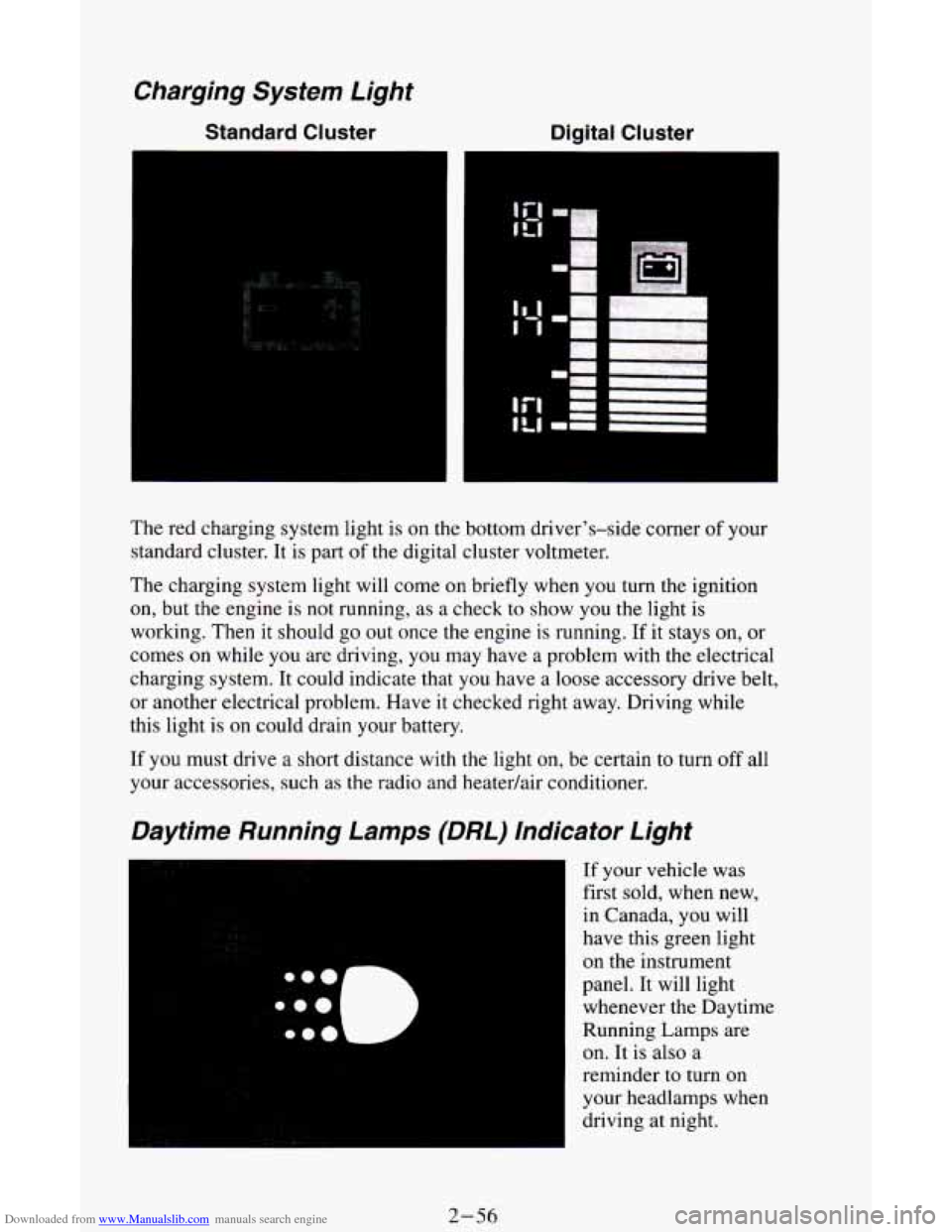
The red charging system light is on the bottom driver's-side corner of your
standard cluster. It is part
of the digital cluster voltmeter.
The charging system light will come on briefly when you
turn the ignition
on, but the engine is not running, as a check
to show you the light is
working.
Then it should go out once the engine is running. If it stays on, or
comes
on while you are driving, you may have a problem with the electrical
charging system. It could indicate that you have a loose accessory drive belt,
or another electrical problem. Have it checked right away. Driving while
this light is
on could drain your battery.
If you must drive
a short distance with the light on, be certain to turn off all
your accessories, such as the radio and heatedair conditioner.
Daytime Running Lamps (DRL) Indicator Light
If your vehicle was
first sold, when new,
in Canada, you will
have this green light
on the instrument
panel. It will light
whenever the Daytime
Running Lamps are
on.
It is also a
reminder to turn on
your headlamps when
driving at night.
2-56
Page 111 of 342
Downloaded from www.Manualslib.com manuals search engine For more details about DRL, see “Headlamps and Vehicle Lighting” in this
section.
The
DRL indicator light is on whenever the ignition and the headlight
switch and parking brake are
off. For more details about DRL, see “Lights”
in this part.
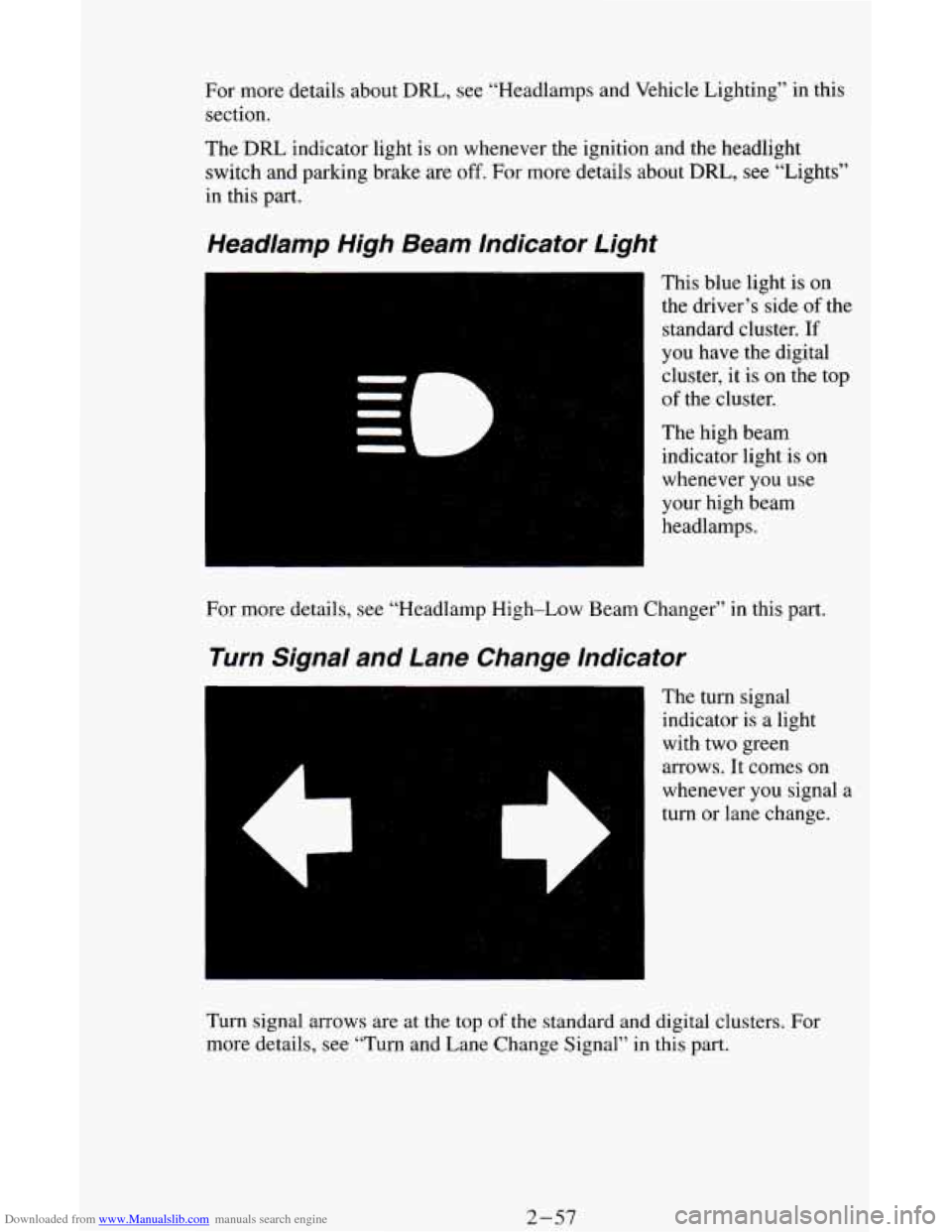
Headlamp High Beam Indicator Light
This blue light is on
the driver’s side
of the
standard cluster.
If
you have the digital
cluster, it
is on the top
of the cluster.
The high beam
indicator light is
on
whenever you use
your high beam
headlamps.
For more details, see “Headlamp High-Low Beam Changer” in this part.
Turn Signal and Lane Change Indicator
The turn signal
indicator is
a light
with two green
arrows. It comes on
whenever you signal
a
turn or lane change.
Turn signal arrows are at the
top of the standard and digital clusters. For
more details, see “Turn and Lane Change Signal”
in this part.
2-57
Page 114 of 342
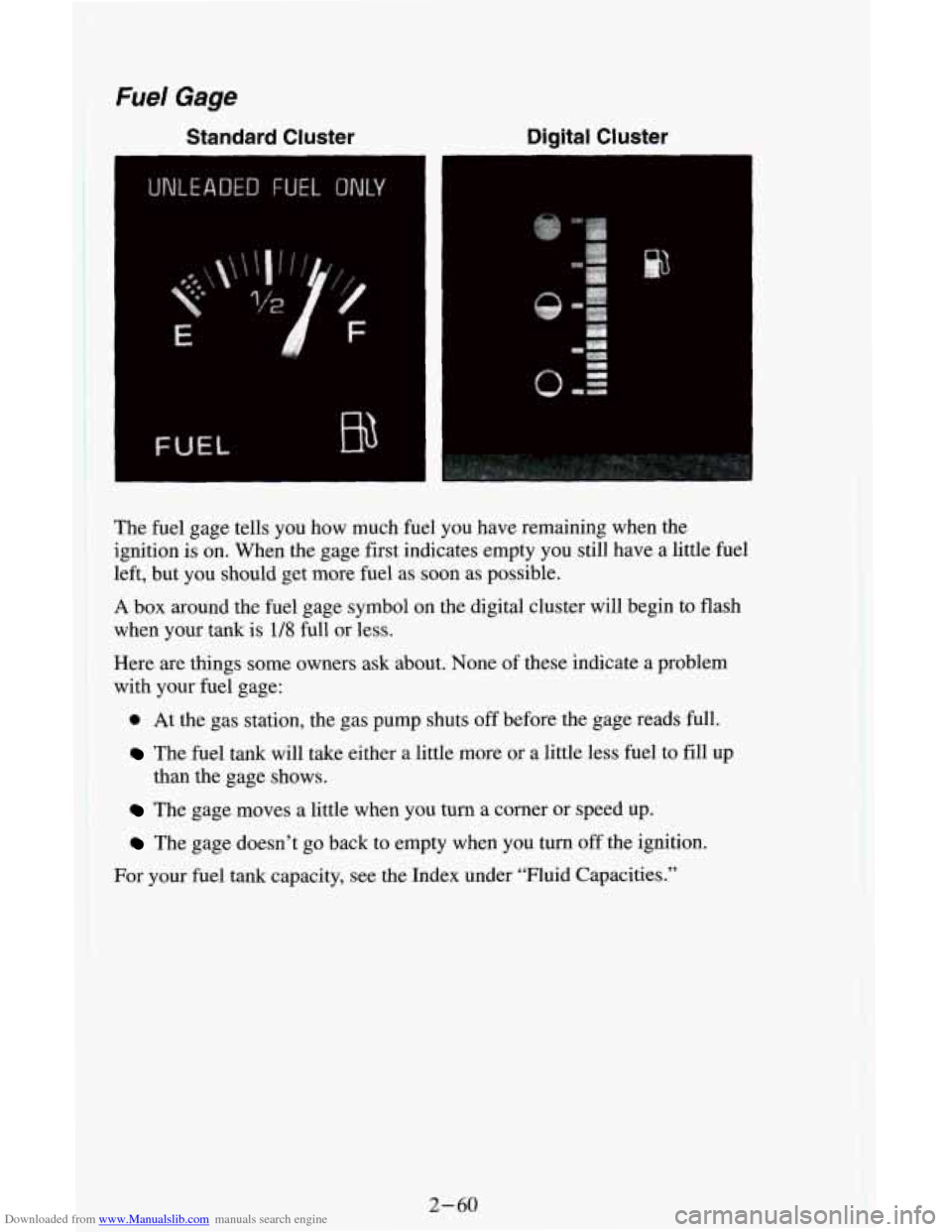
Downloaded from www.Manualslib.com manuals search engine The fuel gage tells you how much fuel you have remaining when the
ignition is on. When the gage first indicates empty you still have a little fuel
left, but you should get more fuel as soon as possible.
A box around the fuel gage symbol on the digital cluster will begin to flash
when
your tank is 1/8 full or less.
Here are things some owners ask about. None
of these indicate a problem
with your fuel gage:
0 At the gas station, the gas pump shuts off before the gage reads full.
The fuel tank will take either a little more or a little less fuel to fill up
The gage moves a little when you turn a comer or speed up.
The gage doesn’t go back to empty when you tum off the ignition.
than
the gage shows.
I
For your fuel tank capacity, see the Index under “Fluid Capacities.”
2-60
Page 115 of 342
Downloaded from www.Manualslib.com manuals search engine Voltmeter
Standard Cluster Digital
Cluster
VOLTS
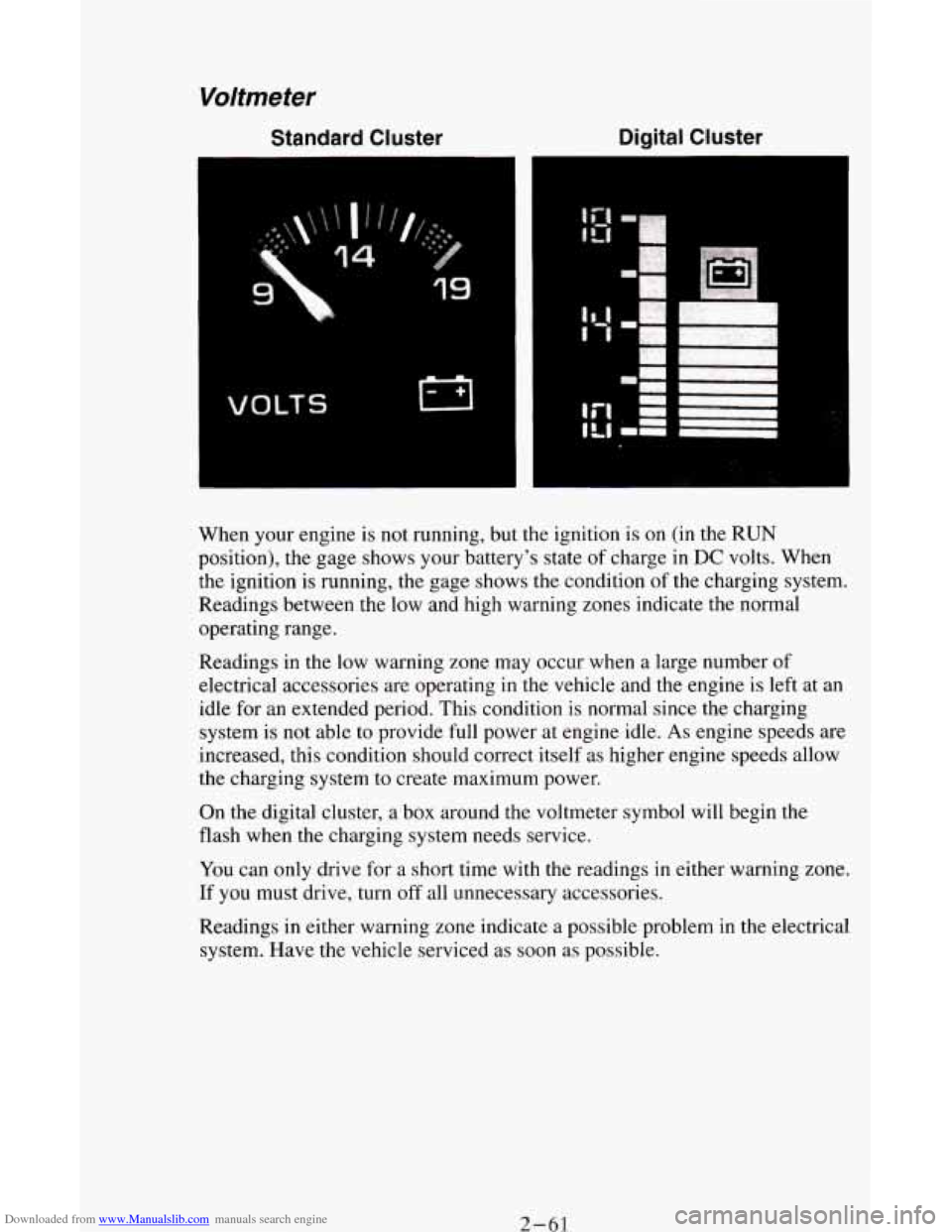
When your engine is not running, but the ignition is on (in the RUN
position), the gage shows your battery's state of charge in DC volts. When
the ignition
is running, the gage shows the condition of the charging system.
Readings between the low and high warning zones indicate the normal
operating range.
Readings in the low warning zone may occur when a large number of
electrical accessories are operating
in the vehicle and the engine is left at an
idle for an extended period. This condition
is normal since the charging
system is
not able to provide full power at engine idle. As engine speeds are
increased, this condition should correct itself as higher engine speeds allow
the charging system to create maximum power.
On the digital cluster, a box around the voltmeter symbol will begin the
flash when the charging system needs service.
You can only drive for a short time with the readings
in either warning zone.
If
you must drive, turn off all unnecessary accessories.
Readings in either warning zone indicate a possible problem in the electrical
system. Have the vehicle serviced as soon as possible.
2- 61
Page 122 of 342
Downloaded from www.Manualslib.com manuals search engine Rear Air Conditioning (Option)
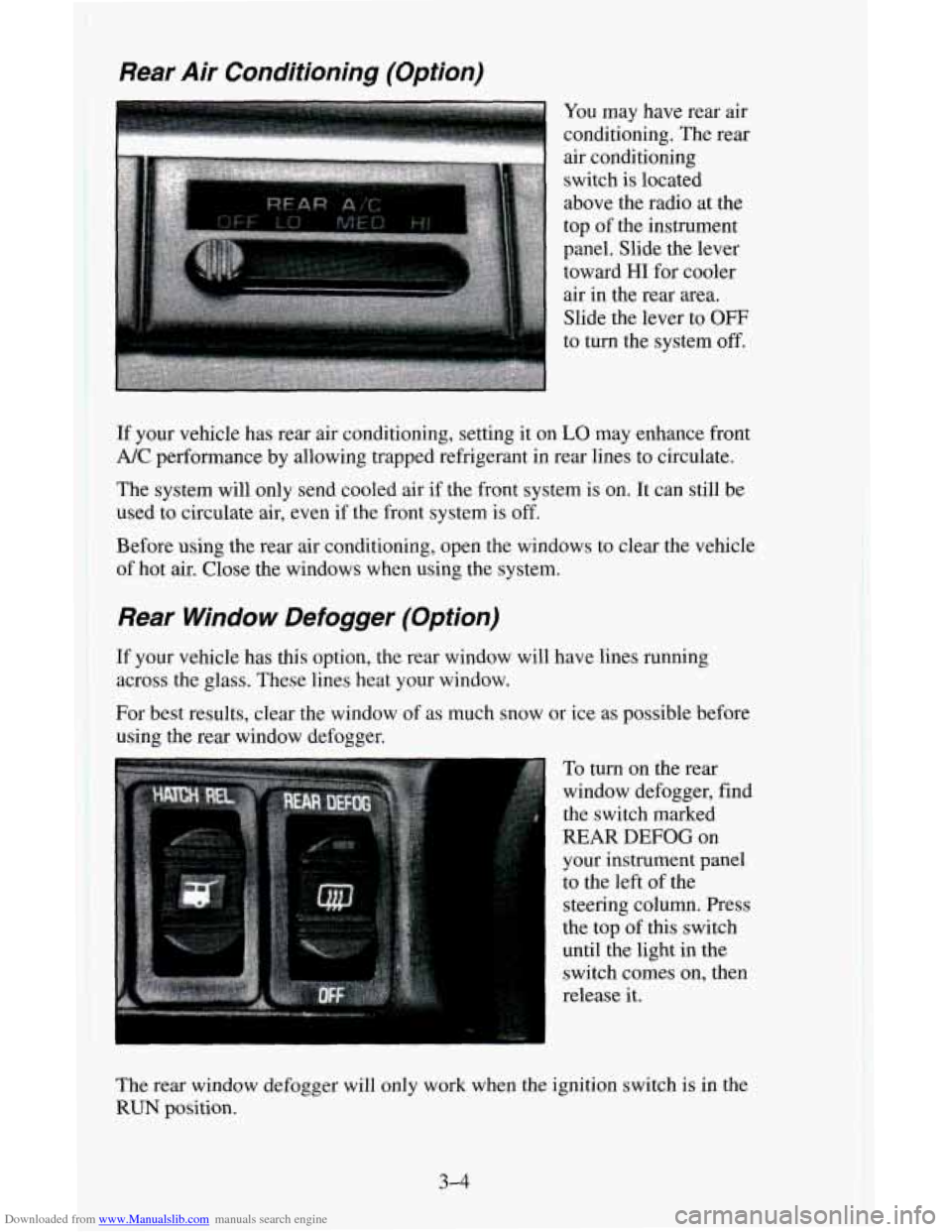
You may have rear air
conditioning. The rear
air conditioning
switch
is located
above the radio at the
top
of the instrument
panel. Slide the lever
toward
HI for cooler
air in the rear
area.
Slide the lever to OFF
to turn the system off.
If your vehicle has rear air conditioning, setting it on LO may enhance front
A/C performance by allowing trapped refrigerant in rear lines to circulate.
The system will only send cooled air if the front system is on. It can still
be
used to circulate air, even if the front system is off.
Before
using the rear air conditioning, open the windows to clear the vehicle
of hot air. Close the windows when using the system.
Rear Window Defogger (Option)
If your vehicle has this option, the rear window will have lines running
across the glass. These lines heat your window.
For best results, clear the window of as much snow or ice as possible before
using the
rear window defogger.
To
turn on the rear
window defogger, find
the switch marked
REAR DEFOG on
your instrument panel
to the left of the
steering column. Press
the top
of this switch
until the light in the
switch comes on, then
release it.
The rear window defogger will only work when the ignition switch
is in the
RUN position.
3-4
Page 124 of 342
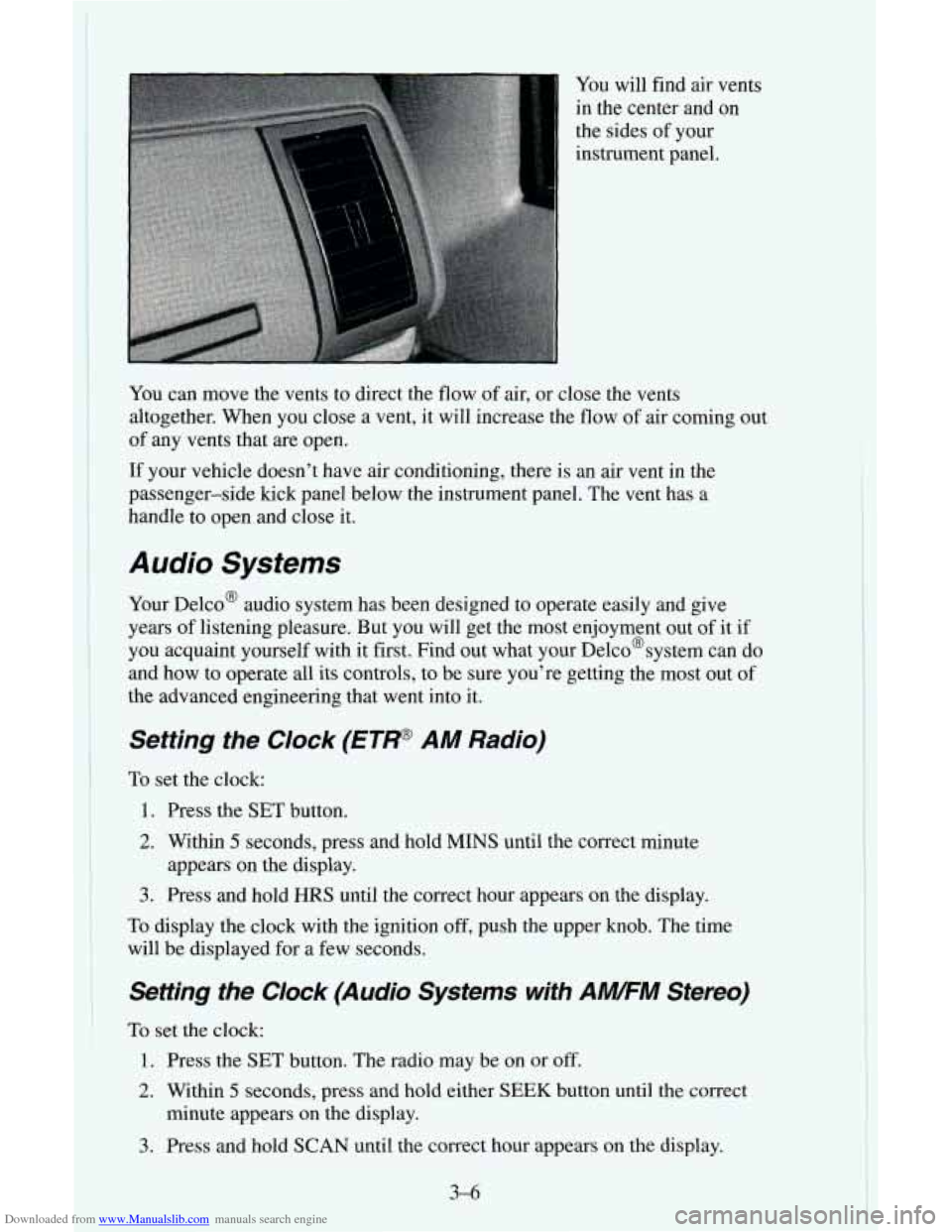
Downloaded from www.Manualslib.com manuals search engine You will find air vents
in the center and on
the sides of your
instrument panel.
You can move the vents to direct the flow
of air, or close the vents
altogether. When you close a vent, it will increase the flow of air coming out
of any vents that are open.
If your vehicle doesn’t have air conditioning, there is an air vent in the
passenger-side kick panel below the instrument panel. The vent has a
handle to open and close it.
Audio Systems
Your Delco@ audio system has been designed to operate easily and give
years of listening pleasure. But you will get the most enjoyment out of it if
you acquaint yourself with it first. Find out what your Delco@system can do
and how to operate all its controls, to be sure you’re getting the most out
of
the advanced engineering that went into it.
Setting the Clock (ETP AM Radio)
To set the clock:
1. Press the SET button.
2. Within 5 seconds, press and hold MINS until the correct minute
3. Press and hold HRS until the correct hour appears on the display.
To display the clock with the ignition off, push the upper knob. The time
will be displayed for a few seconds.
appears on the
display.
Setting the Clock (Audio Systems with AWFM Stereo)
To set the clock:
1. Press the SET button. The radio may be on or off.
2. Within 5 seconds, press and hold either SEEK button until the correct
minute appears on the display.
3. Press and hold SCAN until the correct hour appears on the display.
3-6
Page 125 of 342
Downloaded from www.Manualslib.com manuals search engine How to Operate Your ETP AM Radio
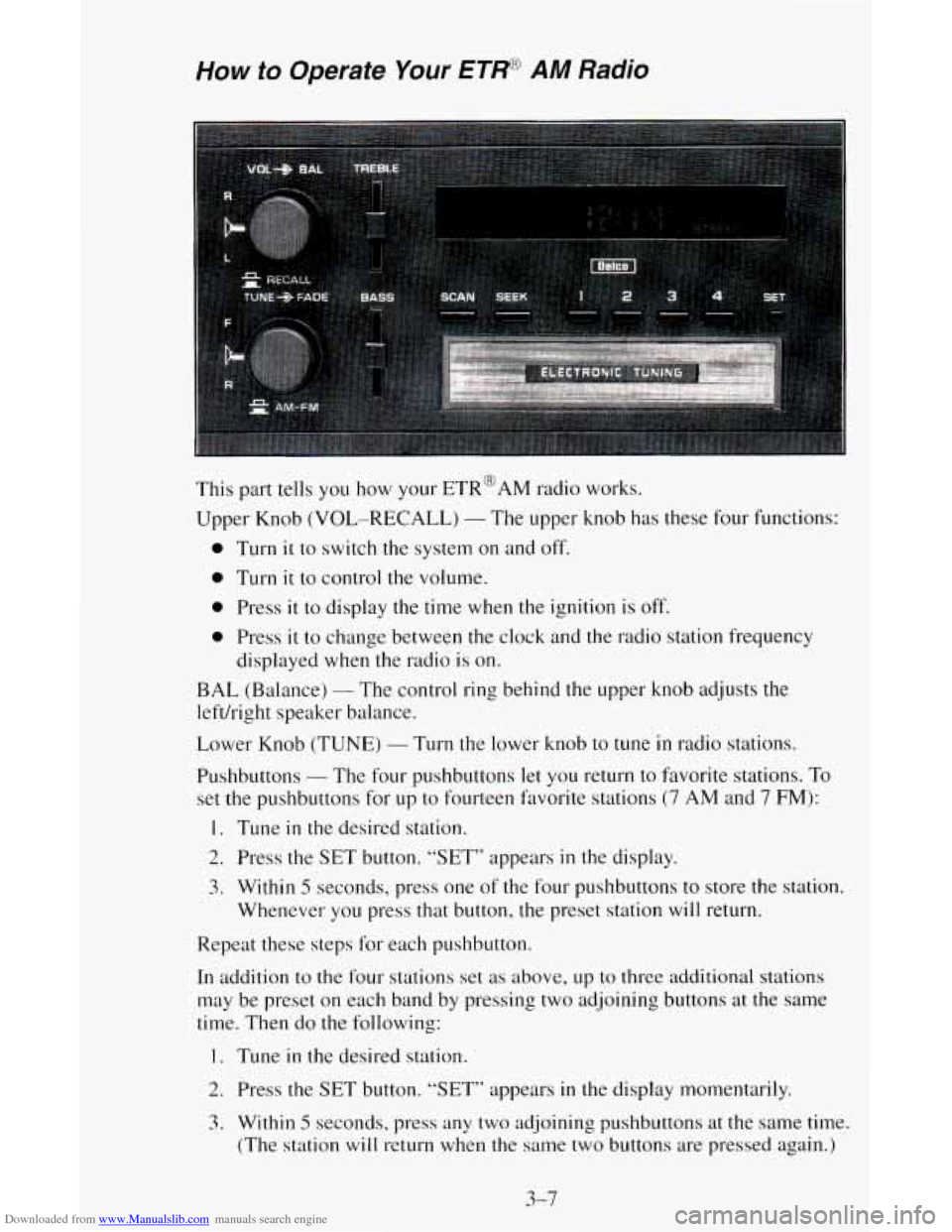
This part tells you how your ETR@AM radio works.
Upper Knob
(VOL-RECALL) - The upper knob has these four functions:
0 Turn it to switch the system on and off.
0 Turn it to control the volume.
0 Press it to display the time when the ignition is off.
0 Press it to change between the clock and the radio station frequency
displayed
when the radio is on.
BAL (Balance) - The control ring behind the upper knob adjusts the
left/right speaker
b. cl 1 ance.
Lower Knob (TUNE)
- Turn the lower knob to tune in radio stations.
Pushbuttons
- The four pushbuttons let you return to favorite stations. To
set the pushbuttons for up to fourteen favorite stations (7 AM and 7 FM):
1. Tune in the desired station.
2. Press the SET button. “SET” appears in the display.
3. Within 5 seconds, press one of the four pushbuttons to store the station.
Whenever you press that button,
the preset station will return.
Repeat these steps for each pushbutton.
In addition
to the four stations set as above, up to three additional stations
may be preset on each band by pressing two adjoining buttons at the same
time. Then do the following:
1. Tune in the desired station.
2. Press the SET button. “SET” appears in the display momentarily.
3. Within 5 seconds. press any two adjoining pushbuttons at the same time.
(The station
will return when the same two buttons are pressed again.)
3-7
Page 126 of 342
Downloaded from www.Manualslib.com manuals search engine TREBLE - Slide the TREBLE lever up to increase the treble response. If a
station is weak or noisy, slide the TREBLE lever down to reduce the noise.
BASS
- Slide the BASS lever up to increase the bass response. Adjust the
BASS lever to give a pleasing sound to your ear.
How to Operate Your ET* AM-FM Stereo Audio
System
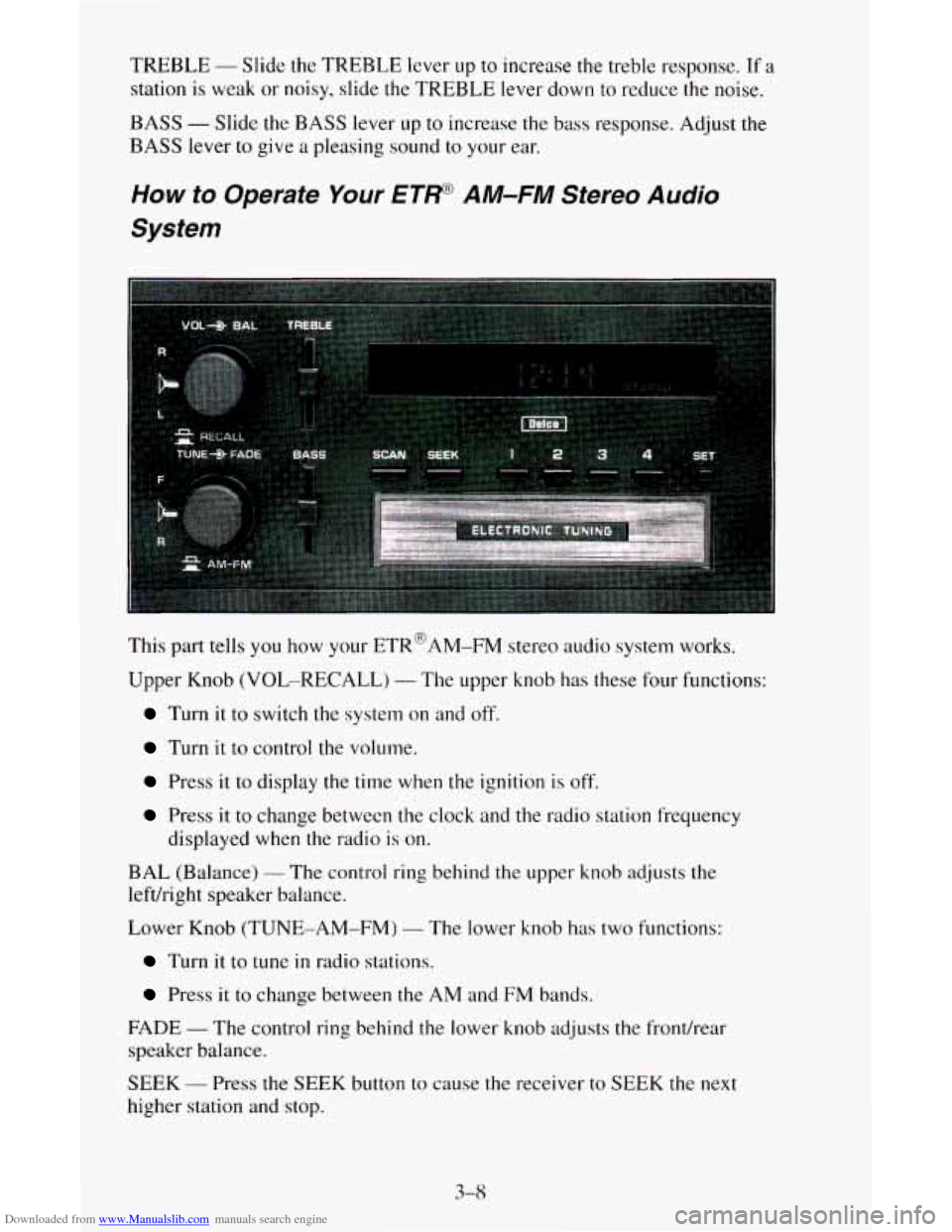
This part tells you how your ETR@AM-FM stereo audio system works.
Upper Knob (VOL-RECALL)
- The upper knob has these four functions:
Turn it to switch the system on and off.
Turn it to control the volume.
Press it to display the time when the ignition is off.
Press it to change between the clock and the radio station frequency
displayed when the radio
is on.
BAL (Balance)
- The control ring behind the upper knob adjusts the
lefdright speaker balance.
Lower Knob (TUNE-AM-FM)
- The lower knob has two functions:
Turn it to tune in radio stations.
Press it to change between the AM and FM bands.
FADE
- The control ring behind the lower knob adjusts the fronthear
speaker balance.
SEEK
- Press the SEEK button to cause the receiver to SEEK the next
higher station and
stop.
3-8