Page 78 of 342
Downloaded from www.Manualslib.com manuals search engine Shifting Out of PARK (P)
Your vehicle has a brake-transmission shift interlock. You have to fully
apply your regular brake before you can shift from PARK (P) when the
ignition is in the RUN position.
See “Automatic Transmission” in the Index,
If you cannot shift out
of PARK (P), ease pressure on the shift lever - push
the shift lever all the way into PARK (P) as you maintain brake application.
Then move the shift lever into the gear you want.
If you ever hold the brake pedal down but still can’t shift out of PARK (P),
try this:
1. Turn the key to OFF.
2. Apply and hold the brake until the end of Step 4.
3. Shift to NEUTRAL (N).
4. Start the vehicle and then shift to the drive gear you want.
5. Have the vehicle fixed as soon as you can.
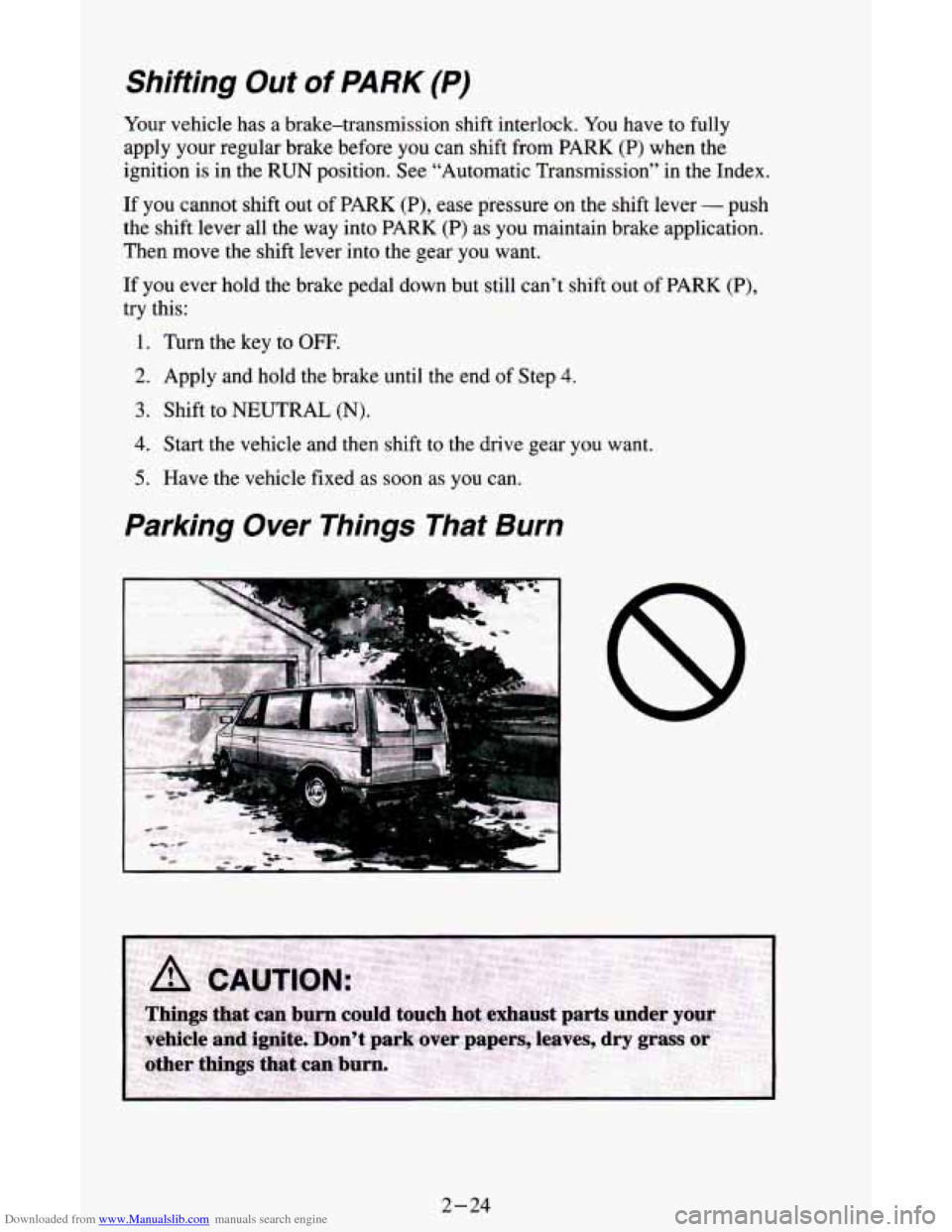
Parking Over Things That Burn
2-24
Page 81 of 342
Downloaded from www.Manualslib.com manuals search engine All- Wheel Drive (Option)
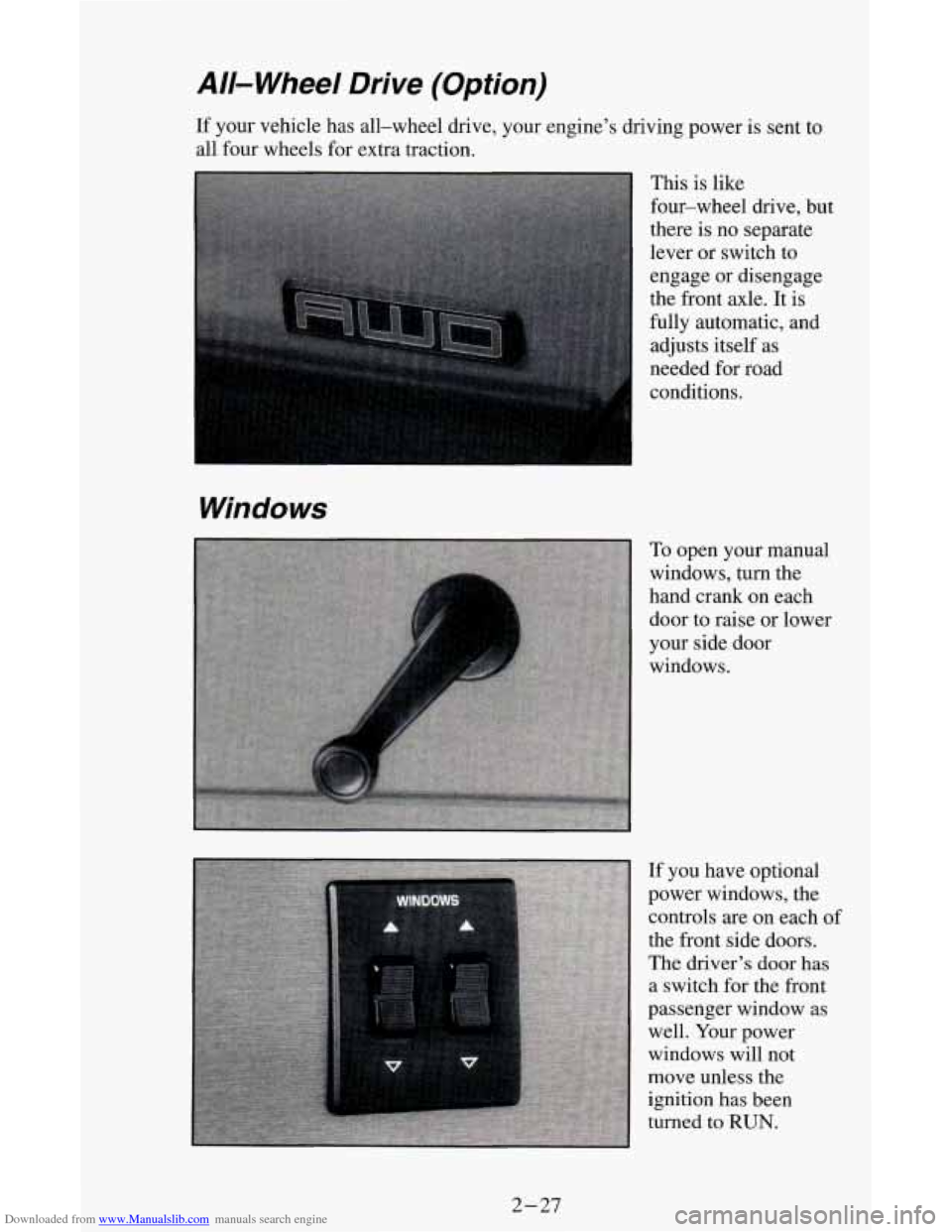
If your vehicle has all-wheel drive, your engine’s driving power is sent to
all four wheels for extra traction,
This is like
four-wheel drive, but
there is no separate
lever or switch to
engage or disengage
the front axle. It is
fully automatic, and
adjusts itself as
needed for road
conditions.
Windows
To open your manual
windows,
tt.u-n the
hand crank on each door to raise or lower
your side door
windows.
If
you have optional
power windows, the controls are on each of
the front side doors.
The driver’s door has
a switch for the front
passenger window as
well. Your power
windows will not
move unless the ignition has been
turned to
RUN.
2-27
Page 93 of 342
Downloaded from www.Manualslib.com manuals search engine To Get Out of Cruise Control
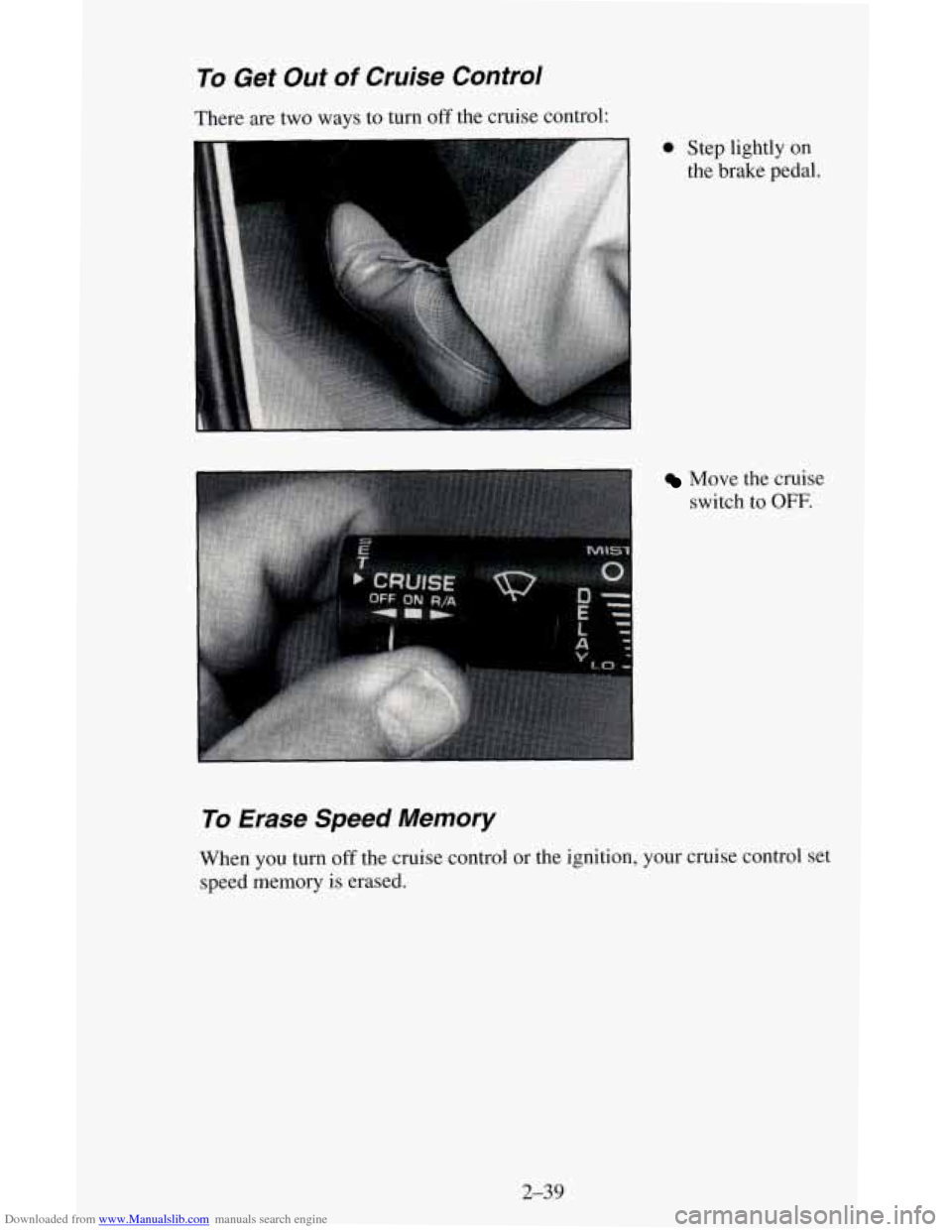
There are two ways to turn off the cruise control:
0 Step lightly on
the brake pedal.
Move the cruise
switch to
OFF.
To Erase Speed Memory
When you turn off the cruise control or the ignition, your cruise control set
speed memory is erased.
2-39
Page 95 of 342
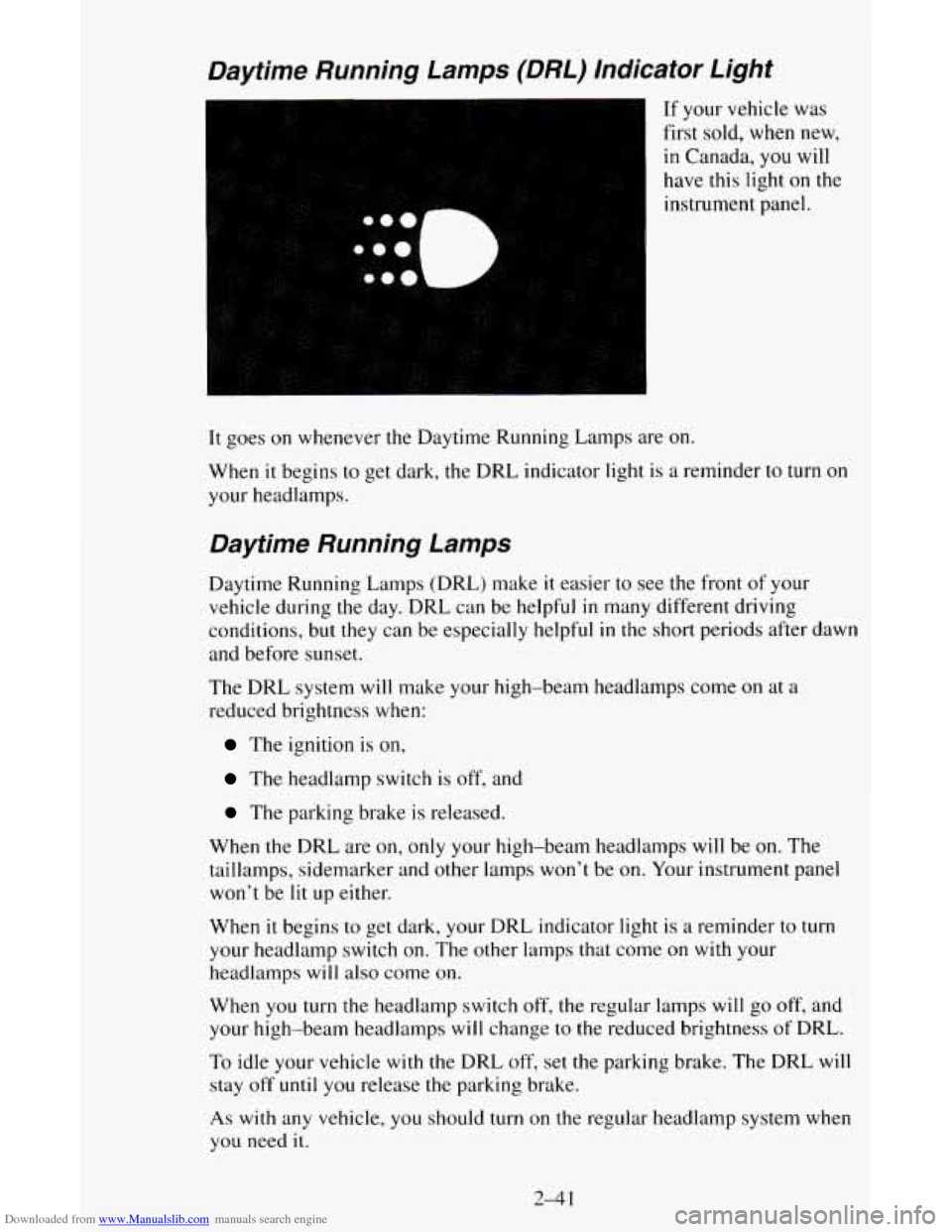
Downloaded from www.Manualslib.com manuals search engine Daytime Running Lamps (DRL) Indicator Light
If your vehicle was
first sold, when new,
in Canada,
you will
have this light on the
instrument panel.
It goes on whenever the Daytime Running Lamps are on.
When it begins to get dark, the DRL indicator light is a reminder to turn on
your headlamps.
Daytime Running Lamps
Daytime Running Lamps (DRL) make it easier to see the front of your
vehicle during the day. DRL can be helpful
in many different driving
conditions, but
they can be especially helpful in the short periods after dawn
and before sunset.
The DRL system will make your high-beam headlamps come
on at a
reduced brightness when:
The ignition is on,
The headlamp switch is off, and
The parking brake is released.
When the DRL are on, only your high-beam headlamps will be
on. The
taillamps, sidemarker and other lamps
won’t be on. Your instrument panel
won’t be
lit up either.
When it begins to get dark, your DRL indicator light is
a reminder to turn
your headlamp switch on. The other lamps that come on with your
headlamps will also come
on.
When you turn the headlamp switch off, the regular lamps will go off, and
your high-beam headlamps
will change to the reduced brightness of DRL.
To idle your vehicle with the DRL off, set the parking brake. The DRL will
stay
off until you release the parking brake.
As with any vehicle, you should turn on the regular headlamp system when
you need it.
2-4 1
Page 96 of 342
Downloaded from www.Manualslib.com manuals search engine Headlamps-On Reminder
A reminder tone will sound when your headlamps or parking lamps are
turned
on and your ignition is in OFF, LOCK or ACC. To turn the tone off,
press the OFF switch,
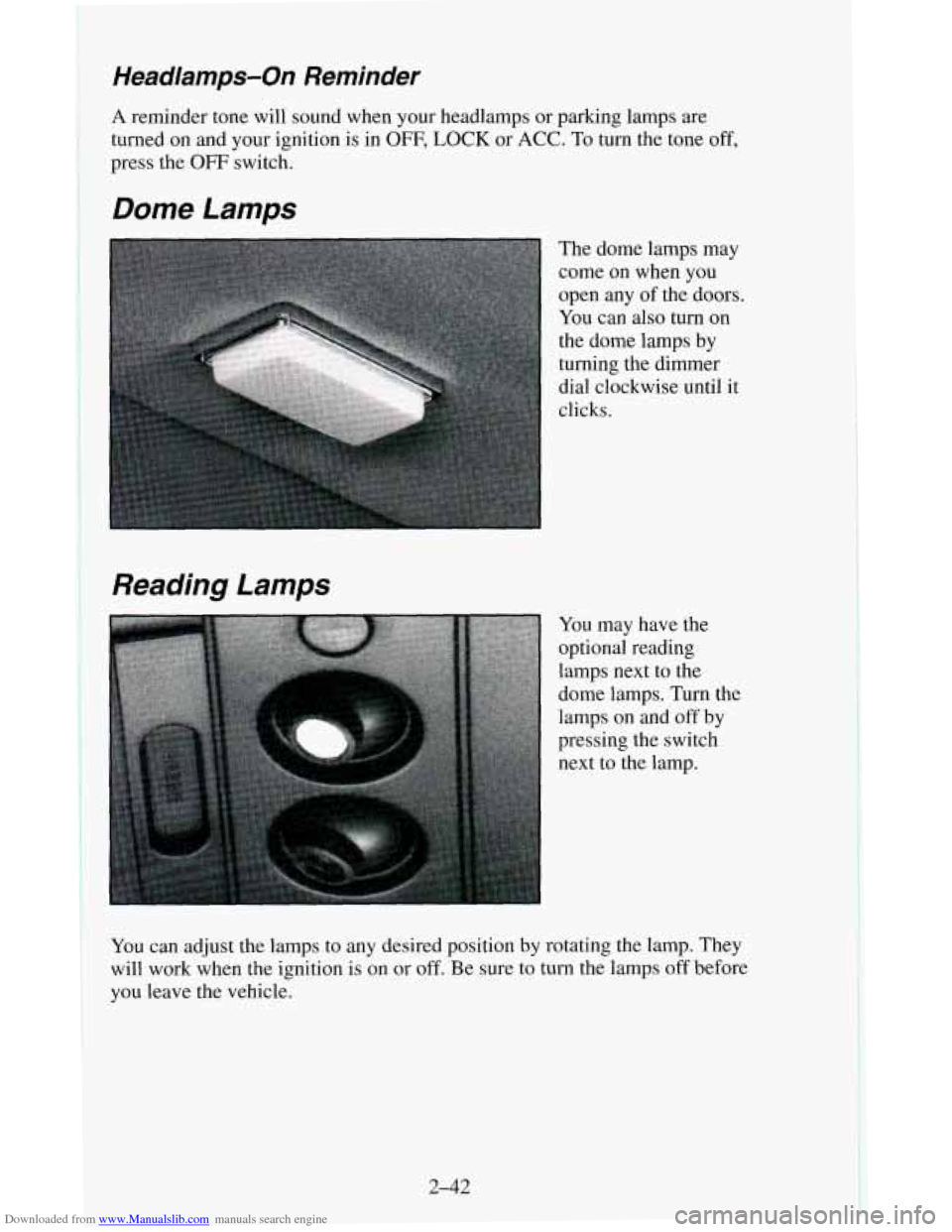
Dome Lamps
Reading Lamps
The dome lamps may
come
on when you
open any of the doors.
You can also turn on
the dome lamps by
turning the dimmer
dial clockwise until it
clicks.
You may have the
optional reading
lamps next to the
dome lamps. Turn the
lamps
on and off by
pressing the switch
next to the lamp.
YOU can adjust the lamps to any desired position by rotating the lamp. They
will work when the ignition is on or off. Be sure to turn the lamps off before
you leave the vehicle.
2-42
Page 103 of 342
Downloaded from www.Manualslib.com manuals search engine Instrument Cluster
Your instrument cluster is designed to let you know at a glance how your
vehicle is running. You’ll know how fast you’re going, about
how much
fuel remains, and many other things you’ll need to know to drive safely and
economically.
The optional digital cluster on your vehicle’s instrument panel
is displayed
electronically and will tell you everything the standard cluster does.
The digital cluster will give readings in either English or Metric. To switch
from English to Metric, just press the
EM button.
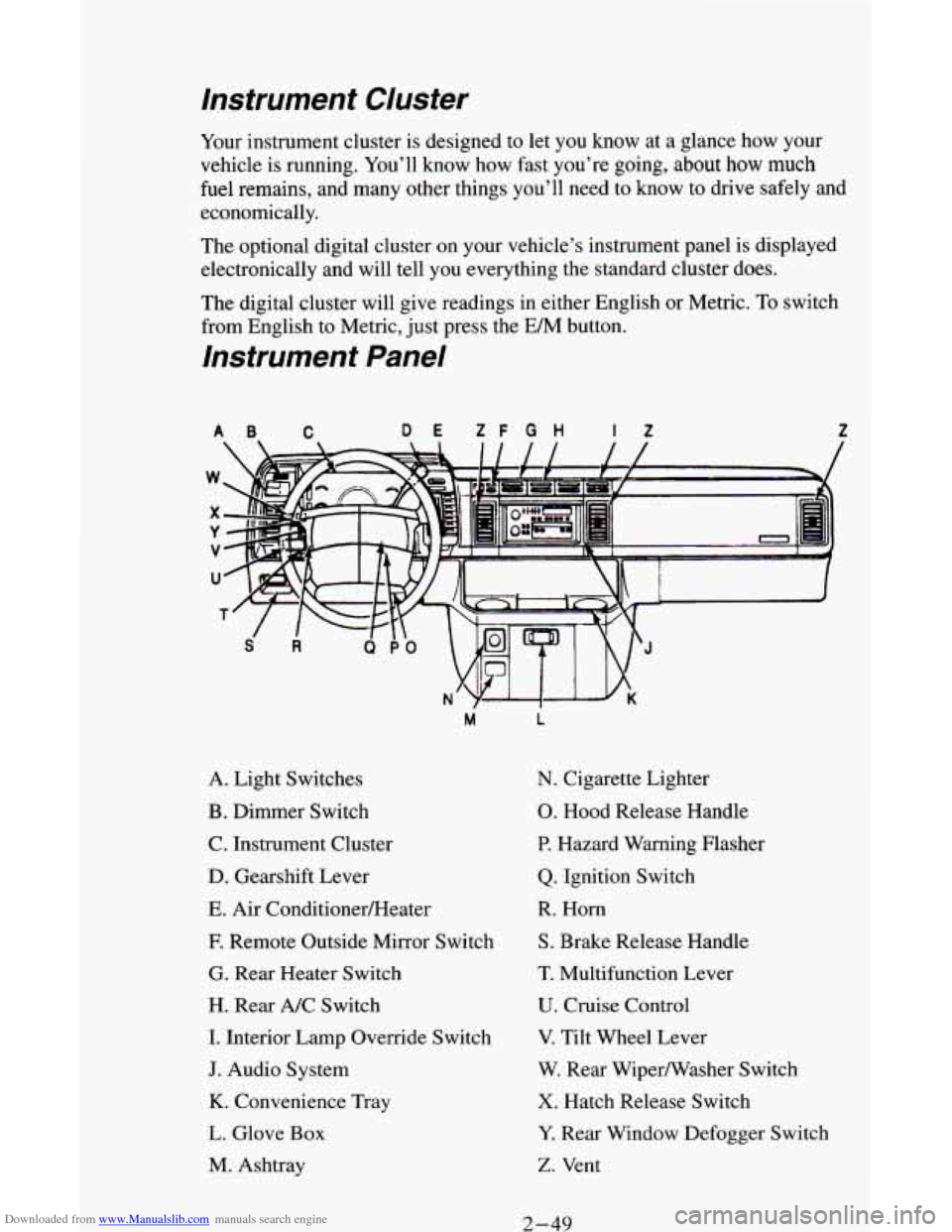
Instrument Panel
AB C DE ZF G H If Z
A. Light Switches
B. Dimmer Switch
C. Instrument Cluster
D. Gearshift Lever
E. Air ConditionerEIeater
E Remote Outside Mirror Switch
G. Rear Heater Switch
H. Rear A/C Switch
I. Interior Lamp Override Switch
J. Audio System
K. Convenience Tray
L. Glove Box
M. Ashtray
M L
N. Cigarette Lighter
0. Hood Release Handle
P. Hazard Warning Flasher
Q. Ignition Switch
R. Horn
S. Brake Release Handle
T. Multifunction Lever
U. Cruise Control
V. Tilt Wheel Lever
W. Rear Wipermasher Switch
X. Hatch Release Switch
Y. Rear Window Defogger Switch
Z. Vent
2-49
Page 107 of 342
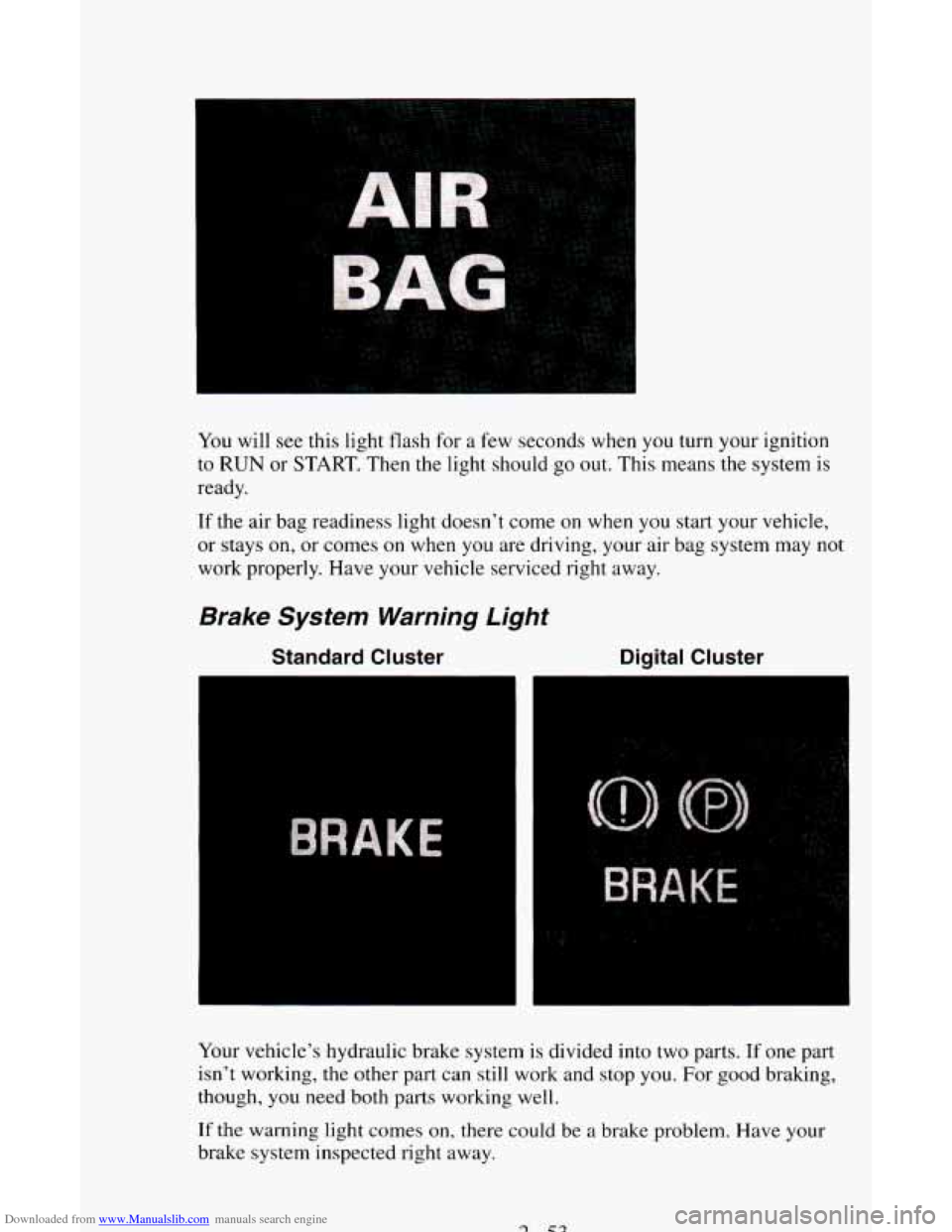
Downloaded from www.Manualslib.com manuals search engine You will see this light flash for a few seconds when you turn your ignition
to
RUN or START. Then the light should go out. This means the system is
ready.
If the air bag readiness light doesn’t come on when you start your vehicle,
or stays on, or comes
on when you are driving, your air bag system may not
work properly. Have your vehicle serviced right away.
Brake System Warning Light
Standard Cluster Digital Cluster
Your vehicle’s hydraulic brake system is divided into two parts. If one part
isn’t working, the other
part can still work and stop you. For good braking,
though, you need both
parts working well.
If the warning light comes on, there could be a brake problem. Have your
brake system inspected right away.
Page 109 of 342
Downloaded from www.Manualslib.com manuals search engine If the light stays on, or comes on when you’re driving, your vehicle needs
service.
If the regular brake system warning light isn’t on, you still have
brakes, but you don’t have anti-lock brakes. If the regular brake system
warning light
is also on, you don’t have anti-lock brakes and there’s a
problem with your regular brakes. See “Brake System Warning Light”
earlier in this part.
Malfunction Indicator Lamp
(SERVICE ENGINE
SOON)
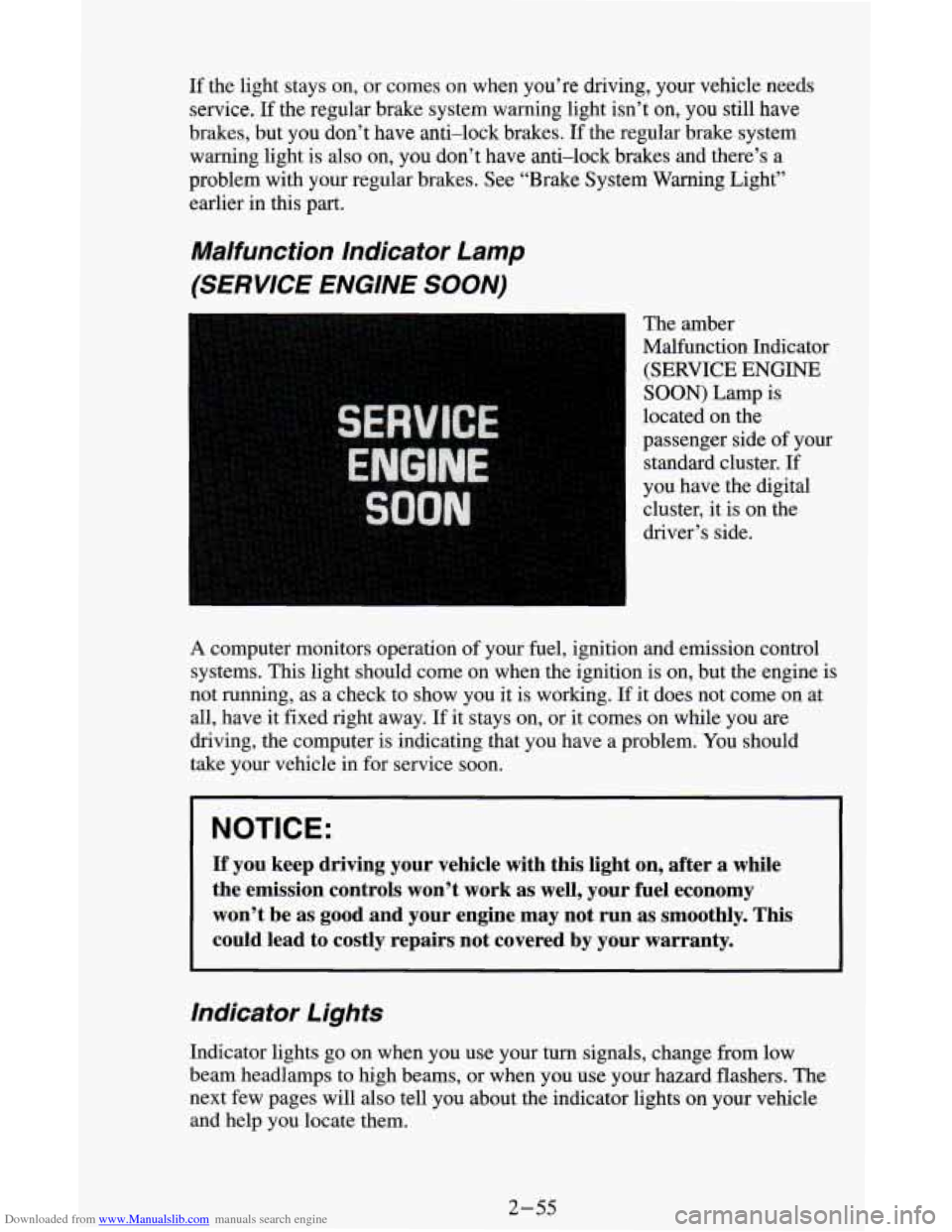
The amber
Malfunction Indicator
(SERVICE
ENGINE
SOON) Lamp is
located on the
passenger side of your
standard cluster. If
you have the digital
cluster, it is
on the
driver’s side.
A computer monitors operation of your fuel, ignition and emission control
systems. This light should come on when the ignition is
on, but the engine is
not running, as a check to show you it is working.
If it does not come on at
all, have it fixed right away.
If it stays on, or it comes on while you are
driving, the computer is indicating that you have a problem. You should
take your vehicle in for service soon.
NOTICE:
If you keep driving your vehicle with this light on, after a whi\
le
the emission controls won’t work as well, your fuel economy \
won’t be as good and your engine may not run as smoothly. \
This
could lead to costly repairs not covered by your warranty.
Indicator Lights
Indicator lights go on when you use your turn signals, change from low
beam headlamps to high beams, or when you use your hazard flashers.
The
next few pages will also tell you about the indicator lights on your vehicle
and help you locate them.
2-55