1995 CADILLAC ELDORADO heating
[x] Cancel search: heatingPage 12 of 395
Downloaded from www.Manualslib.com manuals search engine .., ,-. I..C .,
This Cadillac Manual is divided into major sections.
Introduction - How to Use this Manual .......................... iii I
This section tells you how to use your manual and includes safety
and vehicle damage warnings and symbols.
Section 1 - Seats and Restraint Systems ......................... 1-1 I
This section tells you how to use your seats and safety
belts properly. It also explains the
“SIR’ system.
Section 2 - Features and Controls ............................. .2-1 I
This section explains how to start and operate your Cadillac.
Section 3 - Comfort Controls and Audio Systems ................. 3-1 I
This section tells you how to adjust the ventilation and
comfort controls and
how to operate your audio system.
Section 4 - Your Driving and the Road ......................... .4-1 I
Here you’ll find helpful information and tips about the
road and
how to drive under different conditions.
Section 5 - Problems on the Road ............................. .5-1 I
This section tells you what to do if you have a problem
while driving, such as a flat tire,
or engine overheating, etc.
Section 6 - Service and Appearance Care ....................... .6-1 I
Here the manual tells you how to keep your Cadillac
running properly and looking good.
For more information on “Reporting Safety Defects”, see Owner
Assistance, Page
4.
First Edition
i
Page 24 of 395
Downloaded from www.Manualslib.com manuals search engine Heated Front Seat Feature (Option)
c
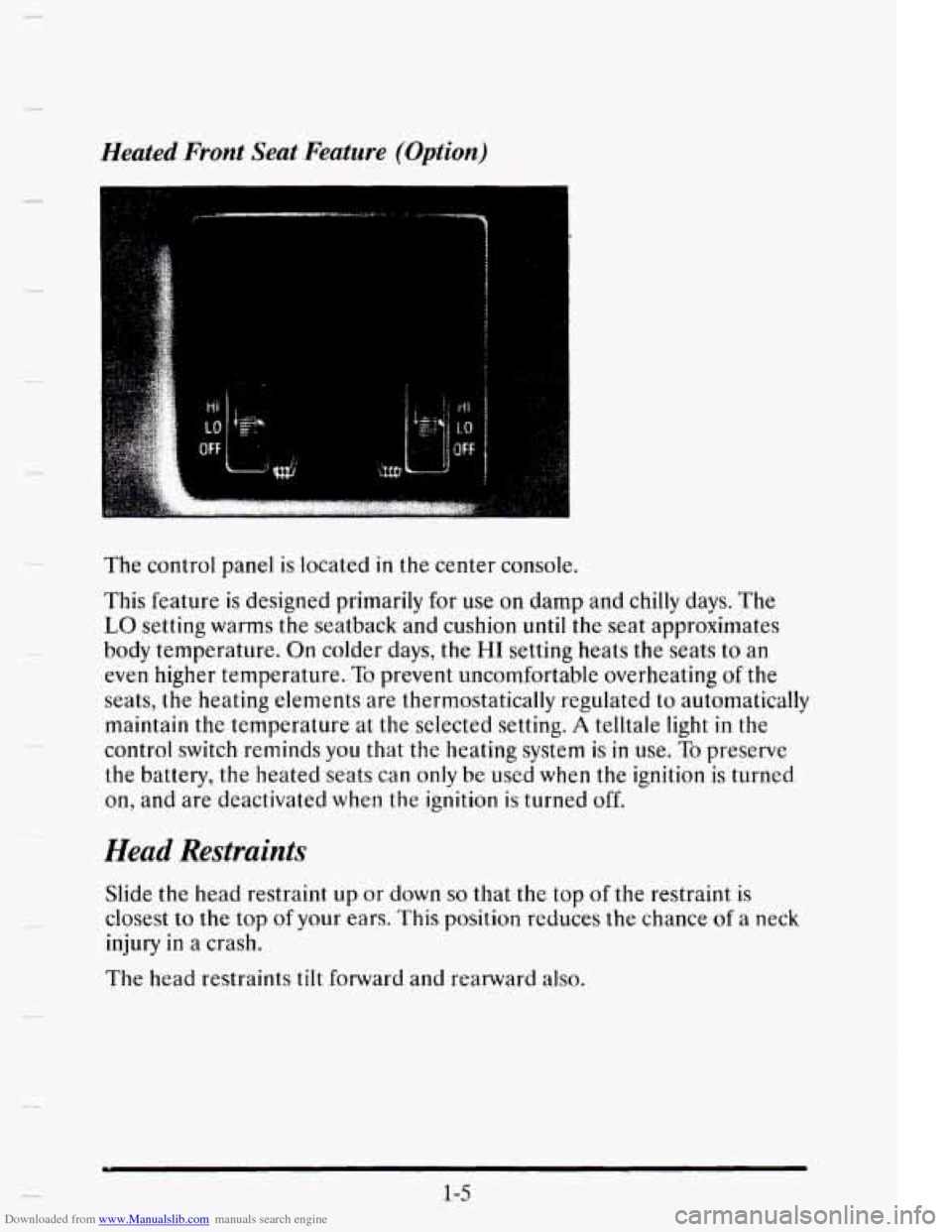
The control panel is located in the center console.
This feature
is designed primarily for use on damp and chilly days. The
LO setting warms the seatback and cushion until the seat approximates
body temperature.
On colder days, the HI setting heats the seats to an
even higher temperature.
To prevent uncomfortable overheating of the
seats, the heating elements are thermostatically regulated to automatically
maintain the temperature at
the selected setting. A telltale light in the
control switch reminds you that the heating system is in use. To preserve
the battery, the heated seats can only be used
when the ignition is turned
on, and are deactivated when the ignition is turned off.
Head Restraints
Slide the head restraint up or down so that the top of the restraint is
closest to the top of your ears. This position reduces the chance of a neck
injury
in a crash.
The head restraints tilt forward and rearward
also.
1-5
Page 97 of 395
Downloaded from www.Manualslib.com manuals search engine SECOND (2): This position gives you more power. You can use
SECOND (2) on hills. It can help control your speed as you go down
steep mountain roads, but then you would also want to use your brakes
off and on.
NOTICE:
Don’t drive in SECOND (2) for more than five miles (8 km), or
at speeds over 55 mph (88 km/h), otherwise you can damage
your transaxle.
Use AUTOMATIC OVERDRIVE (@) or
THIRD (3) as much as possible.
Don’t shift into
SECOND (2) unless you are going siower man
65 mph (105 km/h), or you can damage your engine.
FIRST
(1): This position gives you even more power than SECOND (2).
You can use it on very steep hills, or in deep snow or mud. (If the shift
lever is put
in FIRST (I), the transaxle won’t shift into FIRST (1) until
the vehicle is going slowly enough.)
NOTICE:
If your front wheels can’t rotate, don’t try to drive. This might
happen
if you were stuck in very deep sand or mud or were up
against a solid object. You could damage your transaxle.
Also,
if you stop when going uphill, don’t hold your vehicle there
with only the accelerator pedal. This could cause overheating
and damage the transaxle. Use your brakes to
hold your vehicle
in position on a
hill.
2-26
Page 139 of 395
Downloaded from www.Manualslib.com manuals search engine Rear Ashtray
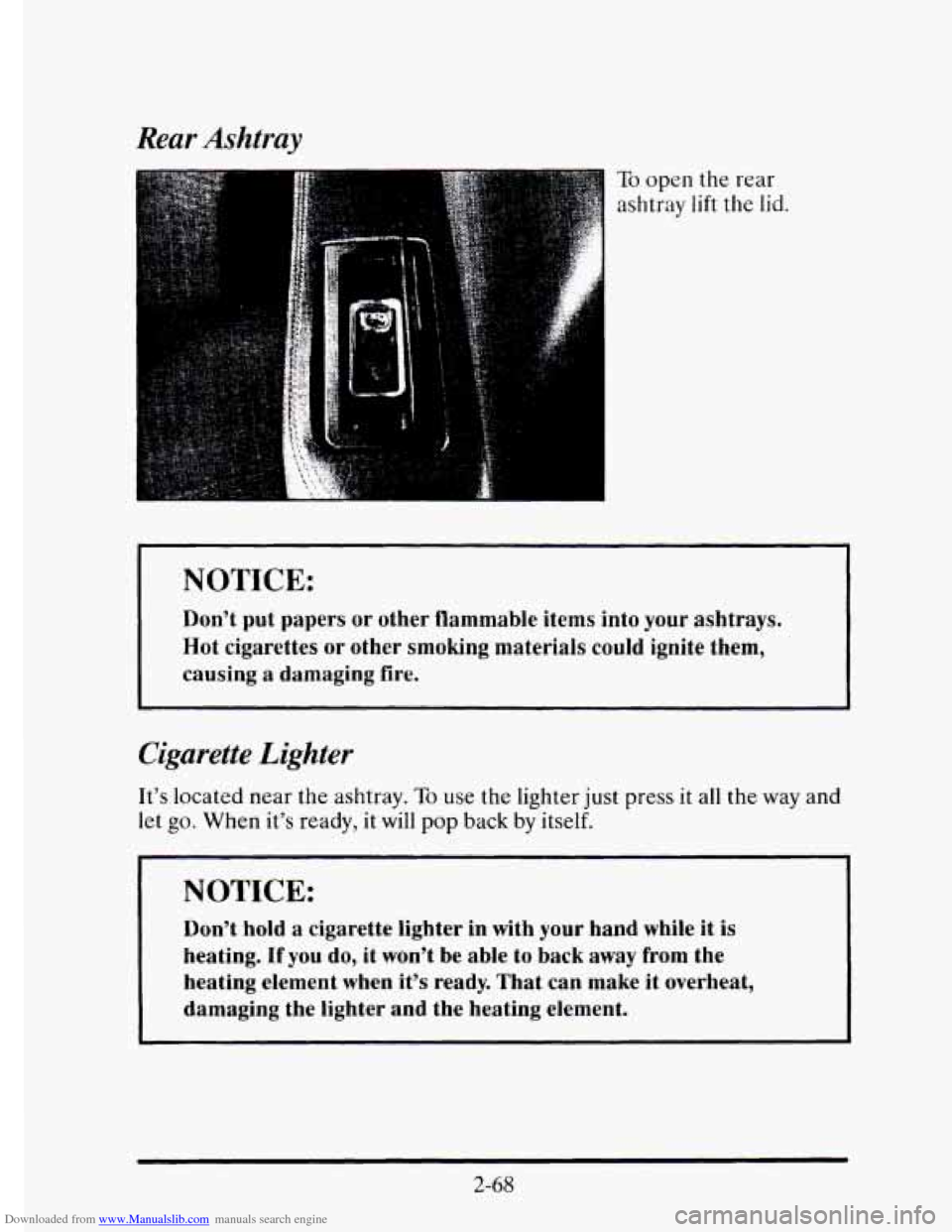
To open the rear
ashtray
lift the lid.
~
NOTICE:
Don’t put papers or other flammable items into your ashtrays.
Hot cigarettes
or other smoking materials could ignite them,
causing
a damaging fire.
Cigarette Lighter
It’s located near the ashtray. To use the lighter just press it all the way and
let go. When it’s ready, it will pop back by itself.
NOTICE:
Don’t hold a cigarette lighter in with your hand while it is
heating. If you do, it won’t be able to back away from the
heating element when it’s ready. That can make it overheat,
damaging the lighter and the heating element.
2-68
Page 149 of 395
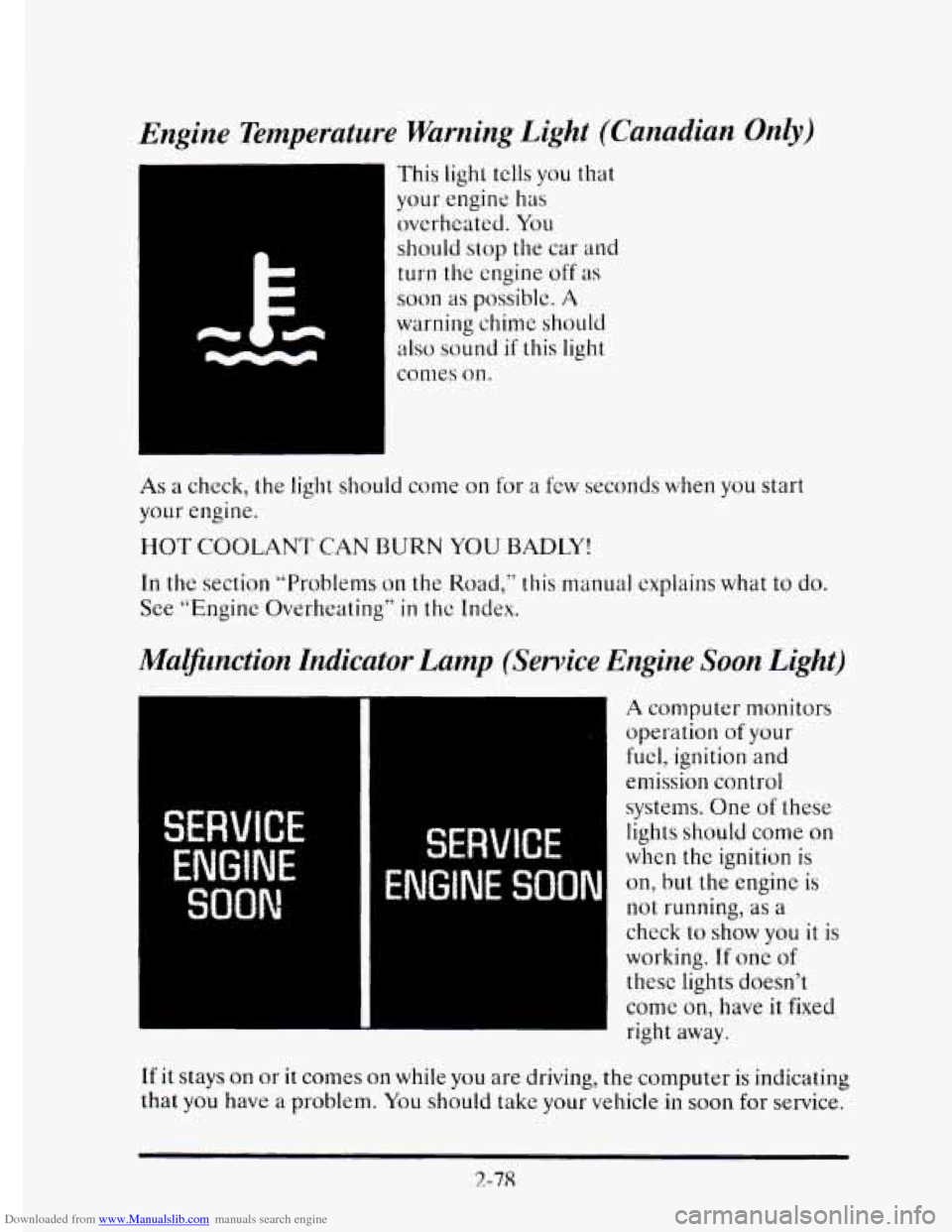
Downloaded from www.Manualslib.com manuals search engine Engine Temperature Warning Light (Canadian Only)
This light tclls you that
your engine has
overheated. You
should stop the car
and
turn the engine off as
soon as possible. A
warning chime should
also sound if this light
comes on.
As a check, the light should come on for a few seconds when you start
your engine.
HOT COOLANT CAN BURN YOU BADLl’!
In the section “Problems on the Road,” this manual explains what to do.
See “Engine Overheating”
in thc Index.
Mammction Indicator Lamp (Service Engine Soon Light)
I
w
A computer monitors
operation
of your
fuel, ignition and
emission control
systems. One
of these
lights should come
on
when the ignition is
on, but the engine is
not running, as a
check to show you it is
working.
If one of
these lights doesn’t
come
on, have it fixed
right away.
If it stays on or it comes on while you are driving, the computer is indicating
that you have a problem. You should take your vehicle in
soon for service.
2-78
Page 159 of 395
Downloaded from www.Manualslib.com manuals search engine LOW OIL LEVEL - 36
For correct operation of the low oil sensing system, the vehicle should be
on a level surface. A false LOW OIL LEVEL message may appear if the
vehicle is parked
on grades. The oil level sensing system does not check
for actual oil
level if the engine has been off for a short period of time,
and the
oil level is never sensed while the engine is running. If the LOW
OIL LEVEL message appears, and your vehicle has been parked on level
ground with
the engine off for at least 30 minutes, your oil level should be
checked by observing the oil dipstick. Prior to checking your oil level be
sure your engine has
been off for five minutes and your vehicle is on a
level surface. Then check your dipstick and add oil if necessary. See
“Engine
Oil” in the Index.
CHECK WASHER FLUID - 25
This message will appear for a few seconds indicating that you need
washer solvent.
CHANGE OIL SOON - 40
This message will appear when you have used 90% of the engine oil’s
expected life, based on your driving patterns.
CHANGE ENGINE OIL - 82
This means that the life of your engine oil has expired and it should be
changed within 200 miles. See “Engine Oil” and “Filter
Recommendations”
in the Maintenance Schedule. After an oil change the
Oil Life Index must be resct. See “Oil Life Indicator” in the Index on how
to reset it.
CRUISE ENGAGED - 43
This message will appear for a few seconds when you select a speed at
which to cruise.
ENGINE COOLANT HOT - 44
This message will appear when your engine coolant temperature is over
248’ F (126’ C). To avoid added strain on a hot cngine turn off your
Climate Control system. Stop and allow your vehicle
to idle until it cools
down or the message is removed.
If it does not cool down, turn off your
engine and have it serviced before driving
it again. Severe engine damage
can result from an overheated engine. See “Engine Overheating” in the
Index.
2-88
Page 160 of 395

Downloaded from www.Manualslib.com manuals search engine ENGINE HOT - A/C COMPRESSOR OFF - 16
This message will appear when the Climate Control is in AUTO or
defrost and the engine coolant
is hotter than the normal operating
temperature. To avoid added strain on
a hot engine the air conditioning
compressor
is automatically turned off. When that happens, air
conditioned air is not delivered. If the coolant temperature returns to
normal, you must select AUTO, DEFOG or DEFROST to return to a
normal A/C compressor operation.
FUEL LEVEL VERY LOW - 11
c
i
This message serves as a warning that the fuel level in your tam IS
critically low. It means you should stop for fuel immediately.
SERVICE A/C SYSTEM A/C COMPRESSOR OFF - 14
This message appears when the electronic sensors that control the A/C
and heating system are no longer working. Have your Climate Control
system serviced
if you notice a drop in heating and A/C efficiency.
STARTING DISABLED DUE TO THEFT SYSTEM REMOVE
IGNITION KEY
- 33
This message will a ear when the Personalized Automotive Security
System (PASS-Key 11) senses
that an improper ignition key is being used
to
try to start the vehicle. Check the ignition key for damage. If it is
damaged, it may need to be replaced. If you see no damage, clean the
pellet contacts
with a soft cloth or napkin. Remove the ignition key and
wait for the Driver Information Center to display WAIT
3 MINUTES.
The instrument panel cluster
will then run a timer and change the
messages
to WAIT 2 MINUTES, WAIT 1 MINUTE, and then START
CAR. When the START CAR message is displayed,
try again to start the
engine.
SERVICE NOW - REFER TO OWNERS MANUAL - 02
This message appears if you have a problem with the Powertrain Control
Module (PCM).
To correct this problem have your vehicle serviced at
your Cadillac dealership.
2-89
Page 161 of 395
Downloaded from www.Manualslib.com manuals search engine SERVICE RIDE CONTROL - 84
This message is displayed to indicate that the Suspension System is not
operating properly. To correct this problem have
your vehicle serviced at
your Cadillac dealership.
STOP ENGINE ENGINE OVERHEATED - 42
This message will appear when your engine has overheated. Stop and turn
your engine
off immediately to avoid severe engine damage. See “Engine
Overheating”
in the Index.
SERVICE VEHICLE SOON - 03
This message
will appear if there is a problem with your Emission Control
System. If the SERVJCE ENGINE SOON light on the instrument panel
appears and then turns off, it is an indication that a temporary problem
has cleared itself. I-Iavc your vehiclc checked at your earliest convenience.
STOP ENGINE LOW OIL PRESSURE - 35
If this message appears while the cngine is running, stop the engine and
do not operate it until the cause of low oil pressure is corrected. Severe
damage
to the engine can result.
SERVICE AIR BAG SYSTEM - 83
If this message appears, there is a problem with your Supplemental
Inflatable Restraint (Air
Bag) systcm. Let only a qualified technician
work
on your vehicle. See yo& Cadillac dealer for service at once.
THEFT SYSTEM PROBLEM/CAK MAY NOT RESTART - 34
This message means there is a problem in the Personalized Automotive
Security System (PASS-Key@II). PASS-Key@)II
will prevent the vehicle
from restarting
if it is turned off, so you should take the vehicle to a
proper service center before turning the engine off. Never leave an
unattended vehicle
with the engine running. Once you are where you can
get service, turn the engine off
and then tIy to restart it. If the vehicle
does not restart, the PASS-Key(’I1 system
will need servicing.
TRACTION ACTIVE - 91
This mcssage will be displayed if Traction Control is being used to reduce
wheel slippage.
2-90