1994 CADILLAC ELDORADO wheel
[x] Cancel search: wheelPage 104 of 398
Downloaded from www.Manualslib.com manuals search engine 1 (First Gear)
This position gives you even more power (but lower fuel economy)
than
“2.” You can use it on very steep hills, or in deep snow or mud. If
the selector lever is put in “1,” the transaxle won’t shift into first gear
until the vehicle is going slowly enough.
NOTICE:
If your front wheels can’t rotate, don’t try to drive. This might
happen if you were stuck in very deep sand
or mud or were up
against
a solid object. You could damage your transaxle.
Also, if you stop when going uphill, don’t hold your vehicle there
with only the accelerator pedal. This could overheat and
damage the transaxle. Use your brakes to hold your vehicle in
position
on a hill.
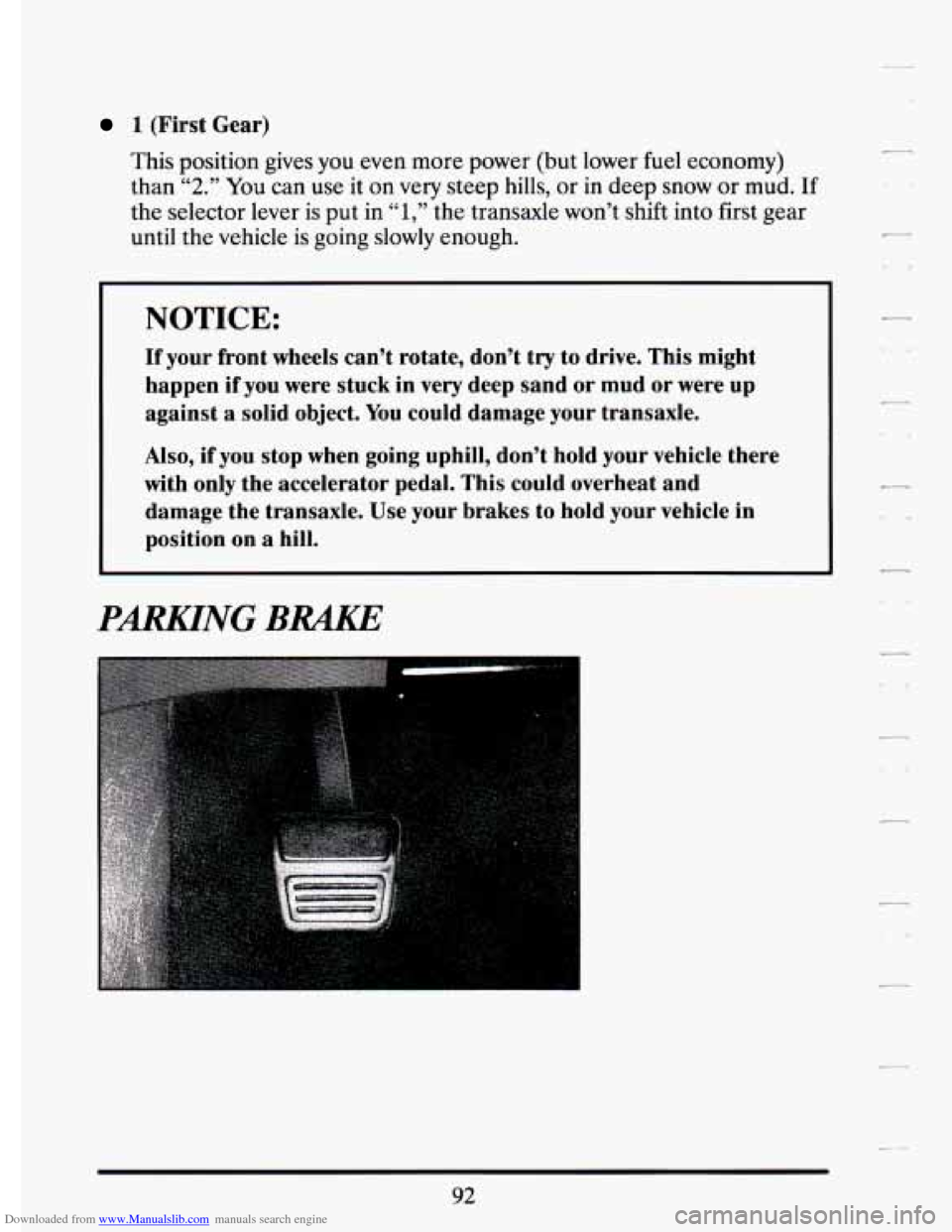
PmNG BRAKE
92
Page 113 of 398
Downloaded from www.Manualslib.com manuals search engine r 1.
i
i
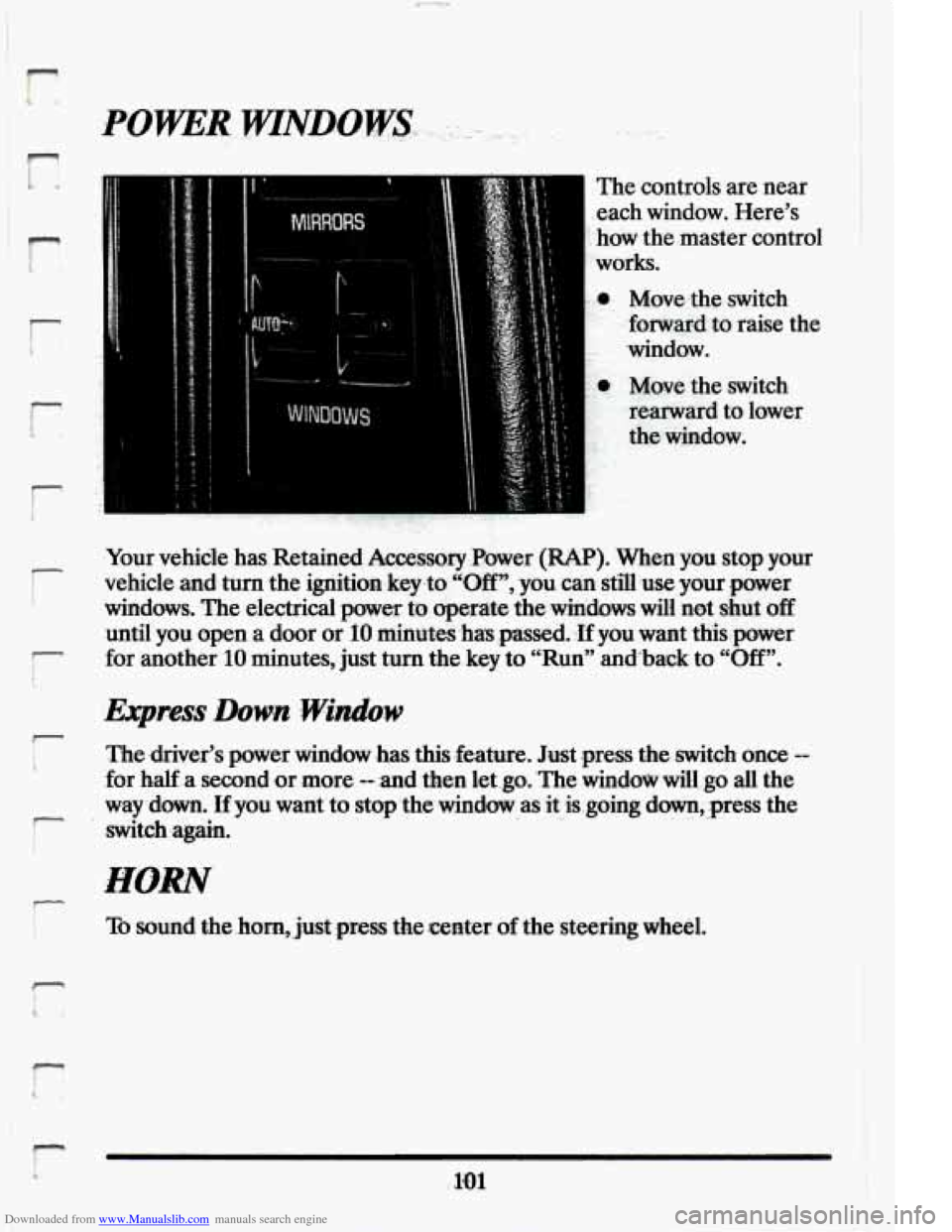
The controls ‘are near
,each window. Here’s
:-how the.master contro:
..works.
Mowthe switch
forwmd
to raise the
window.
- ‘C Move the witch
.. rearward to lower
.I the window.
.Your vehicle has.Retained
Accessory Power (RAP). When,ym stop your
vehicle and ,turn the ignitionkeyto “Off,;you can
still use your power
windows, The electrical powa
to, aperate the winaows will not shut off
until you open a door or IO minutes has .passed. :If yaw want thispower
for another
IO minutes, just turn the key to “Run” anaback to “Off”.
The ,driver’s power window has this--fea.ture. Just press the .switch once --
for half a second %or more -- :and then let .go. ‘The window dl, go -all the
way
down. tf you want to stopthe-window as it isgoing dm, press the
switdragain. .. r ..
To sound the .horn,:just press the center of the ,steering wheel.
Page 114 of 398
Downloaded from www.Manualslib.com manuals search engine TILT WHEEL
A tilt steering wheel allows you to adjust the steering wheel before you
drive.
You can also raise it to the highest level to give your legs more room
when
you exit and enter the vehicle.
d-
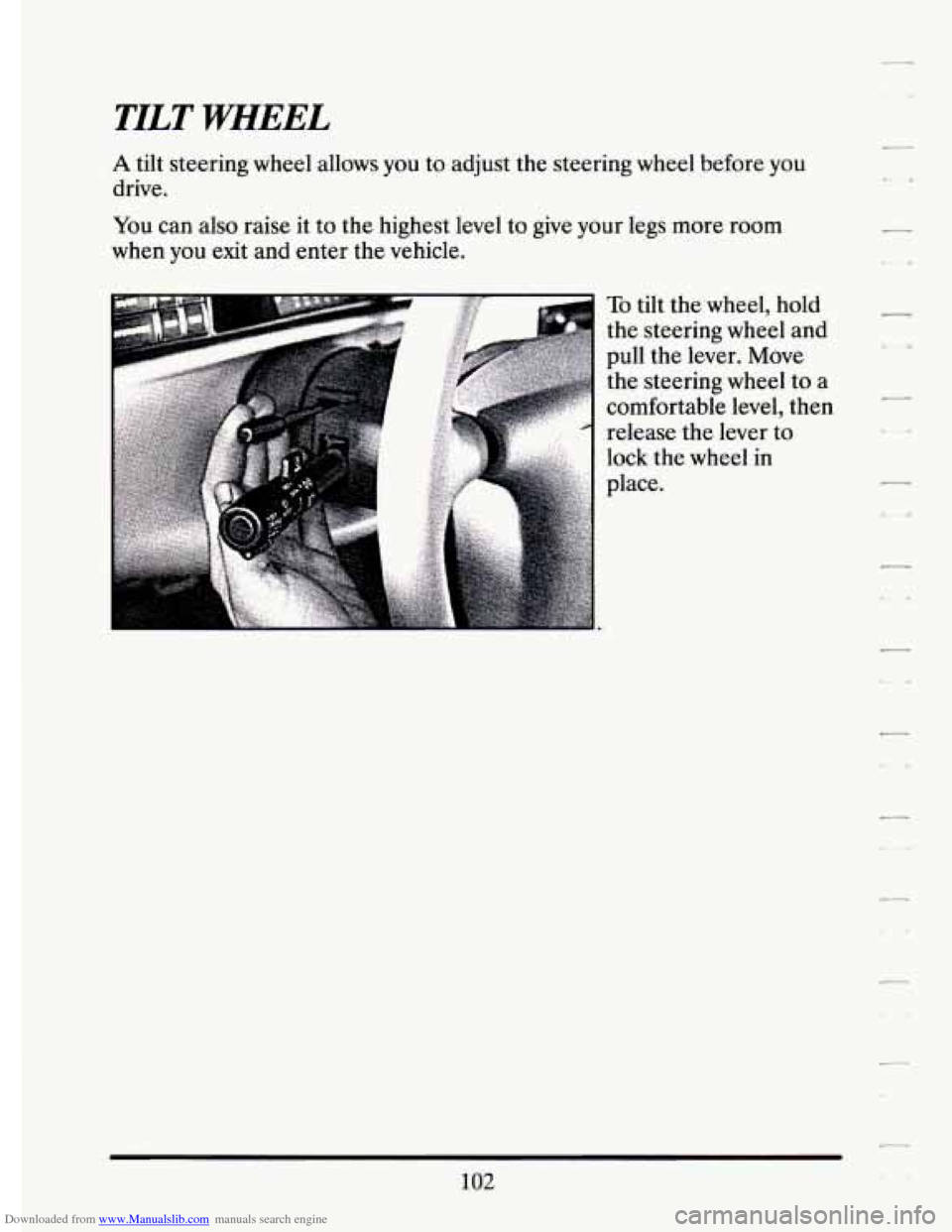
To tilt the wheel, hold
the steering wheel and
pull the lever. Move
the steering wheel to a
comfortable level, then
release the lever to
lock the wheel in
place.
102
Page 158 of 398
Downloaded from www.Manualslib.com manuals search engine STOP ENGINE ENGINE 0-TED - 42
This message will appear when your engine has overheated. Stop and
turn your engine off immediately to avoid severe engine damage. See
“Engine Overheating”
in the Index.
SERVICE VEHICLE SOON - 03
This message will appear if there is a problem with your Emission
Control System. If the “SERVICE ENGINE SOON” light on the
instrument panel and this message appears and then turns
off, it is an
indication that a temporary problem has cleared itself. Have your vehicle
checked at your earliest convenience.
STOP ENGINE LOW OIL PRESSURE - 35
If this message appears while the engine is running, stop the engine and
do not operate it until the cause of low oil pressure is corrected. Severe
damage to the engine can result.
SERVICE AIR BAG SYSTEM - 83
If this message appears, there is a problem with your Supplemental
Inflatable Restraint (Air Bag) system. Let only a qualified technician
work
on your vehicle. See your Cadillac dealer for service at once.
THEFT SYSTEM PROBLEM/CAR MAY NOT RESTART - 34
This message means there is a problem in the Personalized Automotive
Security System (PASS Key@ 11). PASS Key@ I1
will prevent the vehicle
from restarting
if it is turned off, so you should take the vehicle to a
proper service center before turning the engine
off. Never leave an
unattended vehicle with the engine running. Once you are where you can
get service, turn the engine off and then try to restart it. If
the vehicle
does not restart, the PASS Key@ I1 system will need servicing.
TRACTION ACTIVE - 91
If your vehicle is equipped with Traction Control, this message will be
displayed if Traction Control is being used to reduce wheel slippage.
TRACTION DISABLED - 88
If your vehicle is equipped with Traction Control, this message will be
displayed
if a problem is noted in the Traction Control System. Have your
vehicle serviced as soon as possible.
146
Page 159 of 398

Downloaded from www.Manualslib.com manuals search engine TRANSFLUJJlRESET=48. .2. .. .. 1 ., . _,,. . :A -. v-. . .. .. , .- .
With the engine not running and the ignition ON, press and hold the
OFF and REAR DEFOG buttons until the TRANS FLUID'RESET
message appears in the Information Center (between 5 and 20 seconds).
TURN SIGNAL ON. - 20
This message is a reminder, after driving about a mile, that you have your
turn signal on.
TRUNK OPEN - 24
k
r
f
I
I
f L,
P
F
r
r
Speed Sensitive Steering (11 5s)
This system varies the amount of steering effort proportiabate to
your vehicle speed. Steering
is eesier at a lower speed for increased
maneuverability and parking ease.
As your vehicle speed increases, the'"-:
steering effort is also increased proportionately. At highway speeds the
amount
of steering effort is increased to provide a manual like steering
feel for maximum control and enhanced vehicle stability.
. ./ ; .
.. ..
Road Sensing Suspension
The Road Sensing Suspension automatically controls the ride of your
vehicle. The system controls damping
forces in the shock absorbers and
struts
in response to various road and driving conditions. The system is
capable
of making these changes within milli-seconds.
The Road Sensing Suspension controller is a computer used to control and
monitor the system. The computer receives inputs from vertical acceleration
sensors, wheel to body position sensors, vehicle speed sensor, lift and dive
signals,
and determines optimum strut valving or (suspension stiffness) for
your current operating conditions. The computer a1,so receives feedback
Page 190 of 398
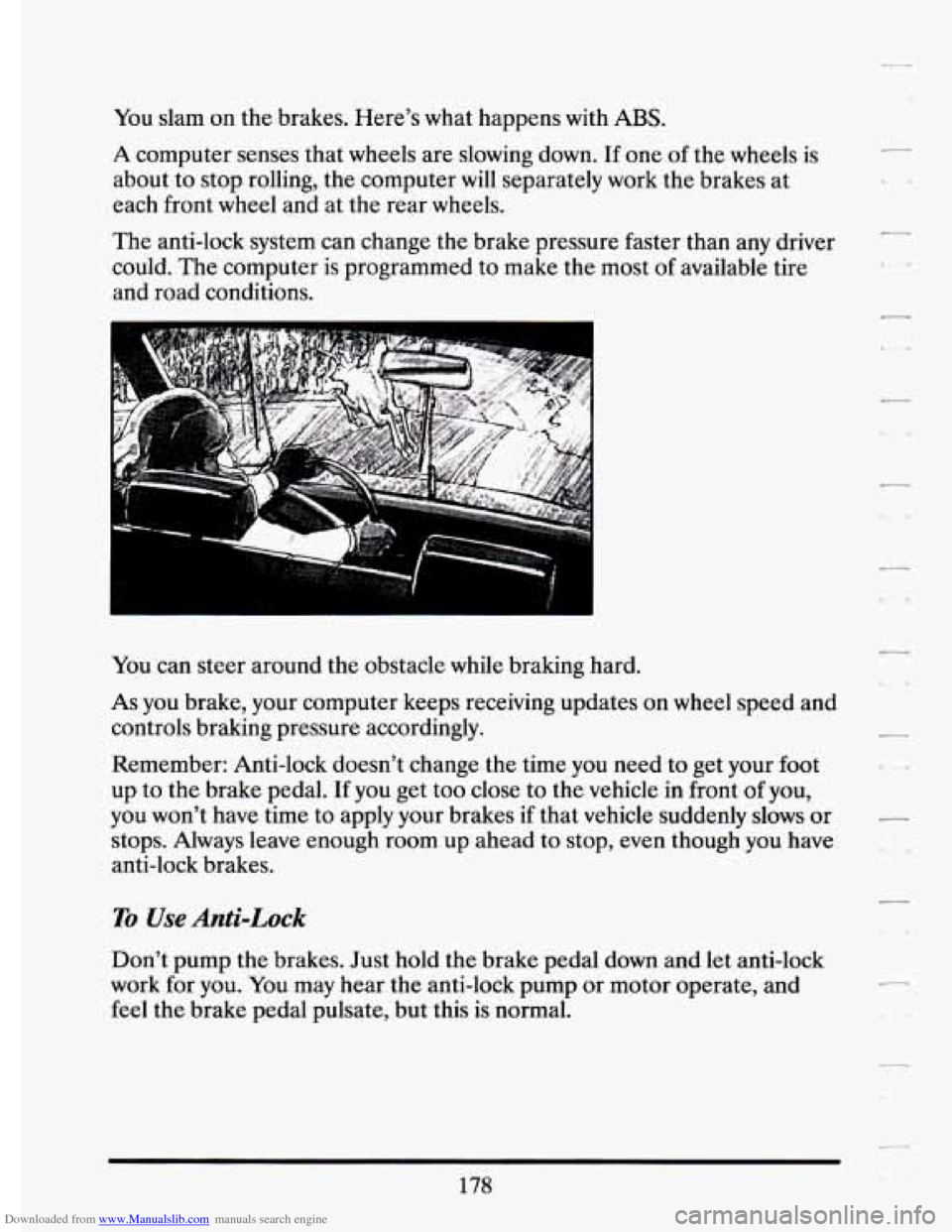
Downloaded from www.Manualslib.com manuals search engine You slam on the brakes. Here’s what happens with ABS.
A computer senses that wheels are slowing down. If one of the wheels is
about to stop rolling, the computer will separately work the brakes at
each front
wheel and at the rear wheels.
The anti-lock system can change the brake pressure faster than any driver
could.
The computer is programmed to make the most of available tire
and road conditions.
-
fou can steer around the obstacle while braking hard.
As you brake, your computer keeps receiving updates on wheel speed and
controls braking pressure accordingly.
Remember: Anti-lock doesn’t change the time you need to get your
foot
up to the brake pedal. If you get too close to the vehicle in front of you,
you won’t have time to apply your brakes
if that vehicle suddenly slows or
stops. Always leave enough room up ahead to stop, even though you have
anti-lock brakes.
1
To Use Anti-Lock
Don’t pump the brakes. Just hold the brake pedal down and let anti-lock
work for you. You may hear the anti-lock pump or motor operate, and
feel the brake pedal pulsate, but this
is normal.
c
..
178
Page 191 of 398
Downloaded from www.Manualslib.com manuals search engine I
r
i .’
r
r
L
r
i
r I
Your vehicle has traction control system that limits wheel spin. This is
especially useful in slippery road conditions. The system operates only
if
it senses that one or both of the front wheels are spinning or- beginning to
lose traction. When .this happens, the system works the front brakes and
reduces engine power (by shutting
off fuel injectors) to limit wheel spin.
The “TRACTION ACTIVE” message will display on the Driver
Information Center when the traction control system is limiting wheel
spin. See “Driver Information Center Messages” in the Index. You may
feel the system working, or you may notice some noise, but this
is nomal.
If your vehicle is in cruise control when the traction control system begins
to limit wheel spin, the cruise control will automatically disengage. When
road conditions allow you to safely use it again, you may
turn the cruise
control back on. (See “Cruise Control” in the Index.)
The “TRACTION DISABLED” message
will display on the Driver
Information Center
if there’s a problem with your traction control system.
See “D,river Information Center Messages” in the Index. When. this
message is displayed, the system will not limit wheel spin. Adjust your
driving accordingly.
Braking in Emergencies
Use your anti-lock braking system when you need to. With anti-lock, you
can steer and brake at the same time. In many emergencies, steering can
help you more than even the very best braking.
179
Page 192 of 398
Downloaded from www.Manualslib.com manuals search engine STEEMNG
Power Steering
L_
c-
If you lose power steering assist because the engine stops or the system is
not functioning, you can steer but it
will take much more effort.
Steering Tips
Driving on Curves
It’s important to take curves at a reasonable speed.
A lot of the “driver lost control” accidents mentioned on the news
happen on curves. Here’s why:
Experienced driver or beginner, each
of us is subject to the same laws of
physics when driving on curves. The traction of the tires against the road
surface makes it possible for the vehicle to change its path
when you turn
the front wheels. If there’s no traction, inertia will keep the vehicle going
in the same direction. If you’ve ever tried to steer a vehicle on wet ice,
you’ll understand this.
The traction you can get in a curve depends
on the condition of your tires
and the road surface, the angle at which the curve is banked, and your
speed. While you’re in a curve, speed is the one factor you can control.
Suppose you’re steering through a sharp curve. Then
you suddenly
accelerate. Both control systems
-- steering and acceleration -- have to do
their work where the tires meet the road. Unless you have the traction
control system, adding the sudden acceleration can demand too much
of
those places. You can lose control.
What should you do
if this ever happens? Ease up on the accelerator
Pedal, steer the vehicle the way you want it to go, and slow down.
31 ~ :d limit signs near curves warn that you should adjust your speed. Of
course, the posted speeds are based on good weather and road
conditions. Under less favorable conditions you’ll want to go slower.
If you need to reduce your speed as you approach a curve, do it before
you enter the curve, while your front wheels are straight ahead.
-
e.4
180