1994 CADILLAC ELDORADO instrument panel
[x] Cancel search: instrument panelPage 126 of 398
Downloaded from www.Manualslib.com manuals search engine LIGHTS
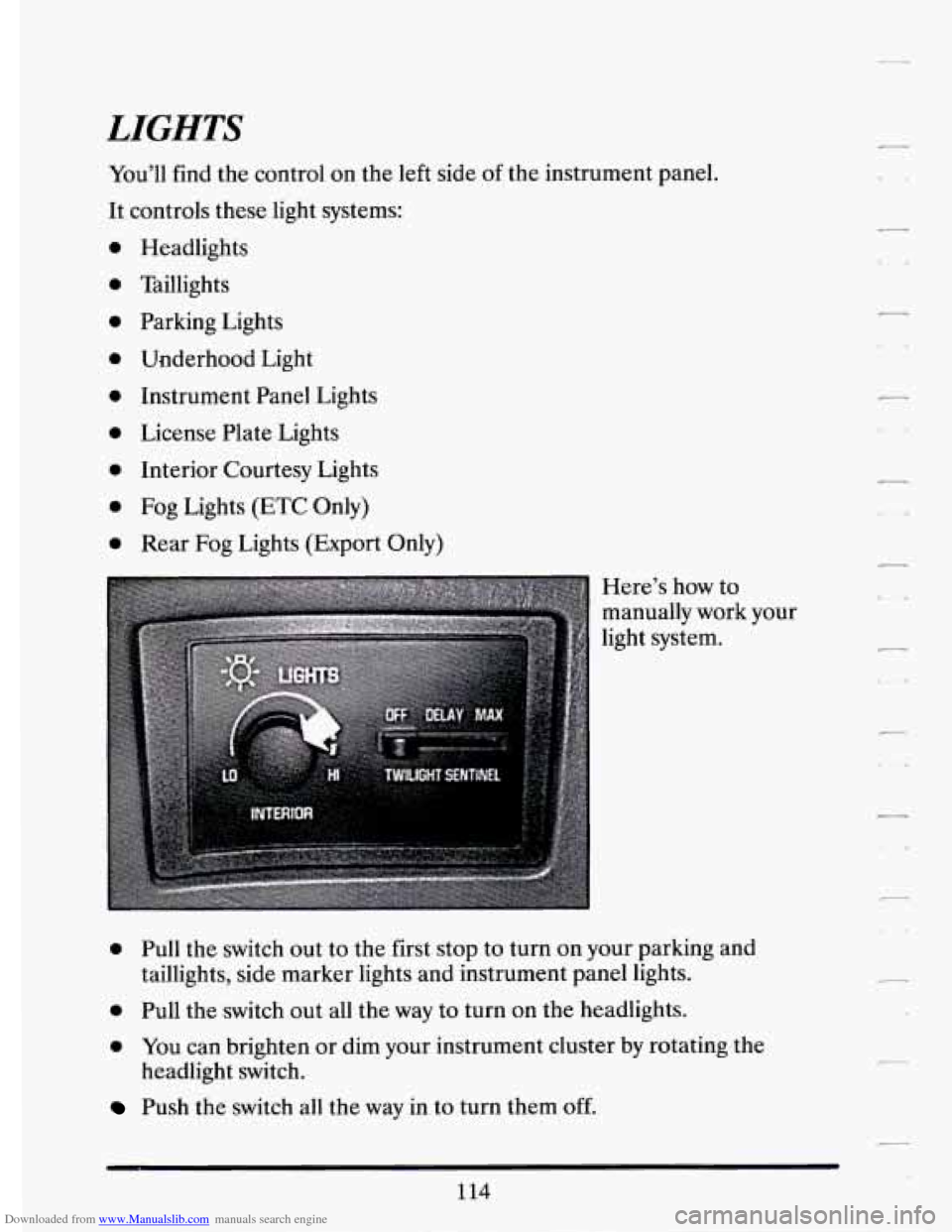
You’ll find the control on the left side of the instrument panel.
It controls these light systems:
0
0
0
0
0
0
0
a
0
Headlights
Taillights
Parking Lights
Underhood Light
Instrument Panel Lights
License Plate Lights
Interior Courtesy Lights
Fog Lights (ETC Only)
Rear Fog Lights (Export Only)
Here’s how to
manually work your
light system.
0 Pull the switch out to the first stop to turn on your parking and
taillights, side marker lights and instrument panel lights.
0 Pull the switch out all the way to turn on the headlights.
0 YOU can brighten or dim your instrument cluster by rotating the
Push the switch all the way in to turn them off.
headlight switch.
114
c1
Page 130 of 398

Downloaded from www.Manualslib.com manuals search engine Daytime Running Lights (Canada Only)
The Canadian Federal Government has decided that “Daytime Running
Lights” (DRL) are a useful feature, in that DRL can make your vehicle
more visible
to pedestrians and other drivers during daylight hours. DRL
are required on new vehicles sold
in Canada.
your DRL work with a light sensor on top
of the instrument panel. Don’t
cover it up.
The low beam headlights will come on at reduced brightness in daylight
when:
0 The ignition is on
0 The headlight switch is off, and
0 The transaxle is not in “P” (Park).
At dusk, if the Twilight Sentinel feature is turned on, the exterior lights
will come on automatically and the low beams will change to full
brightness. At dawn, the exterior lights will go out and the low beams will
change to the reduced brightness
of DRL (if the headlight switch is off).
Of course, you may still turn on the headlights any time you need to.
To idle your vehicle with the DRL
off, snift the transaxle into “P” (Park).
The DRL will stay
off until you shift out of “P” (Park).
118
-
c -*
Page 140 of 398
Downloaded from www.Manualslib.com manuals search engine GARAGE DOOR OPENER
(DEALER OPTION)
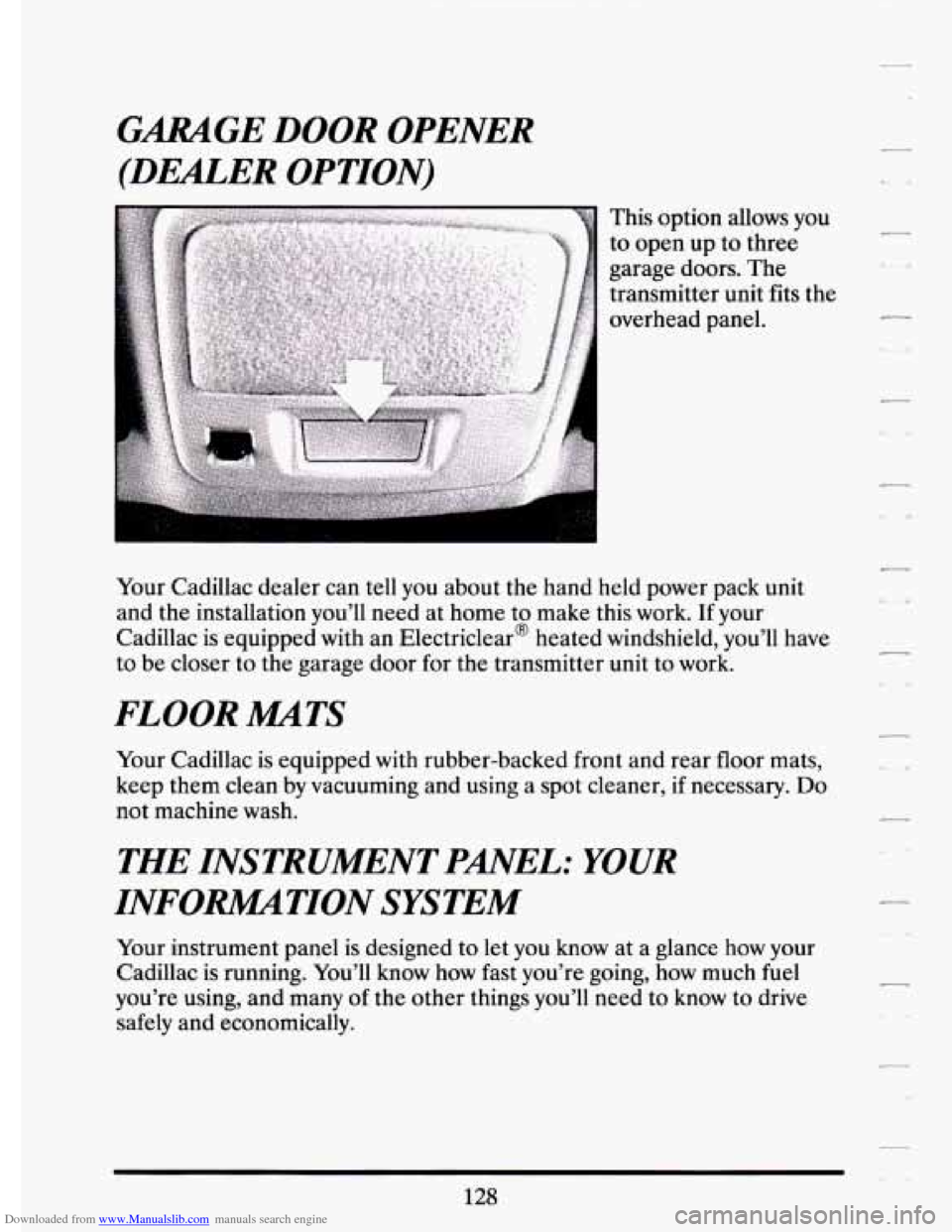
This option allows you
to open up to three
garage doors. The
transmitter unit fits the
overhead panel.
Your Cadillac dealer can tell you about the hand held power pack unit
and the installation you’ll need at home to make this work. If your
Cadillac is equipped with an Electriclear@ heated windshield, you’ll have
to be closer to the garage door for the transmitter unit to work.
FLOOR MATS
Your Cadillac is equipped with rubber-backed front and rear floor mats,
keep them clean by vacuuming and using a spot cleaner, if necessary.
Do
not machine wash.
THE INSTRUMENT PANEL: YOUR
INFORlMATION SYSTEM
Your instrument panel is designed to let you know at a glance how your
Cadillac is running. You’ll know how fast you’re going, h\
ow much fuel
you’re using, and many of the other things you’ll need to know to drive
safely and economically.
Page 157 of 398

Downloaded from www.Manualslib.com manuals search engine n
r
Ir
r
b”
n I t-
compressor,.is ,automatically $Urned.o€L =tlaat.;hap.pgns, air
conditioned air is not delivered.
If the coolant temperature returns to
normal, you must select “AUTO”, “DEFOG” or Defrost to return to a
normal A/C compressor operation.
FUEL LEVEL VERY LOW - 11
This message serves as a warning that the fuel level in your tank is
critically low. It means you should stop for fuel immediately. I
CHECK WASHER FLUID - 25
This message shows that the washer fluid reservoir is nearly empty.
SERVICE A/C SYSTEM A/C COMPRESSOR OFT - 14 I
This message appears when the electronic sensors that control the A/C
and heating system are no longer working. You may notice a drop in
heating and
A/C efficiency when this message appears. Have your
Climate Control system serviced
if this message appears.
STARTING DISABLED DUE TO THEFT SYSTEM REMOVE
IGNITION KEY - 33
This message will a ear when the Personalized Automotive Security
System (PASS Key
gp 11) senses that an improper ignition key is being used
to try to start the vehicle. Check the ignition key for damage.
If it is
damaged, it may need to be replaced.
If you see no damage, clean the Ii
pellet contacts with a soft cloth or napkin. Remove the ignition key and
wait for the Driver Information Center to display “WAIT
3 MINUTES”.
The Instrument Panel Cluster
will then run a timer and change the
messages to “WAIT
2 MINUTES ”, “WMT 1 MINUTE”, and then
“START CAR”. When the “START
CAR” message is displayed, try again
to start the engine.
SERVICE NOW - REFER TO OWNERS MANUAL - 02
This message appears if you have a problem with the Powertrain Control
Module
(PCM). To correct this problem have your vehicle serviced at
your Cadillac dealership.
SERVICE RIDE CONTROL - 84
This message is displayed to indicate that the Suspension System is not
operating properly. To correct this problem have your vehicle serviced at
your Cadillac dealership at your earliest convenience.
145.
Page 158 of 398
Downloaded from www.Manualslib.com manuals search engine STOP ENGINE ENGINE 0-TED - 42
This message will appear when your engine has overheated. Stop and
turn your engine off immediately to avoid severe engine damage. See
“Engine Overheating”
in the Index.
SERVICE VEHICLE SOON - 03
This message will appear if there is a problem with your Emission
Control System. If the “SERVICE ENGINE SOON” light on the
instrument panel and this message appears and then turns
off, it is an
indication that a temporary problem has cleared itself. Have your vehicle
checked at your earliest convenience.
STOP ENGINE LOW OIL PRESSURE - 35
If this message appears while the engine is running, stop the engine and
do not operate it until the cause of low oil pressure is corrected. Severe
damage to the engine can result.
SERVICE AIR BAG SYSTEM - 83
If this message appears, there is a problem with your Supplemental
Inflatable Restraint (Air Bag) system. Let only a qualified technician
work
on your vehicle. See your Cadillac dealer for service at once.
THEFT SYSTEM PROBLEM/CAR MAY NOT RESTART - 34
This message means there is a problem in the Personalized Automotive
Security System (PASS Key@ 11). PASS Key@ I1
will prevent the vehicle
from restarting
if it is turned off, so you should take the vehicle to a
proper service center before turning the engine
off. Never leave an
unattended vehicle with the engine running. Once you are where you can
get service, turn the engine off and then try to restart it. If
the vehicle
does not restart, the PASS Key@ I1 system will need servicing.
TRACTION ACTIVE - 91
If your vehicle is equipped with Traction Control, this message will be
displayed if Traction Control is being used to reduce wheel slippage.
TRACTION DISABLED - 88
If your vehicle is equipped with Traction Control, this message will be
displayed
if a problem is noted in the Traction Control System. Have your
vehicle serviced as soon as possible.
146
Page 162 of 398
Downloaded from www.Manualslib.com manuals search engine -
COMFORT CONTROLS AND AUDIO SYSTEMS
In this section you'll find out how to operate the comfort control systems
and audio systems offered
with your Cadillac. Be sure to read about the
particular system supplied
with your vehicle.
YOUR CADILLACAIR SYSTEM
Outside Air
The outside air always flows through your vehicle when it is moving. It
enters your vehicle through an
inlet at the base of the windshield. Keep
this area clear of debris. Even
if the vehicle is not moving, you can always
get outside air.
If you are traveling in the 60°F (16" C) AUTO setting, a
door
will close to stop the flow of outside air, recirculating only the
interior air to cool your vehicle.
Air Outlets
7 'i .. ,
m
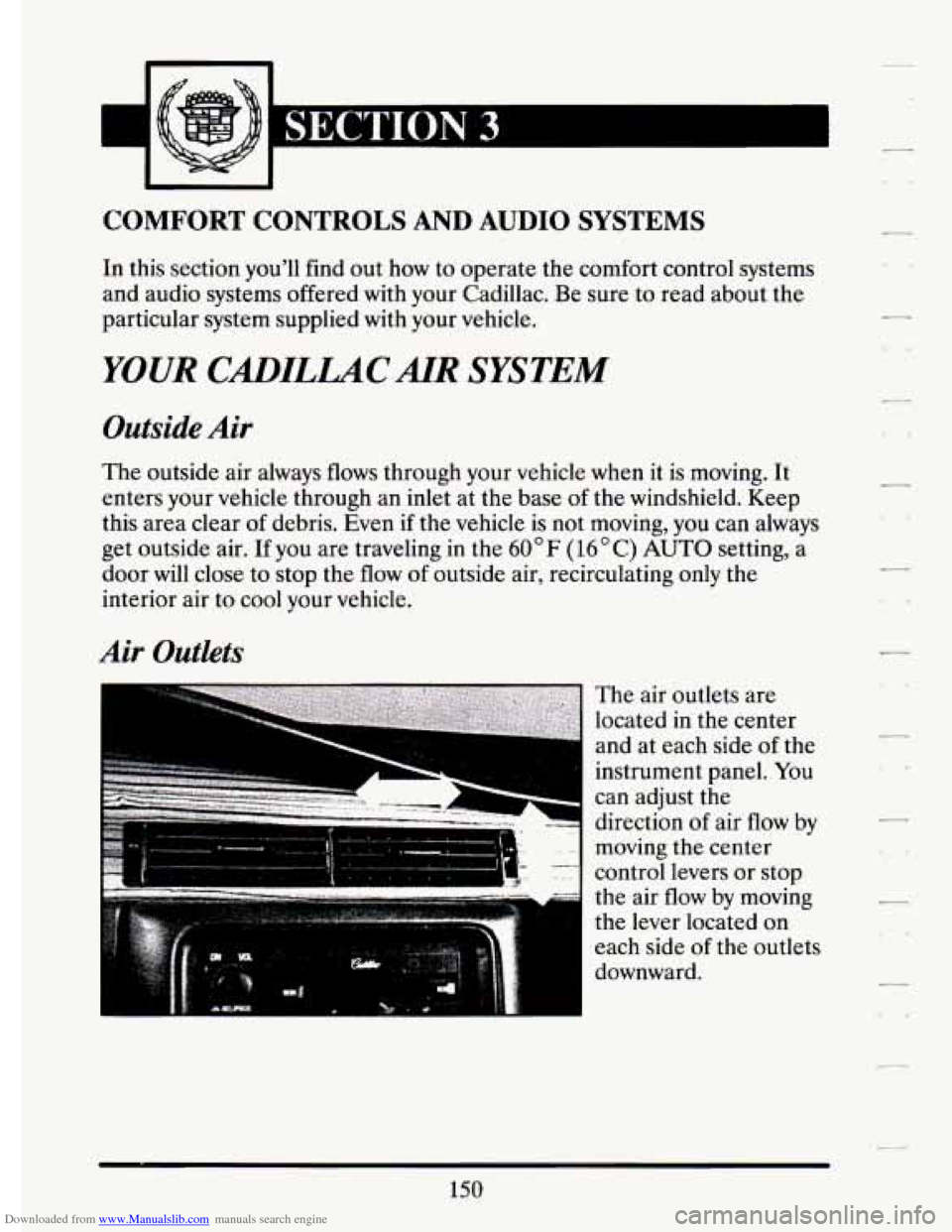
The air outlets are
located
in the center
and at each side of the
instrument panel.
You
can adjust the
direction
of air flow by
moving the center
control levers or stop
the air flow by moving
the lever located on
each side
of the outlets
downward.
150
7
Page 189 of 398
Downloaded from www.Manualslib.com manuals search engine PI
Anti=Lock Brakes (ABS)
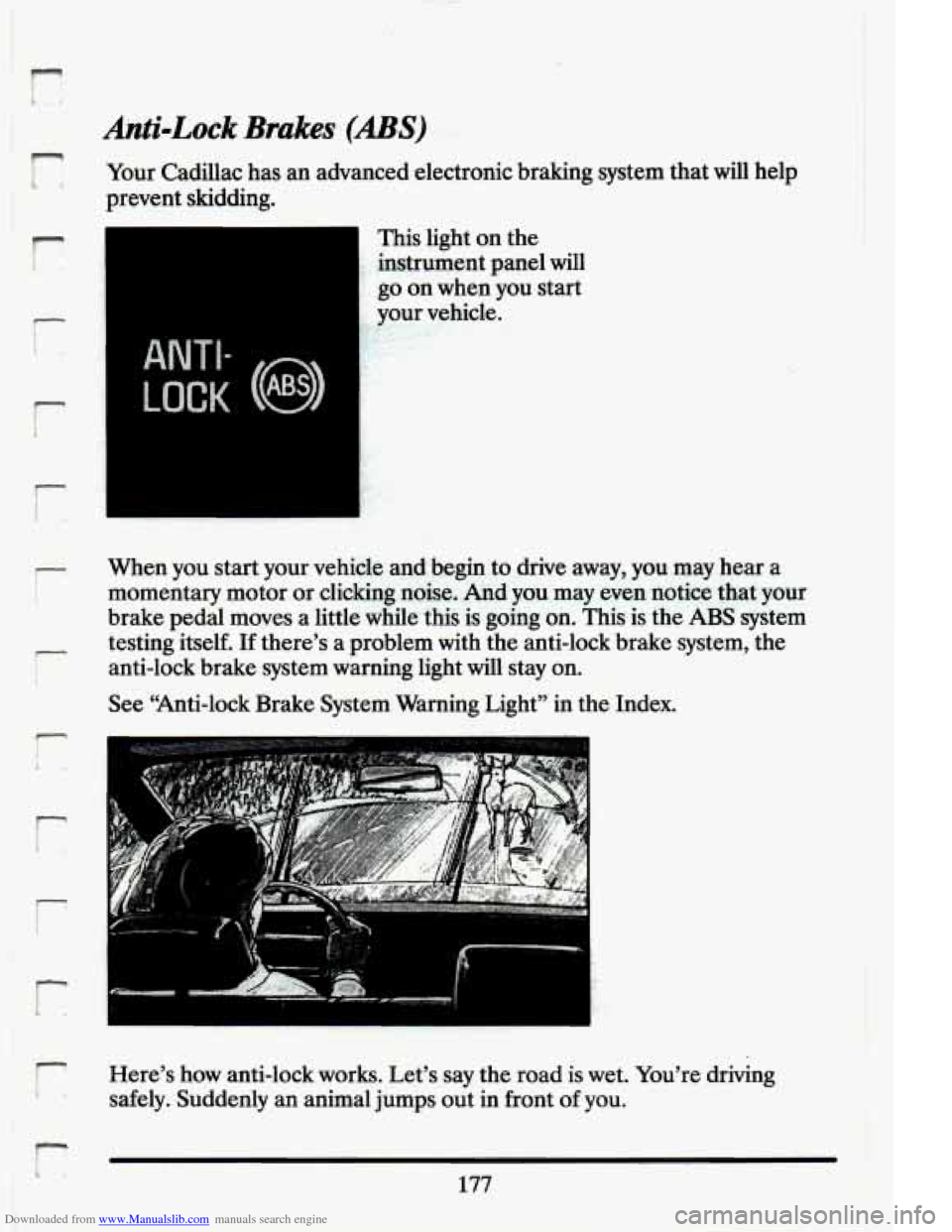
Your Cadillac has an advanced electronic braking system that will help
prevent skidding.
r
i
r
t
ANTI-
LOCK (@)
This light on the
instrument panel will
go on when you start
.. your vehicle. ,, .. v I- I‘ 1
?
When you start your vehicle and begin to drive away, you may hear a
momentary motor or clicking noise, And you may even notice that your
brake pedal moves a little while this is going on. This is the
ABS system
testing itself.
If there’s a problem with the anti-lock brake system, the
anti-lock brake system warning light
will stay on.
See “Anti-lock Brake System Warning Light” in the Index.
F;/ - ’r
Here’s how anti-lock works. Let’s say the road is wet. You’re driving
safely. Suddenly an animal jumps out in front
of you.
L 177
Page 217 of 398
Downloaded from www.Manualslib.com manuals search engine n
F- I
r
r i
I r’ j’ IL i
Folbwing Distance ~ ..
Stay at Least ,twice as far behind the vehicle ahead as you would when
driving your vehicie without a trailer.
This can help you.avoid situations
that require heavy braking and sudden turns.
,Passing
You’ll need more passing distance up ahead-.when you’re towing a. trailer.
And, because y0u’re.a good deal longer, you’ll need to go much farther
beyond the passed vehicle before you .can return to
your lane.
Backing Up
Hold the bottom of the steering wheel with one hand. Then, to move the
trailer ‘to .the- left, just move that hand
to the left. To move the trailer to
the right, .move -your hand
‘to the right. Always back up. slowly and, if
possible, have someone guide you.
Making nrns
When you’re turning with a trailer, make wider turns than normal. Do
.this so your trailer won? strike soft shoulders, curbs, road signs, trees, or
other .objects. Avoid jerky.or sudden maneuvers. Signal well
in advance.
Turn sigreals When Towing a Trailer
When you tow a trailer, your vehicle has to have a different turn signal
.= flasher and extra wiring. The green arrows on your instrument panel will f
J I flash, whenever you signal a turn or lane change. Properly hooked. up, the
trailer
l&hts will also flash, telling other drivers you’re about to turn,
change lanes or stop.
flash for turns even’if the.bulbs on the trailer are burned out. .Thus, you
may think drivers behind
you are seeing your- signal when they are not.
’ Et’s important to check occasionally to be sure the trailer. bulbs are still
r
i When towing a trailer; the green arrows on your instrument panel will
t! working.
205