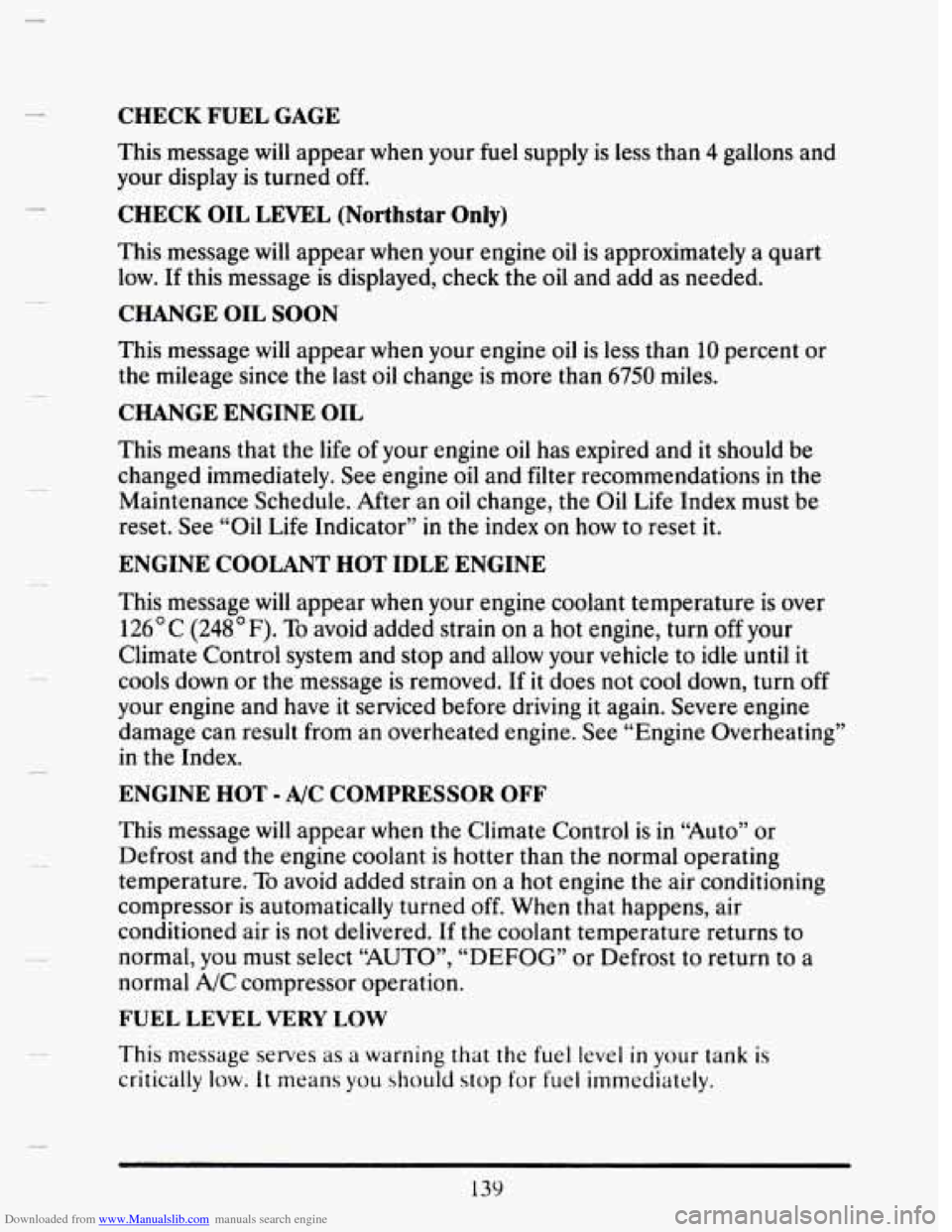
Downloaded from www.Manualslib.com manuals search engine CHECK FUEL GAGE
This message will appear when your fuel supply is less than 4 gallons and
your display
is turned off.
CHECK OIL LEVEL (Northstar Only)
This message will appear when your engine oil is approximately a quart
low. If this message is displayed, check the
oil and add as needed.
CHANGE OIL SOON
This message will appear when your engine oil is less than 10 percent or
the mileage since
the last oil change is more than 6750 miles.
CHANGE ENGINE OIL
This means that the life of your engine oil has expired and it should be
changed immediately. See engine oil and filter recommendations
in the
Maintenance Schedule. After an oil change, the Oil Life Index must be
reset. See “Oil Life Indicator”
in the index on how to reset it.
ENGINE COOLANT HOT IDLE ENGINE
This message will appear when your engine coolant temperature is over
126°C (248°F). To avoid added strain on a hot engine, turn off your
Climate Control system and stop and allow your vehicle to idle until
it
cools down or the message is removed. If it does not cool down, turn off
your engine and have it serviced before driving it again. Severe engine
damage can result from an overheated engine. See “Engine Overheating”
in the Index.
ENGINE HOT - A/C COMPRESSOR OFF
This message will appear when the Climate Control is in “Auto” or
Defrost and the engine coolant is hotter than
the normal operating
temperature. To avoid added strain on a hot engine the air conditioning
compressor is automatically turned
off. When that happens, air
conditioned air
is not delivered. If the coolant temperature returns to
normal, you must select
“AUTO”, “DEFOG” or Defrost to return to a
normal A/C compressor operation.
FUEL LEVEL VERY LOW
This message serves as a warning that the fuel level in your tank is
critically low. It means you shwld stop for fuel immediately.
139
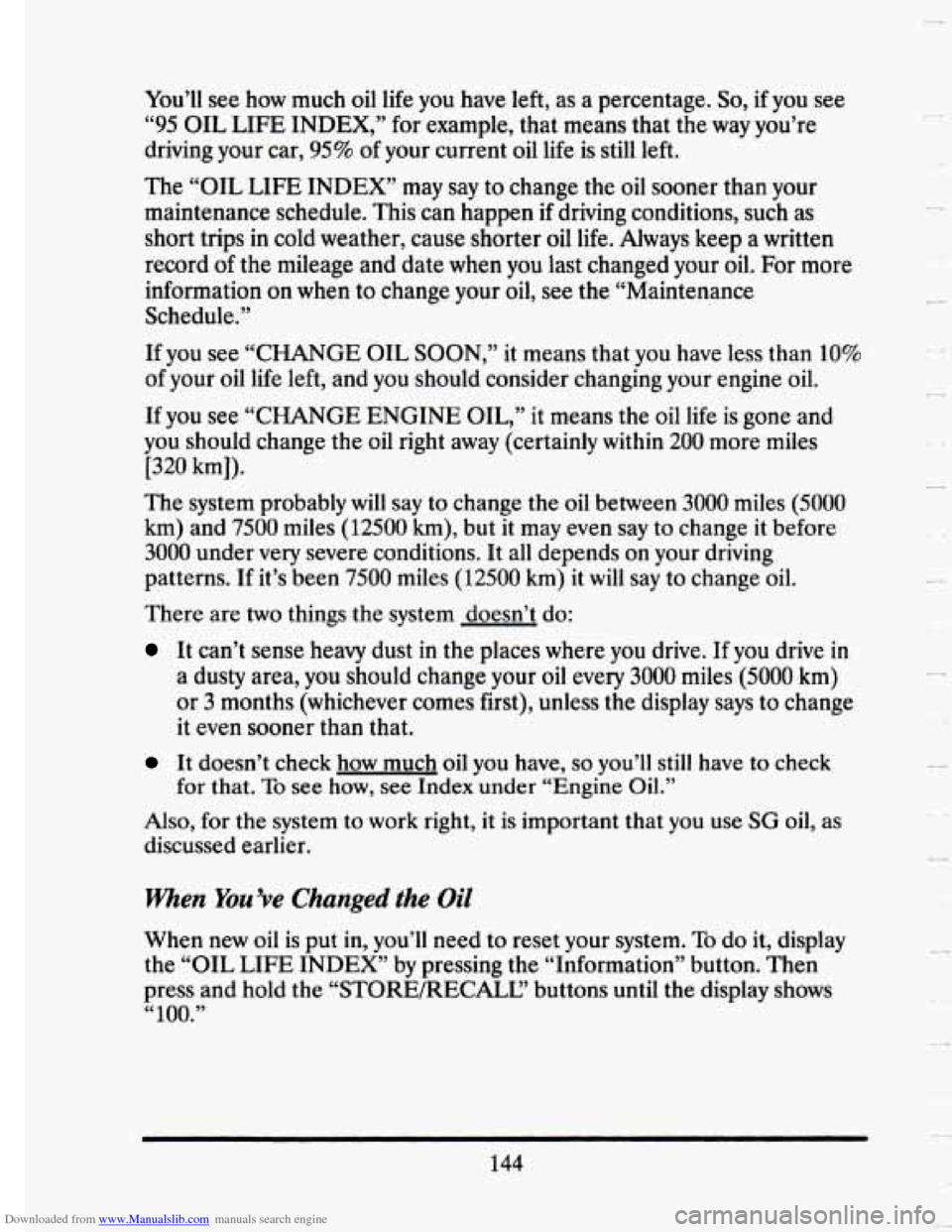
Downloaded from www.Manualslib.com manuals search engine You’ll see how much oil life you have left, as a percentage. So, if you see
“95 OIL LIFE INDEX,” for example, that means that the way you’re
driving your car,
95% of your current oil life is still left.
The
“OIL LIFE INDEX’ may say to change the oil sooner than your
maintenance schedule. This can happen
if driving conditions, such as
short trips in cold weather, cause shorter oil life. Always keep a written
record
of the mileage and date when you last changed your oil. For more
information on
when to change your oil, see the “Maintenance
Schedule.”
If you see “CHANGE OIL
SOON,” it means that you have less than 10%
of your oil life left, and you should consider changing your engine oi\
l.
If you see
“CHANGE ENGINE OIL,” it means the oil life is gone and
you should change the oil right away (certainly within
200 more miles
[320 km]).
The system probably will say to change the oil between 3000 miles (5000
km) and 7500 miles (12500 km), but it may even say to change it before
3000 under very severe conditions. It all depends on your driving
patterns. If it’s been
7500 miles (12500 km) it will say to change oil.
There are
two things the system doesn’t do:
It can’t sense heavy dust in the places where you drive. If you drive in
a dusty area, you should change your oil every 3000 miles (5000 km)
or
3 months (whichever comes first), unless the display says to change
it even sooner than that.
It doesn’t check how much oil you have, so you’ll still have to check
Also, for the system to work right, it is important that you use SG oil, as
discussed earlier. for that.
To see how,
see Index under “Engine Oil.”
when You’ve Changed the Oil
When new oil is put in, you’ll need to reset your system. To do it, display
the “OIL LIFE INDEX’ by pressing the “Information” button. Then
press and hold the “STORE/RECALC’ buttons
until the display shows
“100.”
144
y.
u
H
U