1993 CADILLAC SEVILLE check engine
[x] Cancel search: check enginePage 154 of 407
Downloaded from www.Manualslib.com manuals search engine LOW A/C REFRIGERANT - SERVICE A/C SOON
This message will appear when the A/C refrigerant is so low that it no
longer can cool well. This message shows that some of the refrigerant has
leaked out
of the system, and that the A/C needs recharging. If you do
not have it recharged, the system may not cool at all.
CHECK WASHER FLUID
This message shows that the washer fluid reservoir is nearly empty.
REDUCE ENGINE POWER (Northstar Only)
This message will appear if the engine starts to cut cylinders to reduce
power.
If this message is ever displayed, have your vehicle serviced as
soon as possible.
SERVICE A/C SYSTEM A/C COMPRESSOR OFF
This message appears when the electronic sensors that control the A/C
and heating system are
no longer working. You may notice a drop in
heating and A/C efficiency when this message appears. Have your
Climate Control system serviced
if this message appears.
STARTING DISABLED DUE TO THEFT SYSTEM REMOVE
IGNITION KEY
This message will appear when the Personalized Automotive Security
System (PASS
Key I1 TM ) senses that an improper ignition key is being
used to try to start
the vehicle. Check the ignition key for damage. If it is
damaged,
it may need to be replaced. If you see no damage, clean the
pellet contacts with a soft cloth
or napkin. Remove the ignition key and
wait for
the Driver Information Center to display “WAIT 3 MINUTES”.
The Instrument Panel Cluster will then run a timer and change the
messages to “WAIT 2 MINUTES”, “ WAIT 1 MINUTE”, and then
“START CAR”. When the “START CAR” message is displayed, try again
to start the engine.
d
c
t.
c
U
I
u
SERVICE NOW - REFER TO OWNERS MANUAL
This message appears if you have a problem with the Electronic Control
Module (ECM).
To correct this problem have your vehicle serviced at
your Cadillac dealership.
140
Page 155 of 407
Downloaded from www.Manualslib.com manuals search engine SERVICE RIDE CONTROL
This message is displayed to indicate that the Suspension System is not
operating properly.
To correct this problem have your vehicle serviced at
your Cadillac dealership at your earliest convenience.
STOP ENGINE ENGINE OVERHEATING
This message will appear when your engine has overheated. Stop and
turn your engine
off immediately to avoid severe engine damage. See
“Engine Overheating”
in the Index.
SERVICE VEHICLE SOON
This message will appear if there is a problem with your Emission
Control System.
If the “SERVICE ENGINE SOON” light on the
instrument panel and this message appear and then turns off, it is an
indication that a temporary problem has cleared itself. Have your vehicle
checked at your earliest convenience.
STOP ENGINE LOW OIL PRESSURE
If this message appears while the engine is running, stop the engine and
do not operate it until the cause
of low oil pressure is corrected. Severe
damage to the engine can result.
SERVICE SUPPLEMENTAL INFLATABLE RESTRAINT
If this message appears, there is a problem with your Supplemental
Inflatable Restraint (Air Bag) system. Let only a qualified technician
work on your vehicle.
See your Cadillac dealer for service at once.
THEFT SYSTEM PROBLEWCAR MAY NOT RESTART
This message means there is atroblem in the Personalized Automotive
Security System (PASS
Key I1 ). PASS Key I1 TM will prevent the vehicle
from restarting
if it is turned off, so you should take the vehicle to a
proper service center before turning the engine off. Never leave
an
unattended vehicle with the engine running. Once you are where you can
get service, turn
the engine off and then try to restart it. If the vehicle
does not restart, the PASS
Key I1 TM system will need servicing.
TRACTION ACTIVE
If your vehicle is equipped with Traction Control, this message will be
displayed
if Traction Control is being used to reduce wheel slippage.
141
Page 158 of 407
Downloaded from www.Manualslib.com manuals search engine You’ll see how much oil life you have left, as a percentage. So, if you see
“95 OIL LIFE INDEX,” for example, that means that the way you’re
driving your car,
95% of your current oil life is still left.
The
“OIL LIFE INDEX’ may say to change the oil sooner than your
maintenance schedule. This can happen
if driving conditions, such as
short trips in cold weather, cause shorter oil life. Always keep a written
record
of the mileage and date when you last changed your oil. For more
information on
when to change your oil, see the “Maintenance
Schedule.”
If you see “CHANGE OIL
SOON,” it means that you have less than 10%
of your oil life left, and you should consider changing your engine oi\
l.
If you see
“CHANGE ENGINE OIL,” it means the oil life is gone and
you should change the oil right away (certainly within
200 more miles
[320 km]).
The system probably will say to change the oil between 3000 miles (5000
km) and 7500 miles (12500 km), but it may even say to change it before
3000 under very severe conditions. It all depends on your driving
patterns. If it’s been
7500 miles (12500 km) it will say to change oil.
There are
two things the system doesn’t do:
It can’t sense heavy dust in the places where you drive. If you drive in
a dusty area, you should change your oil every 3000 miles (5000 km)
or
3 months (whichever comes first), unless the display says to change
it even sooner than that.
It doesn’t check how much oil you have, so you’ll still have to check
Also, for the system to work right, it is important that you use SG oil, as
discussed earlier. for that.
To see how,
see Index under “Engine Oil.”
when You’ve Changed the Oil
When new oil is put in, you’ll need to reset your system. To do it, display
the “OIL LIFE INDEX’ by pressing the “Information” button. Then
press and hold the “STORE/RECALC’ buttons
until the display shows
“100.”
144
y.
u
H
U
Page 175 of 407
Downloaded from www.Manualslib.com manuals search engine To Play the Disc Player
Before you begin, please note: don’t use the mini-discs that are called
“singles”
(even with an adapter). They won’t eject. Use full-size compact
discs
only.
Turn the radio on.
Insert a disc (label side up) partway into the slot. The player will pull
it in. Wait a
few seconds and the disc will play. Then only the time of
day and “CD” will display.
If the disc comes back out, check to see if
The disc is upside down.
The disc is dirty, scratched, or wet.
There’s too much moisture in the air. (If there is, wait about one hour
and try again).
“Err” (Error Detection)
If this message is displayed, you have a condition of either extreme
temperature, moisture,
or an incorrect disc. The disc will automatically be
ejected. When conditions are back to normal, the disc should play again.
RCLIPROG (RecalllProgram)
Press once to see what track is being played.
Within 5 seconds press it a second time to see how long the disc has
Press it a third time to see the time of day.
been playing.
Rev (Reverse)
Push and hold REV to return rapidly within a track. Release it to play the
passage. The elapsed time
will be displayed to show the reverse progress
of the
CD.
FWD (Fast Forward)
Press and hold FWD to advance quickly within a track. Release it to
resume playing. Elapsed time
will be displayed to show the forward
progress
of the CD.
161
Page 202 of 407
Downloaded from www.Manualslib.com manuals search engine lane as oncoming traffic for several seconds. A miscalculation, an error in
judgment, or a brief surrender to frustration or anger can suddenly put
the passing driver face to face
with the worst of all traffic accidents -- the
head-on collision.
So here are some tips for passing:
0
0
0
0
a
“Drive ahead.” Look down the road, to the sides, and to crossroads
for situations that might affect your passing patterns.
If you have any
doubt whatsoever about making
a successful pass, wait for a better
time.
Watch
for traffic signs, pavement markings, and lines. If you can see a
sign up ahead that might indicate a turn or an intersection, delay your
pass.
A broken center line usually indicates it’s all right to pass
(providing the road ahead is clear). Never cross a solid line on your
side of the lane or a double solid line, even
if the road seems empty of
approaching traffic.
If you suspect that the driver of the vehicle you want
to pass isn’t
aware
of your presence, tap the horn a couple of times before passing.
Do not get too close to the vehicle you want to pass while you’re
awaiting an opportunity.
For one thing, following too closely reduces
your area of vision, especially
if you’re following a larger vehicle. Also,
you won’t have adequate space if the vehicle ahead suddenly slows or
stops. Keep back a reasonable distance.
When it looks like a chance to pass
is coming up, start to accelerate
but stay in the right lane and don’t get too close. Time your move so
you will be increasing speed as the time comes to move into the other
lane.
If the way is clear to pass, you will have a “running start” that
more than makes up for the distance you would
lose by dropping back.
And if something happens to cause you to cancel your pass, you need
only slow down and drop back again and wait for another opportunity.
If other cars are lined up to pass a slow vehicle, wait your turn. But
take care that someone isn’t trying to pass
you as you pull out to pass
the
slow vehicle. Remember to glance over your shoulder and check
the blind spot.
Check your mirrors
, glance over your shoulder, and start your left
lane change signal before moving out of the right lane to pass. When
you are far enough ahead of the passed vehicle to see its front in your
188
H
-.-
rc
Page 206 of 407
Downloaded from www.Manualslib.com manuals search engine Once YOU are past the bright lights, give your eyes time to readjust before
resuming speed.
High Beams
If the vehicle approaching you has its high beams on, signal by flicking
yours to high and
then back to low beam. This is the usual signal to lower
the headlight beams. If the other driver still doesn't lowcr thc beams,
resist the temptation to put your high beams on. This only makcs two
half-blinded drivers.
When you follow another
vehiclc on ii Irt'CHiI! or h1gh;n. uw I(VH
beams. True, most vehicles now have d;wnight mirror that cn;rblc rhc
driver to reduce glare. But outside mirrbrs arc' not of thi< typc i\d high
beams from behind can bother the driver ahcad.
A Few More Night Driving Suggestions
Keep your windshield and all the glass on your vehicle clean -- inside and
out. Glare at night is made much worse
by dirt on the glass. Even the
inside
of the glass can build up a film caused by dust. Tobacco smoke also
makes inside glass surfaces
very filmy and can be a vision hazard if it's left
there.
Dirty glass makes lights dazzle and flash more than clean glass would,
making the pupils
of your eyes contract repeatedly. You might even want
to keep a cloth and some glass cleaner
in your vehicle if you need to clean
your glass frequently.
Remember that your headlights light up far less
of a roadway when you
are in
a turn or curve.
Keep your eyes moving; that way, it's easier to pick out dimly lighted
objects.
Just as your headlights should be checked regularly for proper aim, so
should your eyes be examined regularly. Some drivers suffer from night
blindness
-- the inability to see in dim light -- and aren't even aware of it,
192
Page 212 of 407
Downloaded from www.Manualslib.com manuals search engine CIZYDRlWNG
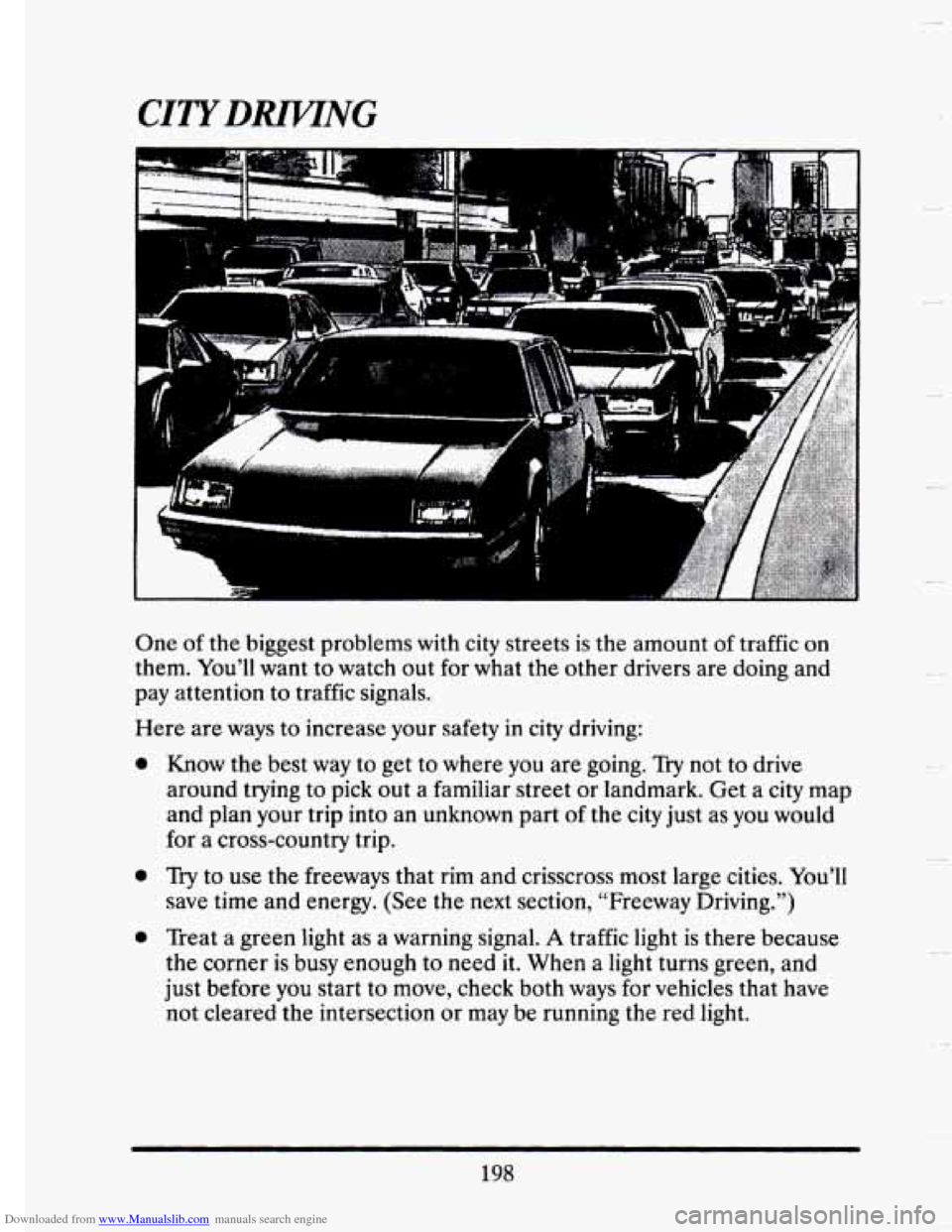
One of the biggest problems with city streets is the amount of traffic on
them. You’ll want to watch out for what the other drivers are doing and
pay attention to traffic signals.
Here are ways to increase your safety
in city driving:
a
a
0
Know the best way to get to where you are going. Try not to drive
around trying to pick out a familiar street or landmark. Get a
city map
and plan your trip into
an unknown part of the city just as you would
for a cross-country trip.
Try to use the freeways that rim and crisscross most large cities. You’ll
save time and energy. (See the next section, “Freeway Driving.”)
Treat a green light as a warning signal.
A traffic light is there because
the corner
is busy enough to need it. When a light turns green, and
just before you start to move, check both ways for vehicles that have
not cleared the intersection or may be running the red light.
198
Page 213 of 407
Downloaded from www.Manualslib.com manuals search engine Obey all posted speed limits. But remember that they are for ideal
road, weather and visibility conditions.
You may need to drive below
the posted limit in bad weather or when visibility
is especially poor.
Pull to the right (with care) and stop clear of intersections when you
see or hear emergency vehicles.
FREEWAY DMNG
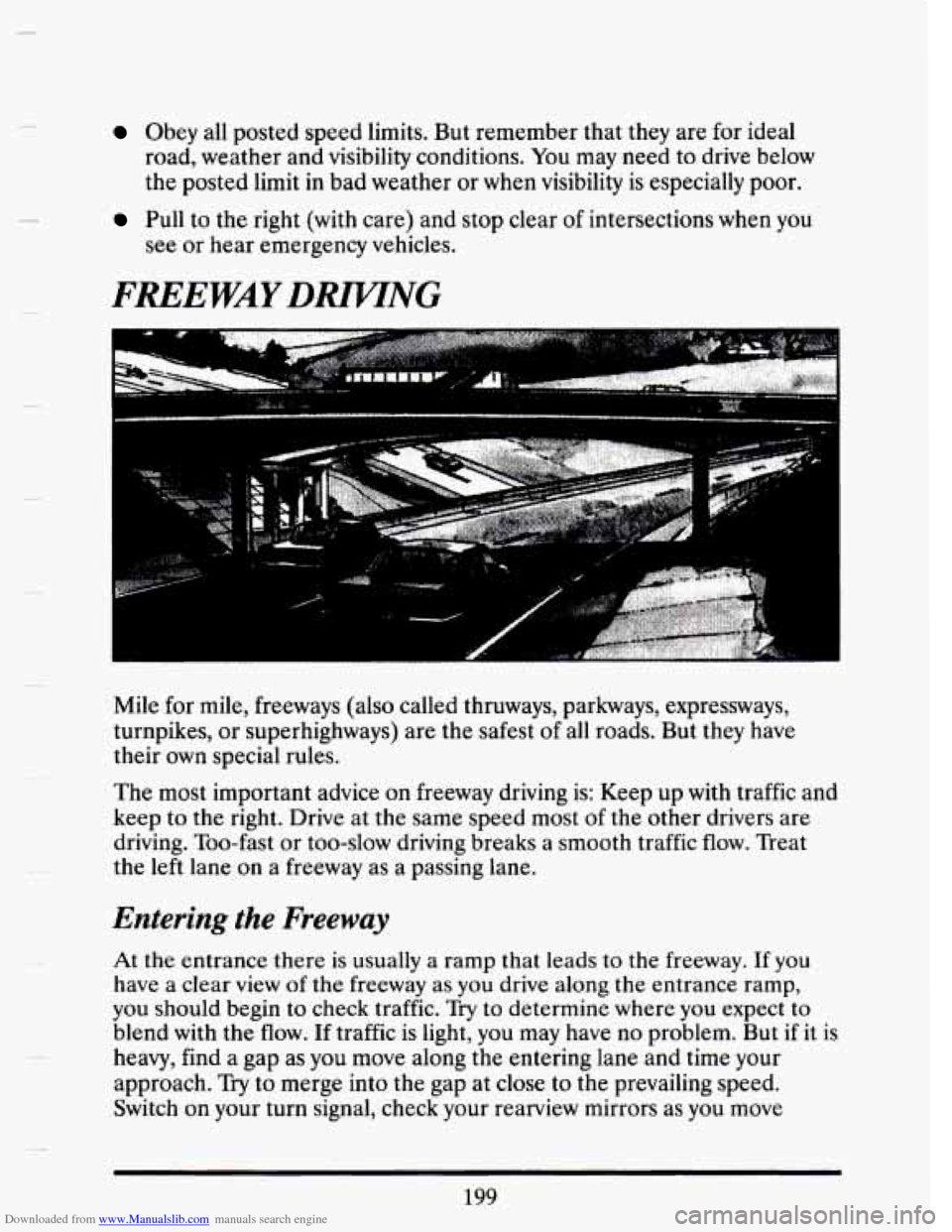
Mile for mile, freeways (also called thruways, parkways, expressways,
turnpikes, or superhighways) are the safest
of all roads. But they have
their own special rules.
The most important advice on freeway driving is: Keep up with traffic and
keep to the right. Drive at the same speed most
of the other drivers are
driving. Too-fast or too-slow driving breaks a smooth traffic
flow. Treat
the left lane on a freeway as a passing lane.
Entering the Freeway
At the entrance there is usually a ramp that leads to the freeway. If you
have a clear view of the freeway as you drive along the entrance ramp,
you should begin to check traffic. Try to determine where you expect to
blend with the flow. If traffic is light, you may have no problem. But if it is
heavy, find
a gap as you move along the entering lane and time your
approach.
Try to merge into the gap at close to the prevailing speed.
Switch on your turn signal, check your rearview mirrors as you move
199