1976 CHEVROLET VEGA light
[x] Cancel search: lightPage 27 of 87
Downloaded from www.Manualslib.com manuals search engine Parking Brake
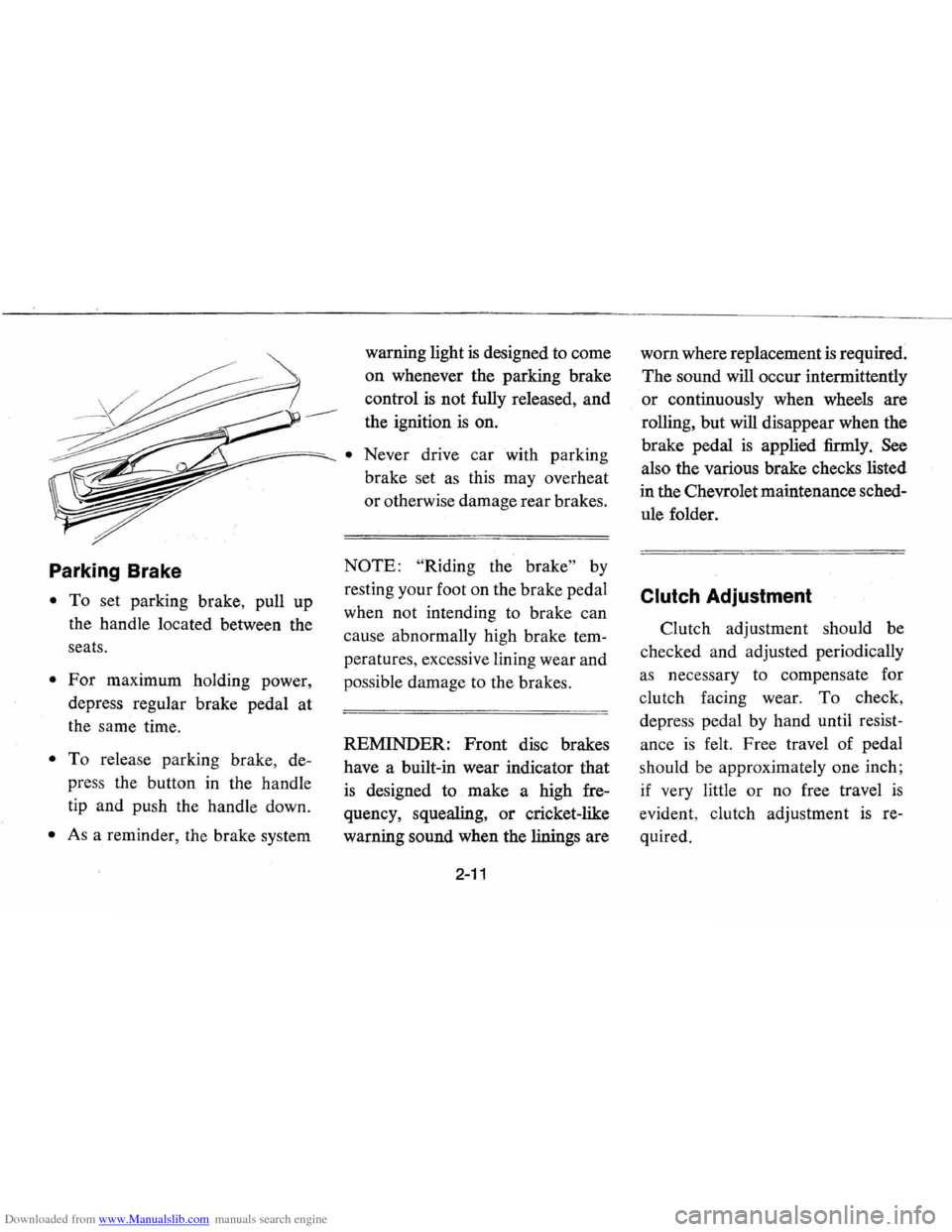
• To set parking brake, pull up
the handle located between the
seats.
• For maximum holding power,
depress regular brake pedal at
the same time.
• To release parking brake, de
press the button in the handle
tip and push the handle down.
• As a reminder, the brake system warning
light
is designed to come
on whenever the parking brake
control
is not fully released, and
the ignition ·
is on.
• Never drive car with parking
brake set
as this may overheat
or otherwise damage rear brakes.
NOTE: "Riding the brake" by
resting your foot on the brake pedal
when not intending to brake can
cause abnormally high brake tem
peratures, excessive lining wear and
possible damage to the brakes.
REMINDER:
Front disc brakes
have a built-in wear indicator that
is designed to make a high fre
quency, squealing,
or cricket-like
warning sound when the linings are
2-11
worn where replacement is required.
The sound will occur intermittently
or continuously when wheels are
rolling, but will disappear when the
brake pedal
is applied firmly. See
also the various brake checks listed
in the Chevrolet maintenance sched
ule folder.
Clutch Adjustment
Clutch adjustment should be
checked and adjusted periodically
as necessary to compensate for
clutch facing wear.
To check,
depress pedal by hand until resist
ance
is felt. Free travel of pedal
should be approximately one inch;
if very little
or no free travel is
evident , clutch adjustment is re
quired.
Page 28 of 87
Downloaded from www.Manualslib.com manuals search engine Self-Adjusting Brakes
• Brakes on this car (except for the
parking brake) are self-adjusting,
designed · to eliminate periodic
brake adjustments.
• Drum brake adjustment is made
automatically
as the brakes are
applied while car
is moving back
wards.
• Disc brake adjustment is made
automatically with each brake
application.
• If excess brake pedal travel devel
ops, drive alternately backward
and
forwb-d several times and apply
brakes firmly in eadh
direc
tion.
• See your dealer if normal pedal
travel
is not restored, or if there
is a rapid increase in pedal travel,
which could be a sign of other
brake trouble.
See your dealer
also if adjustment if the parking
brake
is required.
Headlight Beam Switch
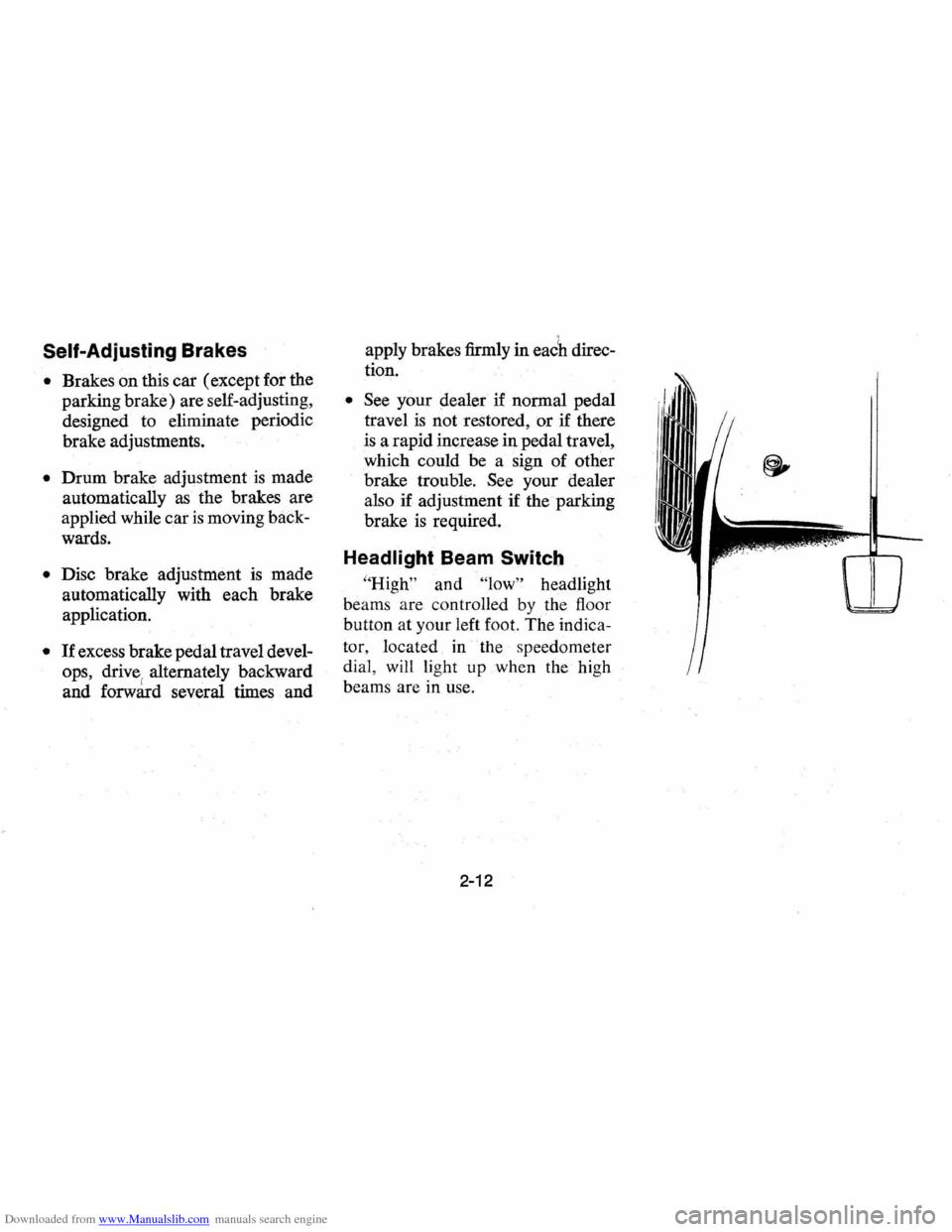
"High" and "low" headlight
beams are controlled
by the floor
button at your left foot. The
indica
tor, located in the speedometer
dial , will light up when the high
beams are
in use.
2-12
Page 29 of 87
Downloaded from www.Manualslib.com manuals search engine INSTRUMENTS AND CONTROLS
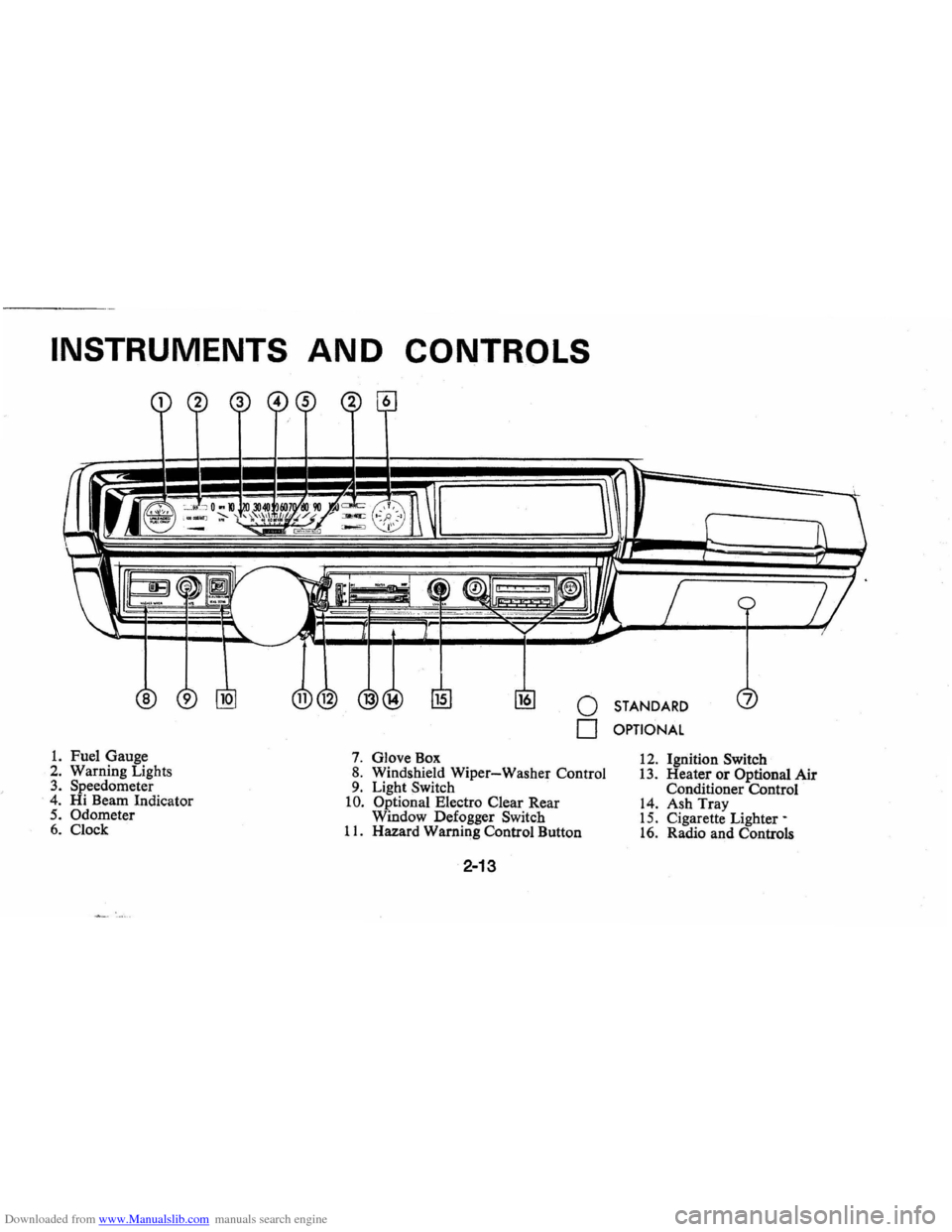
1. Fuel Gauge 2. Warning Lights 3. Speedometer . 4. Hi Beam Indicator 5. Odometer 6. Clock
o STANDARD
o OPTIONAL
7. Glove Box 8. Windshield Wiper-Washer Control 9. Light Switch . 10. Optional Electro Clear Rear
Window Defogger Switch
11. Hazard Warning Control Button
2-13
12. Ignition Switch 13. Heater or Optional Air Conditioner Control 14. Ash Tray 15. Cigarette Lighter-16. Radio and Controls
Page 30 of 87
Downloaded from www.Manualslib.com manuals search engine HI BEAM INDICATOR
=.Q(LJ 0 .PH 10 20 30 40 iO 60 70 80 90 100 c:=M!LJ
'ADD coiillT' ..............,," ,,'\. 11// / / ./ ././'" .ruf/~ L! !.!LL"'!l!!LJ lP1I 0 20 40 6080100 120 140 160
Instruments
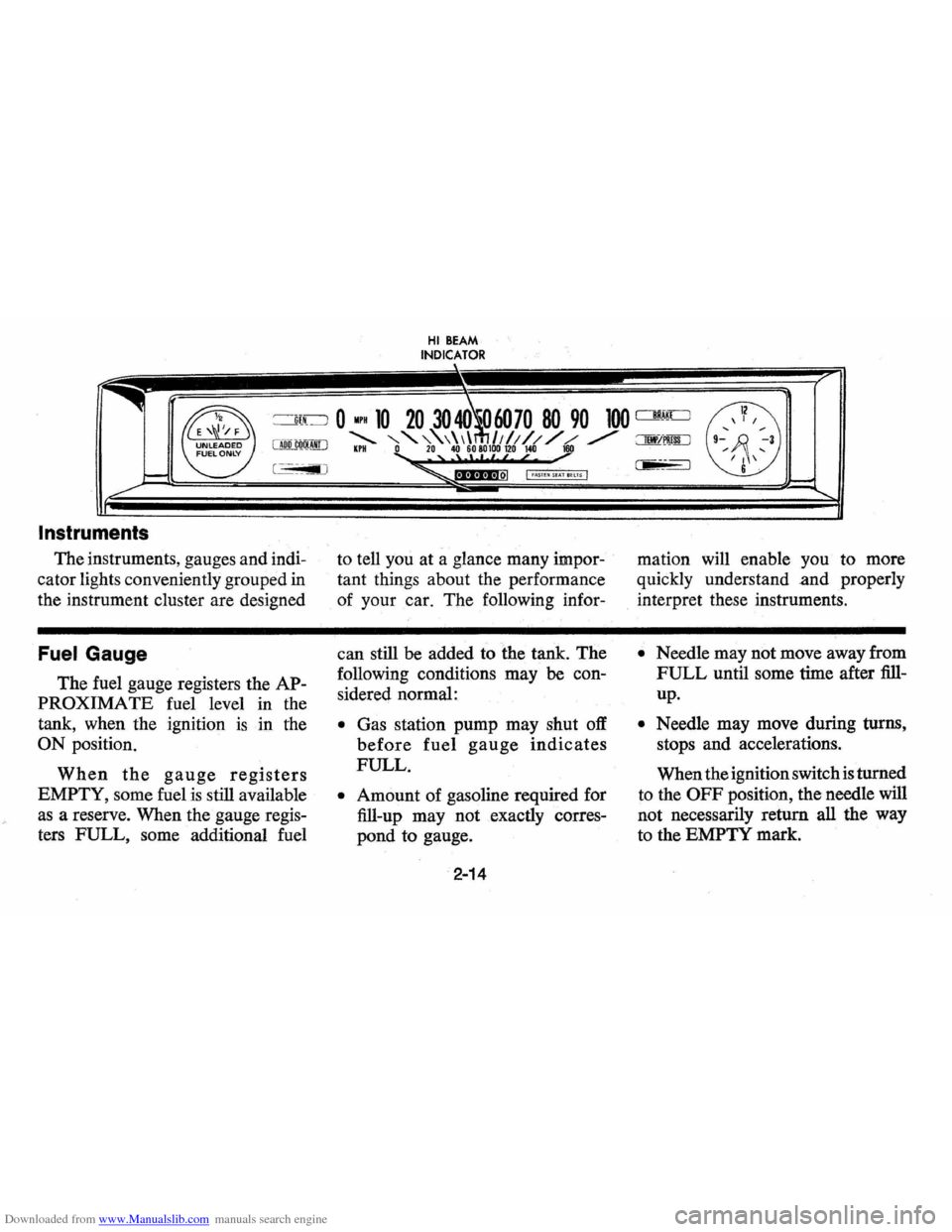
The instruments, gauges and indi
cator lights conveniently grouped
in
the instrument cluster are designed
Fuel Gauge
The fuel gauge registers the AP
PROXIMATE fuel level
in the
tank, when the ignition
is ill the
ON position.
When the gauge registers
EMPTY, some fuel is still available
as a reserve. When the gauge regis
ters FULL, some additional fuel
I •••••••• nol I fASTE~ Sf A! BEtTS ·1
to tell you at a glance many impor
tant things about the performance
of your
car. The following infor-
can still
be added to the tank. The
following conditions may
be con
sidered normal:
• Gas station pump may shut off
before fuel gauge indicates
FULL.
• Amount of gasoline required for
fill-up may not exactly
corres
pond to gauge.
2-14
mation will enable you to more
quickly understand and properly
interpret these instruments.
• Needle may not move away from
FULL until some time after fill
up.
• Needle may move during turns,
stops and accelerations.
When the ignition switch
is turned
to the
OFF position, the needle will
not necessarily return all the way
to the EMPTY mark.
Page 31 of 87
Downloaded from www.Manualslib.com manuals search engine Generator Indicator Light
The red light will go on when
the ignition key
is in the "on" posi
tion, but before the engine
is started.
After the engine starts, the light
should go out and remain out.
If
the light remains on when engine
is running, have your Authorized
Chevrolet Dealer locate and correct
the trouble
as soon as possible.
Temp. Pressure Indicator
Light
This indicator light is provided
in the instrument cluster to quickly
warn of an overheated engine
and/or extreme low oil pressure
or oil supply. This light will be on
when the ignition switch is turned
"ON" and should go out after the
engine
is started. Occasionally the
light may be seen to flicker momen
tarily, but this will do no harm. Ex
treme low oil pressure or oil supply
will prevent the electric fuel pump from
operating and under this con
dition the engine will not run.
If the light comes on during ex
treme driving conditions, such
as an
extended idle, turn off the air con
ditioner (if used) and run the en
gine slightly faster than idle speed
with the transmission in
neutral
gear. If the light does not go off
within a short period of time (1-2
minutes), then turn the engine off
until the cause of
the overheating is
corrected. Glance at the instrument
cluster frequently
as you drive to
see if this light is on.
Add Coolant Indicator Light
This indicator light is provided to
warn of a low coolant condition in
the radiator.
If coolant level is low
the yellow
"Add Coolant" warning
light will glow. Coolant level in the
coolant recovery tank, and radiator,
should be checked at the first oppor
tunity.
If necessary add sufficient
2-15
coolant to both the radiator and
coolant recovery tank.
(See Service
and Maintenance, Section 5, for
proper procedure) .
If frequent
additions are required, see your
dealer for a complete cooling sys
tem check.
Brake System Warning
Light
The service brake system is a dual
system designed so that one part will
provide some braking action in the
event of loss of hydraulic pressure
in the other part of the system.
If the
warning light labeled
"Brake" lo
cated in the speedometer face comes
on and stays
on when the ignition is
on and after the brakes have been
firmly applied
it may indicate that
there
is a malfunction in one part of
the brake system.
• As a reminder, the light is de
signed to come
on with the park
ing brake applied and the igni
tion on.
Page 32 of 87
Downloaded from www.Manualslib.com manuals search engine • The light is also designed to come
on during engine starting to
verify that the bulb
is operating
properly.
• Have system repaired if light does
not come
on during check.
• This warning light is not a substi
tute for the visual check of brake
fluid level required
as part of
normal maintenance.
If the light comes on:
• The parking brake control is not
fully released, or,
• The service brake system is par
tially inoperative.
What to do:
1. Check that parking brake is re
leased.
If it is . . .
2.
Pull off the road and stop, care
fully-remembering that:
• Stopping distances may be
greater.
• Greater pedal effort may be re
quired.
• Pedal travel may be greater. 3.
Try out brake operation by start
ing and s,topping on road shoul
der-then:
• If you judge such operation to
be safe, proceed cautiously at
a safe speed to nearest dealer
for repair.
• Or have car towed to dealer for
repair.
Continued operation of the car in this
condition
is dangerous.
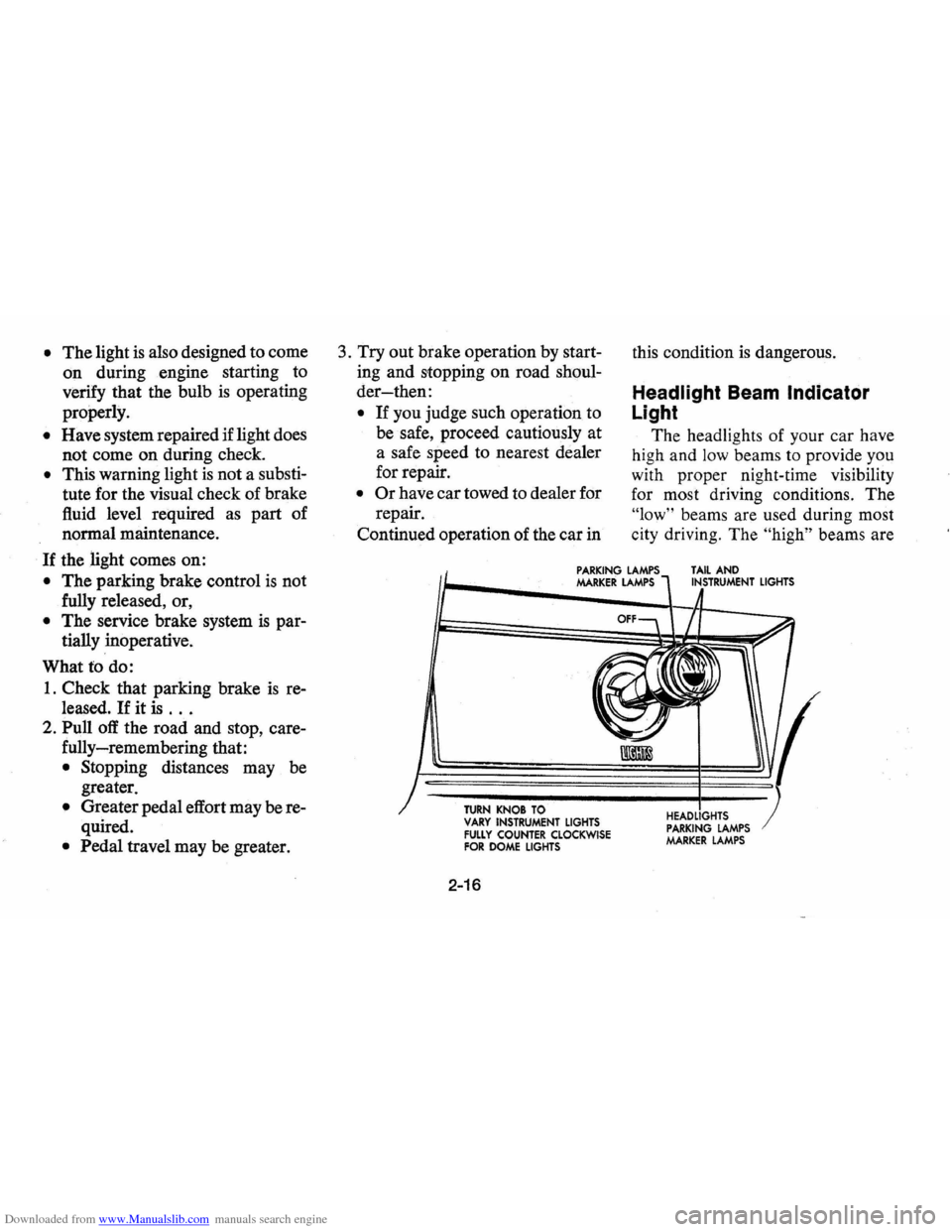
Headlight Beam Indicator
Light
The headlights of your car have
high and
low beams to provide you
with proper night-time visibility
for most driving conditions. The
"low" beams are used during most
city driving. The
"high" beams are
PARKING LAMPS MARKER LAMPS TAIL AND INSTRUMENT LIGHTS
TURN KNOB TO VARY INSTRUMENT LIGHTS FULLY COUNTER CLOCKWISE FOR DOME LIGHTS
2-16
HEADLIGHTS PARKING LAMPS MARKER LAMPS
Page 33 of 87
Downloaded from www.Manualslib.com manuals search engine especially useful when driving on
dark roads since they provide ex
cellent long range illumination. The
headlight beam indicator will be on
whenever the high beams or
"brights" are in use. The Headlight
Beam
Switch controls the headlight
beams (see Page
2-12).
Light Switch
The three position light switch
controls the headlights, taillights,
parking lights, side marker lights,
instrument lights and dome lights
as shown. The headlamp circuit
is protected by a circuit breaker in
the light switch.
An overload on
the breaker will cause the lamps to
"flicker" on and off. If this condi
tion develops, have your headlamp
wiring checked immediately.
Clock
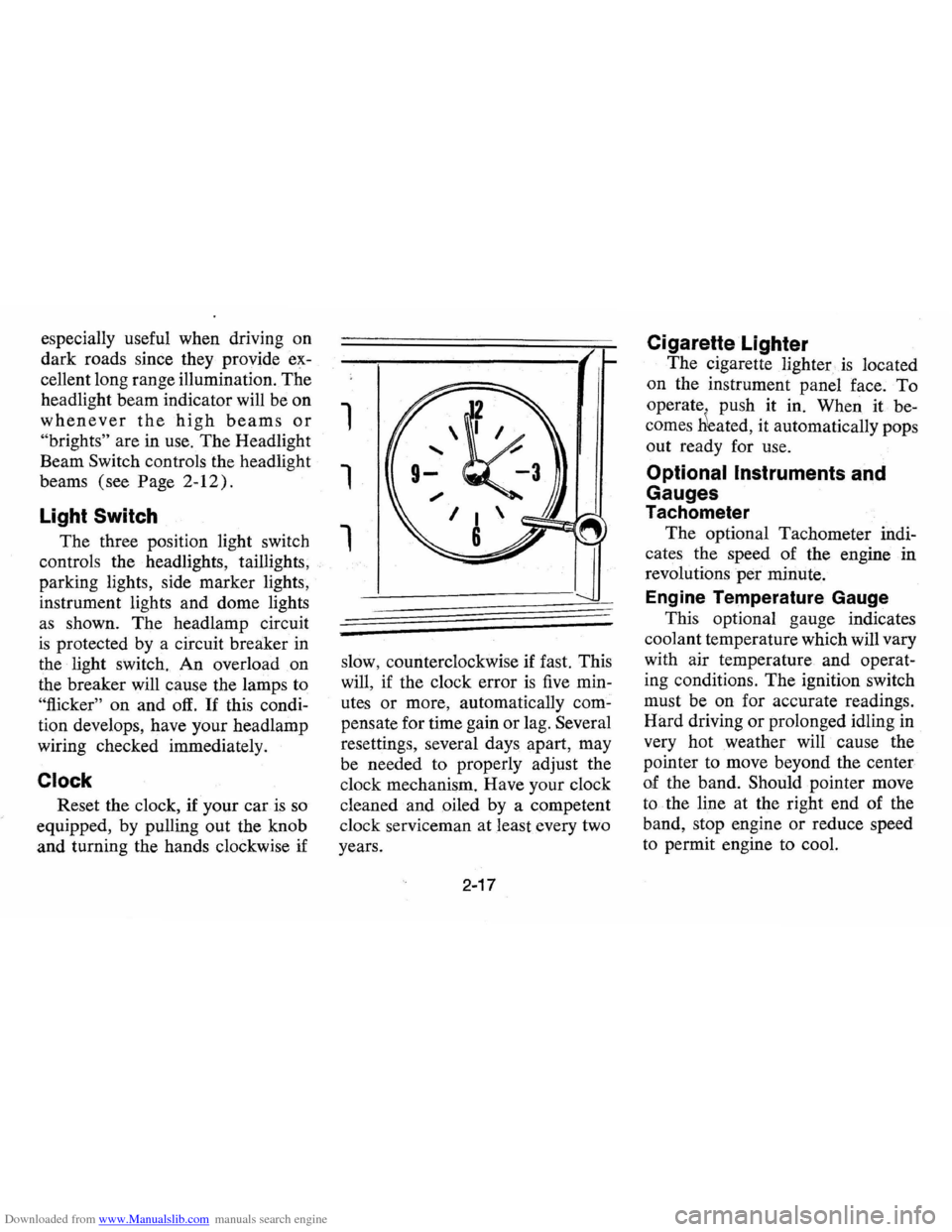
Reset the clock, if your car is so
equipped, by pulling out the knob
and turning the hands clockwise if
1
1
1
slow, counterclockwise if fast. This
will,
if the clock error is five min
utes
or more, automatically com
pensate for time gain or lag. Several
resettings, several days apart, may
be needed to properly adjust the
clock mechanism. Have your clock
cleaned and oiled by a competent
clock serviceman at least every two
years.
2-17
Cigarette Lighter
The cigarette lighter is located
on the instrument panel
face. To
operate . push it in. When it be
comes
Heated, it automatically pops
out ready for use.
Optional Instruments and
Gauges
Tachometer
The optional Tachometer indi
cates the speed of the engine in
revolutions
per minute.
Engine Temperature Gauge
This optional gauge indicates
coolant temperature which will vary
with air temperature and operat
ing conditions.
The ignition switch
must be on for accurate readings.
Hard driving
or prolonged idling in
very hot weather will cause the
pointer to move beyond the center
of the band. Should pointer move
to the line at the right end of the
band, stop engine or reduce speed
to permit engine to cool.
Page 38 of 87
Downloaded from www.Manualslib.com manuals search engine Heater Operating Tips
• Clear snow and ice from hood
and air inlet in front of wind
shield and air vent grille in rear
fender,
or roof side panel to im
prove heater and defroster
effi
ciency and reduce the probability
of fogging on inside of wind
shield.
• Clear windshield, rear window,
outside m.irrors and all side win
dows of ice and snow before
driving vehicle.
• Operate blower on "HIGH" for
a
few seconds before moving the
vehicle, to help clear the intake
ducts of snow to further reduce
the possibility of fogging on in
side of windshield.
• Keep all windows and vents
closed to reduce dust, road and wind
noise and uncomfortable
drafts.
• For most satisfactory heater
operation and air circulation,
operate fan on low or medium
speeds for normal operation and
high speeds for quick warm-up
and during extremely low tem
peratures.
• For adequate rear seat heating,
the area beneath the front seat
must not be blocked by carpet
ing, rags, paper or other material
and fan should operate on high
blower.
Electro-Clear Rear Window
Defogger
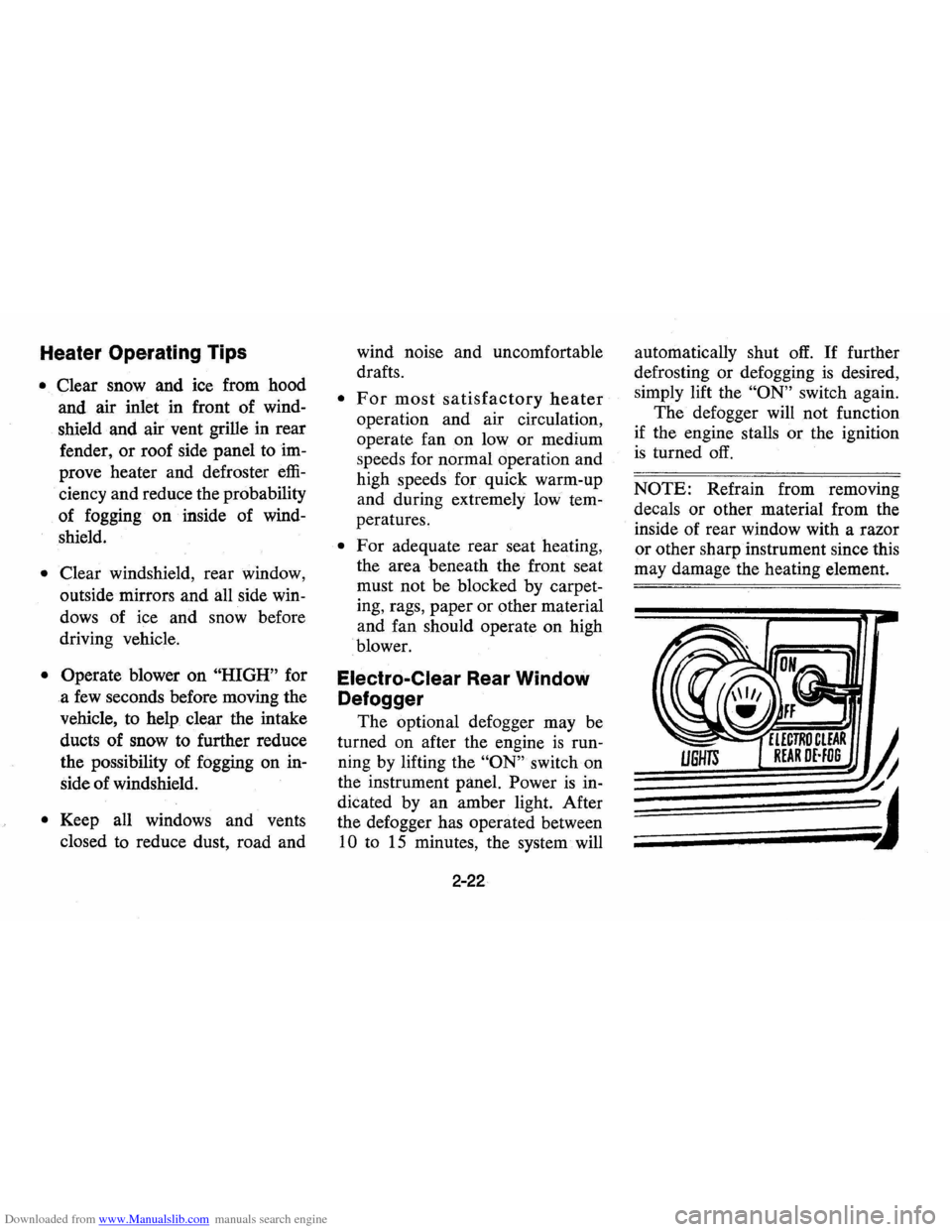
The optional defogger may be
turned on after the engine
is run
ning by lifting the
"ON" switch on
the instrument panel. Power
is in
dicated by an amber light. After
the defogger has operated between
10 to 15 minutes, the system will
2-22
automatically shut off. If further
defrosting or defogging
is desired,
simply lift the
"ON" switch again.
The defogger will not function
if the engine stalls or the ignition
is turned off.
NOTE: Refrain from removing
decals
or other material from the
inside of rear window with a razor
or other sharp instrument since this
may damage the heating element.