2023 TOYOTA PRIUS PRIME lane departure
[x] Cancel search: lane departurePage 3 of 680

3TABLE OF CONTENTS
1
2
3
4
5
6
7
8
9
10
Back door ......................191
Smart key system ......... 203
4-3. Adjusting the seats Front seats .................... 209
Rear seats..................... 210
Head restraints.............. 212
4-4. Adjusting the steering wheel and mirrors
Steering wheel .............. 215
Inside rear view mirror .. 216
Digital Rear-view Mirror 217
Outside rear view mirrors .................................... 225
4-5. Opening, closing the win- dows
Power windows ............. 227
4-6. Favorite settings Driving position memory 230
My Settings ................... 234
5-1. Before driving Driving the vehicle......... 239
Cargo and luggage ....... 246
Vehicle load limits ......... 249
Trailer towing ................ 250
Dinghy towing ............... 250
5-2. Driving procedures Power (ignition) switch .. 251
Transmission................. 256
Turn signal lever ........... 262
Parking brake ................ 263
Brake Hold .................... 2665-3. Operating the lights and
wipers
Headlight switch ............ 269
AHB (Automatic High Beam) .................................... 272
Windshield wipers and washer ......................... 275
5-4. Refueling Opening the fuel tank cap.................................... 279
5-5. Using the driving support systems
Toyota Safety Sense 3.0/Traffic Jam Assist soft-
ware update................. 282
Toyota Safety Sense 3.0 284
Driver monitor ................ 292
PCS (Pre-Collision System) .................................... 293
LTA (Lane Tracing Assist) .................................... 305
LCA (Lane Change Assist) .................................... 310
LDA (Lane Departure Alert) .................................... 313
PDA (Proactive driving assist) .......................... 320
FCTA (Front Cross Traffic Alert) ............................ 326
RSA (Road Sign Assist) 329
Dynamic radar cruise control .................................... 331
Cruise control ................ 342
Emerge
ncy Driving Stop
System ........................ 345
Traffic Jam Assist .......... 348
BSM (Blind Spot Monitor) .................................... 354
5Driving
Page 166 of 680

1663-1. Instrument cluster
equipped) (P.310)
LDA (Lane Departure Alert)
( P.313)
PDA (Proactive driving assist)
( P.320)
Dynamic radar cruise control
( P.331)
Cruise Control ( P.342)
■Navigation system-linked
display (if equipped)
Select to display the following
navigation system-linked infor-
mation.
Route guidance to destination
Compass
Select to enable selection of an
audio source or track on the dis-
play.
■Drive information
Displays drive information such as
the following:
Drive information type
Drive information items
Displays the following depend-
ing on which drive information
type and drive information items
were selected in . ( P.170)
After start
• Distance: Displays the distance
driven since hybrid system start
• Elapsed time: Displays the elapsed time since hybrid system
start
• Average vehicle speed: Displays the average vehicle speed since
hybrid system start
After reset
• Distance: Displays the distance
driven since the display was
reset
*
• Elapsed time: Displays the elapsed time since the display
was reset
*
• Average vehicle speed: Displays the average vehicle speed since
the display was reset
*
*
: To reset, display the desired item and press and hold the meter
control switch.
■Energy monitor
P.173
■Tire pressure
P.516
Vehicle settings and the content
Audio system-linked dis-
play
Vehicle information dis-
play
Settings display
A
B
Page 167 of 680
1673-1. Instrument cluster
3
Vehicle status information and indicators
displayed on the screen can be
changed by using the meter
control switches.
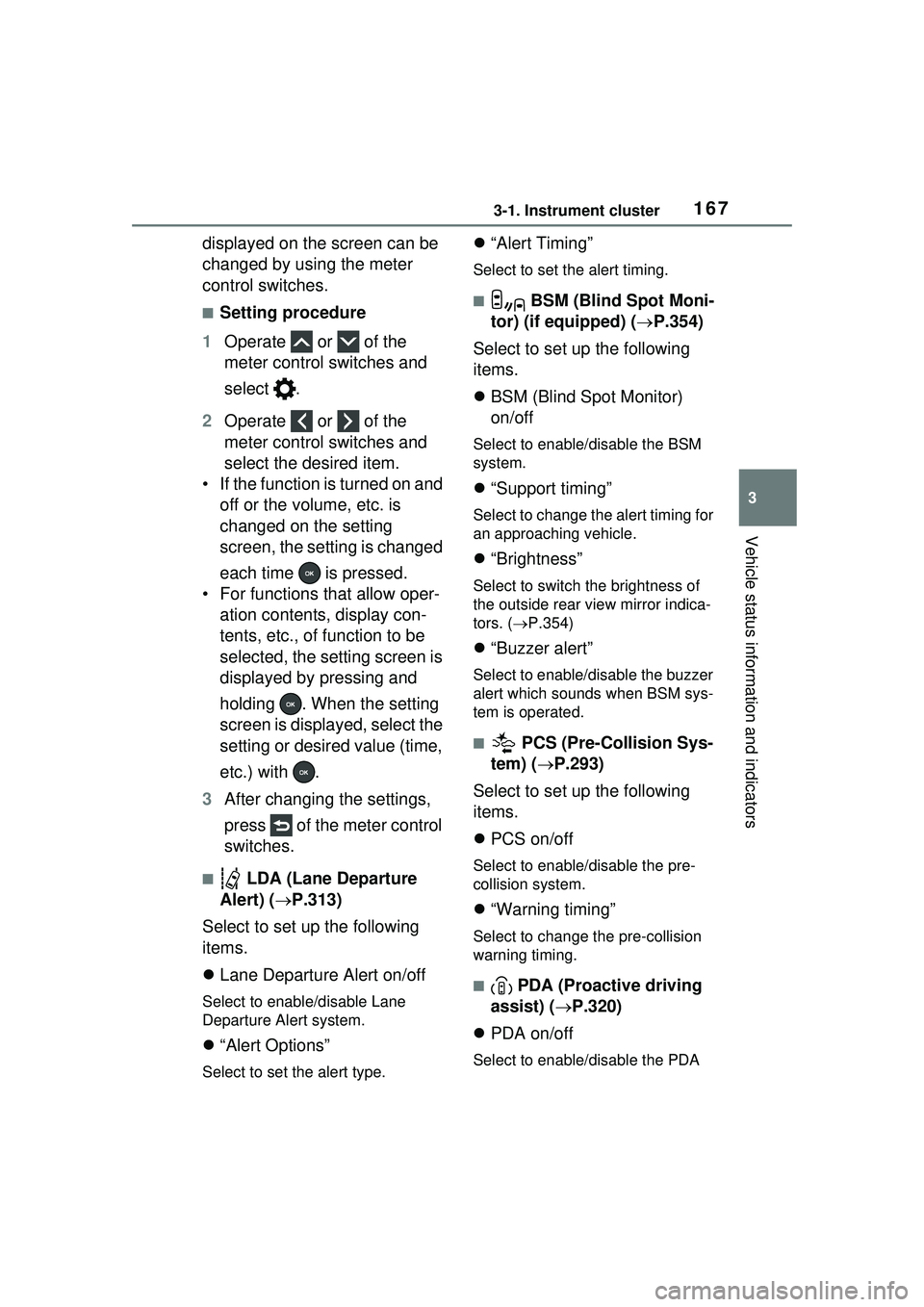
■Setting procedure
1 Operate or of the
meter control switches and
select .
2 Operate or of the
meter control switches and
select the desired item.
• If the function is turned on and off or the volume, etc. is
changed on the setting
screen, the setting is changed
each time is pressed.
• For functions that allow oper- ation contents, display con-
tents, etc., of function to be
selected, the setting screen is
displayed by pressing and
holding . When the setting
screen is displayed, select the
setting or desired value (time,
etc.) with .
3 After changing the settings,
press of the meter control
switches.
■ LDA (Lane Departure
Alert) ( P.313)
Select to set up the following
items.
Lane Departure Alert on/off
Select to enable/disable Lane
Departure Alert system.
“Alert Options”
Select to set the alert type.
“Alert Timing”
Select to set the alert timing.
■ BSM (Blind Spot Moni-
tor) (if equipped) ( P.354)
Select to set up the following
items.
BSM (Blind Spot Monitor)
on/off
Select to enable/disable the BSM
system.
“Support timing”
Select to change the alert timing for
an approaching vehicle.
“Brightness”
Select to switch the brightness of
the outside rear view mirror indica-
tors. ( P.354)
“Buzzer alert”
Select to enable/disable the buzzer
alert which sounds when BSM sys-
tem is operated.
■ PCS (Pre-Collision Sys-
tem) ( P.293)
Select to set up the following
items.
PCS on/off
Select to enable/disable the pre-
collision system.
“Warning timing”
Select to change the pre-collision
warning timing.
■ PDA (Proactive driving
assist) ( P.320)
PDA on/off
Select to enable/disable the PDA
Page 237 of 680

237
5
5
Driving
Driving
5-1. Before drivingDriving the vehicle....... 239
Cargo and luggage ..... 246
Vehicle load limits ....... 249
Trailer towing .............. 250
Dinghy towing ............. 250
5-2. Driving procedures Power (ignition) switch 251
Transmission............... 256
Turn signal lever ......... 262
Parking brake .............. 263
Brake Hold .................. 266
5-3. Operating the lights and wipers
Headlight switch .......... 269
AHB (Automatic High Beam)........................ 272
Windshield wipers and washer....................... 275
5-4. Refueling Opening the fuel tank cap.................................. 279
5-5. Using the driving support systems
Toyota Safety Sense 3.0/Traffic Jam Assist soft-
ware update .............. 282
Toyota Safety Sense 3.0 .................................. 284
Driver monitor ............. 292PCS (Pre-Collision System)
.................................. 293
LTA (Lane Tracing Assist) .................................. 305
LCA (Lane Change Assist) .................................. 310
LDA (Lane Departure Alert) .................................. 313
PDA (Proactive driving assist) ........................ 320
FCTA (Front Cross Traffic Alert) .......................... 326
RSA (Road Sign Assist) .................................. 329
Dynamic radar cruise con- trol ............................. 331
Cruise control .............. 342
Emergency Driving Stop System ...................... 345
Traffic Jam Assist ........ 348
BSM (Blind Spot Monitor) .................................. 354
Safe Exit Assist ........... 359
Intuitive parking assist . 363
RCTA (Rear Cross Traffic Alert) function ............ 373
RCD (Rear Camera Detec- tion) function .............. 378
PKSB (Parking Support Brake) ........................ 382
Page 285 of 680

2855-5. Using the driving support systems
5
Driving
■AHB (Automatic High
Beam)
P.272
■PCS (Pre-Collision System)
P.293
■LTA (Lane Tracing Assist)
P.305
■LDA (Lane Departure Alert)
P.313
■LCA (Lane Change Assist)*
P.310
■FCTA (Front Cross Traffic
Alert)
*
P.326
■PDA (Proactive Driving
Assist)
P.320
■RSA (Road Sign Assist)*
P.329
■Dynamic radar cruise con-
trol
P.331
■Cruise control
P.342
■Emergency Driving Stop
System
P.345
■Traffic Jam Assist*
P.348
■Driver monitor*
P.292
*: If equipped
Various sensors are used to
obtain the necessary informa-
tion for system operation.
WARNING
●When using an automatic car
wash
●When a sensor is misaligned or
deformed due to a strong
impact being applied to the sen-
sor or the area around the sen-
sor
●When accessories which
obstruct a sensor or light are
temporarily installed to the vehi-
cle
●When a compact spare tire or
tire chains are installed to the
vehicle or an emergency tire
puncture repair kit has been
used
●When the tires are excessively
worn or the inflation pressure of
the tires is low
●When tires other than the manu-
facturer specified size are
installed
●When the vehicle cannot be
driven stably, due to a collision,
malfunction, etc.
Driving assist system
Sensors used by Toyota
Safety Sense 3.0
Page 295 of 680

2955-5. Using the driving support systems
5
Driving
■Pre-collision brake assist
If the system determines that
the possibility of a collision is
high and the brake operation by
the driver is insufficient, the
braking power will be increased.
■Pre-collision brake control
If the system determines that
the possibility of a collision is
extremely high, the brakes are
automatically applied to help
avoid the collision or reduce the
impact of the collision.
■Emergency steering assist
If the system determines that
the following conditions are met,
assistance will be provided to
help enhance vehicle stability
and prevent lane departure.
During assistance, in addition to
the pre-collision warning, the fol-
lowing icon will be displayed on
the multi-information display.
The possibility of a collision is
high
There is sufficient space
within the lane to perform
evasive steering maneuvers
The driver is operating the steering wheel
Vehicles with active steering
function: The brakes and steer-
ing are controlled to help avoid a
collision or reduce the impact of
a collision, regardless of the
evasive steering maneuvers
performed by the driver.
During assistance, the pre-colli-
sion warning will operate and a
message will be displayed to
warn the driver.
■Intersection collision avoid-
ance support (left/right
turn)
In situations such as the follow-
ing, if the system determines
that the possibility of a collision
is high, the pre-collision warning
and pre-collision braking will
operate.
Depending on the intersection,
assistance may not operate cor-
rectly.
When turning left/right at an
intersection and crossing the
path of an oncoming vehicle
Page 307 of 680

3075-5. Using the driving support systems
5
Driving
■Operating conditions of func-
tion
This function is operable when all of
the following conditions are met:
●The LTA system detects lane lines
or the path of preceding or sur-
rounding vehicles.
●The dynamic radar cruise control
is operating.
●The lane width is approximately
10 to 13 ft. (3 to 4 m).
●The turn signal lever is not being
operated.
●The vehicle is not being driven
around a sharp curve.
●The vehicle is not accelerating or
decelerating more than a certain
amount.
●The steering wheel is not being
turned with a large force.
●The hands off steering wheel
warning ( P.307) is not operat-
ing.
●The vehicle is being driven in the
center of a lane.
■Temporary cancelation of func-
tions
●When the operating conditions are
no longer met, a function may be
temporarily canceled. However,
when the operation conditions are
met again, operation of the func-
tion will automatically be restored.
( P.307)
●If the operating conditions of a
function are no longer met while
the function is operating, a buzzer
may sound to indicate that the
function has been temporarily
canceled.
●The steering assist operation of
the function can be overridden by
the steering wheel operation of
the driver.
■Lane departure warning func-
tion when the LTA is operating
●Even if the LDA warning method is
changed to vibration of the steer-
ing wheel, if the vehicle deviates
from the lane while the LTA is
operating, the warning buzzer will
sound to alert the driver.
●If steering wheel operation equiv-
alent to that necessary for a lane
change is detected, the system
will determine the vehicle is not
deviating from the lane and the
warning will not operate.
■Hands off steering wheel warn-
ing operation
●When the system determines the
driver is not holding the steering
wheel, a message urging the
driver to grip the steering wheel
and the icon show n in the illustra-
tion will be displayed on the multi-
information display to warn the
driver. If the system detects that
the steering wheel is held, the
warning will be canceled. When
using the system, make sure to
grip the steering wheel firmly,
regardless of whether the warn-
ing is operating or not.
●If no operations are detected for a
certain amount of time, the warn-
ing will operate an d the function
will be temporarily canceled. This
warning may also operate if the
driver only operates steering
wheel a small amount continu-
ously.
■Situations in which the hands
off steering wheel warning may
not operate properly
●Depending on the condition of the
Page 313 of 680

3135-5. Using the driving support systems
5
Driving
The LDA system warns the
driver if the vehicle may deviate
from the current lane or course
*,
and also can slightly operate the
steering wheel to help avoid
deviation from the lane or
course
*.
The front camera is used to
detect lane lines or a course
*.
*: Boundary between the asphalt and grass, soil, et c., or structures,
such as a curb, guardrail, etc.
■Lane departure alert func-
tion
When the system determines
that the vehicle might depart
from its lane or course
*, a warn-
ing is displayed on a display,
and either a warning buzzer will
sound or the steering wheel will
vibrate to alert the driver.
Check the area around your vehicle
and carefully operate the steering
wheel to move the vehicle back to
the center of the lane or course
*.
Vehicles with BSM: If the system
determines that the vehicle may
collide with a vehicle in an adjacent
lane, the lane de parture alert will
operate even if the turn signals are
operating.
*: Boundary between the asphalt and grass, soil, et c., or structures, such as a curb, guardrail, etc.
■Lane departure prevention
function
If the system determines that
the vehicle is likely to depart
from its lane or course
*, it pro-
vides assistance through steer-
ing wheel operations to help
avoid deviation from the lane or
course.
If the system determines that the
steering wheel has not been oper-
ated for a certain amount of time or
the steering wheel is not being
firmly gripped, a warning message
may be displayed and a warning
buzzer may sound to alert the
driver.
Vehicles with BSM: If the system
determines that the vehicle may
collide with a vehicle in an adjacent
lane, the lane departure prevention
function will operate even if the turn
signals are operating.
LDA (Lane Departure
Alert)
Basic functions