Page 154 of 690
WHAT ARE THE INSTRUMENT
CLUSTER INDICATORS
Indicators notify you of various features thatare active on your vehicle.
INSTRUMENT CLUSTER
INDICATORS
Depending on your vehicle options andinstrument cluster type, not all indicatorsshown are available.
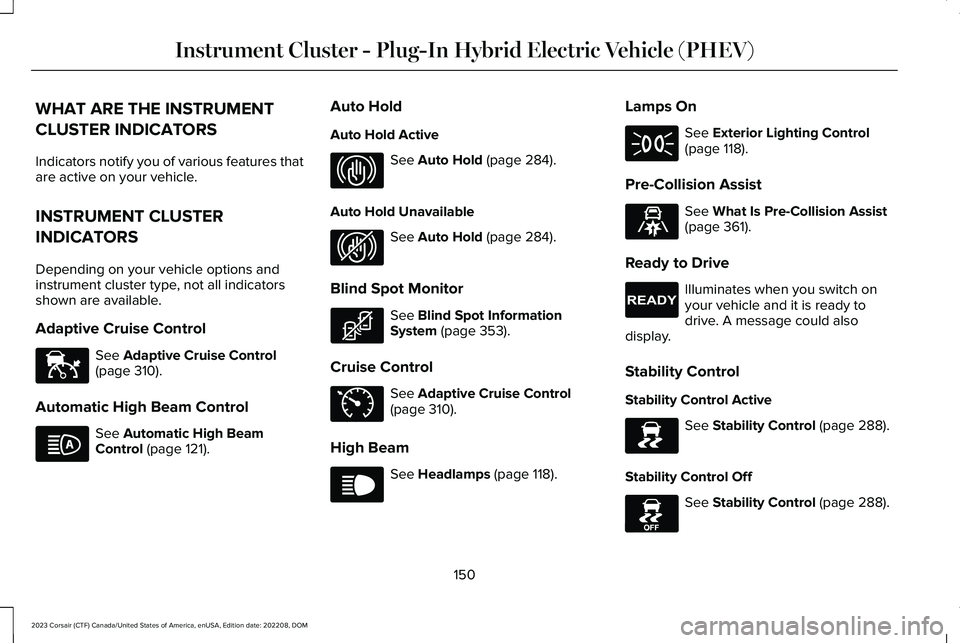
Adaptive Cruise Control
See Adaptive Cruise Control(page 310).
Automatic High Beam Control
See Automatic High BeamControl (page 121).
Auto Hold
Auto Hold Active
See Auto Hold (page 284).
Auto Hold Unavailable
See Auto Hold (page 284).
Blind Spot Monitor
See Blind Spot InformationSystem (page 353).
Cruise Control
See Adaptive Cruise Control(page 310).
High Beam
See Headlamps (page 118).
Lamps On
See Exterior Lighting Control(page 118).
Pre-Collision Assist
See What Is Pre-Collision Assist(page 361).
Ready to Drive
Illuminates when you switch onyour vehicle and it is ready todrive. A message could alsodisplay.
Stability Control
Stability Control Active
See Stability Control (page 288).
Stability Control Off
See Stability Control (page 288).
150
2023 Corsair (CTF) Canada/United States of America, enUSA, Edition date: 202208, DOMInstrument Cluster - Plug-In Hybrid Electric Vehicle (PHEV)E144524 E146105 E323448 E323449 E323542 E71340 E67019 E71341 E329466 E224090 E138639 E130458
Page 157 of 690
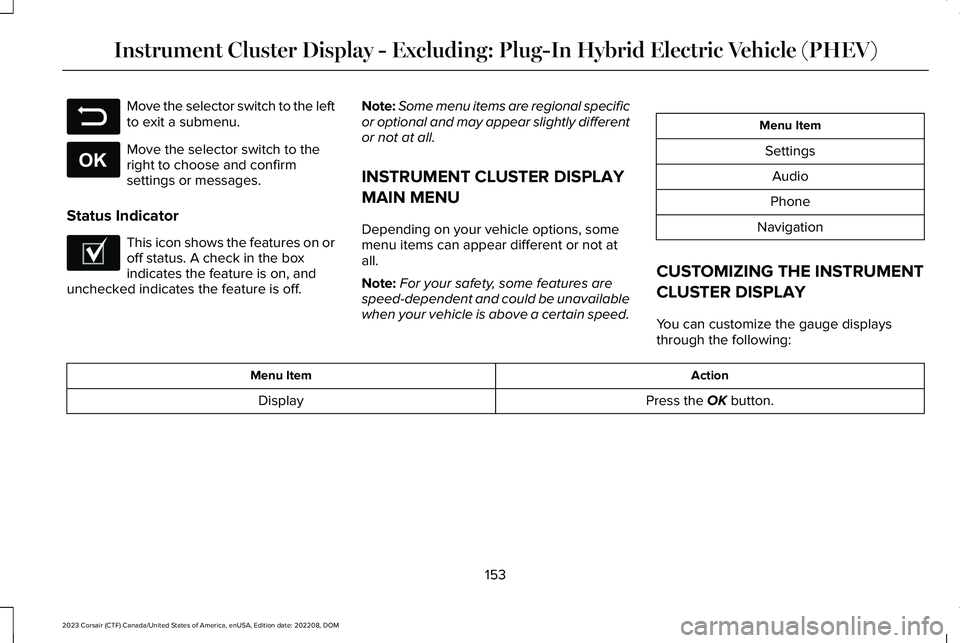
Move the selector switch to the leftto exit a submenu.
Move the selector switch to theright to choose and confirmsettings or messages.
Status Indicator
This icon shows the features on oroff status. A check in the boxindicates the feature is on, andunchecked indicates the feature is off.
Note:Some menu items are regional specificor optional and may appear slightly differentor not at all.
INSTRUMENT CLUSTER DISPLAY
MAIN MENU
Depending on your vehicle options, somemenu items can appear different or not atall.
Note:For your safety, some features arespeed-dependent and could be unavailablewhen your vehicle is above a certain speed.
Menu Item
Settings
Audio
Phone
Navigation
CUSTOMIZING THE INSTRUMENT
CLUSTER DISPLAY
You can customize the gauge displaysthrough the following:
ActionMenu Item
Press the OK button.Display
153
2023 Corsair (CTF) Canada/United States of America, enUSA, Edition date: 202208, DOMInstrument Cluster Display - Excluding: Plug-In Hybrid Electric Vehicle (PHEV)E281480 E265041 E204495
Page 159 of 690
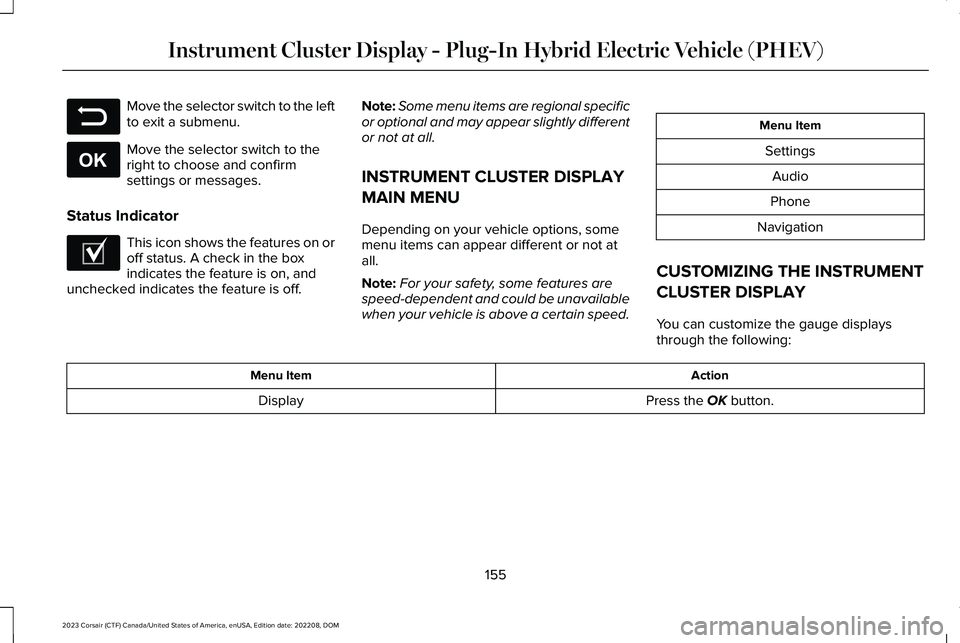
Move the selector switch to the leftto exit a submenu.
Move the selector switch to theright to choose and confirmsettings or messages.
Status Indicator
This icon shows the features on oroff status. A check in the boxindicates the feature is on, andunchecked indicates the feature is off.
Note:Some menu items are regional specificor optional and may appear slightly differentor not at all.
INSTRUMENT CLUSTER DISPLAY
MAIN MENU
Depending on your vehicle options, somemenu items can appear different or not atall.
Note:For your safety, some features arespeed-dependent and could be unavailablewhen your vehicle is above a certain speed.
Menu Item
Settings
Audio
Phone
Navigation
CUSTOMIZING THE INSTRUMENT
CLUSTER DISPLAY
You can customize the gauge displaysthrough the following:
ActionMenu Item
Press the OK button.Display
155
2023 Corsair (CTF) Canada/United States of America, enUSA, Edition date: 202208, DOMInstrument Cluster Display - Plug-In Hybrid Electric Vehicle (PHEV)E281480 E265041 E204495
Page 164 of 690

WHAT IS THE HEAD UP DISPLAY
The system displays information on a displayscreen in your field of vision, allowing you tokeep your eyes on the road. You can selectwhich information the system displays.
SWITCHING THE HEAD UP
DISPLAY ON AND OFF
Use the instrument cluster controls on thesteering wheel to navigate to the head updisplay menu.
ActionMenu Item
Press the OK button.HUD
Press the OK button.HUD On
Note:The system remembers the last settingwhen you start the engine.
HEAD UP DISPLAY SETTINGS
You can control the system's options throughthe instrument cluster display by using theHUD, OK and arrow buttons on your steeringwheel. See Using the Instrument ClusterDisplay Controls (page 154).
You can adjust the display according to yourheight to make viewing the content easier.You can also adjust what content displaysand the brightness of the content. Thesystem's options appear in the instrumentcluster while the updates happen in the headup display.
Note:If HUD On is unchecked, other optionsof the system are hidden.
Note:The head up display menuautomatically closes after a certain periodof inactivity.
Note:The head up display image brightnessautomatically adjusts to the brightness ofthe ambient environment. You have theability to adjust the brightness furtheraccording to your preference.
Note:In some instances, sunlight can causesome reflections in and around the head updisplay image.
160
2023 Corsair (CTF) Canada/United States of America, enUSA, Edition date: 202208, DOMHead Up Display (If Equipped)
Page 182 of 690

FRONT SEAT PRECAUTIONS
WARNING: Sitting improperly, out ofposition or with the seatback reclined toofar can take weight off the seat cushionand affect the decision of the passengersensing system, resulting in serious injuryor death in the event of a crash. Always situpright against your seat back, with yourfeet on the floor.
WARNING: Do not recline the seatbackrest too far as this can cause theoccupant to slide under the seatbelt,resulting in personal injury in the event ofa crash.
WARNING: Do not place objectshigher than the top of the seat backrest.Failure to follow this instruction could resultin personal injury or death in the event ofa sudden stop or crash.
WARNING: Do not adjust the driverseat or seat backrest when your vehicle ismoving. This may result in sudden seatmovement, causing the loss of control ofyour vehicle.
SITTING IN THE CORRECT
POSITION
When you use them properly, the seat, headrestraint, seatbelt and airbags will provideoptimum protection in the event of a crash.
We recommend that you follow theseguidelines:
•Sit in an upright position with the base ofyour spine as far back as possible.
•Do not recline the seat backrest so thatyour torso is more than 30 degrees fromthe upright position.
•Adjust the head restraint so that the topof it is level with the top of your head andas far forward as possible. Make sure thatyou remain comfortable.
•Keep sufficient distance betweenyourself and the steering wheel. Werecommend a minimum of 10 in (25 cm)between your breastbone and the airbagcover.
•Hold the steering wheel with your armsslightly bent.
178
2023 Corsair (CTF) Canada/United States of America, enUSA, Edition date: 202208, DOMFront SeatsE68595
Page 183 of 690

•Bend your legs slightly so that you canpress the pedals fully.
•Position the shoulder strap of the seatbeltover the center of your shoulder andposition the lap strap tightly across yourhips.
Make sure that your driving position iscomfortable and that you can maintain fullcontrol of your vehicle.
POWER SEATS
HEAD RESTRAINT COMPONENTS
The front seat head restraints consists of:
An energy absorbing headrestraint.A
Two steel stems.B
Guide sleeve adjust and unlockbutton.C
ADJUSTING THE HEAD RESTRAINT
WARNING: Fully adjust the headrestraint before you sit in or operate yourvehicle. This will help minimize the risk ofneck injury in the event of a crash. Do notadjust the head restraint when your vehicleis moving.
WARNING: The head restraint is asafety device. Whenever possible it shouldbe installed and properly adjusted whenthe seat is occupied. Failure to adjust thehead restraint properly could reduce itseffectiveness during certain impacts.
WARNING: Adjust the head restraintsfor all passengers before you drive yourvehicle. This will help minimize the risk ofneck injury in the event of a crash. Do notadjust the head restraints when yourvehicle is moving.
To raise the head restraint, pull the headrestraint up.
To lower the head restraint:
1.Press and hold the adjust and releasebutton.
2.Push the head restraint down.
To tilt the head restraint - if equipped:
179
2023 Corsair (CTF) Canada/United States of America, enUSA, Edition date: 202208, DOMFront SeatsE291139
Page 188 of 690
VENTILATED SEATS (IF EQUIPPED)
SWITCHING THE VENTILATED SEATSON AND OFF
The vehicle must be running to use thisfeature.
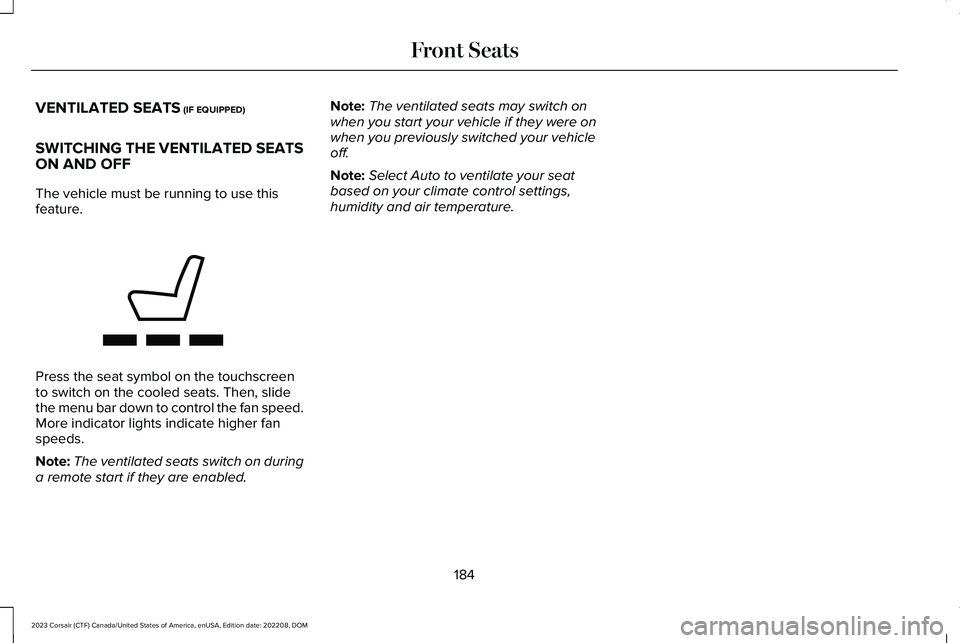
Press the seat symbol on the touchscreento switch on the cooled seats. Then, slidethe menu bar down to control the fan speed.More indicator lights indicate higher fanspeeds.
Note:The ventilated seats switch on duringa remote start if they are enabled.
Note:The ventilated seats may switch onwhen you start your vehicle if they were onwhen you previously switched your vehicleoff.
Note:Select Auto to ventilate your seatbased on your climate control settings,humidity and air temperature.
184
2023 Corsair (CTF) Canada/United States of America, enUSA, Edition date: 202208, DOMFront SeatsE368423
Page 192 of 690
HEATED SEATS (IF EQUIPPED)
HEATED SEAT PRECAUTIONS
WARNING: Use caution when usingthe heated seat if you are unable to feelpain to your skin because of advancedage, chronic illness, diabetes, spinal cordinjury, medication, alcohol use, exhaustionor other physical conditions. The heatedseat could cause burns even at lowtemperatures, especially if used for longperiods of time. Failure to follow thisinstruction could result in personal injury.
WARNING: Do not poke sharpobjects into the seat cushion or seatbackrest. This could damage the heatedseat element and cause it to overheat.Failure to follow this instruction could resultin personal injury.
WARNING: Do not place anything onthe seat that blocks the heat, for examplea seat cover or a cushion. This could causethe seat to overheat. Failure to follow thisinstruction could result in personal injury.
Do not:
•Place heavy objects on the seat.
•Operate the heated seat if water or anyother liquid spills on the seat. Allow theseat to dry.
SWITCHING THE HEATED SEATS ONAND OFF
The vehicle must be running to use thisfeature.
The rear seat heat controls are on the rearof the center console.
Press the heated seat symbol to cyclethrough the various heat settings and off.More indicator lights indicate warmersettings.
The heated seats turn off when you switchoff the vehicle.
188
2023 Corsair (CTF) Canada/United States of America, enUSA, Edition date: 202208, DOMRear SeatsE146322