2023 HYUNDAI IONIQ 5 Inspect
[x] Cancel search: InspectPage 406 of 680
![HYUNDAI IONIQ 5 2023 Owners Manual Driver Assistance System
7-4
Detecting sensor
ONE1071002K
ONE1071003
ONE1071004N
[1]: Front view camera, [2]: Front radar,
[3]: Front corner radar (if equipped),
[4]: Rear corner radar (if equipped](/manual-img/35/56168/w960_56168-405.png "HYUNDAI IONIQ 5 2023 Owners Manual Driver Assistance System
7-4
Detecting sensor
ONE1071002K
ONE1071003
ONE1071004N
[1]: Front view camera, [2]: Front radar,
[3]: Front corner radar (if equipped),
[4]: Rear corner radar (if equipped")
Driver Assistance System
7-4
Detecting sensor
ONE1071002K
ONE1071003
ONE1071004N
[1]: Front view camera, [2]: Front radar,
[3]: Front corner radar (if equipped),
[4]: Rear corner radar (if equipped)
Refer to the picture above for the
detailed location of the detecting
sensors.
CAUTION
Take the following precautions to
maintain optimal performance of the
detecting sensor: • Never disassemble the detecting
sensor or sensor assembly, or cause
any damage to it.
• If the detecting sensors have
been replaced or repaired, have
the vehicle be inspected by an
authorized HYUNDAI dealer.
• Never install any accessories or
stickers on the front windshield, or
tint the front windshield.
• Pay extreme caution to keep the
front view camera dry.
• Never place any reflective objects
(for example, white paper, mirror)
over the dashboard.
• Do not place any objects near the
front windshield or install any
accessories on the front windshield.
It can affect the performance of the
defogging and defrosting function
of the climate control system, which
may prevent the Driver Assistance
systems from operating
• Do not place objects or mount
structures near the windshield.
When operating the air conditioner,
moisture and defrost performance
may be poor, and driver assistance
functions may not work.
• Do not apply license plate frame or
objects, such as a bumper sticker,
film or a bumper guard, near the
front radar cover.
• Always keep the front radar and
cover clean and free of dirt and debris.
Use only a soft cloth to wash the
vehicle. Do not spray pressurized
water directly on the sensor or
sensor cover.
Page 407 of 680
07
7-5
•
If unnecessary force has been
applied to the radar or around the
radar, Forward Collision-Avoidance
Assist may not properly operate
even though a warning message
does not appear on the cluster.
Have the vehicle be inspected by an
authorized HYUNDAI dealer.
• Use only genuine parts to repair or
replace a damaged front radar cover.
Do not apply paint to the front radar
cover.
• Vehicles equipped with front corner
radar and/or rear corner radar
- Do not apply license plate frame or
objects, such as a bumper sticker,
film or a bumper guard, near the
front corner radar or rear corner
radar.
- The function may not work
properly when the bumper has
been replaced, or the surroundings
of the front corner radar or rear
corner radar has been damaged or
paint has been applied.
- If a trailer, carrier, etc., is installed,
it may adversely affect the
performance of the rear corner
radar or Forward Collision-
Avoidance Assist may not operate
properly.
Forward Collision-Avoidance
Assist Settings
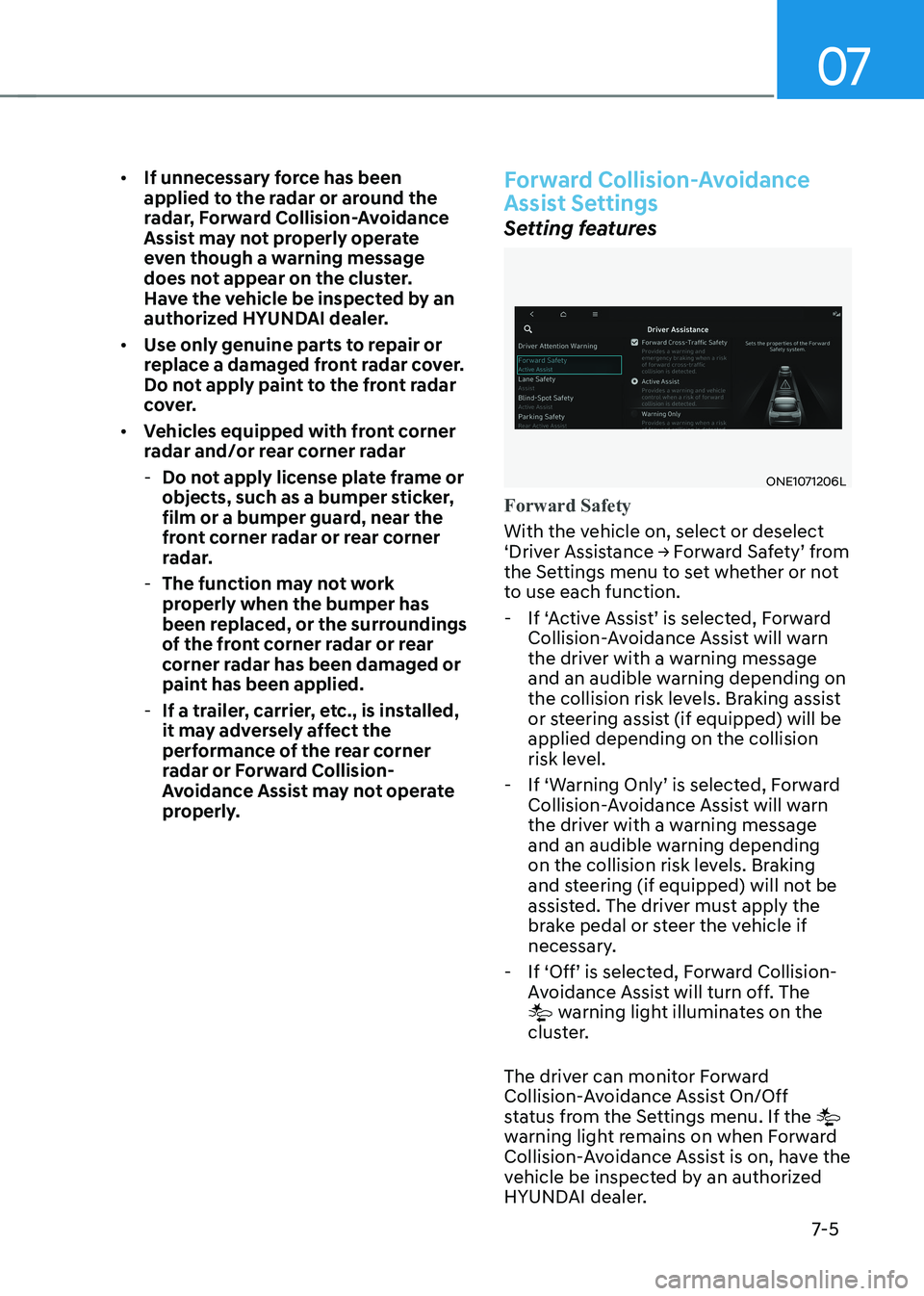
Setting features
ONE1071206L
Forward Safety
With the vehicle on, select or deselect
‘Driver Assistance → Forward Safety’ from
the Settings menu to set whether or not
to use each function.
- If ‘Active Assist’ is selected, Forward Collision-Avoidance Assist will warn
the driver with a warning message
and an audible warning depending on
the collision risk levels. Braking assist
or steering assist (if equipped) will be applied depending on the collision
risk level.
- If ‘Warning Only’ is selected, Forward Collision-Avoidance Assist will warn
the driver with a warning message
and an audible warning depending
on the collision risk levels. Braking
and steering (if equipped) will not be
assisted. The driver must apply the
brake pedal or steer the vehicle if
necessary.
- If ‘Off’ is selected, Forward Collision- Avoidance Assist will turn off. The
warning light illuminates on the
cluster.
The driver can monitor Forward
Collision-Avoidance Assist On/Off
status from the Settings menu. If the
warning light remains on when Forward
Collision-Avoidance Assist is on, have the
vehicle be inspected by an authorized
HYUNDAI dealer.
Page 419 of 680
07
7-17
CAUTION
• Depending on the condition of the
vehicle, pedestrian and cyclist in
front and the surroundings, the
speed range to operate Forward
Collision-Avoidance Assist may
reduce. Forward Collision-Avoidance
Assist may only warn the driver, or it
may not operate.
• Forward Collision-Avoidance Assist
will operate under certain conditions
by judging the risk level based on
the condition of the oncoming
vehicle, driving direction, speed and
surroundings.
• When a collision with a surrounding
vehicle is expected, Lane-Change
Oncoming, Lane-Change Side and
Evasive Steering Assist functions will
only warn the driver (if equipped).
Information
• In a situation where collision is imminent, braking may be assisted by
Forward Collision-Avoidance Assist when braking is insufficient by the
driver.
• The images and colors in the
instrument cluster may differ
depending on the cluster type or theme
selected from the instrument cluster.
Forward Collision-Avoidance
Assist Malfunction and
Limitations
Forward Collision-Avoidance Assist
malfunction
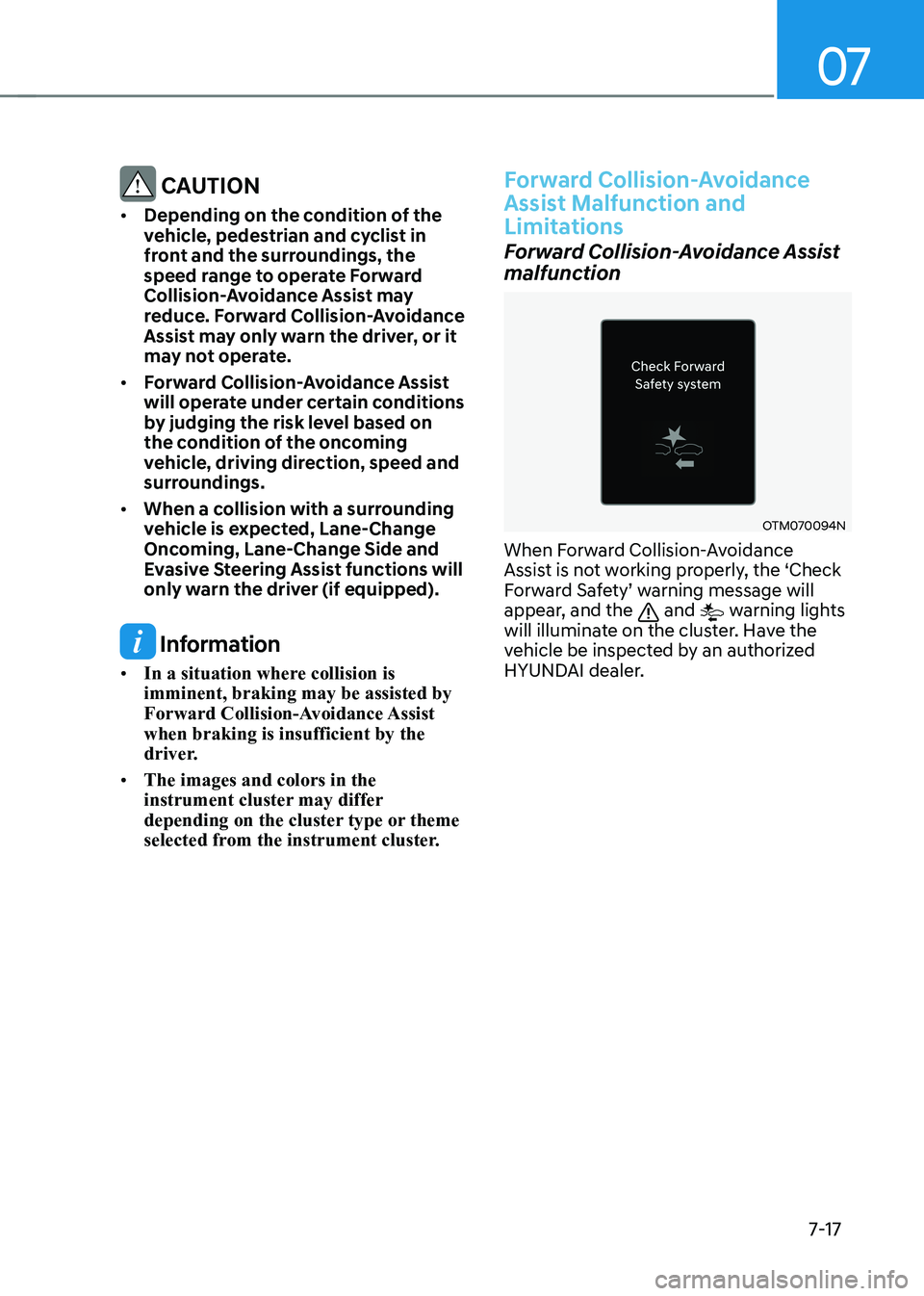
OTM070094N
When Forward Collision-Avoidance
Assist is not working properly, the ‘Check
Forward Safety’ warning message will
appear, and the
and warning lights
will illuminate on the cluster. Have the
vehicle be inspected by an authorized
HYUNDAI dealer.
Page 420 of 680

Driver Assistance System
7-18
Forward Collision-Avoidance Assist disabled
OJX1079005LOJX1079212L
When the front windshield where the
front view camera is located, front radar
cover, bumper or sensor is covered with
foreign material, such as snow or rain, it
can reduce the detecting performance
and temporarily limit or disable Forward
Collision-Avoidance Assist.
If this occurs the ‘Forward Safety system
disabled. Camera obscured’ or the
‘Forward Safety system disabled. Radar
blocked’ warning message, and the
and warning lights will illuminate on
the cluster.
Forward Collision-Avoidance Assist will
operate properly when snow, rain or
foreign material is removed.
If Forward Collision-Avoidance Assist
does not operate properly after
obstruction (snow, rain, or foreign
material) is removed (including trailer,
carrier, etc., from the rear bumper), have
the vehicle inspected by an HYUNDAI
dealer.
WARNING
• Even though the warning message or
warning light does not appear on the
cluster, Forward Collision-Avoidance
Assist may not properly operate.
• Forward Collision-Avoidance Assist
may not properly operate in an area
(for example, open terrain), where
any objects are not detected after
turning ON the vehicle.
Limitations of Forward Collision-
Avoidance Assist
Forward Collision-Avoidance Assist may
not operate properly, or it may operate
unexpectedly under the following
circumstances: • The detecting sensor or the
surroundings are contaminated or damaged
• The temperature around the front
view camera is high or low due to
surrounding environment
• The camera lens is contaminated due
to tinted, filmed or coated windshield,
damaged glass, or sticky foreign
material (sticker, bug, etc.) on the glass
• Moisture is not removed or frozen on the windshield
• Washer fluid is continuously sprayed, or the wiper is on
• Driving in heavy rain or snow, or thick
fog
• The field of view of the front view
camera is obstructed by sun glare
• Street light or light from an oncoming
traffic is reflected on the wet road
surface, such as a puddle on the road
• An object is placed on the dashboard
Page 432 of 680

Driver Assistance System
7-30
Lane Keeping Assist Malfunction
and Limitations
Lane Keeping Assist malfunction
ONE1071194L
When Lane Keeping Assist is not working
properly, the ‘Check Lane Safety system’
warning message will appear and the
yellow
indicator light will illuminate
on the cluster. If this occurs, have the
vehicle be inspected by an authorized
HYUNDAI dealer.
Limitations of Lane Keeping Assist
Lane Keeping Assist may not operate
properly or may operate unexpectedly
under the following circumstances: • The lane is contaminated or difficult
to detect because:
- The lane markings (or road edge) are covered with rain, snow, dirt,
oil, etc.
- The color of the lane marking (or road edge) is not distinguishable
from the road - There are markings (or road
edges) on the road near the lane
or the markings (or road edges) on
the road look similar to the lane
markings (or road edge)
- The lane marking (or road edge) is indistinct or damaged
- The shadow is on the lane marking (or road edge) by a median strip,
trees, guardrail, noise barriers, etc.
• The number of lanes change or the
lanes merge
• There are more than two lane
markings (or road edges) on the road
• The lane markings (or road edges) are
complicated or a structure substitutes
for the lines, such as a construction
area
• There are road markings, such as
zigzag lanes, crosswalk markings and
road signs
• The lane suddenly disappears, such as
at the intersection
• The lane (or road width) is very wide
or narrow
• There is a road edge without a lane
• There is a boundary structure in the
roadway, such as a tollgate, sidewalk,
curb, etc.
• The distance to the front vehicle is
extremely short or the vehicle in front
is covering the lane marking (or road
edge)
Information
For more details on the limitations of the
front view camera, refer to “Forward
Collision-Avoidance Assist (FCA)” section
in this chapter.
Page 435 of 680

07
7-33
OJX1079028
When you are driving forward out of a
parking space, if Blind-Spot Collision-
Avoidance Assist judges that there is a
collision risk with an approaching vehicle
in the blind spot, it helps avoid collision
by applying the brake. Detecting sensor
ONE1071002K
ONE1071163N
[1] : Front view camera, [2] : Rear corner radar
Refer to the picture above for the
detailed location of the detecting
sensors.
CAUTION
Take the following precautions to
maintain optimal performance of the
detecting sensor: • Never disassemble the rear corner
radar or radar assembly, or cause any
damage to it.
• If the rear corner radar or near the
radar has been damaged or impacted
in any way, even though the warning
message does not appear on
the cluster, Blind-Spot Collision-
Avoidance Assist system may not
operate properly. Have the vehicle be
inspected by an authorized HYUNDAI
dealer.
Page 436 of 680
Driver Assistance System
7-34
•
If the rear corner radars have
been replaced or repaired, have
the vehicle be inspected by an
authorized HYUNDAI dealer.
• Use only genuine parts to repair the
rear bumper where the rear corner
radar is located.
• Do not apply license plate frame or
objects, such as a bumper sticker,
film or a bumper guard near the rear
corner radar.
• Blind-Spot Collision-Avoidance
Assist may not work properly if the
bumper have been replaced, or the
surroundings of the rear corner radar
has been damaged or paint has been applied.
• If a trailer, carrier, etc., is installed,
it may adversely affect the
performance of the rear corner radar
or Blind-Spot Collision-Avoidance
Assist may not operate.
• For more details on the precautions
of the front view camera, refer to
“Forward Collision-Avoidance Assist
(FCA)” section in this chapter.
Blind-Spot Collision-Avoidance
Assist Settings
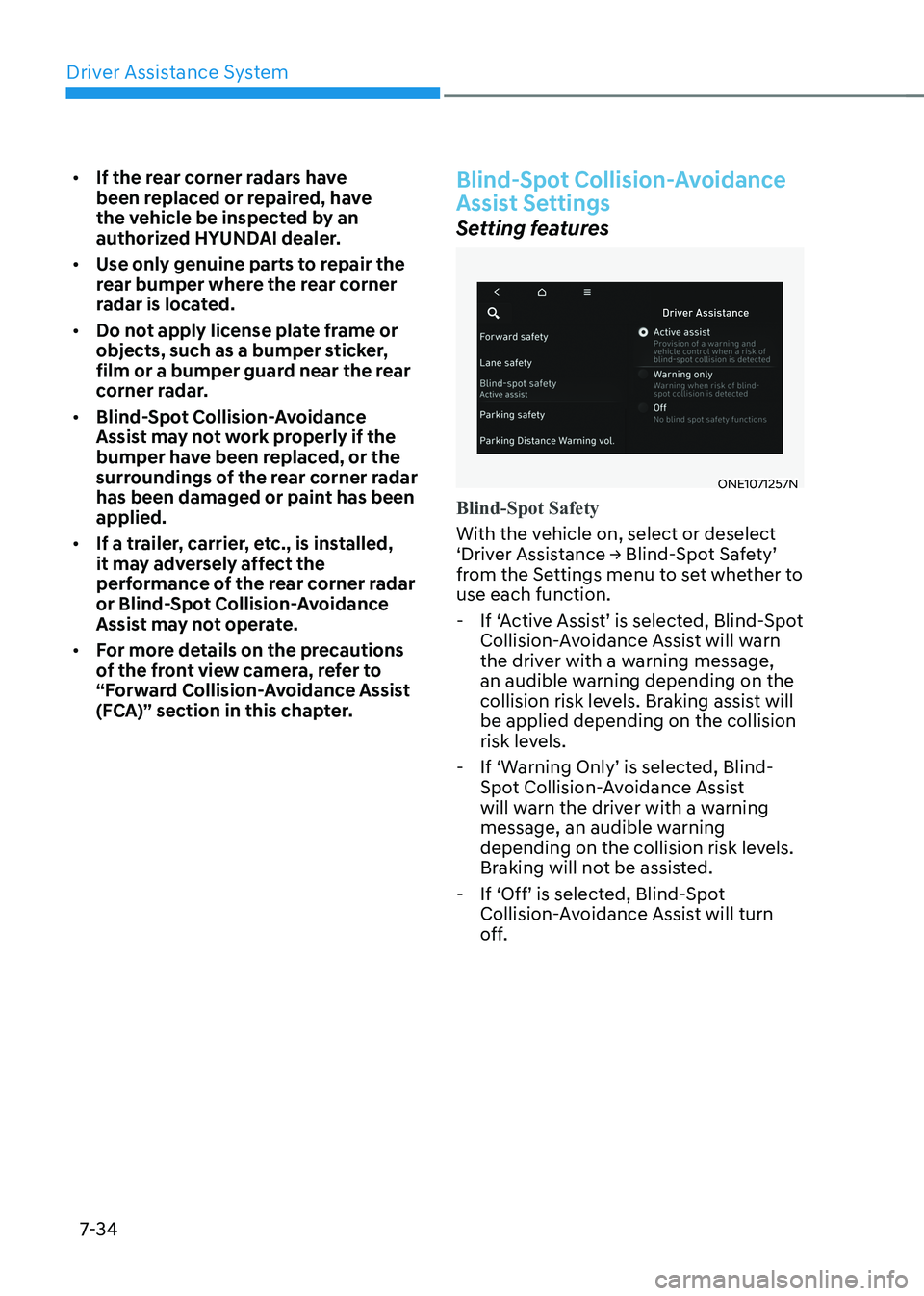
Setting features
ONE1071257N
Blind-Spot Safety
With the vehicle on, select or deselect
‘Driver Assistance → Blind-Spot Safety’
from the Settings menu to set whether to use each function.
- If ‘Active Assist’ is selected, Blind-Spot Collision-Avoidance Assist will warn
the driver with a warning message,
an audible warning depending on the
collision risk levels. Braking assist will be applied depending on the collision
risk levels.
- If ‘Warning Only’ is selected, Blind- Spot Collision-Avoidance Assist
will warn the driver with a warning
message, an audible warning
depending on the collision risk levels.
Braking will not be assisted.
- If ‘Off’ is selected, Blind-Spot Collision-Avoidance Assist will turn
off.
Page 443 of 680
07
7-41
Blind-Spot Collision-Avoidance
Assist Malfunction and
Limitations
Blind-Spot Collision-Avoidance
Assist malfunction
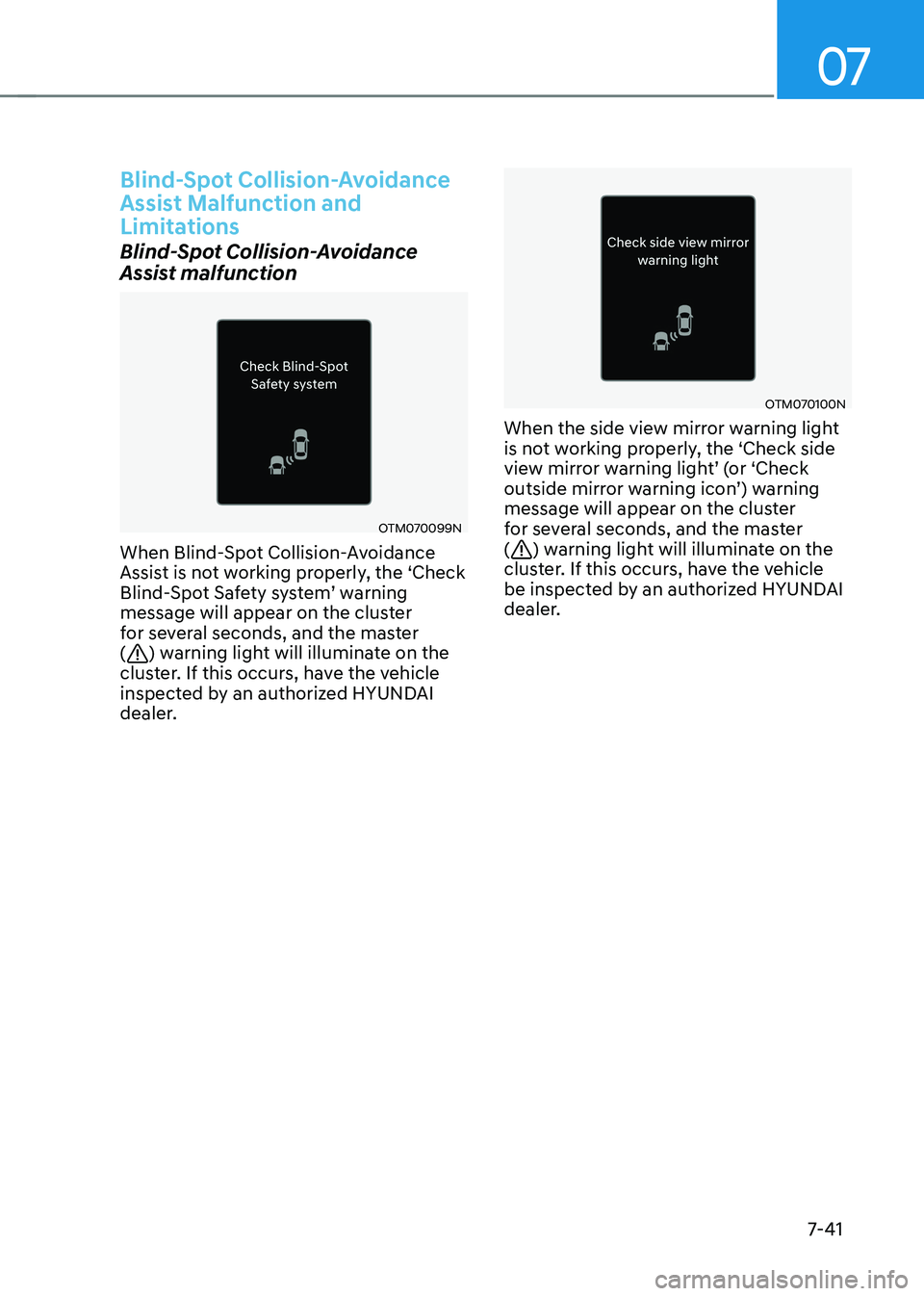
OTM070099N
When Blind-Spot Collision-Avoidance
Assist is not working properly, the ‘Check
Blind-Spot Safety system’ warning
message will appear on the cluster
for several seconds, and the master (
) warning light will illuminate on the
cluster. If this occurs, have the vehicle
inspected by an authorized HYUNDAI
dealer.
OTM070100N
When the side view mirror warning light
is not working properly, the ‘Check side
view mirror warning light’ (or ‘Check
outside mirror warning icon’) warning
message will appear on the cluster
for several seconds, and the master (
) warning light will illuminate on the
cluster. If this occurs, have the vehicle
be inspected by an authorized HYUNDAI
dealer.