Page 129 of 417
Water or water vapour under the vehicle
If the humidity and temperature outside the
v
ehicle are high, condensation can drip off
the evaporator in the cooling system and
form a pool underneath the vehicle. This is
normal and does not indicate a leak.
If the outside humidity is high and the out-
side temperature low, condensation may
evaporate through the stationary air condi-
tioning when it is running. If this is the case,
steam may appear underneath the vehicle.
This is not a sign that the vehicle is damaged.
Touch panels react differently than expected
Moisture, dirt and grease can impede the
functioning of the touch panels.
Page 153 of 417

Adaptive Cruise Control
(ACC)
Introduction to the topic
The Adaptive Cruise Control (ACC) main-
tains a constant speed that you ha
ve set.
If the vehicle approaches a vehicle in
front, the ACC automatically adapts the
speed so that a distance you have selec-
ted is maintained.
Does the vehicle have ACC?
The vehicle is equipped with ACC if you can
adjust settings for ACC in the Assist systems
menu in the Infotainment system.
Speed range
You can set the speed between 20 km/h
(15 mph) and the maximum speed.
Driving with ACC
You can override the active ACC system at
any time. Cruise control will be stopped if you
brake. If you accelerate, cruise control will be
interrupted while you are accelerating and
then resumed.
The intervention by the ACC system is less
dynamic when towing a trailer.
Driver intervention prompt
If automatic deceleration by the ACC
system is not sufficient or the system
limits have been reached, the ACC
system will request you to also brake
by a corresponding message on the
instrument cluster. In addition, the
red warning lamp lights up and an
acoustic warning is given. Take over
control of the vehicle and be prepared
to brake.
Radar sensor
ACC detects driving situations using a radar
sensor at the front of the vehicle. The range of the radar sensor is up to approximately
160 m (
around 520 ft). Special driving situations
Please refer to at the start of the chap-
ter on page 151.
Predictiv
e cruise control system
If the vehicle is equipped with the Dynamic
Road Sign Display function and an Infotain-
ment system with navigation, ACC can pre-
dictively adapt the vehicle speed to detected
speed limits and the course of the road ahead
Adaptive Cruise Control 151
11A012720AB
Page 161 of 417
If you adjust the announced speed excessive-
ly, predictiv
e cruise control will be termina-
ted.
If a speed limit is detected, the predic-
tive cruise control function will adjust
the stored speed even if ACC is deactivated.
However, speed regulation will not take
place.
If the current speed significantly ex-
ceeds a speed limit detected by the
Dynamic Road Sign Display function, a warn-
ing will appear on the instrument cluster dis-
play.
When you join a motorway without
a speed limit, the recommended speed
will automatically be stored as the desired
speed. If a higher speed has previously been
stored on a motorway without a speed limit,
this will be adopted instead of the recom-
mended speed. Troubleshooting
Please refer to at the start of the chap-
ter on page 156.
A message is displayed that predictiv
e cruise
control is currently not available or is not
available in your country.
Page 176 of 417

The yellow indicator lamp flashes if a pos-
sible critical situation is detected when you
indicate in the direction of the detected v
ehi-
cle.
The faster another vehicle approaches, the
earlier there is a corresponding display in the
exterior mirror.
Lane change system “Side Assist Plus”
If the vehicle is equipped with a lane keeping
system (Lane Assist) and the system is
switched on, the driver is warned by a correc-
tive steering intervention when changing
lanes during a possible critical situation (in-
formation level, warning level). The steering
intervention also occurs when the turn signal
is activated for the corresponding direction. If
the steering intervention is overridden by the
driver, the steering wheel vibrates to give an
additional warning. For this, steering wheel
vibration must be activated in the Assist sys-
tems menu in the Infotainment system.
Automatic deactivation
The lane change system will switch off auto-
matically if the radar sensors are permanent-
ly covered. This can be caused by a layer of
ice or snow in front of the radar sensor, for
example.
A text message will be shown on the instru-
ment cluster display.
If you use the factory-fitted trailer towing
coupling and have set up the necessary elec-
trical connection, the lane change system
switches off automatically. After you have
disconnected the electrical connection, the
lane change system is switched back on au-
tomatically.
If the trailer towing coupling is not factory-
fitted, you must manually switch off the lane
change system and then switch it back on
again.
Brightness
The brightness of the visual display will
change automatically depending on the am-
bient light levels. You can adjust the basic brightness of the
display in the Assist systems menu in the In-
f
otainment system. The lane change system
is not active during the setting procedure. Troubleshooting
Please refer to at the start of the chap-
ter on page 172. Lane change system fault.
The indicator lamp lights up yellow. The yel-
low central warning lamp also lights up.
Page 207 of 417
Grey globe: it is not currently possi-
ble to establish a connection to the
Internet or a connection is currently
being set up. Signal strength display of the
eSIM with a
vailable mobile com-
munication standard.
Legally required services can influence the
status display for data transmission inde-
pendently of activated offline mode.
Even if offline mode is activated, on-
line mode can be activated briefly by
safety-relevant and legally required services.
No We Connect Start services are activated
and no data of these services is transmitted
during this time. Offline mode will be reacti-
vated and the eSIM deactivated again after
successful transfer of the safety-relevant or
legally required data. Effects on online vehicle func-
tions
If data transf
er is restricted, the following
online function cannot be executed, for ex-
ample.
Online vehicle functions
Page 222 of 417
WARNING
Driving recommendations and traffic sym-
bols displayed by the na vigation system
may differ from the current traffic situa-
tion.
x Road signs, traffic signals, traffic regula-
tions and local conditions have priority
over the recommendations and displays
provided by the navigation system.
x Adapt your speed and driving style to
suit visibility, weather, road and traffic
conditions.
x Certain events can make the originally
planned driving time and route to the
destination considerably longer or make
navigation there temporarily impossible,
e.g. due to a road being closed. NOTICE
The radiation produced by the mobile device
when switched on may interf
ere with sensi-
tive technical and medical equipment, possi-
bly resulting in malfunction or damage to the
equipment.
x Always switch off your mobile device in
areas where special regulations apply and
when the use of mobile devices is forbid-
den. NOTICE
The loudspeakers can be damaged if the vol-
ume is set at too high a le
vel and by playback
which is too loud or distorted.
x Choose the volume setting so that the
loudspeakers are not damaged. Notes on use
Please refer to and on page 218.
Page 235 of 417
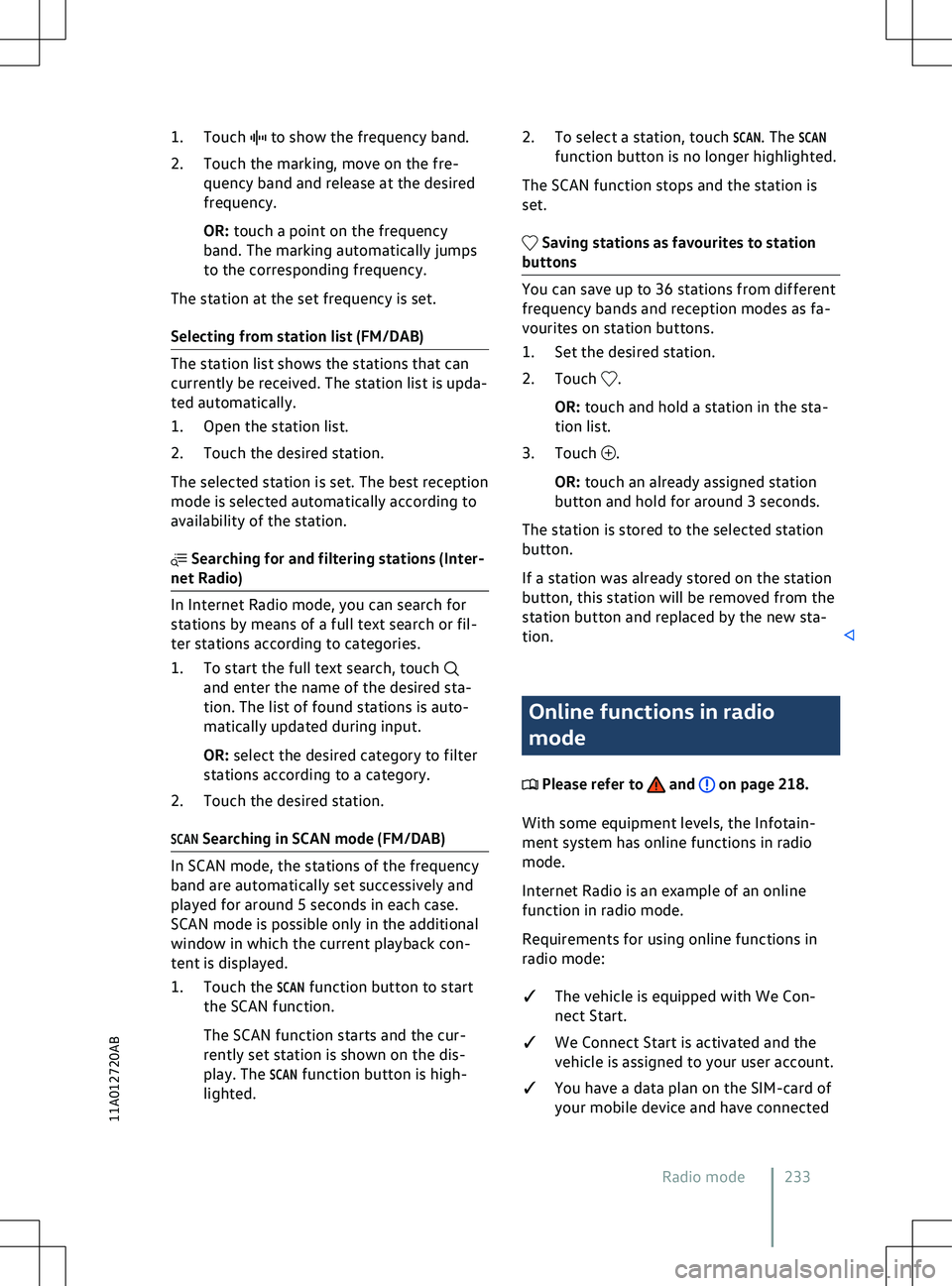
1. Touch to show the frequency band.
2.
Touch the marking, move on the fre-
quency band and release at the desired
frequency.
OR: touch a point on the frequency
band. The marking automatically jumps
to the corresponding frequency.
The station at the set frequency is set.
Selecting from station list (FM/DAB) and enter the name of the desired sta-
tion. The list of f
ound stations is auto-
matically updated during input.
OR: select the desired category to filter
stations according to a category.
2. Touch the desired station.
SCAN Searching in SCAN mode (FM/DAB) .
OR: touch and hold a station in the sta-
tion list.
3.
Touch .
OR: touch an already assigned station
button and hold f
or around 3 seconds.
The station is stored to the selected station
button.
If a station was already stored on the station
button, this station will be removed from the
station button and replaced by the new sta-
tion. Online functions in radio
mode
Please refer to and on page 218.
With some equipment le
vels, the Infotain-
ment system has online functions in radio
mode.
Internet Radio is an example of an online
function in radio mode.
Requirements for using online functions in
radio mode:
�q The vehicle is equipped with We Con-
nect Start.
�q We Connect Start is activated and the
vehicle is assigned to your user account.
�q You have a data plan on the SIM-card of
your mobile device and have connected
Radio mode 233
11A012720AB
Page 239 of 417
Searching in the folder structure
to start the full-text
search. The input field is displayed.
3.
Enter the name of the desired track. The
list of found tracks is automatically up-
dated during input.
4. Touch the desired track.
If the selection is located in a folder on
a media source at the start of playback,
the media files located in this folder will
be added for playback.
If a playlist is played, all available tracks
in the playlist will be added for playback.
5. Touch to close the selection.
to access the favourites.
2.
Touch the desired favourite.
Depending on the selected favourite, all
tracks that belong to the favourite are added
to the current playback content. and touch
Media streaming.
A list of available streaming services is
displayed.
2. Select the desired streaming service.
An input field for input of the login data
is displayed.
3. Enter the login data of the desired user account and confirm.
The streaming service is added to the list
of media sources as a new function but-
ton. .
A list of a
vailable streaming services is
displayed.
2. Select the desired streaming service. .
3.
Touch .
OR: touch an already assigned fa
vourite
location and hold for around 3 seconds.
4. Choose from the selection list: