2022 TOYOTA MIRAI tire pressure
[x] Cancel search: tire pressurePage 1 of 556

1
2
3
4
5
6
7
8
9
10
Owners Manual_USA_M62084_en
Pictorial indexSearch by illustration
For safety
and securityMake sure to read through them
(Main topics: Child seat, theft deterrent system)
Fuel cell systemFuel cell vehicle characteristics, precautions, etc.
(Main topics: Fuel cell system)
Vehicle status
information and
indicatorsReading driving-related information
(Main topics: Meters, multi-information display)
Before driving
Opening and closing the doors and windows,
adjustment before driving
(Main topics: Keys, doors, seats)
Driving
Operations and advice which are necessary for
driving
(Main topics: Starting f uel cell system, refueling)
Interior featuresUsage of the interior features
(Main topics: Air conditioner, storage features)
Maintenance
and careCaring for your vehicle and maintenance
procedures
(Main topics: Interior and exterior, light bulbs)
When trouble
arisesWhat to do in case of malfunction and emergency
(Main topics: Battery discharge, flat tire)
Vehicle
specificationsVehicle specifications, customizable features
(Main topics: Fuel, oil, tire inflation pressure)
For ownersReporting safety defects for U.S. owners, seat belt
and SRS airbag instructions for Canadian owners
IndexSearch by symptom
Search alphabetically
Page 4 of 556
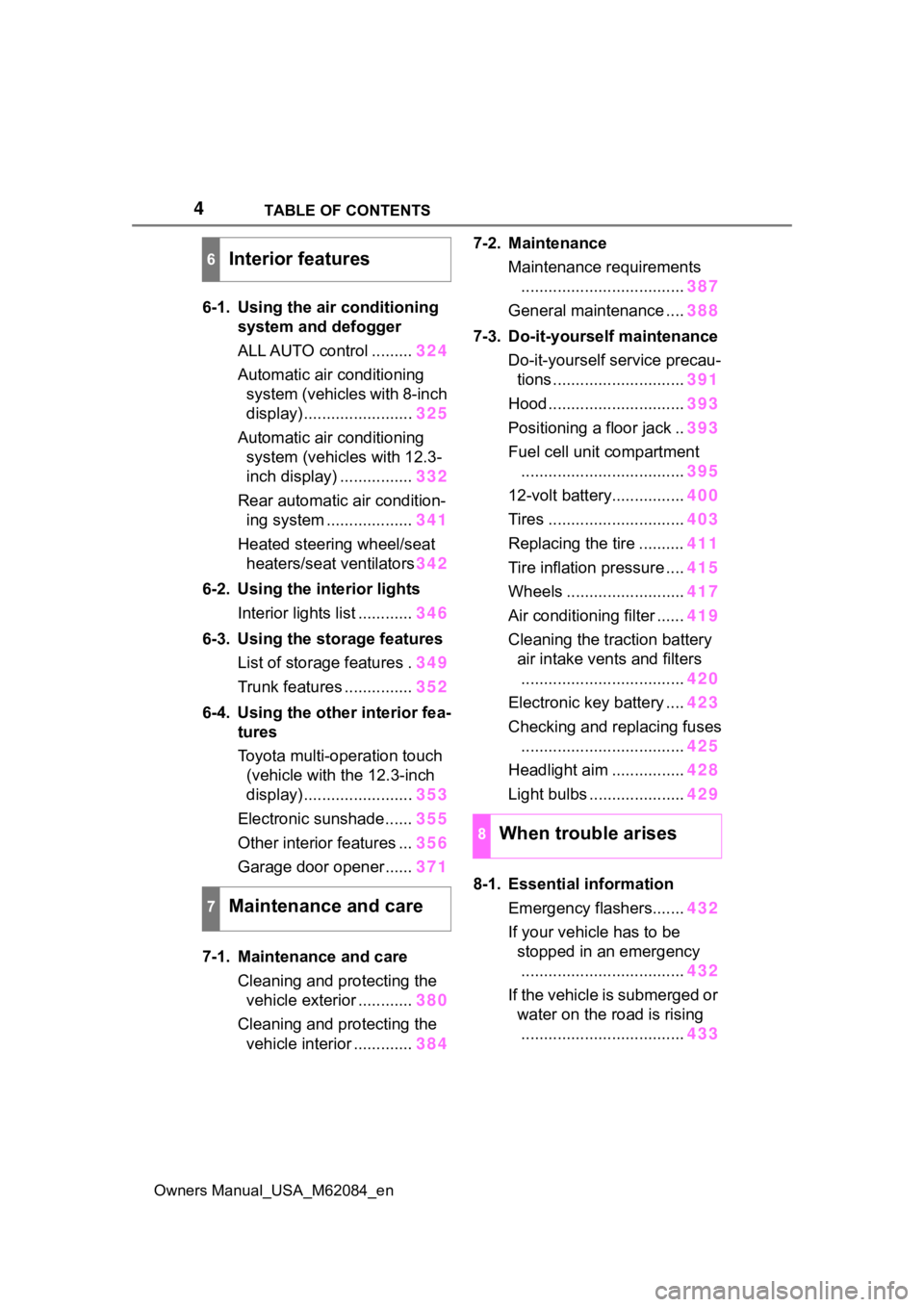
4TABLE OF CONTENTS
Owners Manual_USA_M62084_en
6-1. Using the air conditioning
system and defogger
ALL AUTO control ......... 324
Automatic air conditioning system (vehicles with 8-inch
display) ........................ 325
Automatic air conditioning system (vehicles with 12.3-
inch display) ................ 332
Rear automatic air condition- ing system ................... 341
Heated steering wheel/seat heaters/seat ventilators 342
6-2. Using the interior lights Interior lights list ............ 346
6-3. Using the storage features List of storage features . 349
Trunk features ............... 352
6-4. Using the other interior fea- tures
Toyota multi-operation touch
(vehicle with the 12.3-inch
display) ........................ 353
Electronic sunshade...... 355
Other interior features ... 356
Garage door opener...... 371
7-1. Maintenance and care Cleaning and protecting the vehicle exterior ............ 380
Cleaning and protecting the vehicle interior ............. 3847-2. Maintenance
Maintenance requirements.................................... 387
General maintenance .... 388
7-3. Do-it-yourself maintenance Do-it-yourself service precau-tions ............................. 391
Hood .............................. 393
Positioning a floor jack .. 393
Fuel cell unit compartment .................................... 395
12-volt battery................ 400
Tires .............................. 403
Replacing the tire .......... 411
Tire inflation pressure .... 415
Wheels .......................... 417
Air conditioning filter ...... 419
Cleaning the traction battery air intake vents and filters
.................................... 420
Electronic key battery .... 423
Checking and replacing fuses .................................... 425
Headlight aim ................ 428
Light bulbs ..................... 429
8-1. Essential information Emergency flashers....... 432
If your vehicle has to be stopped in an emergency.................................... 432
If the vehicle is submerged or water on the road is rising.................................... 433
6Interior features
7Maintenance and care
8When trouble arises
Page 15 of 556
15Pictorial index
Owners Manual_USA_M62084_en
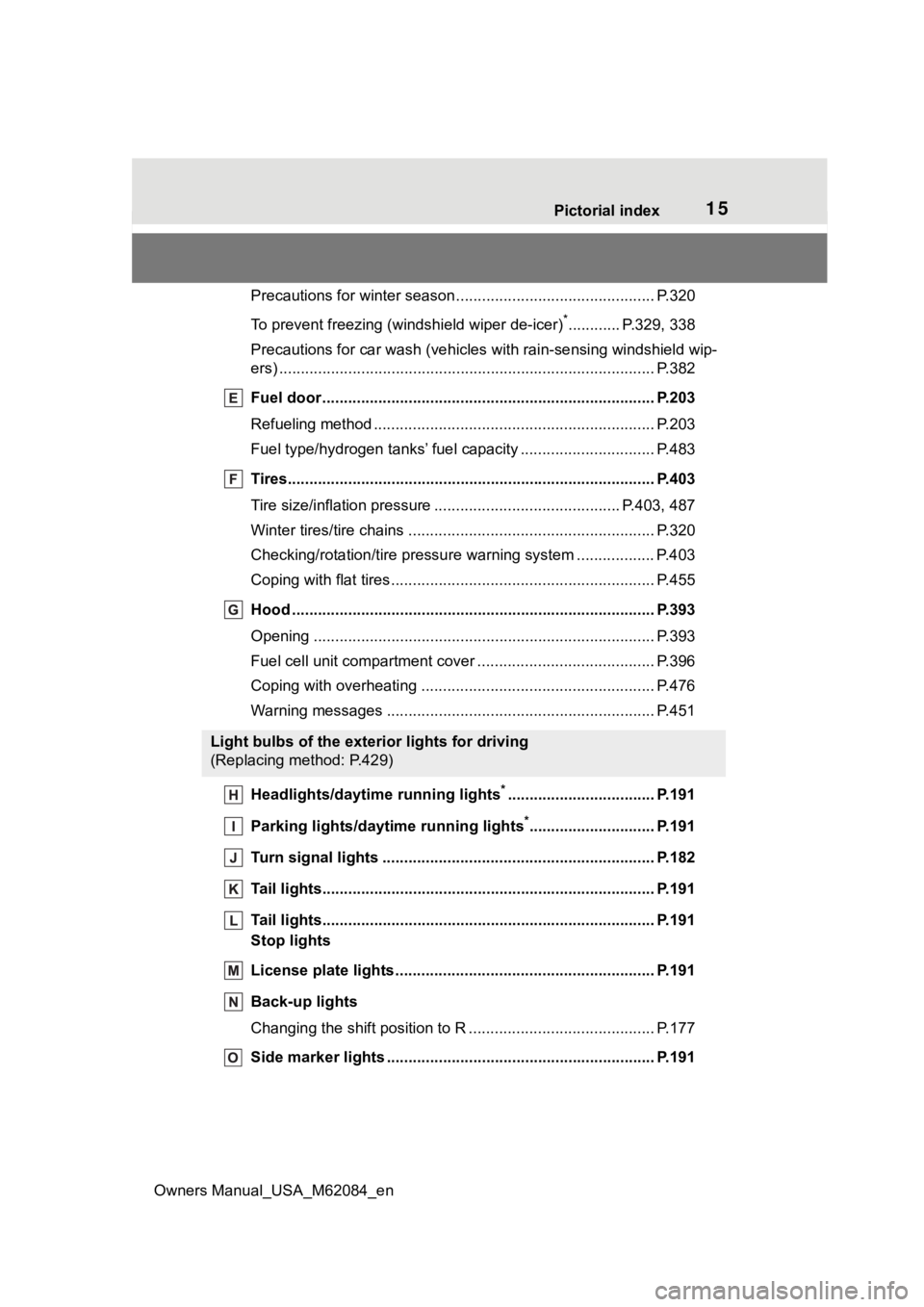
Precautions for winter seas on.............................................. P.320
To prevent freezing (windshield wiper de-icer)
*............ P.329, 338
Precautions for car wash (vehicles with rain-sensing windshield wip-
ers) ....................................................................................... P.382
Fuel door ...................................................... ....................... P.203
Refueling method ............................................... .................. P.203
Fuel type/hydrogen t anks’ fuel capacity ........................ ....... P.483
Tires.......................................................... ........................... P.403
Tire size/inflation pressure ................................... ........ P.403, 487
Winter tires/tire chains ....................................... .................. P.320
Checking/rotation/tire pressur e warning system ..................P.403
Coping with flat tires......................................... .................... P.455
Hood ........................................................... ......................... P.393
Opening ............................................................................... P.393
Fuel cell unit compartment cover ............................... .......... P.396
Coping with overheating ...................................................... P.476
Warning messages ............................................... ............... P.451
Headlights/daytime running lights
*.................................. P.191
Parking lights/dayt ime running lights
*............................. P.191
Turn signal lights ............................................. .................. P.182
Tail lights.................................................... ......................... P.191
Tail lights.................................................... ......................... P.191
Stop lights
License plate lights........................................... ................. P.191
Back-up lights
Changing the shift position to R ............................... ............ P.177
Side marker lights ............................................. ................. P.191
Light bulbs of the exterior lights for driving
(Replacing method: P.429)
Page 45 of 556

451-1. For safe use
Owners Manual_USA_M62084_en
1
For safety and security
WARNING
●If the Pop Up Hood has oper-
ated, have it replaced by your
Toyota dealer. If the Pop Up
Hood has operated, stop the
vehicle in a safe place and con-
tact your Toyota dealer.
●Do not touch the lifters immedi-
ately after the Pop Up Hood has
operated, as the lifters may be
hot and burn you.
NOTICE
■Pop Up Hood precautions
●Make sure to close the hood
before driving, as the system
may not operate properly if the
hood is not fully closed.
●Make sure that all 4 tires are of
the specified size and inflated to
the specified tire pressure. If
tires of a different size are used,
the system may not operate
properly.
●If something has hit the area
around the front bumper, the
sensors may be damaged even
if the Pop Up Hood has not
operated. Have the vehicle
inspected by your Toyota
dealer.
●Do not remove or repair the
parts or wiring of the Pop Up
Hood, as doing so may cause
accidental operation or prevent
the system from operating prop-
erly. If repair or replacement is
necessary, contact your Toyota
dealer.
●Do not remove such compo-
nents as the front bumper, hood
or suspension, or replace them
with non-genuine parts, as
doing so may prevent the sys-
tem from operating properly.
●Do not install anything to the
front bumper or hood, as doing
so may prevent the sensors
from detecting an impact cor-
rectly and prevent the system
from operating properly.
●Do not close the hood with force
or apply load to the lifters, as
doing so may damage the lifters
and prevent the system from
operating properly.
●Do not modify the suspension,
as changes made to the vehicle
height may prevent the system
from operating properly.
Page 90 of 556
902-1. Fuel cell vehicle
Owners Manual_USA_M62084_en
can help reduce excessive
fuel consumption.
In summer: When the ambient
temperature is high, use the
recirculated air mode. Doing
so will help to reduce the bur-
den on the air conditioning
system and reduce fuel con-
sumption as well.
In winter: Avoid excess heat-
ing. Use the seat heater (if
equipped) or steering heater
(if equipped) to minimize the
need for cabin heating
(P.342).
Using eco air conditioning
mode, this helps curb fuel
consumption even with the air
conditioning system turned
on. ( P.326, 334)
Make sure to check the tire infla-
tion pressure frequently.
Improper tire inflation pressure
can cause poor fuel economy.
Also, as snow tires can cause
large amounts of friction, their
use on dry roads can lead to
poor fuel economy. Use tires
that are appropriate for the sea-
son.
Carrying heavy luggage will lead
to reduced fuel economy. Install-
ing a large roof rack will also reduce fuel economy.
Checking tire inflation
pressure
Luggage
Page 93 of 556

933-1. Instrument cluster
Owners Manual_USA_M62084_en
3
Vehicle status information and indicators
Warning lights inform the driver
of malfunctions in the indicated
vehicle’s systems.
Warning lights
Hydrogen leak warn-
ing light
*1 ( P.441)
(U.S.A.)
Brake system warn-
ing light
*1 ( P.441)
(Canada)
(Red)
Brake system warn-
ing light
*1 ( P.441)
(Yellow)
Brake system warn-
ing light
*1 ( P.441)
(Red)
High coolant tempera-
ture warning light
*2
( P.442)
Fuel cell system over-
heat warning light
*3
( P.442)
Charging system
warning light
*3
( P.442)
SRS warning light
*1
( P.442)
Pop Up Hood warning
light
*1 ( P.443)
(U.S.A.)
ABS warning light*1
( P.443)
(Canada)
ABS warning light*1
( P.443)
(Red)
Electric power steer-
ing system warning
light
*1 ( P.443)
(Yellow)
Electric power steer-
ing system warning
light
*1 ( P.443)
(Flashes or
illuminates)
PCS warning light*1
( P.444)
(Orange)
LTA indicator*2
( P.444)
(Flashes)
Intuitive parking assist
OFF indicator
*4 (if
equipped) ( P.444)
(Flashes)
PKSB OFF indica-
tor
*1 (if equipped)
( P.445)
(Flashes)
RCTA OFF indicator*1
(if equipped) ( P.445)
(Flashes)
RCD OFF indicator*1,
2
(If equipped)
( P.445)
Slip indicator light
*1
( P.446)
Inappropriate pedal
operation warning
light
*3 ( P.446)
(Flashes)
Brake hold operated
indicator
*1 ( P.446)
(U.S.A.)
(Flashes)
Parking brake indica-
tor ( P.447)
(Canada)
(Flashes)
Parking brake indica-
tor ( P.447)
Tire pressure warning
light
*1 ( P.447)
Page 105 of 556
1053-1. Instrument cluster
Owners Manual_USA_M62084_en
3
Vehicle status information and indicators
and press and hold .
■Energy monitor
P. 111
■Tire inflation pressure
Displays inflation pressure of
each tire.
■Meter display settings that
can be changed
Language
Select to change the language on
the multi-information display.
Units
Select to change t he units of mea-
sure displayed.
(Driving information dis-
play settings)
Select to set up the following items.
• Fuel cell system
Select to enable/disable the ECO
Accelerator Guidance ( P.102).
• Fuel Economy
Select to change the display on
Fuel Economy ( P.101).
(Audio settings)
Select to enable/disable
screen.
(Vehicle information dis-
play settings)
• Display Contents
Select to set up the following items. Energy monitor:
Select to enable/disable the Energy
monitor (
P. 111 )
• Drive Info Type
Select to change the drive informa-
tion type display between trip and
total. ( P.104).
• Drive Info Items
Select to set the items on the upper
and lower side of the drive informa-
tion screen from three items, aver-
age speed, distance and total time.
Trip Summary
Select to set the items displayed
when the power switch is turned off.
Pop-Up Display
Select to enable/disable pop-up
displays for each relevant system.
Multi-information display off
Select to turn the multi-information
display off.
To turn the multi-information display
on again, press any of the meter
control switches.
Default Settings
Select to reset the meter display
settings.
■Suspension of the settings dis-
play
●In the following situations, opera-
tion of the settings display will be
temporarily suspended.
• When a warning message appears on the multi-information
display
• When the vehicle begins to move
●Settings for functions not
equipped to the vehicle are not
displayed.
●When a function is turned off, the
Settings display
Page 222 of 556

2225-5. Using the driving support systems
Owners Manual_USA_M62084_enstarted the vehicle has not been
driven for a certain amount of time
• While making a left/right turn and
for a few seconds after making a
left/right turn
• While driving on a curve and for a
few seconds after driving on a
curve
• If your vehicle is skidding
• If the front of the vehicle is raised
or lowered
• If the wheels are misaligned
• If a wiper blade is blocking the front camera
• The vehicle is being driven at extremely high speeds
• When driving on a hill
• If the radar sensor or front camera
is misaligned
• When driving in a traffic lane sep-
arated by more t han one lane
where oncoming vehicles are driv-
ing while making a right/left turn
• When largely out of place with the opposite facing targeted oncom-
ing vehicle during a right/left turn
• While making a right/left turn, when a pedestrian approaches
from behind or side of your vehicle
●In addition to the above, in some
situations, such as the following,
the emergency steering assist
may not operate.
• When the white (yellow) lane lines are difficult to see, such as when
they are faint, diverging/merging,
or a shadow is cast upon them
• When the lane is wider or nar-
rower than normal
• When there is a light and dark pat- tern on the road surface, such as
due to road repairs
• When the target is too close
• When there is insufficient safe or unobstructed space for the vehicle
to be steered into
• If oncoming vehicle is present
• If VSC function is operating
●In some situations such as the fol-
lowing, sufficien t braking force or
steering force may not be
obtained, preventing the system
from performing properly:
• If the braking functions cannot operate to their full extent, such as
when the brake parts are
extremely cold, ext remely hot, or
wet
• If the vehicle is not properly main- tained (brakes or tires are exces-
sively worn, imprope r tire inflation
pressure, etc.)
• When the vehicle is being driven on a gravel road or other slippery
surface
• When the road surface has deep wheel tracks
• When driving on a hill road
• When driving on a road that has inclines to the left or right
■If VSC is disabled
●If VSC is disabled ( P.316), the