2022 TOYOTA COROLLA CROSS voice command
[x] Cancel search: voice commandPage 372 of 612

3725-13. Phone operation (Hands-free system for cellular phones)
1Display the phone top
screen. ( P.367)
2 Select the desired method to
call from.
■Calling methods from
phone screen
By call history ( P.372)
By favorites ( P.372)
By contacts ( P.373)
By keypad ( P.374)
By message ( P.381)
■Also the following lists are
available from each func-
tion’s screen
By voice command system
( P.359)
By home screen ( P.374)
Up to 30 of the latest call history items (missed, incoming and
outgoing) can be selected.
1
Display the phone top
screen. ( P.367)
2 Select “History” and select
the desired contact.
If the contact which is not regis-
tered on the contact list is selected,
the name is displayed as “Unknown
Contact”. In this case, select the
number to make a call properly.
3Check that the dialing screen
is displayed.
●The icons of call type are dis-
played.
: Missed call
: Incoming call
: Outgoing call
●When making a call to the same
number continuously, only the
most recent call is listed in call his-
tory.
●When a phone number registered
in the contact list is received, the
name is displayed.
●Number-withheld calls are also
memorized in the system.
●International phone calls may not
be made depending on the type of
Bluetooth
® phone you have.
●The list should group together
consecutive entries with the same
phone number and same call
type. For example, two calls from
John’s mobile would be displayed
as follows: John (2)
Calls can be made using regis-
tered contacts which can be
Placing a call using
the Bluetooth®
hands-free system
After a Bluetooth® phone
has been registered, a call
can be made using the
hands-free system. There
are several methods by
which a call can be made, as
described below.
Calling methods on the
Bluetooth
® phone
By call history
By favorites list
Page 587 of 612
587Alphabetical Index
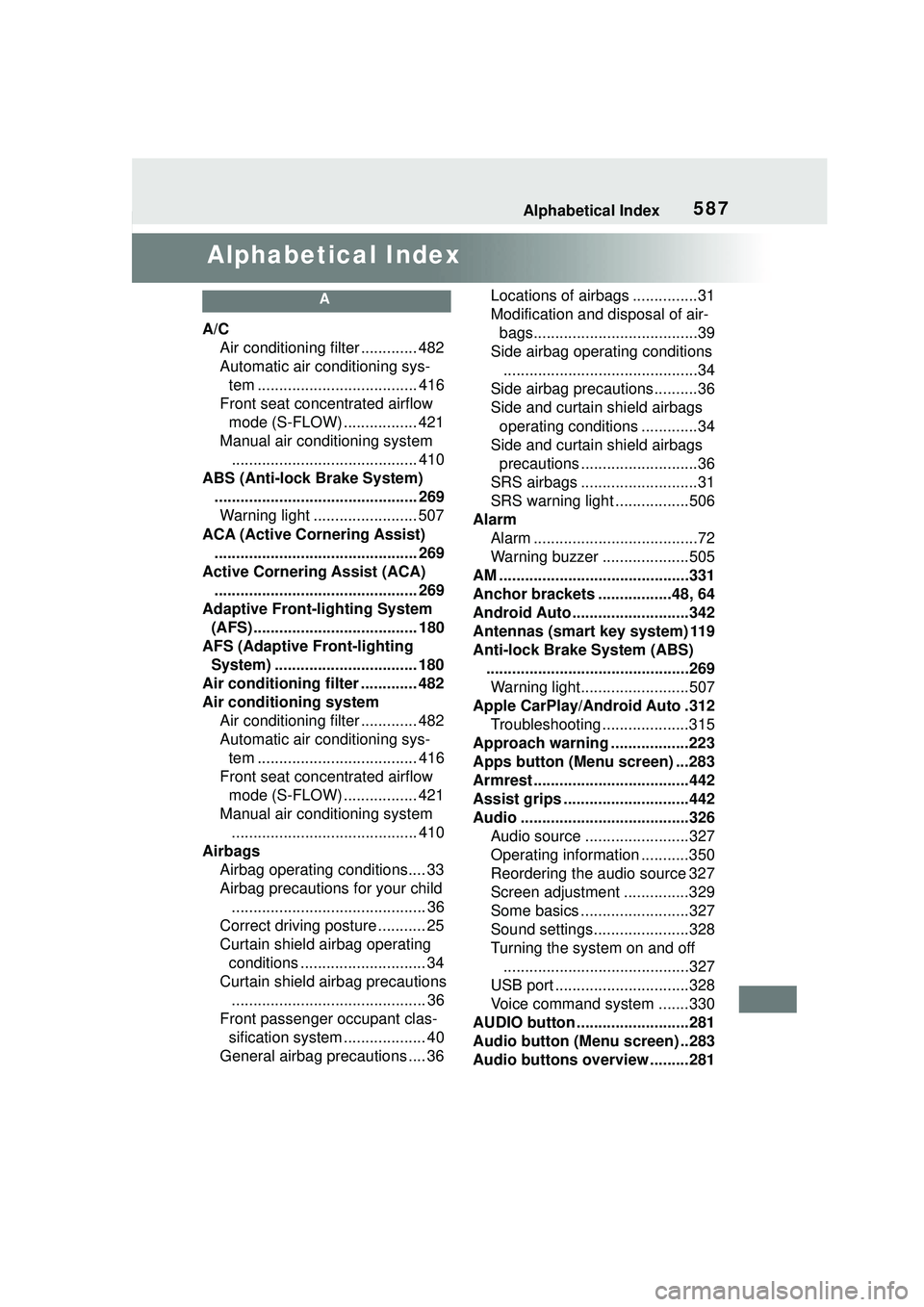
Alphabetical Index
A
A/CAir conditioning filter ............. 482
Automatic air conditioning sys-tem ..................................... 416
Front seat concentrated airflow mode (S-FLOW) ................. 421
Manual air conditioning system ........................................... 410
ABS (Anti-lock Brake System) ............................................... 269Warning light ........................ 507
ACA (Active Cornering Assist) ............................................... 269
Active Cornering Assist (ACA) ............................................... 269
Adaptive Front-lighting System (AFS)...................................... 180
AFS (Adaptive Front-lighting System) ................................. 180
Air conditioning filter ............. 482
Air conditioning system Air conditioning filter ............. 482
Automatic air conditioning sys-tem ..................................... 416
Front seat concentrated airflow mode (S-FLOW) ................. 421
Manual air conditioning system ........................................... 410
Airbags Airbag operating conditions.... 33
Airbag precautions for your child............................................. 36
Correct driving posture ........... 25
Curtain shield airbag operating conditions ............................. 34
Curtain shield airbag precautions ............................................. 36
Front passenger occupant clas- sification system ................... 40
General airbag precautions .... 36 Locations of airbags ...............31
Modification and disposal of air-
bags......................................39
Side airbag operating conditions .............................................34
Side airbag precautions..........36
Side and curtain shield airbags operating conditions .............34
Side and curtain shield airbags precautions ...........................36
SRS airbags ...........................31
SRS warning light .................506
Alarm Alarm ......................................72
Warning buzzer ....................505
AM ............................................331
Anchor brackets .................48, 64
Android Auto ...........................342
Antennas (smart key system) 119
Anti-lock Brake System (ABS) ...............................................269Warning light.........................507
Apple CarPlay/Android Auto .312 Troubleshooting ....................315
Approach warning ..................223
Apps button (Menu screen) ...283
Armrest ......... ......................... ..442
Assist grips .............................442
Audio .......................................326 Audio source ........................327
Operating information ...........350
Reordering the audio source 327
Screen adjustment ...............329
Some basics .........................327
Sound settings......................328
Turning the system on and off...........................................327
USB port ...............................328
Voice command system .......330
AUDIO button ..........................281
Audio button (Menu screen) ..283
Audio buttons overview .........281
Page 595 of 612

595Alphabetical Index
Fuel filler door ...................... 188
Hood..................................... 459
Outside rear view mirrors Adjustment ........................... 131
BSM (Blind Spot Monitor)..... 233
Folding ................................. 132
Outside rear view mirror defog-gers ............................ 412, 419
RCTA function ...................... 238
Outside temperature .......... 81, 85
Overheating ............................ 536
P
Panic mode ............................. 102
Parking assist sensors (intuitive parking assist) ...................... 251
Parking brake Operation ............................. 171
Parking brake engaged warning buzzer ................................ 173
Warning light ........................ 512
Warning message ................ 173
Parking lights Light switch .......................... 177
Replacing light bulbs ............ 489
Wattage ................................ 549
Parking Support Brake function (for rear-crossing vehicles) . 267Function ............................... 267
Parking Support Brake function (static objects) ...................... 264Function ............................... 264
PCS (Pre-Collision System) Function ............................... 195
Warning light ........................ 511
Personal lights ....................... 426 Wattage ................................ 549
Phone ...................................... 367 About the contacts in the contact list ....................................... 371
Phone screen operation ....... 367 Registering/Connecting a Blue-
tooth
® phone ......................369
Some basics .........................368
Troubleshooting ....................392
Voice command system .......371
When selling or disposing of the vehicle ................................371
Phone button ........ ..................367
Phone button (Menu screen) .283
Phone button (Setup screen) 286
Phone settings ...... ..................382
Contacts/Call history settings384
Message settings .................390
Notifications settings ............383
Sounds settings ....................382
PKSB (Parking Support Brake) ...............................................258Warning message.................263
Placing a call using the Blue- tooth
® hands-free system....372
By call history .......................372
By contacts list .....................373
By favorites list .....................372
By home screen ...................374
By keypad.............................374
Power outlet ............................434
Power steering (Electric power steering system) ...................269Warning light.........................507
POWER VOLUME knob ..........327
Power windows Door lock linked window opera-tion......................................134
Jam protection function ........133
Operation..............................133
Window lock switch ..............135
Pre-Collision System (PCS) Function................................195
Warning light......................... 511
Page 599 of 612

599Alphabetical Index
If you have a flat tire ............. 518
Inflation pressure.................. 478
Information ........................... 552
Replacing ............................. 518
Rotating tires ........................ 470
Size ...................................... 548
Snow tires ............................ 274
Spare tire.............................. 518
Tire pressure warning system........................................... 470
Warning light ........................ 509
Tools ........................................ 519
Top tether strap ........................ 64
Total load capacity ................. 542
Touch screen .......................... 288 Touch screen gestures ......... 288
Touch screen operation ........ 288
To w i n g Dinghy towing....................... 161
Emergency towing................ 499
Towing eyelet ....................... 501
Trailer towing ........................ 151
Toyota apps ............................ 403
Toyota apps Entering keyword ................. 405
Toyota apps button (Setup screen) .................................. 286
Toyota apps settings.............. 407
Toyota Safety Sense 2.0 Automatic High Beam .......... 180
Dynamic radar cruise control with full-speed range .......... 216
LTA (Lane Tracing Assist) ..... 203
PCS (Pre-Collision System) . 195
RSA (Road Sign Assist) ....... 213
TRAC (Traction Control) ........ 269
Traction Control (TRAC) ........ 269
Trailer towing .......................... 151
Transmission Continuously variable transmis-sion..................................... 167 If the shift lever cannot be shifted
from P .................................168
M mode ................................169
Trip meters ..........................82, 87
Turn signal lights Replacing light bulbs ............489
Turn signal lever ...................170
Wattage ................................549
U
USB charging port ..................433
USB memory ...........................337
USB port ..................................328
V
Vanity lights ............................442Wattage ................................549
Vanity mirrors .........................442
Vehicle button (Setup screen) .......................................286, 324
Vehicle data reco rding ...............8
Vehicle identification number543
Vehicle information display .....94
Vehicle settings ......................324 Displaying the vehicle settings screen.................................324
Valet mode setting ................324
Vehicle settings screen.........324
Vehicle Stability Control (VSC) ...............................................269
Voice button (Setup screen) 286, 323
Voice command sy stem .........358
Using the voice command sys- tem .....................................358
Voice command system opera- tion......................................359
Voice settings .........................323 Displaying the voice settings screen.................................323
Voice settings screen ...........323