2022 TOYOTA 4RUNNER inflation pressure
[x] Cancel search: inflation pressurePage 5 of 616

5
1
8 7
6
5
4
3
2
9
4RUNNER (U)6-1. Maintenance and care
Cleaning and protecting the vehicle exterior .......... 404
Cleaning and protecting the vehicle interior ........... 408
6-2. Maintenance Maintenance requirements ................... 411
General maintenance ........ 413
Emission inspection and maintenance (I/M)
programs ......................... 416
6-3. Do-it-yourself maintenance
Do-it-yourself service precautions ..................... 417
Hood.................................. 420
Engine compartment ......... 421
Tires .................................. 435
Tire inflation pressure........ 448
Wheels .............................. 451
Air conditioning filter .......... 453
Wireless remote control/ electronic key battery ...... 455
Checking and replacing fuses ............................... 459
Light bulbs ......................... 462 7-1. Essential information
Emergency flashers ........... 474
If your vehicle has to be stopped in
an emergency.................. 475
If the vehicle is submerged or water
on the road is rising ......... 477
7-2. Steps to take in an emergency
If your vehicle needs to be towed ...................... 478
If you think something is wrong ........................... 484
Fuel pump shut off system ............................. 485
If a warning light turns on or a warning
buzzer sounds ................. 486
If a warning message is displayed...................... 497
If you have a flat tire .......... 502
If the engine will not start ................................. 517
If you cannot operate back door opener ............ 519
If the electronic key does not operate properly
(vehicles with a
smart key system) ........... 520
If the vehicle battery is discharged ................... 523
If your vehicle overheats......................... 527
If the vehicle becomes stuck ................................ 530
6Maintenance and care7When trouble arises
Page 17 of 616

17Pictorial index
4RUNNER (U)
Tires . . . . . . . . . . . . . . . . . . . . . . . . . . . . . . . . . . . . . . . . . . P. 435
Tire size/inflation pressure . . . . . . . . . . . . . . . . . . . . . . . . . P. 540
Winter tires/tire chain . . . . . . . . . . . . . . . . . . . . . . . . . . . . . P. 342
Checking/rotation/tire pressur e warning system . . . . . . . . .P. 435
Coping with flat tires . . . . . . . . . . . . . . . . . . . . . . . . . . . . . . P. 502
Hood . . . . . . . . . . . . . . . . . . . . . . . . . . . . . . . . . . . . . . . . . . . . P. 420
Opening . . . . . . . . . . . . . . . . . . . . . . . . . . . . . . . . . . . . . . . . . . P. 420
Engine oil . . . . . . . . . . . . . . . . . . . . . . . . . . . . . . . . . . . . . . . . . P. 535
Coping with overheat . . . . . . . . . . . . . . . . . . . . . . . . . . . . . . . . P. 527
Headlights/daytime running lights . . . . . . . . . . . . . . . . . . . . P. 223
Front side marker lights . . . . . . . . . . . . . . . . . . . . . . . . . . . . P. 223
Front turn signal/parking lights . . . . . . . . . . . . . . . . . . . . . . P. 223
Fog lights . . . . . . . . . . . . . . . . . . . . . . . . . . . . . . . . . . . . . . . . P. 232
Turn signal lights . . . . . . . . . . . . . . . . . . . . . . . . . . . . . . . . . . P. 221
Stop/tail lights/rear side marker lights . . . . . . . . . . . . . . . . P. 223
License plate lights . . . . . . . . . . . . . . . . . . . . . . . . . . . . . . . . P. 223
Back-up lights
Shifting the shift lever to R . . . . . . . . . . . . . . . . . . . . . . . . . . . . P. 216
6
7
Light bulbs of the exterior lights for driving
(Replacing method: P. 462, Wattages: P. 541)
*: Vehicles with a smart key system
8
9
10
11
12
13
14
15
Page 97 of 616
972. Instrument cluster
2
Instrument cluster
4RUNNER (U)
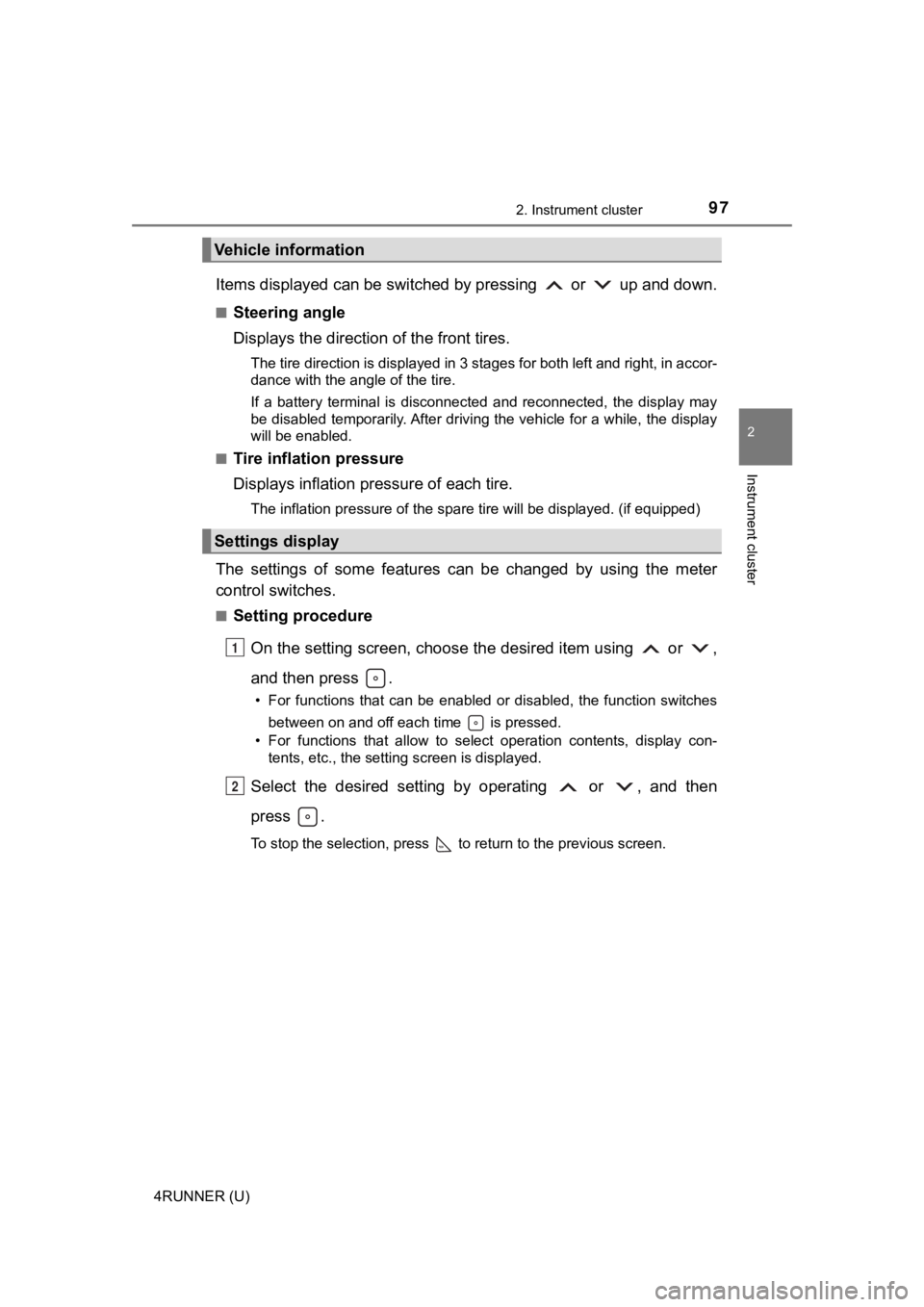
Items displayed can be switched by pressing or up and down.
■Steering angle
Displays the direction of the front tires.
The tire direction is displayed in 3 stages for both left and right, in accor-
dance with the angle of the tire.
If a battery terminal is disconnected and reconnected, the disp lay may
be disabled temporarily. After driving the vehicle for a while, the display
will be enabled.
■
Tire inflation pressure
Displays inflation pressure of each tire.
The inflation pressure of the spare tire will be displayed. (if equipped)
The settings of some features can be changed by using the meter
control switches.
■Setting procedure
On the setting screen, choose the desired item using or ,
and then press .
• For functions that can be enabled or disabled, the function switches between on and off each time is pressed.
• For functions that allow to select operation contents, display con- tents, etc., the setting screen is displayed.
Select the desired setting by operating or , and then
press .
To stop the selection, press to return to the previous screen.
Vehicle information
Settings display
1
2
Page 101 of 616

1012. Instrument cluster
2
Instrument cluster
4RUNNER (U)■
Pop-Up display
The pop-up display is displayed on the multi-information displa y according to
the operating conditions of the following functions:
● Route guidance display of the navigation system-linked system ( if equipped)
● Incoming call display of the hands-free phone system
The pop-up display function can be disabled.
■ Tire inflation pressure
●It may take a few minutes to display the tire inflation pressur e after the
engine switch is turned to IGNITION ON mode. It may also take a few min-
utes to display the tire inflation pressure after inflation pre ssure has been
adjusted.
● “---” may be displayed if the tire information cannot be determined due to
unfavorable radio wave conditions.
● Tire inflation pressure changes with temperature. The displayed values may
also be different from the values measured using a tire pressur e gauge.
■ Outside temperature display
In the following situations, the correct outside temperature ma y not be dis-
played, or the display may take longer than normal to change:
● When the vehicle is stopped, or moving at low speeds (less than 12 mph [20
km/h])
● When the outside temperature has changed suddenly (at the entra nce/exit
of a garage, tunnel, etc.)
● When “--” or “E” is displayed, the system may be malfunctioning. Take your
vehicle to Toyota dealer.
■ Liquid crystal display
Small spots or light spots may appear on the display. This phen omenon is
characteristic of liquid crystal displays, and there is no prob lem continuing to
use the display.
Page 259 of 616

2594-5. Using the driving support systems
4
Driving
4RUNNER (U)●
In some situations such as the following, sufficient braking fo rce may not be
obtained, preventing the system from performing properly:
• If the braking functions cannot operate to their full extent, such as when
the brake parts are extremely cold, extremely hot, or wet
• If the vehicle is not properly maintained (brakes or tires are excessively
worn, improper tire inflation pressure, etc.)
• When the vehicle is being driven on a gravel road or other sli ppery sur-
face
● Some pedestrians such as the following may not be detected by t he radar
sensor and front camera, preventing the system from operating p roperly:
• Pedestrians shorter than approximately 3.2 ft. (1 m) or taller than approx-
imately 6.5 ft. (2 m)
• Pedestrians wearing oversized clothing (a rain coat, long skir t, etc.), mak-
ing their silhouette obscure
• Pedestrians who are carrying large baggage, holding an umbrella, etc., hiding part of their body
• Pedestrians who are bending forward or squatting
• Pedestrians who are pushing a stroller, wheelchair, bicycle or other vehi-
cle
• Groups of pedestrians which are close together
• Pedestrians who are wearing white and look extremely bright
• Pedestrians in the dark, such as at night or while in a tunnel
• Pedestrians whose clothing appears to be nearly the same color or
brightness as their surroundings
• Pedestrians near walls, fences, guardrails, or large objects
• Pedestrians who are on a metal object (manhole cover, steel plate, etc.)
on the road
• Pedestrians who are walking fast
• Pedestrians who are changing speed abruptly
• Pedestrians running out from behind a vehicle or a large objec t
• Pedestrians who are extremely close to the side of the vehicle (outside
rear view mirror, etc.)
■ If VSC is disabled
●If VSC is disabled ( P. 335, 336), the pre-collision brake assist and pre-col-
lision braking functions are also disabled.
● The PCS warning light will turn on and “VSC Turned Off Pre-Coll ision Brake
System Unavailable” will be displayed on the multi-information display.
Page 341 of 616

3414-5. Using the driving support systems
4
Driving
4RUNNER (U)
WARNING
■When the TRAC/VSC/Trailer Sway Control is activated
The slip indicator light flashes. Always drive carefully.
Reckless driving may cause an accident. Exercise particular car e when the
indicator light flashes.
■ When TRAC/VSC/Trailer Sway Control systems are turned off
Be especially careful and drive at a speed appropriate to the r oad condi-
tions. As these are systems to help ensure vehicle stability and driving
force, do not turn the TRAC/VSC/Trailer Sway Control systems off unless
necessary.
■ Replacing tires
Make sure that all tires are of the specified size, brand, trea d pattern and
total load capacity. In addition, make sure that the tires are inflated to the
recommended tire inflation pressure level.
The ABS, Multi Terrain ABS, TRAC, VSC and Trailer Sway Control will not
function correctly if different tires are installed on the vehi cle.
Contact your Toyota dealer for further information when replaci ng tires or
wheels.
■ Handling of tires and the suspension
Using tires with any kind of problem or modifying the suspensio n will affect
the driving assist systems, and may cause a system to malfunction.
■ Trailer Sway Control precaution
The Trailer Sway Control system is not able to reduce trailer sway in all situ-
ations.
Depending on many factors such as the conditions of the vehicle, trailer,
road surface and driving environment, the Trailer Sway Control system may
not be effective. Refer to your trailer owner’s manual for info rmation on how
to tow your trailer properly.
■ If trailer sway occurs
Observe the following precautions.
Failing to do so may cause death or serious injury.
● Firmly grip the steering wheel. Steer straight ahead.
Do not try to control trailer sway by turning the steering whee l.
● Begin releasing the accelerator pedal immediately but very grad ually to
reduce speed.
Do not increase speed. Do not apply vehicle brakes.
If you make no extreme correction with the steering or brakes, your vehicle
and trailer should stabilize. ( P. 202)
Page 403 of 616

403
Maintenance and care6
4RUNNER (U)6-1. Maintenance and care
Cleaning and protecting the vehicle exterior .......... 404
Cleaning and protecting the vehicle interior ........... 408
6-2. Maintenance Maintenance requirements ................... 411
General maintenance........ 413
Emission inspection and maintenance (I/M)
programs......................... 416
6-3. Do-it-yourself maintenance
Do-it-yourself service precautions ..................... 417
Hood ................................. 420
Engine compartment ......... 421
Tires .................................. 435
Tire inflation pressure ....... 448
Wheels .............................. 451
Air conditioning filter.......... 453
Wireless remote control/ electronic key battery ...... 455
Checking and replacing fuses ............................... 459
Light bulbs......................... 462
Page 415 of 616
4156-2. Maintenance
6
Maintenance and care
4RUNNER (U)
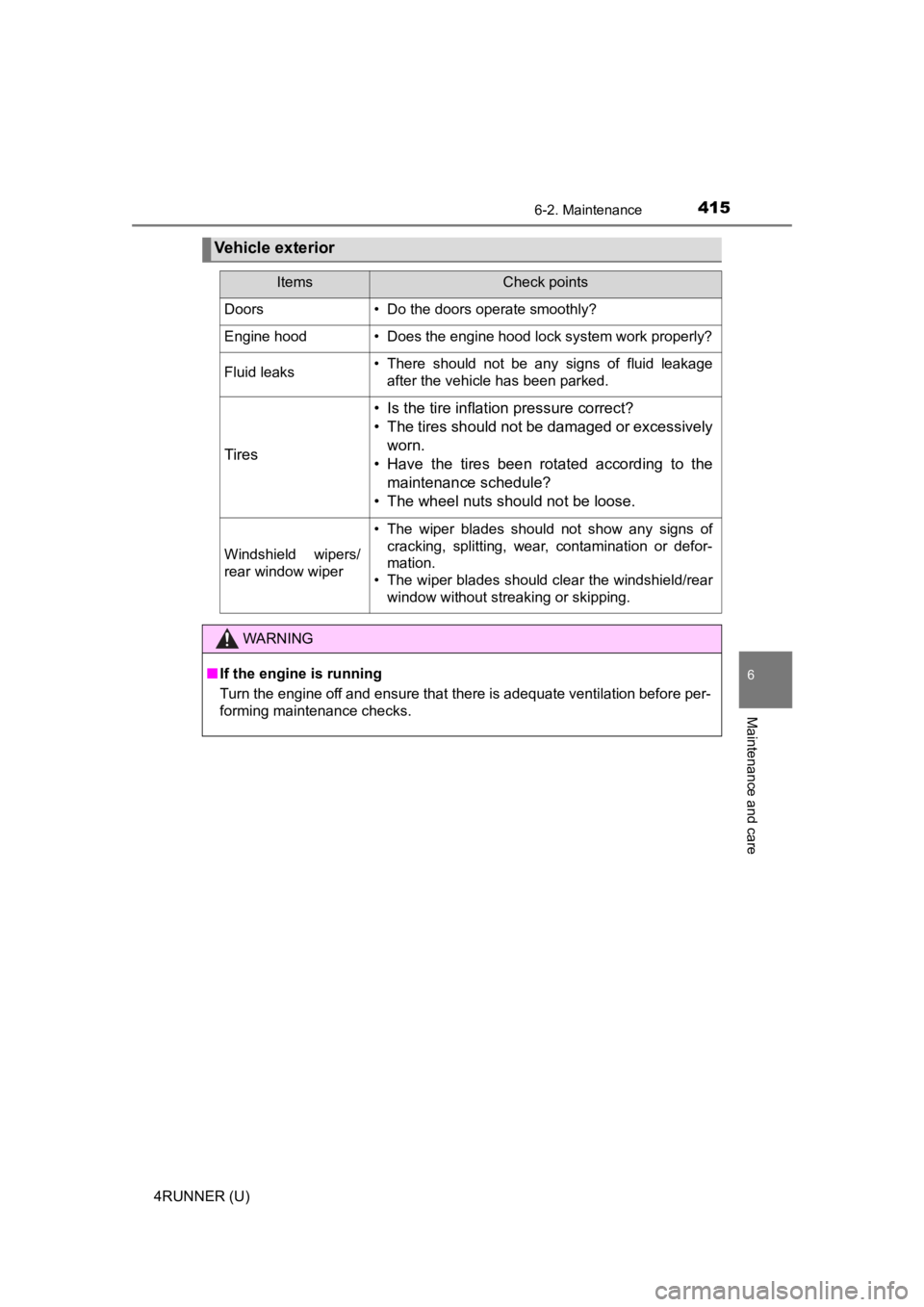
Vehicle exterior
ItemsCheck points
Doors• Do the doors operate smoothly?
Engine hood• Does the engine hood lock system work properly?
Fluid leaks• There should not be any signs of fluid leakageafter the vehicle has been parked.
Tires
• Is the tire inflation pressure correct?
• The tires should not be damaged or excessively
worn.
• Have the tires been rotated according to the maintenance schedule?
• The wheel nuts should not be loose.
Windshield wipers/
rear window wiper
• The wiper blades should not show any signs of cracking, splitting, wear, contamination or defor-
mation.
• The wiper blades should clear the windshield/rear
window without streaking or skipping.
WARNING
■If the engine is running
Turn the engine off and ensure that there is adequate ventilation before per-
forming maintenance checks.