2022 FORD MAVERICK battery
[x] Cancel search: batteryPage 419 of 533
•
Drive Power: The engine is on due to
accelerator pedal pressure or speed
control activation. Reduce pressure on
the accelerator pedal or switch off the
speed control to return to full electric
mode.
• High Speed: The engine is on because
the vehicle speed exceeds the level for
full electric operation. Reduce the
speed to return to electric operation.
• Heater Setting: The engine is on
because of the heater setting. Reduce
or turn off the heater setting to return
to electric operation.
• Neutral Gear: The engine is on because
the vehicle is in Neutral (N). Shift out
of neutral gear to return to electric
operation.
• Engine Cold: The engine is on because
it is cold. The vehicle returns to electric
operation once the engine is sufficiently
warm.
• Battery Charging: The engine is on to
charge the high-voltage battery. The
vehicle returns to electric operation
once the battery is charged.
• Low Gear: The engine is on because
the vehicle is in low gear. Shift out of
low gear to return to electric operation.
• Normal Operation: The engine is on to
optimize vehicle operation. The vehicle
returns to electric operation when
possible.
• Engine Braking Active: The engine is on
to provide increased powertrain
braking. This can occur when you turn
on the grade assist feature, when
speed control is on or when driving with
your foot off the accelerator pedal.
Turning off grade assist or speed
control may allow the vehicle to return
to electric operation. •
Battery Temperature: The engine is on
due to high or low high-voltage battery
temperature. This is a normal operating
condition. The vehicle returns to
electric operation when possible.
• Drive Mode: The engine is on due to the
drive mode selection. Select an
appropriate drive mode for electric only
operation.
APPS
The system allows you interact with select
mobile apps while keeping your eyes on
the road. Voice commands, your steering
wheel buttons, or a quick tap on your
touchscreen give you advanced control of
compatible mobile apps. You can also
stream your favorite music or podcasts,
share your time of arrival with friends, and
keep connected safely.
When you start an app through the system
for the first time, you could be asked to
grant certain permissions. You can review
and change the permissions that you have
granted at any time when your vehicle is
not moving. We recommend that you
check your data plan before using your
apps through the system. Using them
could result in additional charges. We also
recommend that you check the app
provider's terms and conditions and
privacy policy before using their app. Make
sure that you have an active account for
apps that you want to use through the
system. Some apps will work with no
setup. Others require you to configure
some personal settings before you can use
them.
Note: For more information about available
apps, visit catalog.ford.com.
Using Apps on an iOS Device Select the apps option on the
feature bar.
416
2022 Maverick (CFE) Canada/United States of America, enUSA, Edition date: 202106, First-Printing SYNC™ 3 (If Equipped)
Page 436 of 533
For a complete listing of the accessories
that are available for your vehicle, please
contact your authorized dealer or visit the
online store web site:
Web Address (United States)
www.Accessories.Ford.com Web Address (Canada)
www.Accessories.Ford.ca
We will repair or replace any properly
authorized dealer-installed Ford Original
Accessory found to be defective in
factory-supplied materials or workmanship
during the warranty period, as well as any
component damaged by the defective
accessories.
We will warrant your Ford Original
Accessory through the warranty that
provides the greatest benefit:
• 24 months, unlimited mileage.
• The remainder of your new vehicle
limited warranty.
Contact an authorized dealer for details
and a copy of the warranty.
Ford Licensed Accessories are the
accessory manufacturer's designs. The
manufacturer develops and therefore
warrants Ford Licensed Accessories, and
does not design or test these accessories
to Ford Motor Company engineering
requirements. Contact an authorized Ford
dealer for the manufacturer ’s limited
warranty details, and request a copy of the
Ford Licensed Accessories product limited
warranty from the accessory manufacturer. For maximum vehicle performance, keep
the following information in mind when
adding accessories or equipment to your
vehicle:
•
When adding accessories, equipment,
passengers and luggage to your
vehicle, do not exceed the total weight
capacity of the vehicle or of the front
or rear axle (GVWR or GAWR as
indicated on the Safety Compliance
Certification label). Ask an authorized
dealer for specific weight information.
• The Federal Communications
Commission (FCC) and Canadian
Radio Telecommunications
Commission (CRTC) regulate the use
of mobile communications systems
that are equipped with radio
transmitters, for example two-way
radios, telephones and theft alarms.
Any such equipment installed in your
vehicle should comply with Federal
Communications Commission (FCC)
and Canadian Radio
Telecommunications Commission
(CRTC) regulations and should be
installed only by an authorized dealer.
• An authorized dealer needs to install
mobile communications systems.
Improper installation may harm the
operation of your vehicle, particularly
if the manufacturer did not design the
mobile communication system
specifically for automotive use.
• If you or an authorized Ford dealer add
any non-Ford electrical or electronic
accessories or components to your
vehicle, you may adversely affect
battery performance and durability. In
addition, you may also adversely affect
the performance of other electrical
systems in the vehicle.
433
2022 Maverick (CFE) Canada/United States of America, enUSA, Edition date: 202106, First-Printing Accessories
Page 437 of 533
WHAT IS FORD PROTECT
Protect yourself from the rising cost of
vehicle repairs with a Ford Protect
extended service plan.
Ford Protect Extended Service
Plans - United States Only
Ford Protect extended service plans mean
peace of mind. Extended service plans are
backed by Ford Motor Company, and
provide more protection beyond the New
Vehicle Limited Warranty coverage. When
you visit your Ford Dealer, insist on the Ford
Protect extended service plan.
Ford Protect Can Quickly Pay for Itself
One trip to the service center could easily
exceed the price of your Ford Protect
extended service plan. With the Ford
Protect extended service plan, you
minimize your risk for unexpected repair
bills and rising repair costs.
Up to 1,000+ Covered Vehicle
Components
There are four mechanical Ford Protect
extended service plans with different levels
of coverage. Ask your authorized dealer for
details.
1. PremiumCARE - Our most
comprehensive coverage. With over
1,000 covered components, this plan
is so complete it is probably easier to
list what is not covered.
2. ExtraCARE - Covers 113 components, and includes many high-tech items.
3. BaseCARE - Covers 84 components.
4. PowertrainCARE - Covers 29 critical components.
Ford Protect extended service plans are
honored by all authorized Ford dealers in
the United States, Canada and Mexico. That means you get:
•
Reliable, quality service at any Ford or
Lincoln dealership.
• Repairs performed by factory trained
technicians, using genuine parts.
Rental Car Reimbursement
First Day Rental Benefit
If you bring your car into your dealer for
service, we will give you a rental vehicle to
use for the day.
Extended Rental Benefits
If your vehicle is kept overnight for covered
repairs, you are eligible for rental car
coverage, warranty repairs, and field
service actions.
Roadside Assistance
Exclusive 24/7 roadside assistance,
including:
• Towing, flat-tire change and battery
jump starts.
• Out of fuel and lock-out assistance.
• Travel expense reimbursement for
lodging, meals and rental car.
• Assistance for taxi, shuttle, rental car
coverage or other transportation.
Transferable Coverage
If you sell your vehicle before your Ford
Protect extended service plan coverage
expires, you can transfer any remaining
coverage to the new owner. This should
give you and your potential buyer peace of
mind.
434
2022 Maverick (CFE) Canada/United States of America, enUSA, Edition date: 202106, First-Printing Ford Protect
Page 441 of 533
Check Every Six Months
The battery connections. Clean if necessary.
The body and door drain holes for obstructions. Clean if necessary. The cooling system fluid level and the coolant system strength. The door weatherstrips for wear. Lubricate if necessary.
The hinges, latches and outside locks for proper operation. Lubricate if necessary. The parking brake for proper operation.
The seatbelts and seat latches for wear and function.
Safety warning lamps, brake, ABS, airbag and seatbelt for operation.
The washer spray and wiper operation. Clean or replace blades as necessary.
Multi-Point Inspection
It is important to have the systems on your
vehicle regularly checked. This can help
identify potential issues and prevent major
problems. We recommend having the
following multi-point inspection performed
at every scheduled maintenance interval
to help make sure your vehicle keeps
running great. Multi-Point Inspection
Hazard warning system operation
Accessory drive belt or belts
Horn operation
Battery performance
Radiator, cooler, heater and air conditioninghoses
Engine air filter
Suspension components for leaks ordamage
Exhaust system
Steering and linkage
Exterior lamps operation
Tires including the spare for wear andproper pressure 2
Fluid levels 1
; fill if necessary
438
2022 Maverick (CFE) Canada/United States of America, enUSA, Edition date: 202106, First-Printing Scheduled Maintenance
Page 517 of 533
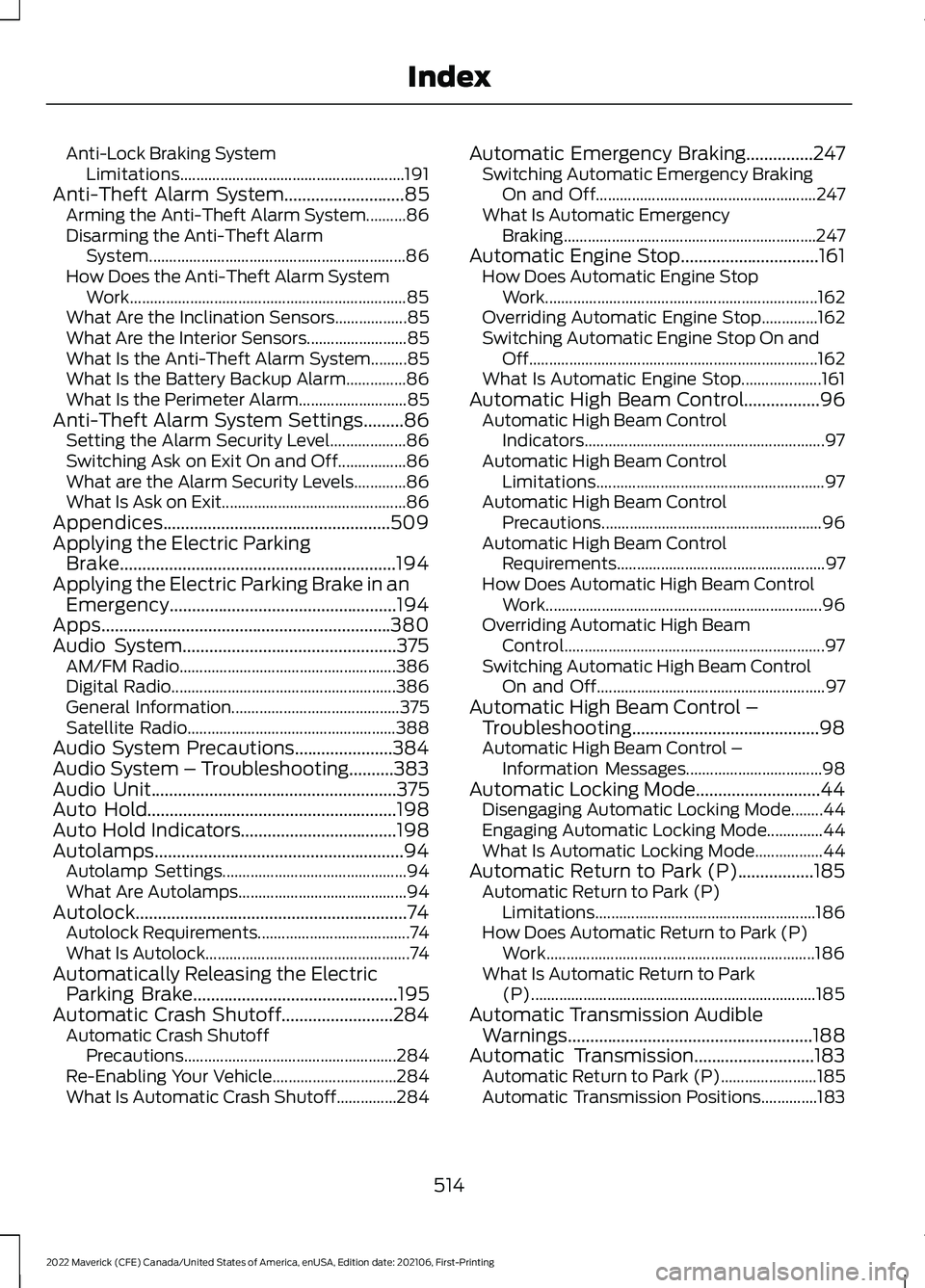
Anti-Lock Braking System
Limitations........................................................ 191
Anti-Theft Alarm System...........................85
Arming the Anti-Theft Alarm System..........86
Disarming the Anti-Theft Alarm
System................................................................ 86
How Does the Anti-Theft Alarm System Work..................................................................... 85
What Are the Inclination Sensors..................85
What Are the Interior Sensors......................... 85
What Is the Anti-Theft Alarm System.........85
What Is the Battery Backup Alarm...............86
What Is the Perimeter Alarm........................... 85
Anti-Theft Alarm System Settings
.........86
Setting the Alarm Security Level...................86
Switching Ask on Exit On and Off.................86
What are the Alarm Security Levels.............86
What Is Ask on Exit.............................................. 86
Appendices...................................................509
Applying the Electric Parking Brake..............................................................194
Applying the Electric Parking Brake in an Emergency...................................................194
Apps.................................................................380
Audio System................................................375 AM/FM Radio...................................................... 386
Digital Radio........................................................ 386
General Information.......................................... 375
Satellite Radio.................................................... 388
Audio System Precautions......................384
Audio System – Troubleshooting..........383
Audio Unit
.......................................................375
Auto Hold........................................................198
Auto Hold Indicators...................................198
Autolamps........................................................94 Autolamp Settings.............................................. 94
What Are Autolamps.......................................... 94
Autolock.............................................................74 Autolock Requirements...................................... 74
What Is Autolock................................................... 74
Automatically Releasing the Electric Parking Brake
..............................................195
Automatic Crash Shutoff.........................284 Automatic Crash Shutoff
Precautions..................................................... 284
Re-Enabling Your Vehicle............................... 284
What Is Automatic Crash Shutoff...............284 Automatic Emergency Braking...............247
Switching Automatic Emergency Braking
On and Off....................................................... 247
What Is Automatic Emergency Braking ............................................................... 247
Automatic Engine Stop...............................161 How Does Automatic Engine Stop
Work.................................................................... 162
Overriding Automatic Engine Stop..............162
Switching Automatic Engine Stop On and Off........................................................................\
162
What Is Automatic Engine Stop....................161
Automatic High Beam Control.................96 Automatic High Beam Control
Indicators............................................................ 97
Automatic High Beam Control Limitations......................................................... 97
Automatic High Beam Control Precautions....................................................... 96
Automatic High Beam Control Requirements.................................................... 97
How Does Automatic High Beam Control Work..................................................................... 96
Overriding Automatic High Beam Control................................................................. 97
Switching Automatic High Beam Control On and Off......................................................... 97
Automatic High Beam Control – Troubleshooting..........................................98
Automatic High Beam Control – Information Messages.................................. 98
Automatic Locking Mode............................44 Disengaging Automatic Locking Mode........44
Engaging Automatic Locking Mode..............44
What Is Automatic Locking Mode.................44
Automatic Return to Park (P).................185 Automatic Return to Park (P)
Limitations....................................................... 186
How Does Automatic Return to Park (P) Work................................................................... 186
What Is Automatic Return to Park (P)....................................................................... 185
Automatic Transmission Audible Warnings
.......................................................188
Automatic Transmission...........................183 Automatic Return to Park (P)........................185
Automatic Transmission Positions..............183
514
2022 Maverick (CFE) Canada/United States of America, enUSA, Edition date: 202106, First-Printing Index
Page 518 of 533
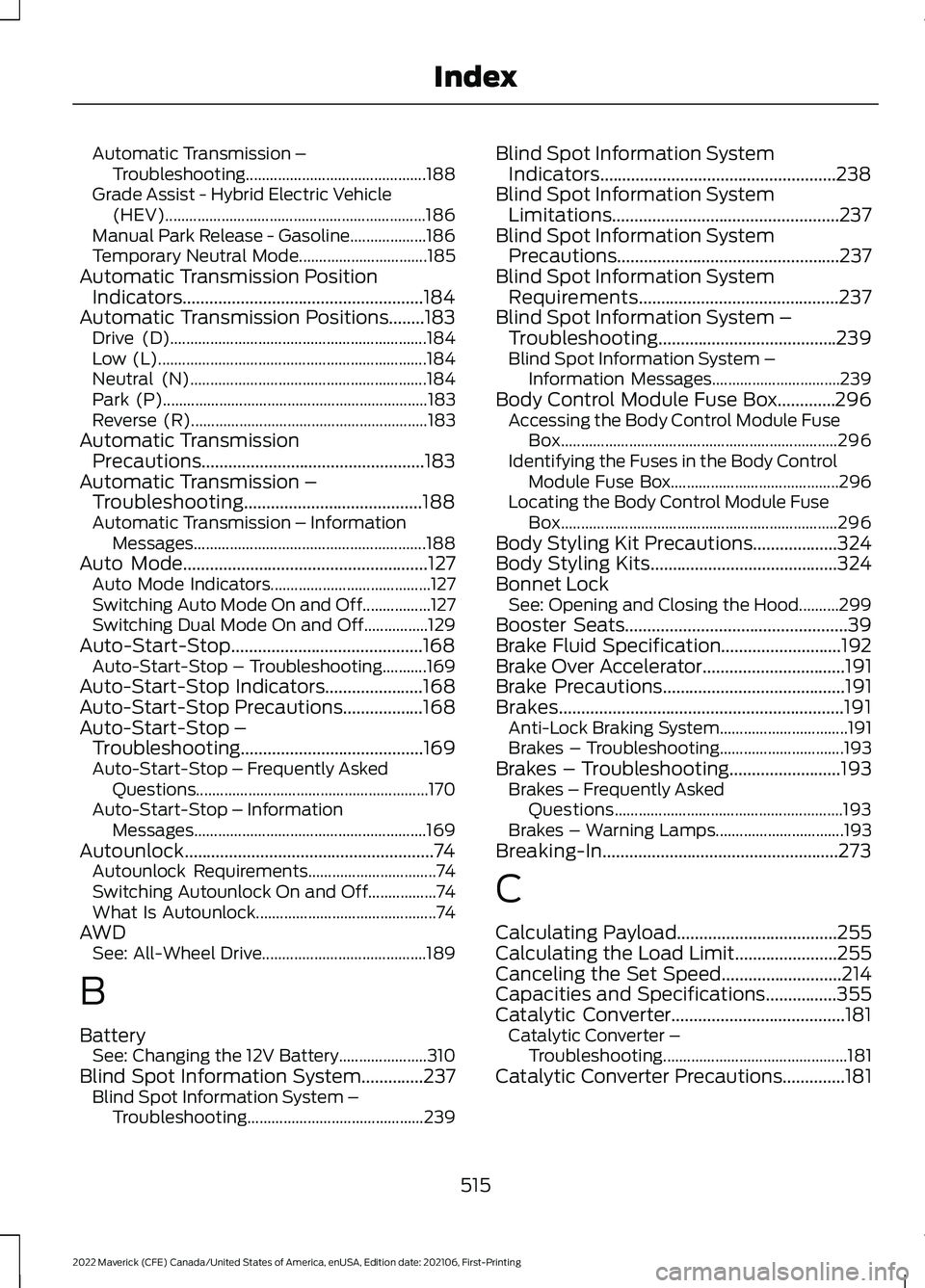
Automatic Transmission –
Troubleshooting............................................. 188
Grade Assist - Hybrid Electric Vehicle (HEV)................................................................. 186
Manual Park Release - Gasoline...................186
Temporary Neutral Mode................................ 185
Automatic Transmission Position Indicators......................................................184
Automatic Transmission Positions........183 Drive (D)................................................................ 184
Low (L)................................................................... 184
Neutral (N)........................................................... 184
Park (P).................................................................. 183
Reverse (R)........................................................... 183
Automatic Transmission Precautions..................................................183
Automatic Transmission – Troubleshooting........................................188
Automatic Transmission – Information Messages .......................................................... 188
Auto Mode
.......................................................127
Auto Mode Indicators........................................ 127
Switching Auto Mode On and Off.................127
Switching Dual Mode On and Off................129
Auto-Start-Stop...........................................168 Auto-Start-Stop – Troubleshooting...........169
Auto-Start-Stop Indicators......................168
Auto-Start-Stop Precautions
..................168
Auto-Start-Stop – Troubleshooting.........................................169
Auto-Start-Stop – Frequently Asked Questions.......................................................... 170
Auto-Start-Stop – Information Messages.......................................................... 169
Autounlock........................................................74 Autounlock Requirements................................ 74
Switching Autounlock On and Off.................74
What Is Autounlock............................................. 74
AWD See: All-Wheel Drive......................................... 189
B
Battery See: Changing the 12V Battery...................... 310
Blind Spot Information System..............237 Blind Spot Information System –
Troubleshooting............................................ 239Blind Spot Information System
Indicators.....................................................238
Blind Spot Information System Limitations...................................................237
Blind Spot Information System Precautions
..................................................237
Blind Spot Information System Requirements.............................................237
Blind Spot Information System – Troubleshooting........................................239
Blind S
pot Information System –
Information Messages................................ 239
Body Control Module Fuse Box.............296 Accessing the Body Control Module Fuse
Box..................................................................... 296
Identifying the Fuses in the Body Control Module Fuse Box.......................................... 296
Locating the Body Control Module Fuse Box..................................................................... 296
Body Styling Kit Precautions...................324
Body Styling Kits..........................................324
Bonnet Lock See: Opening and Closing the Hood..........299
Booster Seats
..................................................39
Brake Fluid Specification...........................192
Brake Over Accelerator
................................191
Brake Precautions.........................................191
Brakes................................................................191 Anti-Lock Braking System................................ 191
Brakes – Troubleshooting............................... 193
Brakes – Troubleshooting.........................193 Brakes – Frequently Asked
Questions......................................................... 193
Brakes – Warning Lamps................................ 193
Breaking-In.....................................................273
C
Calculating Payload
....................................255
Calculating the Load Limit.......................255
Canceling the Set Speed...........................214
Capacities and Specifications
................355
Catalytic Converter.......................................181 Catalytic Converter –
Troubleshooting.............................................. 181
Catalytic Converter Precautions..............181
515
2022 Maverick (CFE) Canada/United States of America, enUSA, Edition date: 202106, First-Printing Index
Page 519 of 533
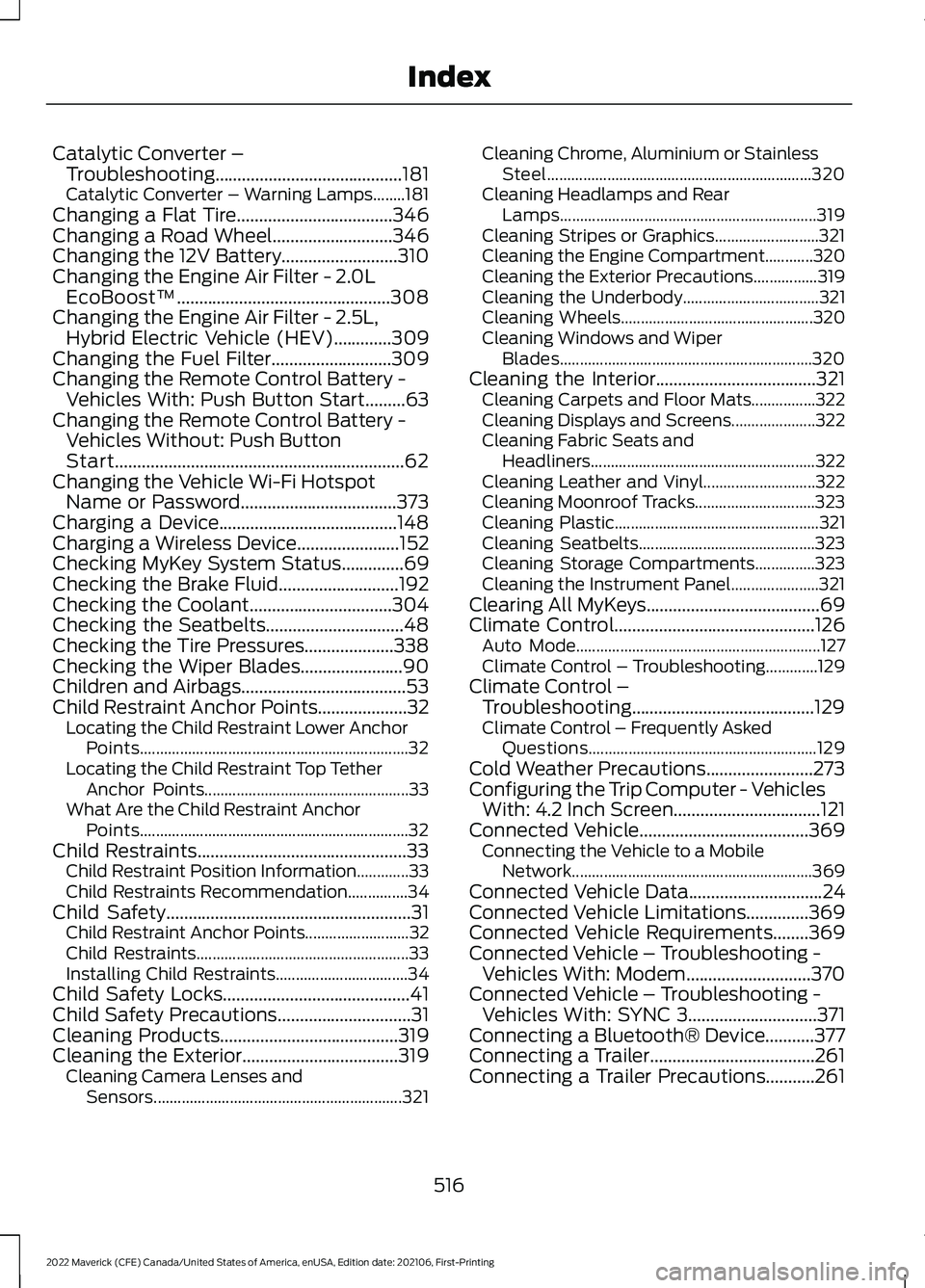
Catalytic Converter –
Troubleshooting..........................................181
C
atalytic Converter – Warning Lamps........181
Changing a Flat Tire...................................346
Changing a Road Wheel...........................346
Changing the 12V Battery..........................310
Changing the Engine Air Filter - 2.0L EcoBoost™................................................308
Changing the Engine Air Filter - 2.5L, Hybrid Electric Vehicle (HEV)
.............309
Changing the Fuel Filter...........................309
Changing the Remote Control Battery - Vehicles With: Push Button Start.........63
Changing the Remote Control Battery - Vehicles Without: Push Button
Start.................................................................62
Changing the Vehicle Wi-Fi Hotspot Name or Password...................................373
Charging a Device........................................148
Charging a Wireless Device.......................152
Checking MyKey System Status..............69
Checking the Brake Fluid...........................192
Checking the Coolant
................................304
Checking the Seatbelts...............................48
Checking the Tire Pressures....................338
Checking the Wiper Blades.......................90
Children and Airbags
.....................................53
Child Restraint Anchor Points....................32 Locating the Child Restraint Lower Anchor
Points................................................................... 32
Locating the Child Restraint Top Tether Anchor Points................................................... 33
What Are the Child Restraint Anchor Points................................................................... 32
Child Restraints
...............................................33
Child Restraint Position Information.............33
Child Restraints Recommendation...............34
Child Safety
.......................................................31
Child Restraint Anchor Points.......................... 32
Child Restraints..................................................... 33
Installing Child Restraints................................. 34
Child Safety Locks..........................................41
Child Safety Precautions
..............................31
Cleaning Products........................................319
Cleaning the Exterior...................................319 Cleaning Camera Lenses and
Sensors.............................................................. 321Cleaning Chrome, Aluminium or Stainless
Steel.................................................................. 320
Cleaning Headlamps and Rear Lamps................................................................ 319
Cleaning Stripes or Graphics..........................321
Cleaning the Engine Compartment............320
Cleaning the Exterior Precautions................319
Cleaning the Underbody.................................. 321
Cleaning Wheels................................................ 320
Cleaning Windows and Wiper Blades............................................................... 320
Cleaning the Interior....................................321 Cleaning Carpets and Floor Mats................322
Cleaning Displays and Screens..................... 322
Cleaning Fabric Seats and Headliners........................................................ 322
Cleaning Leather and Vinyl............................ 322
Cleaning Moonroof Tracks.............................. 323
Cleaning Plastic................................................... 321
Cleaning Seatbelts............................................ 323
Cleaning Storage Compartments...............323
Cleaning the Instrument Panel......................321
Clearing All MyKeys.......................................69
Climate Control.............................................126 Auto Mode............................................................. 127
Climate Control – Troubleshooting.............129
Climate Control – Troubleshooting.........................................129
Clima
te Control – Frequently Asked
Questions......................................................... 129
Cold Weather Precautions
........................273
Configuring the Trip Computer - Vehicles With: 4.2 Inch Screen.................................121
Connected Vehicle
......................................369
Connecting the Vehicle to a Mobile
Network............................................................ 369
Connected Vehicle Data
..............................24
Connected Vehicle Limitations..............369
Connected Vehicle Requirements........369
Connected Vehicle – Troubleshooting - Vehicles With: Modem
............................370
Connected Vehicle – Troubleshooting - Vehicles With: SYNC 3.............................371
Connecting a Bluetooth® Device
...........377
Connecting a Trailer.....................................261
Connecting a Trailer Precautions...........261
516
2022 Maverick (CFE) Canada/United States of America, enUSA, Edition date: 202106, First-Printing Index
Page 523 of 533
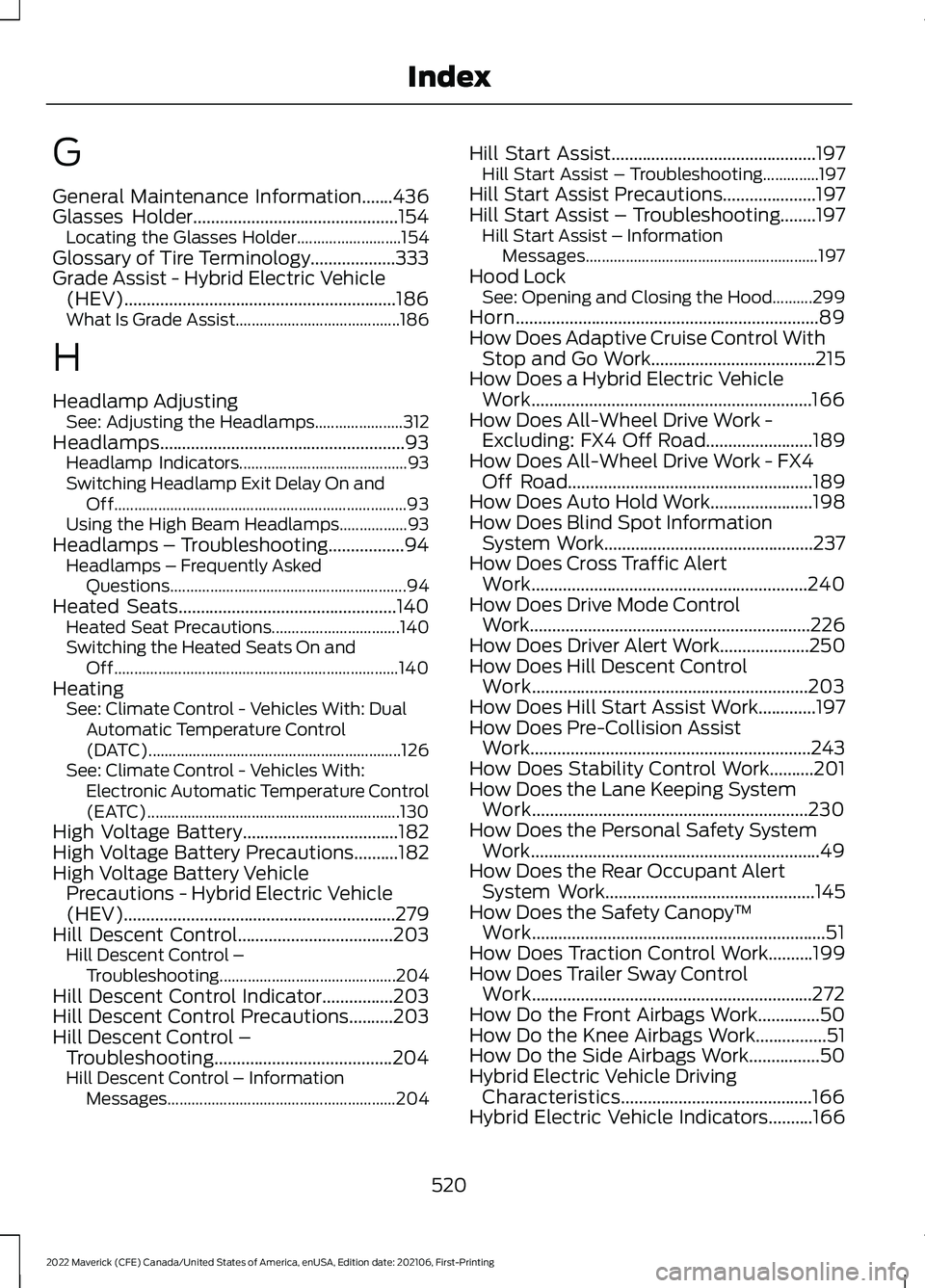
G
General Maintenance Information.......436
Glasses Holder..............................................154
Locating the Glasses Holder.......................... 154
Glossary of Tire Terminology...................333
Grade Assist - Hybrid Electric Vehicle (HEV).............................................................186
What Is Grade Assist......................................... 186
H
Headlamp Adjusting See: Adjusting the Headlamps...................... 312
Headlamps.......................................................93 Headlamp Indicators.......................................... 93
Switching Headlamp Exit Delay On and Off........................................................................\
. 93
Using the High Beam Headlamps.................93
Headlamps – Troubleshooting.................94
Headlamps – Frequently Asked
Questions........................................................... 94
Heated Seats
.................................................140
Heated Seat Precautions................................ 140
Switching the Heated Seats On and Off....................................................................... 140
Heating See: Climate Control - Vehicles With: Dual
Automatic Temperature Control
(DATC)............................................................... 126
See: Climate Control - Vehicles With: Electronic Automatic Temperature Control
(EATC)............................................................... 130
High Voltage Battery...................................182
High Voltage Battery Precautions..........182
High Voltage Battery Vehicle Precautions - Hybrid Electric Vehicle
(HEV).............................................................279
Hill Descent Control
...................................203
Hill Descent Control –
Troubleshooting............................................ 204
Hill Descent Control Indicator................203
Hill Descent Control Precautions..........203
Hill Descent Control – Troubleshooting
........................................204
Hill Descent Control – Information
Messages......................................................... 204Hill Start Assist..............................................197
Hill Start Assist – Troubleshooting..............197
Hill Start Assist Precautions.....................197
Hill Start Assist – Troubleshooting........197 Hill Start Assist – Information
Messages.......................................................... 197
Hood Lock See: Opening and Closing the Hood..........299
Horn
....................................................................89
How Does Adaptive Cruise Control With Stop and Go Work.....................................215
How Does a Hybrid Electric Vehicle Work...............................................................166
How Does All-Wheel Drive Work - Excluding: FX4 Off Road........................189
How Does All-Wheel Drive Work - FX4 Off Road
.......................................................189
How Does Auto Hold Work.......................198
How Does Blind Spot Information System Work
...............................................237
How Does Cross Traffic Alert Work..............................................................240
How Does Drive Mode Control Work
...............................................................226
How Does Driver Alert Work....................250
How Does Hill Descent Control Work..............................................................203
How Does Hill Start Assist Work.............197
How Does Pre-Collision Assist Work...............................................................243
How Does Stability Control Work..........201
How Does the Lane Keeping System Work..............................................................230
How Does the Personal Safety System Work.................................................................49
How Does the Rear Occupant Alert System Work
...............................................145
How Does the Safety Canopy ™
Work..................................................................51
How Does Traction Control Work..........199
How Does Trailer Sway Control Work...............................................................272
How Do the Front Airbags Work..............50
How Do the Knee Airbags Work................51
How Do the Side Airbags Work................50
Hybrid Electric Vehicle Driving Characteristics
...........................................166
Hybrid Electric Vehicle Indicators..........166
520
2022 Maverick (CFE) Canada/United States of America, enUSA, Edition date: 202106, First-Printing Index