2019 TOYOTA SUPRA light
[x] Cancel search: lightPage 219 of 456
219
3
Supra Owner's Manual3-1. CONTROLS
CONTROLS
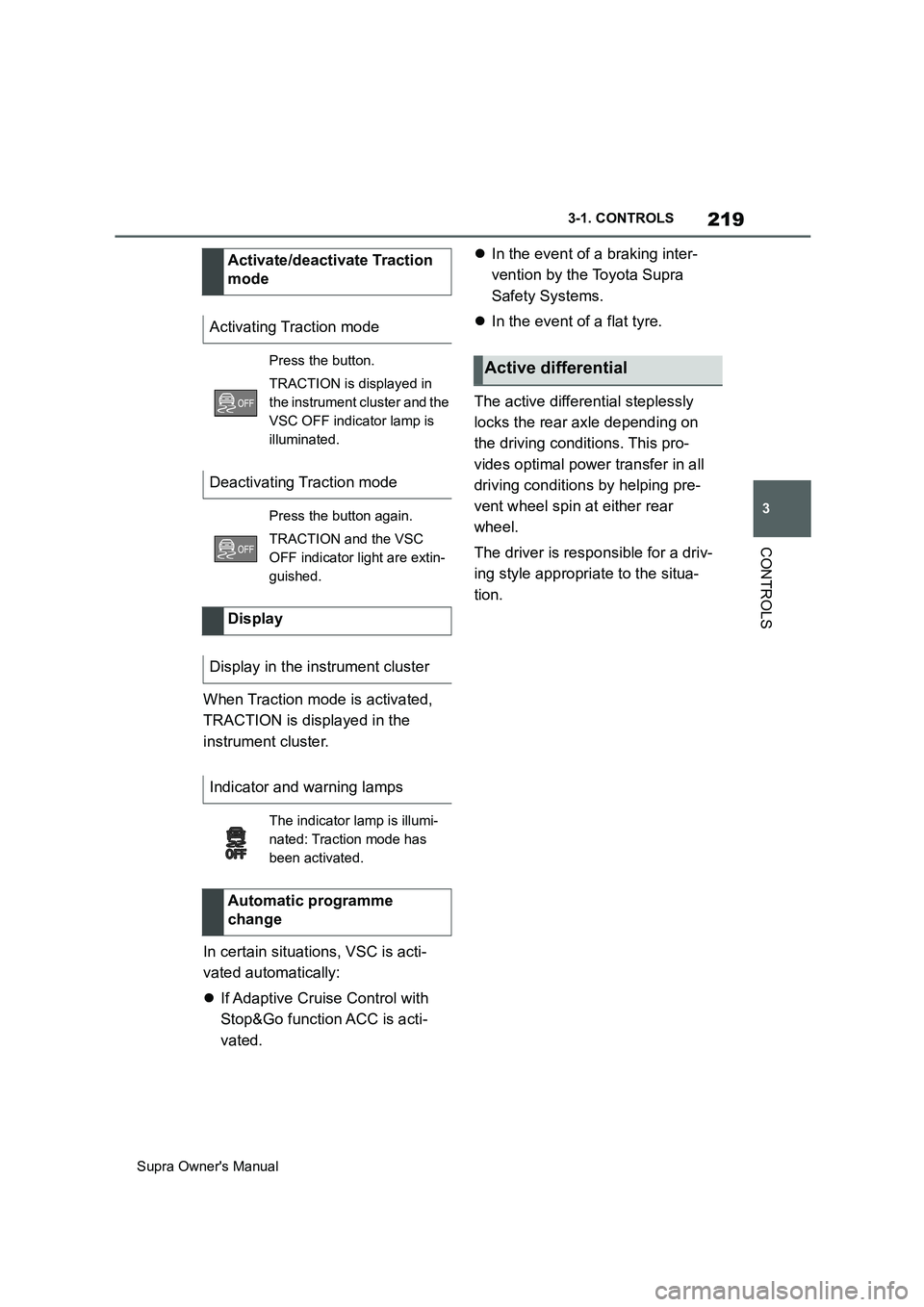
When Traction mode is activated,
TRACTION is displayed in the
instrument cluster.
In certain situations, VSC is acti-
vated automatically:
If Adaptive Cruise Control with
Stop&Go function ACC is acti-
vated.In the event of a braking inter-
vention by the Toyota Supra
Safety Systems.
In the event of a flat tyre.
The active differential steplessly
locks the rear axle depending on
the driving conditions. This pro-
vides optimal power transfer in all
driving conditions by helping pre-
vent wheel spin at either rear
wheel.
The driver is responsible for a driv-
ing style appropriate to the situa-
tion. Activate/deactivate Traction
mode
Activating Traction mode
Press the button.
TRACTION is displayed in
the instrument cluster and the
VSC OFF indicator lamp is
illuminated.
Deactivating Traction mode
Press the button again.
TRACTION and the VSC
OFF indicator light are extin-
guished.
Display
Display in the instrument cluster
Indicator and warning lamps
The indicator lamp is illumi-
nated: Traction mode has
been activated.
Automatic programme
change
Active differential
Page 232 of 456
232
Supra Owner's Manual3-1. CONTROLS
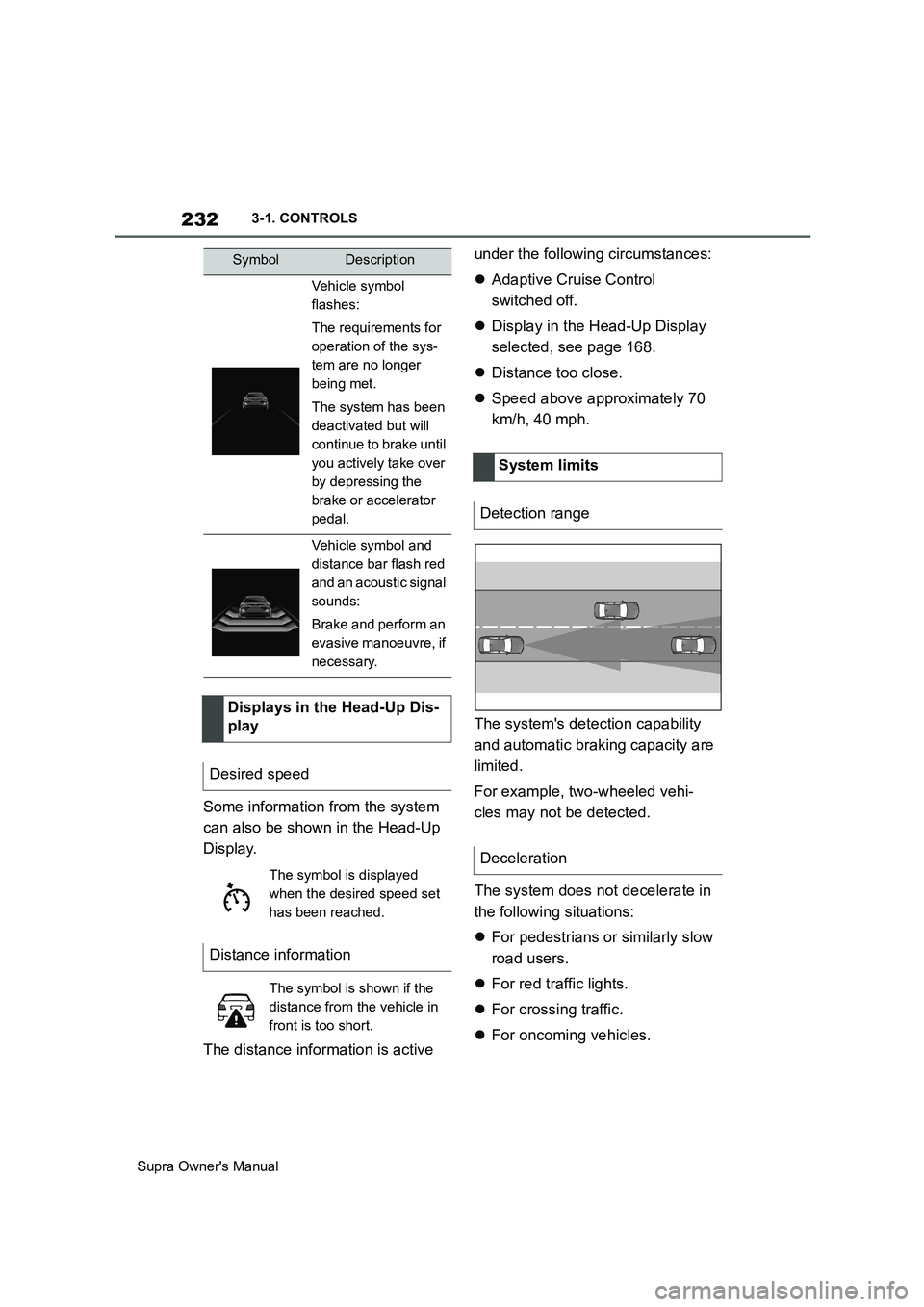
Some information from the system
can also be shown in the Head-Up
Display.
The distance information is active under the following circumstances:
Adaptive Cruise Control
switched off.
Display in the Head-Up Display
selected, see page 168.
Distance too close.
Speed above approximately 70
km/h, 40 mph.
The system's detection capability
and automatic braking capacity are
limited.
For example, two-wheeled vehi-
cles may not be detected.
The system does not decelerate in
the following situations:
For pedestrians or similarly slow
road users.
For red traffic lights.
For crossing traffic.
For oncoming vehicles.
Vehicle symbol
flashes:
The requirements for
operation of the sys-
tem are no longer
being met.
The system has been
deactivated but will
continue to brake until
you actively take over
by depressing the
brake or accelerator
pedal.
Vehicle symbol and
distance bar flash red
and an acoustic signal
sounds:
Brake and perform an
evasive manoeuvre, if
necessary.
Displays in the Head-Up Dis-
play
Desired speed
The symbol is displayed
when the desired speed set
has been reached.
Distance information
The symbol is shown if the
distance from the vehicle in
front is too short.
SymbolDescription
System limits
Detection range
Deceleration
Page 233 of 456
233
3
Supra Owner's Manual3-1. CONTROLS
CONTROLS
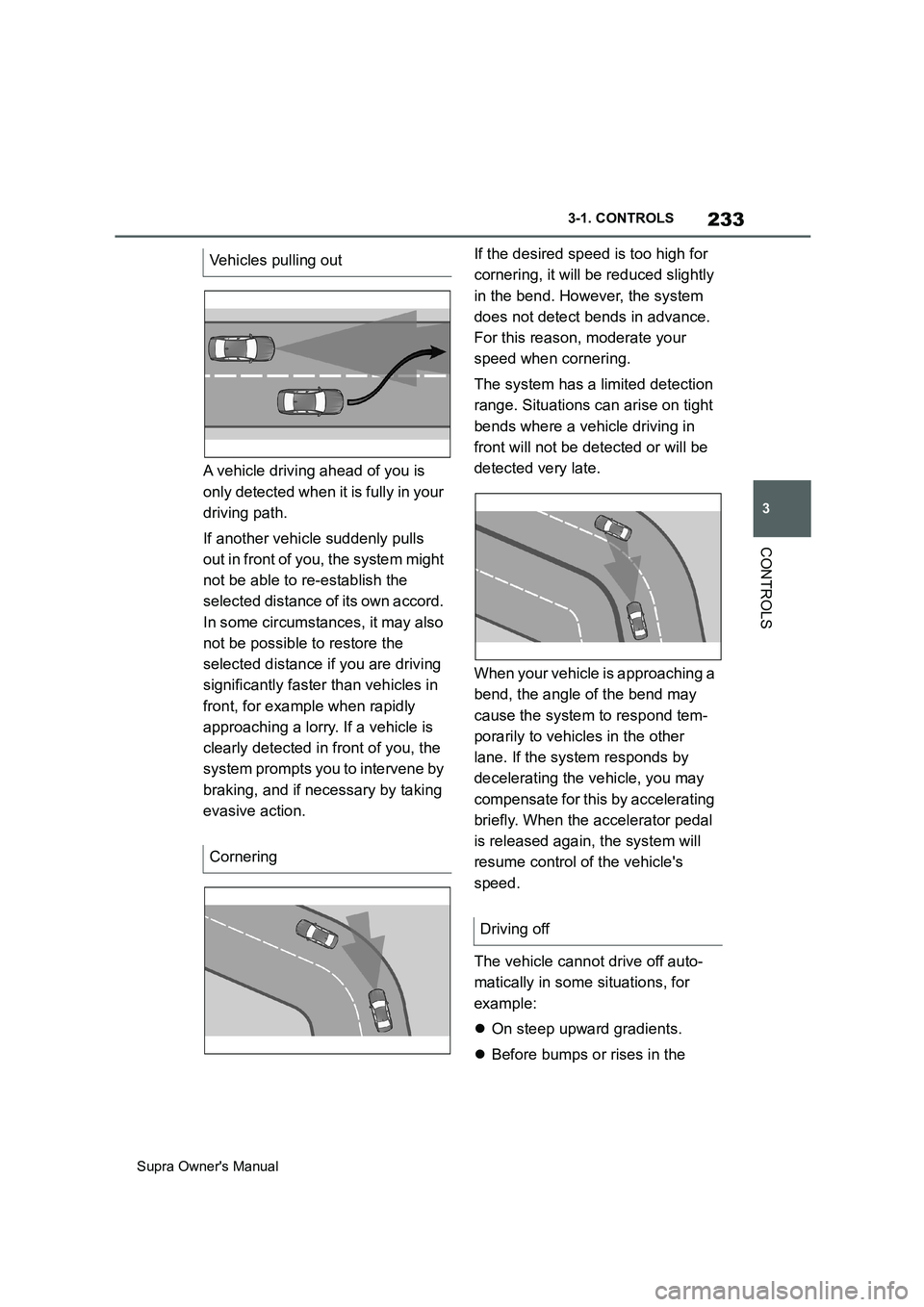
A vehicle driving ahead of you is
only detected when it is fully in your
driving path.
If another vehicle suddenly pulls
out in front of you, the system might
not be able to re-establish the
selected distance of its own accord.
In some circumstances, it may also
not be possible to restore the
selected distance if you are driving
significantly faster than vehicles in
front, for example when rapidly
approaching a lorry. If a vehicle is
clearly detected in front of you, the
system prompts you to intervene by
braking, and if necessary by taking
evasive action.If the desired speed is too high for
cornering, it will be reduced slightly
in the bend. However, the system
does not detect bends in advance.
For this reason, moderate your
speed when cornering.
The system has a limited detection
range. Situations can arise on tight
bends where a vehicle driving in
front will not be detected or will be
detected very late.
When your vehicle is approaching a
bend, the angle of the bend may
cause the system to respond tem-
porarily to vehicles in the other
lane. If the system responds by
decelerating the vehicle, you may
compensate for this by accelerating
briefly. When the accelerator pedal
is released again, the system will
resume control of the vehicle's
speed.
The vehicle cannot drive off auto-
matically in some situations, for
example:
On steep upward gradients.
Before bumps or rises in the Vehicles pulling out
Cornering
Driving off
Page 234 of 456
234
Supra Owner's Manual3-1. CONTROLS
road.
In such cases, depress the acceler-
ator pedal.
The following restrictions may apply
if the weather or lighting conditions
are unfavourable:
Impaired detection of vehicles.
Brief interruptions when vehicles
have already been detected.
Examples of unfavourable weather
or lighting conditions:
Wet roads.
Snowfall.
Slush.
Fog.
Oncoming light.
Pay attention when driving and
respond to the prevailing traffic con-
ditions. If necessary, intervene
actively, for example by braking,
steering or manoeuvring.
The desired speed is also main-
tained on a downhill stretch. The
vehicle may drive slower than the
desired speed on uphill gradients if
the engine power is not sufficient.The system cannot be activated if
the radar sensor is not correctly
aligned, for example following park-
ing damage.
A vehicle message is displayed if
the system has failed.
Have the system checked by any
authorized Toyota retailer or Toyota
authorized repairer, or any reliable
repairer.
The system may have limited func-
tionality if the radar sensor detec-
tion range is partially covered, for
example by the number plate
holder.
The function for detecting and
responding to stationary vehicles
when approaching may be limited
in the following situation:
During the camera calibration
process immediately after vehi-
cle delivery.
Failure or soiling of the camera.
A vehicle message is shown.
When the systems in the vehicle
(Speed Limit Info, for example) Weather
Engine powerMalfunction
Radar sensor
Camera
Speed Limit Assist
Principle
Page 240 of 456
240
Supra Owner's Manual3-1. CONTROLS
Due to the system limits, a collision
cannot be prevented under all cir-
cumstances.
The function is available at speeds
below walking speed when driving
or rolling in reverse.
Pressing the accelerator pedal
interrupts the braking intervention.
After emergency braking to a stop,
it is possible to continue a slow
approach to the obstacle. To
approach, lightly depress the accel-
erator.
If the accelerator is depressed
more firmly, the vehicle pulls away
as normal. Manual braking is possi-
ble at any time.
The system uses the ultrasonic
sensors of Parking Sensor and
Park Assistant.
Via Toyota Supra Command:
1"My vehicle"2"Vehicle settings"
3"Parking"
4"Active PDC emergency inter-
vention"
5"Active PDC emergency interv."
The setting is saved for the cur-
rently used driver profile.
The system warns about obstacles
at the side of the vehicle.
The system uses the ultrasonic
sensors of Parking Sensor and
Park Assistant.
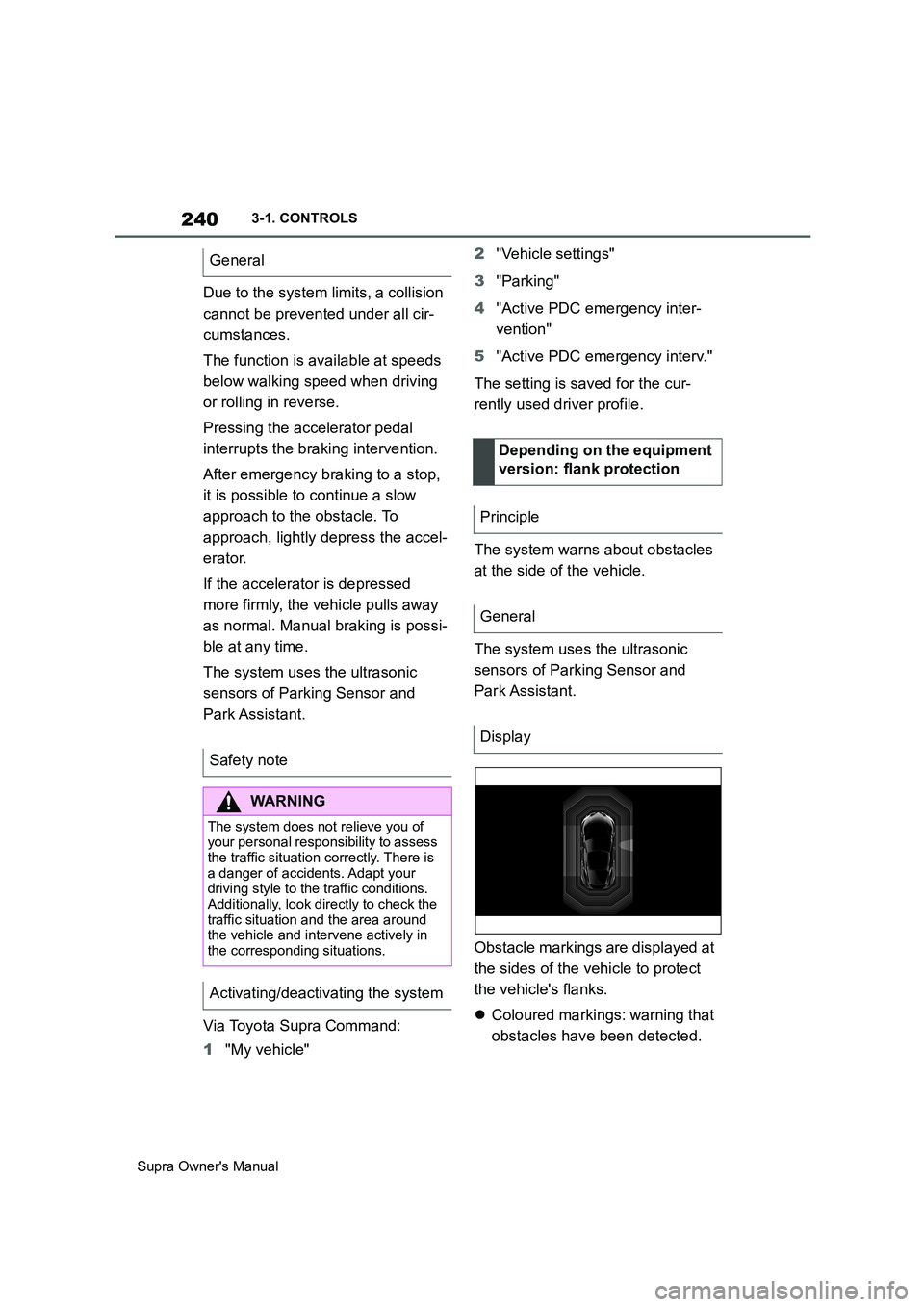
Obstacle markings are displayed at
the sides of the vehicle to protect
the vehicle's flanks.
Coloured markings: warning that
obstacles have been detected. General
Safety note
WARNING
The system does not relieve you of
your personal responsibility to assess
the traffic situation correctly. There is
a danger of accidents. Adapt your
driving style to the traffic conditions.
Additionally, look directly to check the
traffic situation and the area around
the vehicle and intervene actively in
the corresponding situations.
Activating/deactivating the system
Depending on the equipment
version: flank protection
Principle
General
Display
Page 242 of 456
242
Supra Owner's Manual3-1. CONTROLS
the outline of the vehicle.
Under the following conditions, the
system may issue a warning even
though there is no obstacle in the
detection range:
In heavy rain.
If the sensors are very soiled or
covered with ice.
If the sensors are covered with
snow.
On rough road surfaces.
On uneven surfaces, for exam-
ple speed bumps.
In large, rectangular buildings
with smooth walls, for example
underground car parks.
In washing bays and car washes.
Due to dense exhaust gases.
Due to other ultrasonic sources,
for example sweeping machines,
steam-jet cleaners or neon lights.
To reduce false alarms, for example
in automatic car washes, switch off,
see page 238, automatic activation
of Parking Sensor when obstacles
are detected if necessary.
A vehicle message is shown.Parking Sensor has failed. Have
the system checked by any author-
ized Toyota retailer or Toyota
authorized repairer, or any reliable
repairer.
The rear-view camera provides
assistance when reverse parking or
manoeuvring. It does this by show-
ing an image of the area behind the
vehicle on the Control Display. False alarms
Malfunction
A white symbol is shown and
the capture area of the sen-
sors is shown in dark colour
on the Control Display.
Rear-view camera
Principle
Safety note
WARNING
The system does not relieve you of
your personal responsibility to assess
the traffic situation correctly. There is
a danger of accidents. Adapt your
driving style to the traffic conditions.
Additionally, look directly to check the
traffic situation and the area around
the vehicle and intervene actively in
the corresponding situations.
Page 243 of 456
243
3
Supra Owner's Manual3-1. CONTROLS
CONTROLS
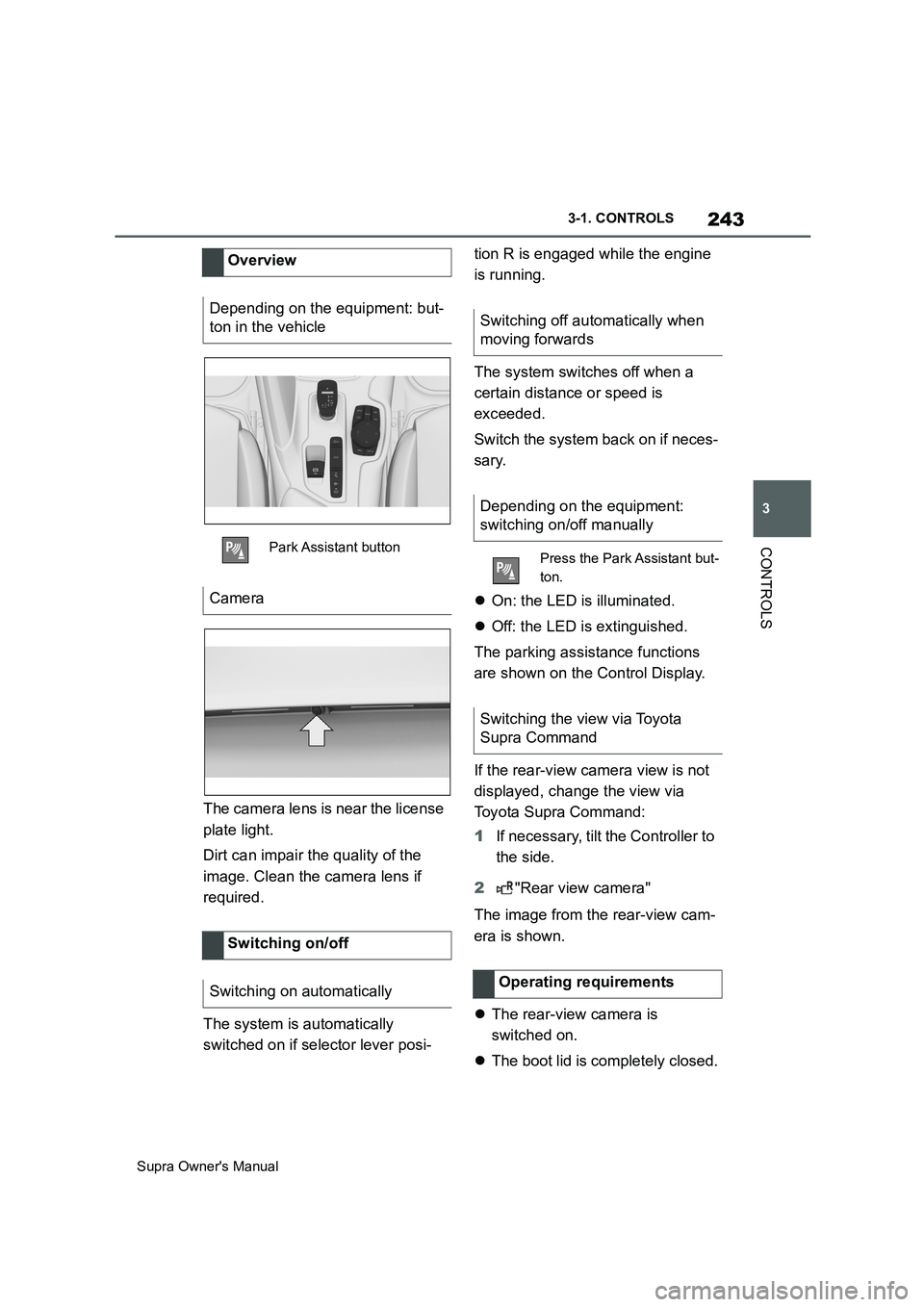
The camera lens is near the license
plate light.
Dirt can impair the quality of the
image. Clean the camera lens if
required.
The system is automatically
switched on if selector lever posi-tion R is engaged while the engine
is running.
The system switches off when a
certain distance or speed is
exceeded.
Switch the system back on if neces-
sary.
On: the LED is illuminated.
Off: the LED is extinguished.
The parking assistance functions
are shown on the Control Display.
If the rear-view camera view is not
displayed, change the view via
Toyota Supra Command:
1If necessary, tilt the Controller to
the side.
2"Rear view camera"
The image from the rear-view cam-
era is shown.
The rear-view camera is
switched on.
The boot lid is completely closed. Overview
Depending on the equipment: but-
ton in the vehicle
Park Assistant button
Camera
Switching on/off
Switching on automatically
Switching off automatically when
moving forwards
Depending on the equipment:
switching on/off manually
Press the Park Assistant but-
ton.
Switching the view via Toyota
Supra Command
Operating requirements
Page 247 of 456
247
3
Supra Owner's Manual3-1. CONTROLS
CONTROLS
2Tilt the Controller to the right.
3"Settings"
4"Cross-traffic alert"
5"Cross-traffic alert"
Or via Toyota Supra Command:
1"My vehicle"
2"Vehicle settings"
3"Parking"
4"Cross-traffic alert"
5"Cross-traffic alert"
If the system was activated on the
Control Display, it is switched on
automatically as soon as Parking
Sensors or Panorama View is
active and a gear is engaged.
The system is switched on at the
rear when reverse gear is engaged.
The system switches off automati-
cally in the following situations:
If walking speed is exceeded.
When a certain distance is
exceeded.
During active parking with the
Park Assistant.
The Control Display shows the cor-responding display, an acoustic sig-
nal may sound and the light in the
exterior mirror flashes.
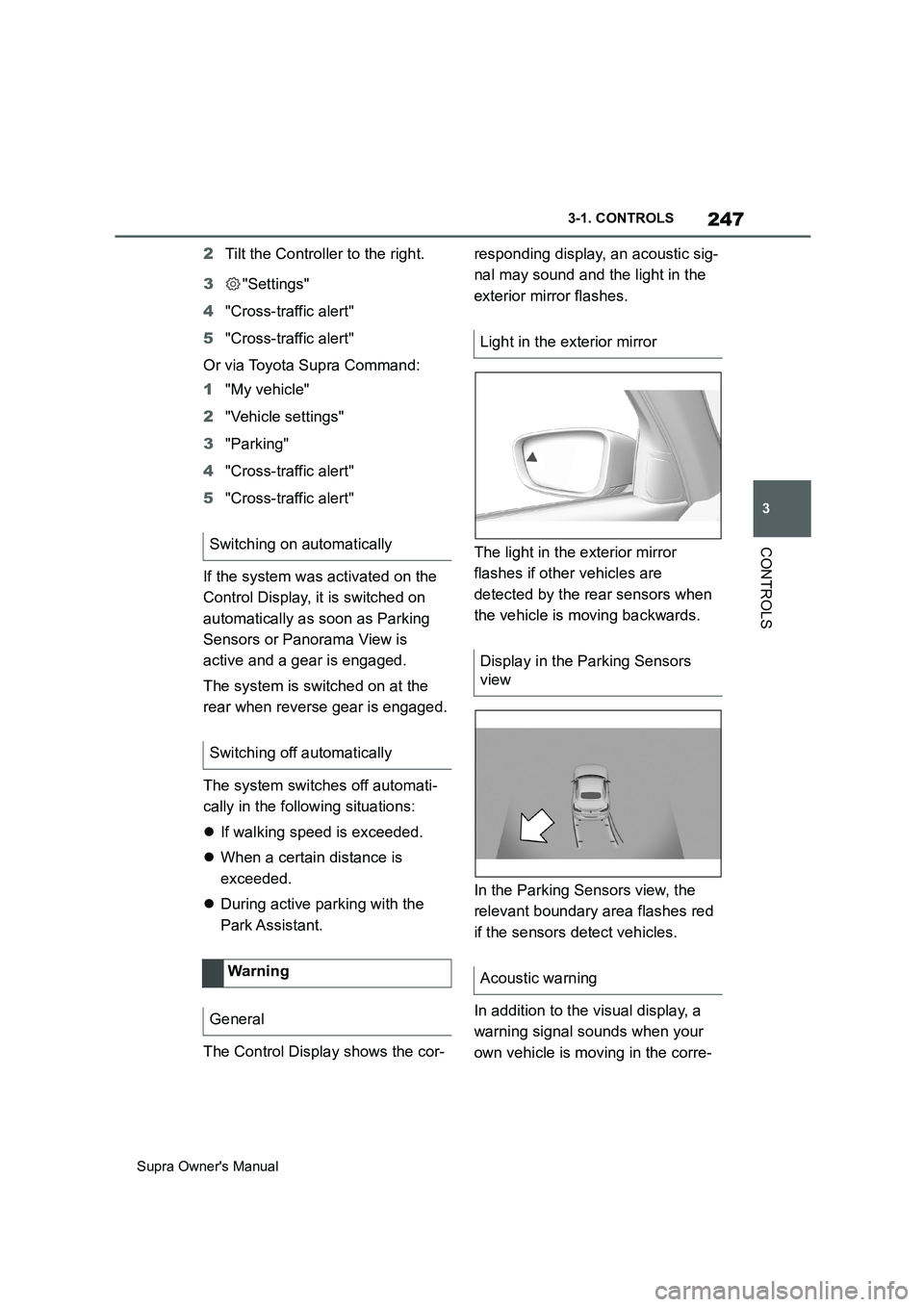
The light in the exterior mirror
flashes if other vehicles are
detected by the rear sensors when
the vehicle is moving backwards.
In the Parking Sensors view, the
relevant boundary area flashes red
if the sensors detect vehicles.
In addition to the visual display, a
warning signal sounds when your
own vehicle is moving in the corre- Switching on automatically
Switching off automatically
Wa rning
General
Light in the exterior mirror
Display in the Parking Sensors
view
Acoustic warning