2019 TOYOTA SUPRA remote control
[x] Cancel search: remote controlPage 91 of 456
91
3
Supra Owner's Manual3-1. CONTROLS
CONTROLS
The vehicle is automatically locked
again after a short while if no door is
opened after unlocking.
• "Lock after pulling away"
On driving off, the vehicle is locked
automatically.
Via Toyota Supra Command:
1"My Vehicle"
2"Vehicle settings"
3"Doors/Key"
4"Unlock at end of journey"
After the drive-ready state has been
switched off by pressing the start/stop
button, the locked vehicle is automati-
cally unlocked.
Via Toyota Supra Command:
1"My Vehicle"
2"Vehicle settings"
3"Doors/Key"
4"Fold mirrors in when locked"
When locking, the exterior mirrors are
automatically folded in, and when
unlocking they are automatically folded
out.
Via Toyota Supra Command:
1"My Vehicle"
2"Vehicle settings"
3"Doors/Key"4"Switch off after door opening"
Idle state, see page 44, is established
when the front doors are opened.
The alarm system responds to the
following changes when the vehicle
is locked:
• A door, the bonnet or the boot lid
is opened.
• Movements in the interior.
• The vehicle's incline changes, for
instance if an attempt is made to
jack it up and steal the wheels or
to raise it prior to towing away.
• There is an interruption in the
power supply from the battery.
• Improper use of the socket for
on-board diagnosis OBD.
The alarm system indicates the fol-
lowing changes visually and audi-
bly:
• Audible alarm: Depending on
local regulations, the acoustic
alarm may be suppressed.
• Visual alarm: By flashing the
exterior lights.
The alarm system is switched on
and off at the same time as the
vehicle is unlocked and locked via
the remote control or Smart Key
System. Automatic unlocking
Folding the mirrors automati-
cally
Establishing idle state after
opening the front doors
Alarm system
General
Switching on/off
Page 93 of 456
93
3
Supra Owner's Manual3-1. CONTROLS
CONTROLS
The tilt alarm sensor and the inte-
rior movement detector may trigger
an alarm without any unauthorised
activity taking place.
Possible situations for an unwanted
alarm:
• In washing bays or car washes.
• In two-level garages.
• During transport via motorail, car
ferry or trailer.
• When there are pets in the vehi-
cle.
• When the vehicle is locked after
starting to refuel.
The tilt alarm sensor and interior
protection can be switched off for
such situations.
The indicator lamp illuminates for
approximately 2 seconds and then
flashes again.
The tilt alarm sensor and the inte-
rior movement detector are
switched off until the next time the
vehicle is locked.• Unlock the vehicle with the
remote control, if necessary
using the special ID feature of
the remote control, see page 78.
• With Smart Key System: fully
grasp the door handle on either
the driver's door or the front pas-
senger door while carrying the
remote control. Avoiding false alarms
General
Switching off the tilt alarm sensor
and interior movement detector
As soon as the vehicle is
locked, press the button on
the remote control within 10
seconds.
Stopping the alarm
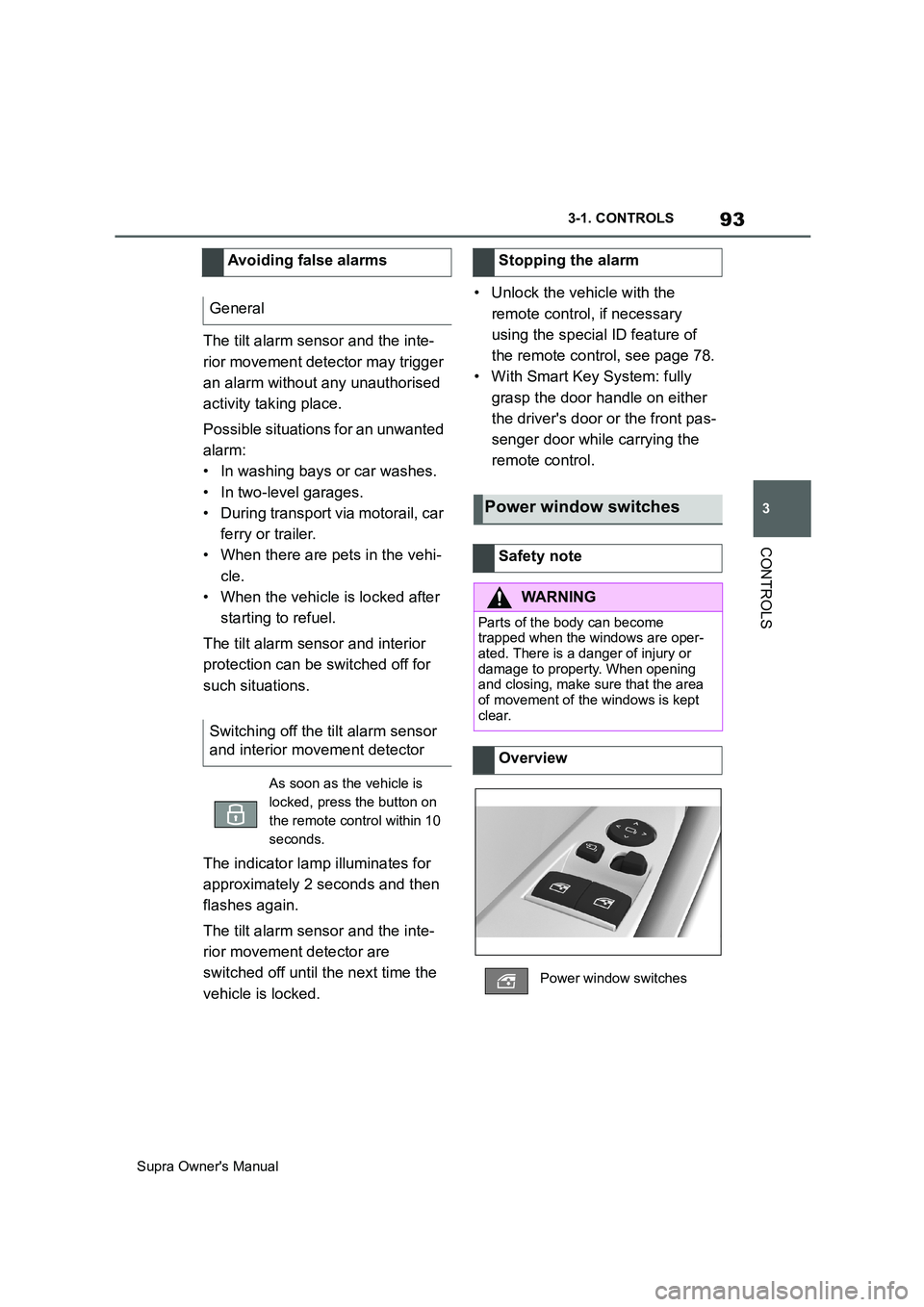
Power window switches
Safety note
WARNING
Parts of the body can become
trapped when the windows are oper-
ated. There is a danger of injury or
damage to property. When opening
and closing, make sure that the area
of movement of the windows is kept
clear.
Overview
Power window switches
Page 94 of 456
94
Supra Owner's Manual3-1. CONTROLS
The windows can be operated
under the following conditions.
• Standby state is established.
• Drive-ready state is established.
• For a short while after idle state
has been established.
• The remote control is in the inte-
rior.
• Push the switch as far as
the resistance point.
The window opens as long as the
switch is held.
• Push the switch past the
resistance point.
The window is opened automatically.
The movement is stopped by pressing
the switch again.
• Pull the switch as far as
the resistance point.
The window closes as long as the
switch is held.
• Pull the switch past the
resistance point.
The window closes automatically if the
door is closed. Pulling the switch again
stops the movement.
If the closing force exceeds a cer-
tain value when a window is clos-
ing, the closing operation is
interrupted.
The window is opened slightly.
If an external danger or ice does
not allow you to close the windows
normally, proceed as follows:
1 Pull the switch past the
resistance point and hold it
there.
The window is closed with a restricted
anti-trap mechanism. If the closing
force exceeds a certain value, the clos-
ing operation is interrupted.
2 Pull the switch past the
resistance point again within
approximately 4 seconds and
hold it there.
The window is closed without the
anti-trap mechanism.
Operating requirements
Opening
ClosingAnti-trap mechanism
General
Safety note
WARNING
Accessories on the windows, for
example aerials, can impair the
anti-trap mechanism. There is a dan-
ger of injury. Do not attach any acces-
sories in the area of movement of the
windows.
Closing without the anti-trap
mechanism
Page 109 of 456
109
3
Supra Owner's Manual3-1. CONTROLS
CONTROLS
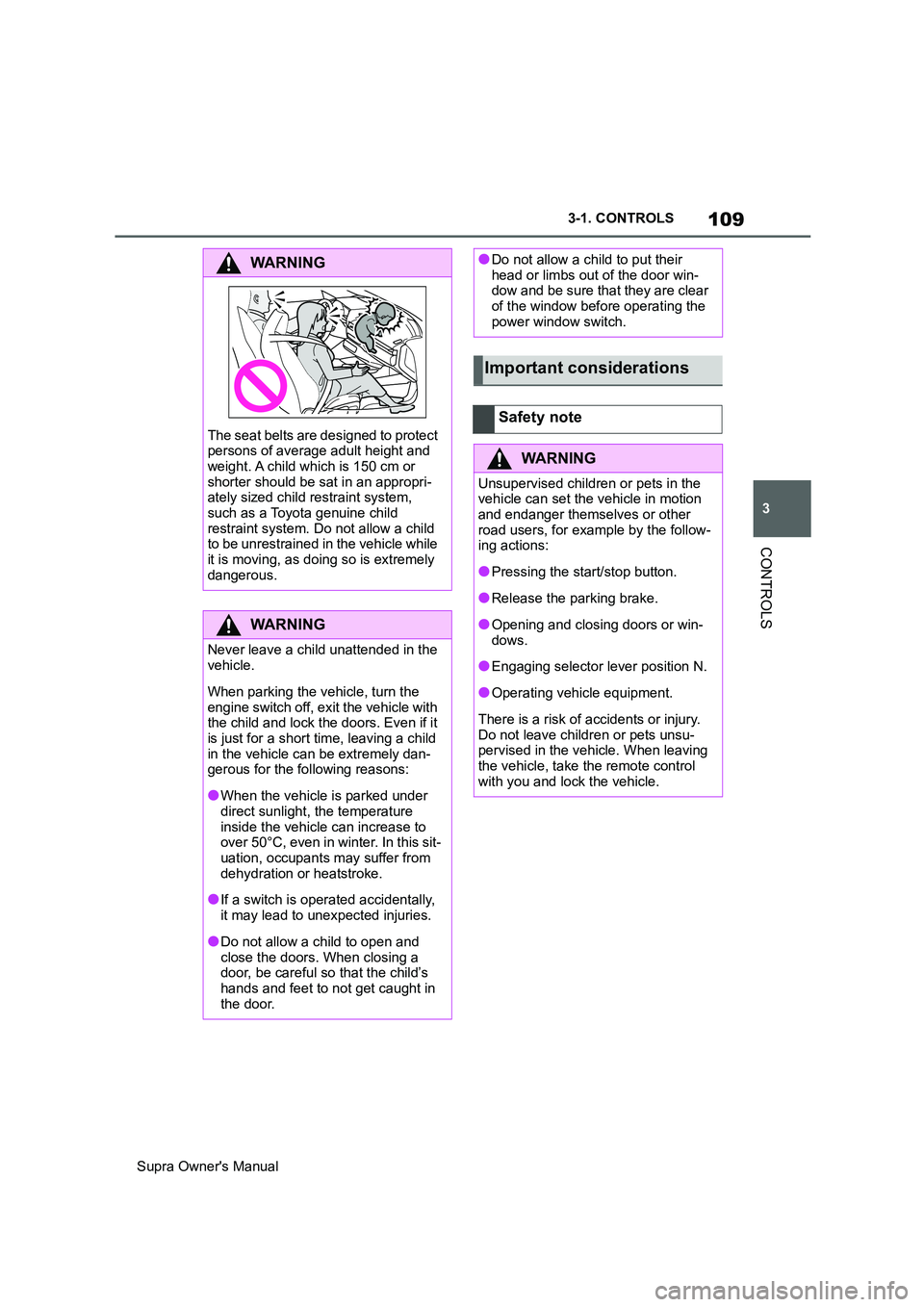
WARNING
The seat belts are designed to protect
persons of average adult height and
weight. A child which is 150 cm or
shorter should be sat in an appropri-
ately sized child restraint system,
such as a Toyota genuine child
restraint system. Do not allow a child
to be unrestrained in the vehicle while
it is moving, as doing so is extremely
dangerous.
WARNING
Never leave a child unattended in the
vehicle.
When parking the vehicle, turn the
engine switch off, exit the vehicle with
the child and lock the doors. Even if it
is just for a short time, leaving a child
in the vehicle can be extremely dan-
gerous for the following reasons:
●When the vehicle is parked under
direct sunlight, the temperature
inside the vehicle can increase to
over 50°C, even in winter. In this sit-
uation, occupants may suffer from
dehydration or heatstroke.
●If a switch is operated accidentally,
it may lead to unexpected injuries.
●Do not allow a child to open and
close the doors. When closing a
door, be careful so that the child’s
hands and feet to not get caught in
the door.
●Do not allow a child to put their
head or limbs out of the door win-
dow and be sure that they are clear
of the window before operating the
power window switch.
Important considerations
Safety note
WARNING
Unsupervised children or pets in the
vehicle can set the vehicle in motion
and endanger themselves or other
road users, for example by the follow-
ing actions:
●Pressing the start/stop button.
●Release the parking brake.
●Opening and closing doors or win-
dows.
●Engaging selector lever position N.
●Operating vehicle equipment.
There is a risk of accidents or injury.
Do not leave children or pets unsu-
pervised in the vehicle. When leaving
the vehicle, take the remote control
with you and lock the vehicle.
Page 138 of 456
138
Supra Owner's Manual3-1. CONTROLS
■General
Use during the journey serves as
an emergency brake.
Pull and hold the switch. Vehicle brakes strongly for as long as the
switch is pulled.
A vehicle message is shown.
Apply the parking brake when the
vehicle is stationary.
1Switch on drive-ready state.
2 Automatic transmission:
press the switch with the brake
pedal depressed or selector
lever position P engaged.
LED and indicator lamp turn off.
The parking brake is released.
The parking brake is automatically
released on driving off.
LED and indicator lamp turn off.
If the parking brake fails or malfunc-
tions:
After getting out, secure the vehicle
to prevent it from rolling away, for
example with a chock.
WARNING
●Engaging selector lever position N.
●Operating vehicle equipment.
There is a risk of accidents or injury.
Do not leave children or pets unsu-
pervised in the vehicle. When leaving
the vehicle, take the remote control
with you and lock the vehicle.
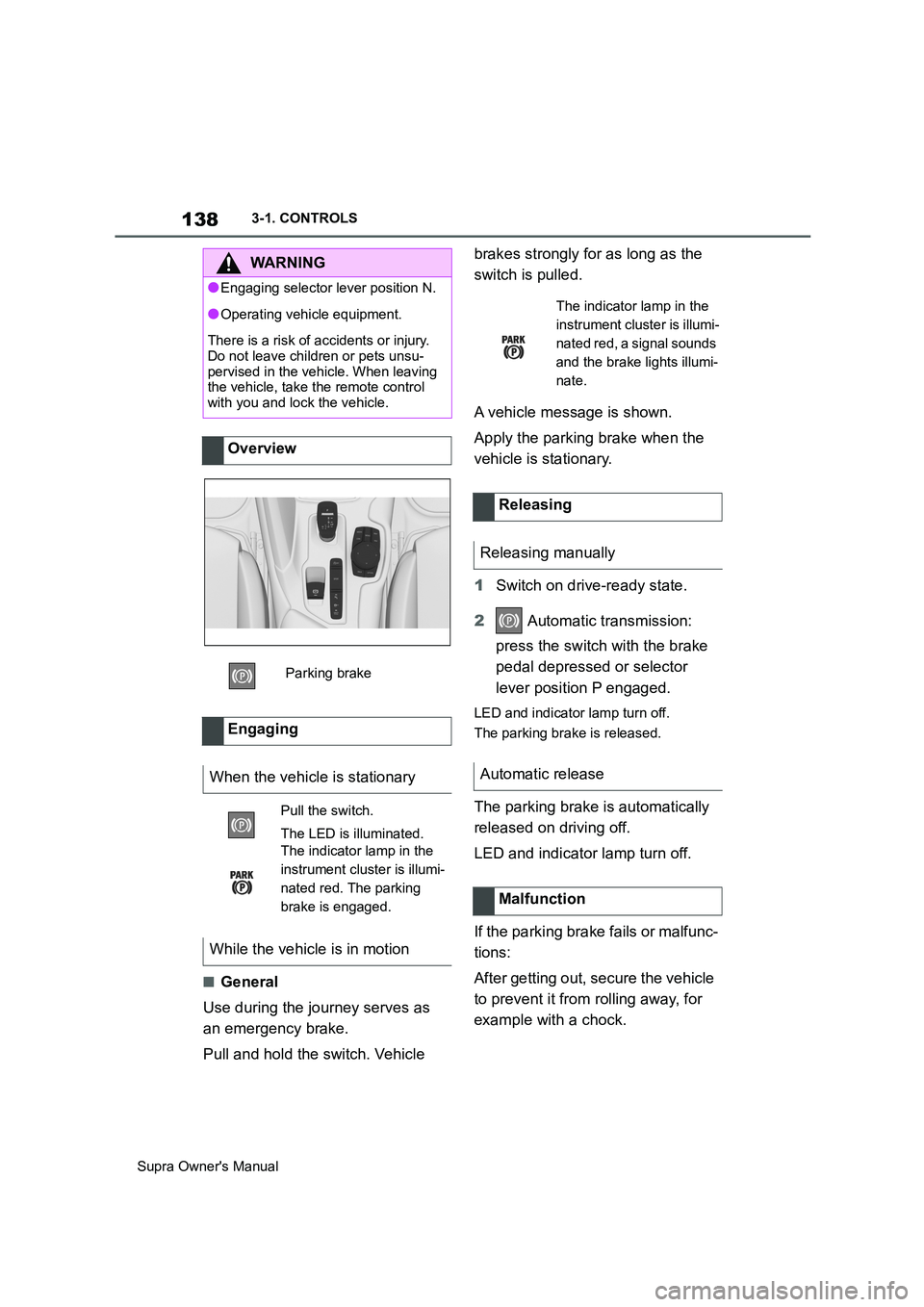
Overview
Parking brake
Engaging
When the vehicle is stationary
Pull the switch.
The LED is illuminated.
The indicator lamp in the
instrument cluster is illumi-
nated red. The parking
brake is engaged.
While the vehicle is in motion
The indicator lamp in the
instrument cluster is illumi-
nated red, a signal sounds
and the brake lights illumi-
nate.
Releasing
Releasing manually
Automatic release
Malfunction
Page 168 of 456
168
Supra Owner's Manual3-1. CONTROLS
Via Toyota Supra Command:
1"My Vehicle"
2"Vehicle settings"
3"Speed warning"
4"Warning at:"
5Turn the Controller until the
desired speed is displayed.
6Press the Controller.
Via Toyota Supra Command:
1"My Vehicle"
2"Vehicle settings"
3"Speed warning"
4"Speed warning"
Via Toyota Supra Command:
1"My Vehicle"
2"Vehicle settings"
3"Speed warning"
4"Select current speed"
The status can be displayed or
actions performed for some sys-
tems.Via Toyota Supra Command:
1"My vehicle"
2"Vehicle status"
• "Tyre Pressure Monitor": Sta-
tus of the Tyre Pressure Monitor,
see page 290
• "Engine oil level": Electronic
oil measurement, see page 309.
• "Vehicle messages": Vehicle
messages are stored in the
background and can be shown
on the Control Display. Display-
ing of saved vehicle messages,
see page 152.
• "Service requirements": dis-
play of the service requirements,
see page 159.
• "Remote maintenance call":
Remote maintenance call.
The system projects important
information, for example the speed,
into the driver's field of vision.
The driver can register this informa-
tion without having to divert atten-
tion from the road. Adjusting the speed warning
Activating/deactivating the
speed warning
Setting the current speed as
the speed warning
Vehicle status
General
Calling up the vehicle status
Overview of the information
Head-Up Display (vehicles
with head-up display)
Principle
Page 189 of 456

189
3
Supra Owner's Manual3-1. CONTROLS
CONTROLS
The front and side airbags for the
front passenger can be deacti-
vated and reactivated using the
integrated key from the remote con-
trol.
The key switch for front passenger
airbags is located on the outside of the
dashboard.
1Insert the key and press inwards
where necessary.
2While the key is pressed
inwards, turn it to the OFF posi-
tion as far as it will go. Once the stop position has been reached,
remove the key.
3Make sure that the key switch is
in the end position so that the
airbags are deactivated.
The front passenger airbags are
deactivated. The driver's airbags
remain active.
If a child restraint system is no
longer fitted in the front passenger
seat, reactivate the front passenger
airbags so that they are triggered
as intended in the event of an acci-
dent.
The airbag status is displayed on
the indicator lamp on the roof lining,
see page 190.
1Insert the key and press inwards
where necessary.
2While the key is pressed
inwards, turn it to the ON posi-
tion as far as it will go. Once the
stop position has been reached,
remove the key. General
Overview
Deactivating the front pas-
senger airbags
Activating the front passen-
ger airbags
Page 260 of 456
260
Supra Owner's Manual3-1. CONTROLS
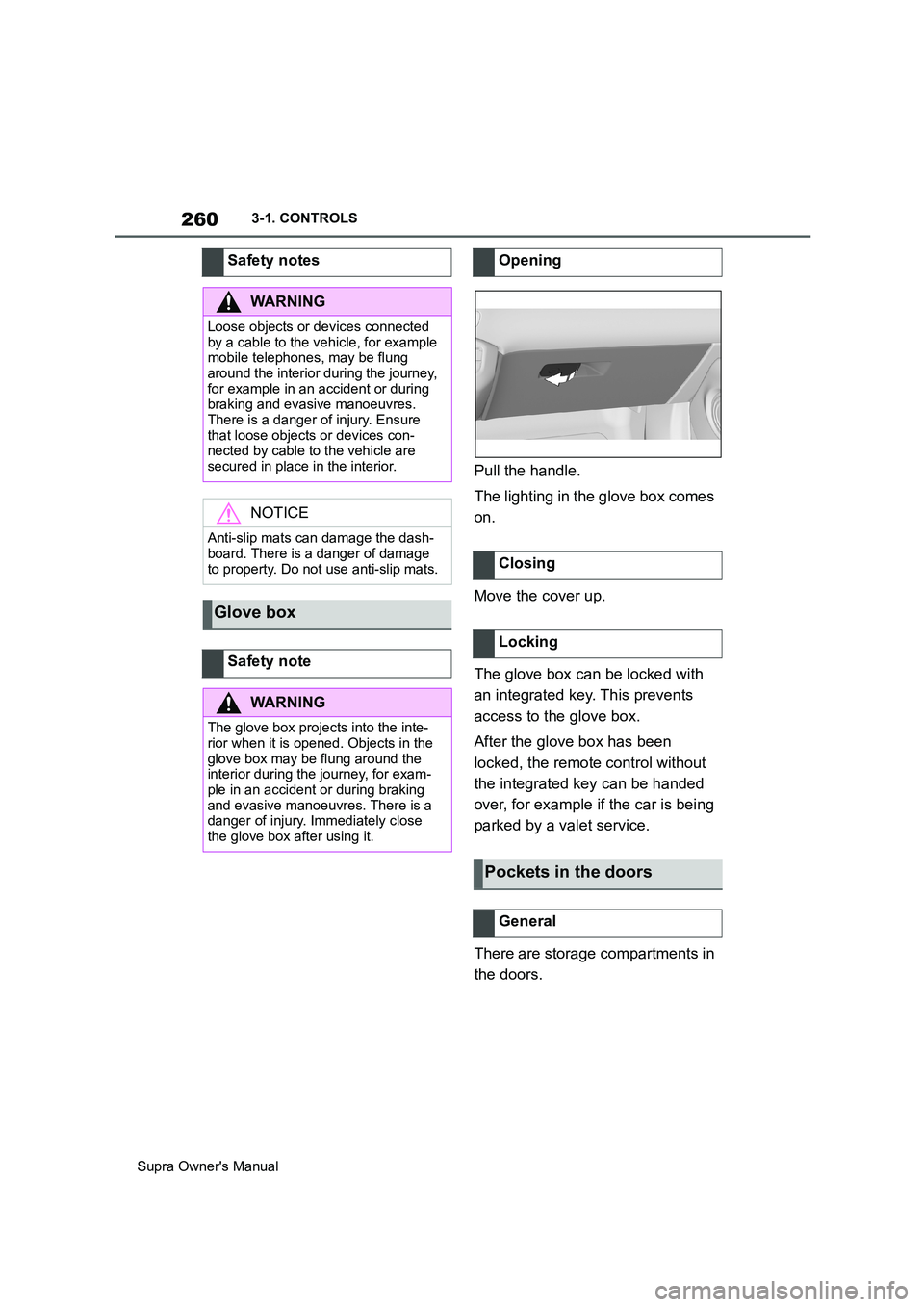
Pull the handle.
The lighting in the glove box comes
on.
Move the cover up.
The glove box can be locked with
an integrated key. This prevents
access to the glove box.
After the glove box has been
locked, the remote control without
the integrated key can be handed
over, for example if the car is being
parked by a valet service.
There are storage compartments in
the doors. Safety notes
WARNING
Loose objects or devices connected
by a cable to the vehicle, for example
mobile telephones, may be flung
around the interior during the journey,
for example in an accident or during
braking and evasive manoeuvres.
There is a danger of injury. Ensure
that loose objects or devices con-
nected by cable to the vehicle are
secured in place in the interior.
NOTICE
Anti-slip mats can damage the dash-
board. There is a danger of damage
to property. Do not use anti-slip mats.
Glove box
Safety note
WARNING
The glove box projects into the inte-
rior when it is opened. Objects in the
glove box may be flung around the
interior during the journey, for exam-
ple in an accident or during braking
and evasive manoeuvres. There is a
danger of injury. Immediately close
the glove box after using it.
Opening
Closing
Locking
Pockets in the doors
General