2019 TOYOTA SUPRA ECU
[x] Cancel search: ECUPage 110 of 456
110
Supra Owner's Manual3-1. CONTROLS
When using a child restraint system
on the front passenger seat, make
sure that the front and side airbags
on the passenger side are deacti-
vated. Front passenger airbags can
only be deactivated with the key
switch for front passenger airbags,
see page 188.Appropriate child restraint systems
for every age and weight class are
available from any authorized
Toyota retailer or Toyota authorized
repairer, or any reliable repairer.
Please comply with the operating
and safety instructions provided by
the child restraint system manufac-
turer when selecting, attaching and
using child restraint systems.
WARNING
Children less than 150 cm, 5 ft in
height cannot wear the seat belt cor-
rectly without using additional child
restraint systems. The protective
function of the seat belts may be lim-
ited or may even fail completely if the
seat belts are worn incorrectly. If a
seat belt is not worn correctly, addi-
tional injuries can be caused, for
example in the event of an accident or
braking and evasive manoeuvres.
There is a danger of injury or even
death. Children smaller than 150 cm,
5 ft in height must be secured in suita-
ble child restraint systems.
Not for Australia/New Zea-
land: Children on the front
passenger seat
General
Safety note
WARNING
Active front passenger airbags can
injure a child in a child restraint sys-
tem if they are triggered. There is a
danger of injury. Make sure that the
front passenger airbags are deacti-
vated and the PASSENGER AIRBAG
OFF indicator lamp is illuminated.
WARNING
Children less than 150 cm, 5 ft in
height cannot wear the seat belt cor-
rectly without using additional child
restraint systems. The protective
function of the seat belts may be lim-
ited or may even fail completely if the
seat belts are worn incorrectly. If a
seat belt is not worn correctly, addi-
tional injuries can be caused, for
example in the event of an accident or
braking and evasive manoeuvres.
There is a danger of injury or even
death. Children smaller than 150 cm,
5 ft in height must be secured in suita-
ble child restraint systems.
Fitting child restraints
General
Page 137 of 456
137
3
Supra Owner's Manual3-1. CONTROLS
CONTROLS
The Auto Start/Stop is also deacti-
vated in the SPORT drive mode of
the Sport mode switch.
■General
With automatic engine stop, the
vehicle can be parked safely, for
example in order to leave it.
■Automatic transmission
1Press the start/stop button.
Drive-ready state is switched off.
Standby state is switched on.
Selector lever position P is auto-
matically engaged.
2Apply the parking brake.
In certain situations the Auto
Start/Stop is deactivated automati-
cally for safety reasons, for exam-
ple if the absence of the driver is
detected.
The Auto Start/Stop no longer shuts
down the engine automatically. A
vehicle message is shown. It is
possible to keep driving. Have the
system checked by any authorized Toyota retailer or Toyota authorized
repairer, or any reliable repairer.
The parking brake is used to pre-
vent the vehicle from rolling when it
is parked. Sport mode switch
Parking the vehicle during auto-
matic engine stop
Automatic deactivation
General
Malfunction
Parking brake
Principle
Safety notes
WARNING
An unsecured vehicle can start mov-
ing and rolling away. There is a dan-
ger of accidents. Before leaving the
vehicle, secure it to prevent it from
rolling away.
Observe the following to ensure that
the vehicle is secured against rolling
away:
●Apply the parking brake.
●Turn the front wheels towards the
kerb on upward or downward gradi-
ents.
●Additionally secure the vehicle on
upward or downward gradients, for
example with a chock.
WARNING
Unsupervised children or pets in the
vehicle can set the vehicle in motion
and endanger themselves or other
road users, for example by the follow-
ing actions:
●Pressing the start/stop button.
●Release the parking brake.
●Opening and closing doors or win-
dows.
Page 138 of 456
138
Supra Owner's Manual3-1. CONTROLS
■General
Use during the journey serves as
an emergency brake.
Pull and hold the switch. Vehicle brakes strongly for as long as the
switch is pulled.
A vehicle message is shown.
Apply the parking brake when the
vehicle is stationary.
1Switch on drive-ready state.
2 Automatic transmission:
press the switch with the brake
pedal depressed or selector
lever position P engaged.
LED and indicator lamp turn off.
The parking brake is released.
The parking brake is automatically
released on driving off.
LED and indicator lamp turn off.
If the parking brake fails or malfunc-
tions:
After getting out, secure the vehicle
to prevent it from rolling away, for
example with a chock.
WARNING
●Engaging selector lever position N.
●Operating vehicle equipment.
There is a risk of accidents or injury.
Do not leave children or pets unsu-
pervised in the vehicle. When leaving
the vehicle, take the remote control
with you and lock the vehicle.
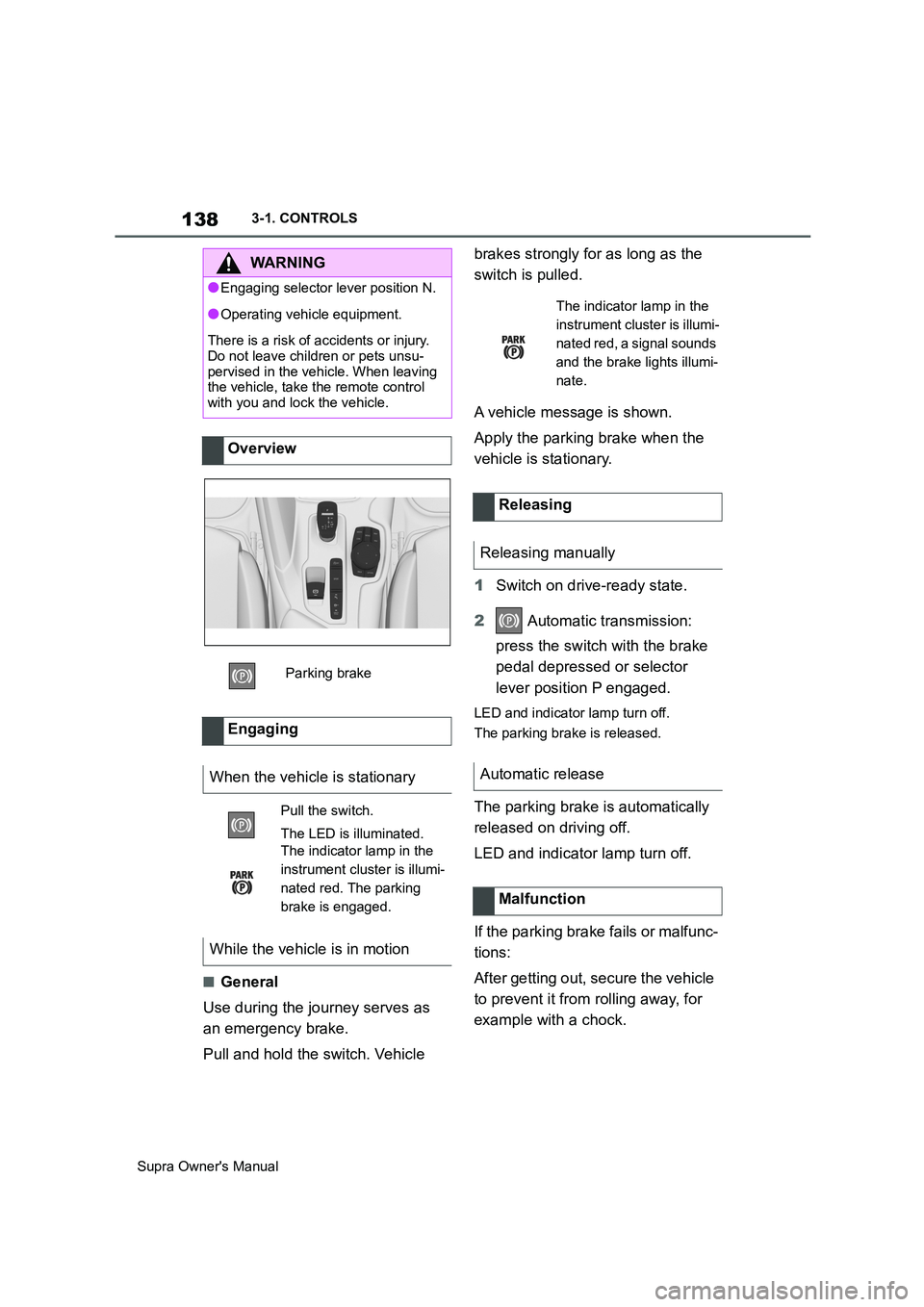
Overview
Parking brake
Engaging
When the vehicle is stationary
Pull the switch.
The LED is illuminated.
The indicator lamp in the
instrument cluster is illumi-
nated red. The parking
brake is engaged.
While the vehicle is in motion
The indicator lamp in the
instrument cluster is illumi-
nated red, a signal sounds
and the brake lights illumi-
nate.
Releasing
Releasing manually
Automatic release
Malfunction
Page 144 of 456
144
Supra Owner's Manual3-1. CONTROLS
Selector lever position for all nor-
mal driving. All gears for forward
driving are selected automatically.
Only engage selector lever posi-
tion R when the vehicle is station-
ary.
In selector lever position N, the
vehicle can be pushed or can roll
without power from the engine, for
example in car washes, see page
145.
Selector lever position for parking
the vehicle, for example. In selector
lever position P, the transmission
blocks the drive wheels.
Only engage selector lever posi-
tion P when the vehicle is station-
ary.
■P is engaged automatically
Selector lever position P is auto-
matically engaged in the following
situations, for example:
After switching off drive-ready
state if selector lever position R,
D or M is engaged.
After switching off standby state
if selector lever position N is
engaged.
If, while the vehicle is at a stand-
still and selector lever position D,
M or R is engaged, the driver's
seat belt is unfastened, the
driver's door is opened and the
brake pedal is not depressed.
Apply the brakes until you are
ready to drive off, otherwise the
vehicle will move when a drive posi-
tion is selected.
The selector lever will only move
from position P to another selector
lever position if drive-ready state is
switched on and the brake pedal is
depressed.
Where applicable, selector lever
position P can only be changed
once all technical requirements are
fulfilled. Safety note
WARNING
An unsecured vehicle can start mov-
ing and rolling away. There is a dan-
ger of accidents. Before leaving the
vehicle, secure it to prevent it from
rolling away, for example by applying
the parking brake.
Selector lever positions
D drive position
R Reverse
N neutral
P Park
Engaging selector lever posi-
tions
General
Operating requirements
Page 148 of 456
148
Supra Owner's Manual3-1. CONTROLS
Before the transmission lockout is
released, apply the parking brake
to prevent the vehicle from rolling
away.
1Apply the brakes and keep them
applied.
2Press the start/stop button. The
starter must be heard to start
turning. Press and hold the
start/stop button.
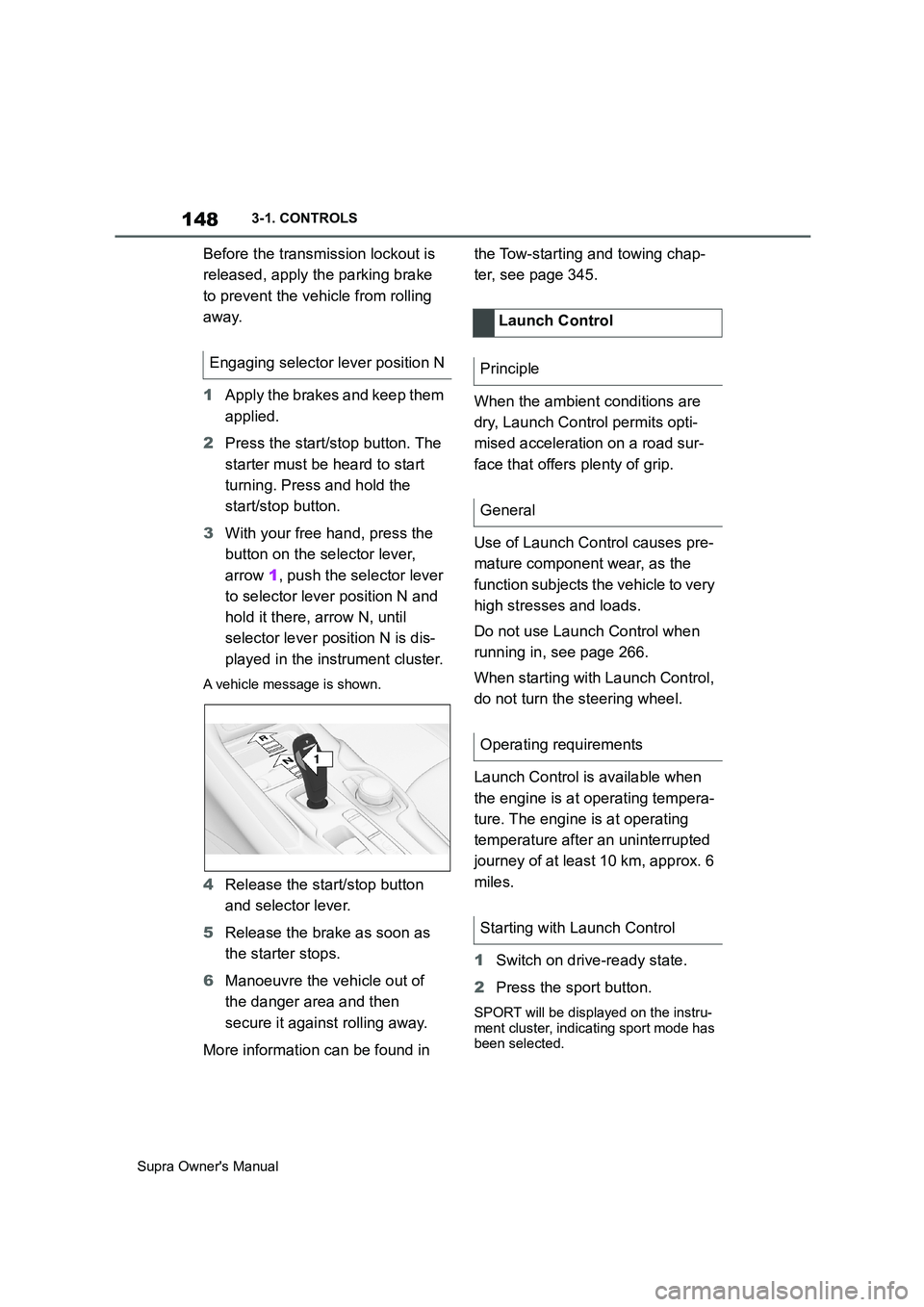
3With your free hand, press the
button on the selector lever,
arrow 1, push the selector lever
to selector lever position N and
hold it there, arrow N, until
selector lever position N is dis-
played in the instrument cluster.
A vehicle message is shown.
4Release the start/stop button
and selector lever.
5Release the brake as soon as
the starter stops.
6Manoeuvre the vehicle out of
the danger area and then
secure it against rolling away.
More information can be found in the Tow-starting and towing chap-
ter, see page 345.
When the ambient conditions are
dry, Launch Control permits opti-
mised acceleration on a road sur-
face that offers plenty of grip.
Use of Launch Control causes pre-
mature component wear, as the
function subjects the vehicle to very
high stresses and loads.
Do not use Launch Control when
running in, see page 266.
When starting with Launch Control,
do not turn the steering wheel.
Launch Control is available when
the engine is at operating tempera-
ture. The engine is at operating
temperature after an uninterrupted
journey of at least 10 km, approx. 6
miles.
1Switch on drive-ready state.
2Press the sport button.
SPORT will be displayed on the instru-
ment cluster, indicating sport mode has
been selected.
Engaging selector lever position N
1
R
N
Launch Control
Principle
General
Operating requirements
Starting with Launch Control
Page 206 of 456
206
Supra Owner's Manual3-1. CONTROLS
If the vehicle leaves the lane and
the lane marking is detected, the
steering wheel vibrates in accord-
ance with the steering wheel vibra-
tion setting.
If the turn indicator is switched on
before changing lanes, no warning
is issued.
If a lane marking is crossed in the
speed range up to 210 km/h,
approx. 130 mph, the system may
intervene not only by vibrating but
also with a brief active steering
intervention. The steering interven-
tion helps to keep the vehicle in
lane. Steering intervention can be
felt at the steering wheel, and can
be overridden manually at any time.
With active steering intervention,
the display flashes in the instru-
ment cluster.If the system executes an active
steering intervention multiple times
within 3 minutes without the driver
touching the steering wheel, an
acoustic warning is emitted. A short
warning signal sounds on the sec-
ond steering intervention. A longer
warning signal sounds from the
third steering intervention onwards.
A vehicle message is also dis-
played.
The warning signal and vehicle
message tell the driver to pay more
attention to the lane.
The warning is interrupted in the
following situations:
Automatically after approxi-
mately 3 seconds.
On returning to the correct lane.
If the vehicle is braking heavily.
On indicating.
If Vehicle Stability Control VSC
intervenes. Display in the instrument
cluster
The symbol is illuminated
green: a lane marking has
been detected on at least one
side of the vehicle and warn-
ings can be issued.
Warning function
When leaving the lane
Steering intervention
Warning signal
Cancellation of the warning
Page 226 of 456
226
Supra Owner's Manual3-1. CONTROLS
cles driving in front.
Depending on the vehicle settings,
the characteristics of the Cruise
Control may change.
The distance can be set in several
stages, and is dependent on the
individual speed for reasons of
safety.
If the vehicle ahead brakes to a
standstill and sets off again shortly
afterwards, the system can recog-
nise this within the given context.
Safety notes
WARNING
The system does not relieve you of
your personal responsibility to assess
the traffic situation correctly. Due to
system limitations, it cannot respond
independently and appropriately in all
traffic conditions. There is a danger of
accidents. Adapt your driving style to
the traffic conditions. Observe the
traffic situation and intervene actively
if the situation warrants it.
WARNING
An unsecured vehicle can start mov-
ing and rolling away. There is a dan-
ger of accidents. Before leaving the
vehicle, secure it to prevent it from
rolling away.
Observe the following to ensure that
the vehicle is secured against rolling
away:
●Apply the parking brake.
●Turn the front wheels towards the
kerb on upward or downward gradi-
ents.
●Additionally secure the vehicle on
upward or downward gradients, for
example with a chock.
WARNING
The desired speed may be acciden-
tally set incorrectly or called up by
mistake. There is a danger of acci-
dents. Adjust the desired speed to the
traffic conditions. Observe the traffic
situation and intervene actively if the
situation warrants it.
WARNING
There is a danger of accidents if the
difference in speed relative to other
vehicles is excessively high. This may
occur, for example, in the following
situations:
●When quickly approaching a slowly
moving vehicle.
●If another vehicle suddenly veers
into the vehicle's own lane.
●When quickly approaching station-
ary vehicles.
There is a danger of injury or even
death. Observe the traffic situation
and intervene actively if the situation
warrants it.
Page 260 of 456
260
Supra Owner's Manual3-1. CONTROLS
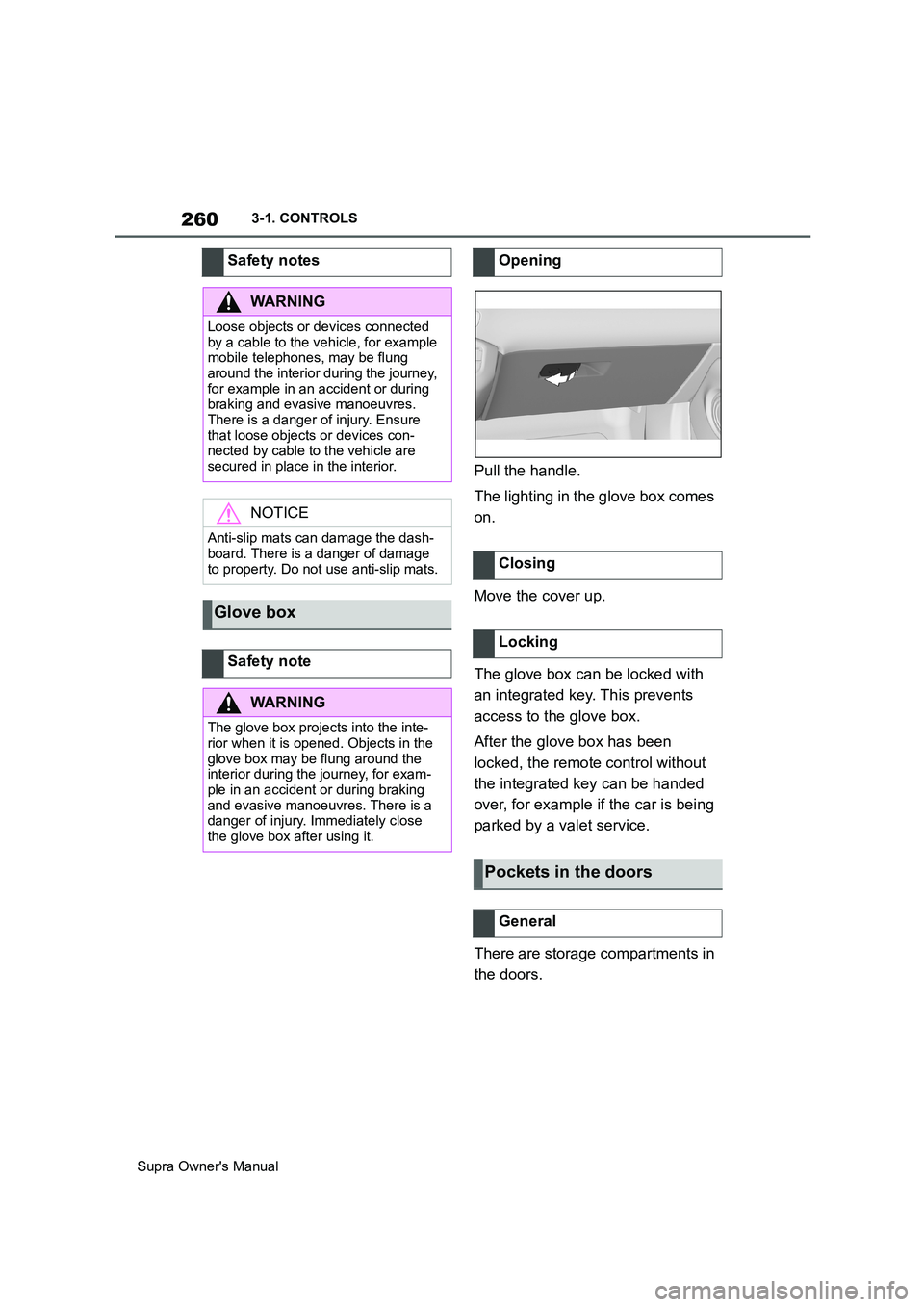
Pull the handle.
The lighting in the glove box comes
on.
Move the cover up.
The glove box can be locked with
an integrated key. This prevents
access to the glove box.
After the glove box has been
locked, the remote control without
the integrated key can be handed
over, for example if the car is being
parked by a valet service.
There are storage compartments in
the doors. Safety notes
WARNING
Loose objects or devices connected
by a cable to the vehicle, for example
mobile telephones, may be flung
around the interior during the journey,
for example in an accident or during
braking and evasive manoeuvres.
There is a danger of injury. Ensure
that loose objects or devices con-
nected by cable to the vehicle are
secured in place in the interior.
NOTICE
Anti-slip mats can damage the dash-
board. There is a danger of damage
to property. Do not use anti-slip mats.
Glove box
Safety note
WARNING
The glove box projects into the inte-
rior when it is opened. Objects in the
glove box may be flung around the
interior during the journey, for exam-
ple in an accident or during braking
and evasive manoeuvres. There is a
danger of injury. Immediately close
the glove box after using it.
Opening
Closing
Locking
Pockets in the doors
General