Page 60 of 348
HOOD
Opening
To open the hood, two latches must be released.
1. Pull the release lever located below the instrument paneland in front of the driver’s door. 2. Move to the outside of the vehicle, reach into the
opening beneath the center of the hood and push up the
safety latch lever to release it, before raising the hood.
3. Raise the hood and place the hood prop rod in hood slot to secure the hood in the open position.
Hood Release Lever
Hood Safety Latch Lever Location
58 GETTING TO KNOW YOUR VEHICLE
Page 63 of 348
WARNING!
•To help protect against personal injury, passengers
should not be seated in the rear cargo area. The rear
cargo space is intended for load carrying purposes
only, not for passengers, who should sit in seats and
use seat belts.
• Cargo tie-down hooks are not safe anchors for a child
seat tether strap. In a sudden stop or accident, a hook
could pull loose and allow the child seat to come
loose. A child could be badly injured. Use only the
anchors provided for child seat tethers.
The weight and position of cargo and passengers can
change the vehicle center of gravity and vehicle han-
dling. To avoid loss of control resulting in personal
injury, follow these guidelines for loading your vehicle:
• Do not carry loads which exceed the load limits
described on the label attached to the left door or left
door center pillar.
(Continued)
WARNING! (Continued)
•Always place cargo evenly on the cargo floor. Put
heavier objects as low and as far forward as possible.
• Place as much cargo as possible in front of the rear
axle. Too much weight or improperly placed weight
over or behind the rear axle can cause the rear of the
vehicle to sway.
• Do not pile luggage or cargo higher than the top of
the seatback. This could impair visibility or become
a dangerous projectile in a sudden stop or accident.
INTERNAL EQUIPMENT
Storage
Glove Compartment
The glove compartment is located on the passenger side of
the instrument panel.
3
GETTING TO KNOW YOUR VEHICLE 61
Page 64 of 348
To open the glove compartment, pull the release handle.
NOTE:The glove compartment handle is equipped with a
lock. To lock the glove compartment, remove the emer-
gency key from the key fob, insert emergency key into
glove compartment handle lock cylinder and turn the key
to the lock position and remove the key. Use the reverse
sequence to unlock the glove compartment.Dash Storage
The dash storage is located on the right side of the
instrument panel above the glove compartment.
Glove Compartment Release Handle
Dash Storage
62 GETTING TO KNOW YOUR VEHICLE
Page 71 of 348
GETTING TO KNOW YOUR INSTRUMENT PANEL
CONTENTS
�INSTRUMENT CLUSTER ...................70
▫ Instrument Cluster Descriptions .............71
� INSTRUMENT CLUSTER DISPLAY ............72
� TRIP COMPUTER .........................72
▫ Trip Button ............................72
▫ Trip Functions .........................73
▫ Values Displayed .......................73
� WARNING LIGHTS AND MESSAGES ..........74
▫ Red Warning Lights ......................74 ▫
Yellow Warning Lights ....................78
▫ Green Indicator Lights ....................82
▫ Blue Indicator Lights .....................82
� ONBOARD DIAGNOSTIC SYSTEM — OBD II ....83
▫ Onboard Diagnostic System (OBD II)
Cybersecurity ..........................83
� EMISSIONS INSPECTION AND MAINTENANCE
PROGRAMS ............................844
Page 72 of 348
INSTRUMENT CLUSTER
Instrument Cluster
70 GETTING TO KNOW YOUR INSTRUMENT PANEL
Page 73 of 348
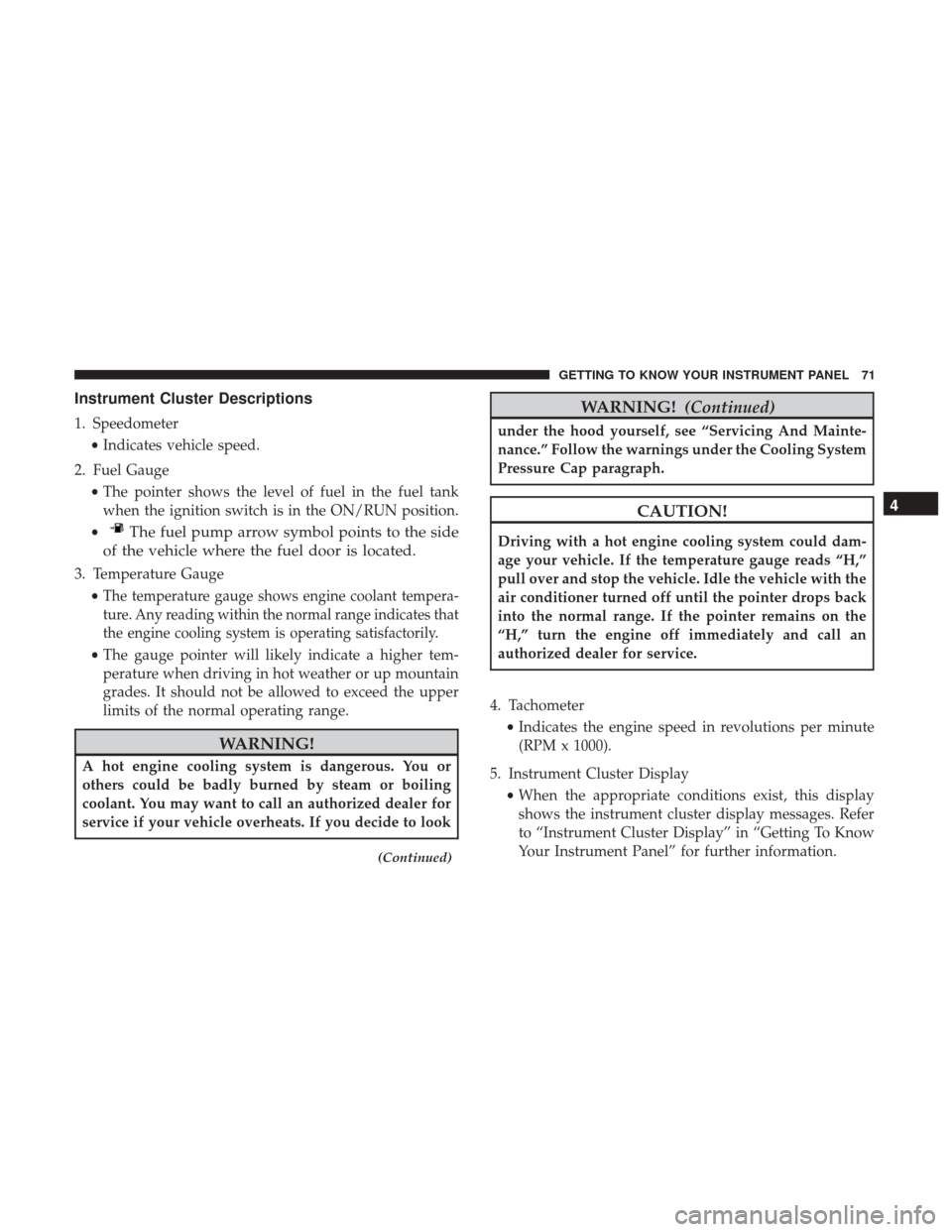
Instrument Cluster Descriptions
1. Speedometer•Indicates vehicle speed.
2. Fuel Gauge •The pointer shows the level of fuel in the fuel tank
when the ignition switch is in the ON/RUN position.
•
The fuel pump arrow symbol points to the side
of the vehicle where the fuel door is located.
3. Temperature Gauge
•
The temperature gauge shows engine coolant tempera-
ture. Any reading within the normal range indicates that
the engine cooling system is operating satisfactorily.
• The gauge pointer will likely indicate a higher tem-
perature when driving in hot weather or up mountain
grades. It should not be allowed to exceed the upper
limits of the normal operating range.
WARNING!
A hot engine cooling system is dangerous. You or
others could be badly burned by steam or boiling
coolant. You may want to call an authorized dealer for
service if your vehicle overheats. If you decide to look
(Continued)
WARNING! (Continued)
under the hood yourself, see “Servicing And Mainte-
nance.” Follow the warnings under the Cooling System
Pressure Cap paragraph.
CAUTION!
Driving with a hot engine cooling system could dam-
age your vehicle. If the temperature gauge reads “H,”
pull over and stop the vehicle. Idle the vehicle with the
air conditioner turned off until the pointer drops back
into the normal range. If the pointer remains on the
“H,” turn the engine off immediately and call an
authorized dealer for service.
4. Tachometer •Indicates the engine speed in revolutions per minute
(RPM x 1000).
5. Instrument Cluster Display •When the appropriate conditions exist, this display
shows the instrument cluster display messages. Refer
to “Instrument Cluster Display” in “Getting To Know
Your Instrument Panel” for further information.
4
GETTING TO KNOW YOUR INSTRUMENT PANEL 71
Page 74 of 348

INSTRUMENT CLUSTER DISPLAY
Your vehicle will be equipped with an instrument cluster
display, which offers useful information to the driver. With
the ignition in the STOP/OFF mode, opening/closing of a
door will activate the display for viewing, and display the
total miles, or kilometers, in the odometer. Your instrument
cluster display is designed to display important informa-
tion about your vehicle’s systems and features. Using a
driver interactive display located on the instrument panel,
your instrument cluster display can show you how sys-
tems are working and give you warnings when they are
not. The instrument cluster display controls allow you to
scroll through the main menus and submenus. You can
access the specific information you want and make selec-
tions and adjustments.
TRIP COMPUTER
The Trip Computer is located in the instrument cluster. It
features a driver-interactive display (displays information
such as trip information, range, fuel consumption, average
speed, and travel time).
NOTE:The Uconnect System also has a Trip Computer
display and menus to customize the information displayed
in the cluster. For further information, refer to “Uconnect
Settings” in “Multimedia”.
Trip Button
The TRIP button, located on the right steering column
stalk, can be used to display and to reset the previously
described values.
• A short button push displays the different values.
• A long button push resets the system and then starts a
new trip.
New Trip
To reset:
• Push and hold the TRIP button to reset the system
manually.
• When the “Trip distance” reaches 99999.9 miles or
kilometers or when the “Travel time” reaches 999.59 (999
hours and 59 minutes), the system is reset automatically.
• Disconnecting/Reconnecting the battery resets the sys-
tem.
NOTE: If the reset operation occurs in the presence of the
screens concerning Trip A or Trip B, only the information
associated with Trip A or Trip B functions will be reset.
72 GETTING TO KNOW YOUR INSTRUMENT PANEL
Page 75 of 348
Start Of Trip Procedure
With the ignition on, push and hold the TRIP button for
over two seconds to reset trip information.
Exit Trip
1. To exit the Trip function, wait until all the values havebeen displayed or hold the MENU button for longer
than one second.
2. Briefly push and release the MENU button to go back to the menu screen or push and hold the MENU (approxi-
mately one second) to go back to the main screen
without storing settings.
Trip Functions
Both trip functions are resettable (reset — start of new trip).
“Trip A” can be used to display the figures relating to:
•Range
• Trip distance A
• Average Economy A
• Instantaneous Economy
• Average speed A
• Travel time A (driving time) “Trip B” can be used to display the figures relating to:
•
Trip distance B
• Average Economy B
• Average speed B
• Travel time B (driving time)
NOTE: “Trip B” functions may be excluded (see “Trip B
Data”). “Range” and “Instantaneous Economy” cannot be
reset.
Values Displayed
Range
This indicates the distance which may be traveled with the
fuel remaining in the tank, assuming that driving condi-
tions will not change. The message “----” will appear on the
display in the following cases:
• Distance less than 30 miles (or 50 km).
• The vehicle is parked for a long time with the engine
running.
NOTE: The range depends on several factors: driving
style, type of route (freeway, residential, mountain roads,
etc.), conditions of use of the vehicle (load, tire pressure,
etc.). Trip planning must take into account the above notes.
4
GETTING TO KNOW YOUR INSTRUMENT PANEL 73