Page 73 of 516

1. Top tether strap
2. Tether strap
3. Tether anchor point
Before securing the child restraint with the
LATCH lower anchors (rear outboard seat-
ing positions for Crew Cab models) follow
these steps.1. If necessary, raise or remove the head restraint/headrest to position the top
tether strap as shown. If the head
restraint/headrest is removed, store it
in a secure place. Be sure to reinstall the
head restraint/headrest when the child
restraint is removed. For additional in-
formation, refer to “Head
restraints/headrests” in this section.
2. Position the top tether strap as shown.
3. Secure the tether strap to the tether anchor point as shown.
4. Return the seatback to the locked po- sition.
5. Refer back to child restraint installation steps before tightening the tether
strap.
If you have any questions when install-
ing a top tether strap, it is recommended
that you visit a NISSAN dealer for this
service.
FORWARD-FACING CHILD
RESTRAINT INSTALLATION USING
LATCH — JUMP SEAT (King Cab®
models)
Page 77 of 516
8. Check to make sure the child restraintis properly secured prior to each use. If
the child restraint is loose, repeat
steps 1 through 7.
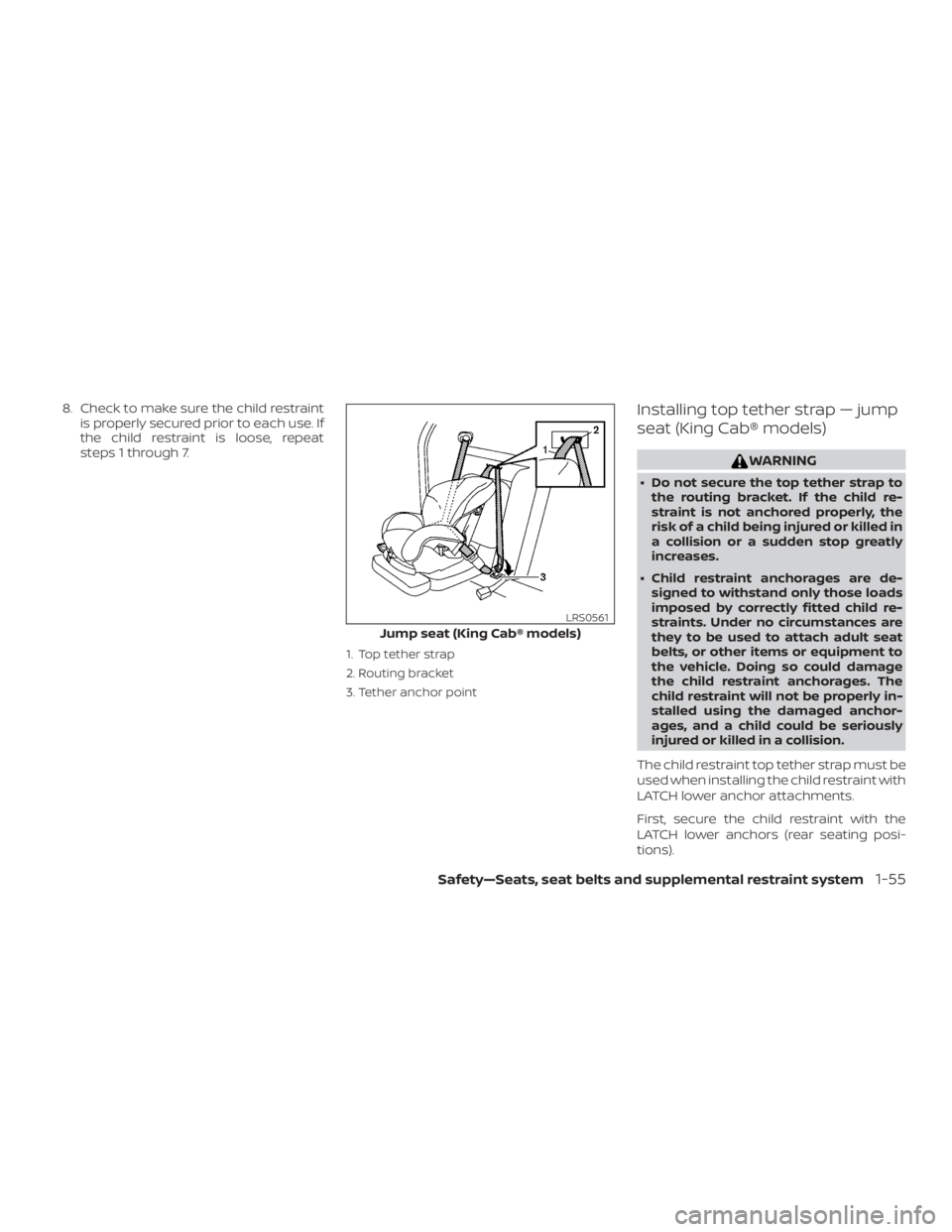
1. Top tether strap
2. Routing bracket
3. Tether anchor point
Installing top tether strap — jump
seat (King Cab® models)
Page 78 of 516
1. Pull the cover plate off to access the toptether strap routing bracket for the
jump seat.
2. Route the top tether strap through the routing bracket.
3. Secure the top tether strap to the tether anchor point as shown.
4. Refer back to child restraint installation steps before tightening the tether
strap.
If you have any questions when install-
ing a top tether strap, it is recommended
that you visit a NISSAN dealer for this
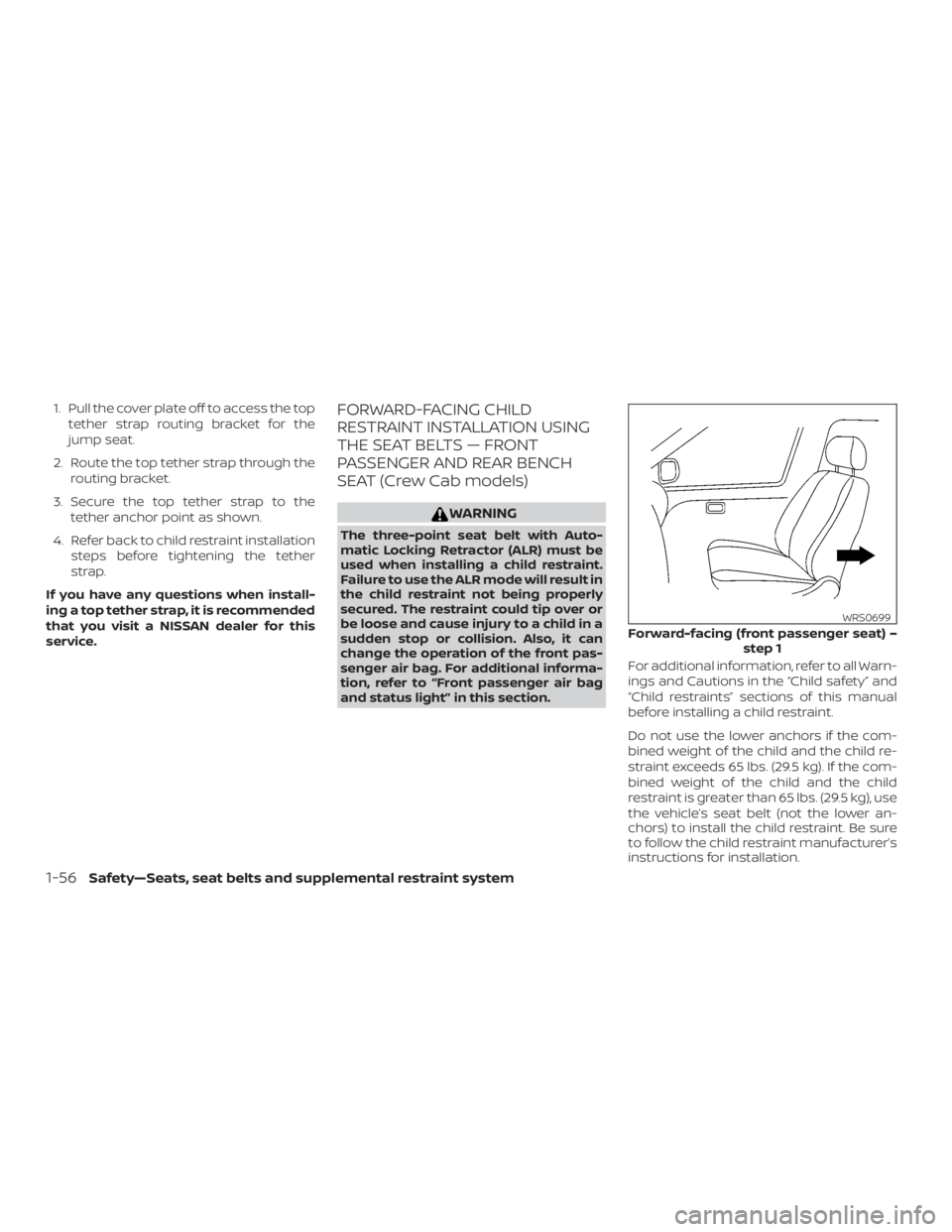
service.FORWARD-FACING CHILD
RESTRAINT INSTALLATION USING
THE SEAT BELTS — FRONT
PASSENGER AND REAR BENCH
SEAT (Crew Cab models)
Page 83 of 516
First, secure the child restraint with the seat
belt.1. If necessary, raise or remove the head restraint/headrest to position the top
tether strap as shown. If the head
restraint/headrest is removed, store it
in a secure place. Be sure to reinstall the
head restraint/headrest when the child
restraint is removed. For additional in-
formation, refer to “Head
restraints/headrests” in this section.
2. Position the top tether strap as shown.
3. Secure the tether strap to the tether anchor point as shown.
4. Return the seatback to the locked po- sition.
5. Refer back to child restraint installation steps before tightening the tether
strap.
If you have any questions when install-
ing a top tether strap, it is recommended
that you visit a NISSAN dealer for this
service.
FORWARD-FACING CHILD
RESTRAINT INSTALLATION USING
THE SEAT BELTS — FRONT
PASSENGER AND JUMP SEATS
(King Cab® models)
Page 89 of 516
restraint/headrest when the child re-
straint is removed. For additional infor-
mation, refer to “Head
restraints/headrests” in this section.
2. Position the top tether strap as shown.
3. Secure the tether strap to the tether anchor point as shown.
4. Tighten the tether strap according to the manufacturer’s instructions to re-
move any slack.
If you have any questions when install-
ing a top tether strap, it is recommended
that you visit a NISSAN dealer for this
service.
1. Top tether strap
2. Routing bracket
3. Tether anchor point
Installing top tether strap — jump
seat (King Cab® models)
Page 90 of 516
1. Pull the cover plate off to access the toptether strap routing bracket for the
jump seat.
2. Route the top tether strap through the routing bracket.
3. Secure the top tether strap to the tether anchor point as shown.
4. Refer back to child restraint installation steps before tightening the tether
strap.
If you have any questions when install-
ing a top tether strap, it is recommended
that you visit a NISSAN dealer for this
service.
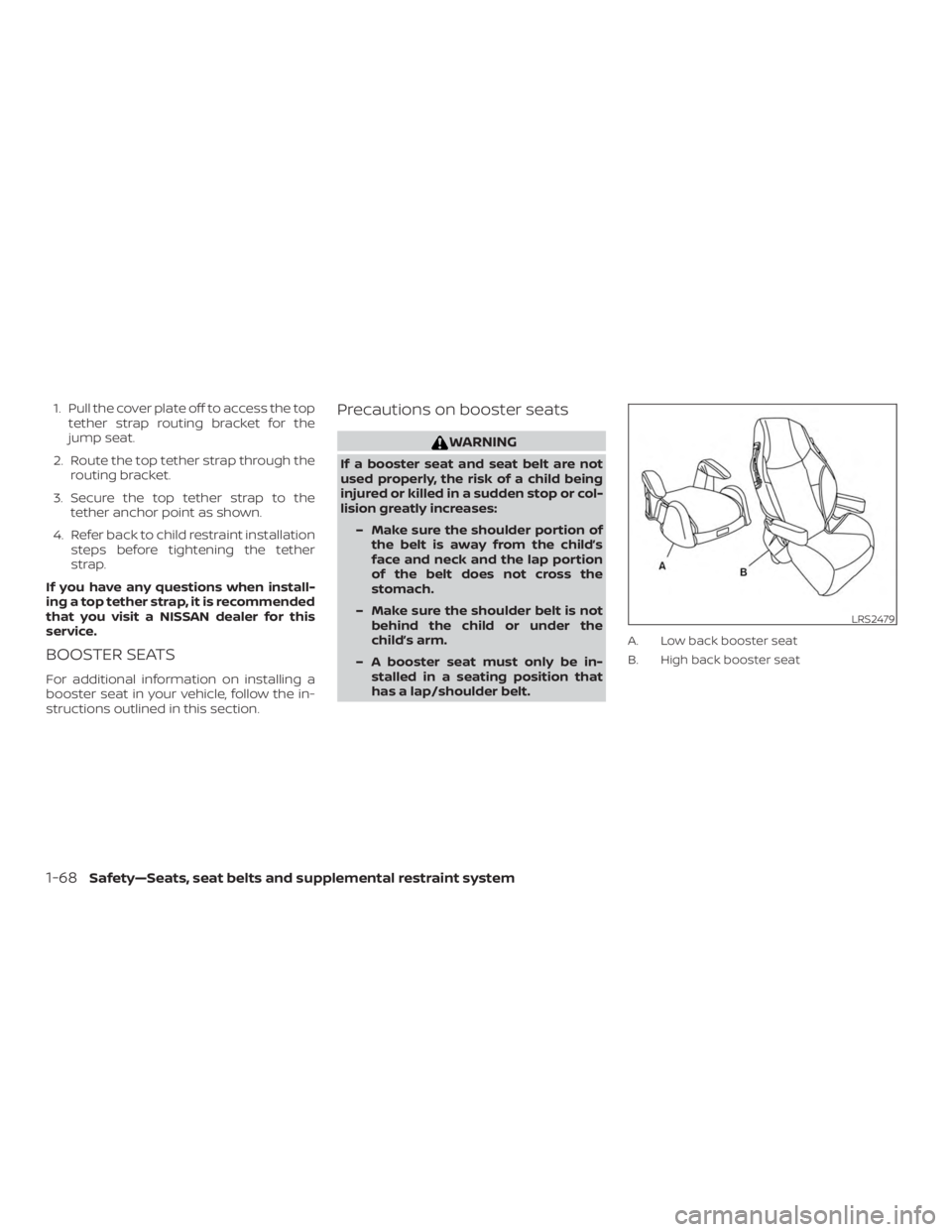
BOOSTER SEATS
For additional information on installing a
booster seat in your vehicle, follow the in-
structions outlined in this section.
Precautions on booster seats
Page 163 of 516
Always evenly distribute the cargo on the
tubular roof rack.The maximum total
load is 125 lbs. (56 kg) evenly distributed.
Be careful that your vehicle does not ex-
ceed the Gross Vehicle Weight Rating
(GVWR) or the Gross Axle Weight Ratings
(GAWR front and rear). The GVWR and GAWR
are located on the F.M.V.S.S. label (located
on the driver’s side door jamb pillar). For
additional information, refer to “Vehicle
loading information” in the “Technical and
consumer information” section of this
manual.
The front crossbar can be adjusted or re-
moved. Use the TORX® driver provided in
the tool kit to loosen both crossbar adjust-
ing screws.
To adjust:
1. Loosen the adjusting screws with the TORX® driver
�1by turning counter-
clockwise
�A.
2. When the clamp is loosened, move the crossbar so the cargo can be posi-
tioned on the crossbar
�B.
3. Tighten the crossbar adjusting screws with the TORX® driver by turning clock-
wise.
4. Secure the cargo with rope. 5. Always check the tightness of the
crossbar adjusting screws.
To remove: 1. Loosen the adjusting screws with the TORX® driver
�1by turning counter-
clockwise
�A.
2. Rotate the clamps
�C.
3. Remove the crossbar.
4. Reverse to install.
5. Always check the tightness of the crossbar adjusting screws.
If you hear wind noise coming from the roof
rack while driving, adjust the roof rack
crossbar to the neutral position.
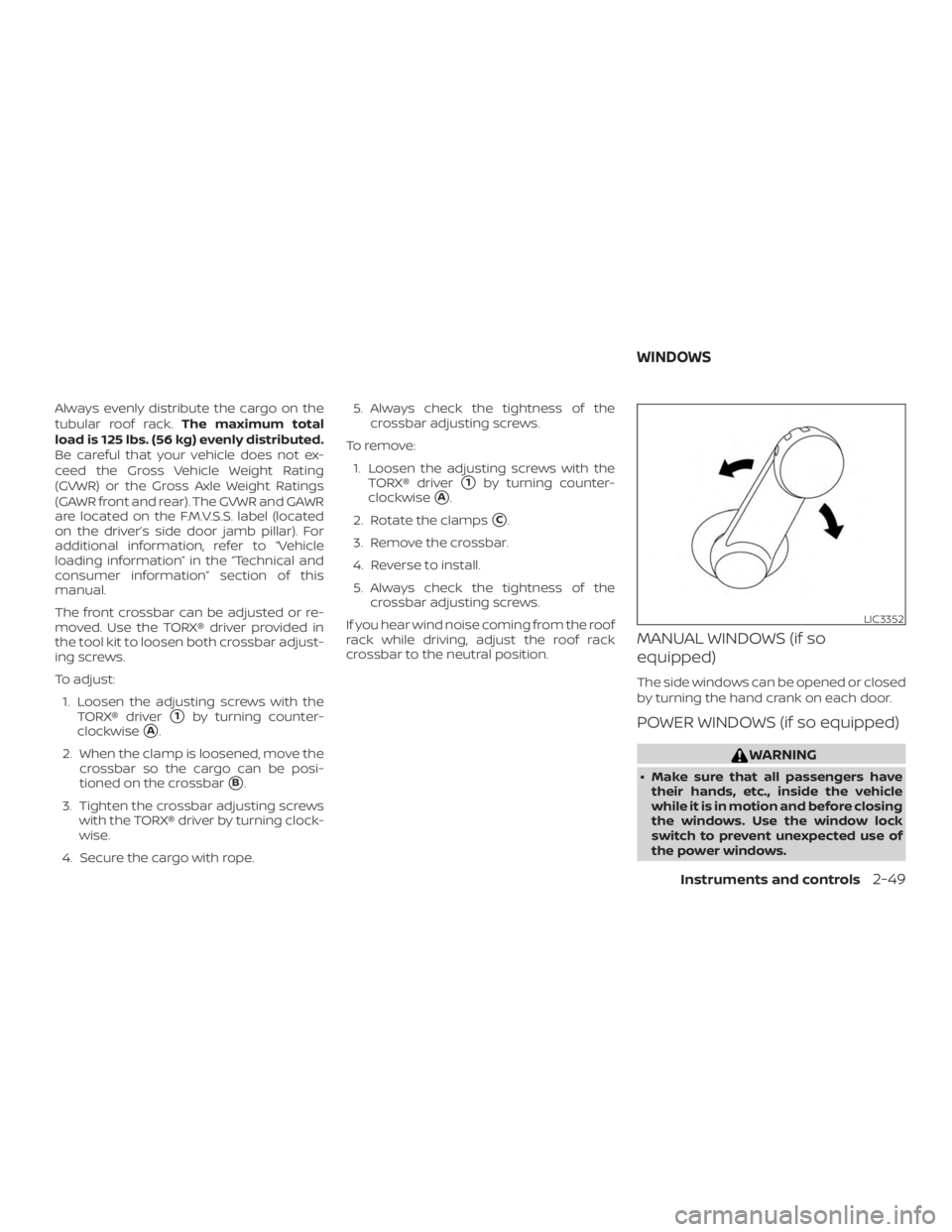
MANUAL WINDOWS (if so
equipped)
The side windows can be opened or closed
by turning the hand crank on each door.
POWER WINDOWS (if so equipped)
Page 198 of 516
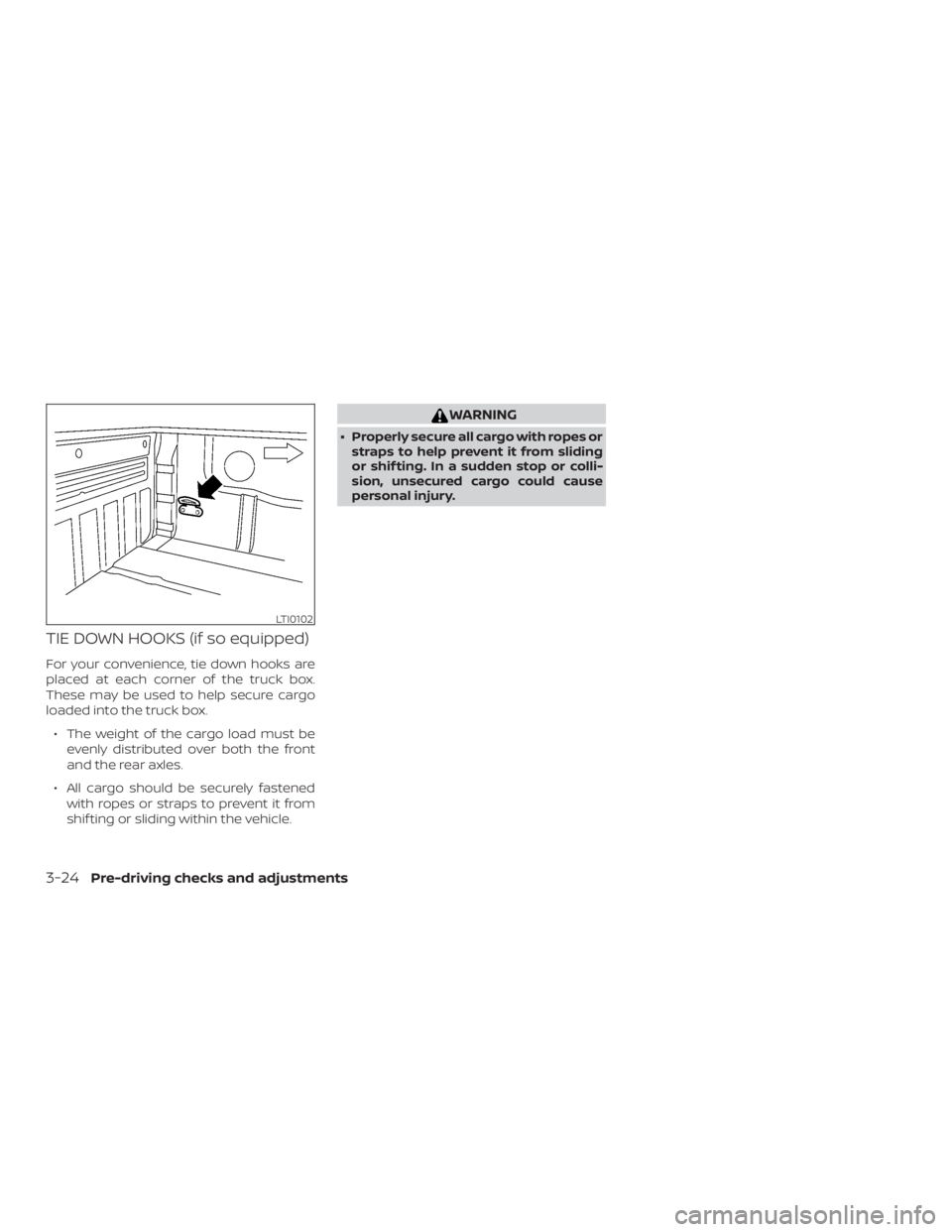
TIE DOWN HOOKS (if so equipped)
For your convenience, tie down hooks are
placed at each corner of the truck box.
These may be used to help secure cargo
loaded into the truck box.∙ The weight of the cargo load must be evenly distributed over both the front
and the rear axles.
∙ All cargo should be securely fastened with ropes or straps to prevent it from
shif ting or sliding within the vehicle.