2019 Hyundai Santa Fe service reset
[x] Cancel search: service resetPage 186 of 682
3-95
Convenient features of your vehicle
3
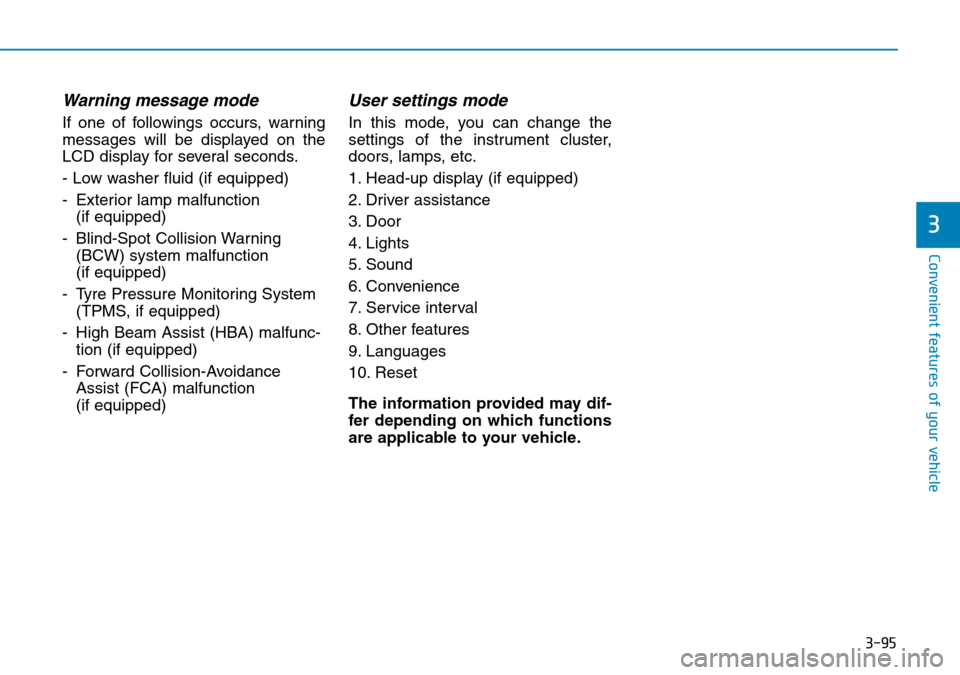
Warning message mode
If one of followings occurs, warning
messages will be displayed on the
LCD display for several seconds.
- Low washer fluid (if equipped)
- Exterior lamp malfunction
(if equipped)
- Blind-Spot Collision Warning
(BCW) system malfunction
(if equipped)
- Tyre Pressure Monitoring System
(TPMS, if equipped)
- High Beam Assist (HBA) malfunc-
tion (if equipped)
- Forward Collision-Avoidance
Assist (FCA) malfunction
(if equipped)
User settings mode
In this mode, you can change the
settings of the instrument cluster,
doors, lamps, etc.
1. Head-up display (if equipped)
2. Driver assistance
3. Door
4. Lights
5. Sound
6. Convenience
7. Service interval
8. Other features
9. Languages
10. Reset
The information provided may dif-
fer depending on which functions
are applicable to your vehicle.
Page 193 of 682
3-102
Convenient features of your vehicle
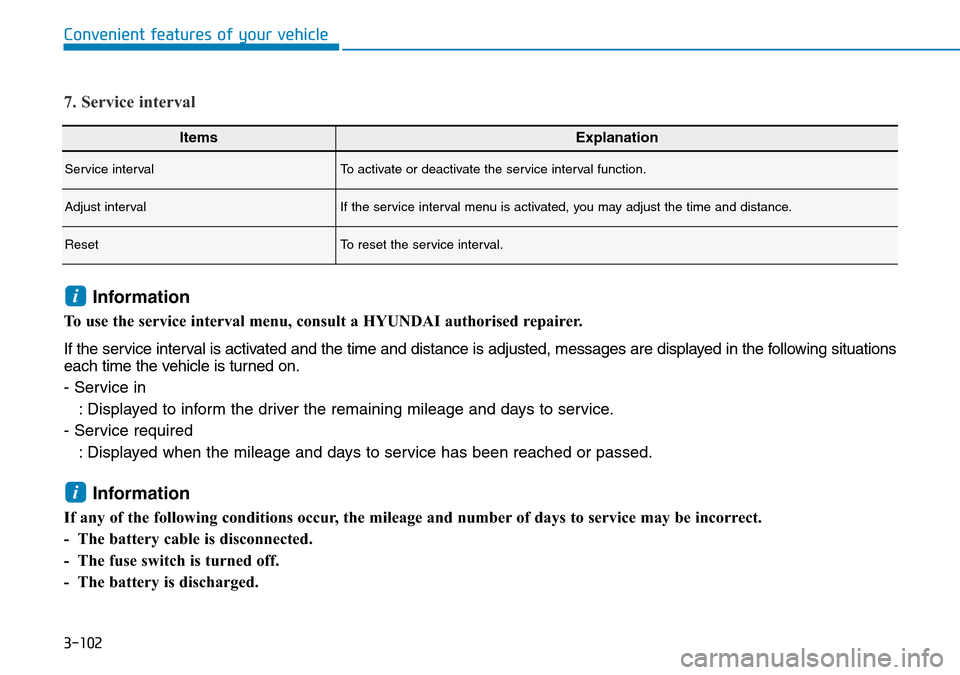
ItemsExplanation
Service intervalTo activate or deactivate the service interval function.
Adjust intervalIf the service interval menu is activated, you may adjust the time and distance.
ResetTo reset the service interval.
7. Service interval
Information
To use the service interval menu, consult a HYUNDAI authorised repairer.
If the service interval is activated and the time and distance is adjusted, messages are displayed in the following situations
each time the vehicle is turned on.
- Service in
: Displayed to inform the driver the remaining mileage and days to service.
- Service required
: Displayed when the mileage and days to service has been reached or passed.
Information
If any of the following conditions occur, the mileage and number of days to service may be incorrect.
- The battery cable is disconnected.
- The fuse switch is turned off.
- The battery is discharged.
i
i
Page 194 of 682
3-103
Convenient features of your vehicle
3
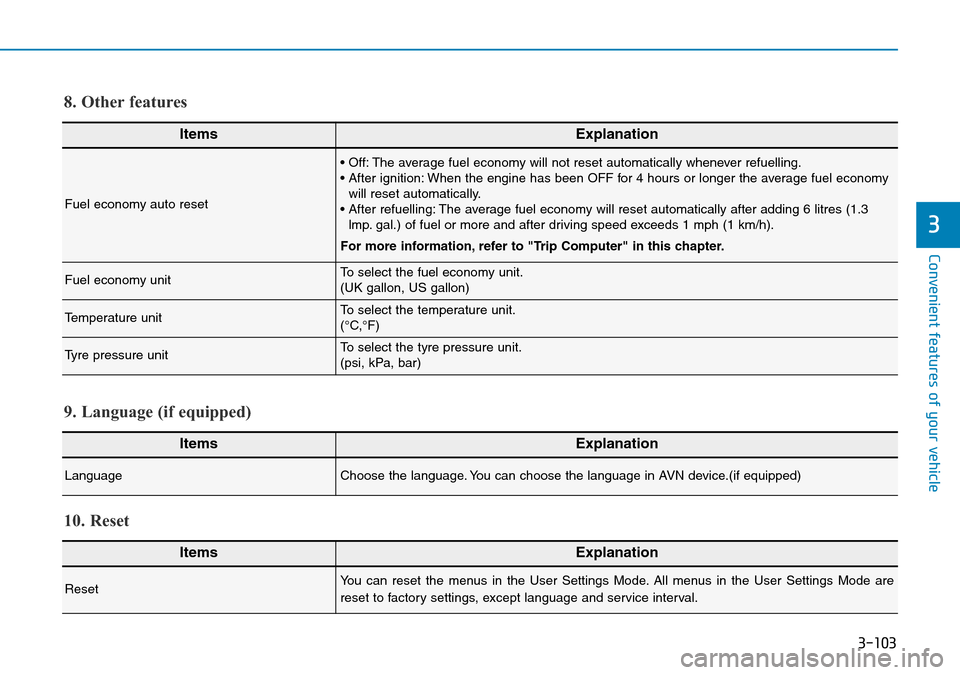
ItemsExplanation
Fuel economy auto reset
• Off: The average fuel economy will not reset automatically whenever refuelling.
• After ignition: When the engine has been OFF for 4 hours or longer the average fuel economy
will reset automatically.
• After refuelling: The average fuel economy will reset automatically after adding 6 litres (1.3
lmp. gal.) of fuel or more and after driving speed exceeds 1 mph (1 km/h).
For more information, refer to "Trip Computer" in this chapter.
Fuel economy unitTo select the fuel economy unit.
(UK gallon, US gallon)
Temperature unitTo select the temperature unit.
(°C,°F)
Tyre pressure unitTo select the tyre pressure unit.
(psi, kPa, bar)
8. Other features
ItemsExplanation
LanguageChoose the language. You can choose the language in AVN device.(if equipped)
9. Language (if equipped)
ItemsExplanation
ResetYou can reset the menus in the User Settings Mode. All menus in the User Settings Mode are
reset to factory settings, except language and service interval.
10. Reset
Page 576 of 682
7
Maintenance
7
Maintenance
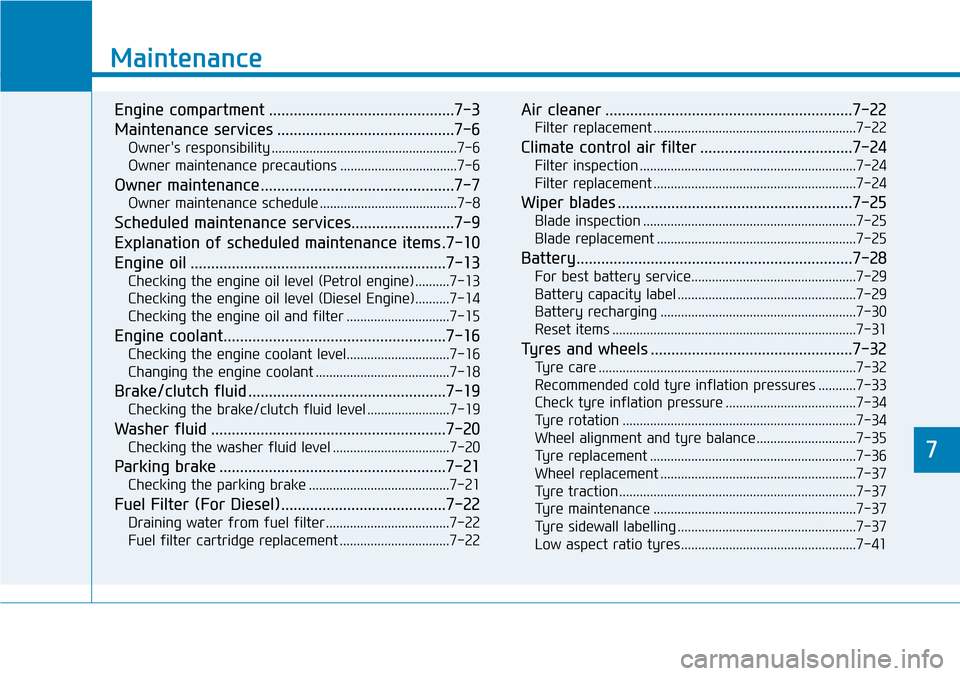
Engine compartment .............................................7-3
Maintenance services ...........................................7-6
Owner's responsibility ......................................................7-6
Owner maintenance precautions ..................................7-6
Owner maintenance ...............................................7-7
Owner maintenance schedule ........................................7-8
Scheduled maintenance services.........................7-9
Explanation of scheduled maintenance items .7-10
Engine oil ..............................................................7-13
Checking the engine oil level (Petrol engine) ..........7-13
Checking the engine oil level (Diesel Engine)..........7-14
Checking the engine oil and filter ..............................7-15
Engine coolant......................................................7-16
Checking the engine coolant level..............................7-16
Changing the engine coolant .......................................7-18
Brake/clutch fluid ................................................7-19
Checking the brake/clutch fluid level ........................7-19
Washer fluid .........................................................7-20
Checking the washer fluid level ..................................7-20
Parking brake .......................................................7-21
Checking the parking brake .........................................7-21
Fuel Filter (For Diesel)........................................7-22
Draining water from fuel filter ....................................7-22
Fuel filter cartridge replacement ................................7-22
Air cleaner ............................................................7-22
Filter replacement ...........................................................7-22
Climate control air filter .....................................7-24
Filter inspection ...............................................................7-24
Filter replacement ...........................................................7-24
Wiper blades .........................................................7-25
Blade inspection ..............................................................7-25
Blade replacement ..........................................................7-25
Battery...................................................................7-28
For best battery service................................................7-29
Battery capacity label ....................................................7-29
Battery recharging .........................................................7-30
Reset items .......................................................................7-31
Tyres and wheels .................................................7-32
Tyre care ...........................................................................7-32
Recommended cold tyre inflation pressures ...........7-33
Check tyre inflation pressure ......................................7-34
Tyre rotation ....................................................................7-34
Wheel alignment and tyre balance.............................7-35
Tyre replacement ............................................................7-36
Wheel replacement .........................................................7-37
Tyre traction .....................................................................7-37
Tyre maintenance ...........................................................7-37
Tyre sidewall labelling ....................................................7-37
Low aspect ratio tyres...................................................7-41
7
Page 606 of 682
7-31
7
Maintenance
By jump starting
After a jump start from a good bat-
tery, drive the vehicle for 20-30 min-
utes before it is shutoff. The vehicle
may not restart if you shut it off
before the battery had a chance to
adequately recharge. See “Jump
Starting” in chapter 6 for more infor-
mation on jump starting procedures.
Information
An inappropriately disposed
of battery can be harmful to
the environment and human
health.
Dispose of the battery according to
your local law(s) or regulations.
Reset items
The following items may need to be
reset after the battery has been dis-
charged or the battery has been dis-
connected.
• Auto up/down window
• Sunroof
• Trip computer
• Climate control system
• Driver position memory system
• Clock
• Audio system
i
AGM battery (if equipped)
•Absorbent Glass Matt (AGM)
batteries are maintenance-
free and we recommend that
the AGM battery be serviced
by a HYUNDAI authorised
repairer. For charging your
AGM battery, use only fully
automatic battery chargers
that are specially developed
for AGM batteries.
•When replacing the AGM bat-
tery, we recommend that you
use parts for replacement
from a HYUNDAI authorised
repairer.
•Do not open or remove the
cap on top of the battery. This
may cause leaks of internal
electrolyte that could result in
severe injury.
CAUTION