Page 64 of 195

How It WorksThe traction control system constantly
monitors the speed of the front and rear
wheels. If Model S experiences a loss of
traction, the system minimizes wheel spin by
controlling brake pressure and motor power.
By default, the traction control system is on.
Under normal conditions, it should remain on
to ensure maximum safety.This indicator flashes on the
instrument panel whenever the
traction control system is actively
controlling brake pressure and motor
power to minimize wheel spin. If the
indicator stays on, a fault is detected with the traction control system.
Contact Tesla Service.Warning: If the above indicator remains
illuminated in situations in which you have
not enabled Slip Start (described next), the traction control system may not be
operating correctly. Contact Tesla Service immediately.Warning: Traction control cannot prevent
collisions caused by driving dangerously
or turning too sharply at high speeds.
Allowing Wheel Slip
To allow the wheels to spin at a limited speed,
you can enable Slip Start. Slip Start can be
enabled only when Model S is moving
48 km/h or slower. Slip Start automatically
disables when the speed exceeds 80 km/h.
Under normal conditions, Slip Start should not
be enabled. Enable it only in circumstances where you deliberately want the wheels tospin, such as:
Page 67 of 195
When Model S is stopped, Vehicle Hold can
continue to apply the brakes even after you
remove your foot from the brake pedal. When
driving on a hill or on a
flat surface, brake as
you normally would. After coming to a
complete stop, simply press the brake pedal
again (until the instrument panel displays the
Vehicle Hold indicator light) to enable Vehicle
Hold. You can then release the brake pedal and remain stopped, even on a hill.
This indicator displays on the
instrument panel whenever Vehicle
Hold is actively braking Model S.
To disengage Vehicle Hold, press the
accelerator pedal or press and release the
brake pedal.
Note: Shifting into Neutral also disengages
Vehicle Hold.
Note: After actively braking Model S for
approximately ten minutes, Model S shifts into
Park and Vehicle Hold cancels. Model S also shifts into Park if it detects that the driver has
left the vehicle.
Vehicle Hold
66Model S Owner
Page 77 of 195
Note: Traffic-Aware Cruise Control is a BETA
feature.
If your Model S is equipped with Driver
Assistance components (see About Driver
Assistance on page 73), and you have
purchased the optional Enhanced Autopilot or
Full Self-Driving Capability package, the forward looking cameras and the radar sensor
are designed to determine when there is a
vehicle in front of you in the same lane. If the
area in front of Model S is clear,
Traffic-AwareCruise Control maintains a set driving speed. When a vehicle is detected, Traffic-AwareCruise Control is designed to slow down
Model S as needed to maintain a selected
time-based distance from the vehicle in front,
up to the set speed.
Traffic-Aware Cruise
Control does not eliminate the need to watch the road in front of you and to manually applythe brakes when needed.
Traffic-Aware Cruise Control is primarily
intended for driving on dry, straight roads,
such as highways and freeways. It should not be used on city streets.
Warning: Traffic-Aware Cruise Control is
designed for your driving comfort and
convenience and is not a collision warning or avoidance system. It is your
responsibility to stay alert, drive safely,
and be in control of the vehicle at all
times. Never depend on
Traffic-AwareCruise Control to adequately slow down
Model S. Always watch the road in front
of you and be prepared to take corrective
action at all times. Failure to do so can
result in serious injury or death.
Warning: Although Traffic-Aware Cruise
Control is capable of detecting
pedestrians and cyclists, never depend on
Traffic-Aware Cruise Control to
adequately slow Model S down for them.
Always watch the road in front of you and
be prepared to take corrective action at
all times. Failure to do so can result in
serious injury or death.
Warning: Do not use Traffic-Aware Cruise
Control on city streets or on roads where
traffic conditions are constantly changing.
Warning: Do not use Traffic-Aware Cruise
Control on winding roads with sharp
curves, on icy or slippery road surfaces,
or when weather conditions (such as
heavy rain, snow, fog, etc.) make it
inappropriate to drive at a consistent
speed.
Traffic-Aware Cruise Control does
not adapt driving speed based on road
and driving conditions.
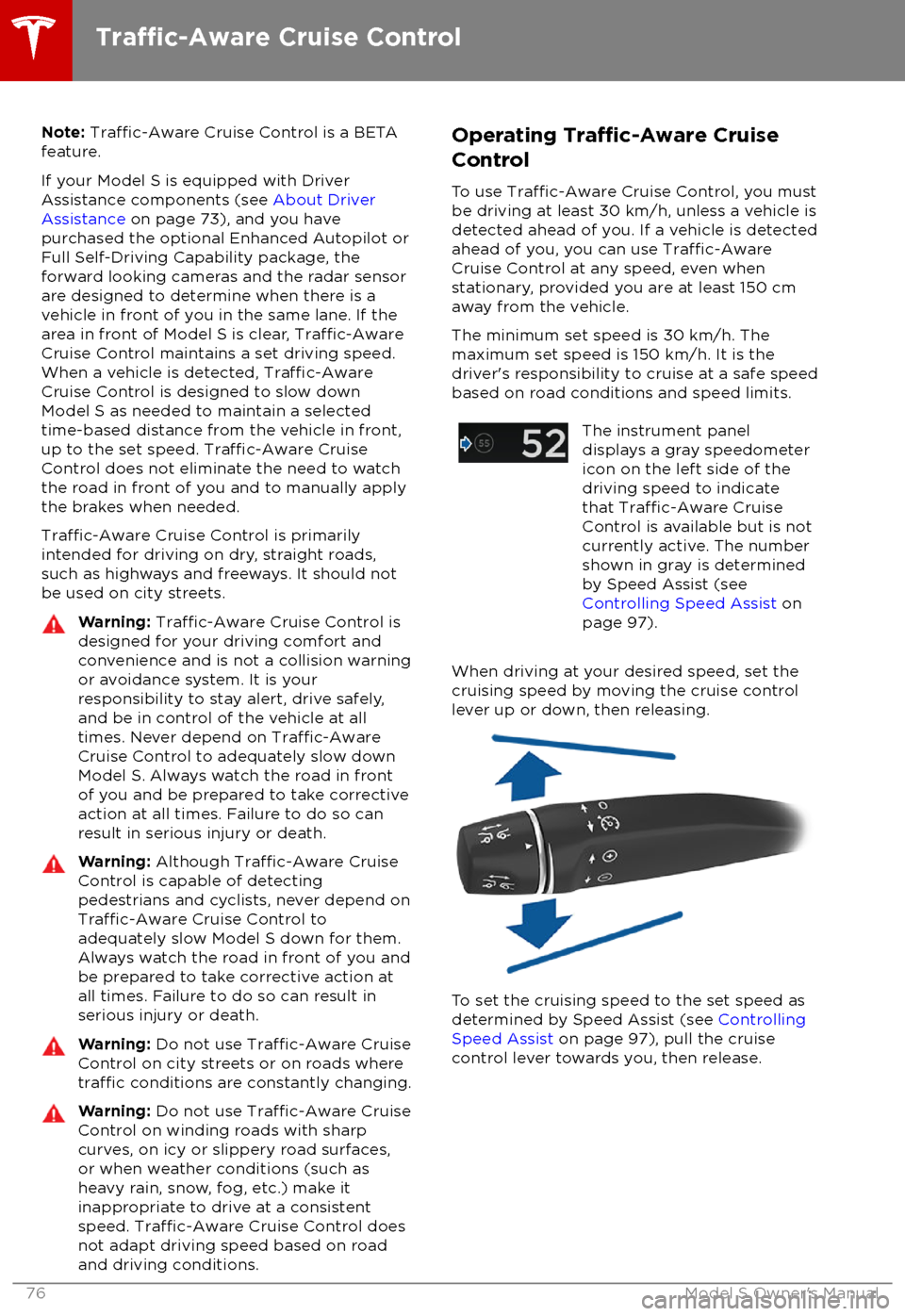
Operating Traffic-Aware Cruise
Control
To use
Traffic-Aware Cruise Control, you must
be driving at least 30 km/h, unless a vehicle is
detected ahead of you. If a vehicle is detected ahead of you, you can use
Traffic-AwareCruise Control at any speed, even when
stationary, provided you are at least 150 cm
away from the vehicle.
The minimum set speed is 30 km/h. The
maximum set speed is 150 km/h. It is the
driver
Page 79 of 195
brake/decelerate for stationary vehicles
or objects, especially in situations when
you are driving over 80 km/h and in situations where a vehicle you are
following moves out of your driving path and a stationary vehicle or object is in
front of you. Always pay attention to the
road ahead and stay prepared to take
immediate corrective action. Depending
on
Traffic-Aware Cruise Control to avoid
a collision can result in serious injury or death. In addition,
Traffic-Aware Cruise
Control may react to vehicles or objects
that either do not exist or are not in the
lane of travel, causing Model S to slow down unnecessarily or inappropriately.
Warning: Traffic-Aware Cruise Control
may be unable to provide adequate
speed control because of limited braking capability and hills. It can also misjudgethe distance from a vehicle ahead. Driving
downhill can increase driving speed, causing Model S to exceed your set speed
(and potentially the road
Page 81 of 195
never depend on Overtake Acceleration
to increase your driving speed.Warning: Overtake Acceleration increases
your driving speed whenever the
appropriate turn signal is engaged, and
accelerates Model S closer to the vehicle
ahead. Although
Traffic-Aware Cruise
Control continues to maintain distance
from the vehicle ahead, it is important to
be aware that your selected following
distance is reduced when Overtake
Acceleration is active, particularly in cases
where it may not be your intention to
overtake the vehicle you are following.
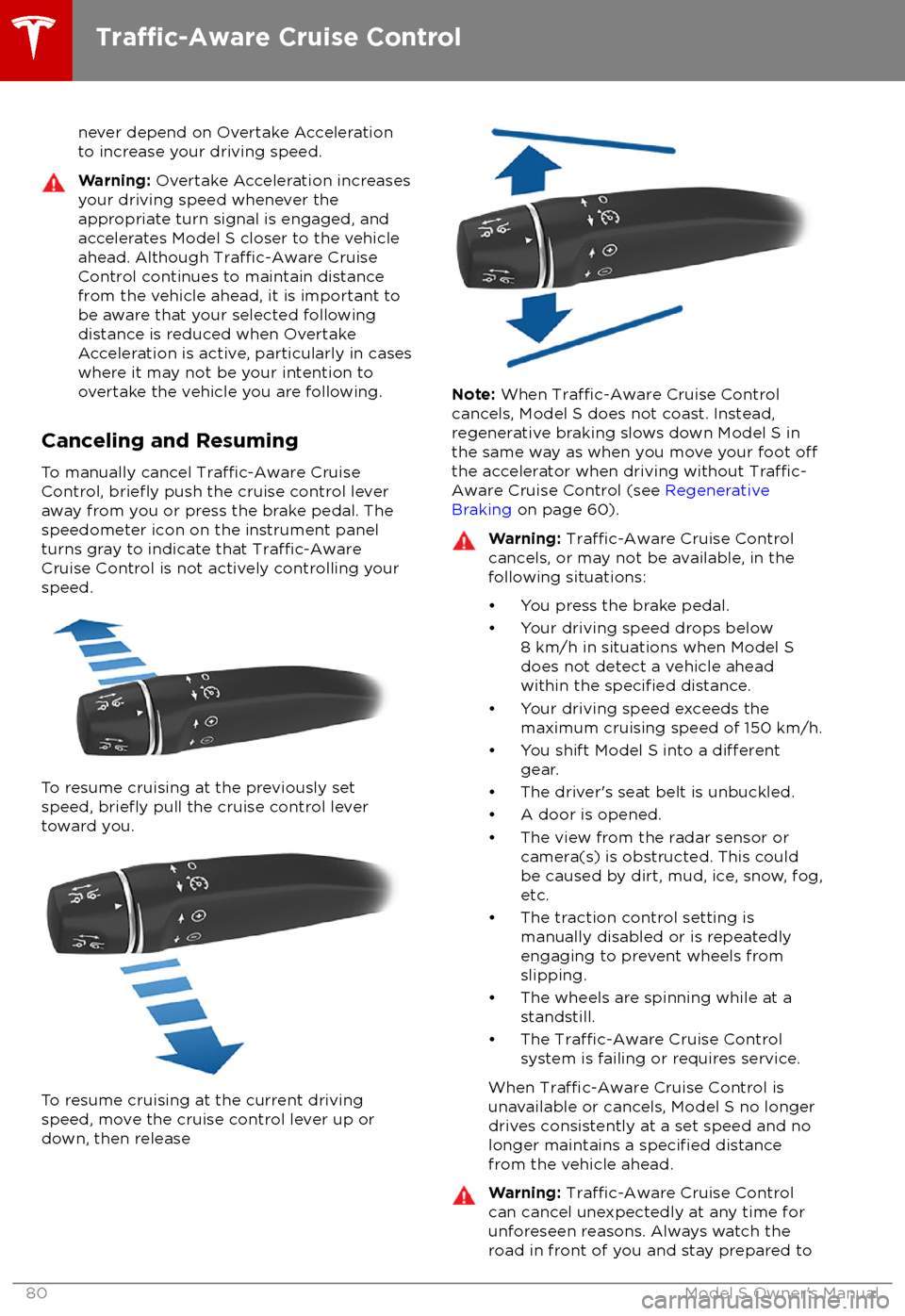
Canceling and Resuming
To manually cancel
Traffic-Aware Cruise
Control, briefly push the cruise control lever
away from you or press the brake pedal. The
speedometer icon on the instrument panel
turns gray to indicate that
Traffic-AwareCruise Control is not actively controlling your
speed.
To resume cruising at the previously set
speed, briefly pull the cruise control lever
toward you.
To resume cruising at the current driving speed, move the cruise control lever up or
down, then release
Note: When Traffic-Aware Cruise Control
cancels, Model S does not coast. Instead,
regenerative braking slows down Model S in
the same way as when you move your foot
offthe accelerator when driving without Traffic-
Aware Cruise Control (see Regenerative
Braking on page 60).
Warning: Traffic-Aware Cruise Control
cancels, or may not be available, in the
following situations:
Page 95 of 195
weather conditions. Use appropriate
caution when driving.Warning: Forward Collision Warning is
designed only to provide visual and audible alerts. It does not attempt to
apply the brakes or decelerate Model S.
When seeing and/or hearing a warning, it is the driver
Page 106 of 195
1.Close
Touch the circled X in the top left corner of a window to close it (or you can touch anywhere
outside the window).
2. Sunroof
If Model S is equipped with a sunroof, touch to adjust its position (see Sunroof on page 16).
3. Suspension
If Model S is equipped with Smart Air Suspension, touch to manually raise or lower Model S, or to remove a previously saved auto-raising location (see Smart Air Suspension on page 117).
Model S must be powered on and you must press the brake pedal before you can change
suspension settings. Smart Air Suspension causes Model S to self-level, even when powered
off. Therefore, when towing or lifting, you must disable self-leveling (see Instructions for
Transporters on page 179 and Jacking and Lifting on page 162).
4. Driving
Page 107 of 195
7.Displays
Manually control the brightness and the Day (light background) or Night (dark background)
setting of the touchscreen and instrument panel. When set to Auto, the brightness changes
automatically between day and night brightness based on ambient lighting conditions. When
Auto-adjust is checked, the displays are further adjusted based on both the surroundings and
by learning your preferences (i.e. it remembers the type of manual adjustments you make).
To disable the touchscreen momentarily for cleaning purposes, touch Clean Mode.
You can also put Model S into an energy saving mode so it consumes less energy when not in
use (see Getting Maximum Range on page 70).
Note: The Displays settings can also be accessed from the Settings screen.
8. E-Brake & Power
Off
You can manually: