Page 330 of 763
uuAudio System Basic Operation uPlaying SiriusXM ® Radio*
328
Features
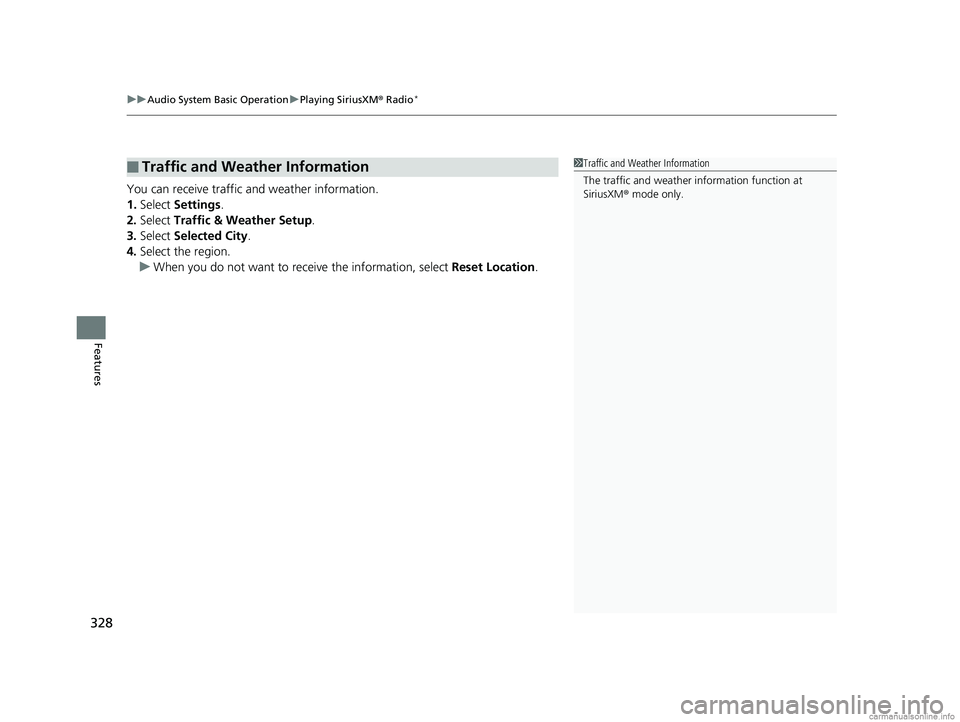
You can receive traffic and weather information.
1. Select Settings .
2. Select Traffic & Weather Setup .
3. Select Selected City .
4. Select the region.
u When you do not want to rece ive the information, select Reset Location.
■Traffic and Weather Information1Traffic and Weather Information
The traffic and weather information function at
SiriusXM ® mode only.
18 US ODYSSEY-31THR6010.book 328 ページ 2018年12月6日 木曜日 午後4時18分
Page 333 of 763
331
uuAudio System Basic Operation uPlaying SiriusXM ® Radio*
Features
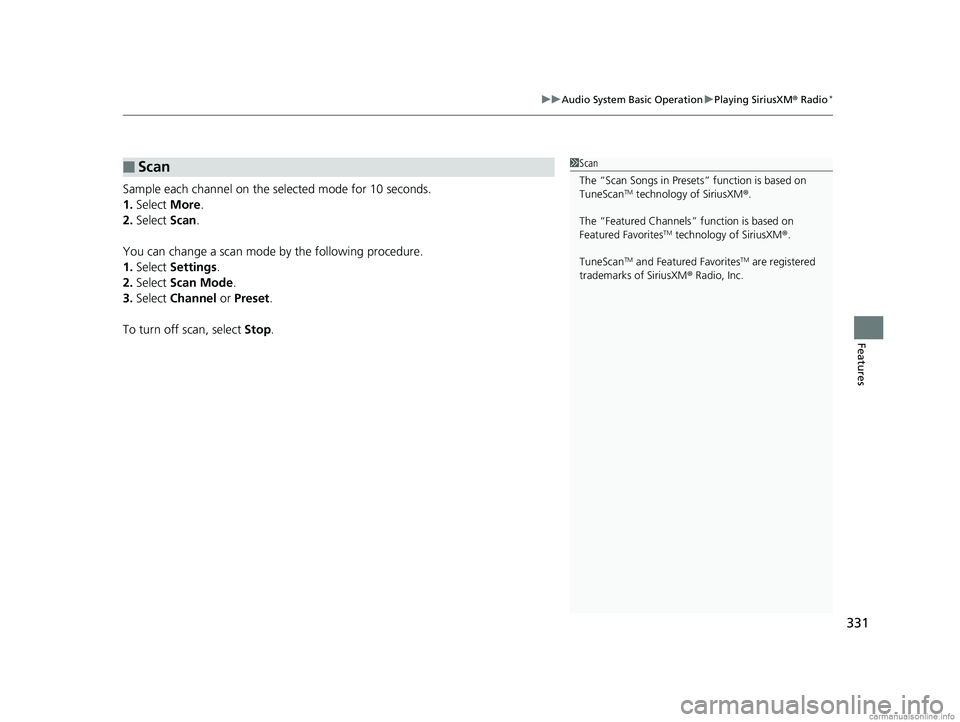
Sample each channel on the selected mode for 10 seconds.
1. Select More.
2. Select Scan.
You can change a scan mode by the following procedure.
1. Select Settings .
2. Select Scan Mode .
3. Select Channel or Preset .
To turn off scan, select Stop.
■Scan1Scan
The “Scan Songs in Preset s” function is based on
TuneScan
TM technology of SiriusXM ®.
The “Featured Channels ” function is based on
Featured Favorites
TM technology of SiriusXM ®.
TuneScan
TM and Featured FavoritesTM are registered
trademarks of SiriusXM ® Radio, Inc.
18 US ODYSSEY-31THR6010.book 331 ページ 2018年12月6日 木曜日 午後4時18分
Page 373 of 763
371
uuAudio Error Messages uAndroid/Apps
Features
Android/Apps
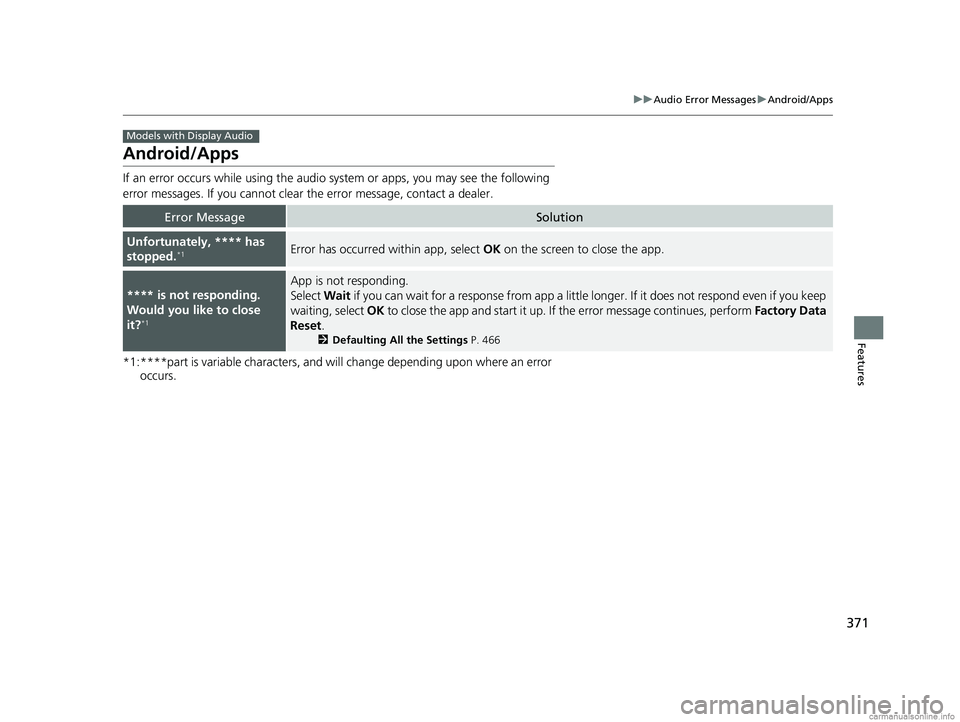
If an error occurs while using the audio system or apps, you may see the following
error messages. If you cannot clear the error message, contact a dealer.
*1:****part is variable characters, and will change depending upon where an error
occurs.
Error MessageSolution
Unfortunately, **** has
stopped.*1Error has occurred within app, select OK on the screen to close the app.
**** is not responding.
Would you like to close
it?
*1
App is not responding.
Select Wait if you can wait for a response from app a little longer. If it does not respond even if you keep
waiting, select OK to close the app and start it up. If the error message continues, perform Factory Data
Reset .
2Defaulting All the Settings P. 466
Models with Display Audio
18 US ODYSSEY-31THR6010.book 371 ページ 2018年12月6日 木曜日 午後4時18分
Page 407 of 763
405
uuBlu-ray/DVD Rear Entertainment System*uPlaying a DVD/Blu-rayTM
Continued
Features
1. Press the (home) button on the remote.
2. Select Settings and then press the ENTER button on the remote to display the
Settings screen.
3. Select an item.
The following items are available:
• Display : Adjusts the screen’s preferences.
2Adjusting the screen P. 406
•Language : Sets the system language used on all screens.
2Setting the Language P. 406
•Headphones : Sets the surround of the wireless headphones.
2Setting the Headphones P. 406
•Accessibility : With On selected, the Blu-ray/DVD rear entertainment system
provides audio feedback through the headphones to assist the user with on-
screen operations.
• About My System : Displays the information of the Blu-ray/DVD rear
entertainment system.
• System Reset : Resets the Blu-ray/DVD rear entertainment system settings and
erases all login information.
After you make all the adjustments, press the (back) or (home) button to
return.
■System Settings
18 US ODYSSEY-31THR6010.book 405 ページ 2018年12月6日 木曜日 午後4時18分
Page 449 of 763
447
uuCustomized Features u
Continued
Features
*1:Default Setting
Setup
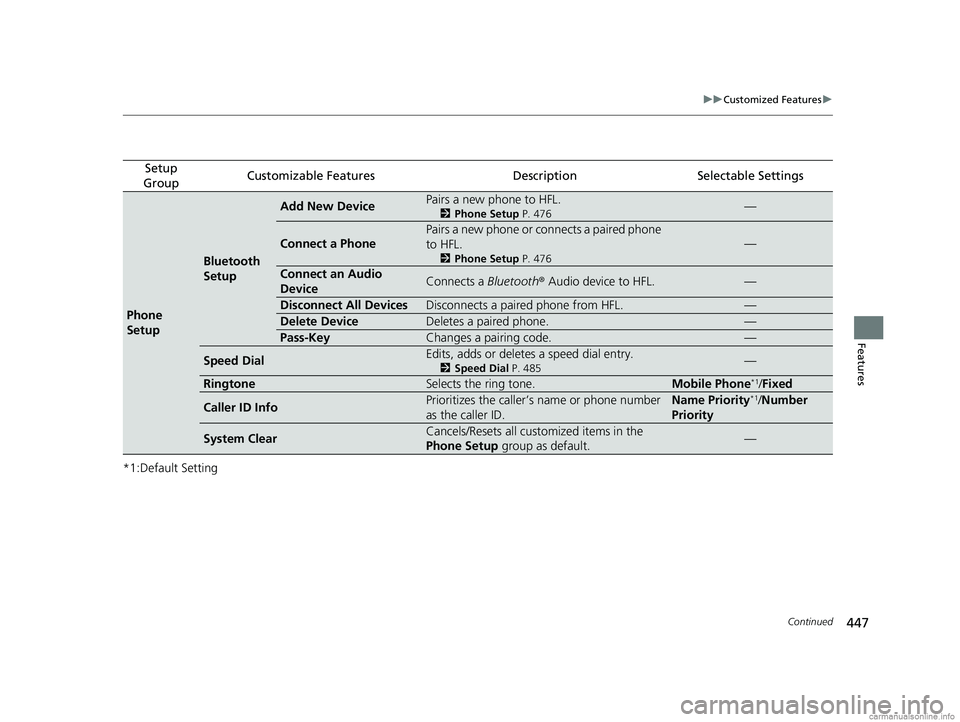
GroupCustomizable FeaturesDescriptionSelectable Settings
Phone
Setup
Bluetooth
Setup
Add New DevicePairs a new phone to HFL.
2 Phone Setup P. 476—
Connect a Phone
Pairs a new phone or connects a paired phone
to HFL.
2Phone Setup P. 476
—
Connect an Audio
DeviceConnects a Bluetooth® Audio device to HFL.—
Disconnect All DevicesDisconnects a paired phone from HFL.—
Delete DeviceDeletes a paired phone.—
Pass-KeyChanges a pairing code.—
Speed DialEdits, adds or deletes a speed dial entry.
2Speed Dial P. 485—
RingtoneSelects the ring tone.Mobile Phone*1/Fixed
Caller ID InfoPrioritizes the caller’s name or phone number
as the caller ID.Name Priority*1/Number
Priority
System ClearCancels/Resets all customized items in the
Phone Setup group as default.—
18 US ODYSSEY-31THR6010.book 447 ページ 2018年12月6日 木曜日 午後4時18分
Page 451 of 763
449
uuCustomized Features u
Continued
Features
■Customization flow
Select Settings .
Automatic Date &
Time
Set Date
Set Time
System
Select .
Automatic Time Zone*
Select Time Format
HondaLink Subscription Status
Set Time Zone
Set Date & Time
Touch
Sensitivity
Subscriptions
Language
Factory Data Reset
About
Date & Time
Select time zone
System SoundsSystem Volumes
Navigation Guidance*
* Not available on all models
18 US ODYSSEY-31THR6010.book 449 ページ 2018年12月6日 木曜日 午後4時18分
Page 454 of 763
452
uuCustomized Features u
Features
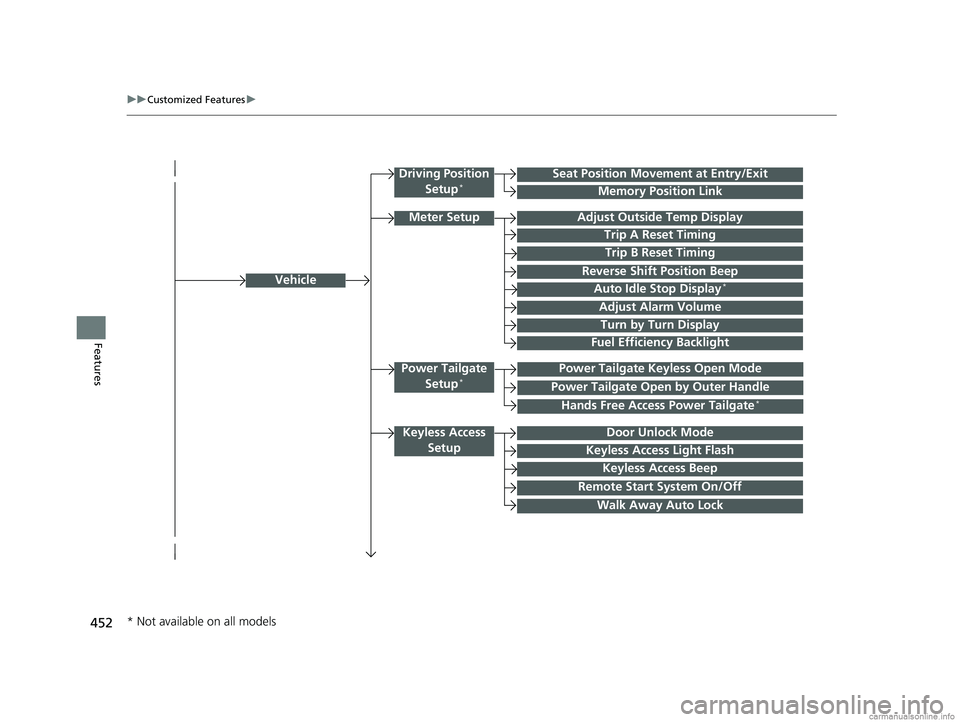
Vehicle
Driving Position
Setup*Seat Position Movement at Entry/Exit
Memory Position Link
Meter SetupAdjust Outside Temp Display
Trip A Reset Timing
Trip B Reset Timing
Reverse Shift Position Beep
Auto Idle Stop Display*
Adjust Alarm Volume
Turn by Turn Display
Power Tailgate
Setup*Power Tailgate Keyless Open Mode
Power Tailgate Open by Outer Handle
Keyless Access SetupDoor Unlock Mode
Keyless Access Light Flash
Keyless Access Beep
Remote Start System On/Off
Walk Away Auto Lock
Fuel Efficiency Backlight
Hands Free Access Power Tailgate*
* Not available on all models
18 US ODYSSEY-31THR6010.book 452 ページ 2018年12月6日 木曜日 午後4時18分
Page 458 of 763
456
uuCustomized Features u
Features
*1:Default SettingSetup
Group Customizable Features
DescriptionSelectable Settings
System
System
VolumesSystem SoundsChanges the system sounds volume.—
Navigation
Guidance*Changes the navigation guidance volume.—
Touch
SensitivitySets the sensitivity of the touch panel screen.High/Low*1
SubscriptionsHondaLink
Subscription StatusLists subscriptions and subscription status for
HondaLink ®.—
LanguageChanges the display language.
English (United
States)*1/English
(United Kingdom)/
Korean /French /
Spanish /Arabic
Factory Data
ResetResets all the settings to their factory default.
2 Defaulting All the Settings P. 466Continue/Cancel
AboutDisplays the Android setting items.—
* Not available on all models
18 US ODYSSEY-31THR6010.book 456 ページ 2018年12月6日 木曜日 午後4時18分