Page 130 of 696
IconDescription
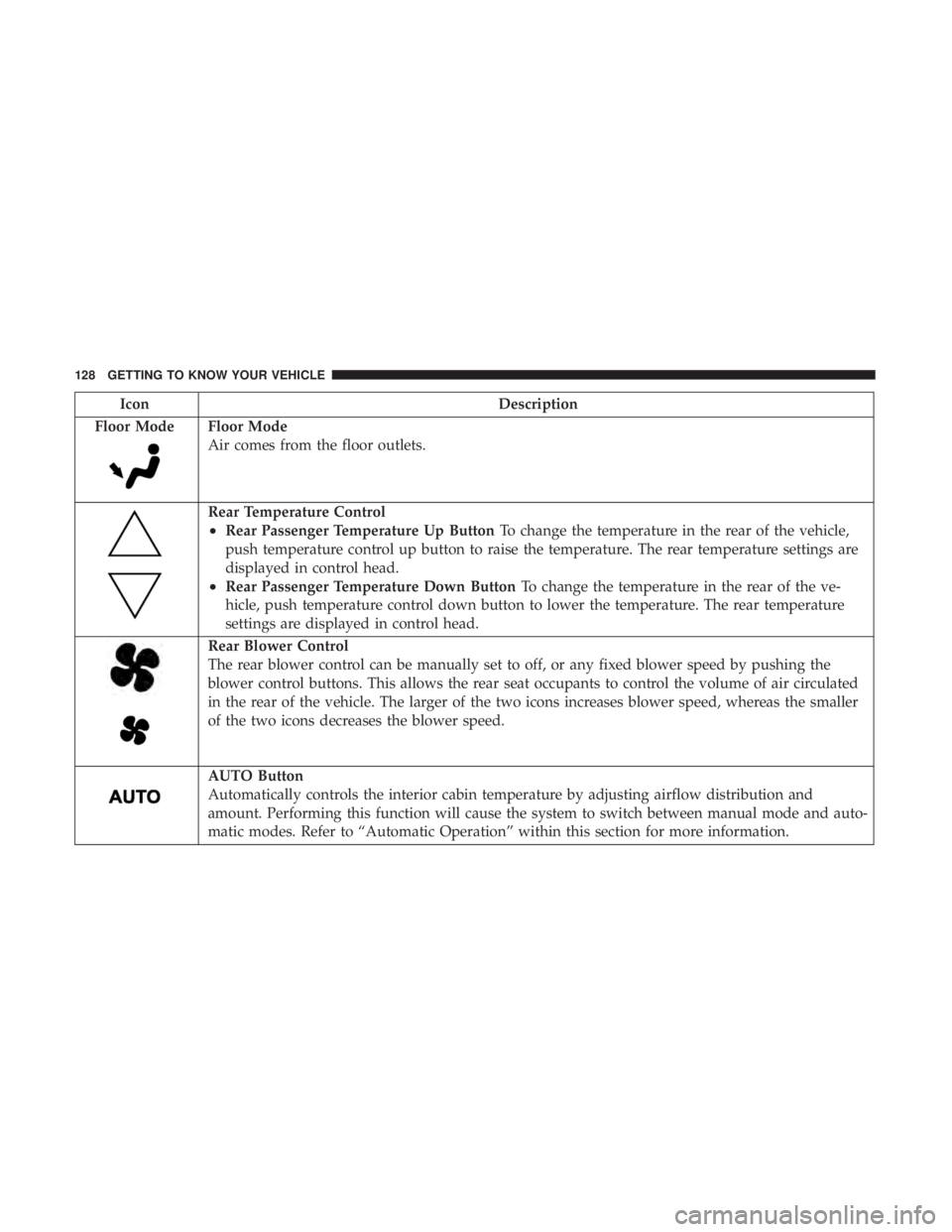
Floor Mode
Floor Mode
Air comes from the floor outlets.
Rear Temperature Control
•Rear Passenger Temperature Up Button To change the temperature in the rear of the vehicle,
push temperature control up button to raise the temperature. The rear temperature settings are
displayed in control head.
•Rear Passenger Temperature Down Button To change the temperature in the rear of the ve-
hicle, push temperature control down button to lower the temperature. The rear temperature
settings are displayed in control head.
Rear Blower Control
The rear blower control can be manually set to off, or any fixed blower speed by pushing the
blower control buttons. This allows the rear seat occupants to control the volume of air circulated
in the rear of the vehicle. The larger of the two icons increases blower speed, whereas the smaller
of the two icons decreases the blower speed.
AUTO Button
Automatically controls the interior cabin temperature by adjusting airflow distribution and
amount. Performing this function will cause the system to switch between manual mode and auto-
matic modes. Refer to “Automatic Operation” within this section for more information.
128 GETTING TO KNOW YOUR VEHICLE
Page 131 of 696
IconDescription
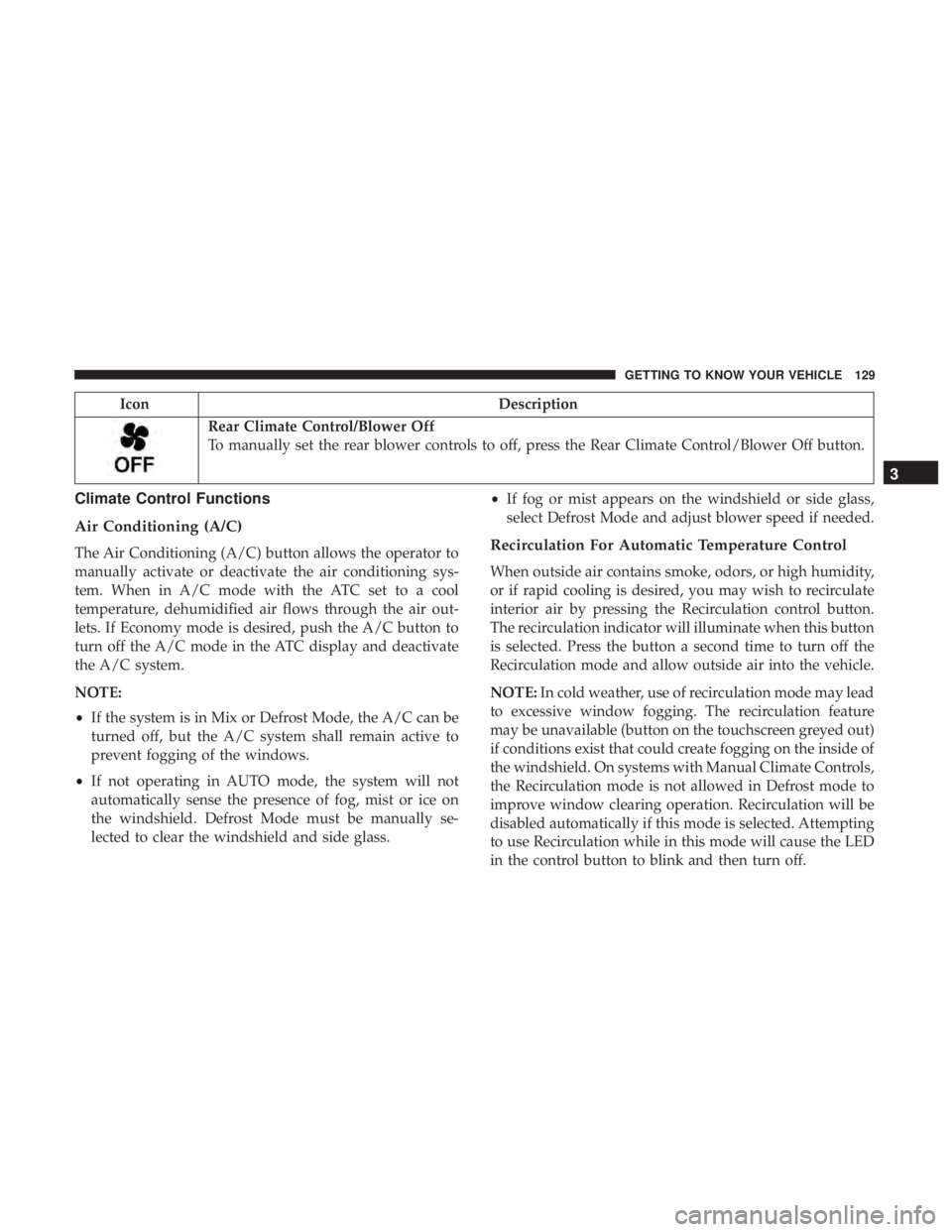
Rear Climate Control/Blower Off
To manually set the rear blower controls to off, press the Rear Climate Control/Blower Off button.
Climate Control Functions
Air Conditioning (A/C)
The Air Conditioning (A/C) button allows the operator to
manually activate or deactivate the air conditioning sys-
tem. When in A/C mode with the ATC set to a cool
temperature, dehumidified air flows through the air out-
lets. If Economy mode is desired, push the A/C button to
turn off the A/C mode in the ATC display and deactivate
the A/C system.
NOTE:
•If the system is in Mix or Defrost Mode, the A/C can be
turned off, but the A/C system shall remain active to
prevent fogging of the windows.
• If not operating in AUTO mode, the system will not
automatically sense the presence of fog, mist or ice on
the windshield. Defrost Mode must be manually se-
lected to clear the windshield and side glass. •
If fog or mist appears on the windshield or side glass,
select Defrost Mode and adjust blower speed if needed.Recirculation For Automatic Temperature Control
When outside air contains smoke, odors, or high humidity,
or if rapid cooling is desired, you may wish to recirculate
interior air by pressing the Recirculation control button.
The recirculation indicator will illuminate when this button
is selected. Press the button a second time to turn off the
Recirculation mode and allow outside air into the vehicle.
NOTE: In cold weather, use of recirculation mode may lead
to excessive window fogging. The recirculation feature
may be unavailable (button on the touchscreen greyed out)
if conditions exist that could create fogging on the inside of
the windshield. On systems with Manual Climate Controls,
the Recirculation mode is not allowed in Defrost mode to
improve window clearing operation. Recirculation will be
disabled automatically if this mode is selected. Attempting
to use Recirculation while in this mode will cause the LED
in the control button to blink and then turn off.
3
GETTING TO KNOW YOUR VEHICLE 129
Page 132 of 696

Automatic Temperature Control (ATC) — If
Equipped
Automatic Operation
1. Push the AUTO button on the faceplate, or the AUTObutton on the touchscreen on the Automatic Tempera-
ture Control (ATC) Panel.
2. Next, adjust the temperature you would like the system to maintain by adjusting the driver and passenger
temperature control buttons. Once the desired tempera-
ture is displayed, the system will achieve and automati-
cally maintain that comfort level.
3. When the system is set up for your comfort level, it is not necessary to change the settings. You will experience
the greatest efficiency by simply allowing the system to
function automatically.
NOTE:
• It is not necessary to move the temperature settings for
cold or hot vehicles. The system automatically adjusts
the temperature, mode, and blower speed to provide
comfort as quickly as possible.
• The temperature can be displayed in U.S. or Metric units
by selecting the US/Metric customer-programmable fea- ture. Refer to the “Uconnect Settings” in “Multimedia”
for further information.
To provide you with maximum comfort in the Automatic
mode during cold start-ups, the blower fan will remain on
low until the engine warms up. The blower will increase in
speed and transition into Auto mode.
Manual Operation Override
This system offers a full complement of manual override
features. The AUTO symbol in the front ATC display will
be turned off when the system is being used in the manual
mode.
Operating Tips
NOTE: Refer to the chart at the end of this section for
suggested control settings for various weather conditions.
Summer Operation
The engine cooling system must be protected with a
high-quality antifreeze coolant to provide proper corrosion
protection and to protect against engine overheating. OAT
coolant (conforming to MS.90032) is recommended. Refer
to “Fluids And Lubricants” in “Technical Specifications”
for proper coolant selection.
130 GETTING TO KNOW YOUR VEHICLE
Page 183 of 696

GETTING TO KNOW YOUR INSTRUMENT PANEL
CONTENTS
�INSTRUMENT CLUSTER ..................182
▫ Instrument Cluster Descriptions ............183
� INSTRUMENT CLUSTER DISPLAY ...........185
▫ Instrument Cluster Display Location And
Controls ............................ .185
▫ Oil Life Reset ........................ .187
▫ KeySense Cluster Messages — If Equipped .....188
▫ Instrument Cluster Display Menu Items ......189
▫ Battery Saver On/Battery Saver Mode
Message — Electrical Load Reduction
Actions — If Equipped ..................195
� TRIP COMPUTER .......................197 �
WARNING LIGHTS AND MESSAGES .........197
▫ Red Warning Lights .....................198
▫ Yellow Warning Lights ...................202
▫ Yellow Indicator Lights ...................206
▫ Green Indicator Lights ...................206
▫ Blue Indicator Lights ....................208
▫ White Indicator Lights ...................208
� ONBOARD DIAGNOSTIC SYSTEM — OBD II . . .209
▫ Onboard Diagnostic System (OBD II)
Cybersecurity ........................ .209
� EMISSIONS INSPECTION AND MAINTENANCE
PROGRAMS .......................... .2104
Page 185 of 696
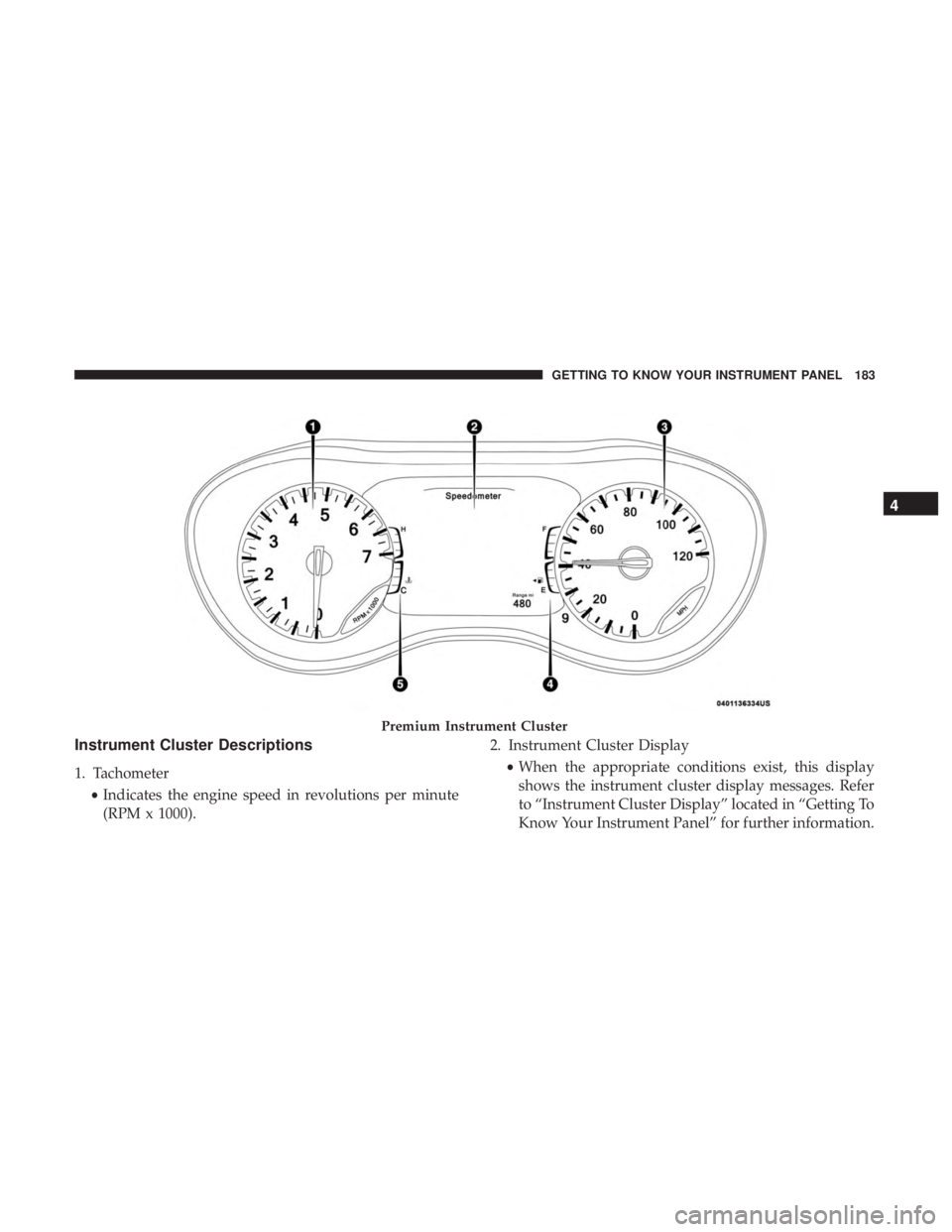
Instrument Cluster Descriptions
1. Tachometer•Indicates the engine speed in revolutions per minute
(RPM x 1000). 2. Instrument Cluster Display
•When the appropriate conditions exist, this display
shows the instrument cluster display messages. Refer
to “Instrument Cluster Display” located in “Getting To
Know Your Instrument Panel” for further information.
Premium Instrument Cluster
4
GETTING TO KNOW YOUR INSTRUMENT PANEL 183
Page 187 of 696

INSTRUMENT CLUSTER DISPLAY
Your vehicle is equipped with an instrument cluster dis-
play, which offers useful information to the driver. With the
ignition in the STOP/OFF position (and the key removed,
for vehicles with mechanical key), opening/closing of a
door will activate the display for viewing, and display the
total miles or kilometers in the odometer. Your instrument
cluster display is designed to display important informa-
tion about your vehicle’s systems and features. Using a
driver interactive display located on the instrument panel,
your instrument cluster display can show you how sys-
tems are working and give you warnings when they are
not. The steering wheel mounted controls allow you to
scroll through and enter the main menus and sub-menus.
You can access the specific information you want and make
selections and adjustments.
Instrument Cluster Display Location And Controls
The vehicle’s instrument cluster is equipped with an
instrument cluster display (base or premium cluster),
which offers useful information to the driver. With the
ignition in the STOP/OFF position, opening/closing of a
door will activate the instrument cluster display for view-
ing, and display the total miles or kilometers in the
odometer.The instrument cluster display controls allows the driver to
select information by pushing the directional buttons
mounted on the steering wheel:
•
Up Arrow Button
Push and release the uparrow button to scroll
upward through the Main Menu items.
Instrument Cluster Display Control Buttons
4
GETTING TO KNOW YOUR INSTRUMENT PANEL 185
Page 188 of 696
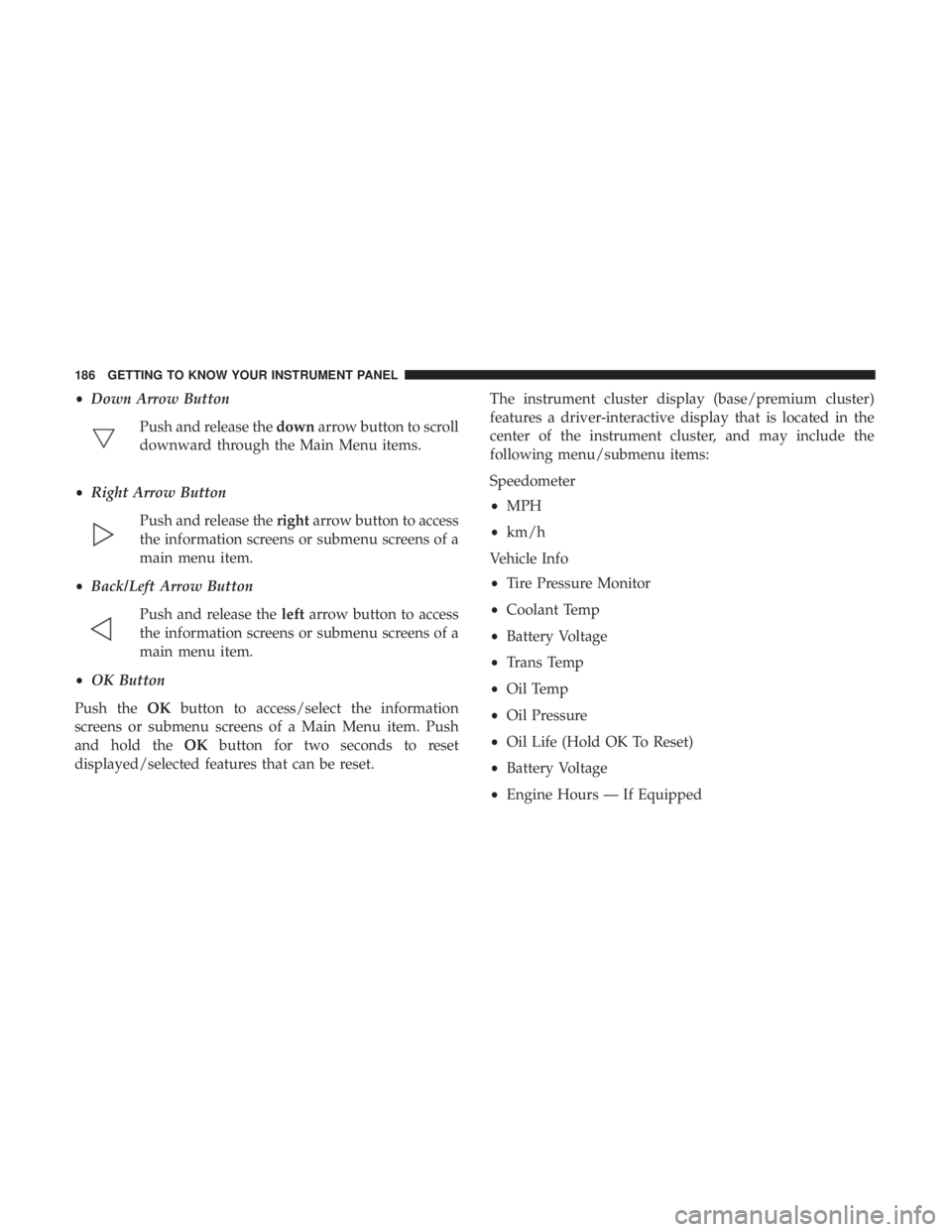
•Down Arrow Button
Push and release the downarrow button to scroll
downward through the Main Menu items.
• Right Arrow Button
Push and release the rightarrow button to access
the information screens or submenu screens of a
main menu item.
• Back/Left Arrow Button
Push and release the leftarrow button to access
the information screens or submenu screens of a
main menu item.
• OK Button
Push the OKbutton to access/select the information
screens or submenu screens of a Main Menu item. Push
and hold the OKbutton for two seconds to reset
displayed/selected features that can be reset. The instrument cluster display (base/premium cluster)
features a driver-interactive display that is located in the
center of the instrument cluster, and may include the
following menu/submenu items:
Speedometer
•
MPH
• km/h
Vehicle Info
• Tire Pressure Monitor
• Coolant Temp
• Battery Voltage
• Trans Temp
• Oil Temp
• Oil Pressure
• Oil Life (Hold OK To Reset)
• Battery Voltage
• Engine Hours — If Equipped
186 GETTING TO KNOW YOUR INSTRUMENT PANEL
Page 189 of 696
Driver Assist — If Equipped
•ACC/LaneSense
Fuel Economy
• Average Fuel Economy Value (Hold Ok To Reset)
• Range
• Current Fuel Economy Gauge
Trip (Trip A/Trip B)
• Distance
• Average MPG
• Elapsed Time
• (Hold OK to Reset All)
Audio
• Current Media Source
• Song title
• Artist (If Available)
• Phone Call Status
Messages
Screen Setup
Stop/Start — If EquippedOil Life Reset
• Your vehicle is equipped with an engine oil change
indicator system. The “Oil Change Required” message
will display for approximately five seconds after a single
chime has sounded, to indicate the next scheduled oil
change interval. The engine oil change indicator system
is duty cycle based, which means the engine oil change
interval may fluctuate, dependent upon your personal
driving style.
• Unless reset, this message will continue to display each
time the ignition is cycled to the ON/RUN position.
• To reset the oil change indicator after performing the
scheduled maintenance, refer to the following proce-
dure.
Oil Life Reset
Without pressing the brake pedal, push the ENGINE
START/STOP button and place the ignition in the ON/
RUN position (do not start the vehicle.)
1. Push the OKbutton to enter the instrument cluster
display menu screen.
2. Push and release the downarrow button to access the
”Oil Life” menu screen.
4
GETTING TO KNOW YOUR INSTRUMENT PANEL 187