Page 65 of 696

Using the Auto Advance ‘n Return Feature
NOTE:
•The button is only functional when the power sliding
door is open and the vehicle is in PARK. If the door is
not open or the vehicle is not in PARK when the button
is pushed, the front seat will not move and a message
will be displayed in instrument cluster display.
• If the power sliding door is closing when the button is
pushed, the front seat will not move and a message will
be displayed in the instrument cluster display.
1. Push and release the Auto Advance ‘n Return button. The front seat cushion and seat back will move as
necessary to a location that will allow space for the
second row Stow ‘n Go seat movement.
2. Perform the second row Stow ‘n Go seat movement. Refer to “Second Row Stow ‘n Go” for further informa-
tion.
3. Push and release the Auto Advance ‘n Return button a second time. The front seat cushion and seat back will
return to the original starting location. NOTE:
•
To abort seat operation while seat is in motion, push the
Auto Advance ‘n Return button, or push the front power
seat button to stop the seat movement. Pushing the Auto
Advance ‘n Return button again will return the front
seat to the original starting location.
• The Auto Advance ‘n Return system includes obstacle
detection. When the system detects an obstacle, the seat
will stop, reverse direction, and return to the previous
location. A message will be displayed in the instrument
cluster indicating that an obstacle has been detected.
• If the front seat is already in a location that will allow
space for Stow ‘n Go of the second row seat, the front
seat will not move and a message will be displayed in
the instrument cluster.
• If calibration of the front seat is lost, the seat will
automatically re-calibrate when the Auto Advance ‘n
Return button is pushed. This may result in the seat
cushion moving forward and downward, before moving
to the location that will allow space for the second row
Stow ‘n Go seat movement.
3
GETTING TO KNOW YOUR VEHICLE 63
Page 89 of 696

Power Folding Third Row Head Restraints — If
Equipped
For improved visibility, the third row outboard head
restraints can be folded using the Uconnect System.
Press the “Controls” button located on the bottom of the
Uconnect display.
Press the Head Restraint Fold button
to power fold the
third row head restraints.
NOTE:
• The head restraints can be folded downward using the
Head Restraint button or using the manual release strap.
The head restraints must be raised manually when
occupying the third row.
• Do not fold if there are passengers seated in the third
row seats.
STEERING WHEEL
Tilt/Telescoping Steering Column
This feature allows you to tilt the steering column upward
or downward. It also allows you to lengthen or shorten the
steering column. The tilt/telescoping lever is located left of
the steering wheel at the end of the steering column.
To unlock the steering column, push the lever downward
(toward the floor). To tilt the steering column, move the
steering wheel upward or downward as desired. To
lengthen or shorten the steering column, pull the steering
wheel outward or push it inward as desired. To lock the
Tilt/Telescoping Lever
3
GETTING TO KNOW YOUR VEHICLE 87
Page 94 of 696
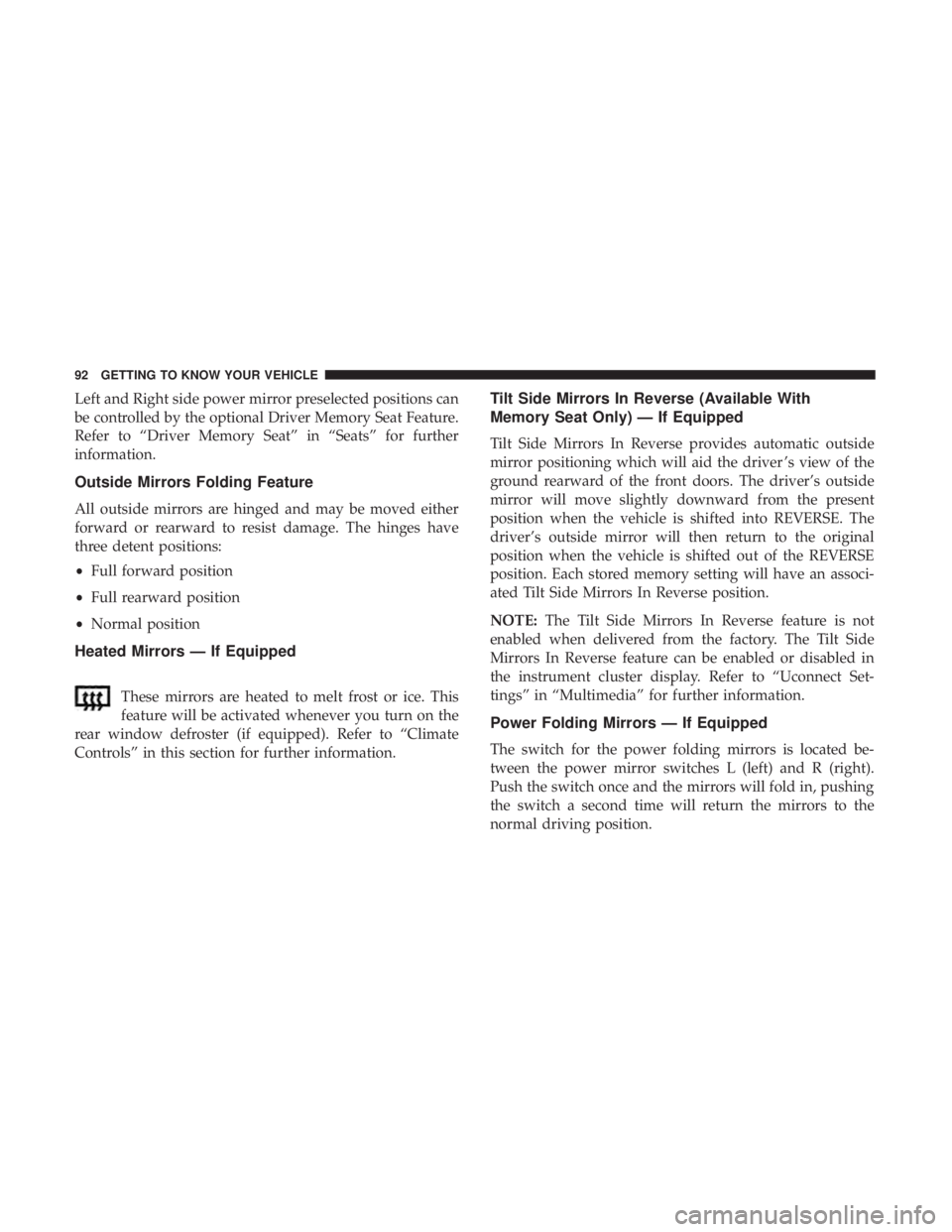
Left and Right side power mirror preselected positions can
be controlled by the optional Driver Memory Seat Feature.
Refer to “Driver Memory Seat” in “Seats” for further
information.
Outside Mirrors Folding Feature
All outside mirrors are hinged and may be moved either
forward or rearward to resist damage. The hinges have
three detent positions:
•Full forward position
• Full rearward position
• Normal position
Heated Mirrors — If Equipped
These mirrors are heated to melt frost or ice. This
feature will be activated whenever you turn on the
rear window defroster (if equipped). Refer to “Climate
Controls” in this section for further information.
Tilt Side Mirrors In Reverse (Available With
Memory Seat Only) — If Equipped
Tilt Side Mirrors In Reverse provides automatic outside
mirror positioning which will aid the driver ’s view of the
ground rearward of the front doors. The driver’s outside
mirror will move slightly downward from the present
position when the vehicle is shifted into REVERSE. The
driver’s outside mirror will then return to the original
position when the vehicle is shifted out of the REVERSE
position. Each stored memory setting will have an associ-
ated Tilt Side Mirrors In Reverse position.
NOTE: The Tilt Side Mirrors In Reverse feature is not
enabled when delivered from the factory. The Tilt Side
Mirrors In Reverse feature can be enabled or disabled in
the instrument cluster display. Refer to “Uconnect Set-
tings” in “Multimedia” for further information.
Power Folding Mirrors — If Equipped
The switch for the power folding mirrors is located be-
tween the power mirror switches L (left) and R (right).
Push the switch once and the mirrors will fold in, pushing
the switch a second time will return the mirrors to the
normal driving position.
92 GETTING TO KNOW YOUR VEHICLE
Page 100 of 696
Turn Signal Warning
If the vehicle electronics sense that the vehicle has traveled
for about 1 mile (1.6 km) with the turn signals on, a chime
will sound and a message will display in the cluster to alert
the driver.
Lane Change Assist — If Equipped
Tap the multifunction lever up or down once, without
moving beyond the detent, and the turn signal (right or
left) will flash three times then automatically turn off.
Battery Protection
This feature provides battery protection to avoid wearing
down the battery if the headlights or parking lights are left
on for extended periods of time when the ignition is in the
OFF position. After eight minutes of the ignition being in
the OFF position and the headlight switch in any position
other than OFF or AUTO, the lights will turn off automati-
cally until the next cycle of the ignition or headlight switch.
The battery protection feature will be disabled if the
ignition is placed in any position other than OFF during the
eight minute delay.
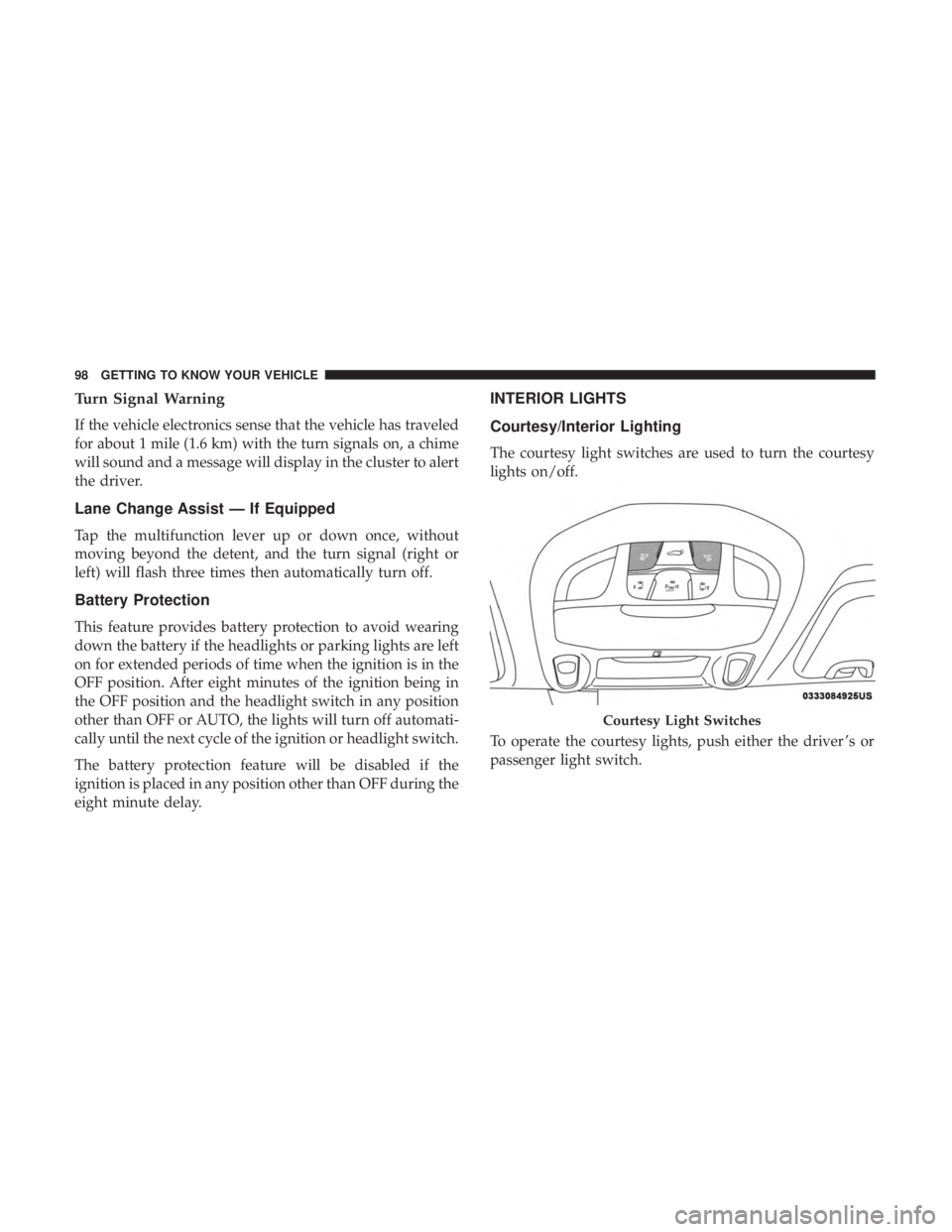
INTERIOR LIGHTS
Courtesy/Interior Lighting
The courtesy light switches are used to turn the courtesy
lights on/off.
To operate the courtesy lights, push either the driver ’s or
passenger light switch.
Courtesy Light Switches
98 GETTING TO KNOW YOUR VEHICLE
Page 103 of 696

Parade Mode (Daytime Brightness Feature)
Rotate the instrument panel dimmer control upward to the
first detent. This feature brightens all text displays such as
the odometer, instrument cluster display, and radio when
the position lights or headlights are on.
WINDSHIELD WIPER AND WASHERS
Windshield Wiper Operation
The wipers and washers are operated by a switch within
the wiper lever. Rotate the end of the lever upward, to the
first detent past the intermittent settings for low-speed
wiper operation. Rotate the end of the lever upward to the
second detent past the intermittent settings for high-speed
wiper operation.NOTE:
Always remove any buildup of snow that prevents
the windshield wiper blades from returning to the off
position. If the windshield wiper switch is turned off and
the blades cannot return to the off position, damage to the
wiper motor may occur.
WARNING!
Sudden loss of visibility through the windshield could
lead to a collision. You might not see other vehicles or
other obstacles. To avoid sudden icing of the windshield
during freezing weather, warm the windshield with the
defroster before and during windshield washer use.
Washer And Wiper Controls
3
GETTING TO KNOW YOUR VEHICLE 101
Page 106 of 696
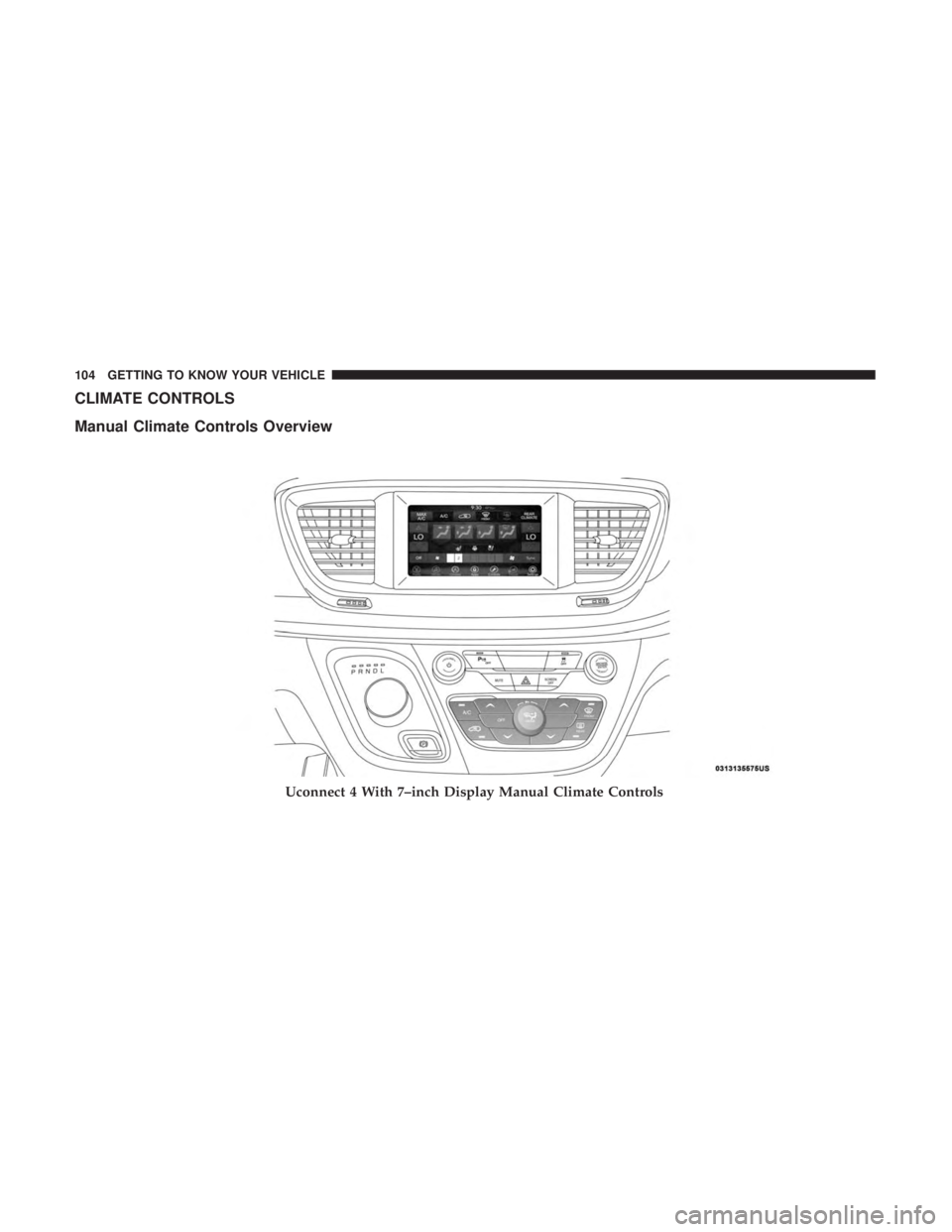
CLIMATE CONTROLS
Manual Climate Controls Overview
Uconnect 4 With 7–inch Display Manual Climate Controls
104 GETTING TO KNOW YOUR VEHICLE
Page 107 of 696
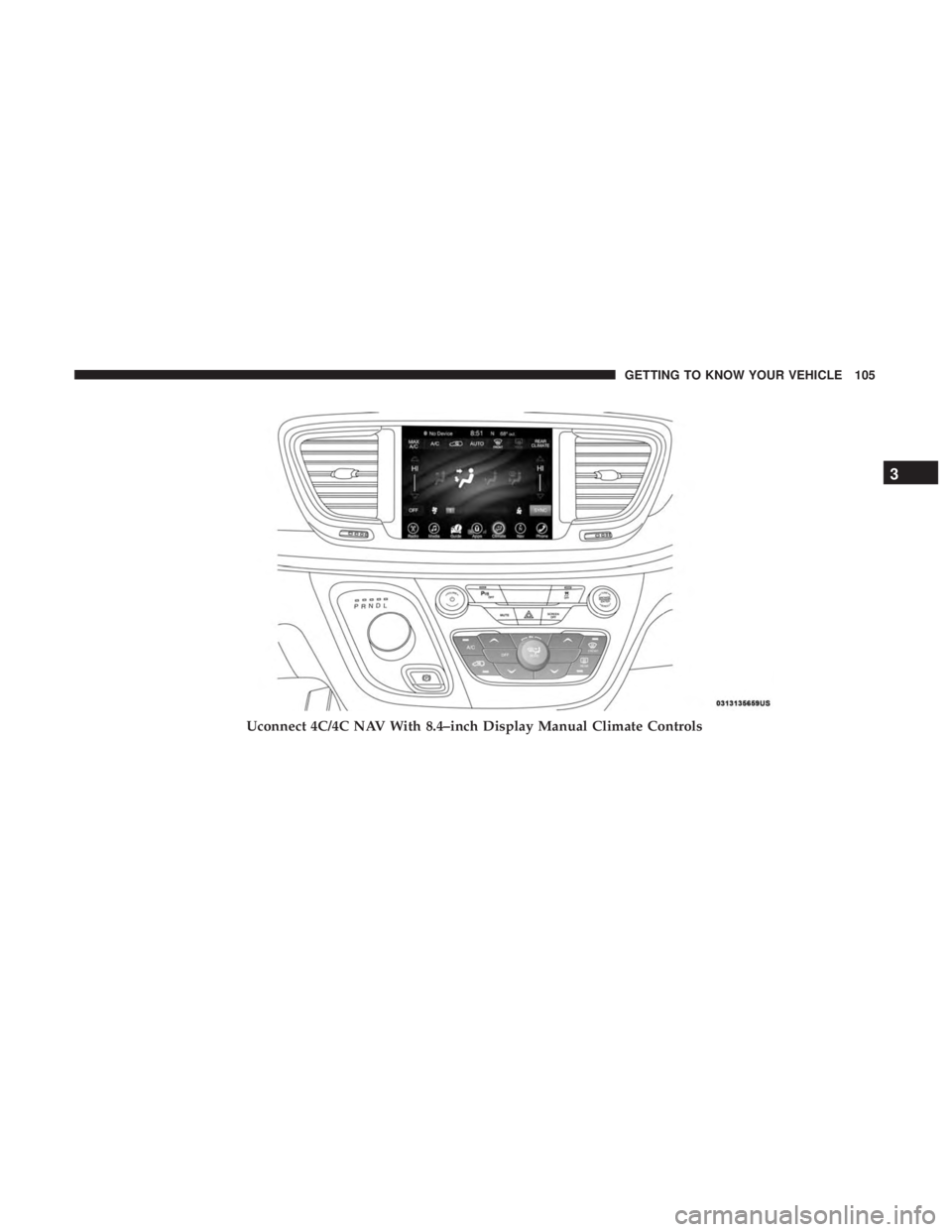
Uconnect 4C/4C NAV With 8.4–inch Display Manual Climate Controls
3
GETTING TO KNOW YOUR VEHICLE 105
Page 112 of 696
IconDescription
Mix Mode
Mix Mode
Air is directed through the floor, defrost, and side window demister outlets. This setting works
best in cold or snowy conditions that require extra heat to the windshield. This setting is good
for maintaining comfort while reducing moisture on the windshield.
Climate Control OFF Button
Press and release this button to turn the Climate Control ON/OFF.
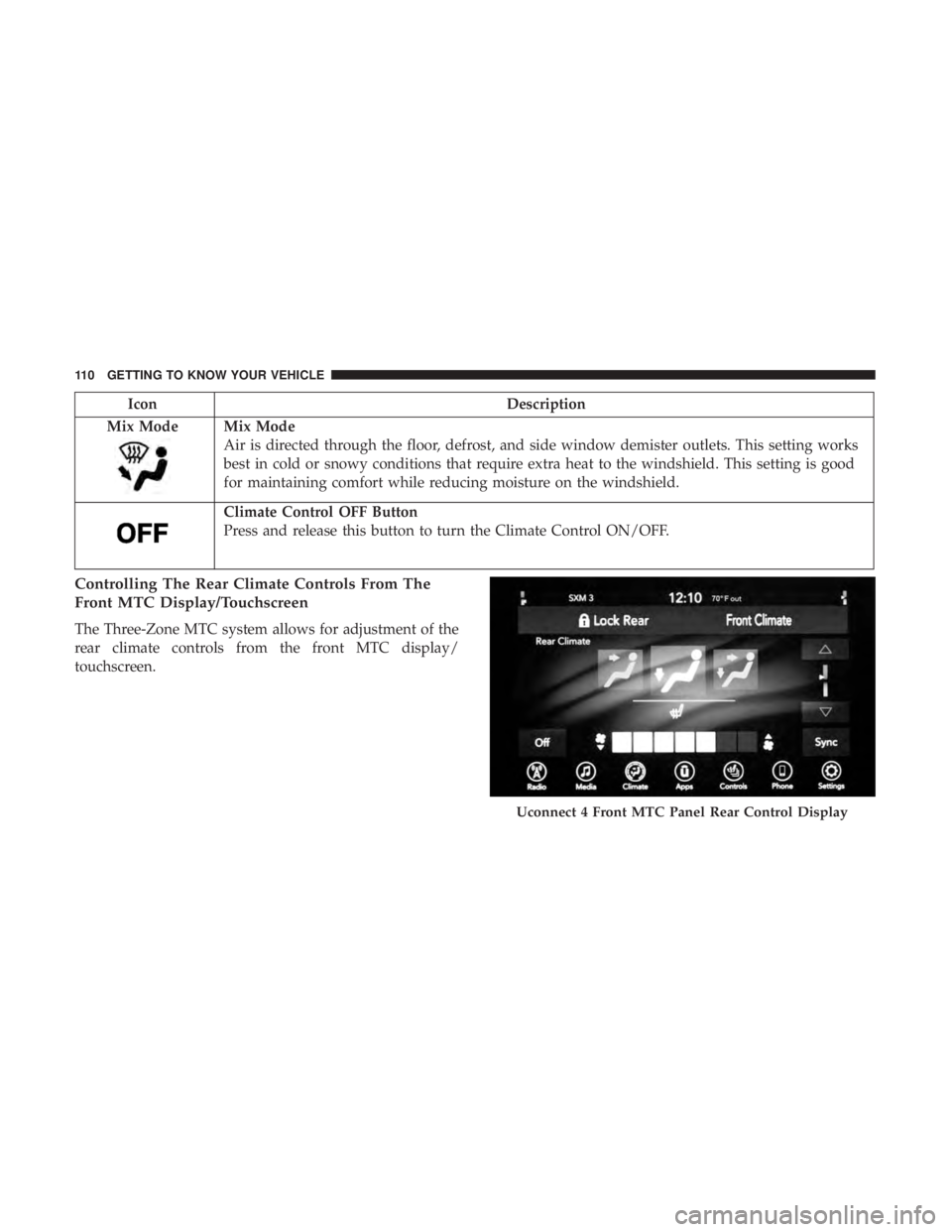
Controlling The Rear Climate Controls From The
Front MTC Display/Touchscreen
The Three-Zone MTC system allows for adjustment of the
rear climate controls from the front MTC display/
touchscreen.
Uconnect 4 Front MTC Panel Rear Control Display
110 GETTING TO KNOW YOUR VEHICLE