Page 118 of 466
Never leave these keys in the vehicle.
FCC Notice:
For USA:
This device complies with Part 15 of the
FCC Rules. Operation is subject to the fol-
lowing two conditions: (1) This device may
not cause harmful interference, and (2) this
device must accept any interference re-
ceived, including interference that may
cause undesired operation.
NOTE:
Changes or modifications not expressly ap-
proved by the party responsible for compli-
ance could void the user’s authority to op-
erate the equipment.
For Canada:
This device complies with Industry Canada
license-exempt RSS standard(s) . Opera-
tion is subject to the following two condi-
tions: (1) this device may not cause inter-
ference, and (2) this device must accept any
interference received, including interfer-
ence that may cause undesired operation
of the device.
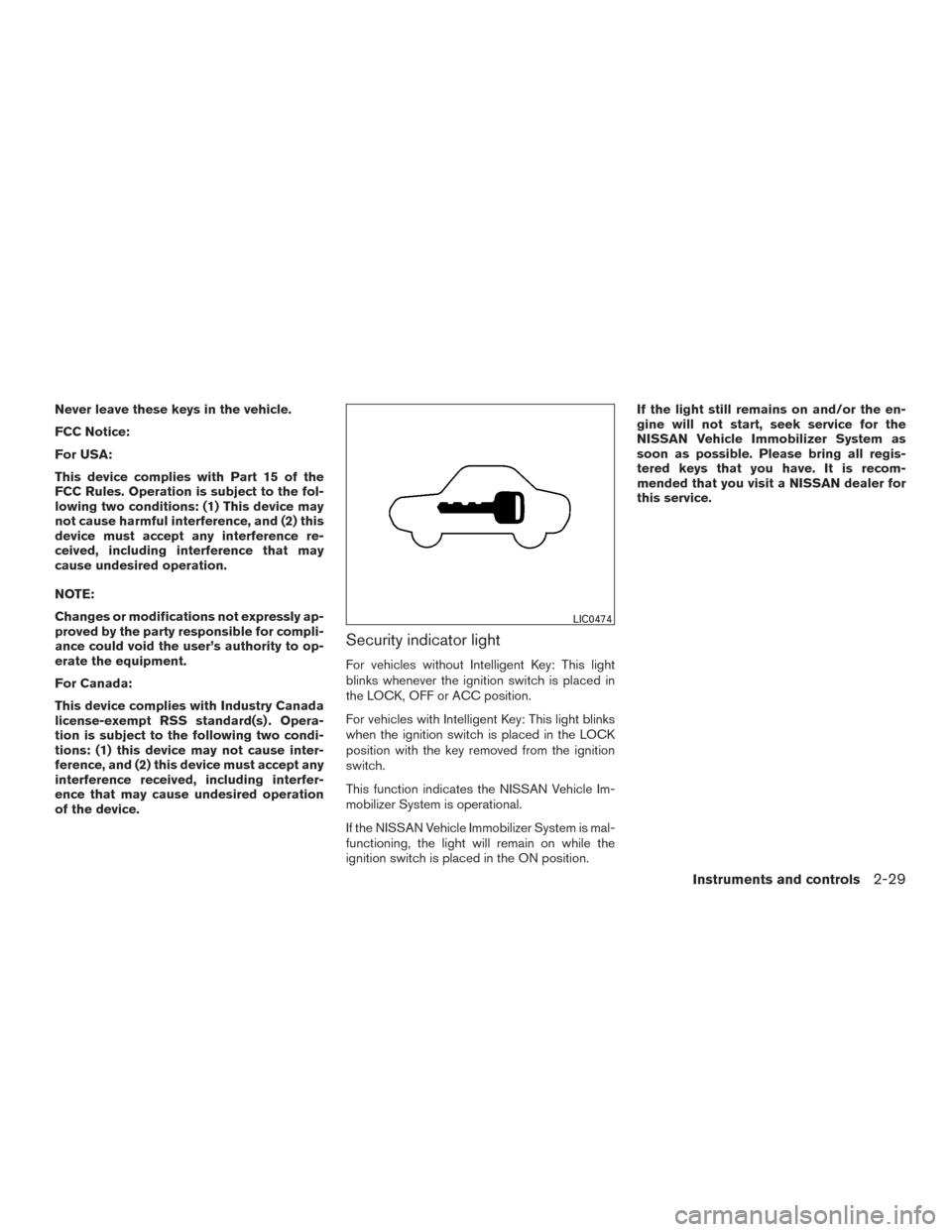
Security indicator light
For vehicles without Intelligent Key: This light
blinks whenever the ignition switch is placed in
the LOCK, OFF or ACC position.
For vehicles with Intelligent Key: This light blinks
when the ignition switch is placed in the LOCK
position with the key removed from the ignition
switch.
This function indicates the NISSAN Vehicle Im-
mobilizer System is operational.
If the NISSAN Vehicle Immobilizer System is mal-
functioning, the light will remain on while the
ignition switch is placed in the ON position.If the light still remains on and/or the en-
gine will not start, seek service for the
NISSAN Vehicle Immobilizer System as
soon as possible. Please bring all regis-
tered keys that you have. It is recom-
mended that you visit a NISSAN dealer for
this service.
LIC0474
Instruments and controls2-29
Page 120 of 466
Pull the lever toward you�5to operate the
washer. The wiper will also operate several times.
NOTE:
The Speed Dependent feature may be dis-
abled. For additional information, refer to
“Vehicle information display” in this sec-
tion.
REAR SWITCH OPERATION
If the rear window wiper operation is interrupted
by snow, etc., the wiper may stop moving to
protect its motor. If this occurs, turn the wiper
switch to OFF and remove the snow, etc. on and
around the wiper arms. After about 1 minute, turn
the switch ON again to operate the wiper.
The rear window wiper and washer operate when
the ignition switch is in the ON position. Turn the
switch clockwise from the OFF position to oper-
ate the wiper.
�1Intermittent (INT) — intermittent operation
(not adjustable)
�2Low (ON) — continuous low speed opera-
tion
Push the switch forward
�3to operate the
washer. The wiper will also operate several times.
WARNING
In freezing temperatures the washer solu-
tion may freeze on the window and ob-
scure your vision. Warm the rear window
with the defroster before you wash the
rear window.
CAUTION
● Do not operate the washer continuously
for more than 30 seconds.
● Do not operate the washer if the
windshield-washer fluid reservoir is
empty.
● Do not fill the windshield-washer fluid
reservoir with windshield-washer fluid
concentrates at full strength. Some
methyl alcohol based windshield-
washer fluid concentrates may perma-
nently stain the grille if spilled while
filling the windshield-washer fluid
reservoir.LIC3101
Instruments and controls2-31
Page 135 of 466
STORAGE TRAYS
To open the storage tray in the front console,
press and release the lid.
WARNING
Do not place sharp objects in the trays to
help prevent injury in an accident or sud-
den stop.
GLOVE BOX
Open the glove box by pulling the handle.
Use the master key to lock or unlock the glove
box. The valet key (if so equipped) cannot be
used to lock or unlock the glove box.
WARNING
Keep glove box lid closed while driving to
help prevent injury in an accident or a
sudden stop.
Front console
LIC2914
Rear armrest
LIC2214LIC3003
2-46Instruments and controls
Page 136 of 466
CONSOLE BOX
To open the console box, press in on the lever
and raise the lid.
To close, push the lid down until the lock latches.
SUNGLASSES HOLDER
To open the sunglasses holder, push and release.
Only store one pair of sunglasses in the holder.
WARNING
Keep the sunglasses holder closed while
driving to avoid obstructing the driver’s
view and to help prevent an accident.
CAUTION
●Do not use for anything other than
sunglasses.
● Do not leave sunglasses in the sun-
glasses holder while parking in direct
sunlight. The heat may damage the
sunglasses.
LIC2916LIC2312
Instruments and controls2-47
Page 140 of 466
●Properly secure all cargo with ropes or
straps to help prevent it from sliding or
shifting. In a sudden stop or collision,
unsecured cargo could cause personal
injury.
CAUTION
Always install the cross bars onto the roof
side rails before loading cargo of any kind.
Loading cargo directly onto the roof side
rails or the vehicle’s roof may cause ve-
hicle damage.
POWER WINDOWS
WARNING
● Make sure that all passengers have
their hands, etc. inside the vehicle while
it is in motion and before closing the
windows. Use the window lock switch to
prevent unexpected use of the power
windows.
● To help avoid risk of injury or death
through unintended operation of the
vehicle and/or its systems, including
entrapment in windows or inadvertent
door lock activation, do not leave chil-
dren, people who require the assistance
of others or pets unattended in your
vehicle. Additionally, the temperature
inside a closed vehicle on a warm day
can quickly become high enough to
cause a significant risk of injury or
death to people and pets.
The power windows operate when the ignition
switch is placed in the ON position, or for a
period of time after the ignition switch is placed in
the OFF position. If the driver’s or passenger’s
door is opened during this period of time, the
power to the windows is canceled.
1. Window lock button
2. Power door lock switch
3. Front passenger side automatic switch
4. Right rear passenger side switch
5. Left rear passenger side switch
6. Driver’s side automatic switch
LIC3238
WINDOWS
Instruments and controls2-51
Page 141 of 466
Driver’s side power window switch
The driver’s side control panel is equipped with
switches to open or close all of the windows.
To open a window, push the switch to the detent
and continue to hold down until the desired win-
dow position is reached. To close a window, pull
the switch to the detent and continue to hold up
until the desired window position is reached.
Locking passengers’ windows
When the window lock switch is pushed, only the
driver’s side window can be opened or closed.
Push it again to cancel the window lock function.
Front passenger’s power window
switch
The passenger’s window switch operates only
the corresponding passenger’s window. To open
the window partially, push the switch down lightly
until the desired window position is reached. To
close the window partially, pull the switch up until
the desired window position is reached.
Rear power window switch
The rear power window switches open or close
only the corresponding windows. To open the
window, push the switch and hold it down
�1.To
close the window, pull the switch up
�2.
LIC2397LIC2663
2-52Instruments and controls
Page 145 of 466
When the ON switch�1is pushed, the footwell
lights (if so equipped) , step lights (if so
equipped) , map lights and rear personal lights
will automatically turn on and stay on for a period
of time when:
● The doors are unlocked by the Intelligent
Key, a key or the request switch (if so
equipped) while all doors are closed and the
ignition switch is in the OFF position.
● The driver’s door is opened and then closed
while the ignition switch is in the OFF posi-
tion.
● Individually pushed. When the OFF switch
�2is pushed, the interior
lights will illuminate when pushed. When the
DOOR/OFF switch is pushed and the ON switch
is pushed, all of the lights will come on.
NOTE:
The footwell lights (if so equipped) and
step lights (if so equipped) illuminate when
the driver and passenger doors are open
regardless of the interior light switch posi-
tion. These lights will turn off automatically
after a period of time while doors are open
to prevent the battery from becoming dis-
charged.
CAUTION
Do not use for extended periods of time
with the engine stopped. This could result
in a discharged battery.
CONSOLE LIGHT (if so equipped)
The console light will turn on whenever the park-
ing lights or headlights are illuminated.
The console light brightness can be adjusted
with the illumination brightness control in the
vehicle information display.
LIC2302LIC2303
INTERIOR LIGHTS
2-56Instruments and controls
Page 147 of 466
The HomeLink® Universal Transceiver provides
a convenient way to consolidate the functions of
up to three individual hand-held transmitters into
one built-in device.
HomeLink® Universal Transceiver:● Will operate most radio frequency devices
such as garage doors, gates, home and of-
fice lighting, entry door locks and security
systems.
● Is powered by your vehicle’s battery. No
separate batteries are required. If the vehi-
cle’s battery is discharged or is discon-
nected, HomeLink® will retain all program-
ming.
When the HomeLink® Universal Trans-
ceiver is programmed, retain the original
transmitter for future programming proce-
dures (Example: new vehicle purchases) .
Upon sale of the vehicle, the programmed
HomeLink® Universal Transceiver buttons
should be erased for security purposes. For
additional information, refer to “Program-
ming HomeLink®” in this section.WARNING
● Do not use the HomeLink® Universal
Transceiver with any garage door
opener that lacks safety stop and re-
verse features as required by federal
safety standards. (These standards be-
came effective for opener models
manufactured after April 1, 1982) . A ga-
rage door opener which cannot detect
an object in the path of a closing garage
door and then automatically stop and
reverse, does not meet current federal
safety standards. Using a garage door
opener without these features in-
creases the risk of serious injury or
death.
● During the programming procedure
your garage door or security gate will
open and close (if the transmitter is
within range) . Make sure that people or
objects are clear of the garage door,
gate, etc. that you are programming.
● Your vehicle’s engine should be turned
off while programming the HomeLink®
Universal Transceiver.
PROGRAMMING HOMELINK®
If you have any questions or are having difficulty
programming your HomeLink® buttons, refer to
the HomeLink® web site at: www.homelink.com
or call 1-800-355-3515.
NOTE:
Place the ignition switch in the ACC posi-
tion (if so equipped) when programming
HomeLink®. It is also recommended that a
new battery be placed in the hand-held
transmitter of the device being pro-
grammed to HomeLink® for quicker pro-
gramming and accurate transmission of
the radio frequency.
HOMELINK® UNIVERSAL
TRANSCEIVER (if so equipped)
2-58Instruments and controls