2017 NISSAN MURANO ad blue
[x] Cancel search: ad bluePage 5 of 466
BLUETOOTH® is a
trademark owned by
Bluetooth SIG, Inc.
and licensed to
Visteon.
SiriusXM® services
require a subscription
after trial period and
are sold separately or
as a package. The
satellite service is
available only in the
48 contiguous USA
and DC. SiriusXM®
satellite service is
also available in
Canada; see
www.siriusxm.ca.
© 2016 NISSAN NORTH AMERICA, INC.
All rights reserved. No part of this Owner’s
Manual may be reproduced or stored in a retrieval
system, or transmitted in any form, or by any
means, electronic, mechanical, photocopying,
recording or otherwise, without the prior written
permission of Nissan North America, Inc.
Page 16 of 466
15. Shift lever (P. 5-16)
16. Push-button ignition switch (P. 5-11)
17. Cruise control switches(if so equipped) (P. 5-39)
Intelligent Cruise Control (ICC)
switches (if so equipped) (P. 5-41)
18. Driver supplemental knee air bag
(P. 1-48)
19. Bluetooth® Hands-Free Phone
System/Audio control switches
(P. 4-54)
20. Hood release (P. 3-21) Fuel door release (P. 3-27)
Powered rear seatback switch (P. 1-2)
21. Fuse box (P. 8-18)
22. Power liftgate main switch
(if so equipped) (P. 3-21)
Heated steering wheel switch
(if so equipped) (P. 2-40)
Vehicle Dynamic Control (VDC) OFF
switch (P. 2-41)
23. Instrument brightness control (P. 2-33) Twin trip odometer reset switch (P. 2-3)
*: Refer to the separate Navigation System Own-
er’s Manual (if so equipped) .
Refer to the page number indicated in pa-
rentheses for operating details.
Illustrated table of contents0-7
Page 18 of 466
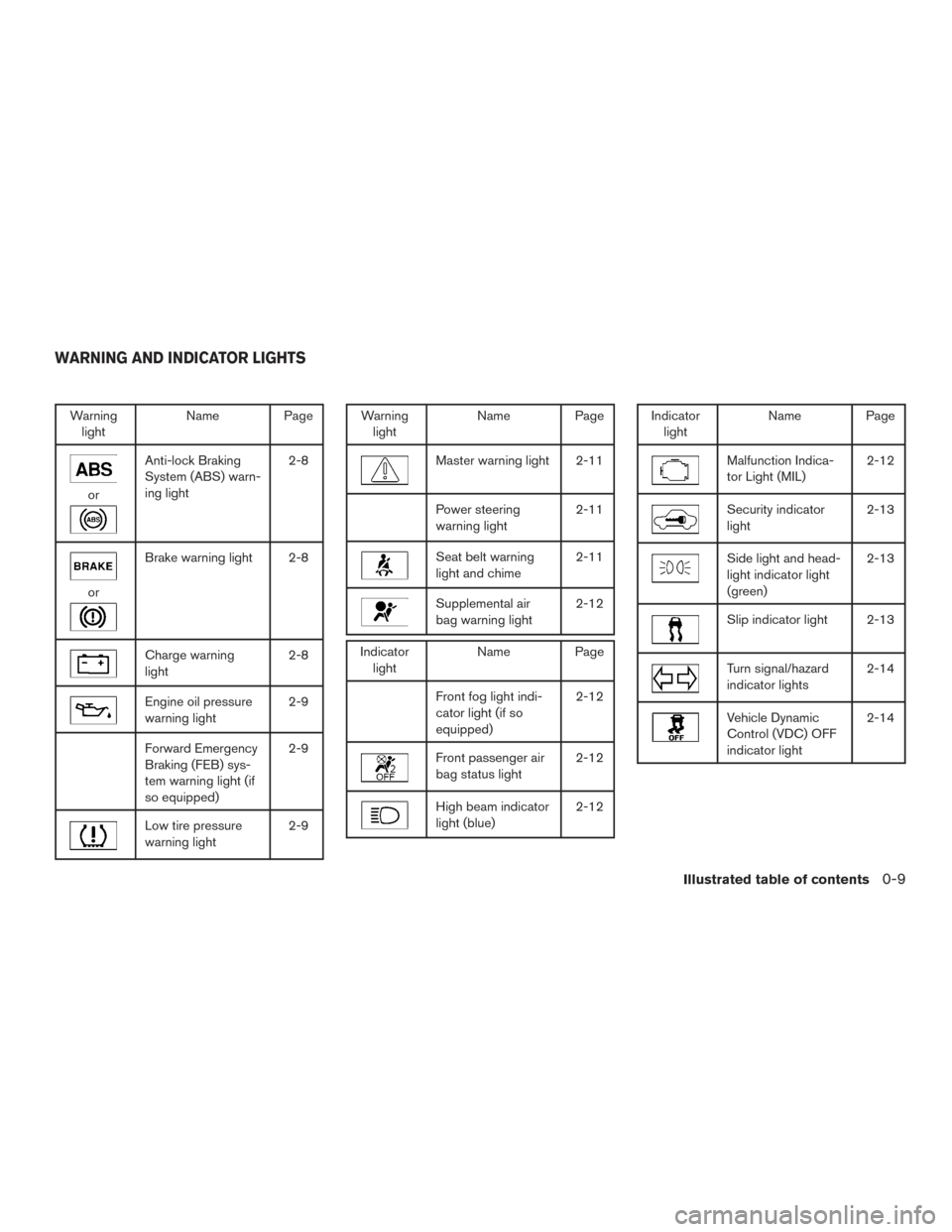
Warninglight Name Page
or
Anti-lock Braking
System (ABS) warn-
ing light 2-8
or
Brake warning light 2-8
Charge warning
light
2-8
Engine oil pressure
warning light2-9
Forward Emergency
Braking (FEB) sys-
tem warning light (if
so equipped)2-9
Low tire pressure
warning light
2-9
Warning
light Name Page
Master warning light 2-11
Power steering
warning light 2-11
Seat belt warning
light and chime2-11
Supplemental air
bag warning light2-12
Indicator
light Name Page
Front fog light indi-
cator light (if so
equipped) 2-12
Front passenger air
bag status light
2-12
High beam indicator
light (blue)2-12
Indicator
light Name Page
Malfunction Indica-
tor Light (MIL) 2-12
Security indicator
light2-13
Side light and head-
light indicator light
(green)2-13
Slip indicator light 2-13
Turn signal/hazard
indicator lights
2-14
Vehicle Dynamic
Control (VDC) OFF
indicator light2-14
WARNING AND INDICATOR LIGHTS
Illustrated table of contents0-9
Page 92 of 466
15. Shift lever (P. 5-16)
16. Push-button ignition switch (P. 5-11)
17. Cruise control switches(if so equipped) (P. 5-39)
Intelligent Cruise Control (ICC)
switches (if so equipped) (P. 5-41)
18. Driver supplemental knee air bag
(P. 1-48)
19. Bluetooth® Hands-Free Phone
System/Audio control switches
(P. 4-54)
20. Hood release (P. 3-21) Fuel door release (P. 3-27)
Powered rear seatback switch (P. 1-2)
21. Fuse box (P. 8-18)
22. Power liftgate main switch
(if so equipped) (P. 3-21)
Heated steering wheel switch
(if so equipped) (P. 2-40)
Vehicle Dynamic Control (VDC) OFF
switch (P. 2-41)
23. Instrument brightness control (P. 2-33) Twin trip odometer reset switch (P. 2-3)
*: Refer to the separate Navigation System Own-
er’s Manual (if so equipped) .
Refer to the page number indicated in pa-
rentheses for operating details.
1. Tachometer
2. Warning and indicator lights
3. Vehicle information displayOdometer
Twin Trip Odometer 4. Speedometer
5. Fuel gauge
6. Engine coolant temperature gauge
LIC2920
METERS AND GAUGES
Instruments and controls2-3
Page 96 of 466
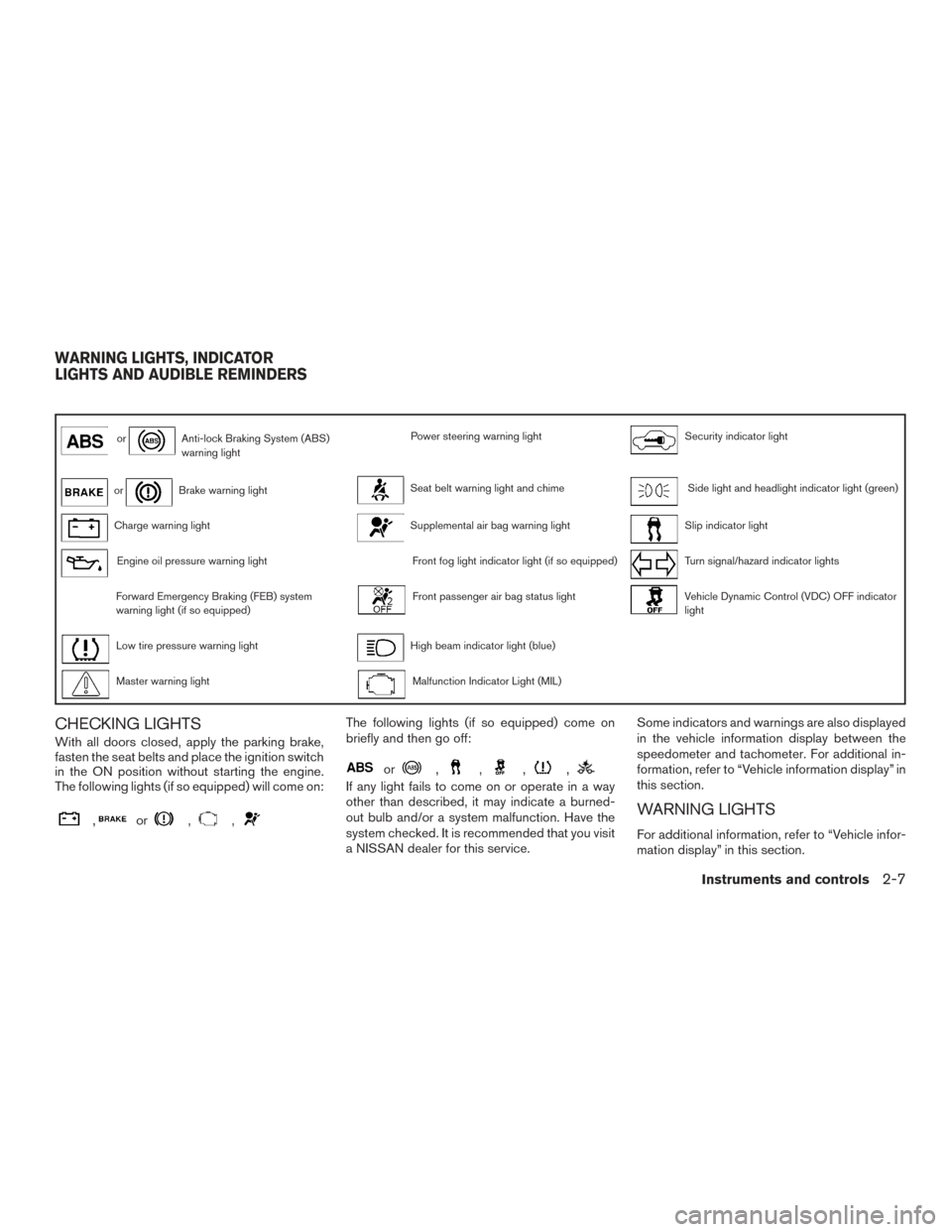
orAnti-lock Braking System (ABS)
warning lightPower steering warning lightSecurity indicator light
orBrake warning lightSeat belt warning light and chimeSide light and headlight indicator light (green)
Charge warning lightSupplemental air bag warning lightSlip indicator light
Engine oil pressure warning lightFront fog light indicator light (if so equipped)Turn signal/hazard indicator lights
Forward Emergency Braking (FEB) system
warning light (if so equipped)Front passenger air bag status lightVehicle Dynamic Control (VDC) OFF indicator
light
Low tire pressure warning lightHigh beam indicator light (blue)
Master warning lightMalfunction Indicator Light (MIL)
CHECKING LIGHTS
With all doors closed, apply the parking brake,
fasten the seat belts and place the ignition switch
in the ON position without starting the engine.
The following lights (if so equipped) will come on:
,or,,
The following lights (if so equipped) come on
briefly and then go off:
or,,,,
If any light fails to come on or operate in a way
other than described, it may indicate a burned-
out bulb and/or a system malfunction. Have the
system checked. It is recommended that you visit
a NISSAN dealer for this service.Some indicators and warnings are also displayed
in the vehicle information display between the
speedometer and tachometer. For additional in-
formation, refer to “Vehicle information display” in
this section.
WARNING LIGHTS
For additional information, refer to “Vehicle infor-
mation display” in this section.
WARNING LIGHTS, INDICATOR
LIGHTS AND AUDIBLE REMINDERS
Instruments and controls2-7
Page 101 of 466
If any of the following conditions occur, the front
air bag, side air bag, curtain air bag, and preten-
sioner seat belt systems need servicing:● The supplemental air bag warning light re-
mains on after approximately 7 seconds.
● The supplemental air bag warning light
flashes intermittently.
● The supplemental air bag warning light does
not come on at all.
It is recommended that you visit a NISSAN dealer
for these services.
Unless checked and repaired, the supplemental
restraint system (air bag system) and/or the pre-
tensioners may not function properly. For addi-
tional information, refer to “Supplemental Re-
straint System (SRS)” in the “Safety—Seats, seat
belts and supplemental restraint system” section
of this manual.WARNING
If the supplemental air bag warning light
is on, it could mean that the front air bag,
side air bag, curtain air bag systems
and/or pretensioner systems will not op-
erate in an accident. To help avoid injury to
yourself or others, have your vehicle
checked as soon as possible. It is recom-
mended that you visit a NISSAN dealer for
this service.
INDICATOR LIGHTS
For additional information, refer to “Vehicle infor-
mation display” in this section.
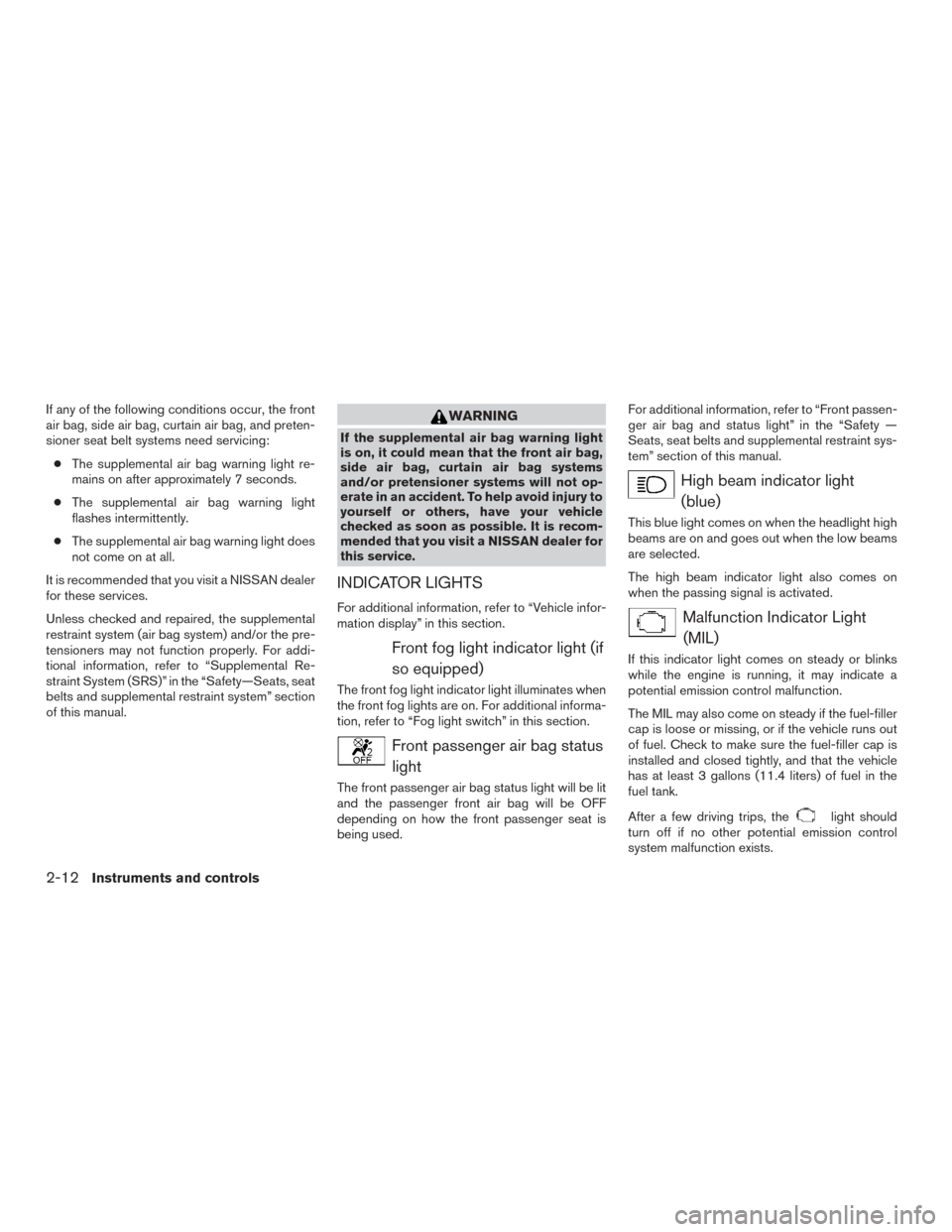
Front fog light indicator light (if so equipped)
The front fog light indicator light illuminates when
the front fog lights are on. For additional informa-
tion, refer to “Fog light switch” in this section.
Front passenger air bag statuslight
The front passenger air bag status light will be lit
and the passenger front air bag will be OFF
depending on how the front passenger seat is
being used. For additional information, refer to “Front passen-
ger air bag and status light” in the “Safety —
Seats, seat belts and supplemental restraint sys-
tem” section of this manual.
High beam indicator light
(blue)
This blue light comes on when the headlight high
beams are on and goes out when the low beams
are selected.
The high beam indicator light also comes on
when the passing signal is activated.
Malfunction Indicator Light(MIL)
If this indicator light comes on steady or blinks
while the engine is running, it may indicate a
potential emission control malfunction.
The MIL may also come on steady if the fuel-filler
cap is loose or missing, or if the vehicle runs out
of fuel. Check to make sure the fuel-filler cap is
installed and closed tightly, and that the vehicle
has at least 3 gallons (11.4 liters) of fuel in the
fuel tank.
After a few driving trips, the
light should
turn off if no other potential emission control
system malfunction exists.
2-12Instruments and controls
Page 191 of 466
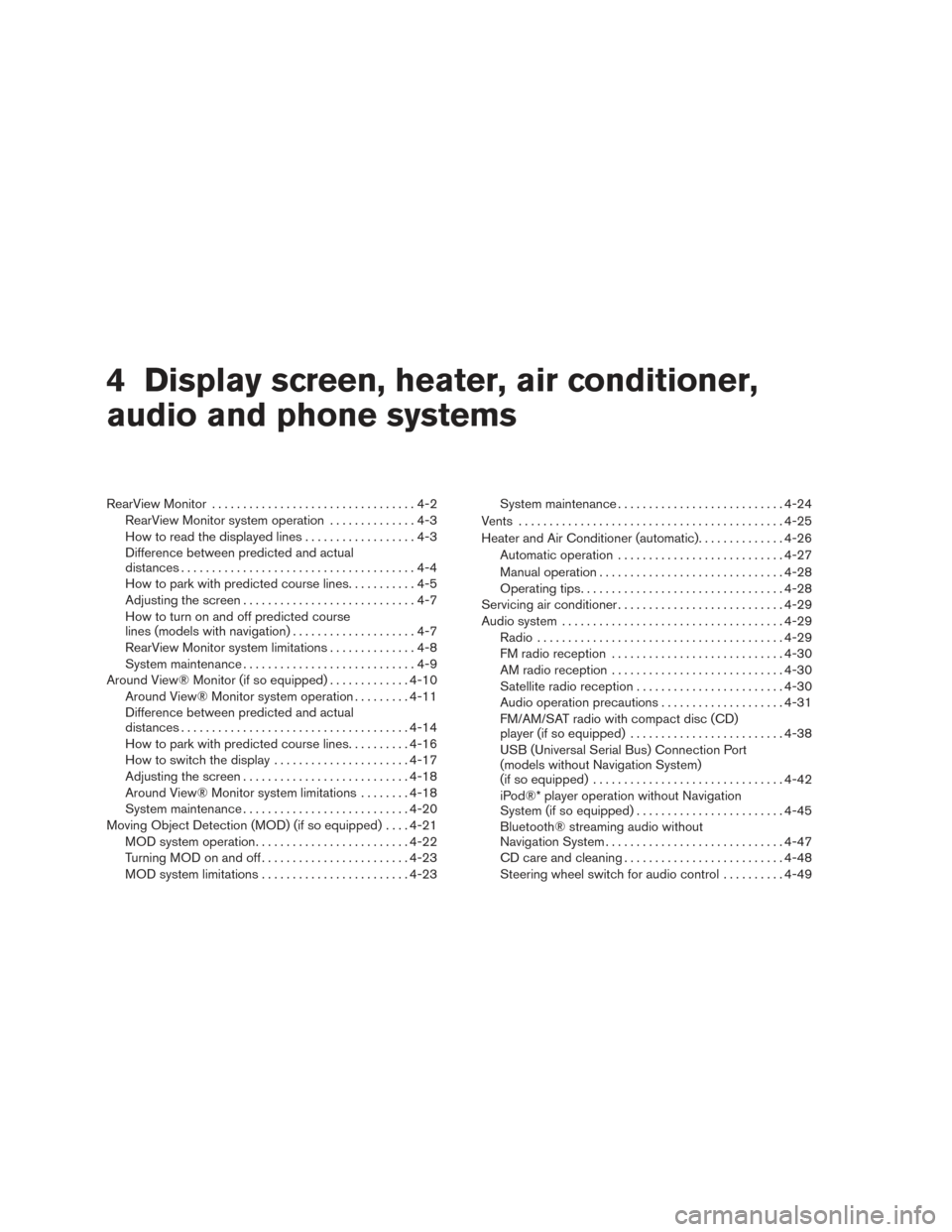
4 Display screen, heater, air conditioner,
audio and phone systems
RearView Monitor.................................4-2
RearView Monitor system operation ..............4-3
How to read the displayed lines ..................4-3
Difference between predicted and actual
distances ......................................4-4
How to park with predicted course lines ...........4-5
Adjusting the screen ............................4-7
How to turn on and off predicted course
lines (models with navigation) ....................4-7
RearView Monitor system limitations ..............4-8
System maintenance ............................4-9
Around View® Monitor (if so equipped) .............4-10
Around View® Monitor system operation .........4-11
Difference between predicted and actual
distances ..................................... 4-14
How to park with predicted course lines ..........4-16
How to switch the display ......................4-17
Adjusting the screen ........................... 4-18
Around View® Monitor system limitations ........4-18
System maintenance ........................... 4-20
Moving Object Detection (MOD) (if so equipped) ....4-21
MOD system operation ......................... 4-22
Turning MOD on and off ........................ 4-23
MOD system limitations ........................ 4-23System maintenance
........................... 4-24
Vents ........................................... 4-25
Heater and Air Conditioner (automatic) ..............4-26
Automatic operation ........................... 4-27
Manual operation .............................. 4-28
Operating tips ................................. 4-28
Servicing air conditioner ........................... 4-29
Audio system .................................... 4-29
Radio ........................................ 4-29
FM radio reception ............................ 4-30
AM radio reception ............................ 4-30
Satellite radio reception ........................ 4-30
Audio operation precautions ....................4-31
FM/AM/SAT radio with compact disc (CD)
player (if so equipped) ......................... 4-38
USB (Universal Serial Bus) Connection Port
(models without Navigation System)
(if
so equipped) ............................... 4-42
iPod®* player operation without Navigation
System (if so equipped) ........................ 4-45
Bluetooth® streaming audio without
Navigation System ............................. 4-47
CD care and cleaning .......................... 4-48
Steering wheel switch for audio control ..........4-49
Page 192 of 466
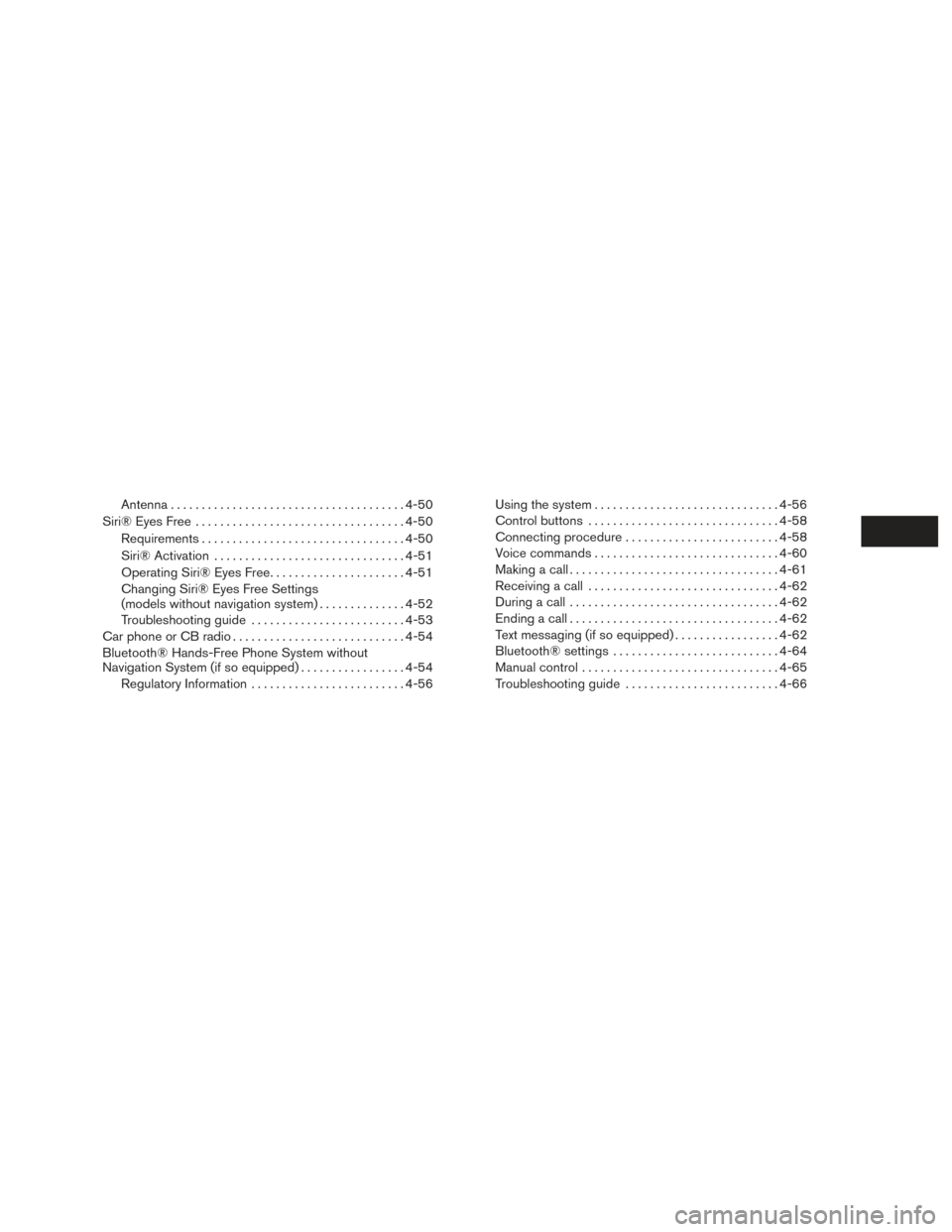
Antenna...................................... 4-50
Siri® Eyes Free .................................. 4-50
Requirements ................................. 4-50
Siri® Activation ............................... 4-51
Operating Siri® Eyes Free ......................4-51
Changing Siri® Eyes Free Settings
(models without navigation system) ..............4-52
Troubleshooting guide ......................... 4-53
Car phone or CB radio ............................ 4-54
Bluetooth® Hands-Free Phone System without
Navigation System (if so equipped) .................4-54
Regulatory Information ......................... 4-56Using the system
.............................. 4-56
Control buttons ............................... 4-58
Connecting procedure ......................... 4-58
Voice commands .............................. 4-60
Making a call . ................................. 4-61
Receiving a call ............................... 4-62
During a call .................................. 4-62
Ending a call .................................. 4-62
Text messaging (if so equipped) .................4-62
Bluetooth® settings ........................... 4-64
Manual control . . .............................. 4-65
Troubleshooting guide ......................... 4-66