2017 MERCEDES-BENZ S-Class MAYBACH display
[x] Cancel search: displayPage 172 of 230

back continues once the disc has been ejected.
Before removing a disc, be aware that the CD or
DVD can become hot.
Ejecting a single disc
XPress theVbutton.
The magazine menu appears. The current disc
is marked.
XTo select a disc: turn the controller and press
to confirm.
The DVD changer ejects the disc.
XTake the disc out of the slot.
Ejecting all CDs/DVDs
XPress the Vbutton.
The magazine menu appears.
XSelect Eject All.
The last active disc is ejected.
A message appears, for example Please
remove disc 1..
XRemove the disc.
XRepeat the last step until the magazine is
empty.
If you take too long removing the disc, the disc
is re-loaded.
Exiting a menu:
XPress the Vbutton.
or
XSelect %in the magazine menu.
Inserting and removing an SD card
Important safety notes
GWARNING
SD cards are small parts. They can be swal-
lowed and cause choking. This poses an
increased risk of injury or even fatal injury.
Keep the SD card out of the reach of children. If a SD card is swallowed, seek medical atten-
tion immediately.
!If you are no longer using the SD card, you
should remove it and store it outside the vehi-
cle. High temperatures can damage the card. The multimedia system supports the following
memory cards:
RSD cards (Secure
Digital)
RSDHC cards (Secure DigitalHighCapacity)
RSDXC cards (Secure Digital eXtendedCapac-
ity)
Inserting an SD card
XInsert the SD card into the SD card slot until
the SD card engages. The side with the con-
tacts must face down.
Only if the memory card has been selected as
a media source, is the medium played and the
files loaded in the background. If there are no
supported audio or video files, you will see a
message to this effect.
XSelect the media source (Ypage 164).
Removing an SD card
XPress the SD card.
The SD card is ejected.
XRemove the SD card.
Connecting USB devices
There are two USB ports located in the stowage
compartment in the center console
(
Ypage 164).
XConnect the USB device to the USB port.
The data medium will only be played and the
files will only be loaded in the background if
the corresponding media display is visible.
Otherwise, the system does not automatically switch to USB. If there are no supported audio
or video files, you will see a message to this
effect.
XSelect the media source (Ypage 164).
iMP3 players must support Media Transfer
Protocol (MTP).
Selecting the playback option
XIn media mode, slide 6the controller.
The media menu bar is shown.
XTo select Options: turn and press the con-
troller.
170Audio/video mode
Media
Page 173 of 230

Playing similar tracks
XTo selectPlay More Like This: turn and
press the controller.
The multimedia system automatically creates
and plays a track list with similar tracks. If
there are no comparable tracks on the data
carrier, you will see a message to this effect.
XSelect the required track.
Selecting Play mode
XTo select PlaybackMode: turn and press the
controller.
XSelect Normal Track Sequence.
The current track list is played in the order it is
stored on the data medium.
XSelect Random Track List.
The current track list is played in random
order.
XSelect Random Medium.
All tracks on the data medium are played in
random order.
Skip to time
XTo select Skip to Time: turn and press the
controller.
A menu appears.
XTo set the time: turn the controller.
or
XSet the desired time using the number key-
pad.
Selecting an active partition
XTo select Select Active Partition: turn
and press the controller.
With the Select
ActivePartitionoption,
you can select a partition in the USB data car-
rier.
Saving files to Media Register
iWith the SaveFilestoMediaRegisteroption, you can transfer supported audio,
image or video files to the multimedia system
hard drive.
XTo select the Save Files to Media Reg‐isteroption: turn and press the controller.
A menu appears (Ypage 175). Managing Media Register
XDelete or rename individual files in the Media
Register (Ypage 176).
XDelete all files in the Media Register
(Ypage 177).
XCall up information on the preset
(Ypage 177).
Starting the media source from a different
seat
XTo select the Start Application atOtherSeatfunction: turn and press the con-
troller.
The media source can be played back at a dif-
ferent seat: (
Ypage 166).
Showing track information
XTo switch the function Show Track Infor‐mationonO or off ª: turn and press the
controller.
You display or hide information for Track,
Artist and Album in the main display field.
Continuing/stopping playback
XTo stop playback: in audio or video mode,
slide 6the controller.
The media menu bar is shown.
XTo select Ëin the media menu bar: turn
and press the controller.
Playback is interrupted. The display changes
to Ì.
XTo continue playback: in audio or video
mode, slide 6the controller.
The media menu bar is shown.
XTo select Ìin the media menu bar: turn
and press the controller.
Playback is continued from the point of inter-
ruption. The symbol changes to Ë.
Audio/video mode171
Media
Z
Page 174 of 230

Selecting a track
Selecting a track using the current
track list
XTo display the current track list: press the
controller in the basic display.
The category list appears.
XSelect Current Tracklist.
XTo select a track: turn the controller and press
to confirm.
Selecting a track by skipping to a track
XTo skip forward or back to a track: turn or
briefly slide 1the controller in the media
basic display.
Selecting a track using the number key-
pad
XPress the ¯key on the number keypad.
A numerical entry field appears. The number
of positions offered corresponds to the num-
ber of tracks in the current track list. Only
numbers that correspond to a track number in
the current track list can be entered.
XTo enter the track number using the number
keys: briefly press the desired numbers on the
number keypad.
The track plays after the last possible number is entered.
iPressing and holding a number key for more
than two seconds completes the entry, and
the corresponding track is played.
Searching for a track
XIn media mode, slide 6the controller.
The media menu bar is shown.
XTo select Search: turn and press the control-
ler.
The category list is shown.
XSelect a category, e.g. Artists.
Sub-categories appear with the selection of
the main category (depends on the multime-
dia system default settings and the music
tracks available).
XSelect a sub-category.
If the sub-category Artists
contains music
tracks, these will be displayed.
Gracenote®Media Database
General notes
This function is available in CD mode.
There is a version of
Gracenote®music recognition technology,
Emeryville, California, USA on the multimedia
system hard disk. You will recognize this by the
logo in the bottom right-hand corner of certain
audio displays.
If the audio CD does not contain any CD text
information, the multimedia system can use the
Gracenote
®Media Database to identify
unknown audio tracks when in CD mode.
Carrying out an Internet update of met-
adata
The Updating Metadata Via Internetoption allows any missing metadata for an audio
CD (e.g. cover, track, album, artist) to be uploa-
ded retrospectively to the internal Gracenote
®
database.
An Internet connection is required for this
(
Ypage 146).
Selecting Internet update of metadata
XIn media mode, slide 6the controller.
The media menu bar is shown.
XTo select Options: turn and press the con-
troller.
XSelect Updating Metadata Via Internetin the selection list.
A connection with the Gracenote®data server
is established. The missing data is loaded,
saved and displayed in the main display field.
If there is no data found or there is no Internet
connection, a corresponding error message
will appear.
172Audio/video mode
Media
Page 175 of 230
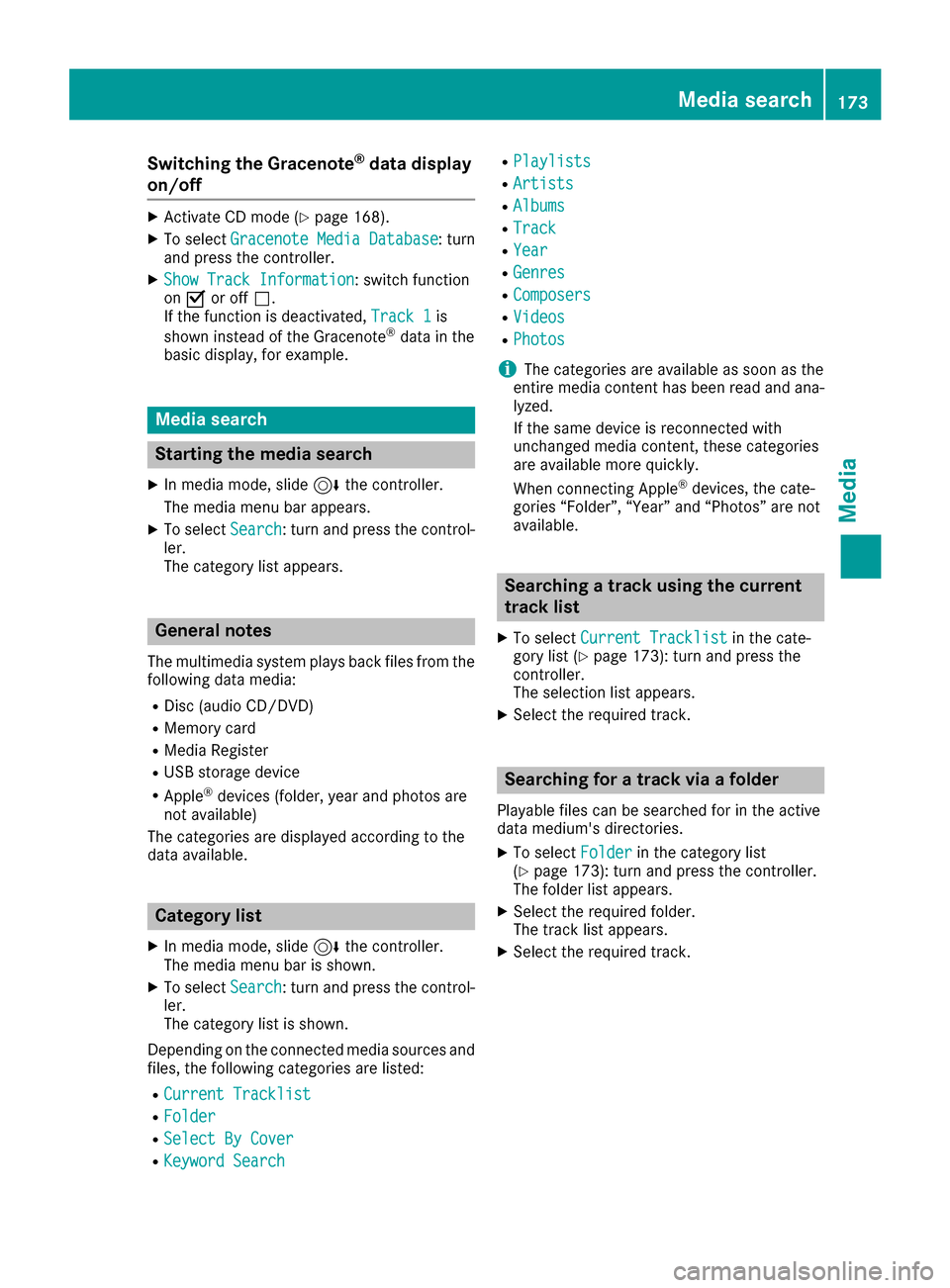
Switching the Gracenote®data display
on/off
XActivate CD mode (Ypage 168).
XTo select Gracenote Media Database: turn
and press the controller.
XShow Track Information: switch function
on O or off ª.
If the function is deactivated, Track 1
is
shown instead of the Gracenote®data in the
basic display, for example.
Media search
Starting the media search
XIn media mode, slide 6the controller.
The media menu bar appears.
XTo select Search: turn and press the control-
ler.
The category list appears.
General notes
The multimedia system plays back files from the following data media:
RDisc (audio CD/DVD)
RMemory card
RMedia Register
RUSB storage device
RApple®devices (folder, year and photos are
not available)
The categories are displayed according to the
data available.
Category list
XIn media mode, slide 6the controller.
The media menu bar is shown.
XTo select Search: turn and press the control-
ler.
The category list is shown.
Depending on the connected media sources and
files, the following categories are listed:
RCurrent Tracklist
RFolder
RSelect By Cover
RKeyword Search
RPlaylists
RArtists
RAlbums
RTrack
RYear
RGenres
RComposers
RVideos
RPhotos
iThe categories are available as soon as the
entire media content has been read and ana-
lyzed.
If the same device is reconnected with
unchanged media content, these categories
are available more quickly.
When connecting Apple
®devices, the cate-
gories “Folder”, “Year” and “Photos” are not
available.
Searching a track using the current
track list
XTo select Current Tracklistin the cate-
gory list (Ypage 173): turn and press the
controller.
The selection list appears.
XSelect the required track.
Searching for a track via a folder
Playable files can be searched for in the active
data medium's directories.
XTo select Folderin the category list
(Ypage 173): turn and press the controller.
The folder list appears.
XSelect the required folder.
The track list appears.
XSelect the required track.
Media search173
Media
Z
Page 176 of 230

Searching for a track via cover view
XTo selectSelect By Coverin the category
list (Ypage 173): turn and press the control-
ler.
A menu with cover views appears.
The multimedia system searches in all media sources.
XSelect the required cover.
Track playback is started automatically.
Searching for a track via music genre
XTo select Genresin the category list
(Ypage 173): turn and press the controller.
The multimedia system searches in all media sources. A selection list with Genre and media
sources appears.
XSelect the desired music genre.
A selection list with music tracks from the
selected genre appears.
XSelect a music track.
The track is played. The basic menu for the
active media source is shown.
XTo exit the selection list: press the %but-
ton.
Searching for a track via a keyword
XTo select KeywordSearchin the category list
(Ypage 173): turn and press the controller.
The input field appears.
XTo select the required characters: turn and
press the controller for each one (Ypage 34).
Entering just part of the name of a track or
artist is enough. The search result then dis-
plays the entire text.
XSelect ¬.
The search results are displayed. The numbers behind the results, for example
Tracks
(5/0), mean: 5 results that contain
the exact keyword searched for and 0 results
that are similar.
XSelect one of the results.
Keywords that have already been searched
for are displayed in the "Search history" with- out having to enter them completely. They
can be accepted directly and displayed in the
search result.
XSelect an entry.
Albums and covers (if available) are shown.
The multimedia system searches in all mediasources.
XSelect an album.
The tracks are listed.
XSelect a track.
The basic display appears and playback
starts.
Media Register
General notes
You can store music files, photos or video files inthe Media Register. The memory capacity is
10.8 GB.
iKeep your original music files, photos and
video files in a secure location. An error in the
multimedia system may result in the loss of
files stored in the Media Register. Mercedes- Benz is not liable for any loss of data.
Switching on the Media Register
XIn media mode press the Õbutton.
The menu appears with the available media
sources.
XTo select Media Register: turn and press
the controller.
Playback begins at the point last listened to.
If there are no files, you will see a message to
this effect.
Further options for switching on:
Rusing the number keypad: (Ypage 165)
Rusing the main function bar: (Ypage 165)
Rusing the device list: (Ypage 165)
Rusing the Õbutton: (Ypage 164)
174Media Register
Media
Page 177 of 230

Media Register basic display
:Main function bar
;Artist and album
=Display for the active data medium
?Display of current track in the track list
AMedia menu bar
BNumerical time display
CGraphic time display
DCover view (if available)
Copying files to the Media Register
General notes
You can copy photos, music files and videos
from the following data mediums:
Rdiscs in a DVD changer or a single DVD drive
RSD card
RUSB storage device
RMP3
iData can be copied from an MP3 player if the
MP3 player can be configured as a mass stor- age device.
Video files from DVD-V cannot be copied.
While copying, several functions will not be
available. If this is the case, you will see a
message to this effect.
1. Selecting a data medium
XIn media mode: press the Õbutton.
The menu appears with the available media
sources.
XTo select the media source: turn the control-
ler and press to confirm.
XTo switch to the menu bar: slide 6the con-
troller.
XTo select Options: turn and press the con-
troller.
Media Register175
Media
Z
Page 178 of 230

XSelectSave Files to Media Register.
The media list appears. A data medium from
which files can be copied is selected auto-
matically.
iThe Save Files to Media Registerfunction can be reached from any media
application.
XSelect the displayed data medium.
The data medium is loaded.
If the data medium contains files that can be
copied, a selection menu appears.
2. Selecting files
XTo select All Media Files: turn and press
the controller.
This command copies all files from the selec-
ted data medium. The symbol next to All
Media Filesis filled in. All subsequent
entries have a checkmark Obeside them.
XSelect a folder.
A checkmark Onext to the folder entry high-
lights the selection.
XTo select Continue: turn and press the con-
troller.
The copying menu appears.
3. Starting the copying process
In the example, files are copied from a USB stick
to the MEDIA REGISTER.
XTo select Start: press the controller.
iThe selection of a target folder is optional. If
there is no target folder given, the selected
files are saved to the main directory of the
Media Register.
XTo select TargetFolder: turn and press the
controller.
XSelect a folder.
XSelect Continue.
XTo select Start: press the controller.
The copying procedure starts and is shown in
the progress bar.
It may take some time for the copying process
to be completed, depending on the amount of
data. If there is not enough memory space, a
message to this effect appears.
Once the copying procedure is complete, you
will hear the first track of the copied album.
You can now copy more files to the Media
Register.
XTo cancel copying: selectCancel.
Files are stored in the Media Register up until
the point of cancellation.
iIt is possible to change to a different func-
tion (e.g. radio) during the copying procedure.
The copying procedure continues in the back-
ground. While the copying procedure is taking
place, this is shown by a symbol in the status bar.
Renaming/deleting files
XIn media mode: press the Õbutton.
The menu appears with the available media
sources.
XTo select the media source: turn the control-
ler and press to confirm.
176Media Register
Media
Page 179 of 230

XTo switch to the menu bar: slide6the con-
troller.
XTo select Options: turn and press the con-
troller.
XSelect Manage Media Register.
XSelectRename / Delete Files.
The file list is displayed.
XTo highlight the file: turn and press the con-
troller.
XSlide 9the controller.
You can select between EditandDelete.
iOnly folders can be renamed.
Renaming a file
XTo select Edit: turn and press the controller.
An input field appears.
XRename folder.
XTo save changes with ¬: turn and press
the controller.
Renaming a folder only changes the file name.
Depending on whether or not the Show
Track Informationoption has been selec-
ted, this change may not be seen in the main
display field.
Deleting a file
XTo select Delete: turn and press the control-
ler.
Deleting all files
!
In order to prevent malfunctions, do not use
COMAND during this time.
This function deletes all files from the Media
Register.
XIn media mode: press the Õbutton.
The menu appears with the available media
sources.
XTo select the media source: turn the control-
ler and press to confirm.
XTo switch to the menu bar: slide 6the con-
troller.
XTo select Options: turn and press the con-
troller.
XSelect Manage Media Register.
XSelectDelete All Media Files.
A message appears.
XTo select Yes: turn and press the controller.
All files are deleted.
Calling up memory space info
XIn media mode: press the Õbutton.
The menu appears with the available media
sources.
XTo select the media source: turn the control-
ler and press to confirm.
XTo switch to the menu bar: slide 6the con-
troller.
XTo select Options: turn and press the con-
troller.
XSelect Manage Media Register.
XSelectMemory Info.
Playback options
General notes
The following options are available:
RNormal Track Sequence: the tracks are
played in the normal order (e.g. track 1, 2, 3
etc.).
RRandom Medium: all tracks on the data
medium are played in random order (e.g.
track 3, 8, 5 etc.).
RRandomTrackList: the current track list is
played in random order (e.g. 3, 8, 5 etc.).
iThe Normal Track Sequenceoption is
automatically selected when you change the
disc you are currently listening to or when you
select a different medium. If an option is
selected, it remains selected after the multi-
media system has been switched on or off.
Media Register177
Media
Z