Page 169 of 614
Features of your vehicle
72
4
Retain the original transmitter of the
RF device you are programming for
use in other vehicles as well as for
future HomeLink
®programming. It is
also suggested that upon the sale of
the vehicle, the programmed
HomeLink
®buttons be erased for
security purposes. Programming HomeLink
®
✽ ✽
NOTICE
• When programming a garage
door opener, it is advised to park
the vehicle outside of the garage.
• It is recommended that a new bat- tery be placed in the hand-held
transmitter of the device being pro-
grammed to HomeLink
®for quick-
er training and accurate transmis-
sion of the radio-frequency signal.
• Some vehicles may require the ignition switch to be turned to the
second (or "accessories") position
for programming and/or opera-
tion of HomeLink.
• In the event that there are still pro- gramming difficulties or questions
after following the programming
steps listed below, contact
HomeLink
®at: www.homelink.com
or 1-800-355-3515.
WARNING
Before programming HomeLink®
to a garage door opener or gate
operator, make sure that people
and objects are out of the way of
the device to prevent potential
harm or damage. Do not use
HomeLink
®with any garage
door opener that lacks the safe-
ty stop and reverse features
required by U.S. federal safety
standards (this includes any
garage door opener model man-
ufactured before April 1, 1982).
A garage door that cannot
detect an object - signaling the
door to stop and reverse - does
not meet current U.S. federal
safety standards. Using a
garage door opener without
these features increases the
risk of serious injury or death.
Page 172 of 614
475
Features of your vehicle
Erasing HomeLink®buttons
Individual buttons cannot be erased.
However, to erase all three pro-
grammed buttons:
1. Press and hold the two outer HomeLink
®buttons until the indi-
cator light begins to flash after 10
seconds.
2. Release both buttons. Do not hold for longer than 20 seconds.
The Integrated HomeLink
®Wireless
Control System is now in the training
(learn) mode and can be pro-
grammed at any time following the
appropriate steps in the
Programming sections above. FCC ID: NZLTLMHL4
IC: 4112A-TLMHL4
This device complies with Part 15
of the FCC Rules.
Operation is subject to the following
two conditions:
1. This device may not cause harm-
ful interference, and
2. This device must accept any inter- ference received, including inter-
ference that may cause undesired
operation. NVS
®is a registered trademark and
Z-Nav™ is a trademark of the
Gentex Corporation, Zeeland,
Michigan. HomeLink
®is a registered
trademark owned by Johnson
Controls, Incorporated, Milwaukee,
Wisconsin.
CAUTION
The transceiver has been tested and complies with FCC andIndustry Canada rules. Changesor modifications not expresslyapproved by the party responsi-ble for compliance could voidthe user's authority to operatethe device.
Page 180 of 614
483
Features of your vehicle
Outside Temperature Gauge
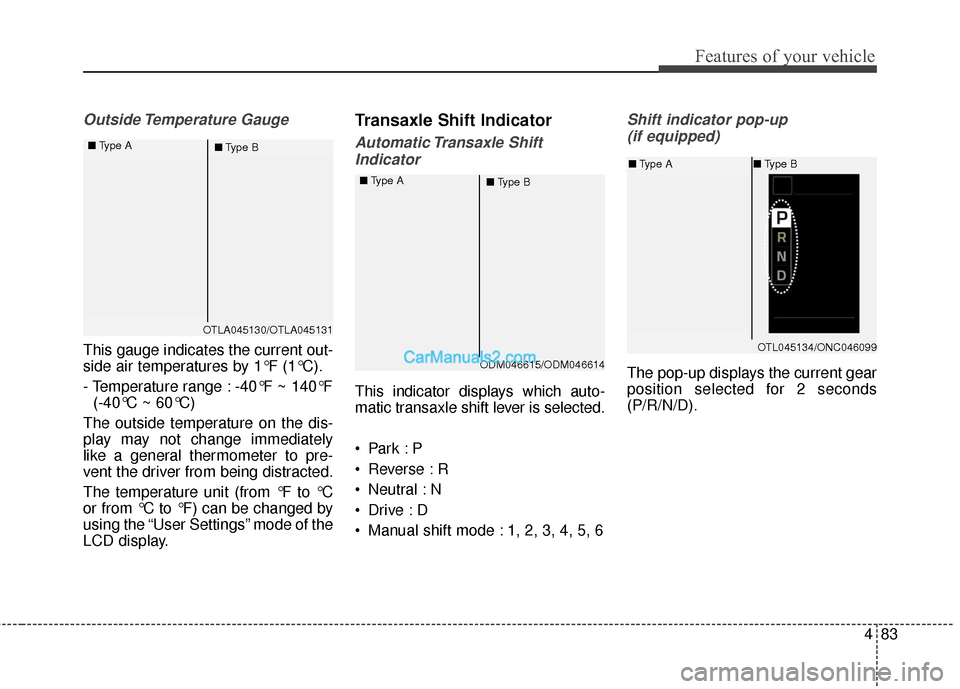
This gauge indicates the current out-
side air temperatures by 1°F (1°C).
- Temperature range : -40°F ~ 140°F (-40°C ~ 60°C)
The outside temperature on the dis-
play may not change immediately
like a general thermometer to pre-
vent the driver from being distracted.
The temperature unit (from °F to °C
or from °C to °F) can be changed by
using the “User Settings” mode of the
LCD display.
Transaxle Shift Indicator
Automatic Transaxle Shift Indicator
This indicator displays which auto-
matic transaxle shift lever is selected.
Reverse : R
Neutral : N
Manual shift mode : 1, 2, 3, 4, 5, 6
Shift indicator pop-up (if equipped)
The pop-up displays the current gear
position selected for 2 seconds
(P/R/N/D).
OTLA045130/OTLA045131
■
Type A
■Type B
ODM046615/ODM046614
■
Type A
■Type B
OTL045134/ONC046099
■Type A ■Type B
Page 181 of 614
Features of your vehicle
84
4
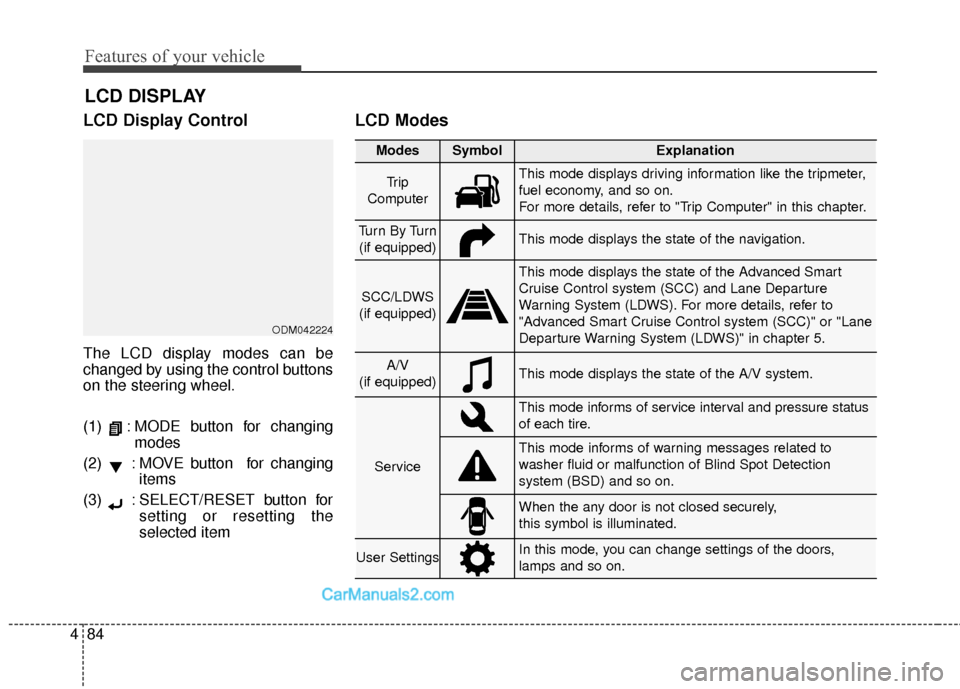
LCD Display Control
The LCD display modes can be
changed by using the control buttons
on the steering wheel.
(1) : MODE button for changing
modes
(2) : MOVE button for changing items
(3) : SELECT/RESET button for setting or resetting the
selected item
LCD Modes
LCD DISPLAY
Modes SymbolExplanation
Tr i p
ComputerThis mode displays driving information like the tripmeter,
fuel economy, and so on.
For more details, refer to "Trip Computer" in this chapter.
Tu r n B y Tu r n (if equipped)This mode displays the state of the navigation.
SCC/LDWS
(if equipped)
This mode displays the state of the Advanced Smart
Cruise Control system (SCC) and Lane Departure
Warning System (LDWS). For more details, refer to
"Advanced Smart Cruise Control system (SCC)" or "Lane
Departure Warning System (LDWS)" in chapter 5.
A/V
(if equipped)This mode displays the state of the A/V system.
Service
This mode informs of service interval and pressure status
of each tire.
This mode informs of warning messages related to
washer fluid or malfunction of Blind Spot Detection
system (BSD) and so on.
When the any door is not closed securely,
this symbol is illuminated.
User SettingsIn this mode, you can change settings of the doors,
lamps and so on.
ODM042224
Page 182 of 614
485
Features of your vehicle
Trip Computer Mode
The trip computer mode displays
information related to vehicle driving
parameters including range, fuel
economy, trip meter information and
vehicle speed.
For more information, refer to "Trip
Computer" in this chapter.
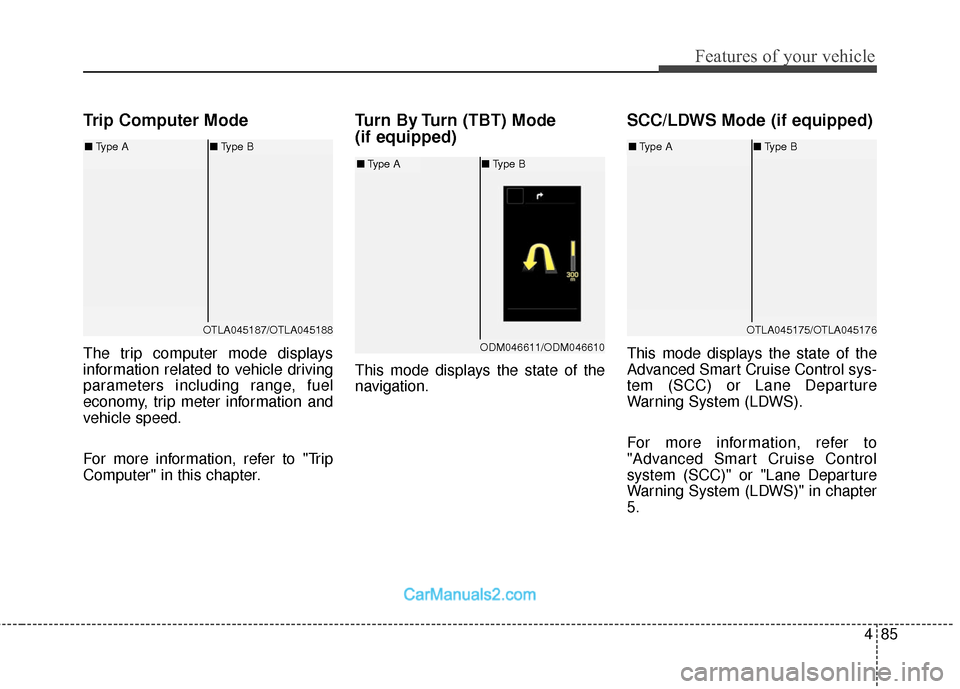
Turn By Turn (TBT) Mode
(if equipped)
This mode displays the state of the
navigation.
SCC/LDWS Mode (if equipped)
This mode displays the state of the
Advanced Smart Cruise Control sys-
tem (SCC) or Lane Departure
Warning System (LDWS).
For more information, refer to
"Advanced Smart Cruise Control
system (SCC)" or "Lane Departure
Warning System (LDWS)" in chapter
5.
OTLA045187/OTLA045188
■Type A ■Type B
ODM046611/ODM046610
■Type A ■Type B
OTLA045175/OTLA045176
■Type A ■Type B
Page 183 of 614
Features of your vehicle
86
4
A/V Mode
This mode displays the state of the
A/V system.
Service Mode
Service Interval
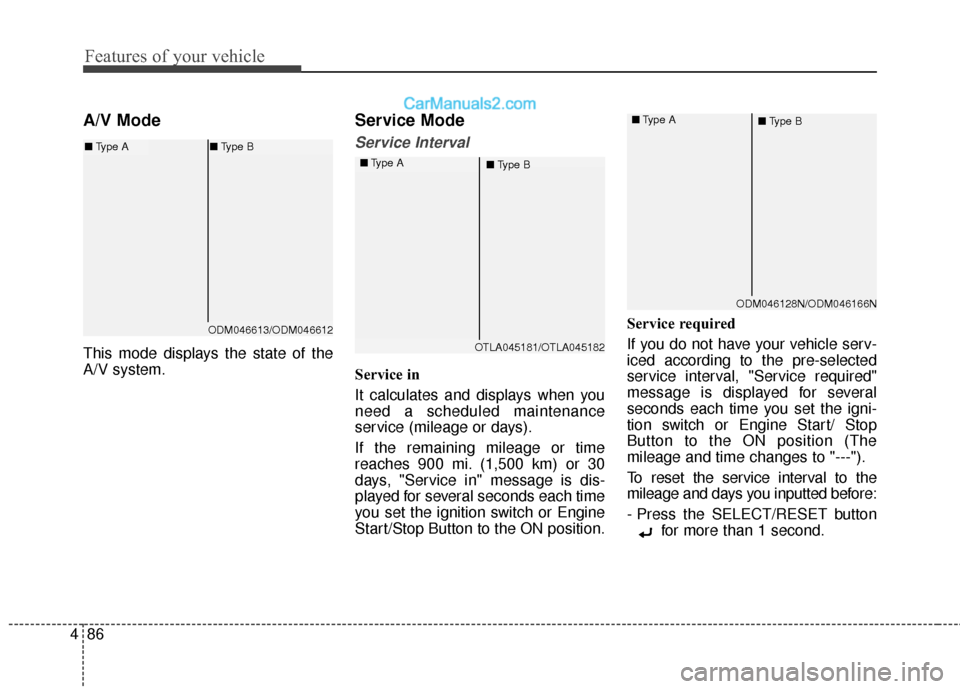
Service in
It calculates and displays when you
need a scheduled maintenance
service (mileage or days).
If the remaining mileage or time
reaches 900 mi. (1,500 km) or 30
days, "Service in" message is dis-
played for several seconds each time
you set the ignition switch or Engine
Start/Stop Button to the ON position. Service required
If you do not have your vehicle serv-
iced according to the pre-selected
service interval, "Service required"
message is displayed for several
seconds each time you set the igni-
tion switch or Engine Start/ Stop
Button to the ON position (The
mileage and time changes to "---").
To reset the service interval to the
mileage and days you inputted before:
- Press the SELECT/RESET button
for more than 1 second.
OTLA045181/OTLA045182
■
Type A
■Type B
ODM046128N/ODM046166N
■
Type A
■Type B
ODM046613/ODM046612
■Type A ■Type B
Page 199 of 614
Features of your vehicle
102
4
Overview
Description
The trip computer is a microcomput-
er-controlled driver information sys-
tem that displays information related
to driving.
✽ ✽
NOTICE
Some driving information stored in
the trip computer (for example
Average Vehicle Speed) resets if the
battery is disconnected.
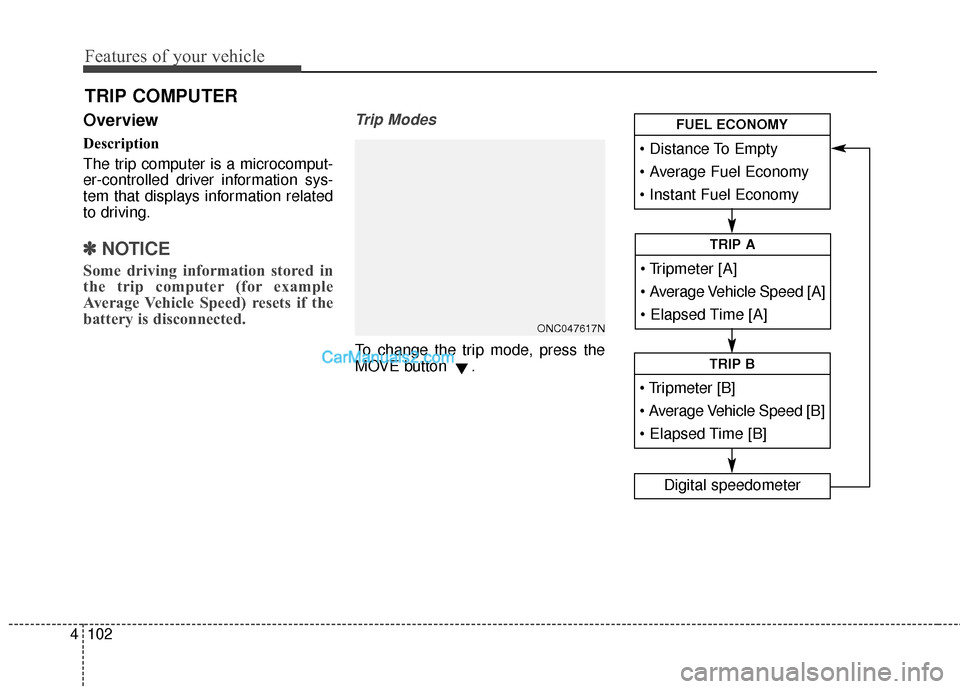
Trip Modes
To change the trip mode, press the
MOVE button .
TRIP COMPUTER
ONC047617N
Average Vehicle Speed [A]
TRIP A
TRIP B
Digital speedometer
FUEL ECONOMY
Page 201 of 614
Features of your vehicle
104
4
Automatic reset
To make the average fuel economy
be reset automatically whenever
refueling, select the "Auto Reset"
mode in User Setting menu of the
LCD display (Refer to "LCD
Display").
Under "Auto Reset" mode, the aver-
age fuel economy will be cleared to
zero (--.-) when the vehicle speed
exceeds 1 km/h after refueling more
than 1.6 gallons (6 liters).Instant Fuel Economy (3)
This mode displays the instant fuel
economy during the last few sec-
onds when the vehicle speed is
more than 6.2 MPH (10 km/h).
- Fuel economy range: 0 ~ 50 MPGor 0 ~ 30 L/100km
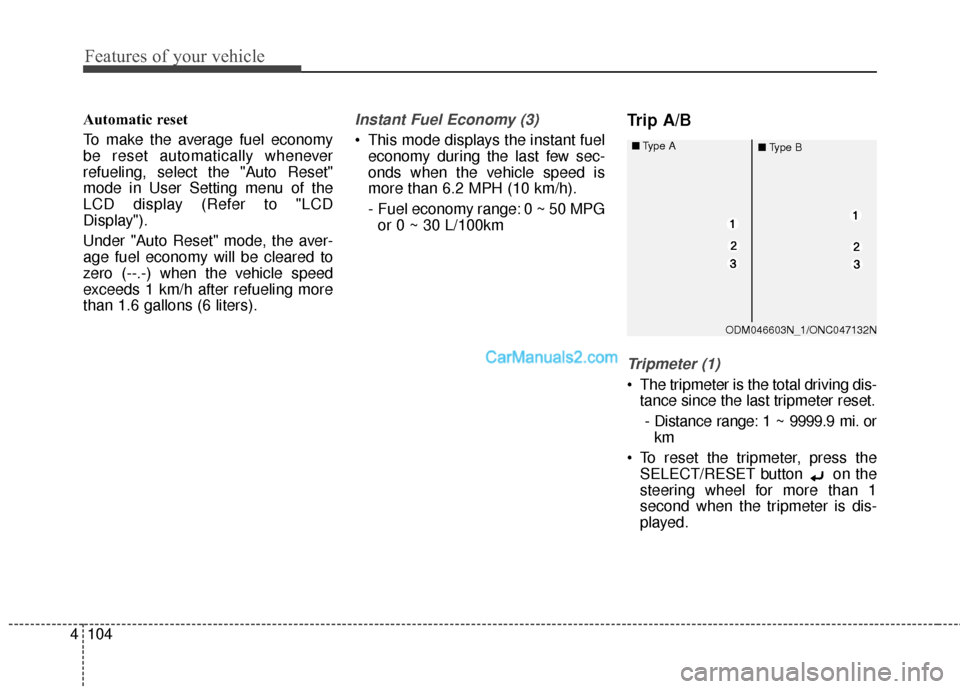
Trip A/B
Tripmeter (1)
The tripmeter is the total driving dis- tance since the last tripmeter reset.
- Distance range: 1 ~ 9999.9 mi. or km
To reset the tripmeter, press the SELECT/RESET button on the
steering wheel for more than 1
second when the tripmeter is dis-
played.
ODM046603N_1/ONC047132N
■
Type A
■Type B