2017 Hyundai Santa Fe ECO mode
[x] Cancel search: ECO modePage 312 of 569
Driving your vehicle
20
5
Good driving practices
Never move the shift lever from P
(Park) or N (Neutral) to any other
position with the accelerator pedal
depressed.
Never move the shift lever into "P" when the vehicle is in motion.
Be sure the vehicle is completely stopped before you attempt to shift
into R (Reverse) or D (Drive).
Never take the vehicle out of gear and coast down a hill. This may be
extremely hazardous. Always leave
the vehicle in gear when moving.
Do not "ride" the brakes. This can cause them to overheat and mal-
function. Instead, when you are
driving down a long hill, slow down,
move the shift lever to manual shift
mode and shift to a lower gear.
When using manual shift mode, slow down before shifting to a
lower gear. Always use the parking brake and
shift into P (Park) when parking the
vehicle. Do not depend on placing
the transaxle in P (Park) to keep
the vehicle from moving.
Exercise extreme caution when driving on a slippery surface. Be
especially careful when braking,
accelerating or shifting gears. On a
slippery surface, an abrupt change
in vehicle speed can cause the
drive wheels to lose traction and
the vehicle to go out of control.
Optimum vehicle performance and economy is obtained by smoothly
depressing and releasing the
accelerator pedal.WARNING
Always buckle-up! In a colli-sion, an unbelted occupant is
significantly more likely to be
seriously injured or killed than
a properly belted occupant.
Avoid high speeds when cor- nering or turning.
Do not make quick steering wheel movements, such as
sharp lane changes or fast,
sharp turns.
The risk of rollover is greatly increased if you lose control
of your vehicle at highway
speeds.
Loss of control often occurs if two or more wheels drop off the
roadway and the driver over-
steers to reenter the roadway.
In the event your vehicle leaves the roadway, do not
steer sharply. Instead, slow
down before pulling back into
the travel lanes.
Never exceed posted speed limits.
Page 317 of 569
525
Driving your vehicle
You must consciously take theeffort to learn how to corner in an
AWD vehicle. Do not rely on your
experience in conventional 2WD
vehicles in choosing safe cornering
speed in AWD mode. You must
drive more slowly in AWD.
Drive carefully off-road because your vehicle may be damaged by
rocks or roots of trees. Become
familiar with the off-road conditions
where you are going to be before
you begin driving. Always hold the steering wheel firm-
ly when you are driving off-road.
Make sure all passengers are wearing seat belts.
If you need to drive through water, stop your vehicle, set your transfer
to the AWD LOCK mode and drive
at less than 5 mph (8 km/h).
WARNING - Steering
wheel
Do not grab the inside of the
steering wheel when you are
driving off-road. You may hurt
your arm by a sudden steering
maneuver or from steering
wheel rebound due to impact
with objects on the ground. You
could lose control of the steer-
ing wheel.
WARNING - Wind danger
If you are driving in heavy wind,
the vehicle's higher center of
gravity decreases your steering
control capacity and requires
you to drive more slowly.
WARNING - Driving
through water
Drive slowly. If you are driving
too fast in water, the water can
get into the engine compartment
and wet the ignition system,
causing your vehicle to sudden-
ly stop. If this happens and your
vehicle is in a tilted position,
your vehicle may roll over.
ODMEDR2146
WARNING - AW D
Reduce speed when you turn
corners. The center of gravity of
AWD vehicles is higher than
that of conventional 2WD vehi-
cles, making them more likely to
roll over when you turn corners
too fast.
Page 321 of 569
529
Driving your vehicle
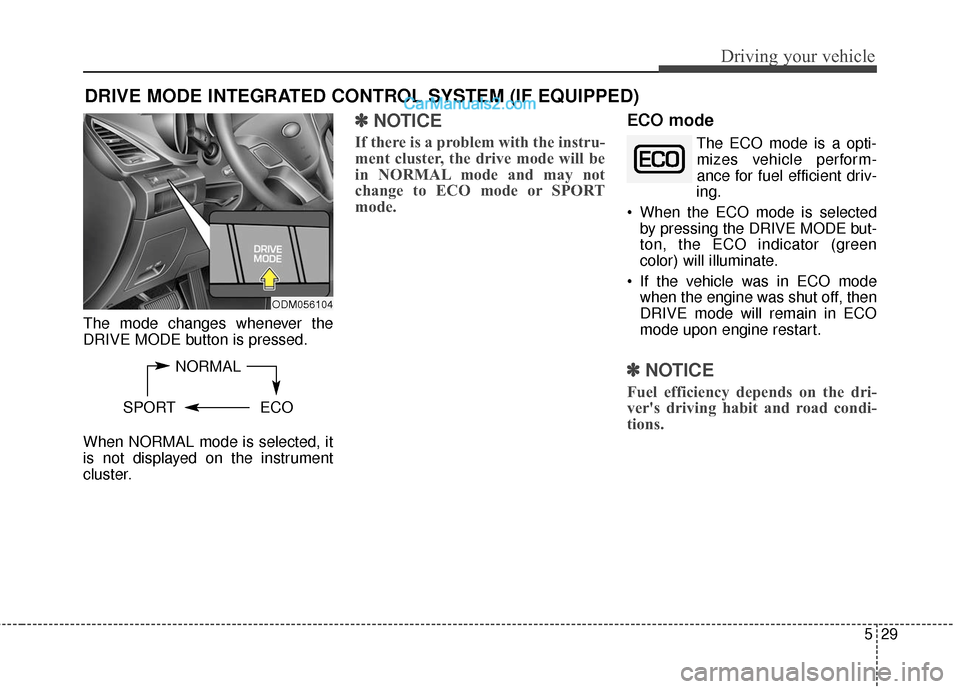
The mode changes whenever the
DRIVE MODE button is pressed.
When NORMAL mode is selected, it
is not displayed on the instrument
cluster.
✽ ✽NOTICE
If there is a problem with the instru-
ment cluster, the drive mode will be
in NORMAL mode and may not
change to ECO mode or SPORT
mode.
ECO mode
The ECO mode is a opti-
mizes vehicle perform-
ance for fuel efficient driv-
ing.
When the ECO mode is selected by pressing the DRIVE MODE but-
ton, the ECO indicator (green
color) will illuminate.
If the vehicle was in ECO mode when the engine was shut off, then
DRIVE mode will remain in ECO
mode upon engine restart.
✽ ✽ NOTICE
Fuel efficiency depends on the dri-
ver's driving habit and road condi-
tions.
DRIVE MODE INTEGRATED CONTROL SYSTEM (IF EQUIPPED)
NORMAL
SPORT ECO
ODM056104
Page 322 of 569
Driving your vehicle
30
5
When the ECO mode is activated:
• The acceleration response may be
slightly reduced as the accelerator
pedal is depressed moderately.
The air conditioner performance may be limited.
The shift pattern of the automatic transaxle may change.
The engine noise may get louder.
The above situations are normal
conditions when the ECO mode is
activated to improve fuel efficiency.
Limitation of the ECO mode oper- ation:
If the following conditions occur while
the ECO mode is operating, fuel effi-
ciency may decrease even though
there is no change in the ECO indi-
cator.
When the coolant temperature is low:
Fuel efficiency may decrease until
engine temperature reaches nor-
mal.
When driving up a hill: Fuel efficiency may decrease to
gain performance when driving
uphill because engine torque is
restricted.
When using the automatic transaxle manual shift mode:
Fuel efficiency may decrease
according to the shift location.
When the accelerator pedal is deeply depressed for a few sec-
onds:
Fuel efficiency may decrease,
judging that the driver wants to
speed up.
SPORT mode
SPORT mode managesthe driving dynamics by
automatically adjusting the
steering wheel, engine
and transaxle system to
optimize performance.
When the SPORT mode is select- ed by pressing the DRIVE MODE
button, the SPORT indicator (yel-
low color) will illuminate.
Restarting of the engine in the SPORT mode resets the DRIVE
mode to the NORMAL mode. Thus,
when necessary, reselect the
SPORT mode.
When the SPORT mode is activat- ed:
- The RPM (revolutions per min-utes) level is maintained over a
certain length of time, even after
releasing the accelerator pedal.
- When accelerating, up-shifting timing is delayed.
✽ ✽ NOTICE
In the SPORT mode, the fuel effi-
ciency may decrease.
Page 345 of 569
553
Driving your vehicle
✽
✽NOTICE
• The DBC does not turn ON in the
P (Park) position.
• The DBC may not activate if the ESC (or ABS) is activated.
• Noise or vibration may occur from the brakes when the DBC is acti-
vated.
• The rear stop light comes on when the DBC is activated.
• Always turn OFF the DBC on nor- mal roads. The DBC might acti-
vate from the standby mode dur-
ing abrupt cornering or driving
over speed bumps.
Hill-start assist control (HAC)
A vehicle has the tendency to roll
back on a steep hill when the driver
begins to accelerate after a stop. The
Hill-start Assist Control (HAC) pre-
vents the vehicle from rolling back by
operating the brakes automatically
for about 1.5 seconds. The brakes
are released when the accelerator
pedal is depressed or after about 1.5
seconds.WARNING
Unnecessary or unwanted
DBC activation may result in
an accident.
On a very steep hill even though the brake pedal or
accelerator pedal is depressed
the DBC may not deactivate.
WARNING
The HAC is activated only for
about 1.5 seconds, so always
depress the accelerator pedal to
begin accelerating after a stop.
Page 366 of 569
Driving your vehicle
74
5
To convert to Cruise Control
mode
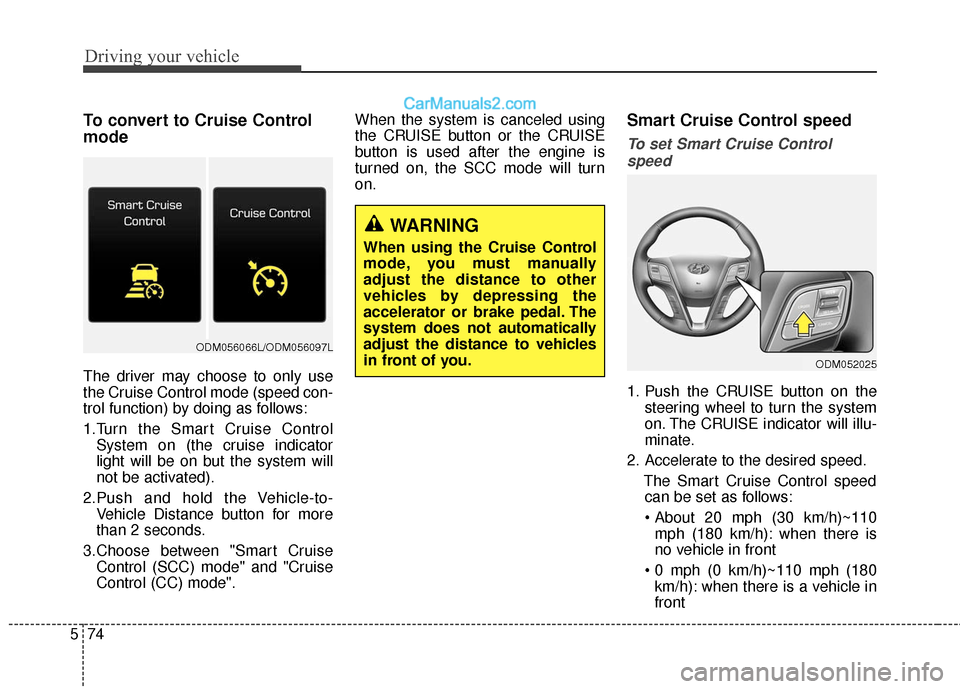
The driver may choose to only use
the Cruise Control mode (speed con-
trol function) by doing as follows:
1.Turn the Smart Cruise Control
System on (the cruise indicator
light will be on but the system will
not be activated).
2.Push and hold the Vehicle-to- Vehicle Distance button for more
than 2 seconds.
3.Choose between "Smart Cruise Control (SCC) mode" and "Cruise
Control (CC) mode". When the system is canceled using
the CRUISE button or the CRUISE
button is used after the engine is
turned on, the SCC mode will turn
on.
Smart Cruise Control speed
To set Smart Cruise Control
speed
1. Push the CRUISE button on the steering wheel to turn the system
on. The CRUISE indicator will illu-
minate.
2. Accelerate to the desired speed. The Smart Cruise Control speedcan be set as follows:
mph (180 km/h): when there is
no vehicle in front
km/h): when there is a vehicle in
front
WARNING
When using the Cruise Control
mode, you must manually
adjust the distance to other
vehicles by depressing the
accelerator or brake pedal. The
system does not automatically
adjust the distance to vehicles
in front of you.
ODM052025
ODM056066L/ODM056097L
Page 382 of 569
Driving your vehicle
90
5
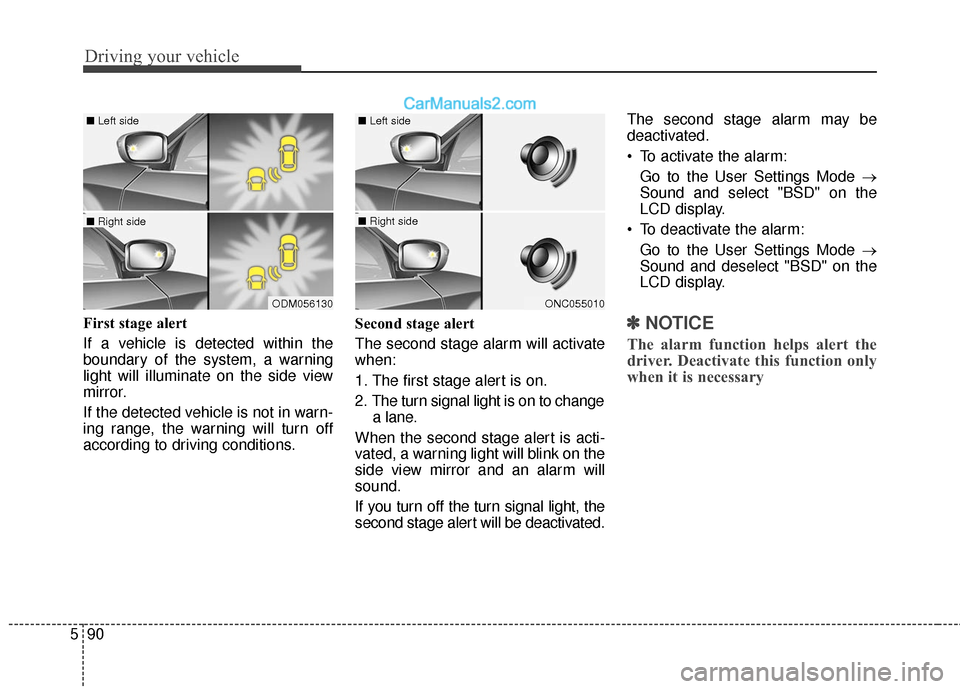
First stage alert
If a vehicle is detected within the
boundary of the system, a warning
light will illuminate on the side view
mirror.
If the detected vehicle is not in warn-
ing range, the warning will turn off
according to driving conditions. Second stage alert
The second stage alarm will activate
when:
1. The first stage alert is on.
2. The turn signal light is on to change
a lane.
When the second stage alert is acti-
vated, a warning light will blink on the
side view mirror and an alarm will
sound.
If you turn off the turn signal light, the
second stage alert will be deactivated. The second stage alarm may be
deactivated.
To activate the alarm:
Go to the User Settings Mode →
Sound and select "BSD" on the
LCD display.
To deactivate the alarm: Go to the User Settings Mode →
Sound and deselect "BSD" on the
LCD display.✽ ✽ NOTICE
The alarm function helps alert the
driver. Deactivate this function only
when it is necessary
ODM056130
■ Left side
■ Right side
ONC055010
■ Left side
■ Right side
Page 392 of 569
Driving your vehicle
100
5
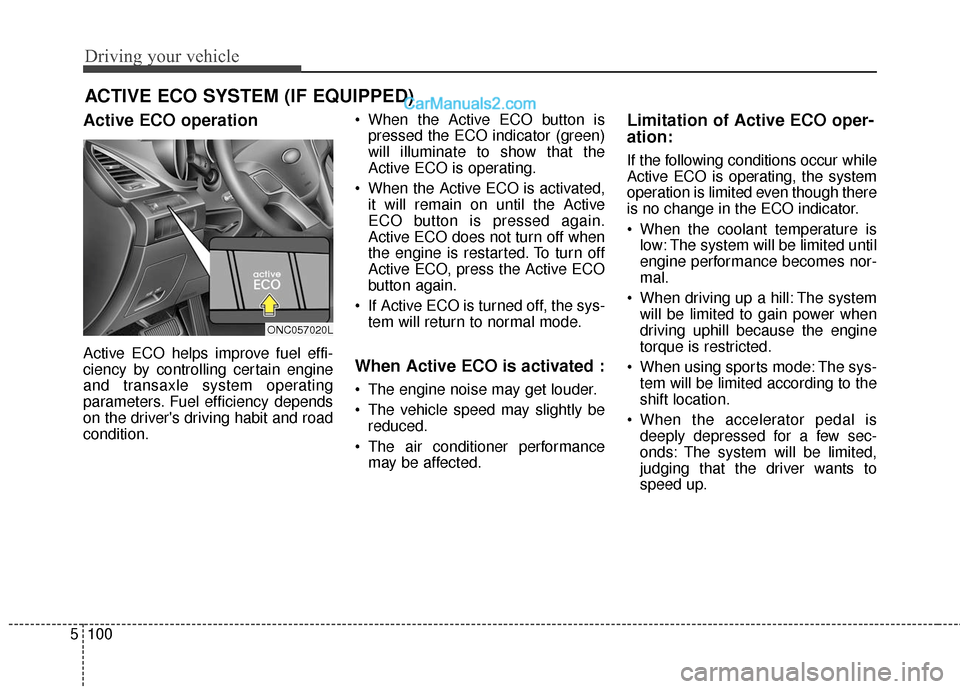
Active ECO operation
Active ECO helps improve fuel effi-
ciency by controlling certain engine
and transaxle system operating
parameters. Fuel efficiency depends
on the driver's driving habit and road
condition. When the Active ECO button is
pressed the ECO indicator (green)
will illuminate to show that the
Active ECO is operating.
When the Active ECO is activated, it will remain on until the Active
ECO button is pressed again.
Active ECO does not turn off when
the engine is restarted. To turn off
Active ECO, press the Active ECO
button again.
If Active ECO is turned off, the sys- tem will return to normal mode.When Active ECO is activated :
The engine noise may get louder.
The vehicle speed may slightly bereduced.
The air conditioner performance may be affected.
Limitation of Active ECO oper-
ation:
If the following conditions occur while
Active ECO is operating, the system
operation is limited even though there
is no change in the ECO indicator.
When the coolant temperature islow: The system will be limited until
engine performance becomes nor-
mal.
When driving up a hill: The system will be limited to gain power when
driving uphill because the engine
torque is restricted.
When using sports mode: The sys- tem will be limited according to the
shift location.
When the accelerator pedal is deeply depressed for a few sec-
onds: The system will be limited,
judging that the driver wants to
speed up.
ACTIVE ECO SYSTEM (IF EQUIPPED)
ONC057020L