Page 180 of 569

477
Features of your vehicle
LCD Display Control
The LCD display modes can be
changed by using the control buttons
on the steering wheel.
(1) : MODE button for changingmodes
(2) : MOVE button for changing items
(3) : SELECT/RESET button for setting or resetting the
selected item
LCD Modes
LCD DISPLAY
Modes SymbolExplanation
Tr i p
ComputerThis mode displays driving information like the tripmeter,
fuel economy, and so on.
For more details, refer to "Trip Computer" in this chapter.
Tu r n B y Tu r n (if equipped)This mode displays the state of the navigation.
SCC/LDWS
(if equipped)
This mode displays the state of the Advanced Smart
Cruise Control system (SCC) and Lane Departure Warning
System (LDWS). For more details, refer to "Advanced
Smart Cruise Control system (SCC)" or "Lane Departure
Warning System (LDWS)" in chapter 5.
A/V
(if equipped)This mode displays the state of the A/V system.
Service
This mode informs of service interval and pressure sta-
tus of each tire.
This mode informs of warning messages related to
washer fluid or malfunction of Blind Spot Detection
system (BSD) and so on.
When the any door is not closed securely, this symbol is
illuminated.
User SettingsIn this mode, you can change settings of the doors,
lamps and so on.
ODM042224
Page 181 of 569
Features of your vehicle
78
4
Trip Computer Mode
The trip computer mode displays
information related to vehicle driving
parameters including range, fuel
economy, trip meter information and
vehicle speed.
For more information, refer to "Trip
Computer" in this chapter.
Turn By Turn (TBT) Mode
(if equipped)
This mode displays the state of the
navigation.
SCC/LDWS Mode (if equipped)
This mode displays the state of the
Advanced Smart Cruise Control sys-
tem (SCC) or Lane Departure
Warning System (LDWS).
For more information, refer to
"Advanced Smart Cruise Control
system (SCC)" or "Lane Departure
Warning System (LDWS)" in chapter
5.
OTLA045187/OTLA045188
■ Type A ■Type B
ODM046611/ODM046610
■Type A ■Type B
OTLA045175/OTLA045176
■Type A ■Type B
Page 182 of 569
479
Features of your vehicle
A/V Mode
This mode displays the state of the
A/V system.
Service Mode
Service Interval
Service in
It calculates and displays when you
need a scheduled maintenance
service (mileage or days).
If the remaining mileage or time
reaches 900 mi. (1,500 km) or 30
days, "Service in" message is dis-
played for several seconds each time
you set the ignition switch or Engine
Start/Stop Button to the ON position.Service required
If you do not have your vehicle serv-
iced according to the pre-selected
service interval, "Service required"
message is displayed for several
seconds each time you set the igni-
tion switch or Engine Start/Stop
Button to the ON position (The
mileage and time changes to "---").
To reset the service interval to the
mileage and days you inputted before:
- Press the SELECT/RESET button
for more than 1 second.
OTLA045181/OTLA045182
■
Type A
■Type B
ODM046128N/ODM046166N
■
Type A
■Type B
ODM046613/ODM046612
■Type A ■Type B
Page 198 of 569
495
Features of your vehicle
Overview
Description
The trip computer is a microcomput-
er-controlled driver information sys-
tem that displays information related
to driving.
✽ ✽NOTICE
Some driving information stored in
the trip computer (for example
Average Vehicle Speed) resets if the
battery is disconnected.
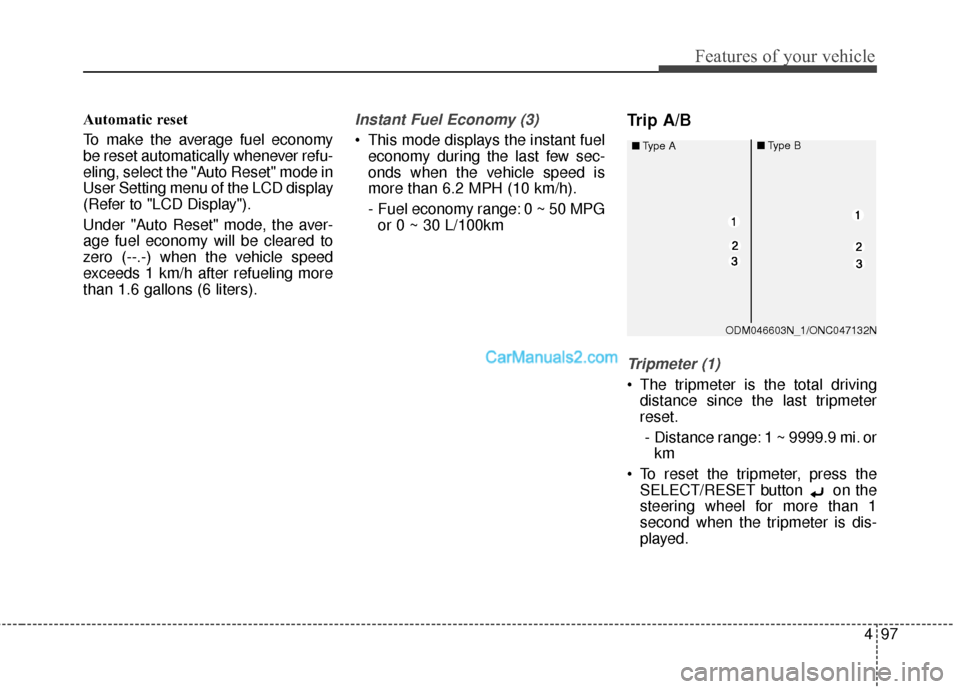
Trip Modes
To change the trip mode, press the
MOVE button .
TRIP COMPUTER
Average Vehicle Speed [A]
TRIP A
TRIP B
Digital speedometer
FUEL ECONOMY
ONC047617N
Page 200 of 569
497
Features of your vehicle
Automatic reset
To make the average fuel economy
be reset automatically whenever refu-
eling, select the "Auto Reset" mode in
User Setting menu of the LCD display
(Refer to "LCD Display").
Under "Auto Reset" mode, the aver-
age fuel economy will be cleared to
zero (--.-) when the vehicle speed
exceeds 1 km/h after refueling more
than 1.6 gallons (6 liters).Instant Fuel Economy (3)
This mode displays the instant fueleconomy during the last few sec-
onds when the vehicle speed is
more than 6.2 MPH (10 km/h).
- Fuel economy range: 0 ~ 50 MPGor 0 ~ 30 L/100km
Trip A/B
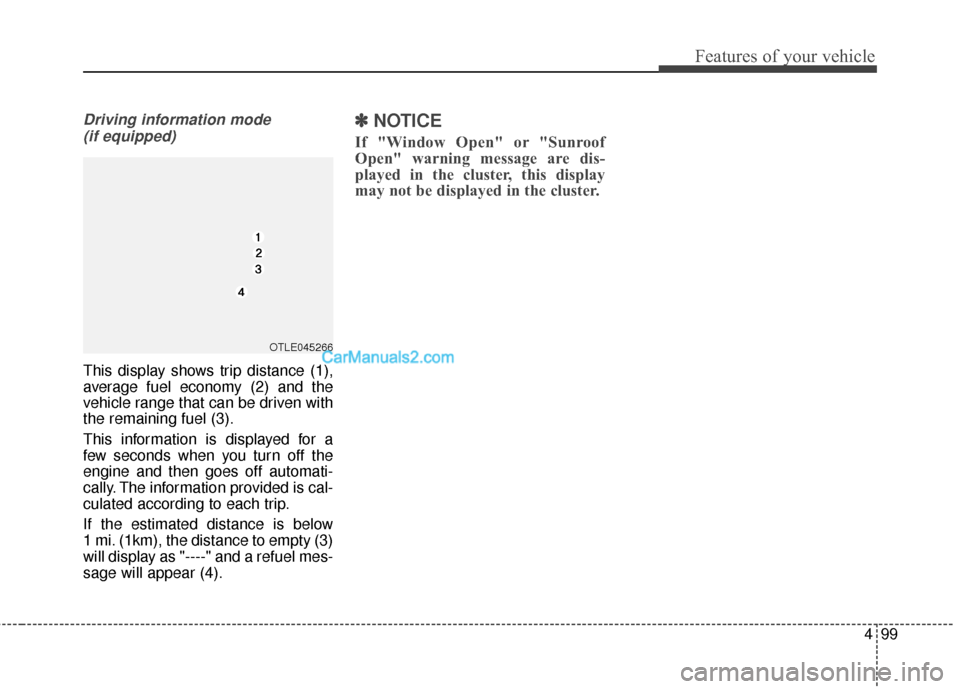
Tripmeter (1)
The tripmeter is the total driving distance since the last tripmeter
reset.
- Distance range: 1 ~ 9999.9 mi. or km
To reset the tripmeter, press the SELECT/RESET button on the
steering wheel for more than 1
second when the tripmeter is dis-
played.
ODM046603N_1/ONC047132N
■
Type A
■Type B
Page 202 of 569
499
Features of your vehicle
Driving information mode (if equipped)
This display shows trip distance (1),
average fuel economy (2) and the
vehicle range that can be driven with
the remaining fuel (3).
This information is displayed for a
few seconds when you turn off the
engine and then goes off automati-
cally. The information provided is cal-
culated according to each trip.
If the estimated distance is below
1 mi. (1km), the distance to empty (3)
will display as "----" and a refuel mes-
sage will appear (4).
✽ ✽ NOTICE
If "Window Open" or "Sunroof
Open" warning message are dis-
played in the cluster, this display
may not be displayed in the cluster.
OTLE045266
Page 212 of 569
4109
Features of your vehicle
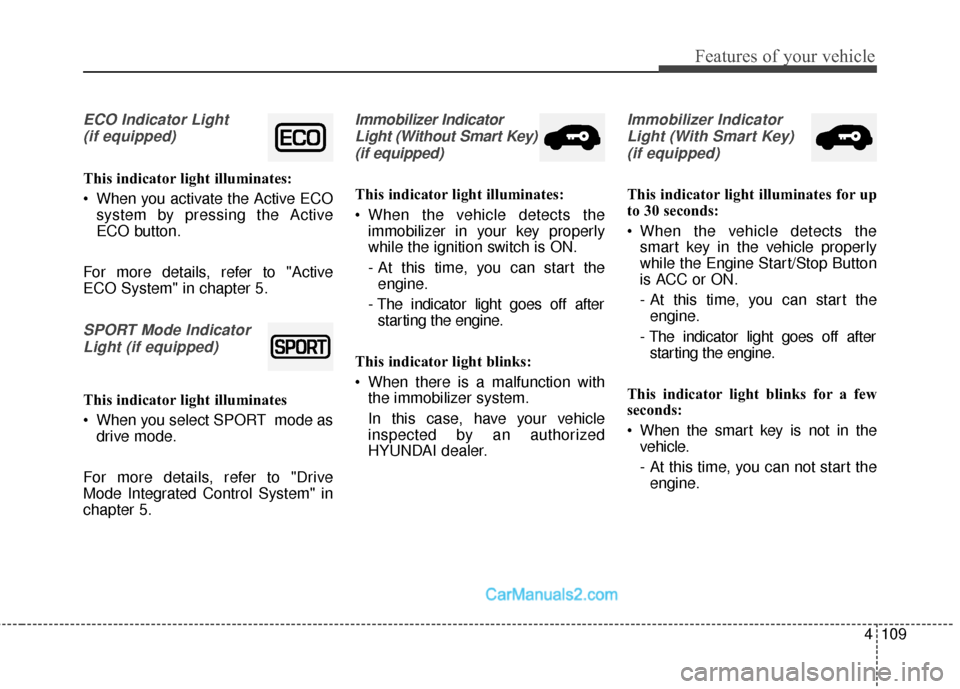
ECO Indicator Light (if equipped)
This indicator light illuminates:
When you activate the Active ECO system by pressing the Active
ECO button.
For more details, refer to "Active
ECO System" in chapter 5.
SPORT Mode Indicator Light (if equipped)
This indicator light illuminates
When you select SPORT mode as drive mode.
For more details, refer to "Drive
Mode Integrated Control System" in
chapter 5.
Immobilizer Indicator Light (Without Smart Key)(if equipped)
This indicator light illuminates:
When the vehicle detects the immobilizer in your key properly
while the ignition switch is ON.
- At this time, you can start theengine.
- The indicator light goes off after starting the engine.
This indicator light blinks:
When there is a malfunction with the immobilizer system.
In this case, have your vehicle
inspected by an authorized
HYUNDAI dealer.
Immobilizer Indicator
Light (With Smart Key) (if equipped)
This indicator light illuminates for up
to 30 seconds:
When the vehicle detects the smart key in the vehicle properly
while the Engine Start/Stop Button
is ACC or ON.
- At this time, you can start theengine.
- The indicator light goes off after starting the engine.
This indicator light blinks for a few
seconds:
When the smart key is not in the vehicle.
- At this time, you can not start theengine.
Page 214 of 569
4111
Features of your vehicle
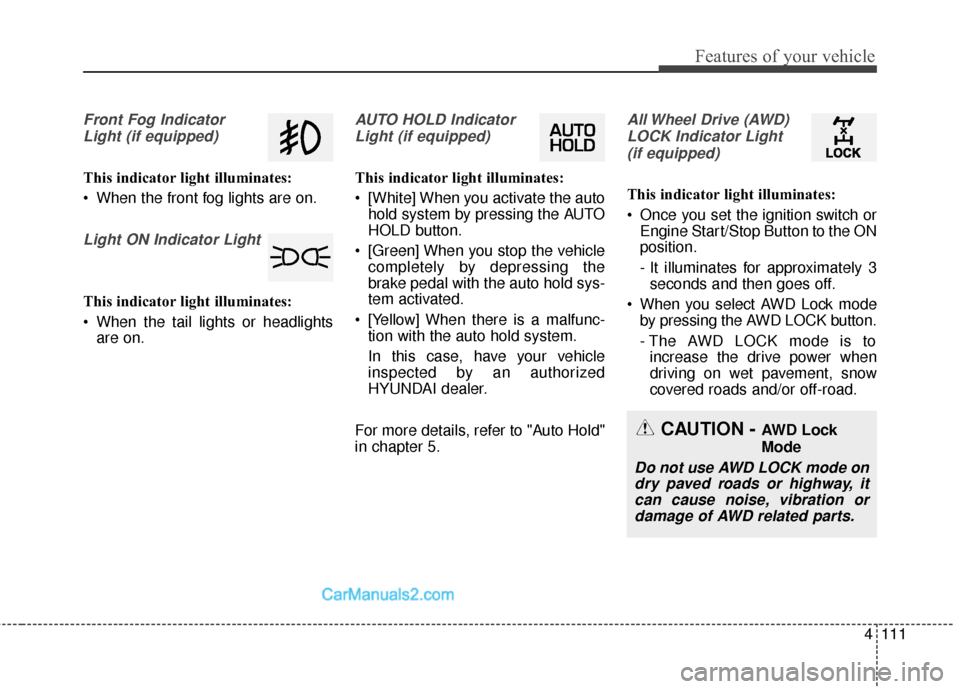
Front Fog IndicatorLight (if equipped)
This indicator light illuminates:
When the front fog lights are on.
Light ON Indicator Light
This indicator light illuminates:
When the tail lights or headlights are on.
AUTO HOLD Indicator
Light (if equipped)
This indicator light illuminates:
[White] When you activate the auto hold system by pressing the AUTO
HOLD button.
[Green] When you stop the vehicle completely by depressing the
brake pedal with the auto hold sys-
tem activated.
[Yellow] When there is a malfunc- tion with the auto hold system.
In this case, have your vehicle
inspected by an authorized
HYUNDAI dealer.
For more details, refer to "Auto Hold"
in chapter 5.
All Wheel Drive (AWD) LOCK Indicator Light (if equipped)
This indicator light illuminates:
Once you set the ignition switch or Engine Start/Stop Button to the ON
position.
- It illuminates for approximately 3seconds and then goes off.
When you select AWD Lock mode by pressing the AWD LOCK button.
- The AWD LOCK mode is toincrease the drive power when
driving on wet pavement, snow
covered roads and/or off-road.
CAUTION - AWD Lock
Mode
Do not use AWD LOCK mode ondry paved roads or highway, itcan cause noise, vibration ordamage of AWD related parts.