2017 Hyundai Santa Fe ECO mode
[x] Cancel search: ECO modePage 228 of 569
4125
Features of your vehicle
One Touch Turn Signal
To activate the one-touch lane
change function, move the turn sig-
nal lever slightly and then release it.
The lane change signals will blink 3
(5 or 7, if equipped) times.
You can activate/deactivate the One
Touch Turn Signal function or choose
the number of blinking (3, 5, or 7)
from the User Settings Mode on the
LCD display (if equipped).
✽ ✽NOTICE
If an indicator flash is abnormally
quick or slow, a bulb may be burned
out or have a poor electrical connec-
tion in the circuit.
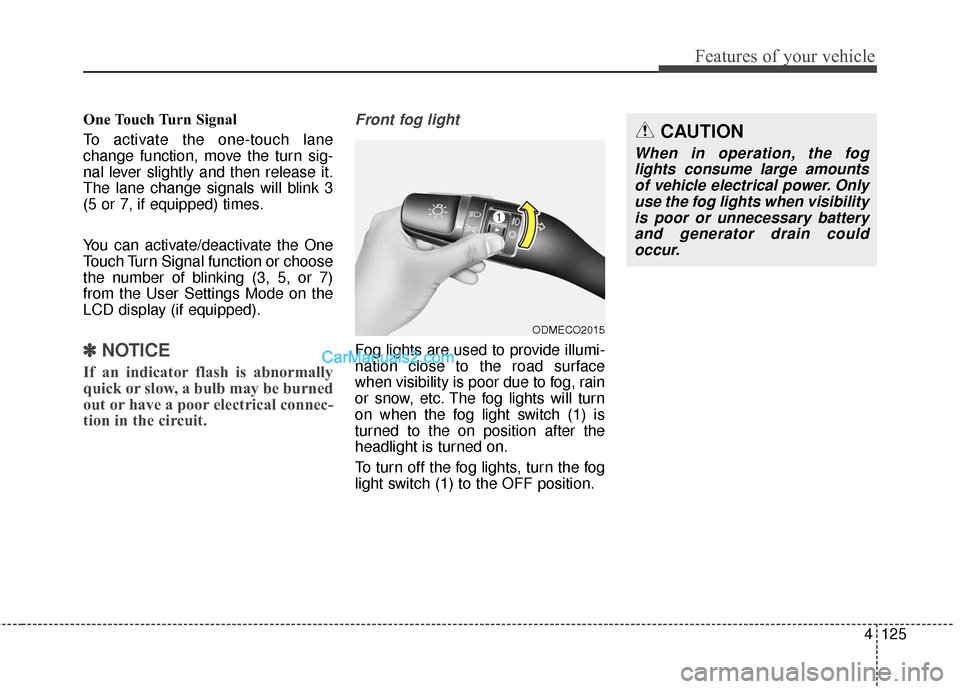
Front fog light
Fog lights are used to provide illumi-
nation close to the road surface
when visibility is poor due to fog, rain
or snow, etc. The fog lights will turn
on when the fog light switch (1) is
turned to the on position after the
headlight is turned on.
To turn off the fog lights, turn the fog
light switch (1) to the OFF position.
ODMECO2015
CAUTION
When in operation, the fog
lights consume large amountsof vehicle electrical power. Onlyuse the fog lights when visibilityis poor or unnecessary batteryand generator drain couldoccur.
Page 250 of 569
4147
Features of your vehicle
Air conditioning system operation tips
If the vehicle has been parked indirect sunlight during hot weather,
open the windows for a short time
to let the hot air inside the vehicle
escape.
To help reduce moisture inside of the windows on rainy or humid
days, decrease the humidity inside
the vehicle by operating the air
conditioning system.
During air conditioning system operation, you may occasionally
notice a slight change in engine
speed as the air conditioning com-
pressor cycles. This is a normal
system operation characteristic.
During the winter months, use the air conditioning system every
month for a few minutes to ensure
maximum system performance.
When using the air conditioning system, you may notice clear water
dripping (or even puddling) on the
ground under the passenger side
of the vehicle. This condensation is
a normal system operation charac-
teristic. Operating the air conditioning sys-
tem in the recirculated air position
provides maximum cooling, how-
ever, continual operation in this
mode may cause the air inside the
vehicle to become stale.
During cooling operation, you may occasionally notice a misty air flow
because of rapid cooling and
humid air intake. This is a normal
system operation characteristic.
If you operate air conditioner excessively, the difference
between the temperature of the
outside air and that of the wind-
shield could cause the outer sur-
face of the windshield to fog up,
causing loss of visibility. In this
case, set the mode selection knob
or button to the position and
fan speed control to the lower
speed.Climate control air filter
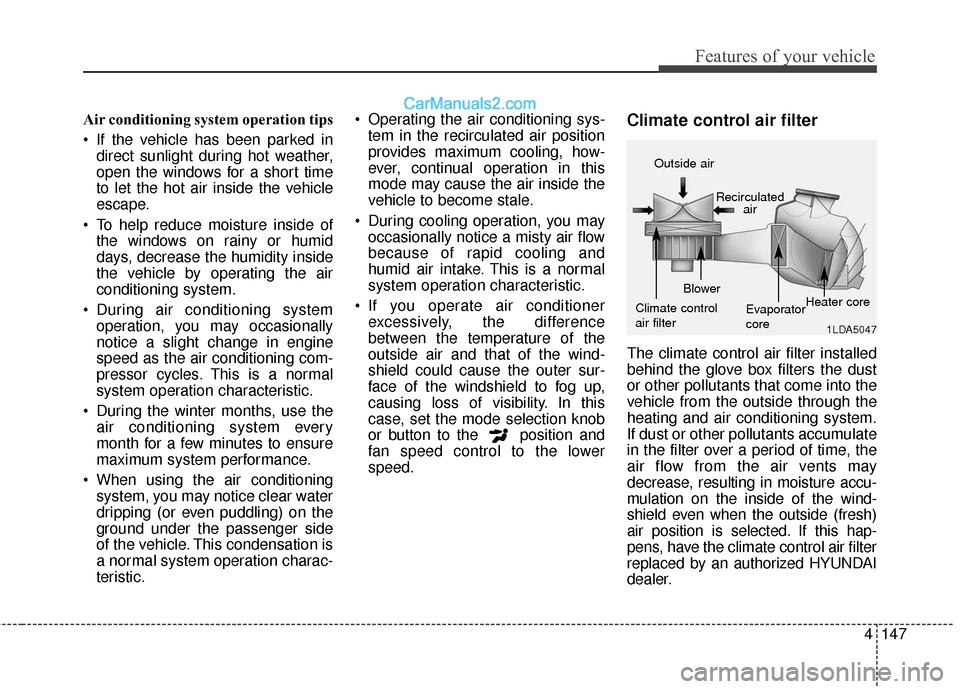
The climate control air filter installed
behind the glove box filters the dust
or other pollutants that come into the
vehicle from the outside through the
heating and air conditioning system.
If dust or other pollutants accumulate
in the filter over a period of time, the
air flow from the air vents may
decrease, resulting in moisture accu-
mulation on the inside of the wind-
shield even when the outside (fresh)
air position is selected. If this hap-
pens, have the climate control air filter
replaced by an authorized HYUNDAI
dealer.
1LDA5047
Outside air
Recirculatedair
Climate control
air filter Blower
Evaporator
coreHeater core
Page 281 of 569

Features of your vehicle
178
4
MODE (1)
Press the button to change audio
source.
SEEK/PRESET ( / ) (2)
The SEEK/PRESET button has dif-
ferent functions based on the system
mode.
For the following functions the button
should be pressed for 0.8 second or
more.
RADIO mode
It will function as the AUTO SEEK
select button.
CD/USB/iPod
®mode
It will function as the FF/REW button.
If the SEEK/PRESET button is
pressed for less than 0.8 second, it
will work as follows in each mode. RADIO mode
It will function as the PRESET STA-
TION buttons.
CD/USB/iPod
®mode
It will function as TRACK UP/DOWN
button.
VOLUME (VOL+/-) (3)
• Push the lever upward (+) to increase the volume.
Push the lever downward (-) to decrease the volume.
MUTE (4)
Press the button to mute the sound.
Press the button to turn off themicrophone during a telephone call.
Detailed information for audio control
buttons are described in the following
pages in this section.
Audio / Video / Navigation sys-
tem (AVN) (if equipped)
Detailed information for the AVN sys-
tem is described in a separately sup-
plied manual.
Page 288 of 569
4185
Features of your vehicle
(Continued)
• If you disconnect the externalUSB device during playback in
USB mode, the external USB
device can be damaged or may
malfunction. Therefore, discon-
nect the external USB device
when the audio is turned off or
in another mode. (e.g, Radio,
CD)
• Depending on the type and capacity of the external USB
device or the type of the files
stored in the device, there is a
difference in the time taken for
recognition of the device.
• Do not use the USB device for purposes other than playing
music files.
• Playing videos through the USB is not supported.
• Use of USB accessories such as rechargers or heaters using USB
I/F may lower performance or
cause trouble. (Continued) (Continued)
• Some USB flash memory read-
ers (such as CF, SD, micro SD,
etc.) or external-HDD type
devices can be unrecognizable.
• Music files protected by DRM (DIGITAL RIGHTS MANAGE-
MENT) are not recognizable.
• The data in the USB memory may be lost while using this
audio. Always back up impor-
tant data on a personal storage
device.
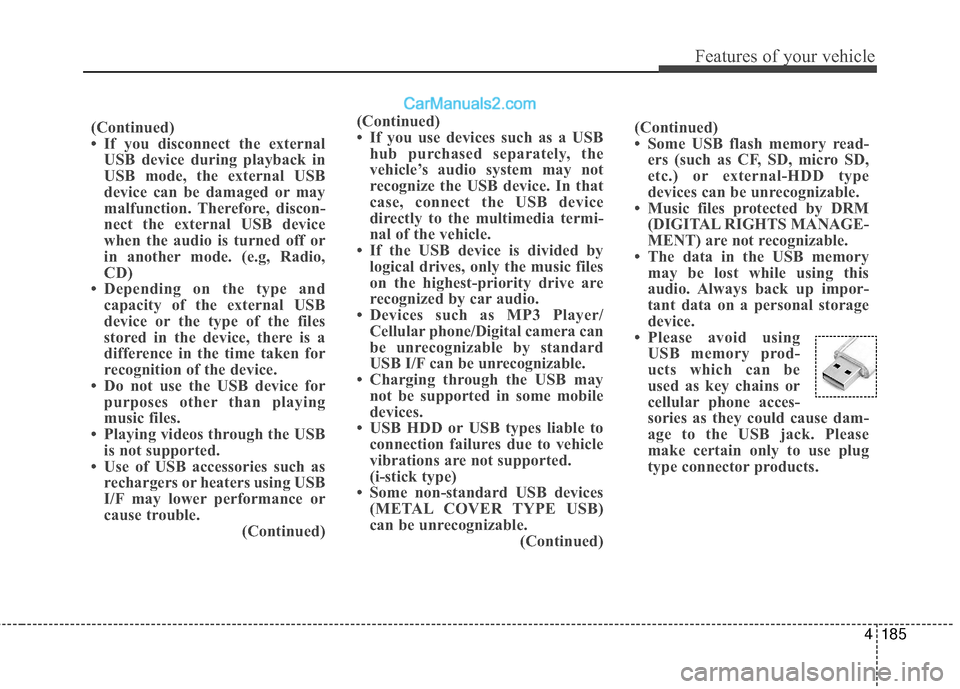
• Please avoid using USB memory prod-
ucts which can be
used as key chains or
cellular phone acces-
sories as they could cause dam-
age to the USB jack. Please
make certain only to use plug
type connector products.
(Continued)
• If you use devices such as a USB
hub purchased separately, the
vehicle’s audio system may not
recognize the USB device. In that
case, connect the USB device
directly to the multimedia termi-
nal of the vehicle.
• If the USB device is divided by logical drives, only the music files
on the highest-priority drive are
recognized by car audio.
• Devices such as MP3 Player/ Cellular phone/Digital camera can
be unrecognizable by standard
USB I/F can be unrecognizable.
• Charging through the USB may not be supported in some mobile
devices.
• USB HDD or USB types liable to connection failures due to vehicle
vibrations are not supported.
(i-stick type)
• Some non-standard USB devices (METAL COVER TYPE USB)
can be unrecognizable. (Continued)
Page 292 of 569
4189
Features of your vehicle
✽
✽NOTICE - USING THE Voice
Recognition
• When using the voice recognition feature, only commands listed
within the user's manual are sup-
ported.
• Be aware that during the opera- tion of the voice recognition sys-
tem, pressing any key other than
the key terminate voice recog-
nition mode.
• For superior voice recognition performance, position the micro-
phone used for voice recognition
above the head of the driver’s seat
and maintain a proper position
when saying commands.
• Within the following situations, voice recognition may not function
properly due to background noises
which may be picked up by the
overhead microphone.
- When the windows and sunroofare open
- When the heating and air condi- tioning fan blower speed is high
- When entering and passing through tunnels (Continued)(Continued)
- When driving on rugged anduneven roads
- During severe rain (heavy rains, windstorms)
• Phone related voice commands can be used only when a
Bluetooth
®Wireless Technology
device is connected.
• When making calls by stating a name, the corresponding contact
must be downloaded and stored
within the audio system.
• After downloading the Bluetooth
®
Wireless Technology phone book,
it takes some times to convert the
phone book data into voice infor-
mation. During this time, voice
recognition may not properly
operate.
• Pronounce the voice commands naturally and clearly as if in a nor-
mal conversation.
Page 293 of 569
Driving your vehicle
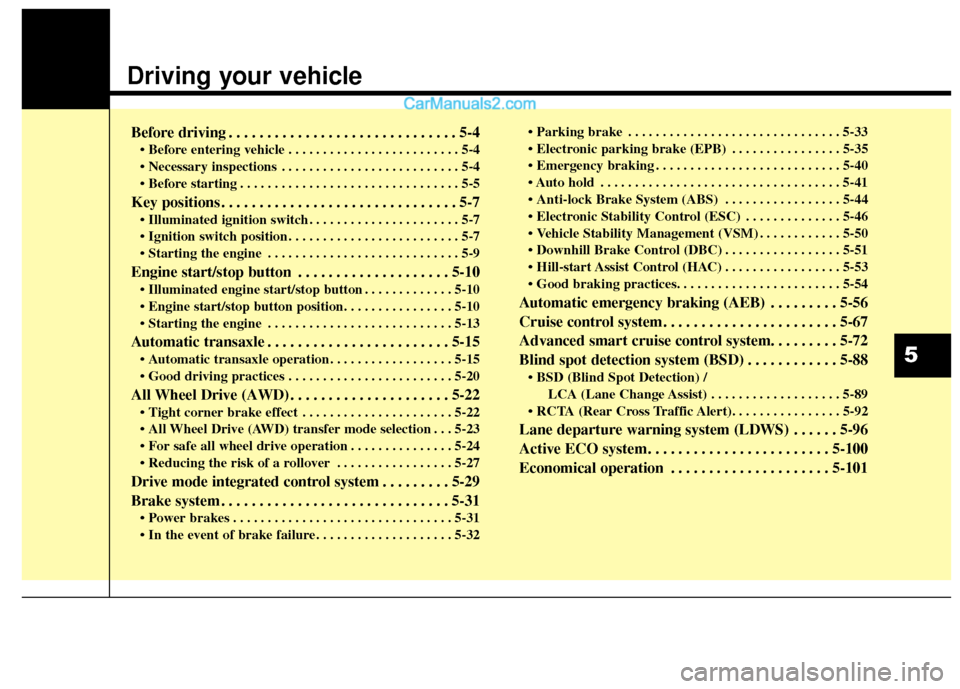
Before driving . . . . . . . . . . . . . . . . . . . . . . . . . . . . . . 5-4
• Before entering vehicle . . . . . . . . . . . . . . . . . . . . . . . . . 5-4
. . . . . . . . . . . . . . . . . . . . . . . . . . 5-4
. . . . . . . . . . . . . . . . . . . . . . . . . . . . . . . . 5-5
Key positions . . . . . . . . . . . . . . . . . . . . . . . . . . . . . . . 5-7
. . . . . . . . . . . . . . . . . . . . . . 5-7
. . . . . . . . . . . . . . . . . . . . . . . . . 5-7
. . . . . . . . . . . . . . . . . . . . . . . . . . . . 5-9
Engine start/stop button . . . . . . . . . . . . . . . . . . . . 5-10
. . . . . . . . . . . . . 5-10
. . . . . . . . . . . . . . . . . . . . . . . . . . . 5-13
Automatic transaxle . . . . . . . . . . . . . . . . . . . . . . . . 5-15
. . . . . . . . . . . . . . . . . . 5-15
. . . . . . . . . . . . . . . . . . . . . . . . 5-20
All Wheel Drive (AWD) . . . . . . . . . . . . . . . . . . . . . 5-22
. . . . . . . . . . . . . . . . . . . . . . 5-22
. . . 5-23
. . . . . . . . . . . . . . . 5-24
. . . . . . . . . . . . . . . . . 5-27
Drive mode integrated control system . . . . . . . . . 5-29
Brake system . . . . . . . . . . . . . . . . . . . . . . . . . . . . . . 5-31
. . . . . . . . . . . . . . . . . . . . . . . . . . . . . . . . 5-31
. . . . . . . . . . . . . . . . . . . . 5-32 . . . . . . . . . . . . . . . . . . . . . . . . . . . . . . . 5-33
. . . . . . . . . . . . . . . . 5-35
. . . . . . . . . . . . . . . . . . . . . . . . . . . 5-40
. . . . . . . . . . . . . . . . . . . . . . . . . . . . . . . . . . . 5-\
41
. . . . . . . . . . . . . . . . . 5-44
. . . . . . . . . . . . . . 5-46
. . . . . . . . . . . . 5-50
. . . . . . . . . . . . . . . . . 5-51
. . . . . . . . . . . . . . . . . 5-53
Automatic emergency braking (AEB) . . . . . . . . . 5-56
Cruise control system. . . . . . . . . . . . . . . . . . . . . . . 5-67
Advanced smart cruise control system. . . . . . . . . 5-72
Blind spot detection system (BSD) . . . . . . . . . . . . 5-88
LCA (Lane Change Assist) . . . . . . . . . . . . . . . . . . . 5-89
Lane departure warning system (LDWS) . . . . . . 5-96
Active ECO system. . . . . . . . . . . . . . . . . . . . . . . . 5-100
Economical operation . . . . . . . . . . . . . . . . . . . . . 5-101
5
Page 301 of 569
59
Driving your vehicle
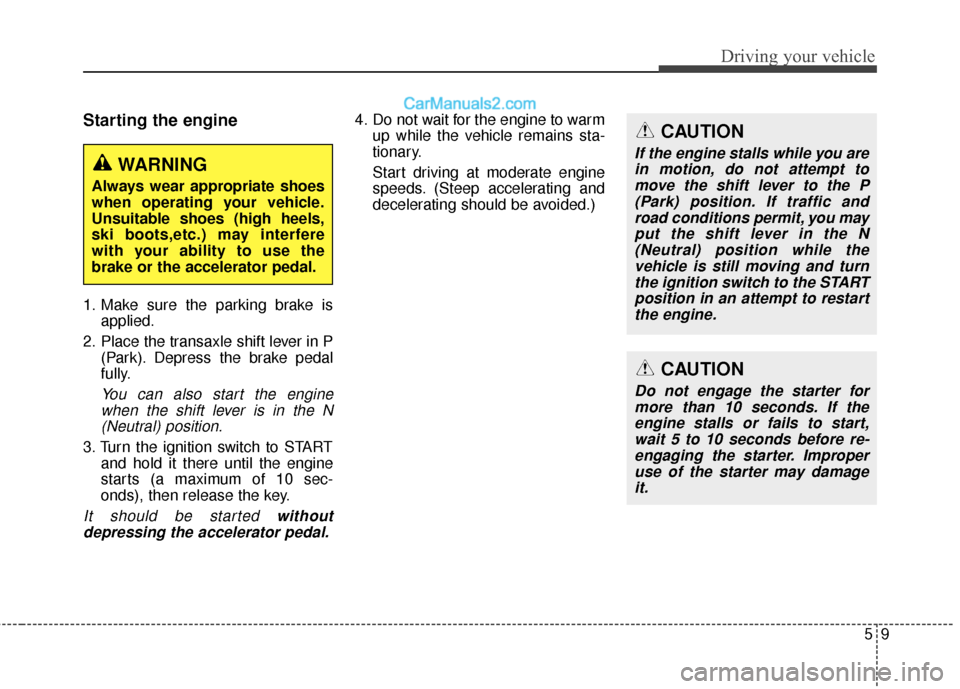
Starting the engine
1. Make sure the parking brake isapplied.
2. Place the transaxle shift lever in P (Park). Depress the brake pedal
fully.
You can also start the enginewhen the shift lever is in the N(Neutral) position.
3. Turn the ignition switch to START and hold it there until the engine
starts (a maximum of 10 sec-
onds), then release the key.
It should be started withoutdepressing the accelerator pedal.
4. Do not wait for the engine to warm up while the vehicle remains sta-
tionary.
Start driving at moderate engine
speeds. (Steep accelerating and
decelerating should be avoided.)
WARNING
Always wear appropriate shoes
when operating your vehicle.
Unsuitable shoes (high heels,
ski boots,etc.) may interfere
with your ability to use the
brake or the accelerator pedal.
CAUTION
If the engine stalls while you arein motion, do not attempt tomove the shift lever to the P(Park) position. If traffic androad conditions permit, you mayput the shift lever in the N(Neutral) position while thevehicle is still moving and turnthe ignition switch to the STARTposition in an attempt to restartthe engine.
CAUTION
Do not engage the starter formore than 10 seconds. If theengine stalls or fails to start,wait 5 to 10 seconds before re-engaging the starter. Improperuse of the starter may damageit.
Page 305 of 569
513
Driving your vehicle
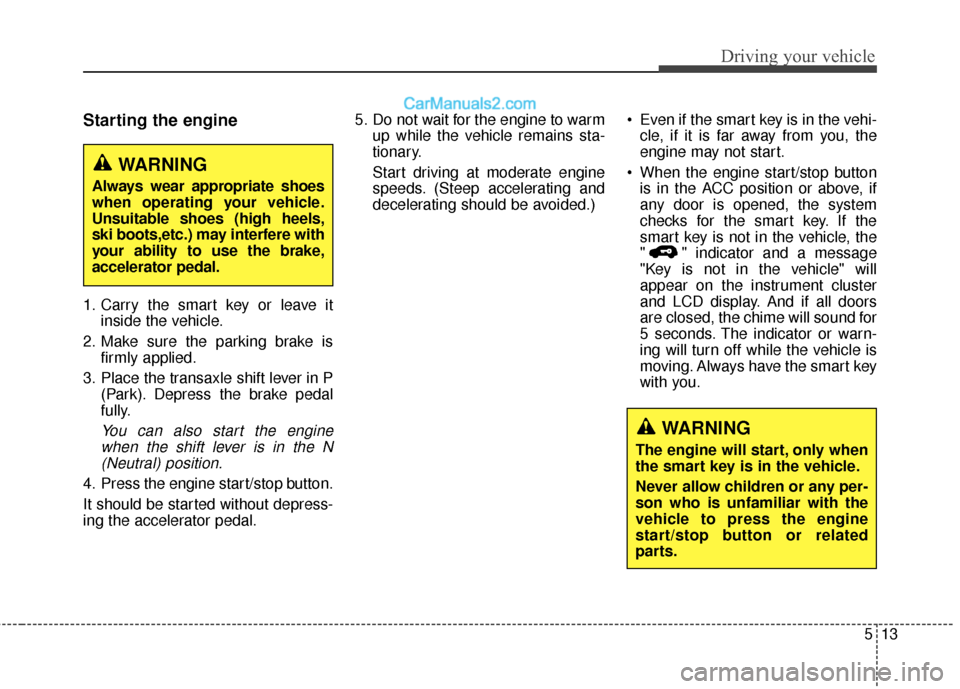
Starting the engine
1. Carry the smart key or leave itinside the vehicle.
2. Make sure the parking brake is firmly applied.
3. Place the transaxle shift lever in P (Park). Depress the brake pedal
fully.
You can also start the enginewhen the shift lever is in the N(Neutral) position.
4. Press the engine start/stop button.
It should be started without depress-
ing the accelerator pedal. 5. Do not wait for the engine to warm
up while the vehicle remains sta-
tionary.
Start driving at moderate engine
speeds. (Steep accelerating and
decelerating should be avoided.) Even if the smart key is in the vehi-
cle, if it is far away from you, the
engine may not start.
When the engine start/stop button is in the ACC position or above, if
any door is opened, the system
checks for the smart key. If the
smart key is not in the vehicle, the
" " indicator and a message
"Key is not in the vehicle" will
appear on the instrument cluster
and LCD display. And if all doors
are closed, the chime will sound for
5 seconds. The indicator or warn-
ing will turn off while the vehicle is
moving. Always have the smart key
with you.
WARNING
The engine will start, only when
the smart key is in the vehicle.
Never allow children or any per-
son who is unfamiliar with the
vehicle to press the engine
start/stop button or related
parts.
WARNING
Always wear appropriate shoes
when operating your vehicle.
Unsuitable shoes (high heels,
ski boots,etc.) may interfere with
your ability to use the brake,
accelerator pedal.